lost_npc
Finding my way
-
Joined
-
Last visited
-
Hi all, I've recently noticed a new noise from the engine, from high pressure fuel pump area. It gets louder under load / acceleration. Maybe subjectively, but the car seems to have lost some power too. Can someone confirm if your engine sounds the same or if there are known issues? This is MK4 1.4t with approx. 10k km on the odometer. The dealer told me they can't hear anything. Skoda 1.4t engine sound Here is a short video: Thanks!
-
I haven’t tried exFAT unfortunately and not sure why I decided to format to ntfs after fat32 didn’t work:) Well it sounds like both ntfs and exfat are supported and importantly the update didn’t brick anything
-
@spcdust thanks for creating the topic and sharing the files. I have successfully updated Australia spec MY21 Octavia with 1969. Just a note that USB drive must be formatted in NTFS. I have tried FAT32 first and the car didn't recognise it.
-
Not a solution, only observation and food for thoughts. After changing from Samsung to iPhone I've noticed significant difference in how reliable and snappy the carpalay is compared to android auto. Not sure if it applies to all cars or Skoda only.
-
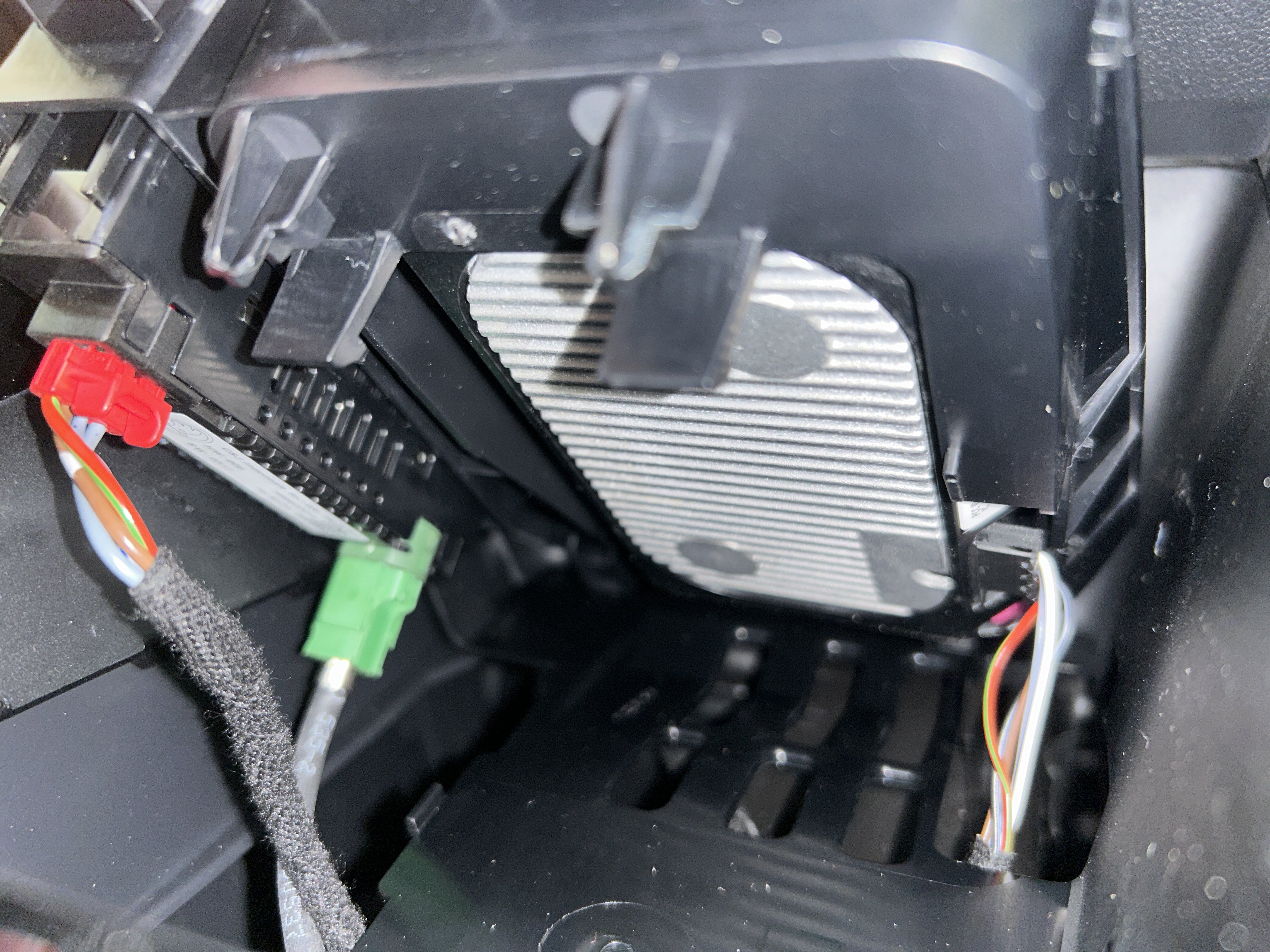
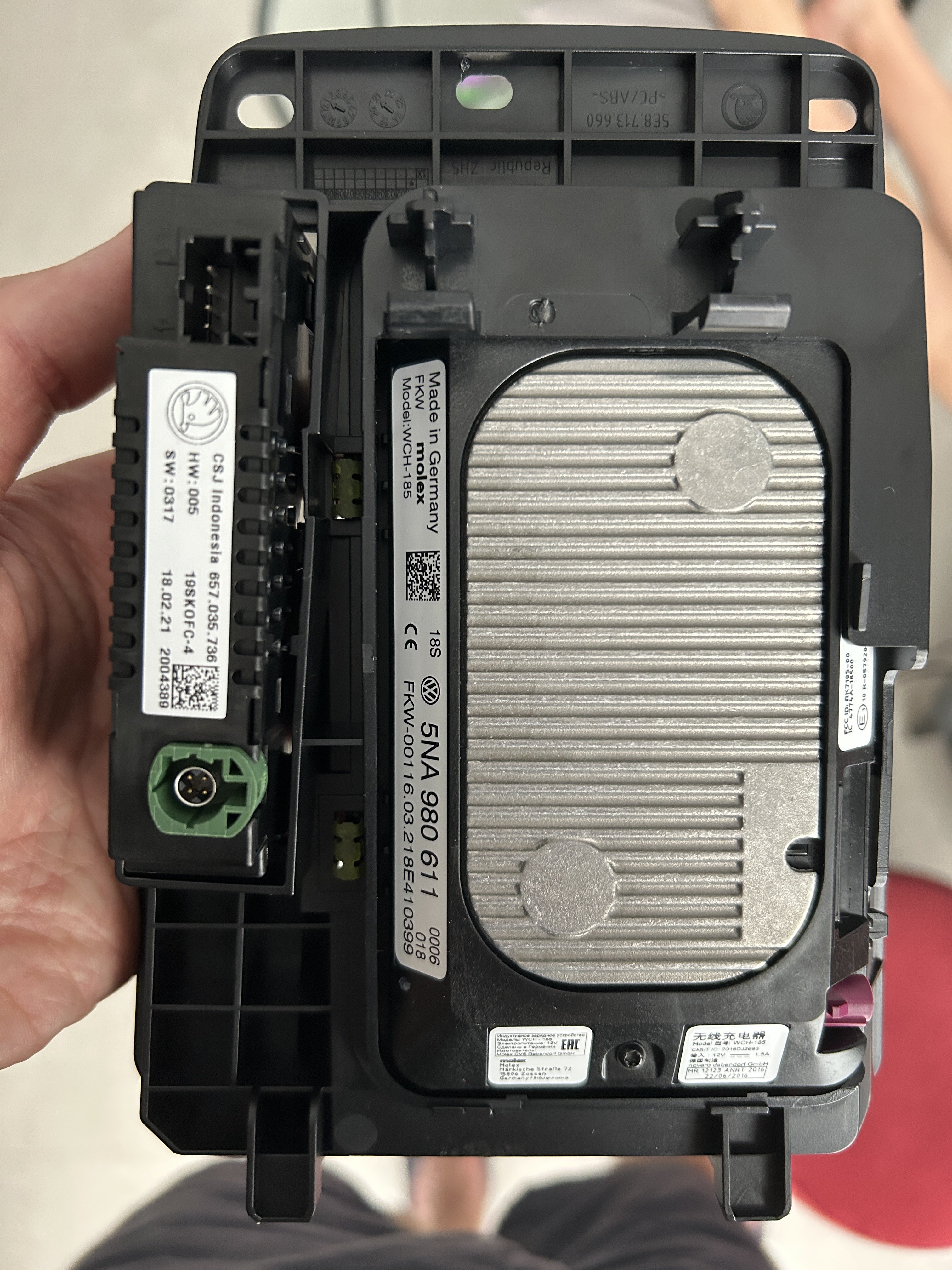
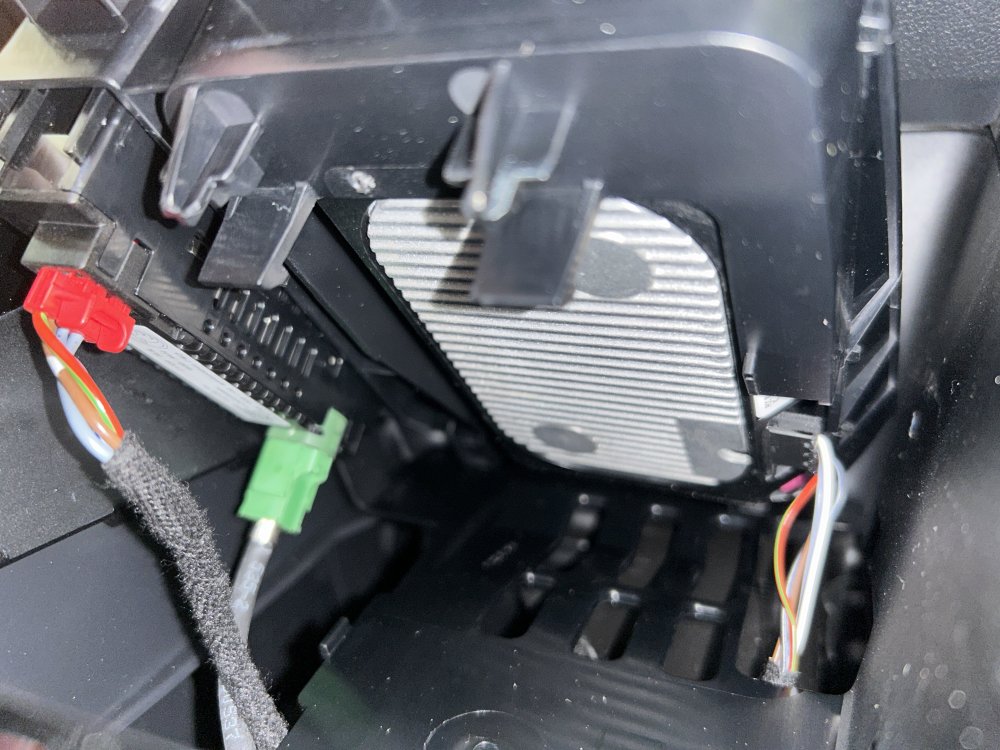
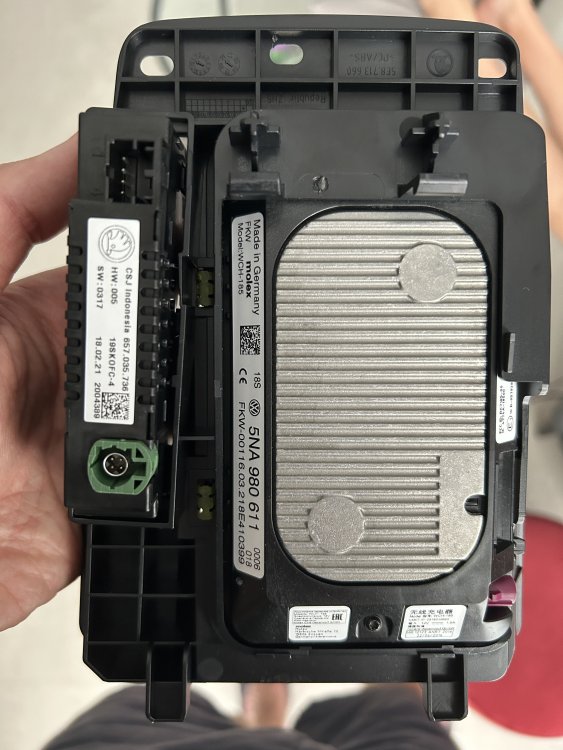
Just had wireless charger disconnected in my octavia. I've tried it with several Samsung and apple phones and they were always overheating, plus constant annoyance on the display with the pop-up messages "Charging started..." & "Charging stopped...". Here are a couple of pictures how the charger looks. I unplugged the flat connector on the right. Really easy to take the assembly out, just pull it up, no screws.
-
Thank you, worked for me. Had to leave the car to sit for 30 mins after the coding to see the change working.