wiggers
Finding my way
-
Joined
-
Last visited
-
I have had that problem, but the current issue is there's no sound of the lock mechanism opening when you pull the handle. I've had a look inside the boot and there's what looks like a removable panel below the wiper motor bulge, but I can't see how it comes off. There's one screw for the rubber pull and I've undone that but nothing else seems to want to move.
-
We sometimes find we are unable to open the boot. When you pull the handle you normally hear a click and the electric lock unfastening. Occasionally this doesn't happen. Locking and unlocking the car using the key fob doesn't make any difference. We did have a repair on the boot a couple of years ago after someone with a bike rack reversed into it. Is it possible something done in the repair has come loose? How do you access the handle switch please and any ideas how to fix the problem? ('66' plate)
-
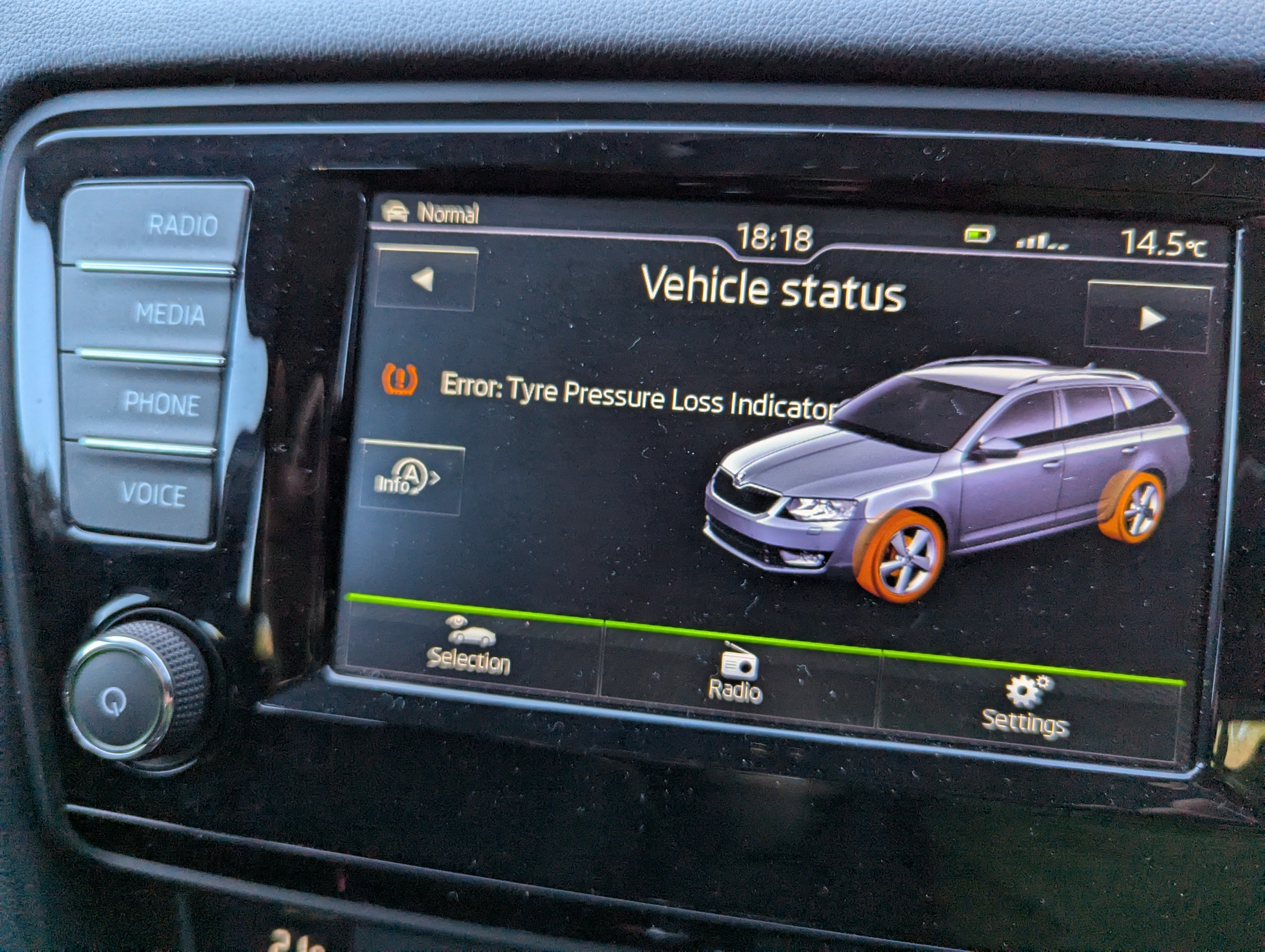
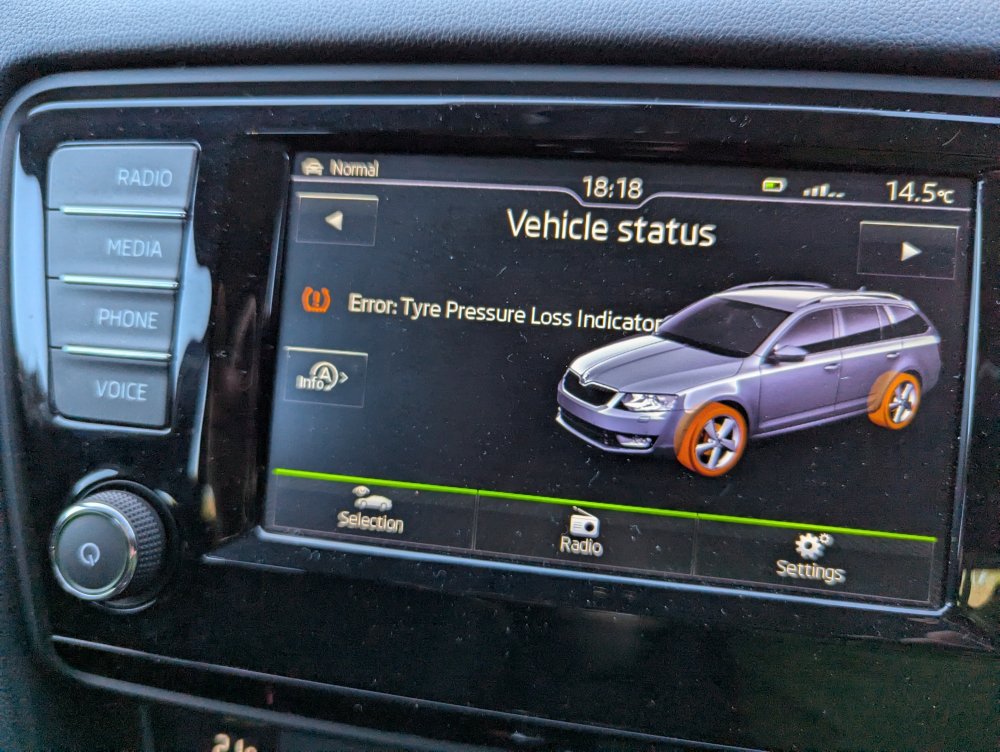
Why does that matter? This an error message, not a loss of pressure message.
-
This is an unusual error message, which I've never seen before, not the more familiar loss of pressure one.
-
The car was serviced on Tuesday of this week and then a couple of days later we got the above error message. Never seen it before. Could it be something was disturbed during the service?
-
On my car that just has tyre pressures, not sizes.
-
Yes, I've just tried Halfords and they got the size right. Slightly higher load rating but that's no bad thing.
-
The tyres currently fitted are 225/45ZR17 (91Y) but when I put the reg into BlackCircles it comes up with 235/50R19 V 99. Does this mean a previous owner has changed the wheels, or is the database just a bit dodgy?
-
I have the headlights that steer themselves on corners, but the alignment seems a bit off. The dipped beam seems too low and main beam seems to be illuminating the right hand verge! I've looked in the menu for Travel mode and it's set to "Left Hand Traffic". I'm not sure if that means oncoming traffic on the left or driving on the left. Any thoughts?
-
-
The replacements were also tungsten, but clear. Osram W5W.
-
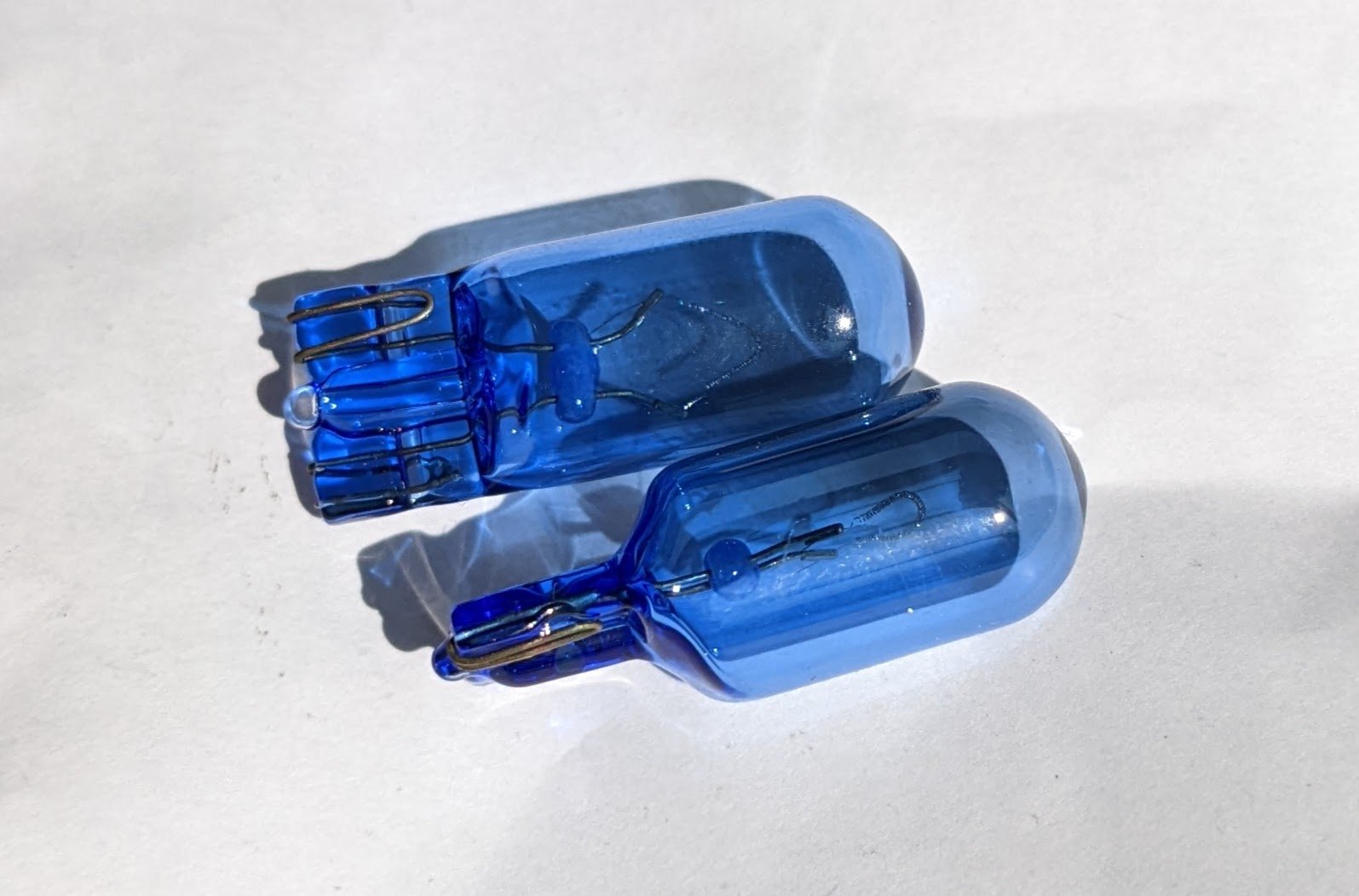
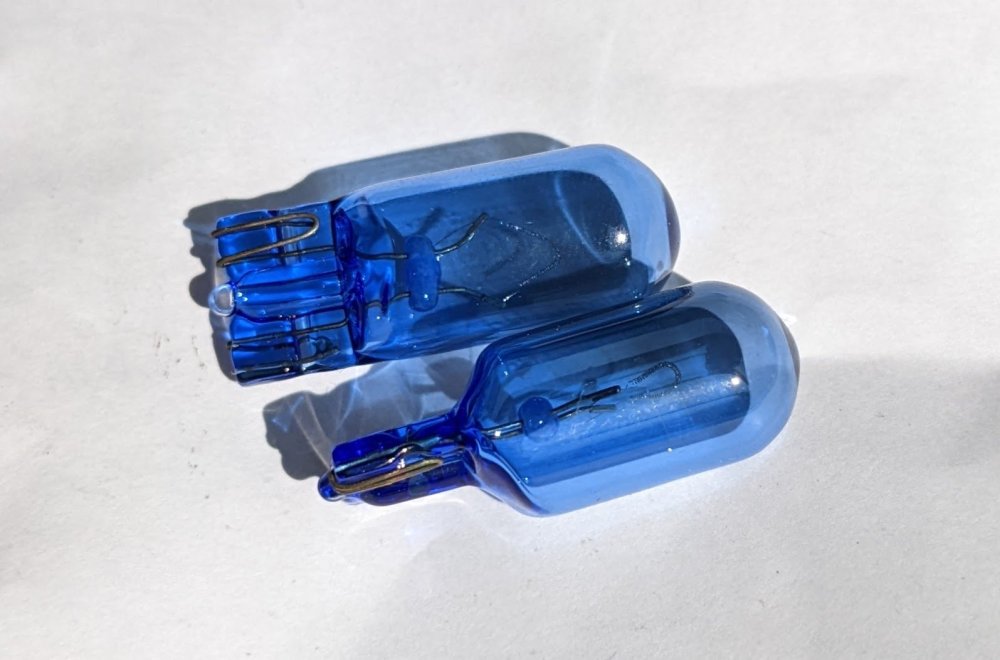
I have now checked the main Status display and it was showing that a front sidelight was suspect, although this comes and goes. In the manual it says there should be a bulb icon displayed with the warning triangle, but I didn't see anything like that. I also thought that if there was an issue then the Status display was shown by default, you didn't have to go through the menus to find it. I have now changed the sidelight bulbs, but I found that the old ones were blue! The replacements, purchased from a reputable online store, are clear. Anyone know what colour they're supposed to be? I can't find anything in the manual. Are the blue ones perhaps non-standard and giving the sensor a hard time?
-
Thanks both. Will check the washer fluid. I did look on the car status last time but I couldn't see any further information about what the triangle was referring to.
-
A couple of times recently the yellow warning triangle has appeared, but without any other error messages or warning symbols. The first time it happened was when I was getting a bit low on fuel and it went off after I filled up. It came on again this morning as my partner was taking it to work. After she had parked and turned off the engine she restarted it and there was no triangle. Any ideas about what this means? Please only reply if you have had this happen and found the solution! No guesses please!
-