Shooz
New here
-
Joined
-
Last visited
-
Thanks for the quick reply, Gaff! I got hold of Navi4All. They were very understanding, but unfortunately they don't sell the ISOQMB cable on its own. I bought my unit from the XTRONS Amazon shop, so I guess they would be the next best people to ask. I just hope they don't point at the bit in bold in the user manual where they don't recommend installing the unit if I have not had the correct training 😬 *sigh* It really shouldn't be this hard... Shooz
-
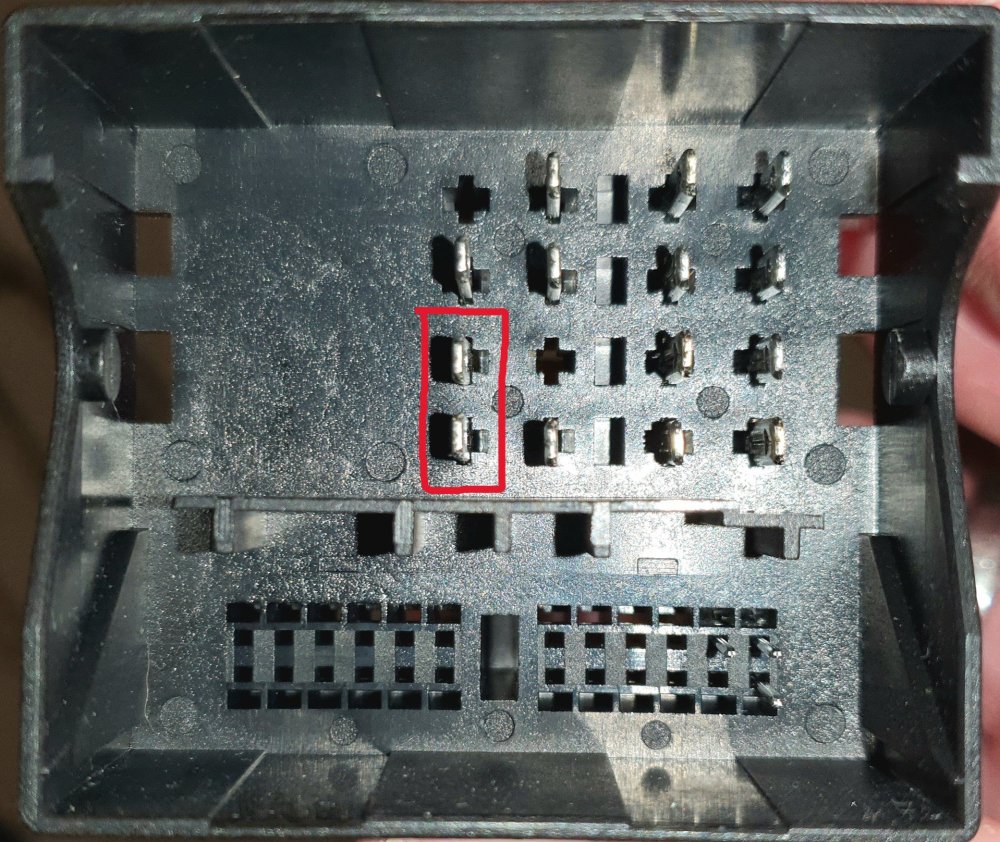
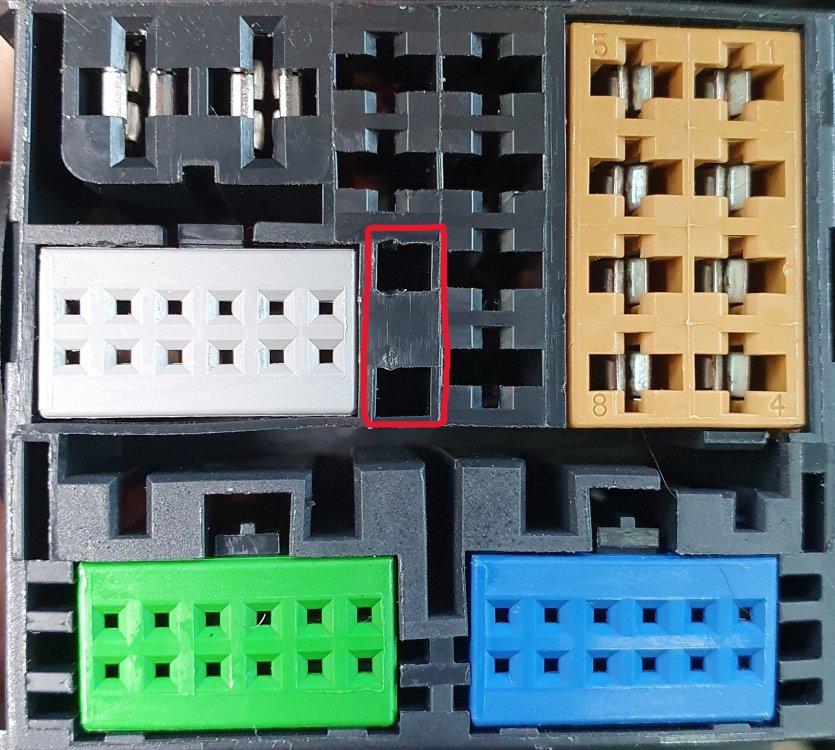
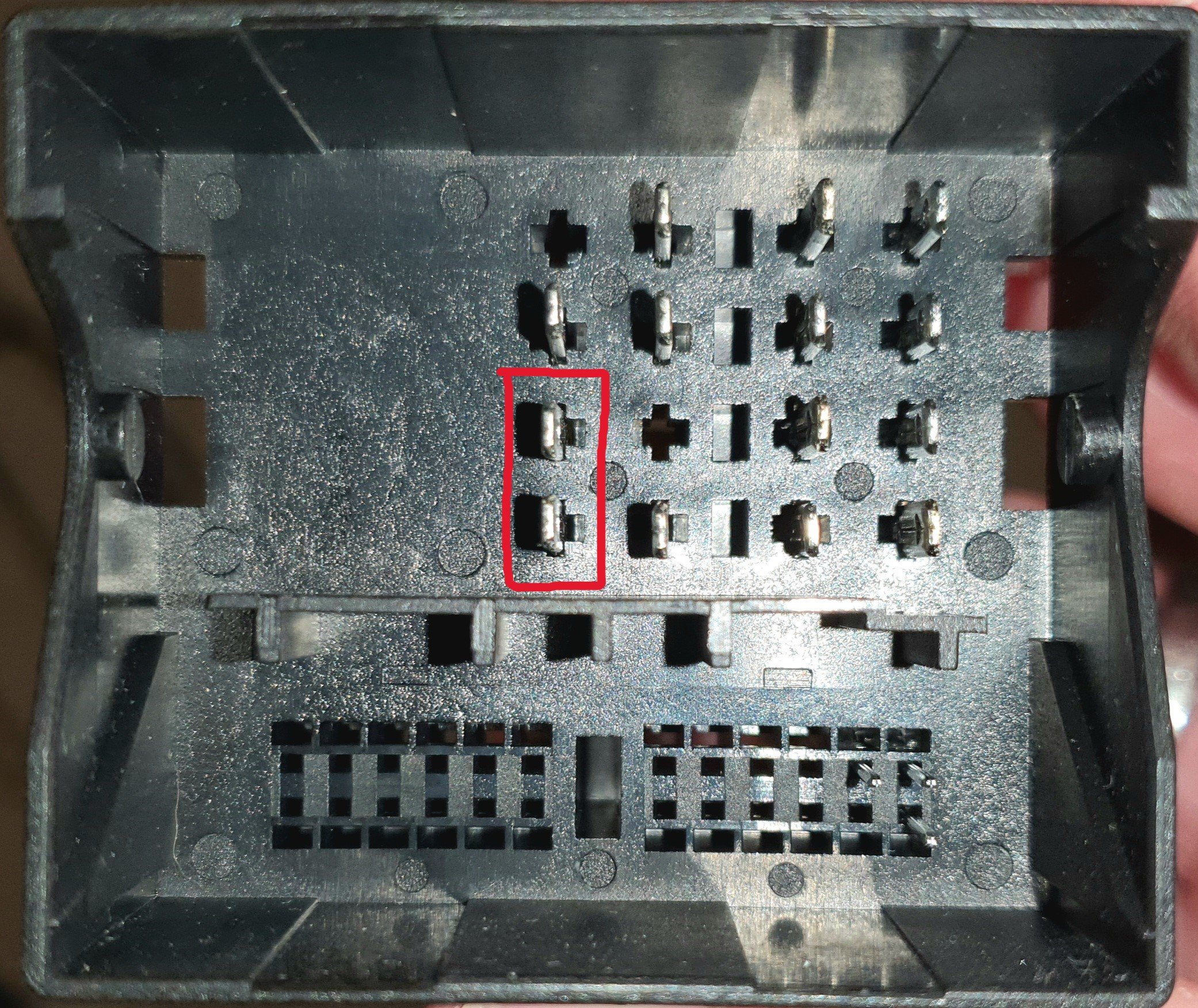
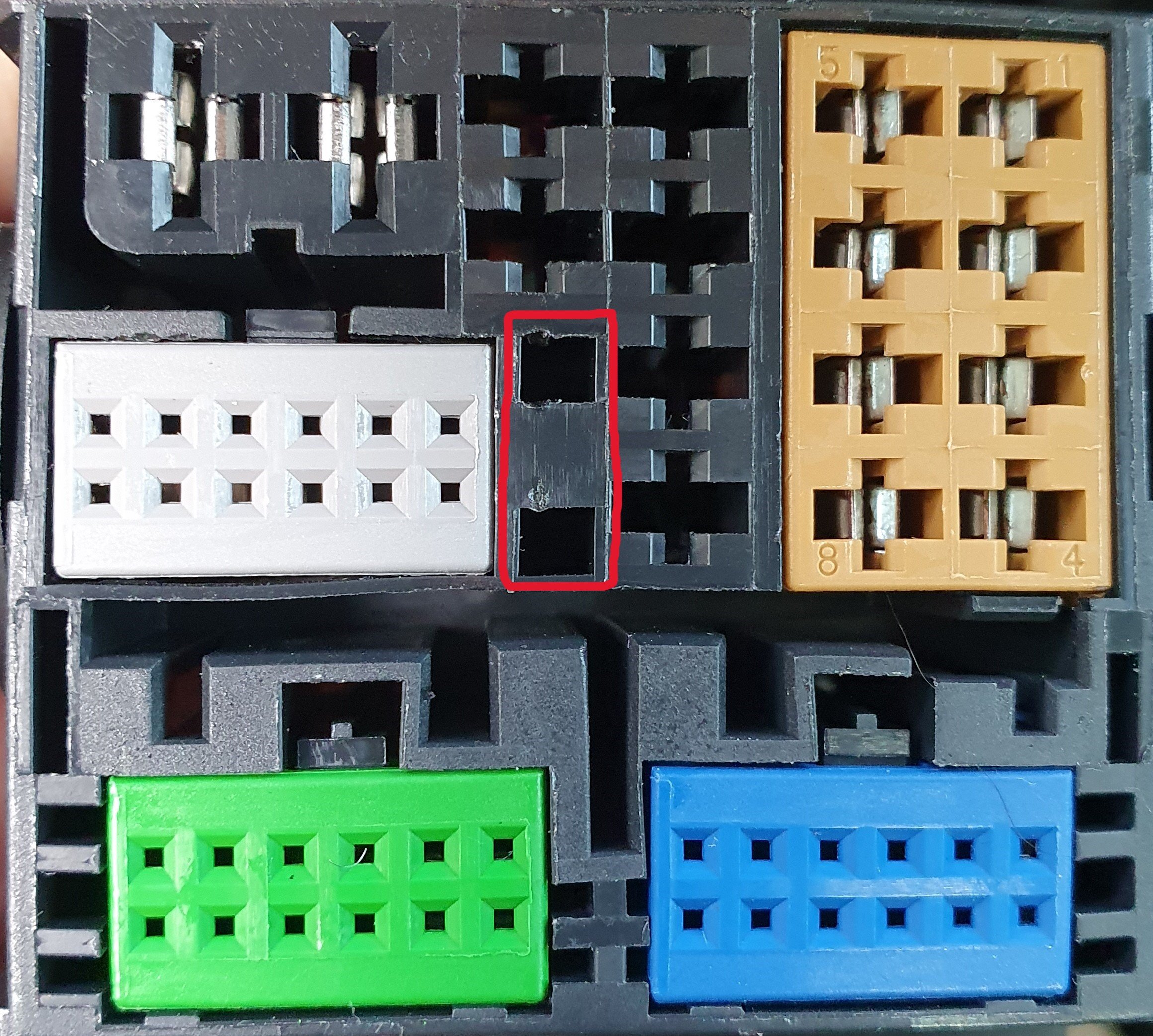
Hi Gaff Thank you for that guide! I bought a MA90TVLS from XTRONS a little while back because my Amundsen 2's screen in my yeti has gradually stopped responding to touch and I don't fancy forking out £1000+ on the JVC that Skoda are offering. The connector from the head unit to the Quadlock is almost right, but not quite. Did you find the same thing? Is that why you had to use the ISOQMB connector? There seem to be a lot of these that are available and they all look slightly different to one another. Do you remember what you searched for to find yours? Or have a link to it? Thanks! Shooz