Calskil
Members
-
Joined
-
Last visited
Everything posted by Calskil
-
Thank you for the quick reply. 1. yeah it did seem excessive tbh but thought id give it a go to see if it woud free it up, ill take it to the dealer. I was attempting to use the manuals way of recoding (press anykey and then immidiatley use the emergency key to unlock and then it would sync again. 2. No issues with the unit at all, I just figured that after 6 years it had probably had a few tweaks/optimisations here and there. I'm going to have to get an SD card to update then.. Good to know it has an internal drive, is this HDD or SSD? not That it really matters. 3. Figured as much. I'll get to updating then.
-
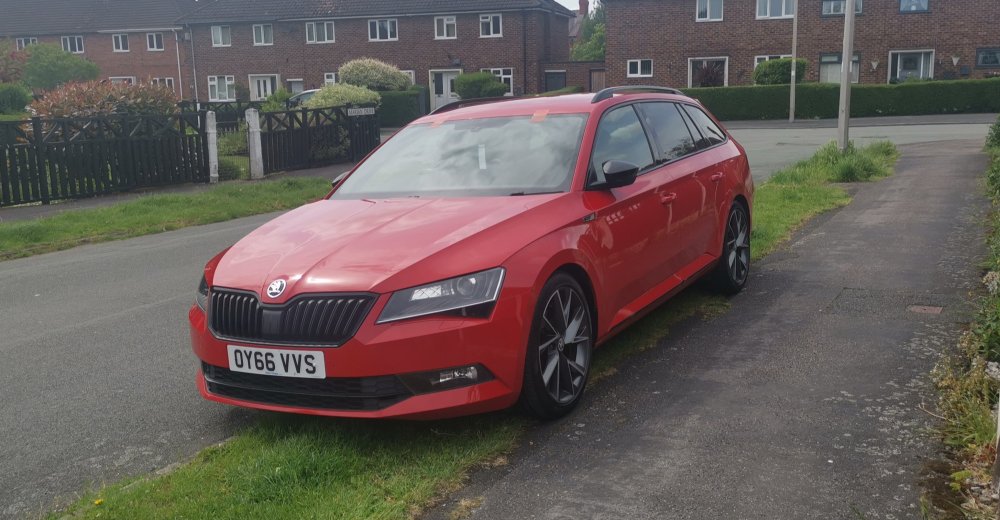
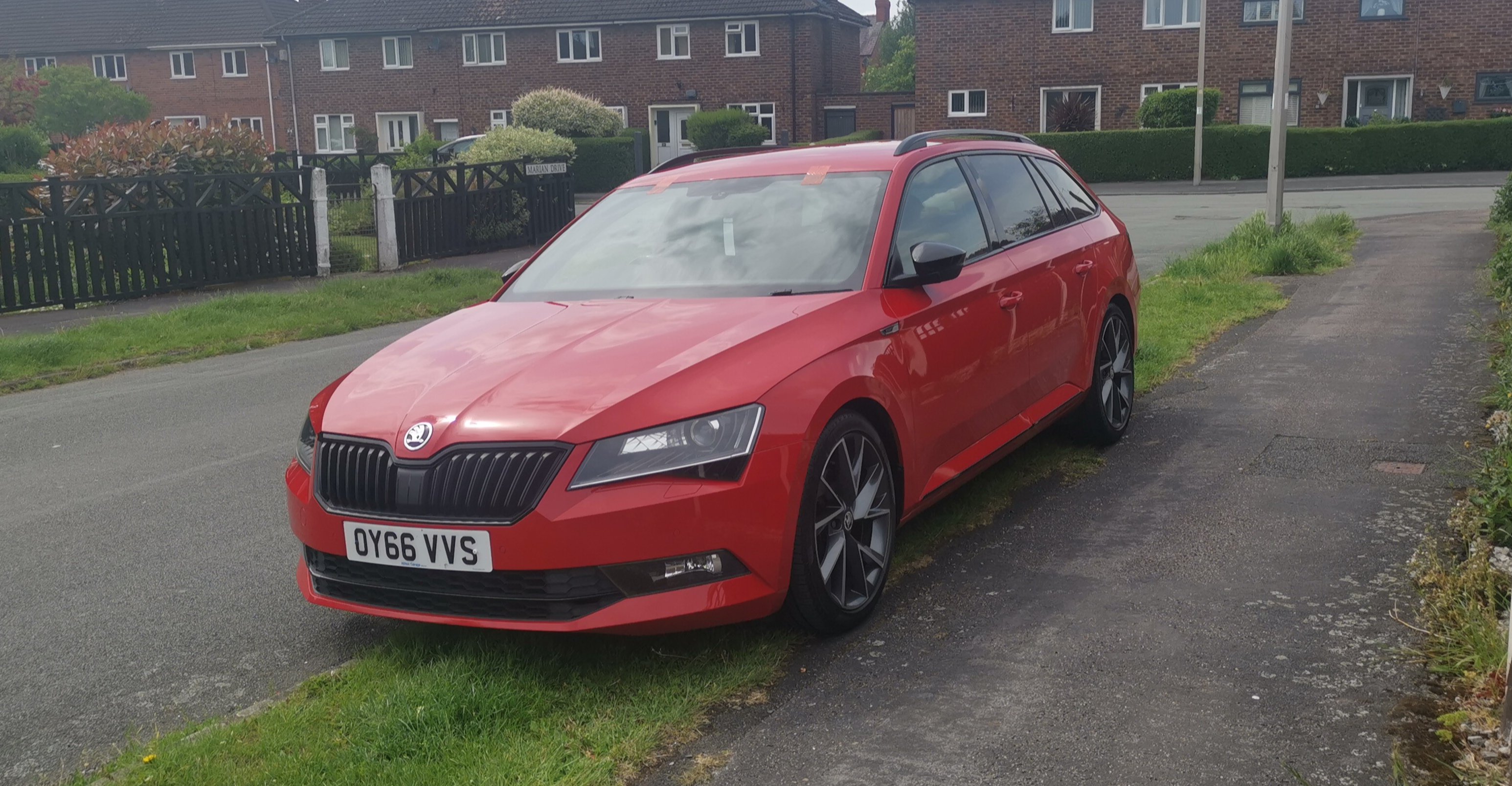
We have just bought our Red Sportline estate and so far reading through the forus has been very helpful, there are two current queries I have though. The car came with three KESSY keys, I was trying to code Two keys to the car as they had been left to lose battery, the issue came when i tried to 'unlock' the door using the emergency key. None of the three keys (even the one that works as KESSY) seem to unlock the door using the barrel and take a lot of force (read using a pair of pliers) and dont move at all, I'm pretty certain its meant to be an easy turn. The two non-working KESSY unit keys are the same cut profile but these are different than the Working KESSY key but none of them unlock the door. I'm wondering if all of the emergency kesy are incorrect. Is there anything that can be done? I'm trying to update my Infotainment and I have no idea which one I have (I can attach a pic if needed) It has 8 physical buttons either side of the screen and the two wheel buttons. I have seen that I need to look at the SD card in the glovebox but i have no SD card in there so I'm wondering how the navigation works at all. Does the SD card update the whole unit or just the maps? It needs the full lot doing really and was looking for an OTA update but couldn't see that option anywhere. Thank you and I'm looking forward to doing a lot with the car! Obligatory Pic attached.