Zigx
New here
-
Joined
-
Last visited
Everything posted by Zigx
-
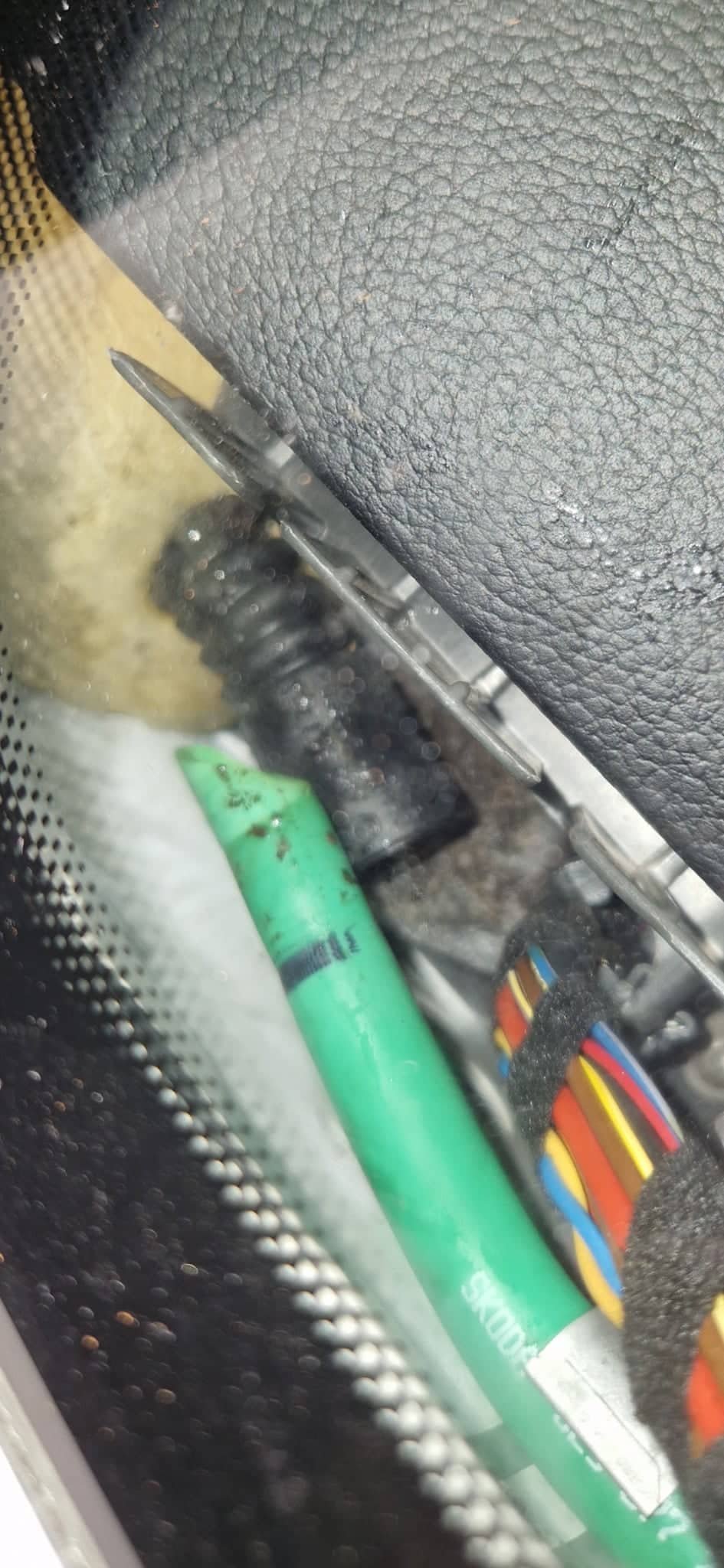
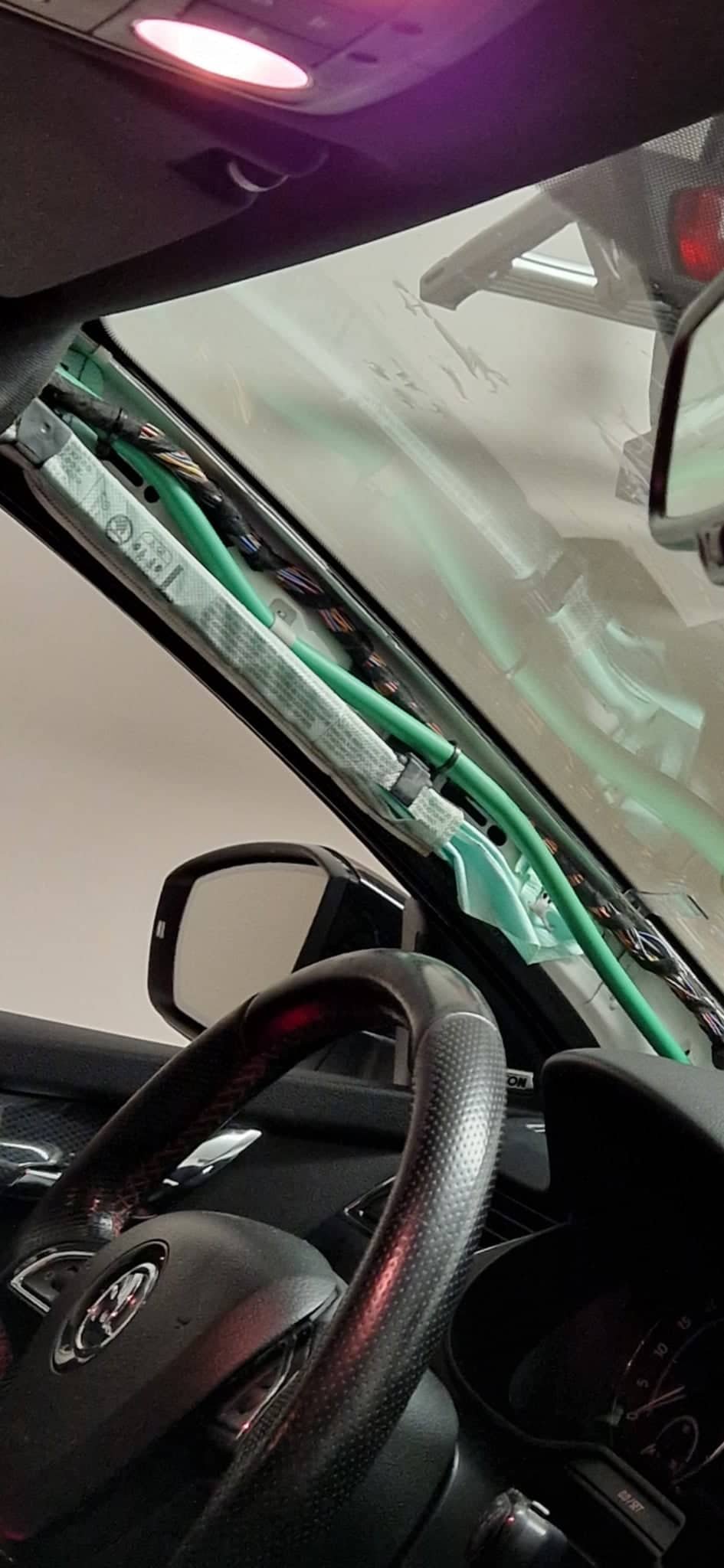
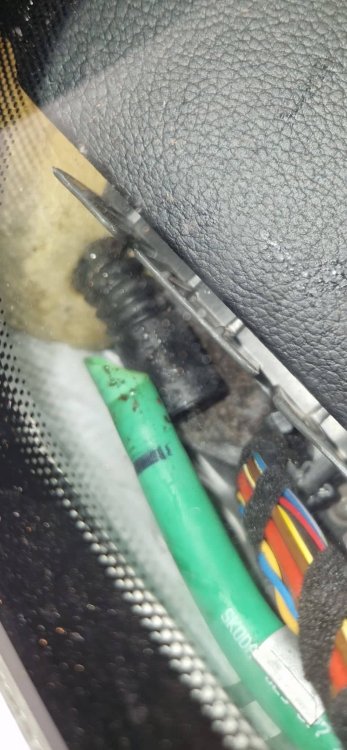
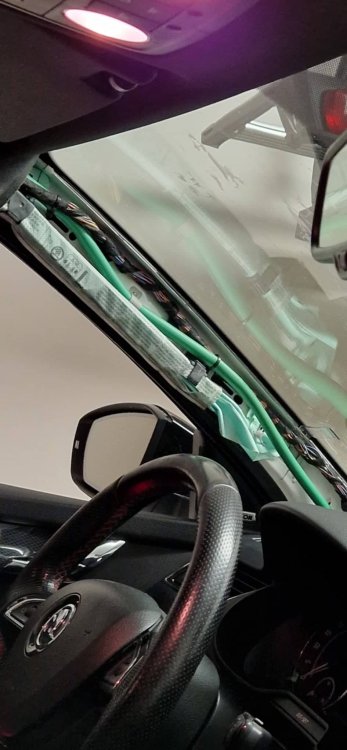
I think that this is exactly what the previous owner of my partners Octavia RS 2014 did... I had a floding in the floor after the first heavy rain... If this happens to anyone you have to take off the front A pillar trim cover, behind the trim there is a tube that is probably disconnected. I have glued the tubes back together with some epoxy, because I dont want any future problems with this... Luckily there was no damage on the electronics.
-
I had the same problem with the 2014 Octavia RS... a lot of cracking when opening when it was dry and warm outside. It also cracked when driving on bad roads as you are describing. I have solved this by cleaning the sunroof rails and around the frame, then I have used grease in spray. I guess you can use silicone spray too as long it lubricates the moving parts, I have sprayed the rails and mounts of the window, every part that is moving ---> the cracking and annoying noises are gone for me 👌
-
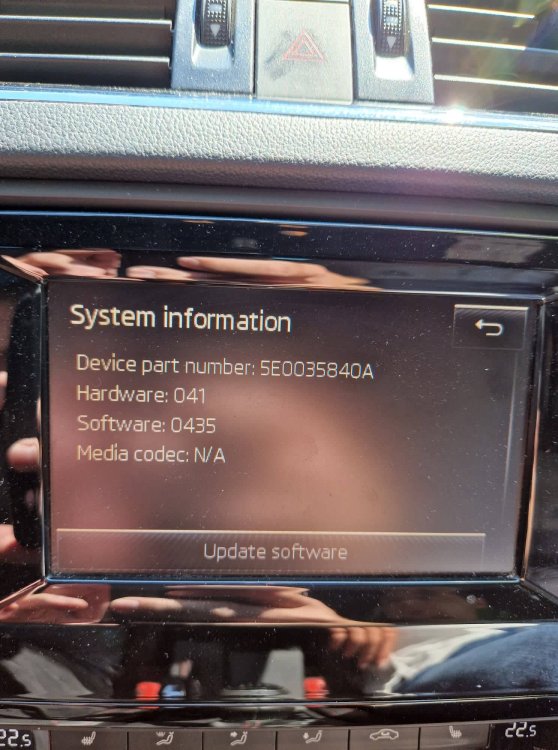
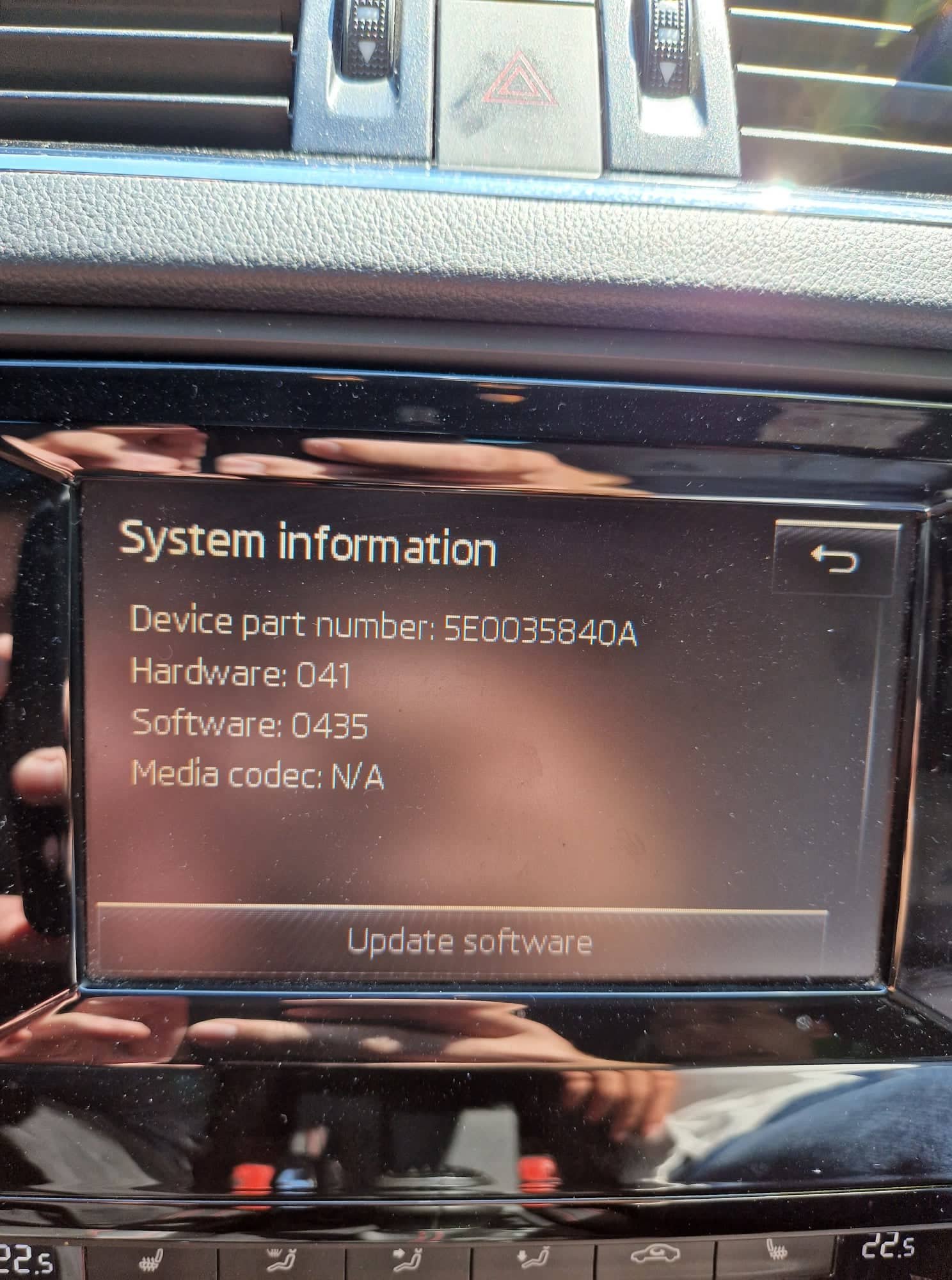
Thanks for the answer, so that screen is not going to work for my case. It is hard to find a good replacement because of the CANTON speakers and amplifier, the android upgrade is not possible... Are there any replacement screens for the 5E0035840A unit? -- is there any compatibility list available, so I could find a replacement... (touch doesnt work on a small area and it's frustrating) Thank you for your reply and advice.
-
@pab567 I would be super thankful if you could provide me with a link for a sw update of unit with part number: 5E0 035 840 A --> if there is any new version. It is running awfully slow at some times. If anybody knows i would like to ask if it is possible to change the screen with a part number: 5E0 919 605 H Thanks for any advice given, I would be very happy if I could update this unit, so maybe it will work better. Regards.