




Blackbeltuk
Finding my way
-
Joined
-
Last visited
Everything posted by Blackbeltuk
-
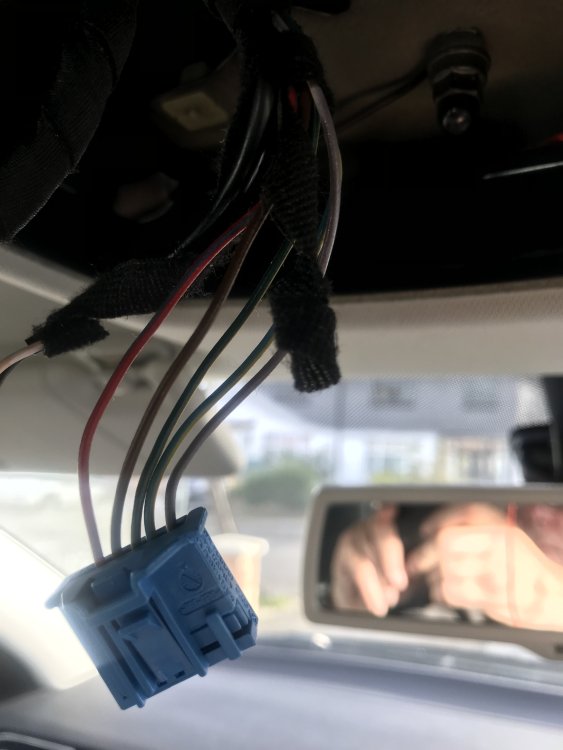
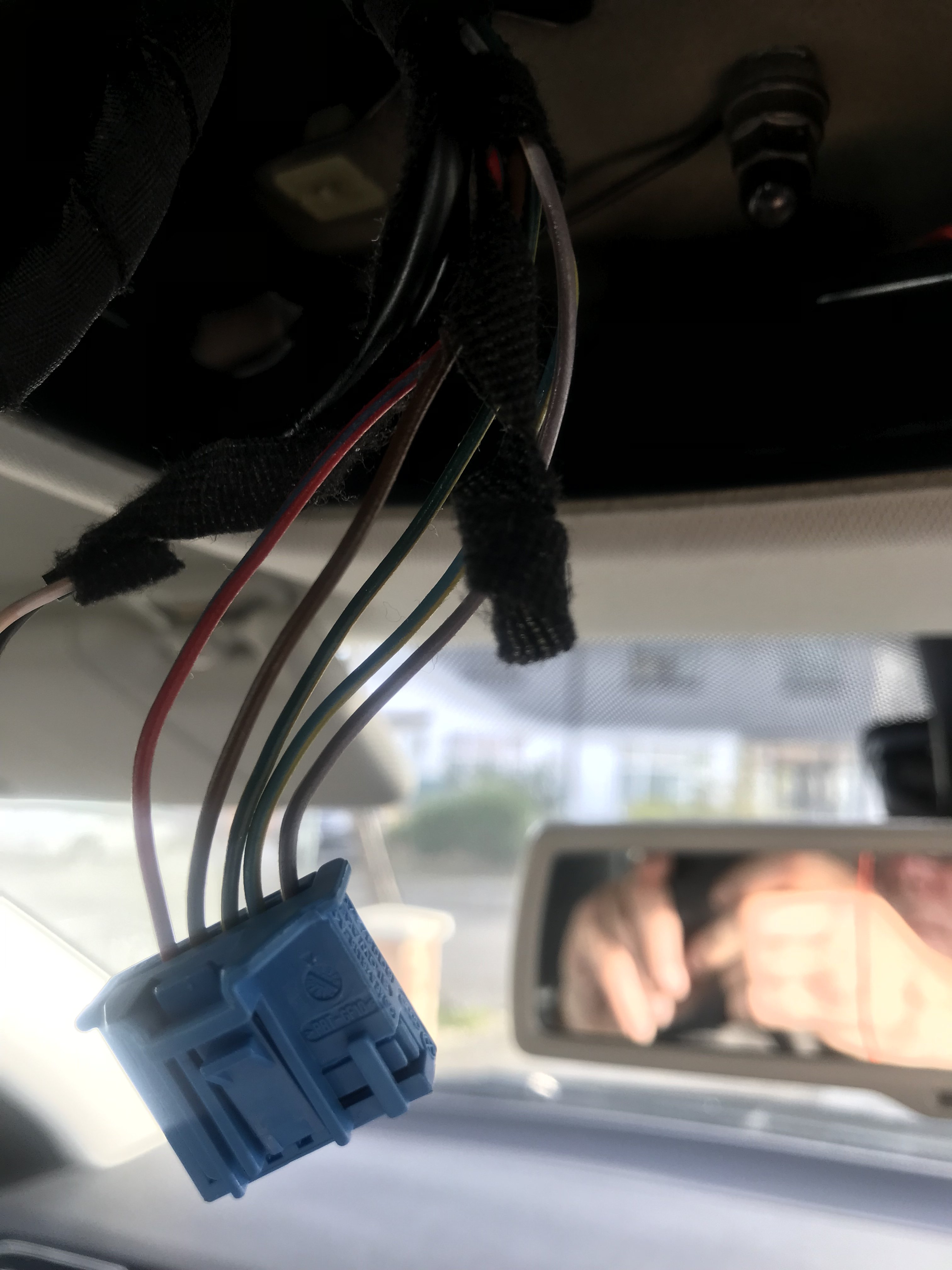
Hi. I’m wiring in a auto dimming mirror. It’s all fitted and I’ve grounded the earth. What colour on the blue plug would be the ignition live. Or is there an ignition live. The Red and blue wire I know is a Permanent live as I’ve tested it with my meter. Unfortunately I can’t access the other pins to test them. Any pointers would greatly appreciated. Ricky.
-
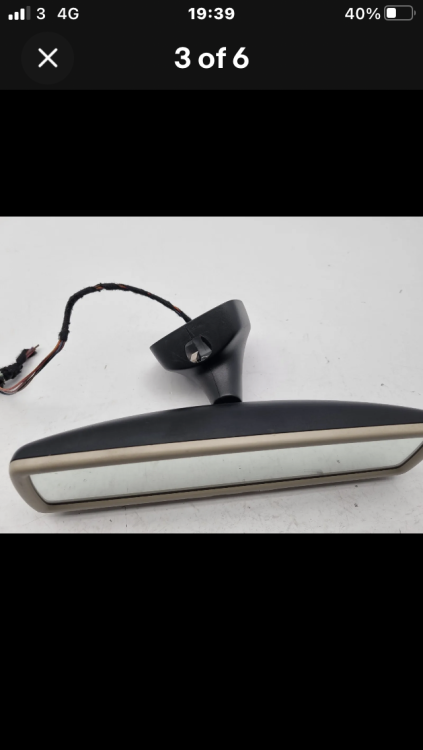
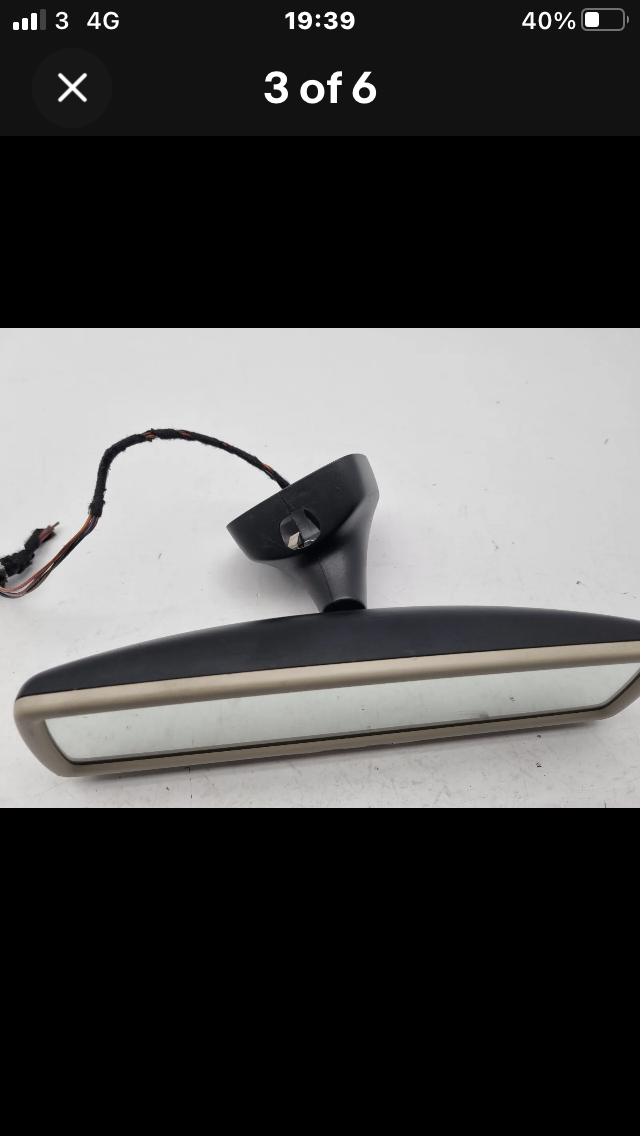
Hi 26DIPP. I was thinking of using just two wires. My car mirror has the same fitting as the replacement mirror. I have everything else such as auto lights and rain sensors. So only need the wiring for auto dimming. The Mirror should turn up today so I'll take it into work tomorrow and work out what colours i need to work the auto dim work.
-
Hi all. Some advice please. My Elegance MK2 has a plain rear view mirror. I want to upgrade to an auto dim. Would anyone be able to tell me what colour wiring is for the auto dim. I’ve seen someone do the same thing using the power from the lighting in the roof console. Regards Ricky.
-
Hi Jordski. I looked at the wiring in the back off the mirror bracket and it on had 3 wires. Which I’m as rare for the auto lights and auto wipers. So I decided I can live without it for now.
-
That’s a strange one. My XF jag was a premium luxury and that all came as standard. With DAB.
-
Hi Langer. Just checked the wiring and I can see 3 wires which I’m assuming they are for the wipers and auto lights.
-
Hi Langers. I go and check. And let you know. Thanks again for the information.
-
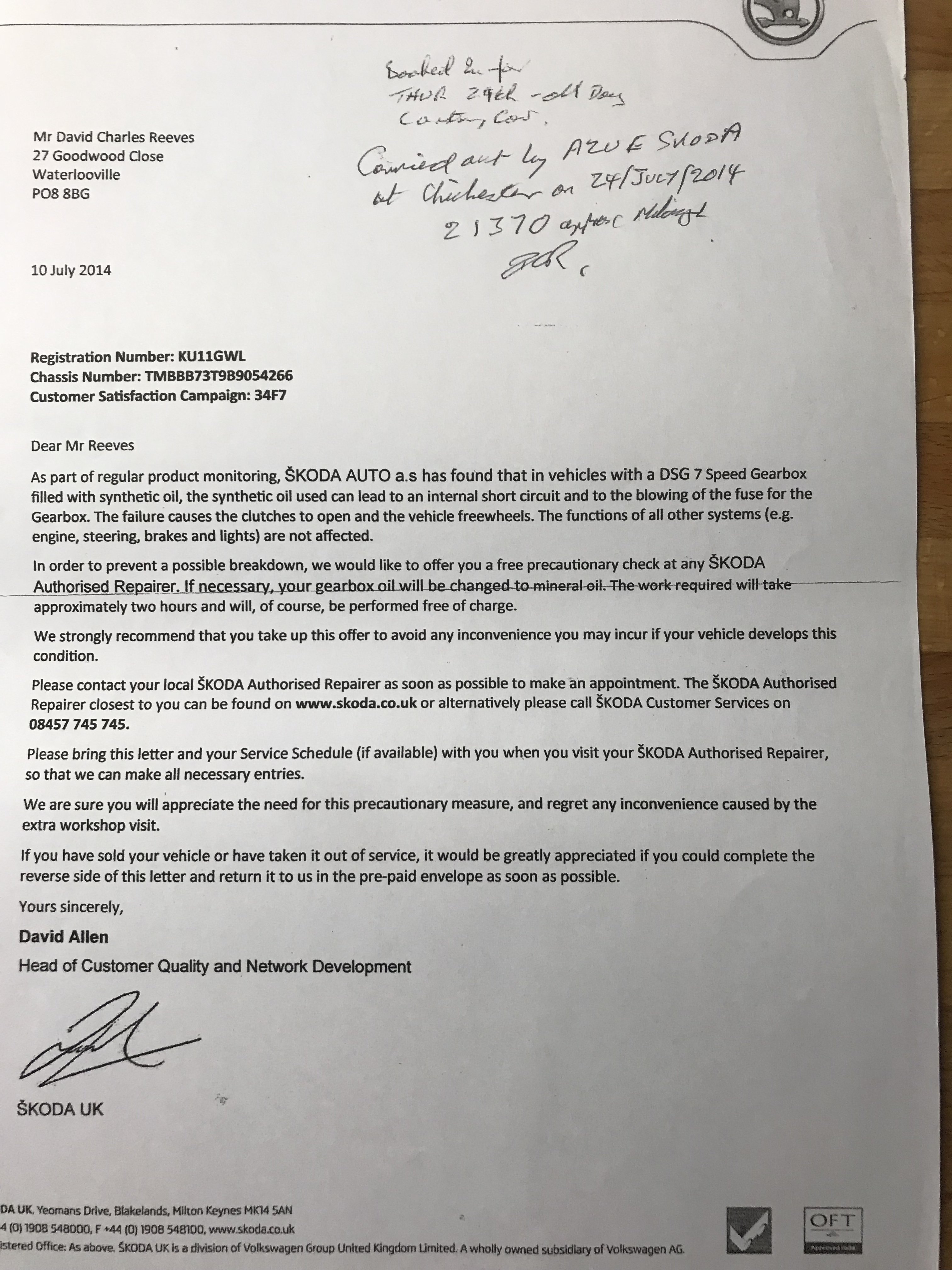
Langers. Thanks for your post. Mine is not auto dim hence my original post. Ricky.Thanks all. I’ll look on Sunday to see if the wiring there. I have auto wipers so there will be some wiring in place. And Gav I have that mirror in my watch list. Ricky.Hi. Would it be possible that the wiring would be in place to add a Auto dimming rear view mirror from a standard one. My car is a Elegance 2011. Which is pretty much loaded with everything. Regards Ricky.Thanks. I thought I did.Hi. My car is a Superb Elegance 2011. It’s pretty much loaded. But has a standard rear view mirror. My question is would the wiring/ plug be in place to put a auto dim mirror in its place. Regards Ricky.Thanks I’ll check tomorrow. How will I find which box I have.This is what was in the folder I received with my car.
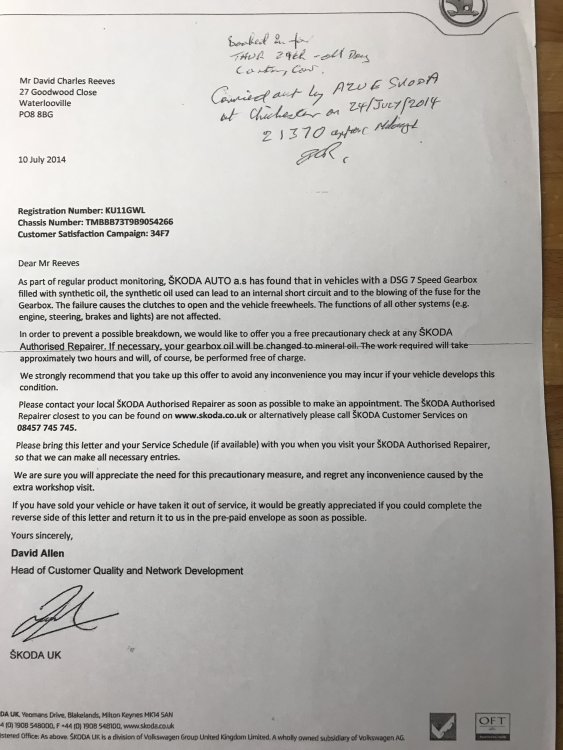 2011 with 40k.Hi. I have the above box in my car. I contacted a local indi about a service on the box as I was under the impression that it needed to be serviced at 40k. They contacted me this morning saying that my box is sealed for life. But if I wanted it done they could do it. Would you recommend that I get this done for a peace of mind. I had a XF Jaguar before this car and that had a Sealed for life box. Then Jaguar came out last year saying that they recommend that the box should be serviced. Thanks in advance. Ricky.Hi. I have just got a full size boot liner for my saloon. Plastic with a good lip around the edges. Carmats4u. They do the estate. RickyHi. Newbie here. Just reading though the forums and came across this one. My umbrella is missing which I can get another so no issue there. The warning triangle does that sit in the slot just below the boot lock. I have a couple sitting in the shed so again on issues. Regards Ricky.Thank you.Hi all. After many years of Jaguar ownership as from today I’m now the owner of a 2011 superb elegance. One owner with less than 40k on the clock. my first post is that I’m unable to pair my iPhone to the car. It will find my phone and give me 4 sets of numbers but won’t accept any. Any pointers to help solve this issue. Regards Ricky.


Important Information
Welcome to BRISKODA. Please note the following important links Terms of Use. We have a comprehensive Privacy Policy. We have placed cookies on your device to help make this website better. You can adjust your cookie settings, otherwise we'll assume you're okay to continue.