MarkosvRS
Finding my way
-
Joined
-
Last visited
-
Hi, Had similar issue however, my car would not start at all. In my case battery tray was chafing on cable loom below. As a result of chafing, broken cable and ECU replaced.
-
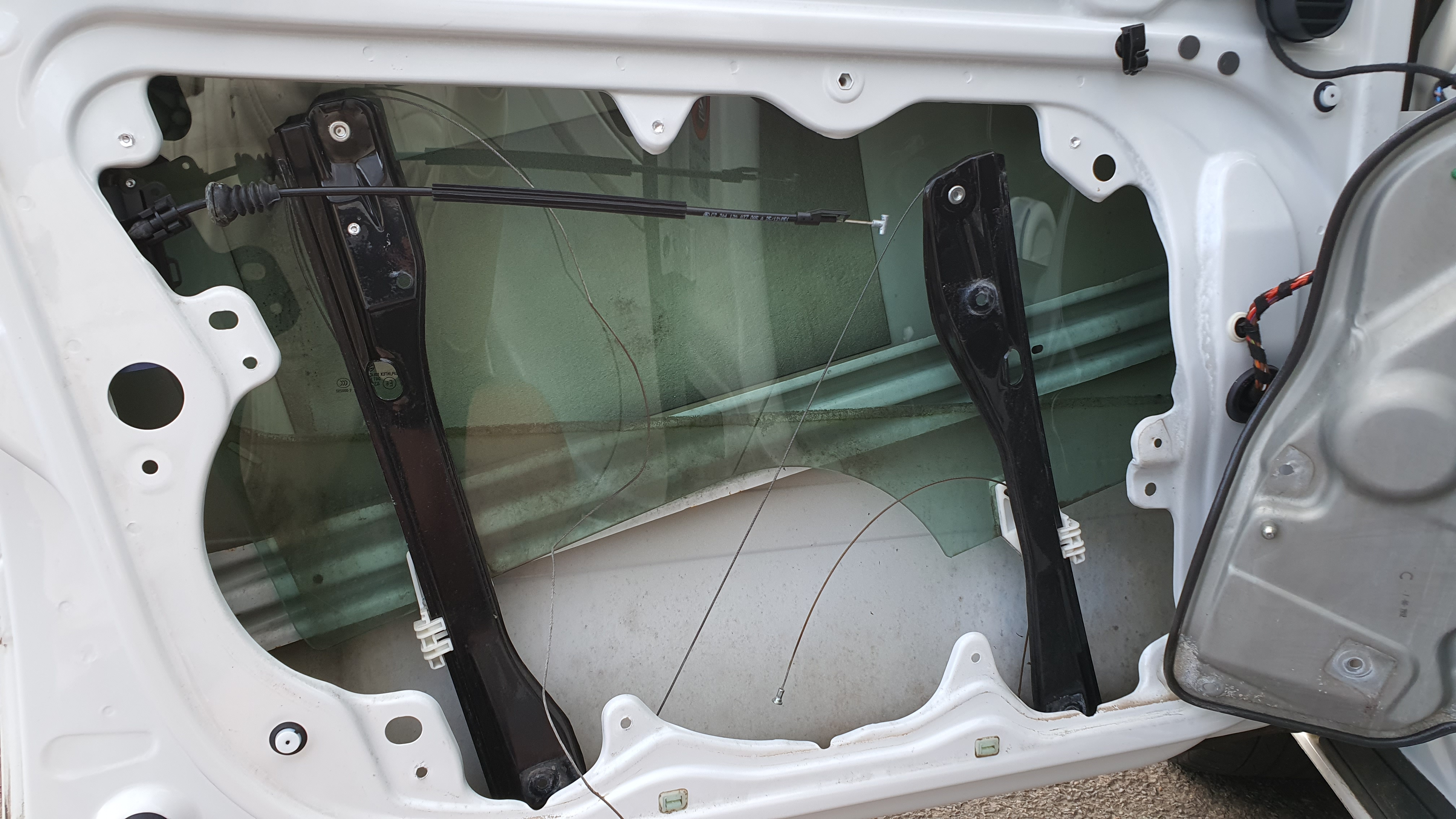
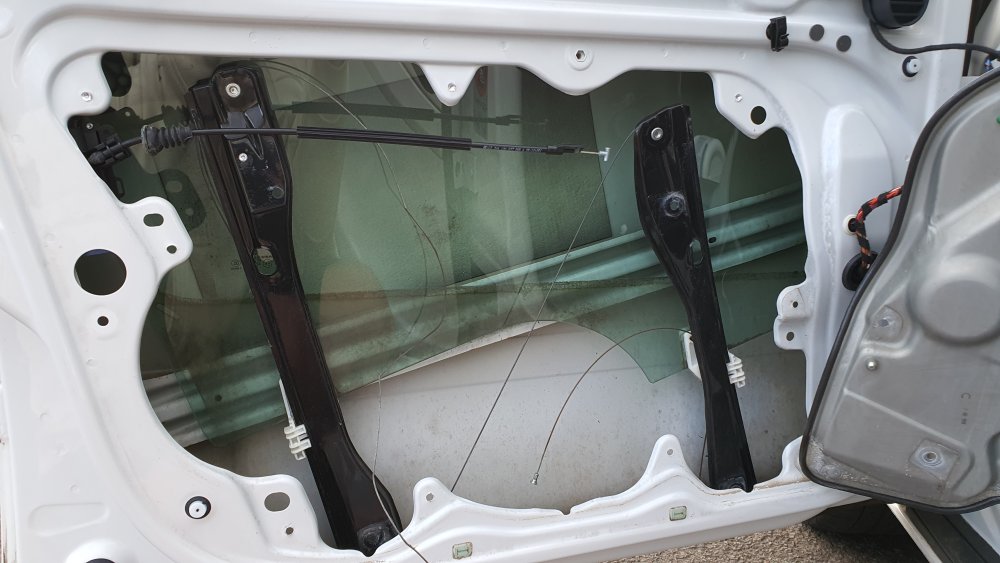
Hello there, Had same problem on my mk2 octavia a while ago. In my case window regulator cables snapped so no need to exchange motor or door plate. Just a matter of drilling out couple of rivets.
-
Unfortunately, ECU had to be replaced as well as. With new ECU car is in working order again.
-
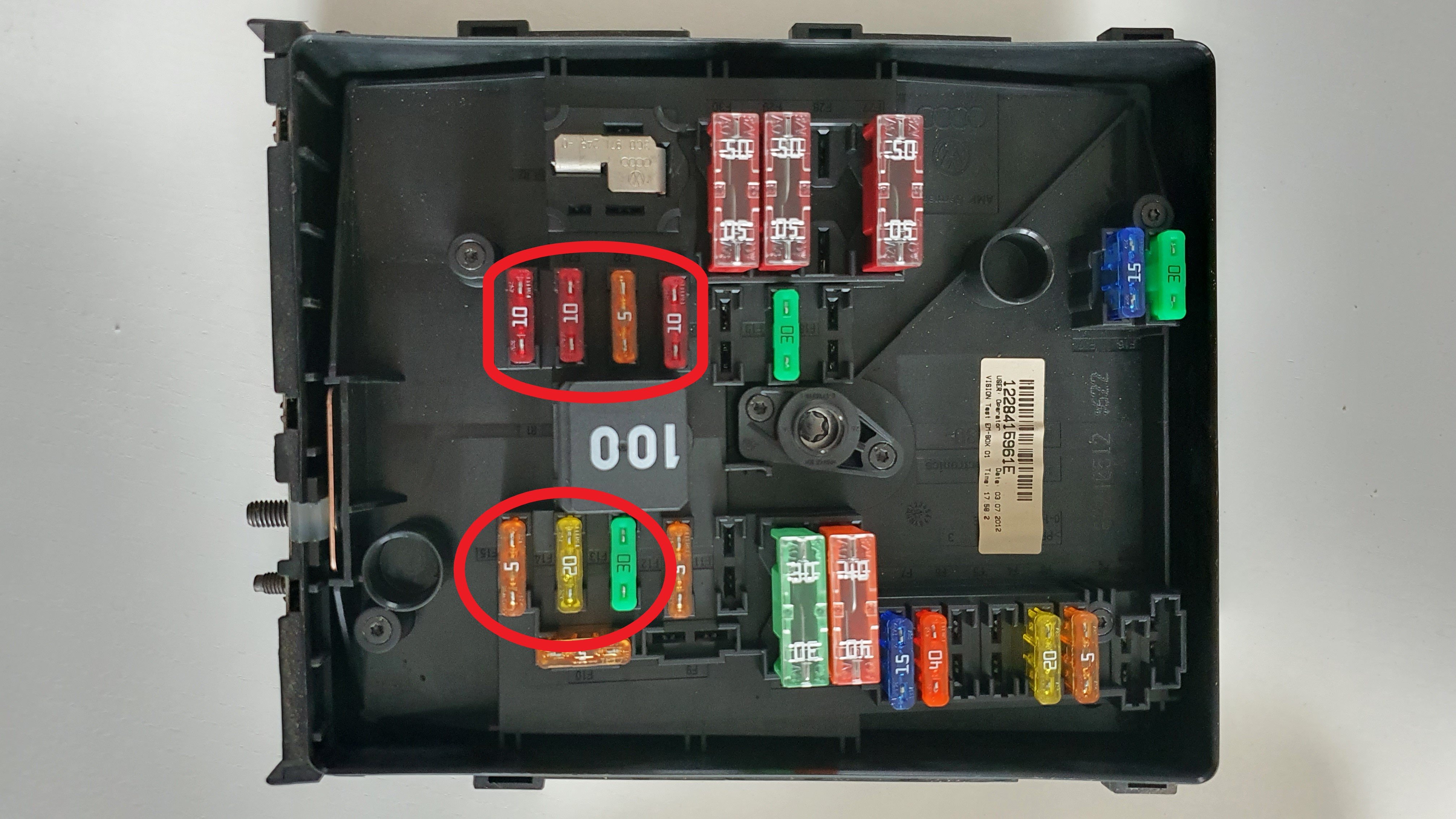
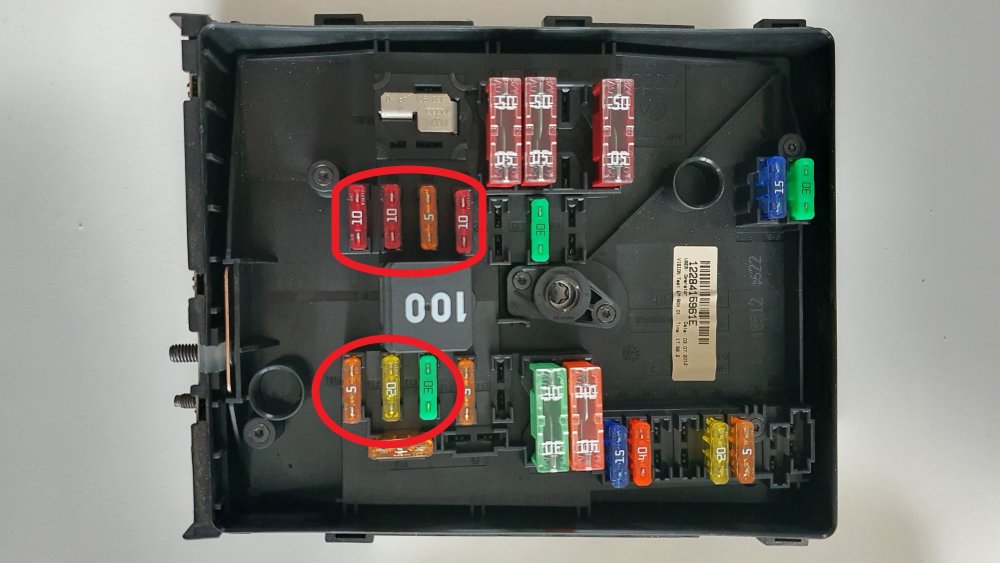
Update: After couple of weeks trying to figure out what is happening I have decided to get in touch with local car electrician. On his arrival he found broken wire from engine bay fuse box that leads to ECU. Broken wire was caused by battery tray chafing on the wire loom.
-
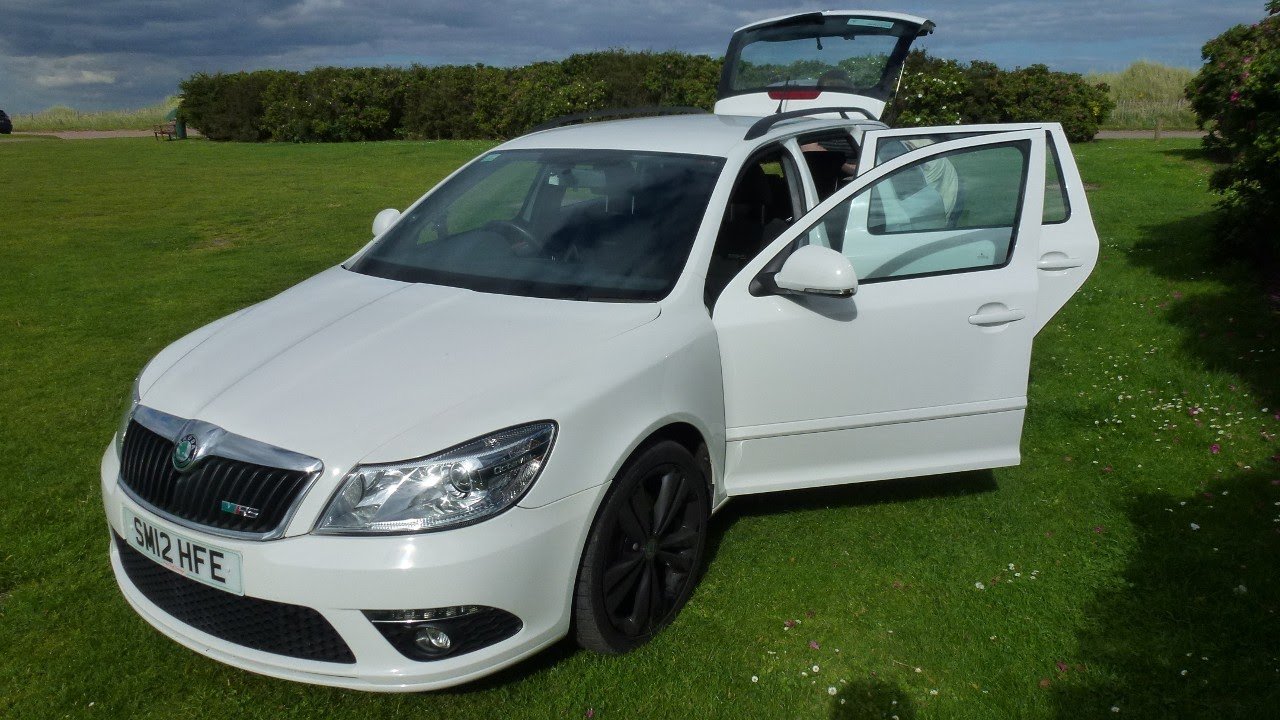
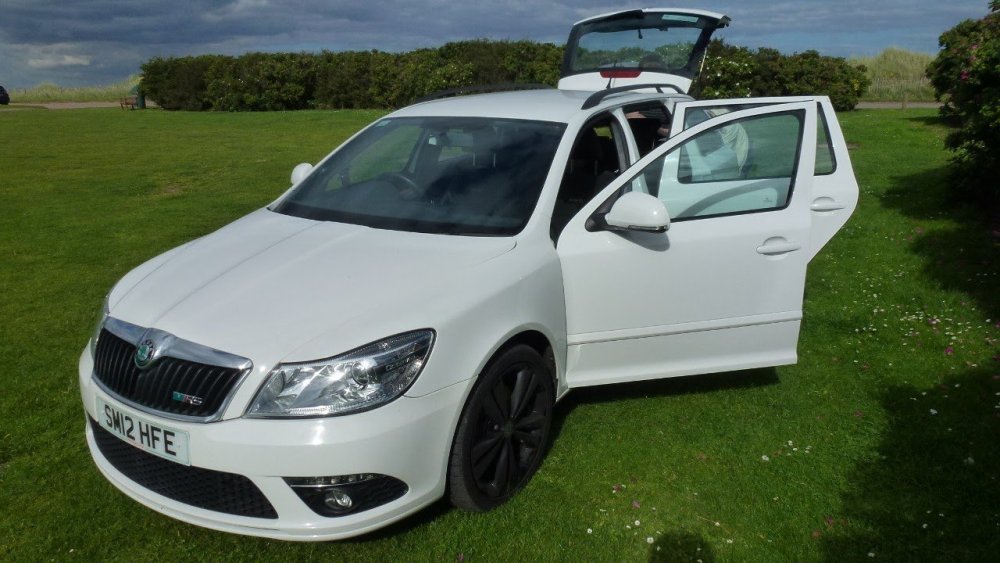
Hello everyone, I am Marek from Perth and I am proud owner of 2012 Octavia vRS TDi. Looking forward to learn new things. Regards, Marek
-
Thank you 111zah111 for reply. I have also noticed that that some of the fuses in E-box in engine bay have no power while ignition is on.
-
Hi folk, looking for advice for my 2012 vRS Tdi octavia. After 500 miles motorway journey to Manchester I have experienced multiple times engine power loss lasting around 1 to 2 seconds with glow plug and DPF dash lights and on other occasion tyre pressure monitor warning and traction control off signs along with RPM needle dropping to 0. Couple of days after that car would not start at all. All fuses and relays checked and in good working condition. Another issue is with connecting any diagnostic device giving Linkage Error messages. Even with battery disconnection and reconnection same fault message appears. Thanks