




JoaoVr
Members
-
Joined
-
Last visited
Everything posted by JoaoVr
-
The USB in the back seats its only for charging?
-
I broke the LVDS cable on the back on the mib. Bought a new one, the question is. From the mib (on the glovebox) does it only connect to the ashtray usb? does it have a splitter to the back seat? Im really sorry to bother you maybe you have whatsapp or telegram?
-
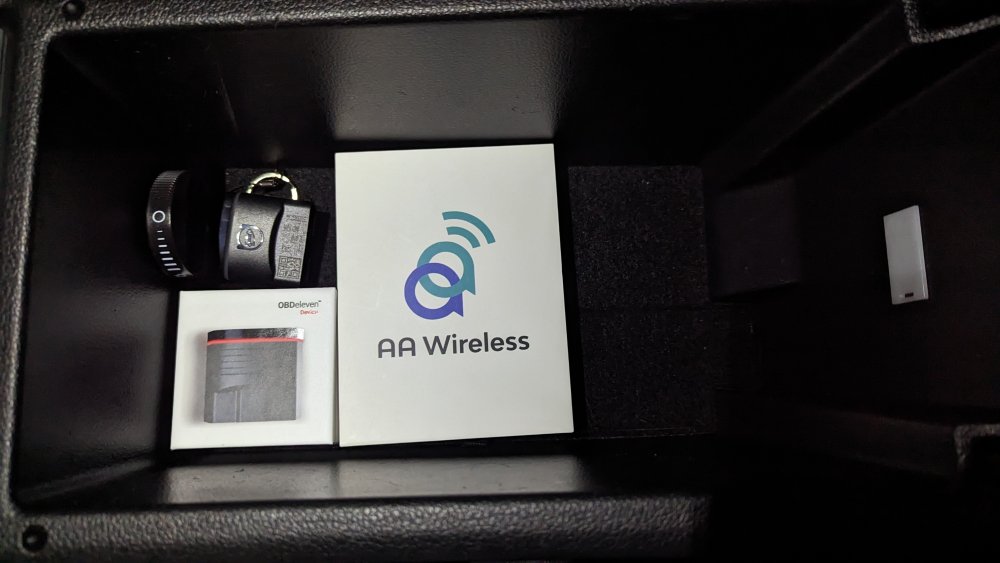
The goodies
-
Due to my incompetence, my car has two broken cables in its original harness, one video and one USB that connects to the MIB2. The Video cable is already located, and easy to replace. The question is: Where does the USB cable from the Mib2 connects?
-
Thank you Sir! It already came with the car
-
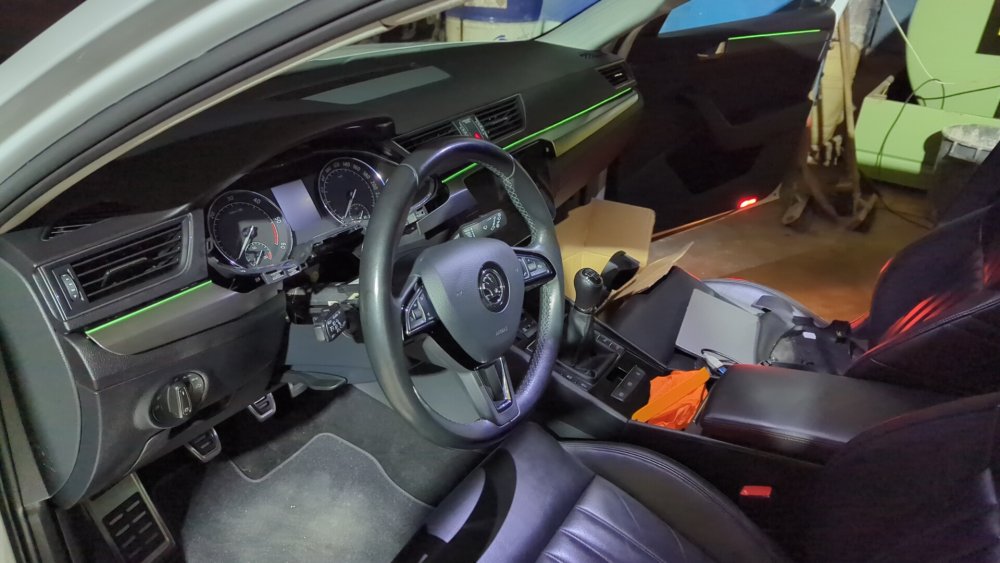
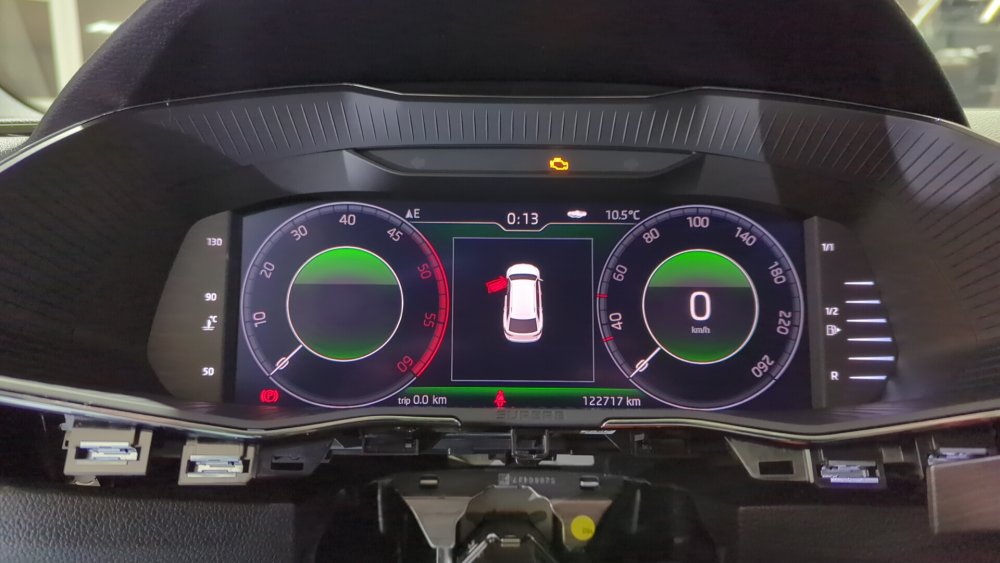
Mod #3 Done
-
Can I do the programming with Odis-s or odis-e? Or my VAS5054A will work with VCDS ?
-
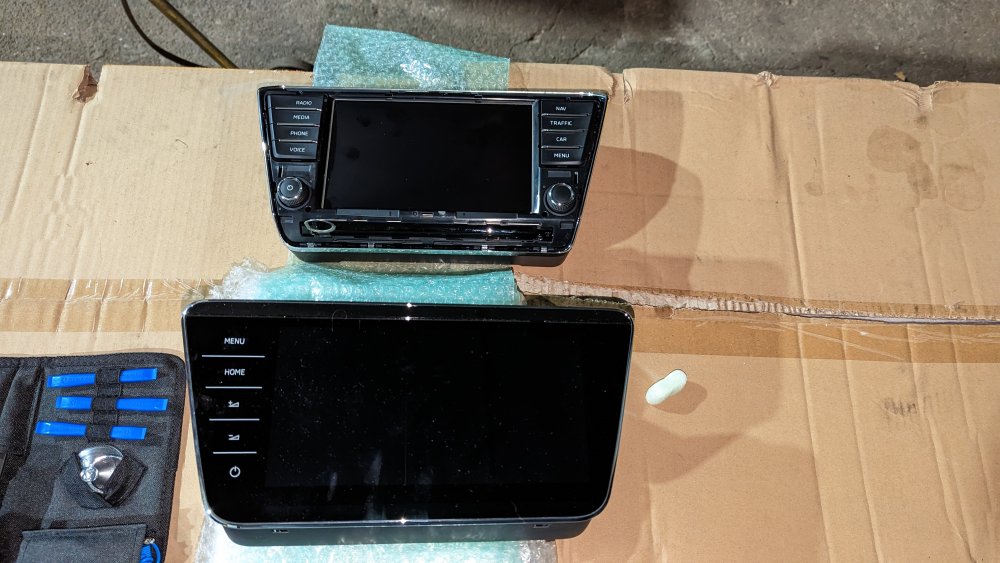
Mod #1 and Mod #2 Done 😃
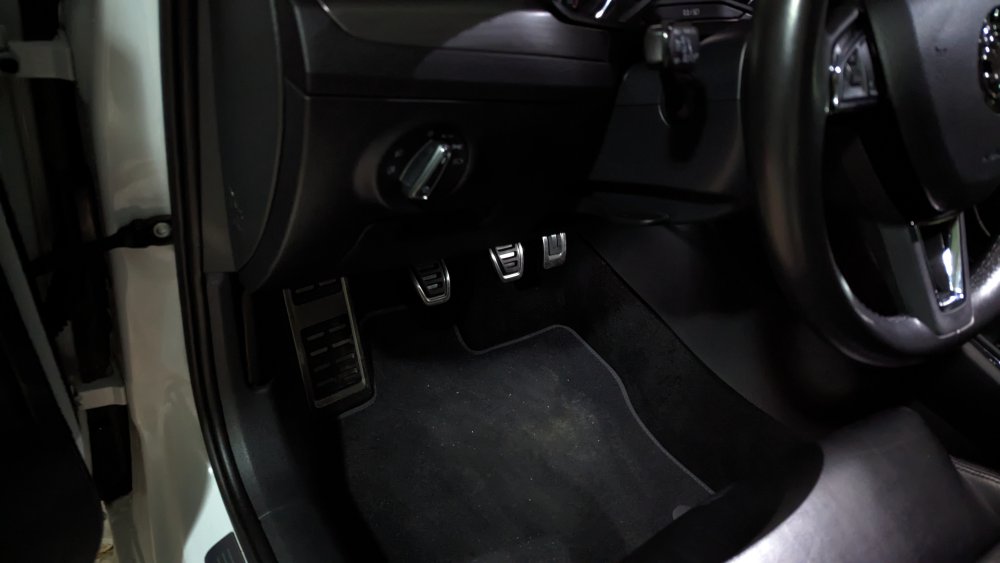
-
@Bap33 Hopping my car will look like yours very soon Same coullor and rims
-
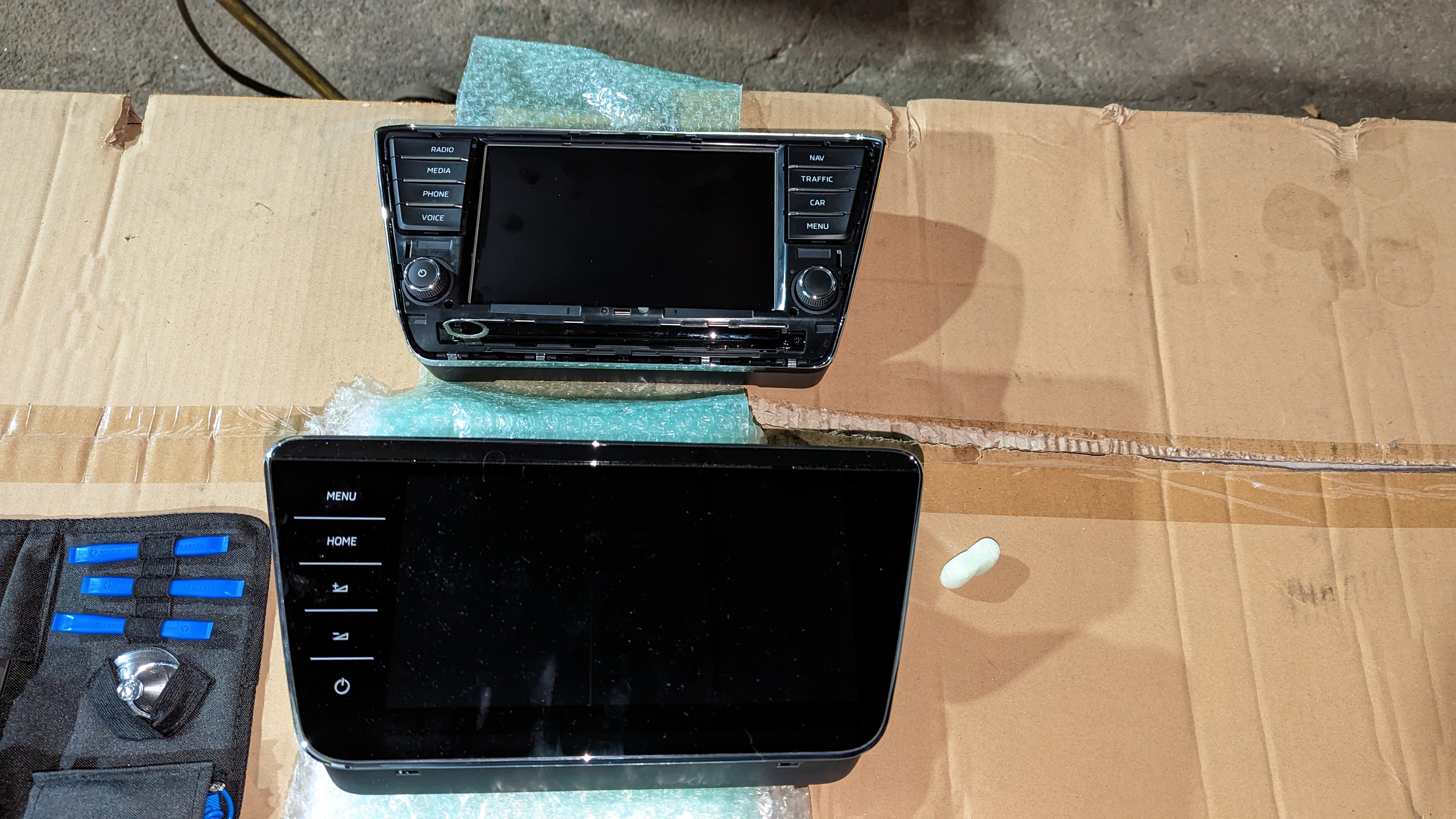
Hope someone can steer me in the right direction. So my system is the: Columbus MIB2 unit 3V0035043x (without DAB, with regular Bluetooth, without LTE Modem) Can I rework my system to be a MIB2.5? The endgoal would be a 9.2" screen upgrade, can anyone point me what would be the correct part number for my car?
.thumb.jpg.3995ac91ce82c1f37ca7b9319b7ecb0f.jpg)
.thumb.jpg.2cbda5b89b37d17f19a13f081eef4d20.jpg)
-
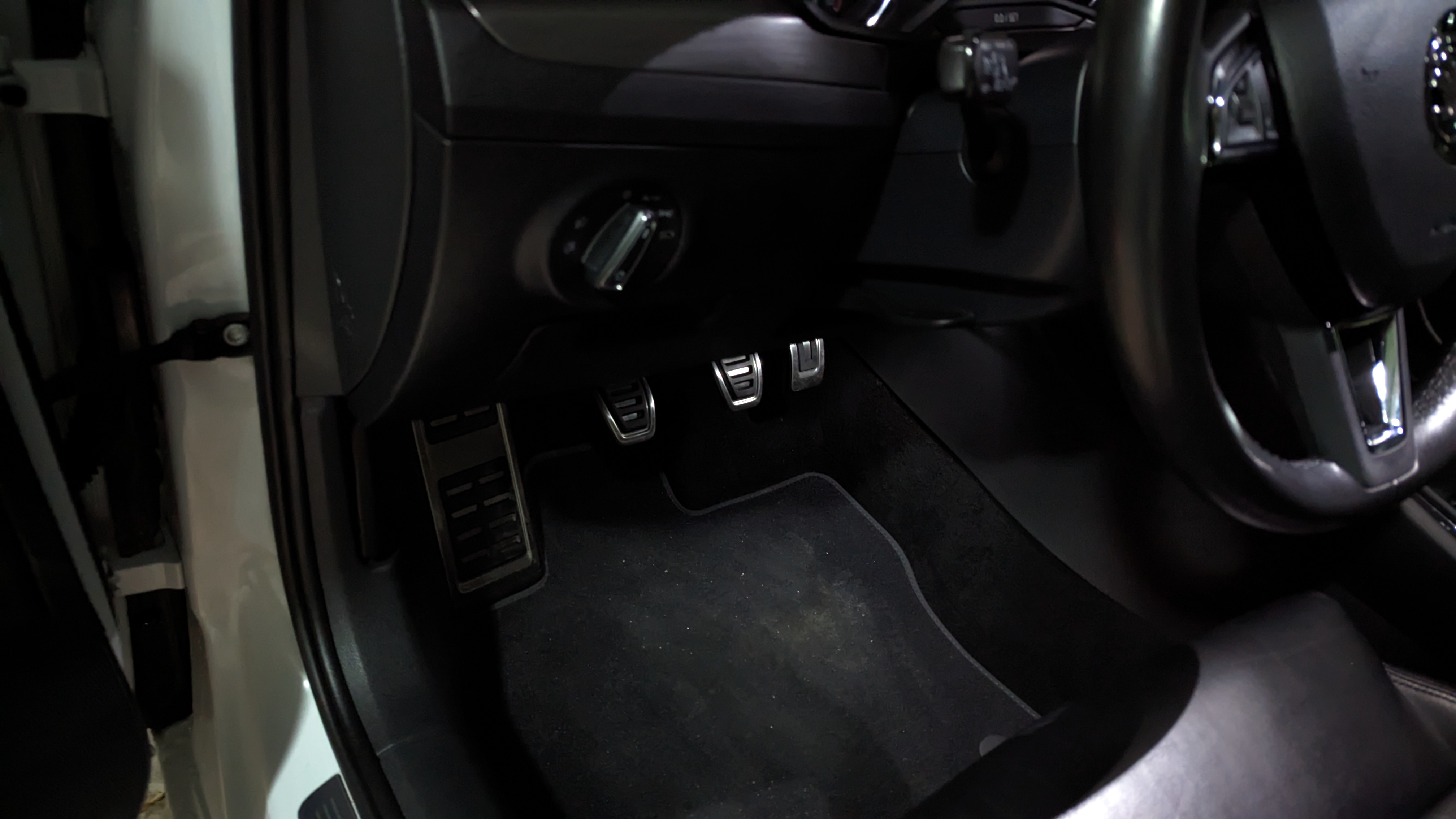
I recently bought a Skoda Superb Combi from a colleague of mine who is the pickiest car person I know. It´s a 2016 diesel white combi, with 100k kms / 63K miles, some extras that I`m still trying to figure out and always serviced on Skoda. In the more immediate future, the order of work is polishing, detailing and replacing the driver's seat belt that is torn. It will be my Sunday car. a) Is there any place I can identify the correct part number for the seatbelt so I can try to get it original and cheap? Soon, I have some mods in mind: 9.2" Screen update. Those nice sportline pedal covers. Mild ecu remapping b) I can only find the original pedal covers on the kopacek.com website, but some people complained about client service there. I was looking for original part (safety concerns) can someone point me in the right direction? Regards!
.thumb.jpeg.aa51673a334883ef37bf1c06dc61a164.jpeg)
.thumb.jpeg.297e938de3989c9df3017b9249fe0e21.jpeg)
.thumb.jpeg.b39a3911f7f820c987425bb559ab058e.jpeg)
.thumb.jpeg.ee55fca5a27fbe4774b5eafa20fb72fe.jpeg)
.thumb.jpeg.a03238bc1a89a4f6ed7763ff082a6c6c.jpeg)
.thumb.jpeg.d7a2f837cbfcbeb89896b00d99e762e3.jpeg)
.thumb.jpeg.4e046938442641d2f0034e5a03e74c98.jpeg)
.thumb.jpeg.6baf79eae30b73da4b0467bd7d17482d.jpeg)

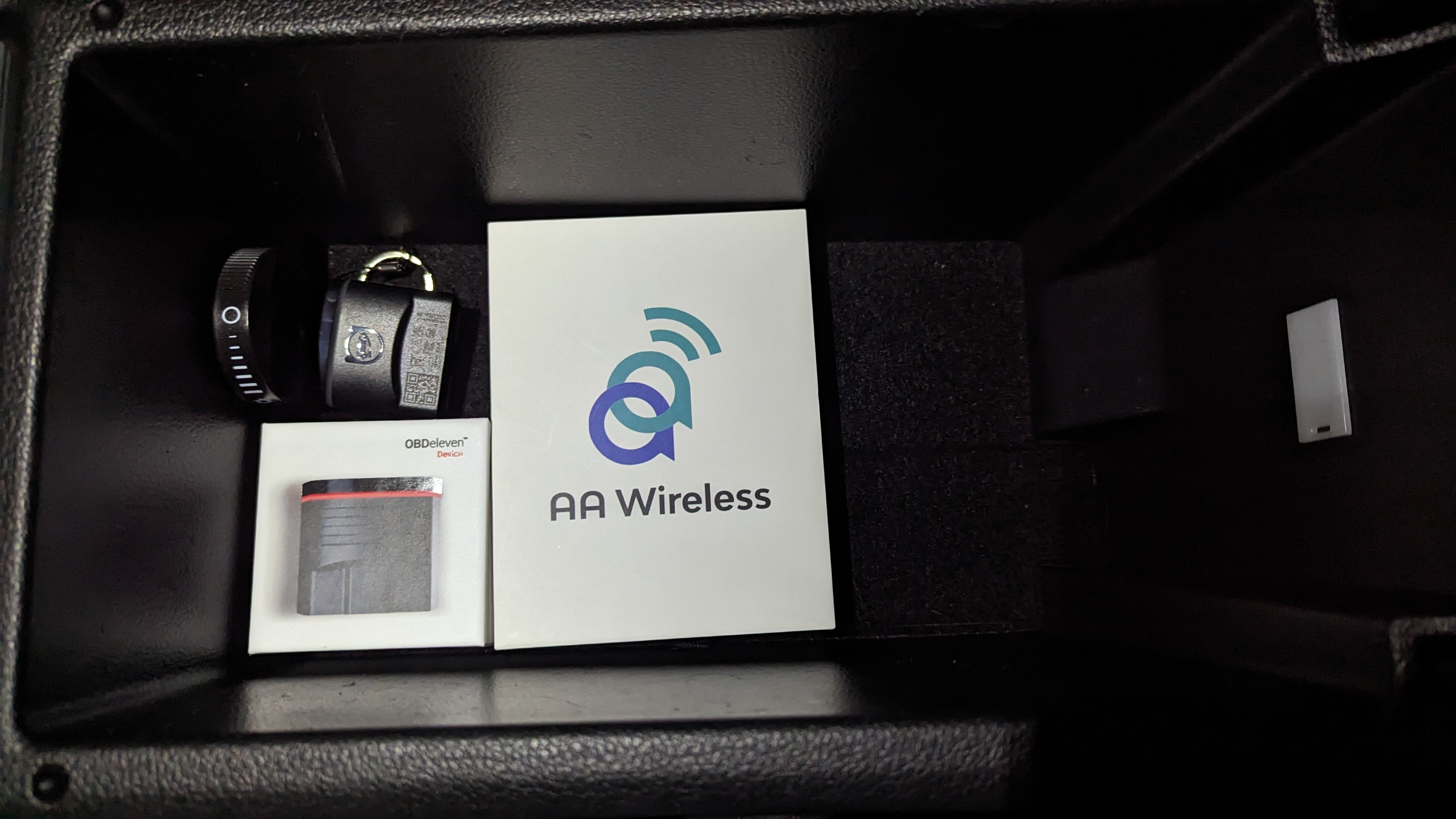

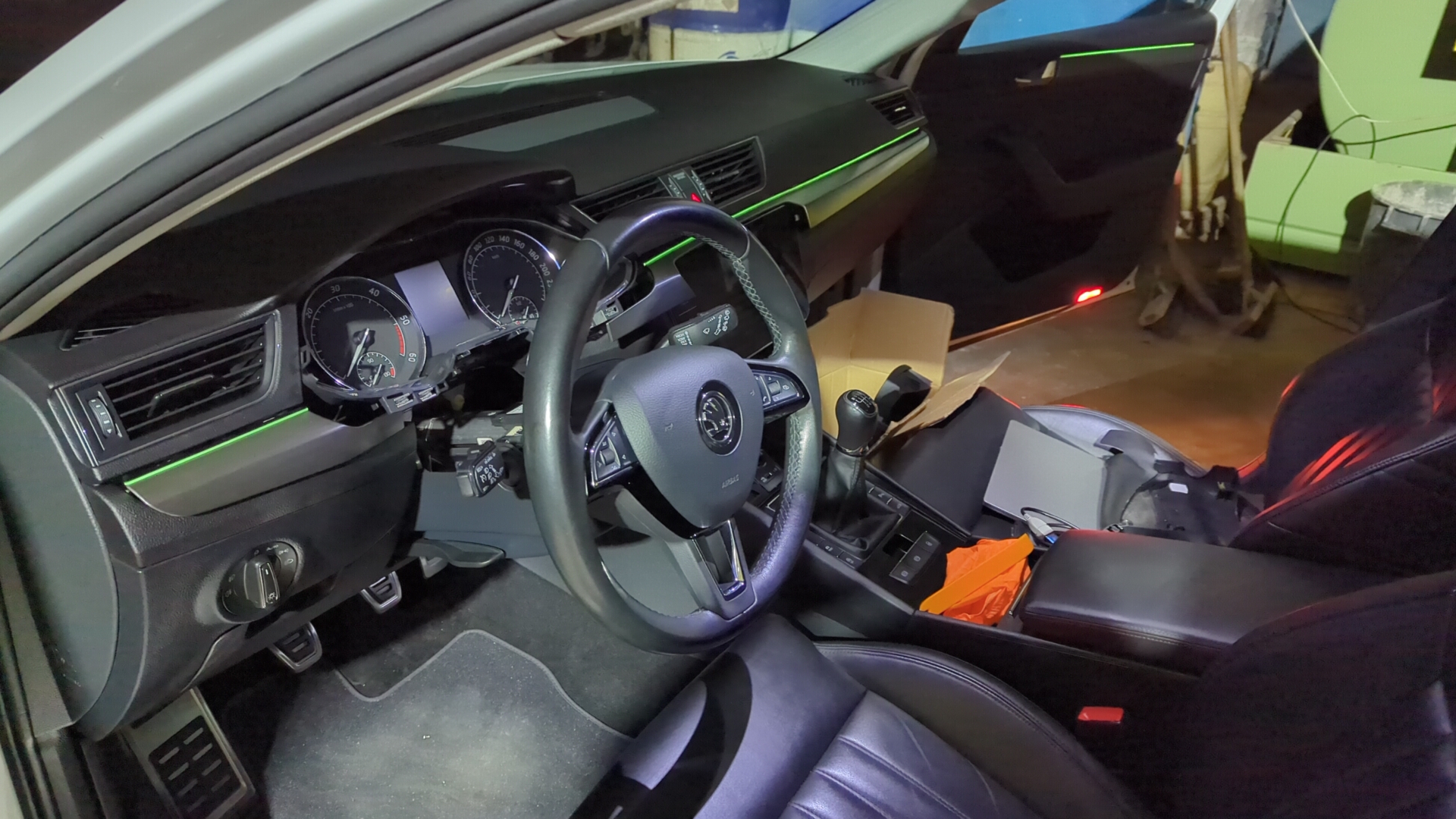
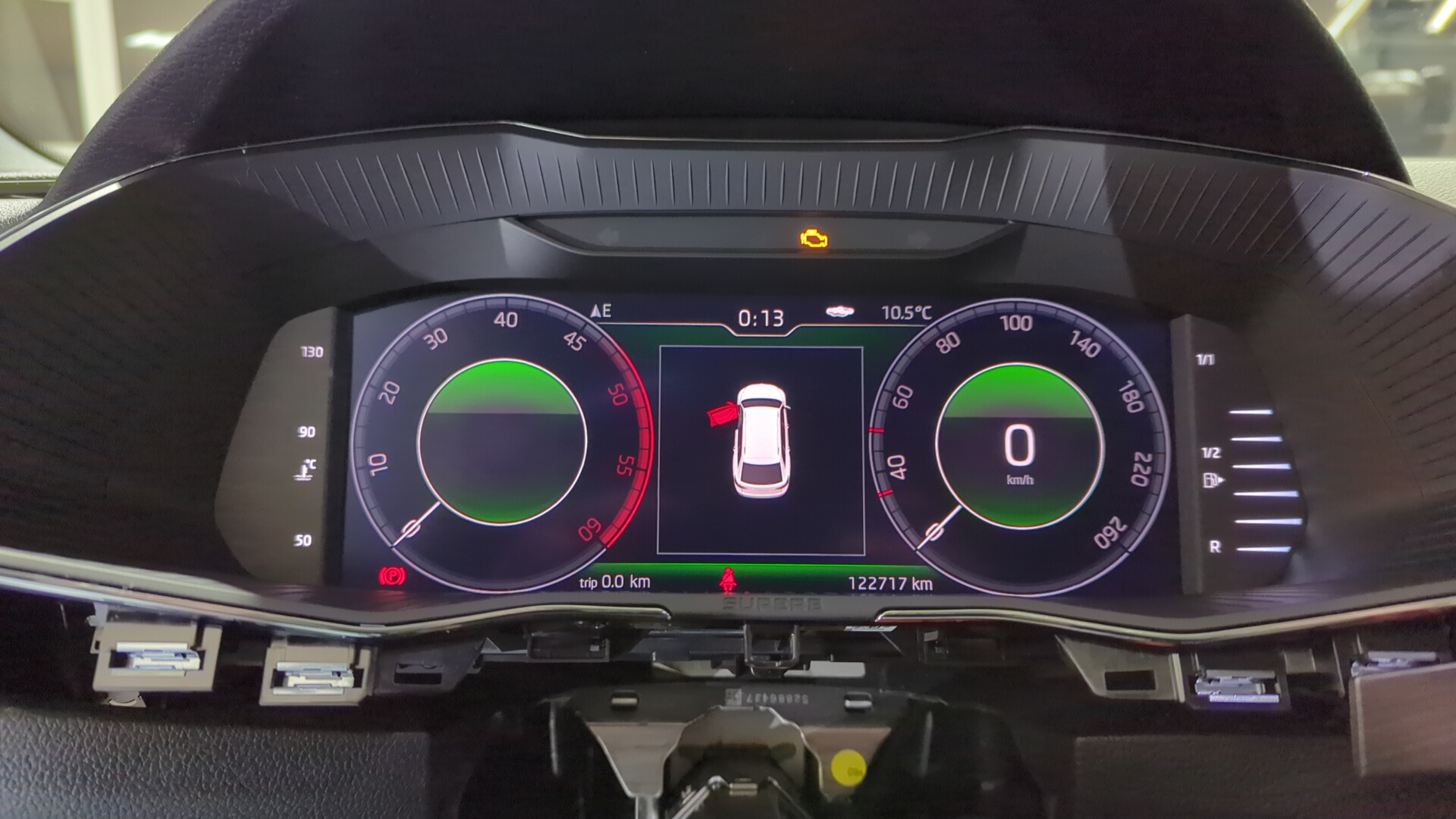


.jpg.e58d124497da699b1fa52bc535b6eedc.jpg)
.jpg.f6021f7029c786a5ea5656f46b954467.jpg)
.jpeg.3843a4bc2f5e8ae00e35a824f5d4bfbd.jpeg)
.jpeg.87fca82ea2a0ae2420af6d266db57886.jpeg)
.jpeg.bd3512d976b8d14844e3af44b65dc127.jpeg)
.jpeg.bac99d92a0ccc410ea4239cb14cdb876.jpeg)
.jpeg.7322b73fc23e227b8580a72de8423a19.jpeg)
.jpeg.666e89973b99d947bc8c36d9ed3ef8bc.jpeg)
.jpeg.48914c663df950c534c1f26dec69726f.jpeg)
.jpeg.690225122dcff4c0729ace1ffb2f883a.jpeg)