giann
New here
-
Joined
-
Last visited
-
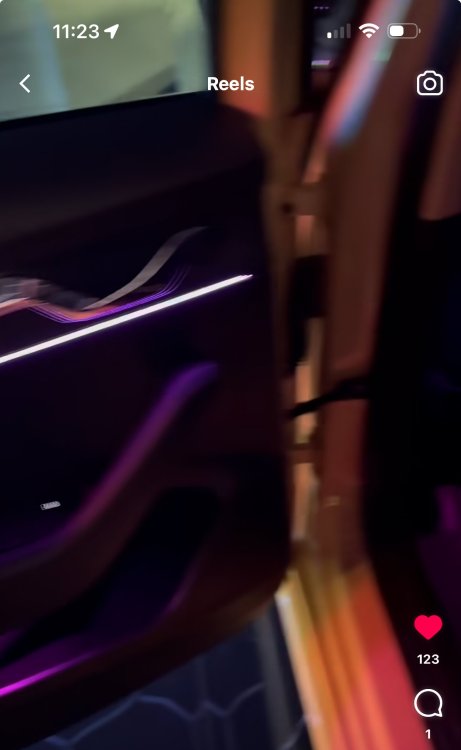
Hey , I have seen the thread and the guy from ,Russia I suppose , and I have seen that in order to put the ambient strips on the same panel as the front you need to adjust it or cut something like you did. all the retrofits video that I have seen they completely put the ambient lights elsewhere like you see in the photo
-
Amazing work my friend and I would love to see the final result of the car in a night mode !!!! thank you for sharing all those details , I have already the “ambient light pack” when I bought the car but it’s less bright that I thought and it is really a bummer to not have led strips at the back doors when the rest of the car has , it takes away the feeling you know. I think I will try to install this one at least for the back doors and find a way to connect it to the front or totally cancel the one from the factory and install something similar to your. anyway sorry for the long post amazing effort , thank you for sharing!!!
-
Hello Gianni , same name here 😊, can you share which rgb pack you used for the dashboard and did you install ambient lights to the back doors too?