smokin901
Finding my way
-
Joined
-
Last visited
-
use this https://play.google.com/store/apps/details?id=com.bluetooth.vagerasedtcall with your existing OBD 2 adapter. should give you better reading than torque pro.
-
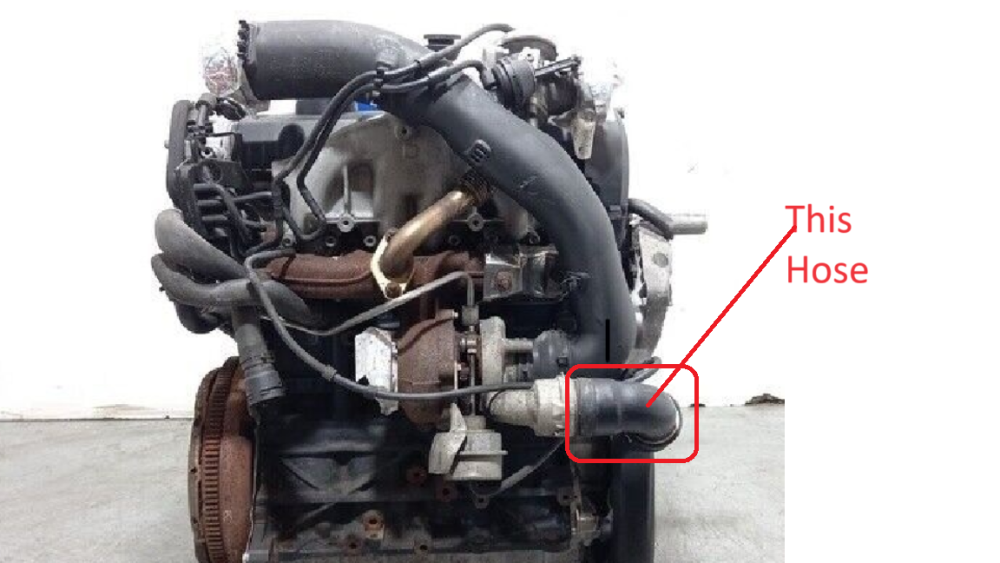
This was it. Mine had letter A at the end No one keeps stock it anymore. Luckily scrap dealer BJB engine. Got 1T0145790B from him it fits. Wondering if there is a difference. Thanks everyone for helping.
-
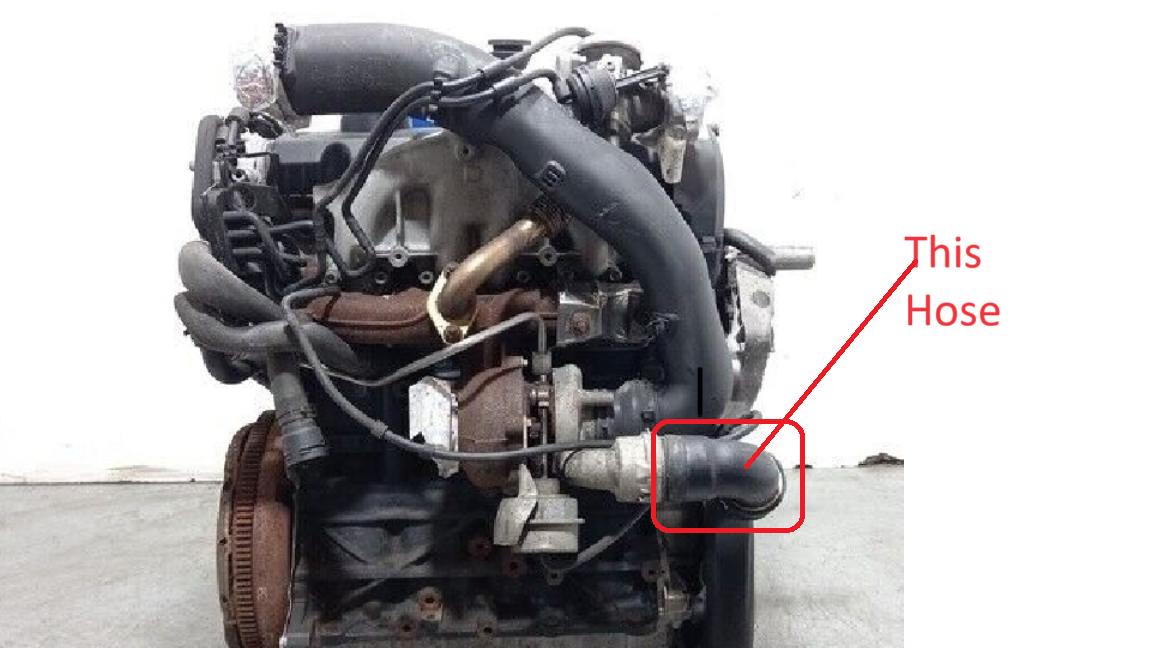
Hello Guys. Hose pipe is cracked. I need help in identifying the name or part number. any help is appreciated.
-
Just to update I managed to Source Skoda Amp ON module. Installed Android Headunit and with Amp ON module and HiWorld Canbus. Everything works. ie Headunit turns off with key removed (No Battery Drain) All 12 Speakers works Front and rear Parking sensors works with indicator on the display Headunit shows Car Battery Voltage, RPM, Mileage, Fuel in the Tank. Only thing that does not work is Display of Climate Control. Wireless and Wired Android Auto works Beautifully via Headunit Reloaded.
-
@softscoop Thank you for information. I Returned the unit back to seller. did not see any point in spending further on coding knowing that parking sensor and bluetooth navigation will not work. Already has Chinese Android HU. which has same issue of no sound with stock Amplifier. but can be fixed with AMP on module for 2500 INR and will get more features than Bolero.
-
Forgot to mention on the Headunit it says Skoda Octavia MID BVX
-
Hello Everyone. Need help with following. I have got Skoda Laura(Octavia MK2) L&K 2008. it came with 12 speakers and an amplifier under front passenger seat and Skoda Audience MP3 everything works great except for Display(common issue with this unit) I recently installed Skodaauto Bolero made by blaupunkt. thought it will be an easy swap. unit powers on.displays Audio and track name in maxidot. but there is no sound. does not display parking sensors as well. I have spoken to seller and he has agreed to take it back. Any idea how to get sound working. Thanks.