carpedion
Finding my way
-
Joined
-
Last visited
-
-
Or maybe this video is useful to me? https://youtu.be/pE5WdL8vmKA?si=h8umelSmiPpi3XVi
-
Thanks for your reply @axw - I don't know anything really about cars. Is this super easy to do? Is this how it looks? https://www.youtube.com/watch?v=auwizaon8Q4
-
Hey all, I'm getting both these errors in my Skoda Octavia 2021, but my car won't shift into drive! Will i need to get it towed to my local Skoda dealer? Or is there something else i can do to get it moving??
-
I took my Skoda Octavia 2022 into the service centre a few days ago, and they mentioned that all 3 wiper arms needed to be replaced for AU$160, and that these arms need replacing periodically. I’m making claim under Australian Consumer Law, but just wondering if anyone has had to replace the arms frequently. Seems ridiculous after two years (I even have a 5 year service pack). Under the Australian Consumer Law (ACL), consumers are entitled to automatic guarantees that products will be of acceptable quality, fit for purpose, and match their description. The failure of the wiper arms on a relatively new vehicle constitutes a minor failure as per the ACL's definition, given that this issue can be fixed easily and within a reasonable timeframe.
-
I am experiencing an issue I have not resolved since getting my 2001 Octavia. Whether connected wireless or wired, on Carplay using ios15, ios16 or ios17, my iPhone 13 Pro will regularly pause playing whatever is playing on the phone. I hit play and it pauses again immediately. I must hit play/pause 20 or so times and then sound resumes playing. It happens in a range of apps. Sometimes turning off the car fixes it. Software 1896 (Ive also had this upgraded previously and it's made no difference. Has anyone else experienced this issue? Here's a 90-second video I recorded of the issue:
-
Sorry took me a while to get access to the car. My code showing up is the same one you posted below: MOI3_EU_SK_R8960L and I’m running software version 1896 if that helps
-
Hi all, Sorry if this is a stupid question, but is there a way to set the lights in my 2022 Octavia Wagon, so that when the back seat passenger doors are opened, the two internal lights near the doors open?
-
Thanks so much. Where can i get details for how to obtain the files etc? Is there a cost?
-
Oh wow, is there risk in doing this? Would it void the warranty?
-
The worst thing ever is buying the car in Australia. The Skoda's here don't come with esim functionality, so there is no way of updating the software other than to visit a dealer.
-
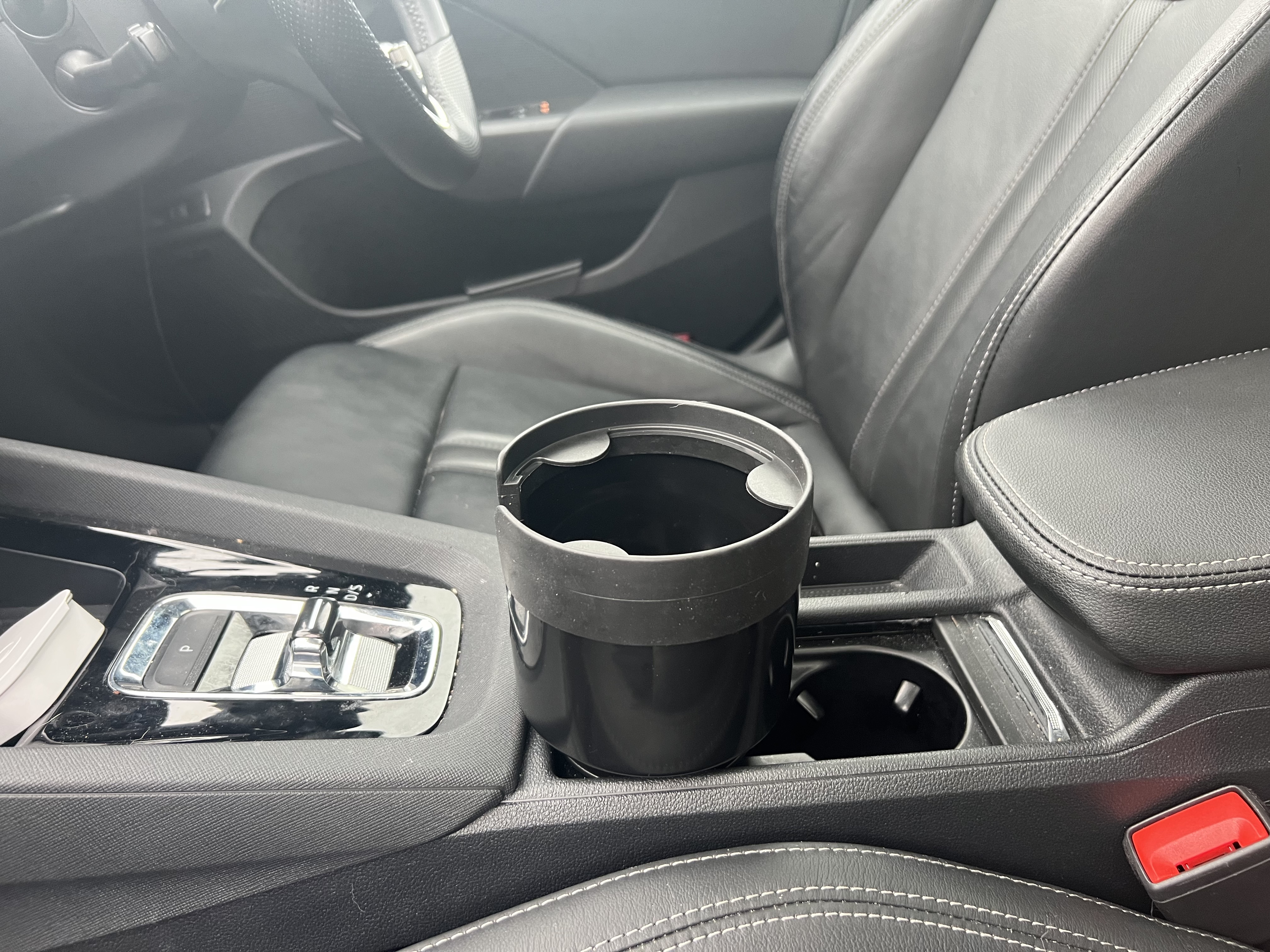
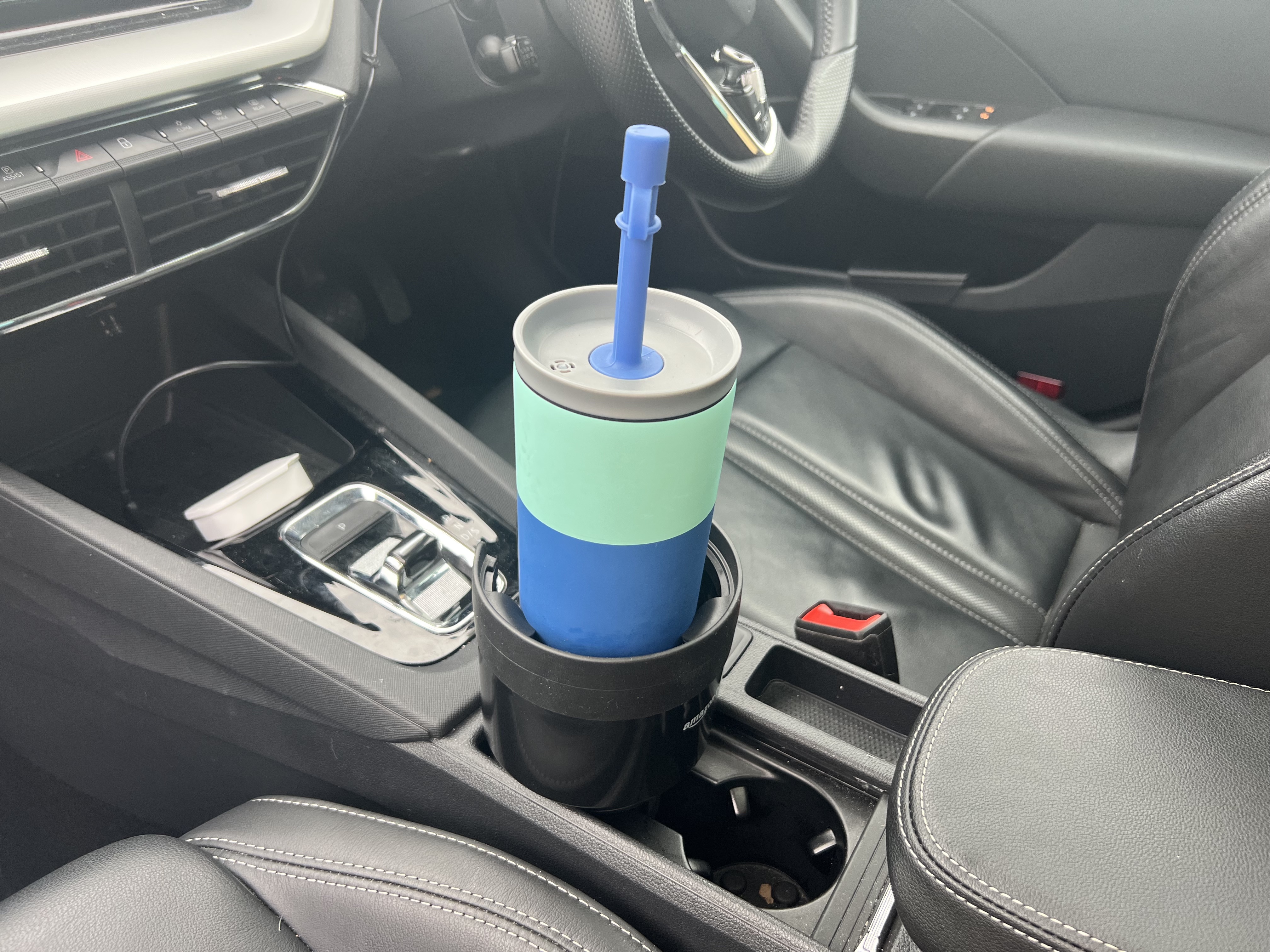
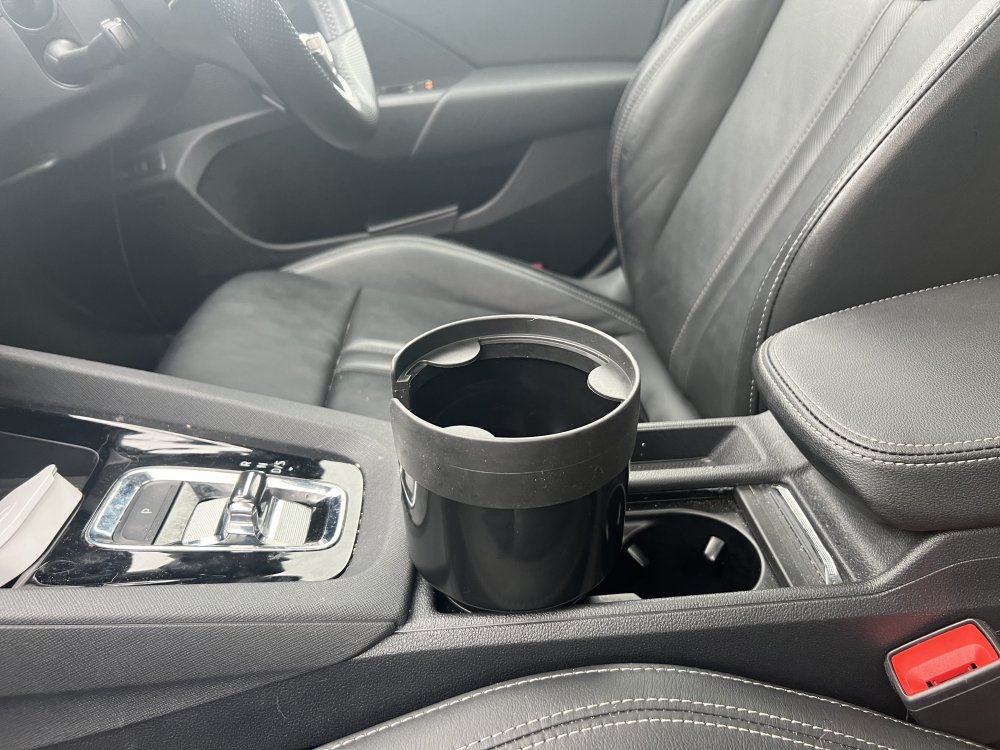
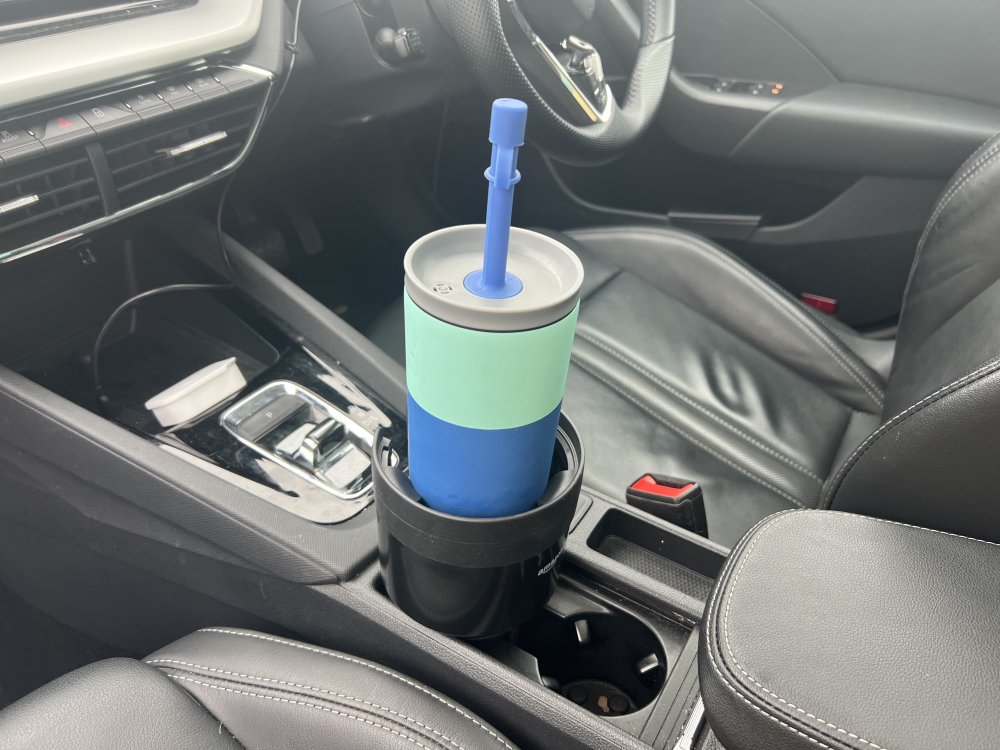
I thought I would too, but surprisingly because it’s tall, it doesn’t actually interfere with anything that I’m trying to do in the car. Plus, it gives functionality to the cupholders that for me previously had no functionality at all.
-
I just bought this cupholder expansion from Amazon and it's a game-changer. Yes it looks tall and big but it doesn't actually interfere with anything, and makes the cupholders functional. Very happy
-
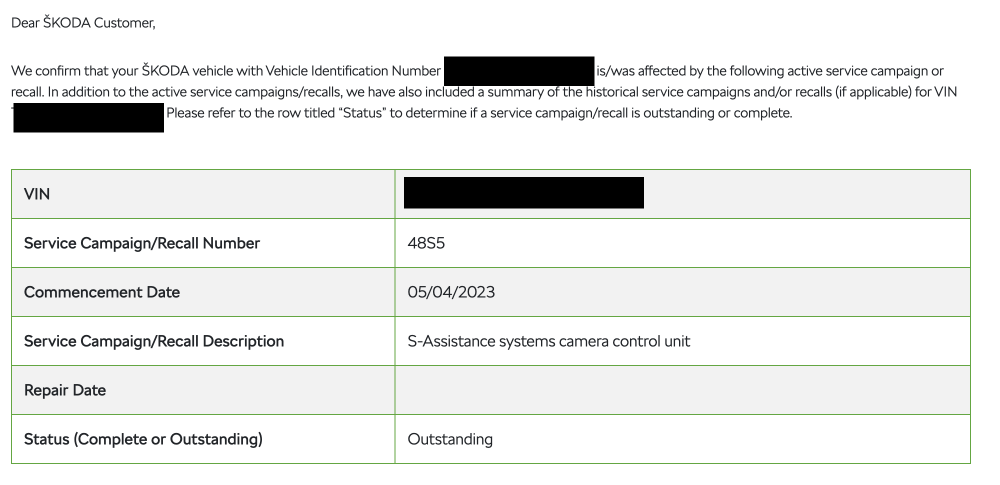
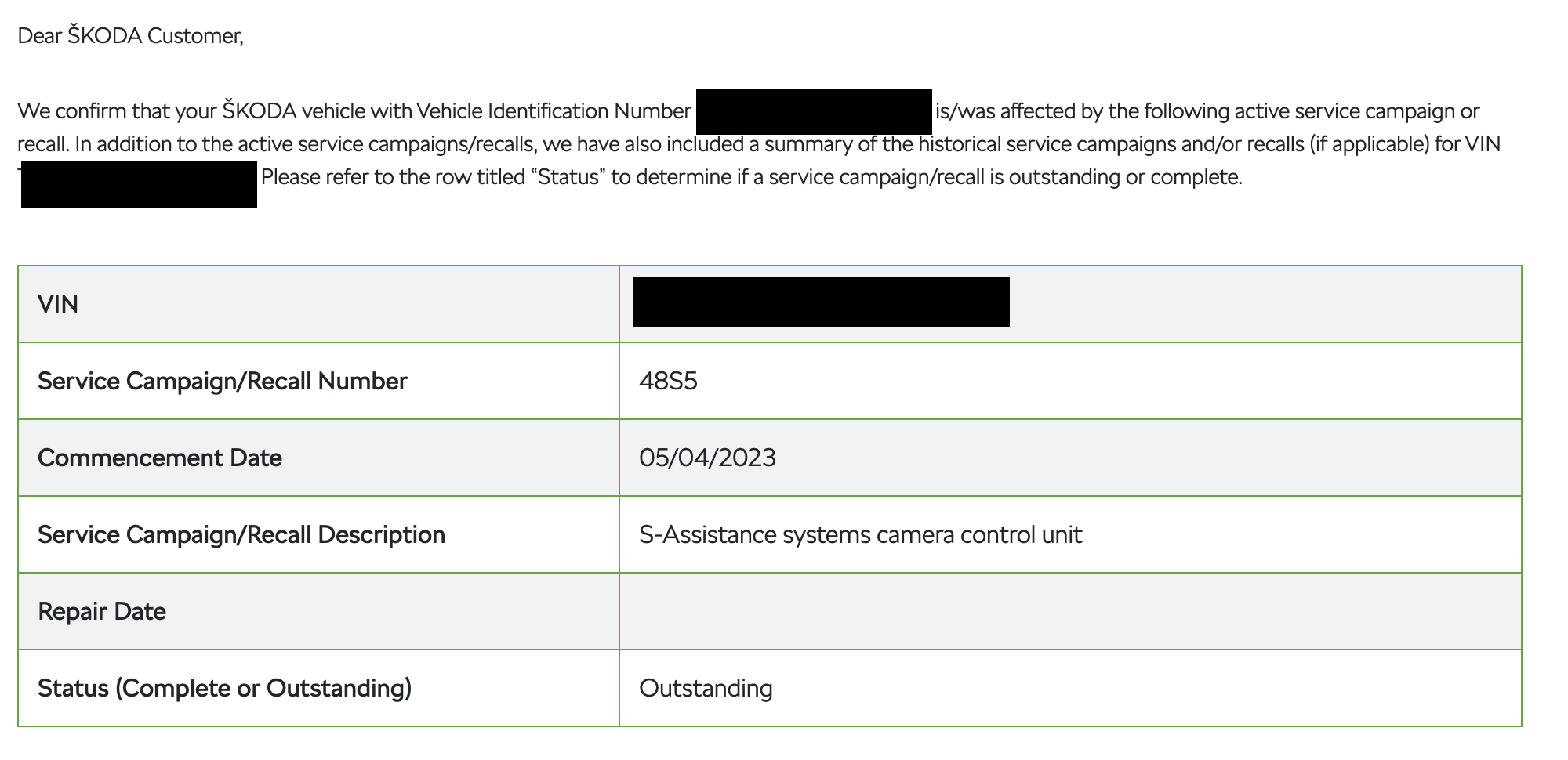
I took my car in today cos my travel assist kept on beeping and disabling the past 48 hours, and the notes say: "CAMPAIGN|CARRY OUT 4855 S- ASSISTANCE SYSTEMS CAMERA CONTROL UNIT" I had a look on Skoda's recalls/campaigns website, checked my VIN number, and it looks like there's an a recall campaign (see below). So this might be your issue