Reggieblockhead
Finding my way
-
Joined
-
Last visited
-
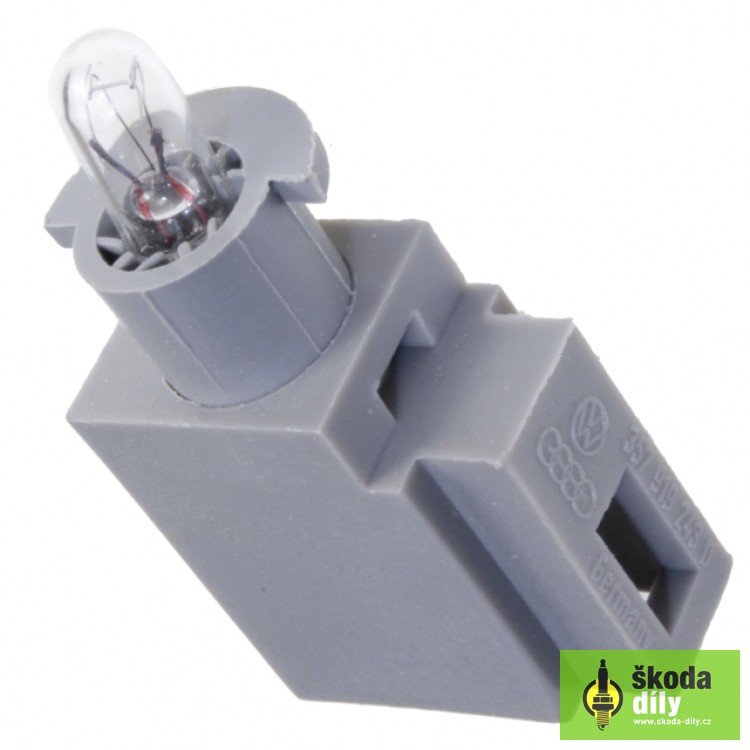
Sorted it now, 'her' ashtray light didn't work : "HOW MUCH FOR A BULB??" I took the bulb apart and fitted an led in it's place.. (Drilled through the plastic bulb carrier and put spade connectors on the end of the cable to plug it into the socket.) Luckily, I have a few 5mm 12v white led's laying about! SKODAPARTS want 14.19€ just for this piddly little thing! (You can't see the mounting/plug when it's fitted, so bolleaux to them!)
-
-
-
-
-
-
-
-
-
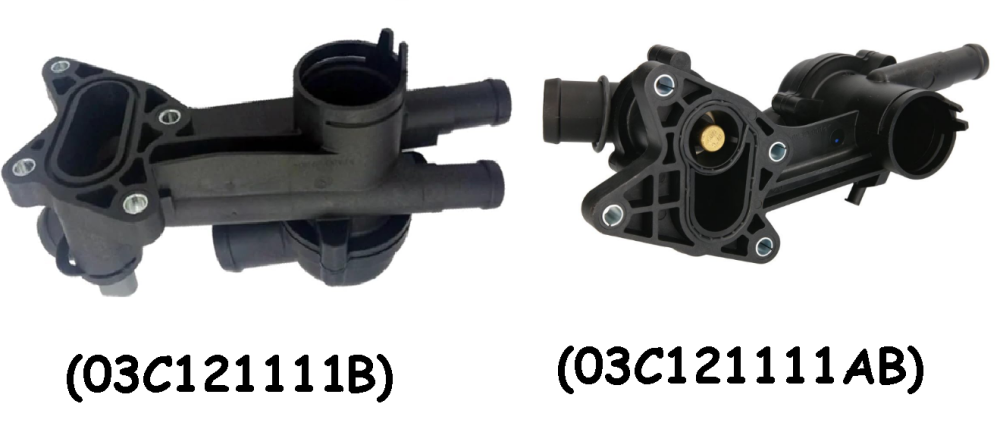
Hi, I am going to "sod it all" and fit a complete thermostat housing. There are however two real options, I can fit the same type (03C121111B) that has a single thermostat, or I can fit (in theory) another (03C121111AB) that has two thermostats. Would it be ok to fit the two thermostat one? Ta muchly in advance, Reg
-
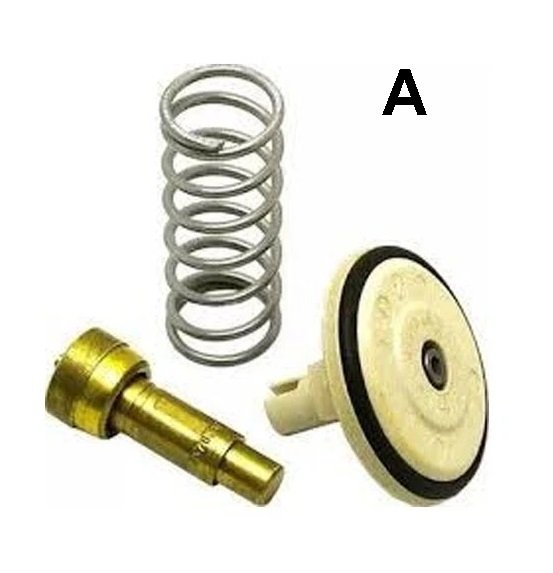
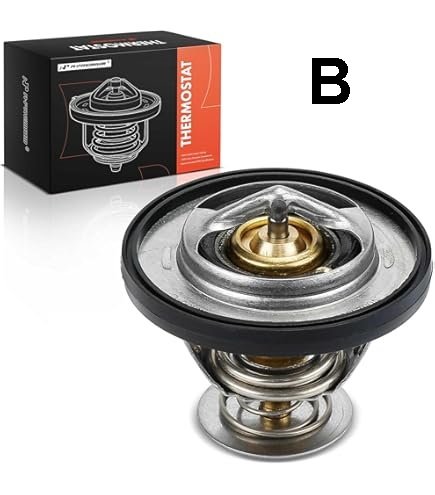
The heater isn't too brilliant on our Skoda Labia, so how do I know which one fits without taking it apart? Is it the one that comes in kit form (A), or the good old standard BL Mini type (B)? (Or does either one fit?) I want to get one ready so I don't have to muck around draining it twice! Ta muchly, Reg
-
I scrapped it..... ...End of!
-
It might need some petrol... A piece of rag..... ...And a lighter
-
I'll let you know later today...
-
I'm now getting "01314" in the fault codes (no others as yet) It's like bashing your head against a brick wall!