Karlc28
Finding my way
-
Joined
-
Last visited
Everything posted by Karlc28
-
How do you remove the old socket from the tray....mine just spins
-
Mine is also 2017 and after tinkering earlier it is now working I'll send the long coding tomorrow
-
Any luck getting this to work
-
Tried double press and hold, Triple press and hold and does nothing Not sure why it's not working as others have had it work Is there a way to check if its enabled in vcds
-
Not working only opens then stays open unfortunately
-
On my MY17 I cannot close the boot with my remote would that need changed in vcp or vcds as well
-
Any tips on installing
-
How do you remove the plastic cover to change the sensor
-
What coding was needed
-
So I have a 2017 superb estate 150 and I'm looking to upgrade the suspension but I'm torn between the koni and bilstein shocks Has anyone used both and can give advice on which is better Also what are the correct part numbers required for both
-
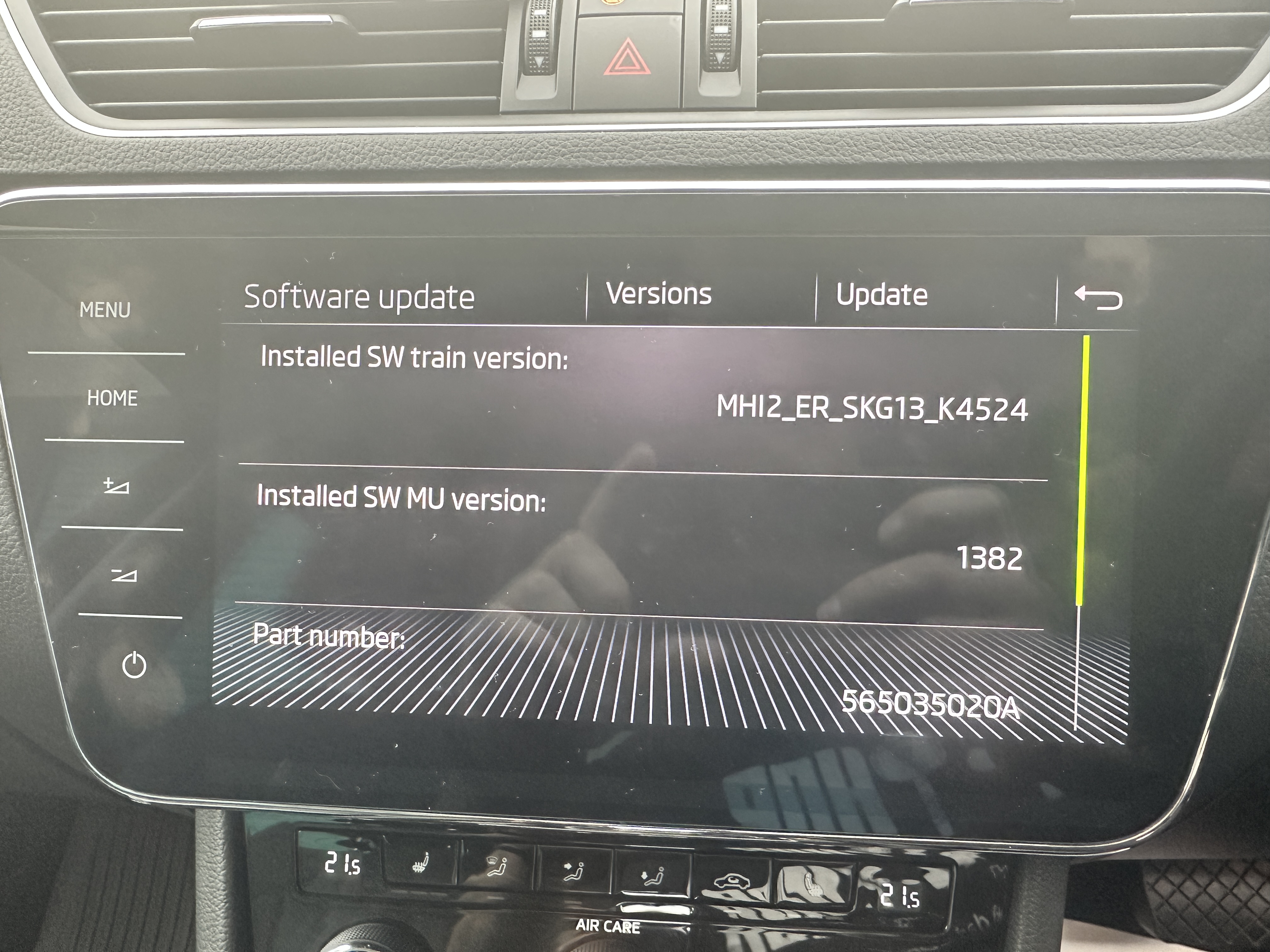
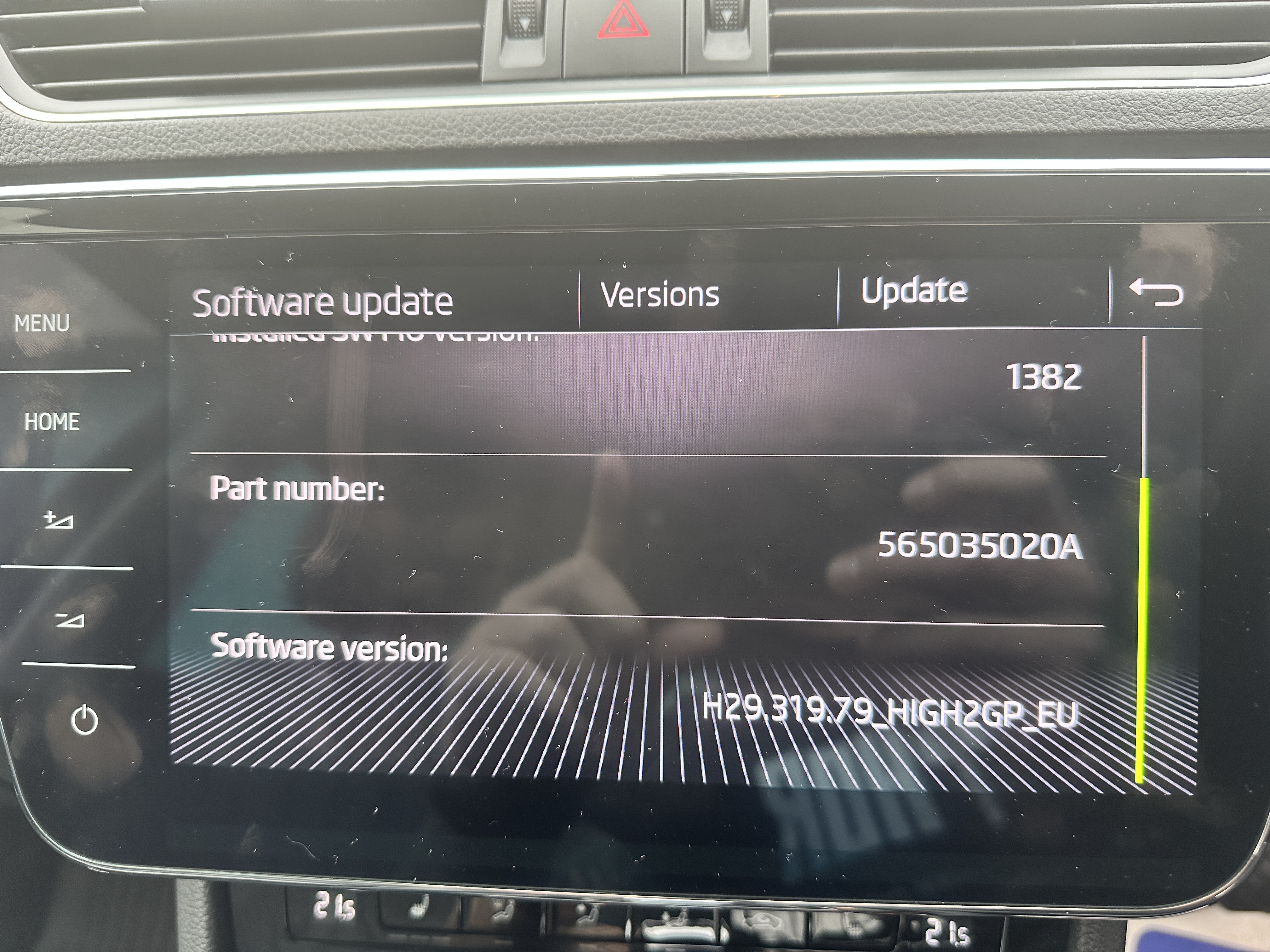
Do I have any update available
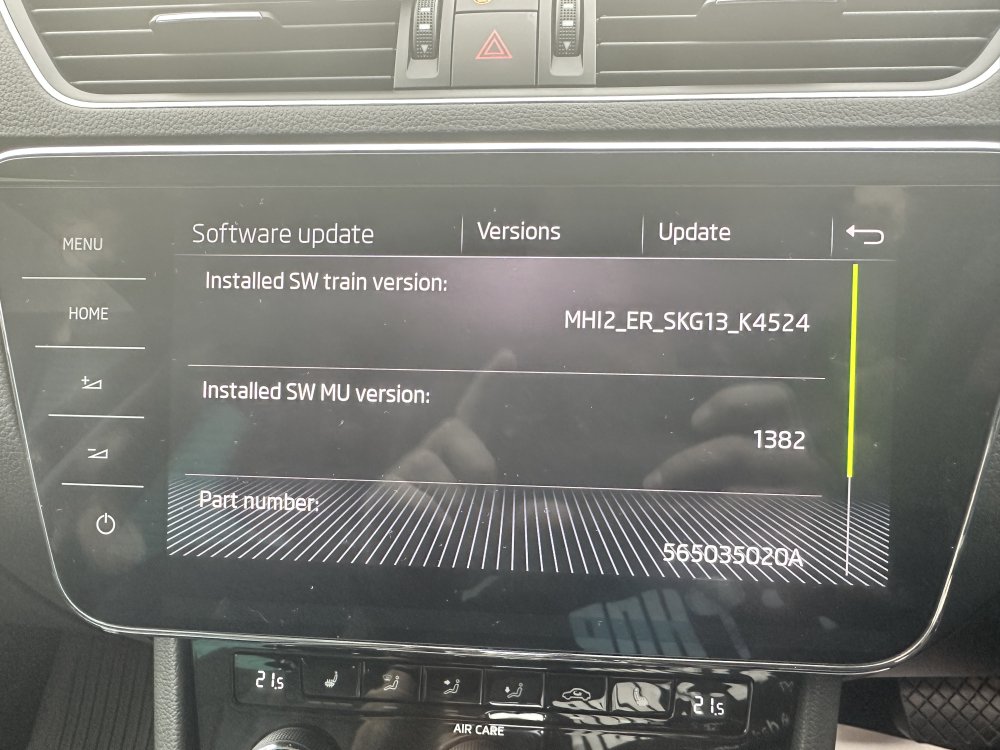
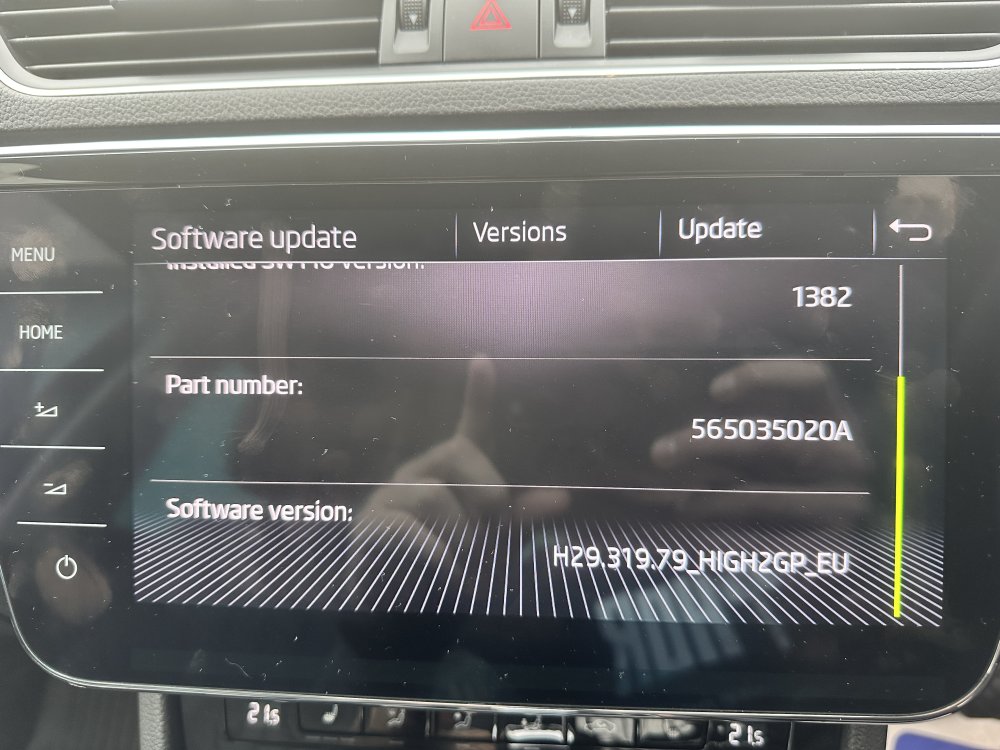
-
Happy days did you do front and back at once or just front or back
-
If I want to change to bilstein b6 shocks can I use the oem springs top mounts and bearings
-
I followed the coding above and have the same issue I get the message "This function is currently not available"
-
So I have a skoda superb SEL executive MY17 with memory seats and I'm trying to enable easy entry on the drivers seat but can't see the easy entry in adaptations any help would be appreciated
-
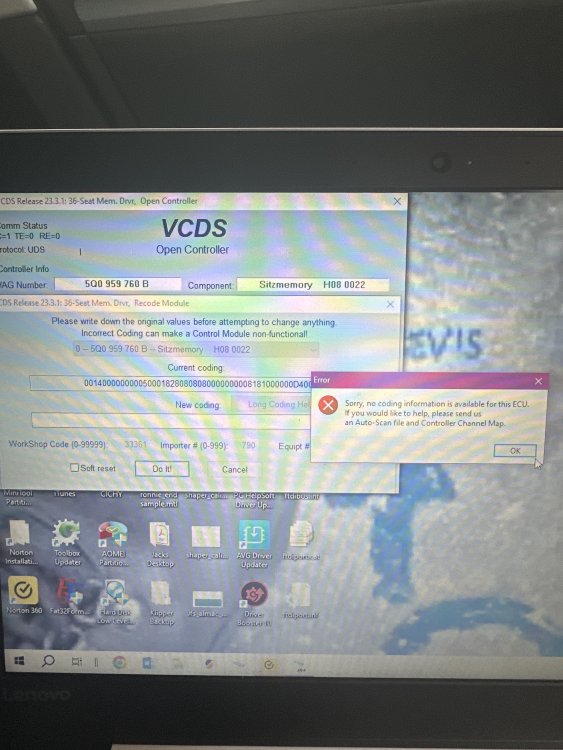
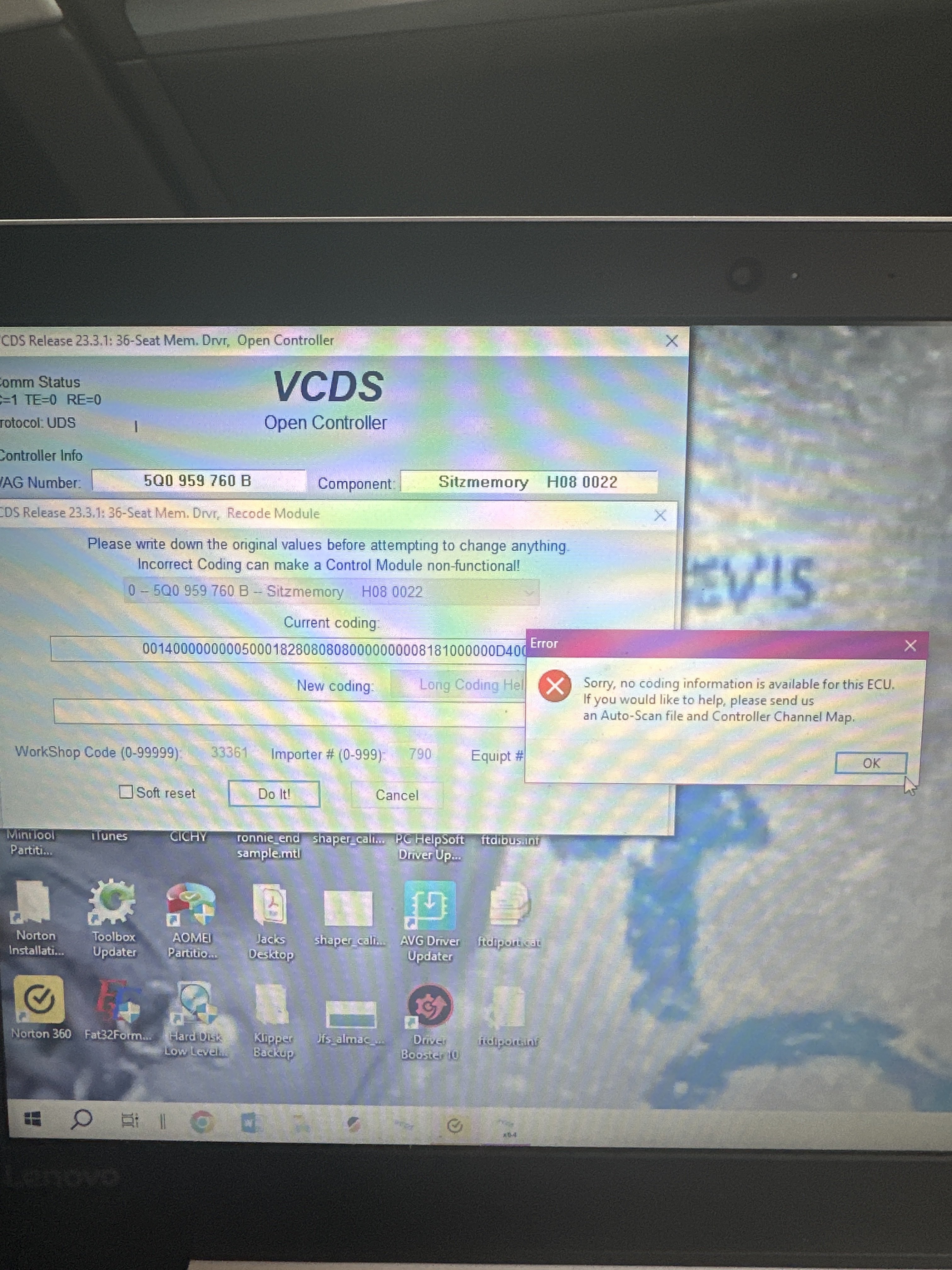
So I'm trying to do this but says coding information is not available is there a certain byte and bit to change