




Roma_pop
Finding my way
-
Joined
-
Last visited
-
Believe me, the battery was regularly maintained (fully charged twice a year) and it worked well and reliably. However, it was 7 years old, and after replacing it, I noticed that the start/stop function began working again.
-
It depends on the options installed in your car. If you can see the pressure for each tire displayed on the dashboard, then your vehicle is equipped with a complete TPMS that uses individual sensors in each wheel. However, if tire pressures are not shown on the dashboard, then your car likely has an indirect TPMS, which doesn't use sensors in the tires but instead estimates pressure changes based on wheel rotation and distance.
-
I experienced a similar issue with the Start/Stop function in another vehicle. After replacing the battery, the Start/Stop feature began working correctly. Manuals indicate that Start/Stop functionality depends on several factors, including battery condition.
-
In this case, I use the CarlinKit 4.0, which meets all my daily needs perfectly. Previously, I used the OTTOcast U2 but encountered issues with its microphone.
-
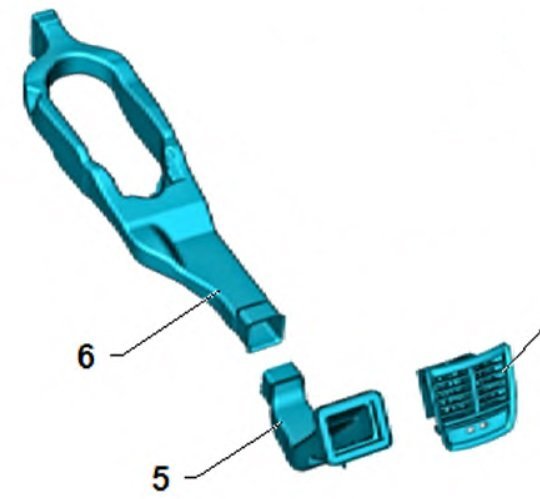
Found here the picture of rear air vent grill and tube, may be helps someone.
-
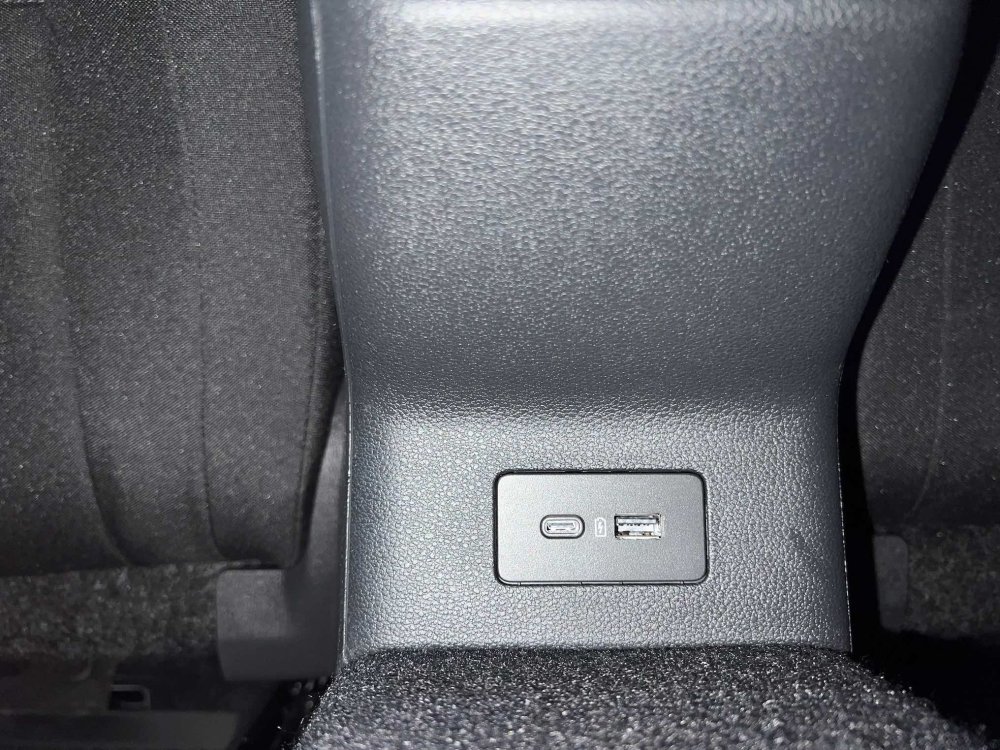
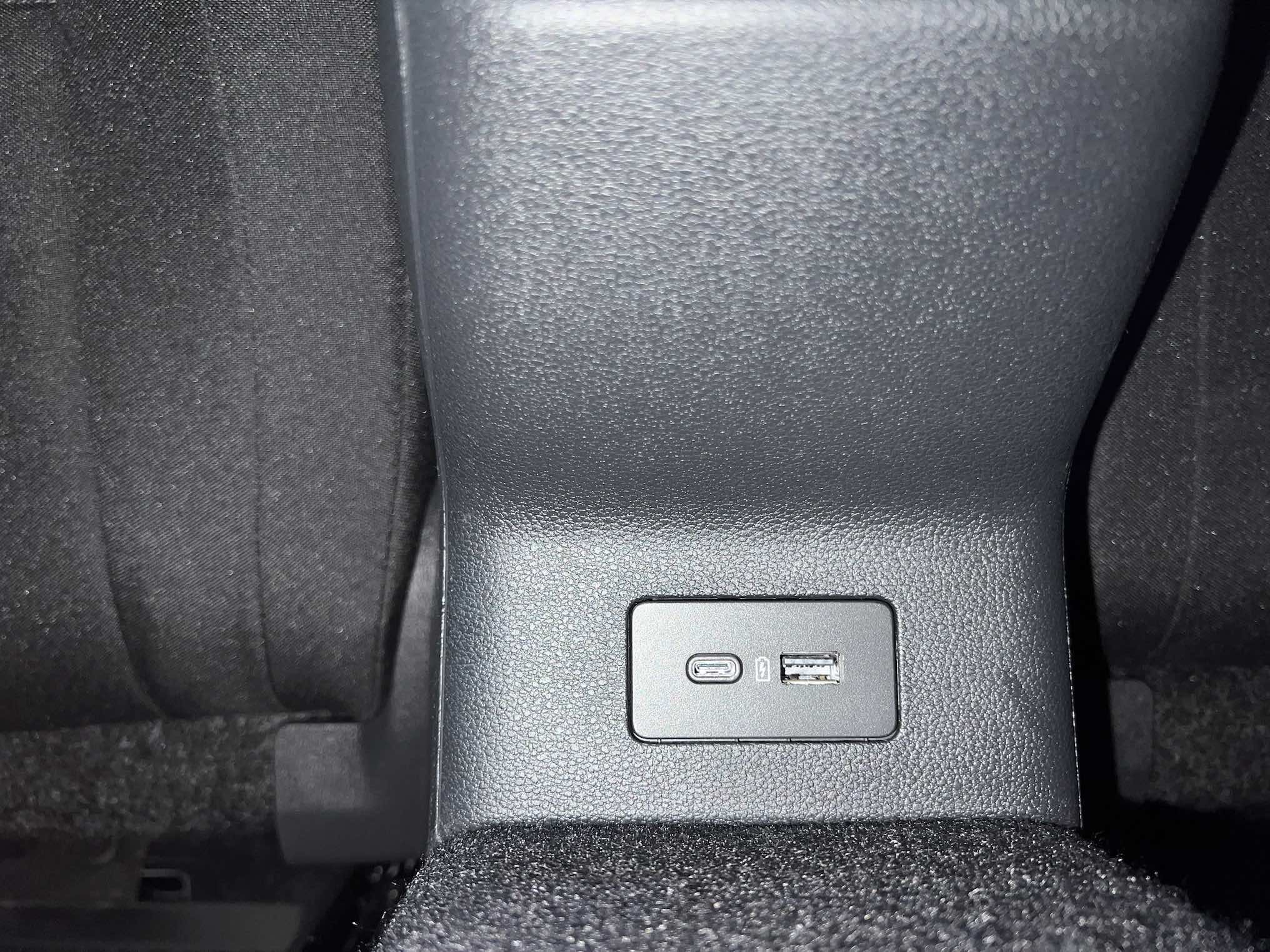
Successfully retrofitted rear USB sockets, without data transmission of course, only load. Connect to the 12V socket near arm rest of central console.
 Currently preparing for retrofit, purchased cable and cover, but not yet installed. Waiting warm weather conditions to work with plastic parts.There are a reason why was removed engine cover for DXDB type, If I correctly remember, issue was with overheating.I can remember on some service manuals was option after brake pads & disk change requires release an air from the system.There are probably is door dumpers on the bottom of the door which is should be regulated.I have holes in the doors bottom side, but those are empty and no wires are inside. Does anybody disassembled doors , interested to look on pictures ?


Important Information
Welcome to BRISKODA. Please note the following important links Terms of Use. We have a comprehensive Privacy Policy. We have placed cookies on your device to help make this website better. You can adjust your cookie settings, otherwise we'll assume you're okay to continue.