
fidetony
New here
-
Joined
-
Last visited
-
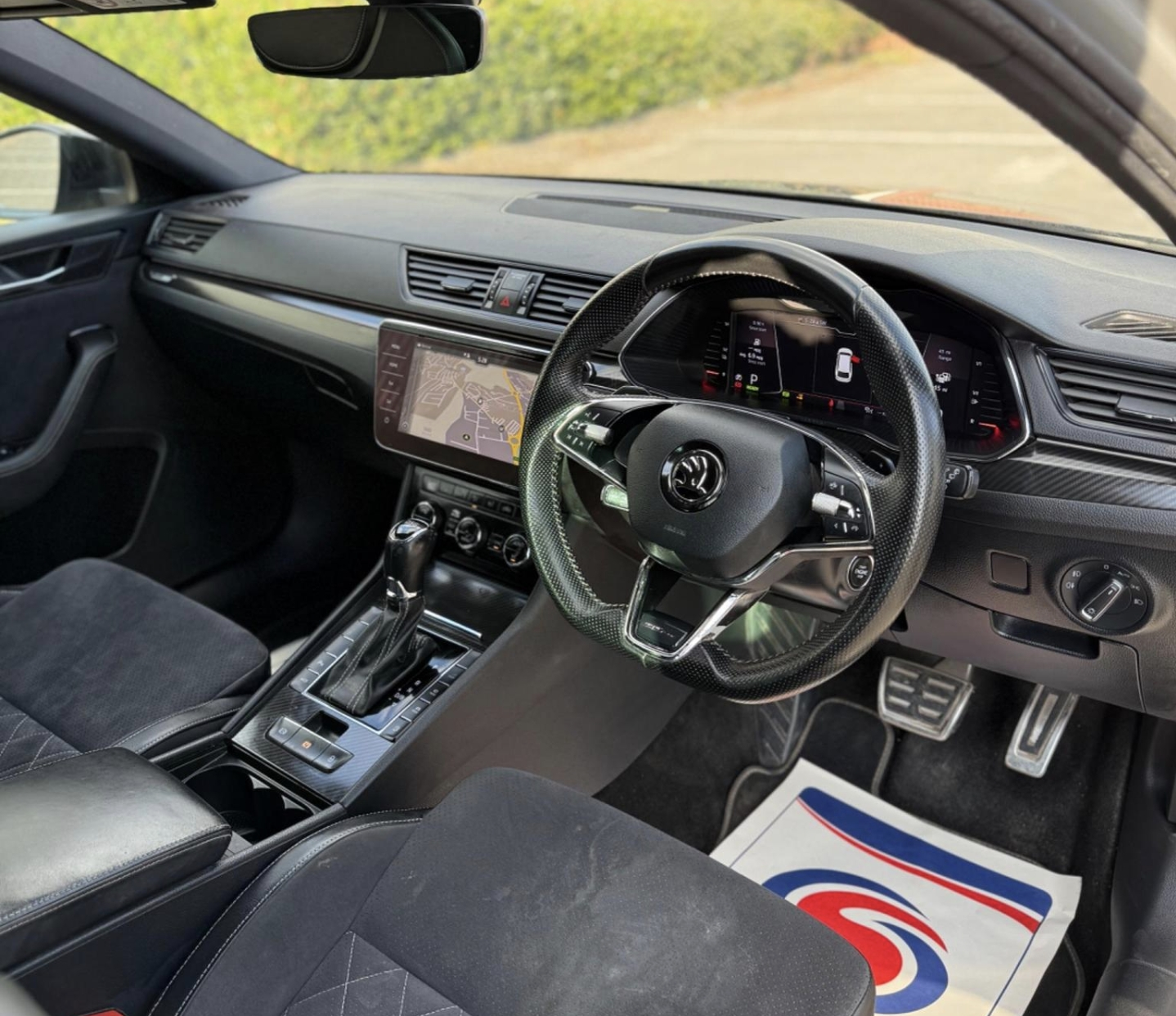
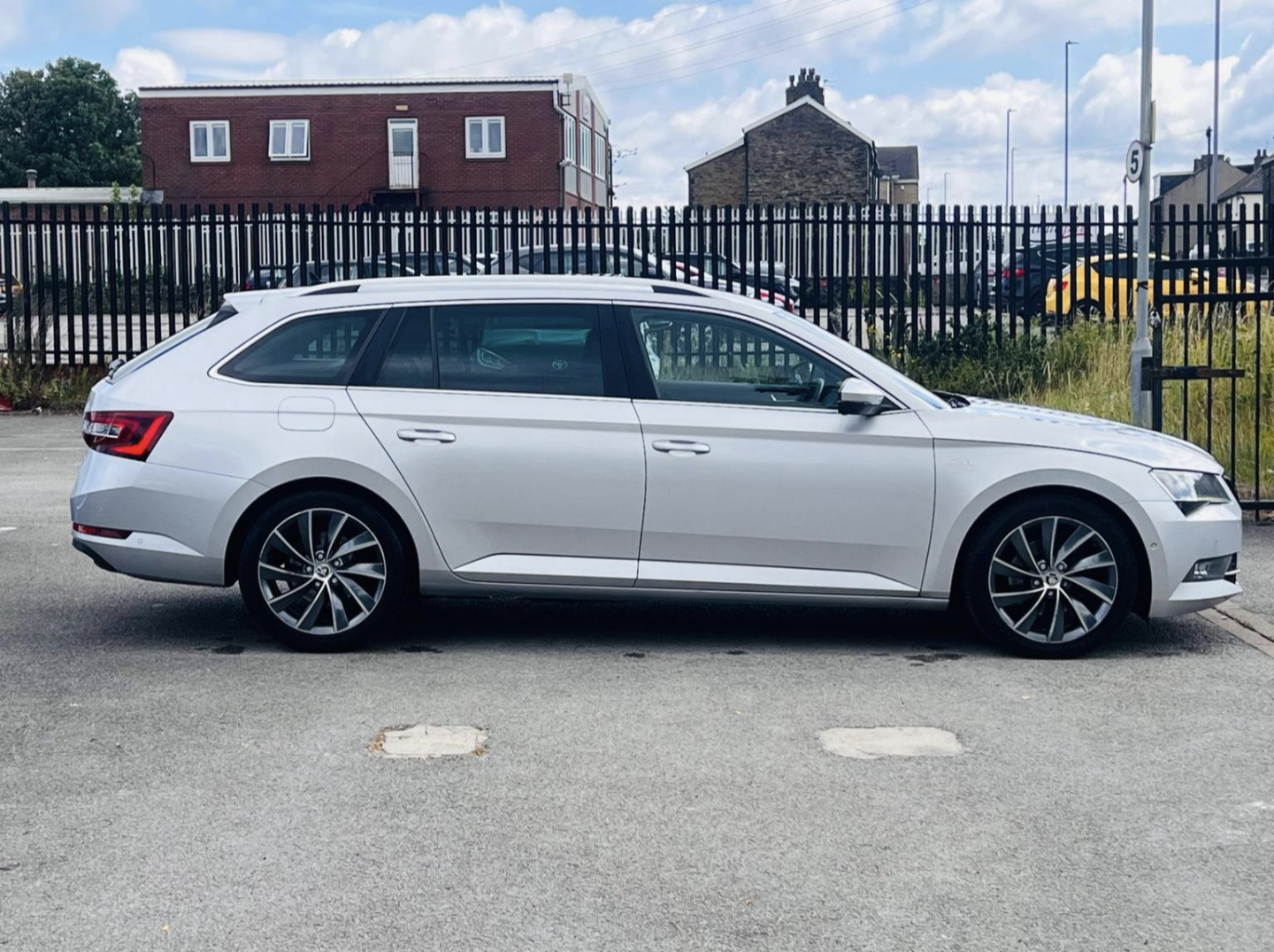
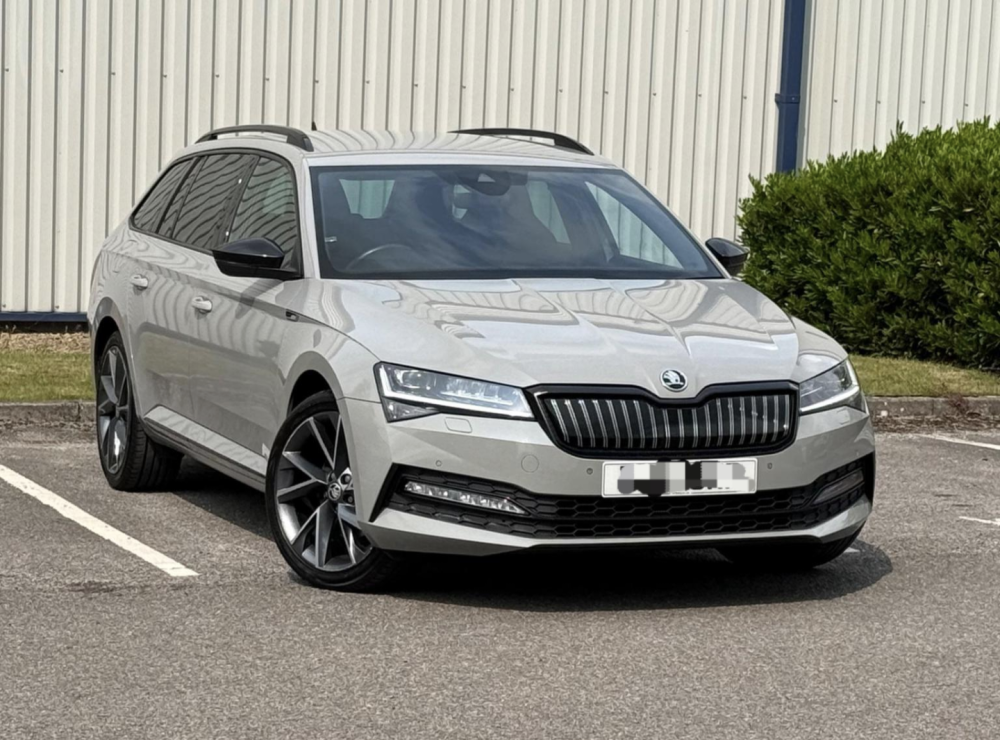
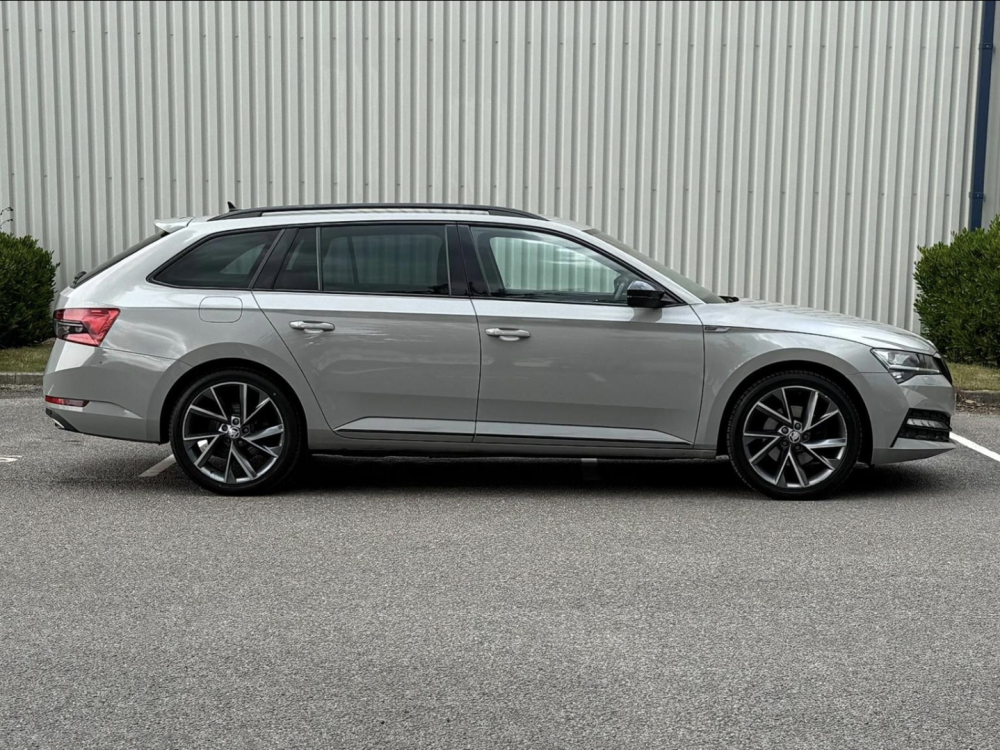
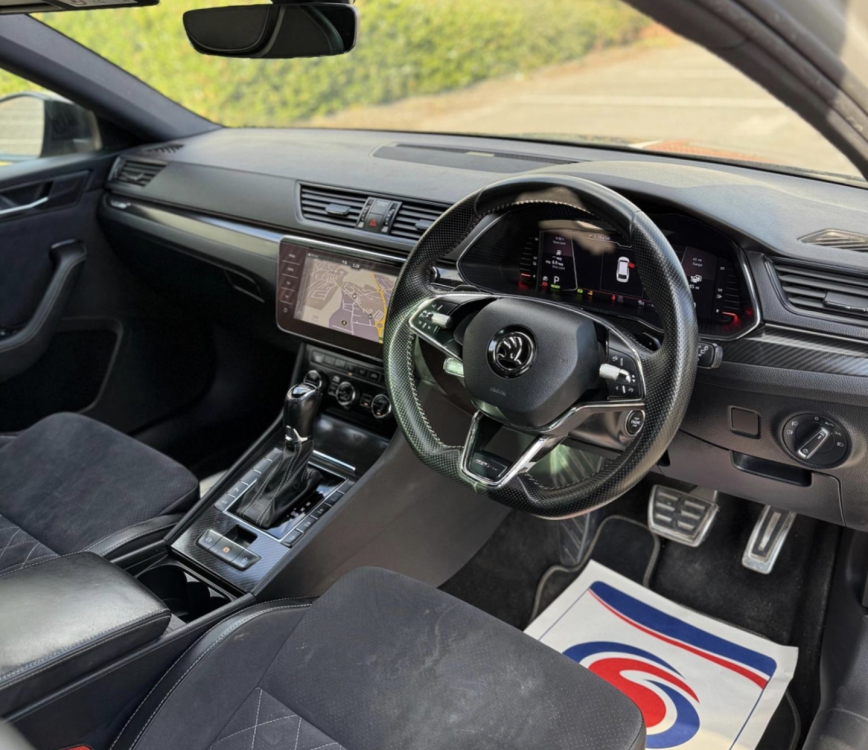
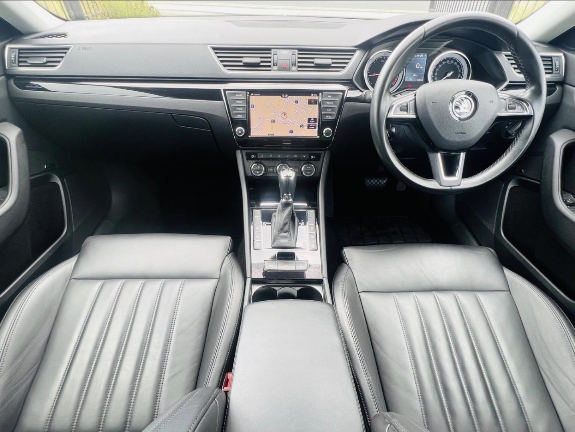
To be fair the older diesel seems like a more sensible and cost effective choice but the modern features of the 2021 are indeed quite tempting especially the virtual cockpit and matrix led headlamps. My only actual gripe with the 2016 is it doesn't have any record of any DSG service although it's had 9 service stamps at skoda and cambelt changed at skoda around 100k miles. Happy to carry out the DSG service after purchase but wouldn't want to bother if the damage has already been done to the gearbox.
-
-
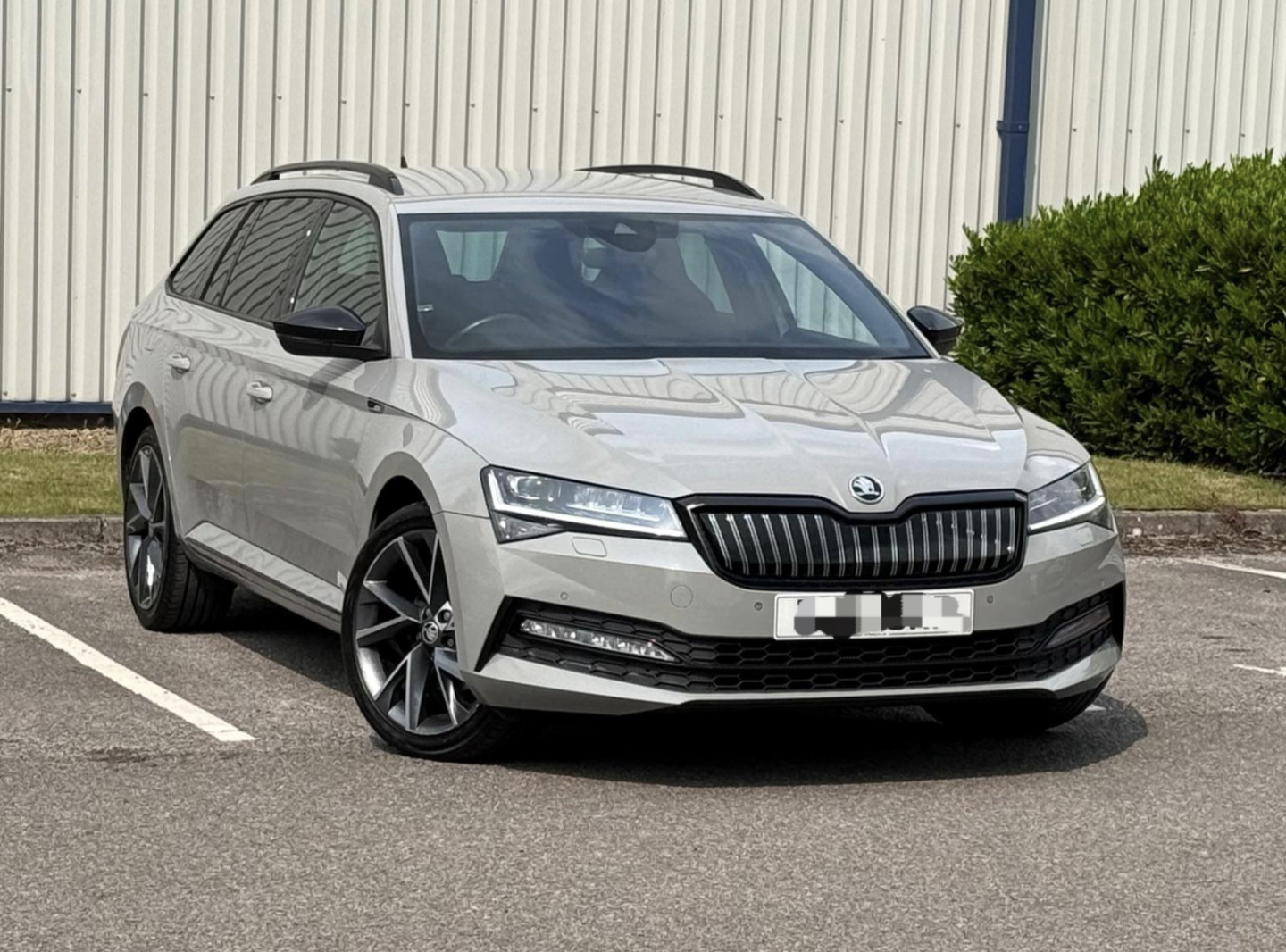
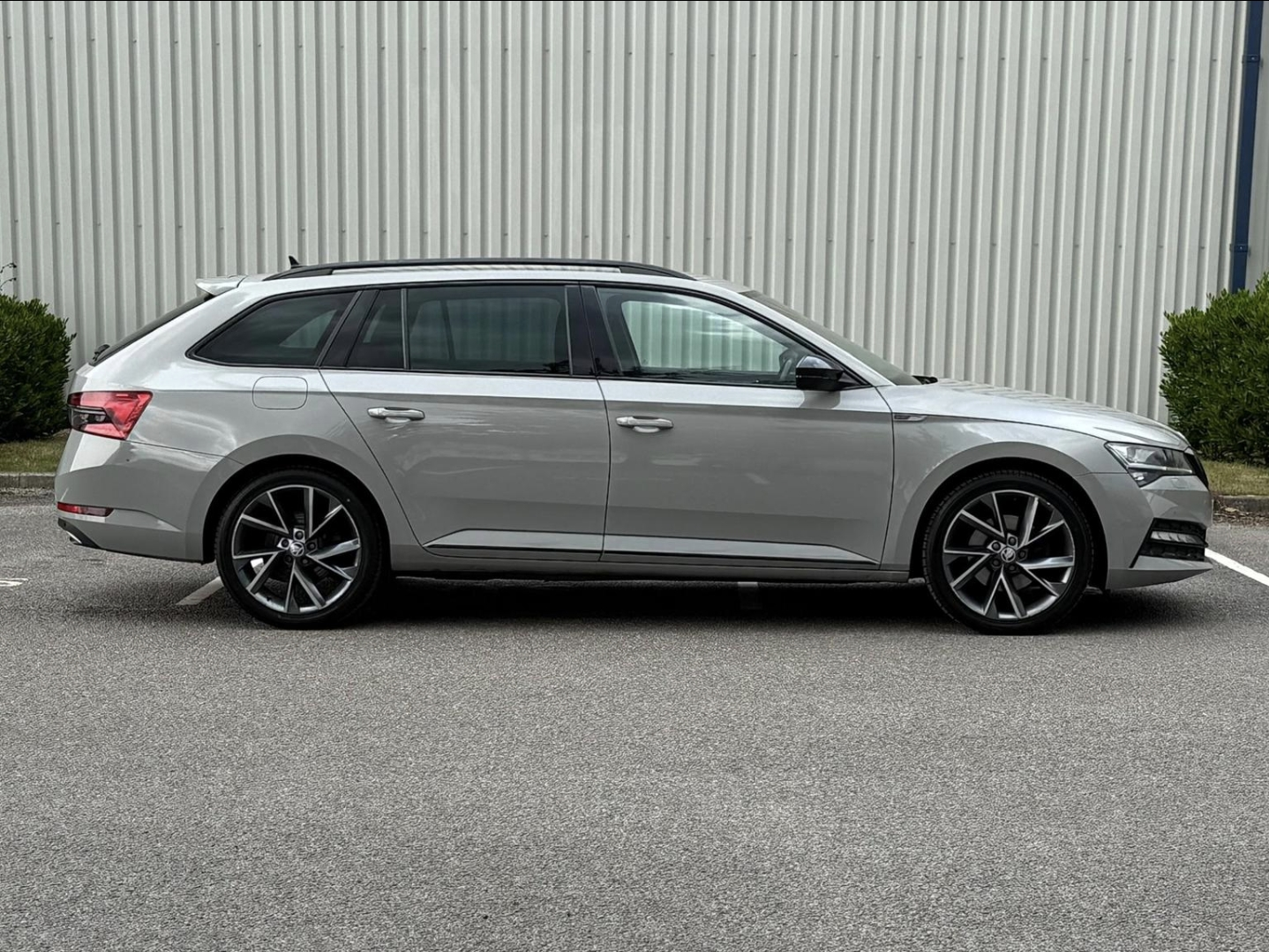
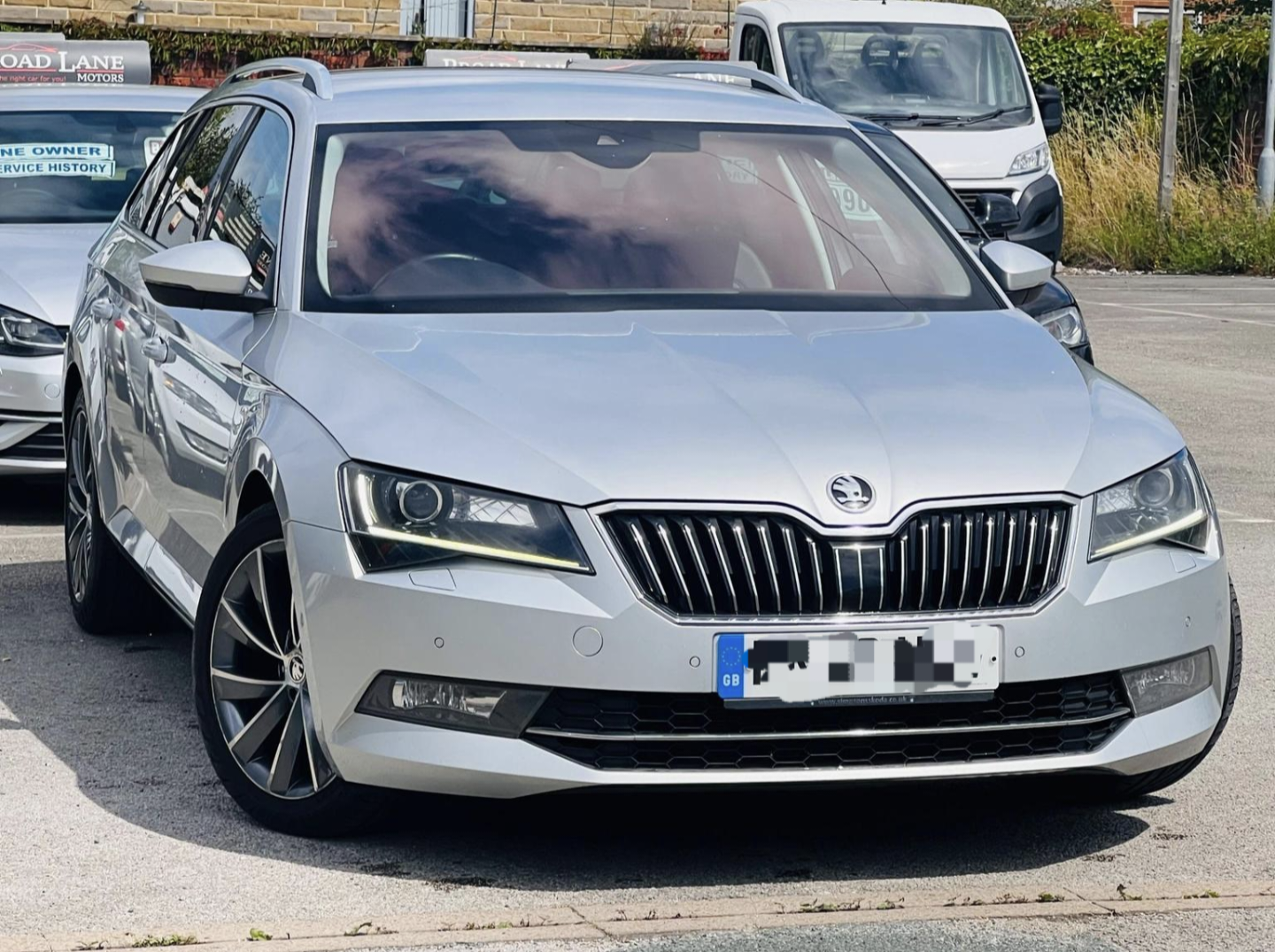
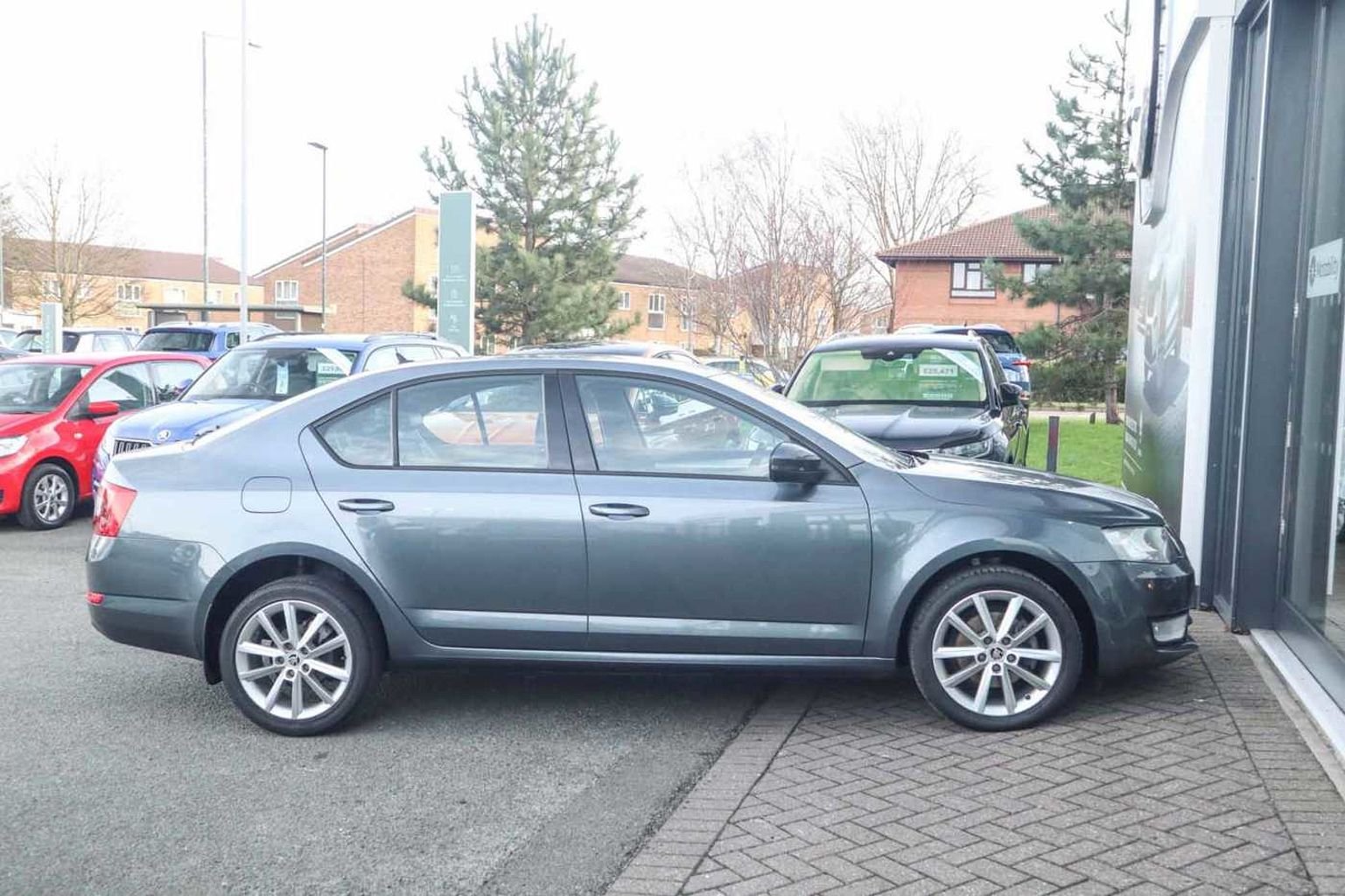
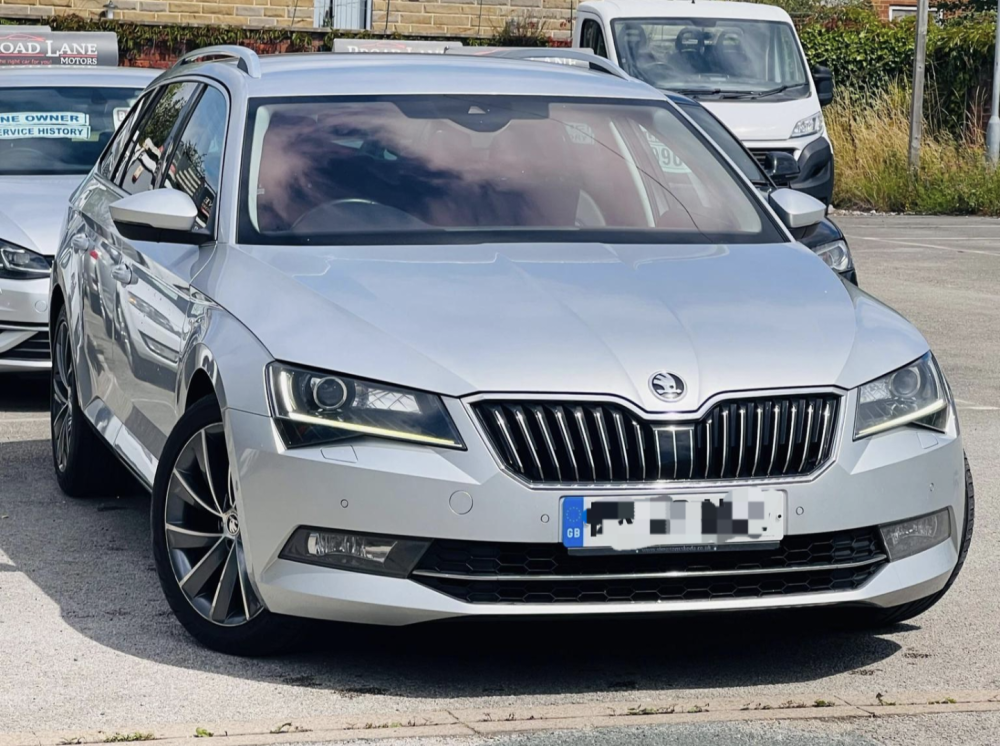
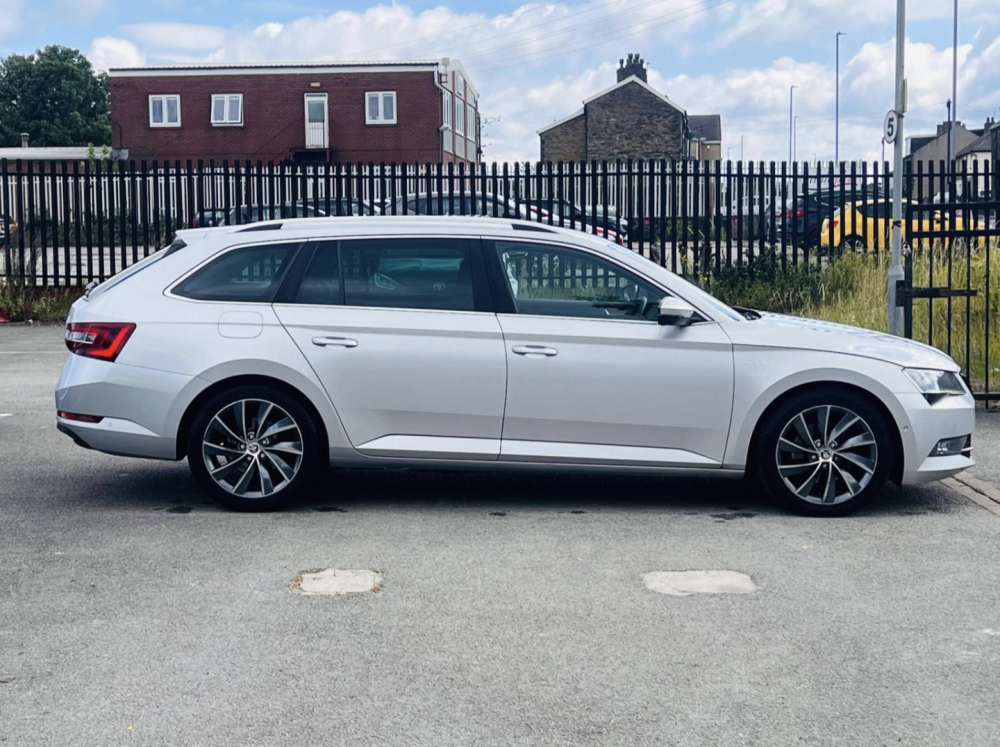
I drive an octavia and thinking of upgrading to a superb. I'm caught between two on auto trader, one is a fully spec'd sportline plus 1.4l hybrid from 2021 with 163k miles on it but full service history and gearbox services from skoda priced £10,500. The other is a fully spec'd Laurin and Klement superb 2.0 tdi from 2016 with 124k miles and almost full service history priced £9,500. Interior is a bit more dated as its an older car but the car looks well maintained and has just £35 annual road tax vs £195 on the 2021 car. Any idea which I should go for? I'd want to own my next car for at least 6 years... I do about 400 miles a week with 250 miles on motorway and another 150 miles in the city and while diesel is better for the longer journeys I'm thinking hybrid might be a better option since I also drive alot of 3 - 5 miles journeys.
-