Madols
Finding my way
-
Joined
-
Last visited
-
You would have to crimp on a pin and a ground point for the positive and ground wire. The positive wire needs to go in a BCM plug that is available for coding, the negative to a ground point somewhere. The Mr-fix video is probably your best bet for seeing the principle of the mounting. I haven't seen the wiring diagram for the Fabia, so I don't know where the footwell light is supposed to go from factory, but maybe it is available in one of the other subforums.
-
You can probably find a guide for a Golf MK7 since it's the same platform. Mr-fix on YouTube has one. However, double check this since I'm not totally sure. Just be aware that you might need someone to code the lights for you - i am assuming that your Fabia 2025 is SFD2 locked from factory.
-
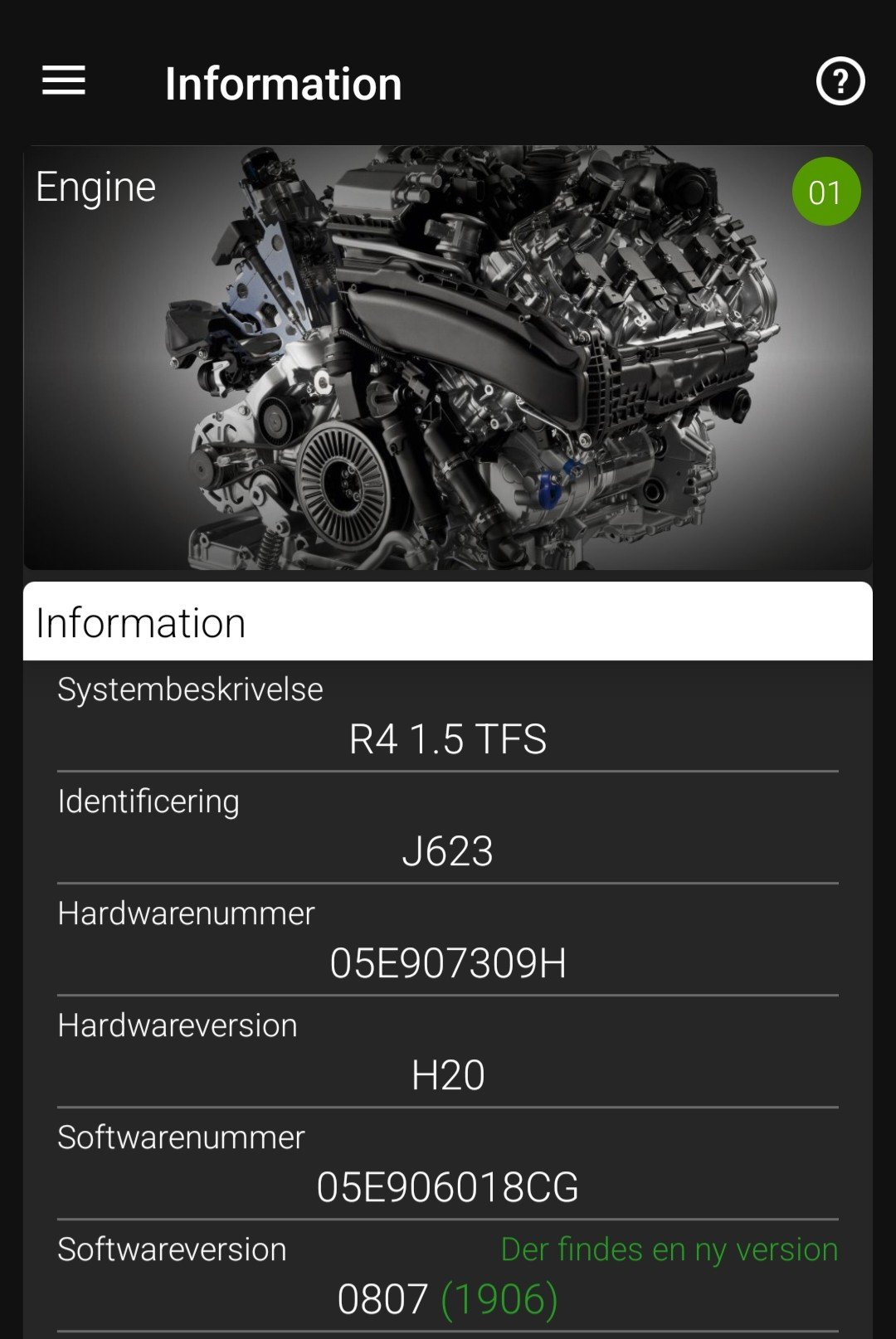
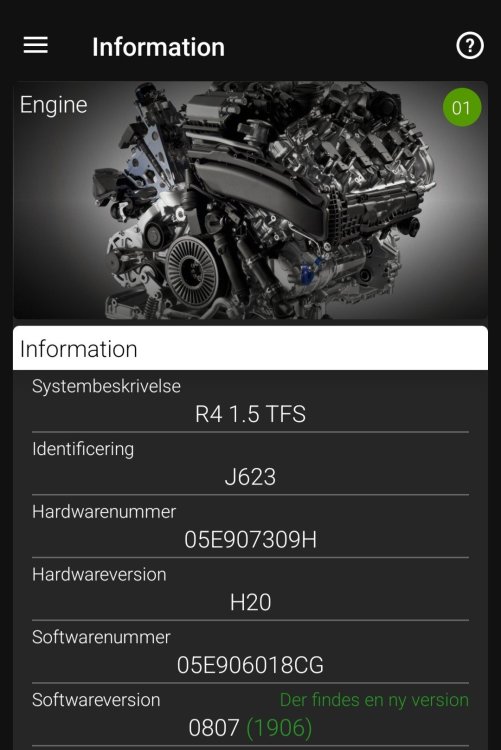
Hello guys, My OBDeleven shows that my Skoda Scala engine (1.5 TSI 150 HP) module has a potential new software (1906). Have any of you guys had the update? I am thinking about asking my dealer about it.
-
I am by no means a mechanic or an automotive electrician, so go for it if you think it looks cool
-
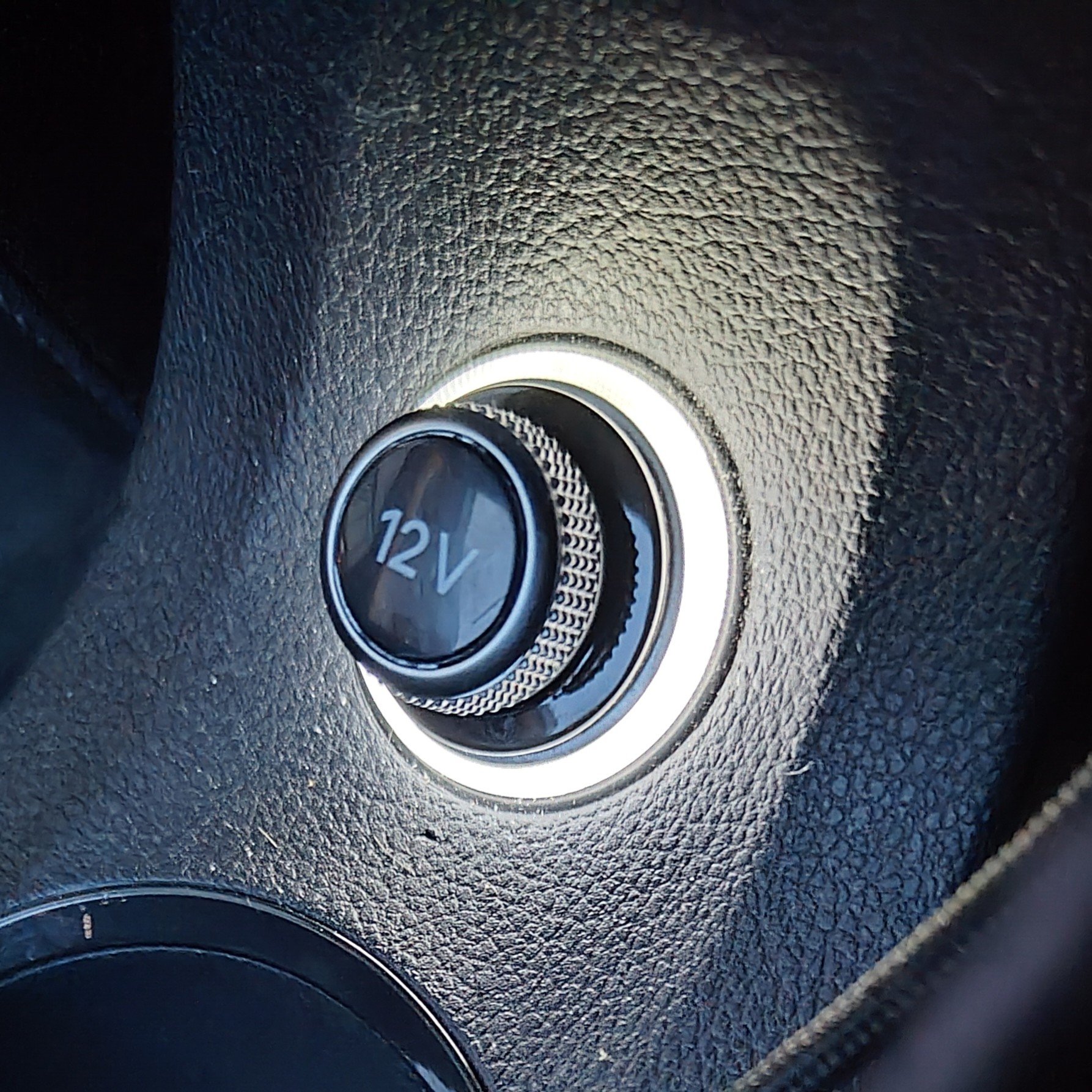
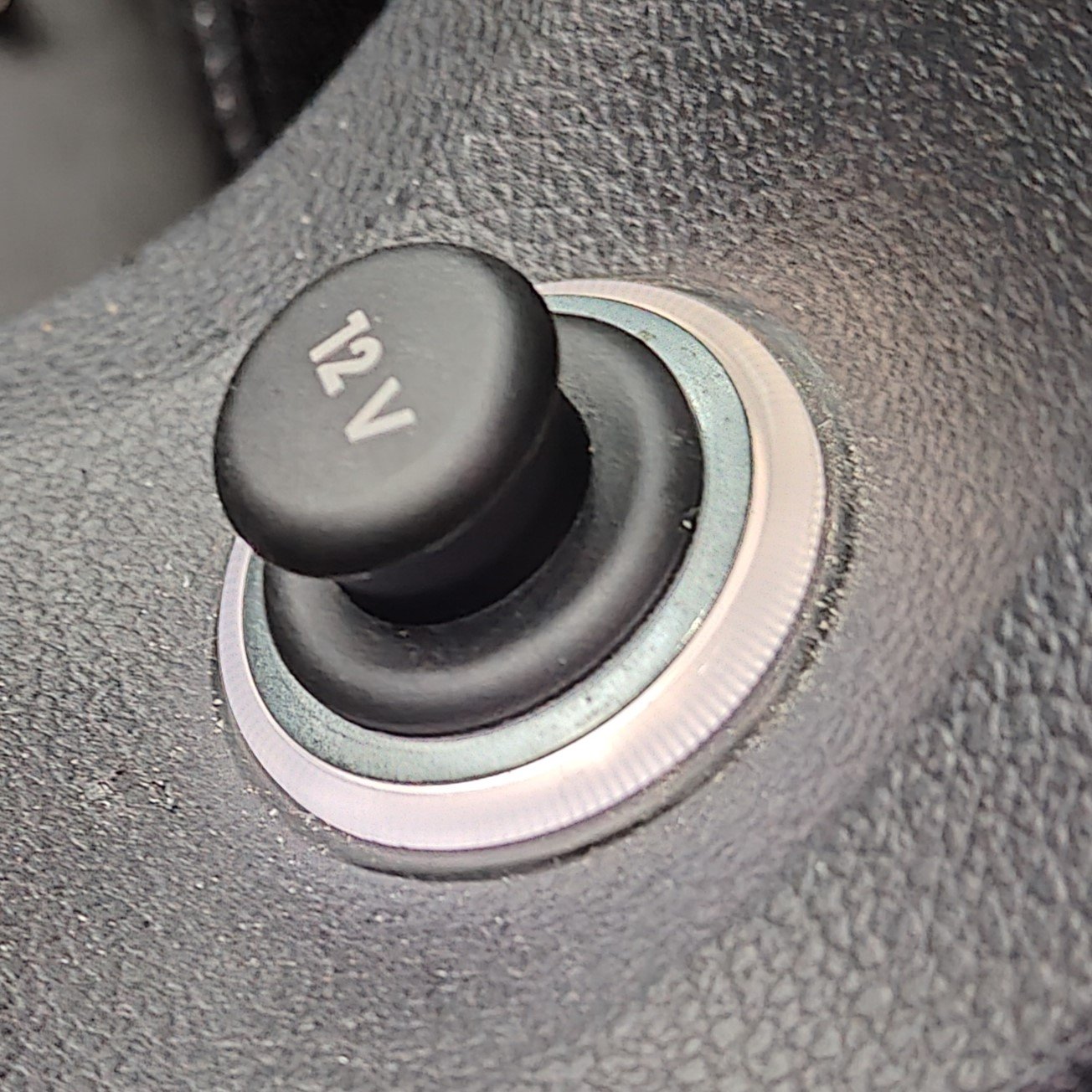
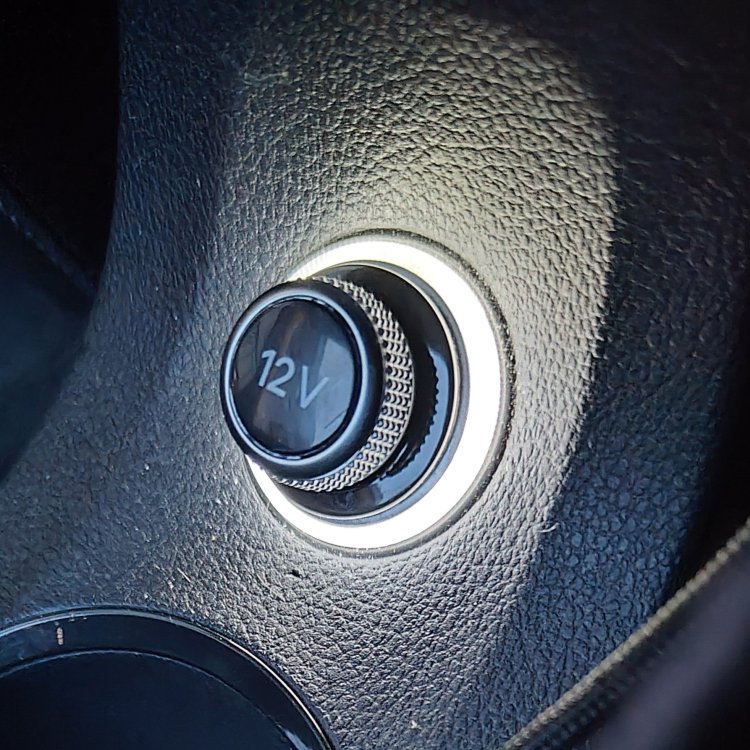
Here is the final result with the Audi 12 V plug. The ring around the 12 V is unfortunately silver and not chrome as the other trim pieces - but a much nicer look than before
-
Try this page - you might get lucky here:
-
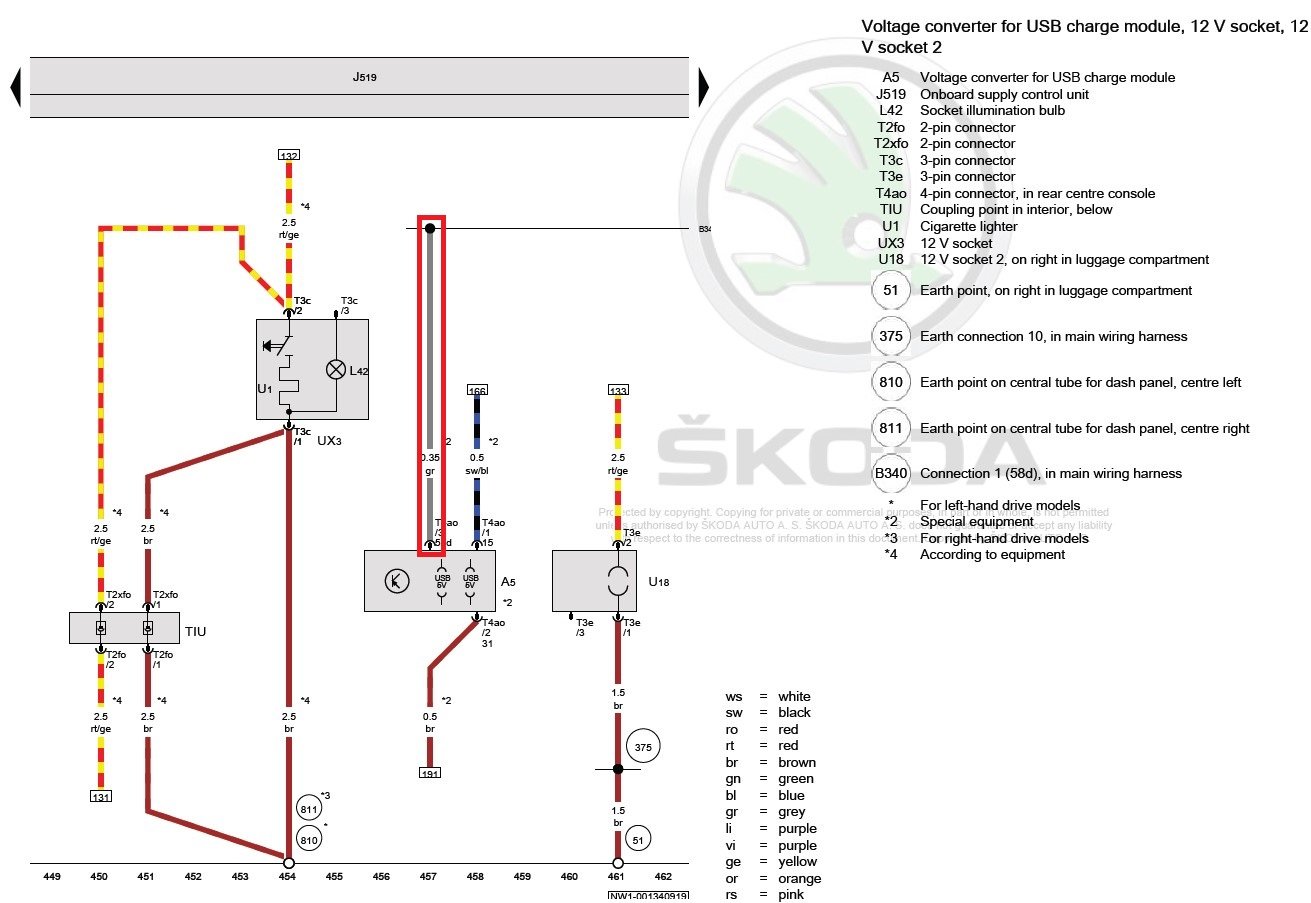
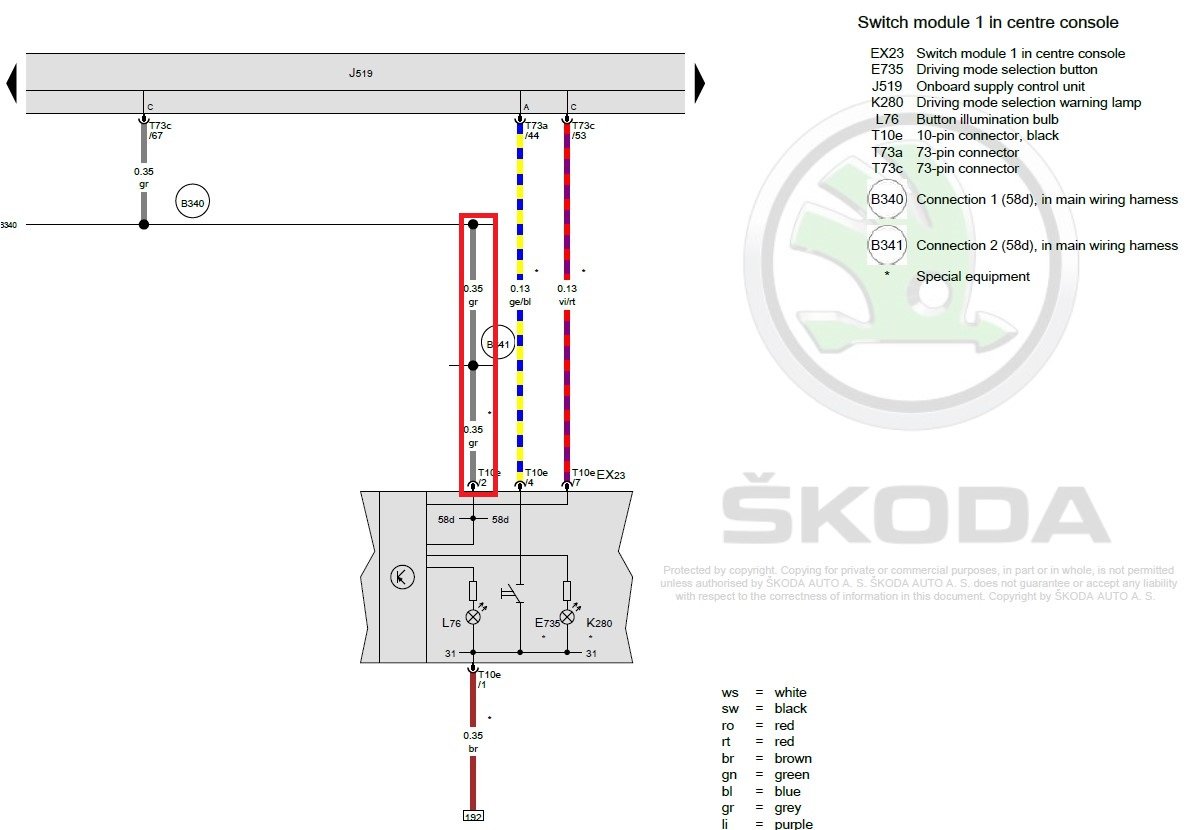
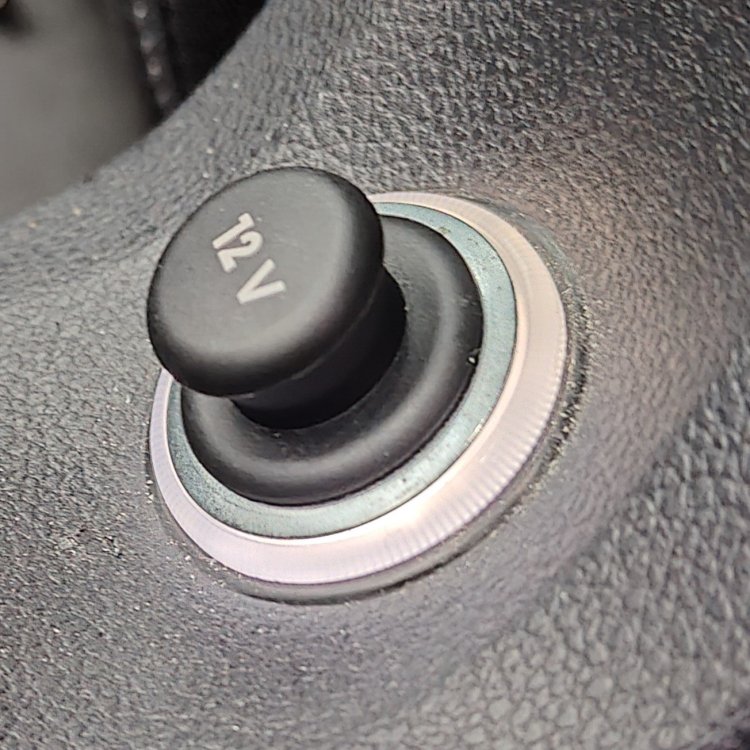
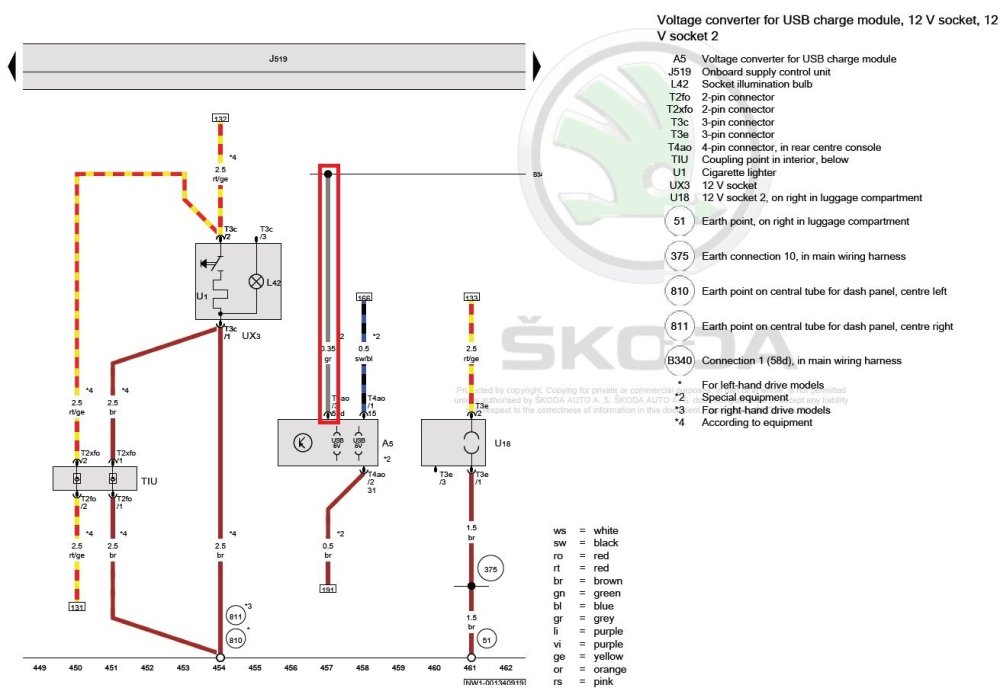
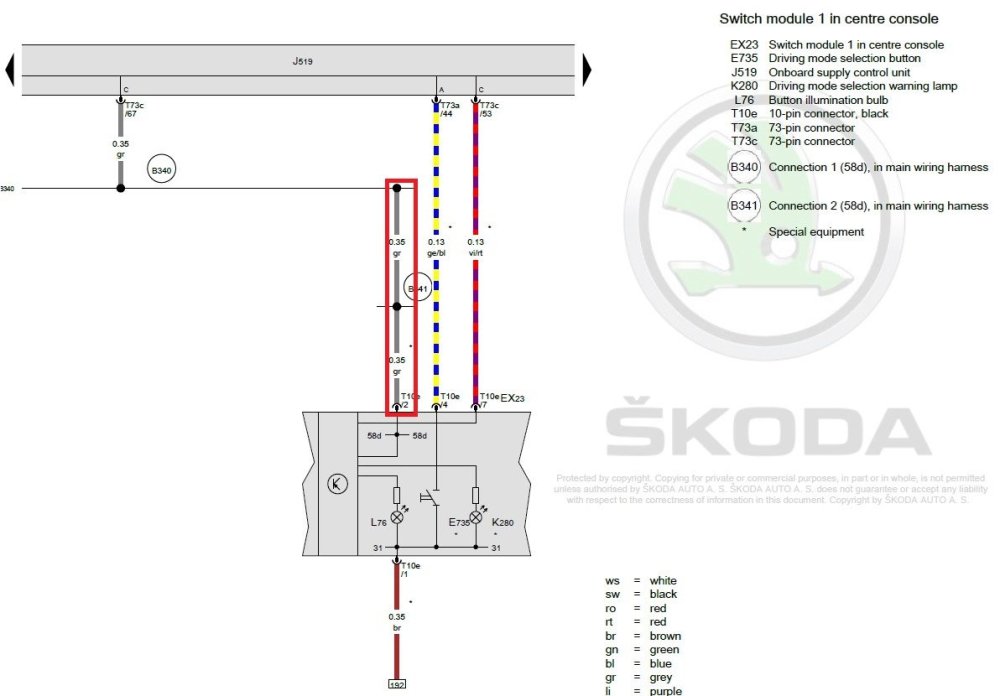
I retrofitted a white ring light around the 12V socket (part no. 5Q0 919 341) Just a few notes on this. Remember to take out the fuse in no. 52: https://fuse-box.info/skoda/skoda-kamiq-scala-2019-fuses Unfortunately, the lighter socket is a pain to get out. I managed to do it kind of this way with a screwdriver: https://www.youtube.com/watch?v=PIV3Zp8hlzE There is a tool for the job (T40148), but I can't be bothered to pay 100 USD for a "single-use" tool. Furthermore, there is no power to the ring light in the plug itself. Therefore, a third wire (part no. 000 979 135 E) has to be inserted (with a bit of force) in the plug and then be connected somewhere for the wire to get power. I connected it by taking out the rear air ducts and opening the centre console and then fed the wire through the centre console to the gray wire for the USB ports in the rear which controls interior light: It can probably also be connected to the gray wire in the front of the gearbox (start-stop off button) - that wire goes to the same place/plug as the gray wire from the USB connector: Should you do it? It was tricky - but was it worth it? Maybe - it was perhaps more fiddly than I would have liked. But now it is mounted and it looks really cool IMO. Picture doesn't really do it justice. I am waiting on a dummy plug for the 12V socket from Audi that is a bit more like the rest of the car (part no. 4H0 919 311). I'll update it when it arrives. There is also a great guide (same principles) here on how to do it: https://wirer.sk/o3_led-zasuvka/
-
Perfect! May I ask what you changed to make it work? This could be good knowledge for other people in the same situation :)
-
Well, the only problem I've had is when I tried to change "Type of load" from LED-Kleinleistung to LED_Fussraumleuchte_Innenleuchte. Then, it didn't work for me until I changed it back to LED-Kleinleistung. Otherwise, maybe the folks over at the Fabia forum might have an idea :)
-
Hi! I have retrofitted footwell lights like the set you've mentioned from AliExpress. The most difficult part is to get them all 4 hidden under the different panels. For wiring, connect up the positive wire (pin) to pin 65 in the C connector in the BCM module. There is a ground point right next to the fuse box you can use. It's the same as in this guide for the Golf 7 (except for the different pin in the BCM): https://youtu.be/XTiLrowY7Z0 Then, I've coded them in OBDeleven like this: 09 Central Electrics Adaptation → Ambient lightning → Fussraumbeleuchtung (footwell lights) = Installed Adaptation → Leuchte31AMBL 1C65 → Type of load 31 = 36-LED Kleinleistung Adaptation → Leuchte31AMBL 1C65 → Fehlerort mittleres Byte DTC-DFCC 31 = 2 Adaptation → Leuchte31AMBL 1C65 → Light function A 31 = Fussraumlicht Adaptation → Leuchte31AMBL 1C65 → Dimmwert AB 31 = 100 Adaptation → Leuchte31AMBL 1C65 → Light_Control_HD_AB_31 = always Module: 5F Multimedia Adaptation → Vehicle function list BAP → interieur_light_0x08 = activated Adaptation → Vehicle function list BAP → interieur_light_0x08_msg_bus = Databus extended Adaptation → Vehicle function list BAP → interieur_light_2_0x6A = activated Adaptation → Vehicle function list BAP → interieur_light_2_0x6A_msg_bus = Databus extended Let me know how you get by :)
-
Hold in on the Menu button for 3-5 seconds - then you'll get the page saying Software update. There you'll see it
-
These might work and are more powerful than the ones I linked to: https://carmodshop.co.uk/product/3030-smd-led-canbus-error-free-501-w5w-t10-194/
-
By the way, a good OBD reader and the Car Scanner Pro app is not that expensive. You'll need to consider if that expense is worth it in return of you maybe getting your S23 to work in your car.
-
Well, I am definitely not an expert, but I wouldn't complete it. You'd need an OBD reader anyway to remove the B201A error (if you wanted to), but to sum up, I wouldn't take the chance.
-