AlexNec
Finding my way
-
Joined
-
Last visited
Everything posted by AlexNec
-
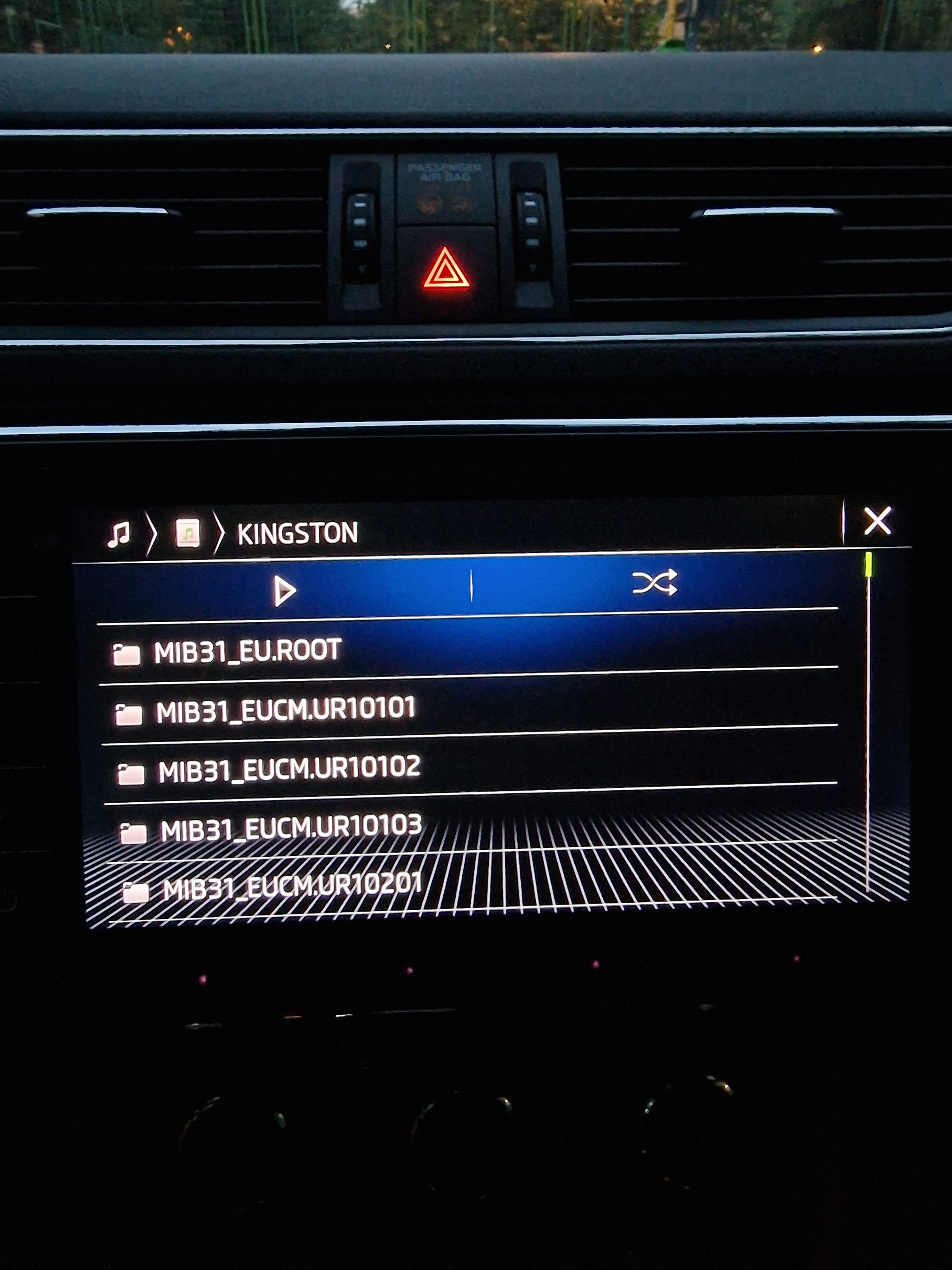
Already unzipped, yes, as you can see in the screenshot from the previous post, I only have the contents of the update on the stick
-
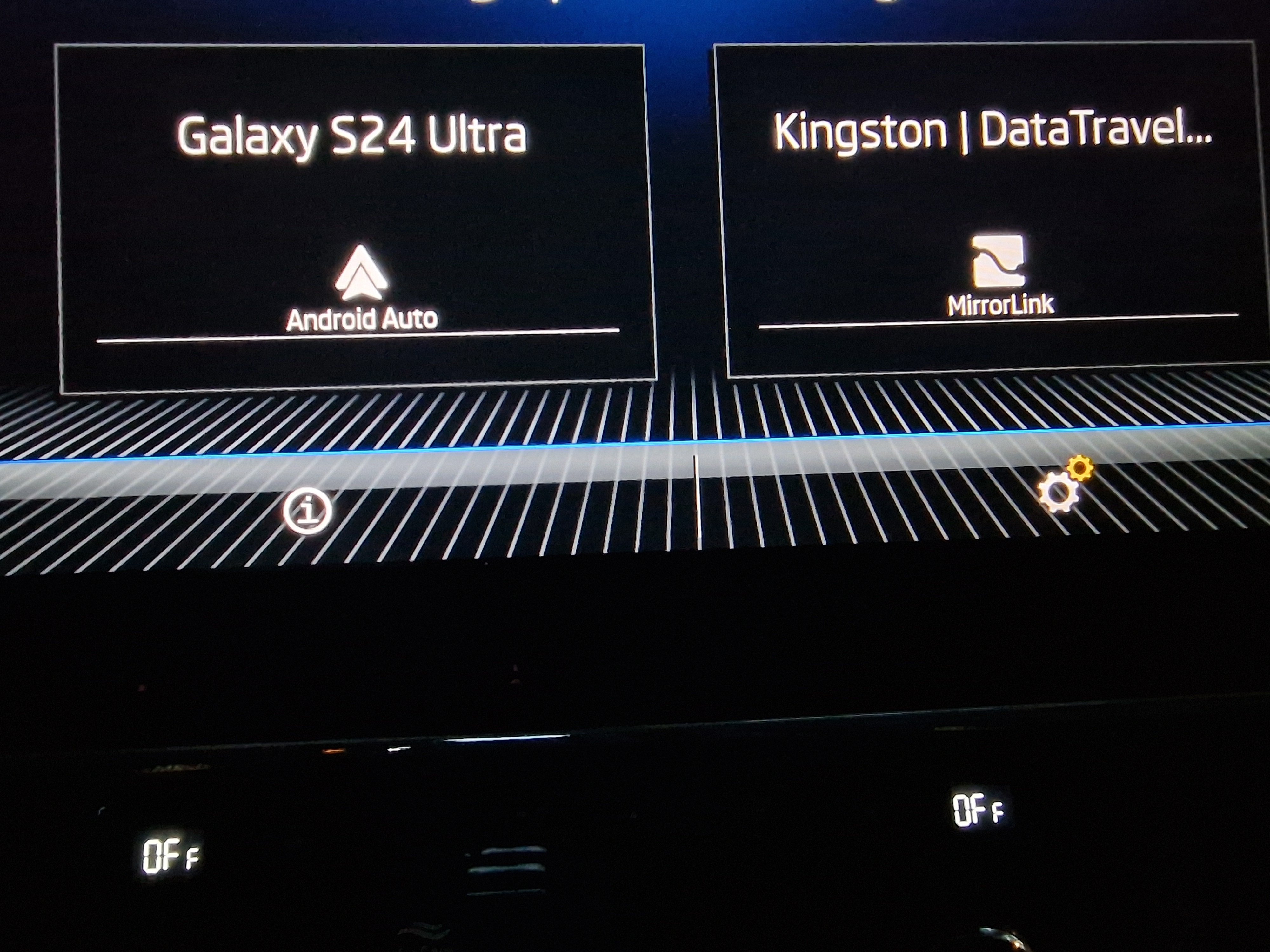
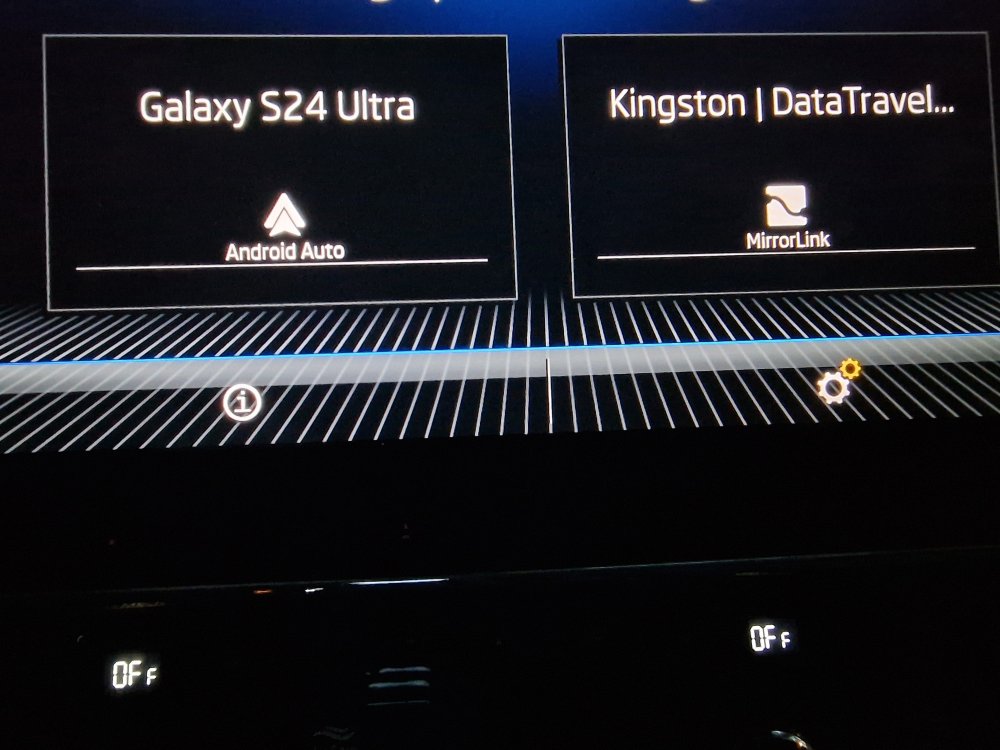
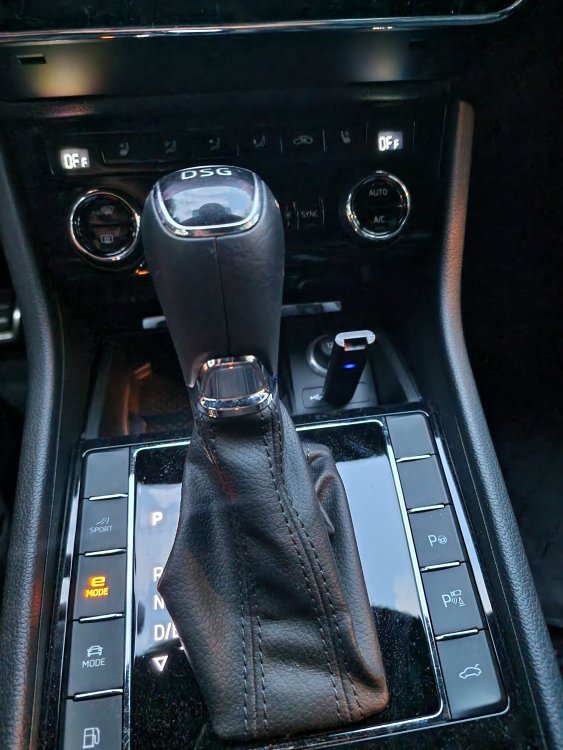
So I plugged the usb stick and the drive appears under both Media section & SmartLink, as attached in the screenshots. So I guess that the unit can read the drive, but something's... still not right with it...
-
Yes it is, it was exFAT out of the box anyways, but I have formatted it again just in case, but still nothing really happens. Are you strictly using a 64gb usb type-c stick?
-
I cannot use a card, my car doesn't have a connector for that. Is it mandatory to use a 64gb stick? The usb stick i'm using has 256gb, could be too big?
-
That's right, most likely my maps haven't got updated since last year. I don't really understand the suggestion on using home wifi, do you know more about this?
-
Yes I checked previously and here we have: - Software: 0330 - Navigation database: 23.6
-
So even if I connect the car to the home wifi, how can I download the maps? Do you have some steps for that? Also, is this possible without Infotainment Online Services subscription?
-
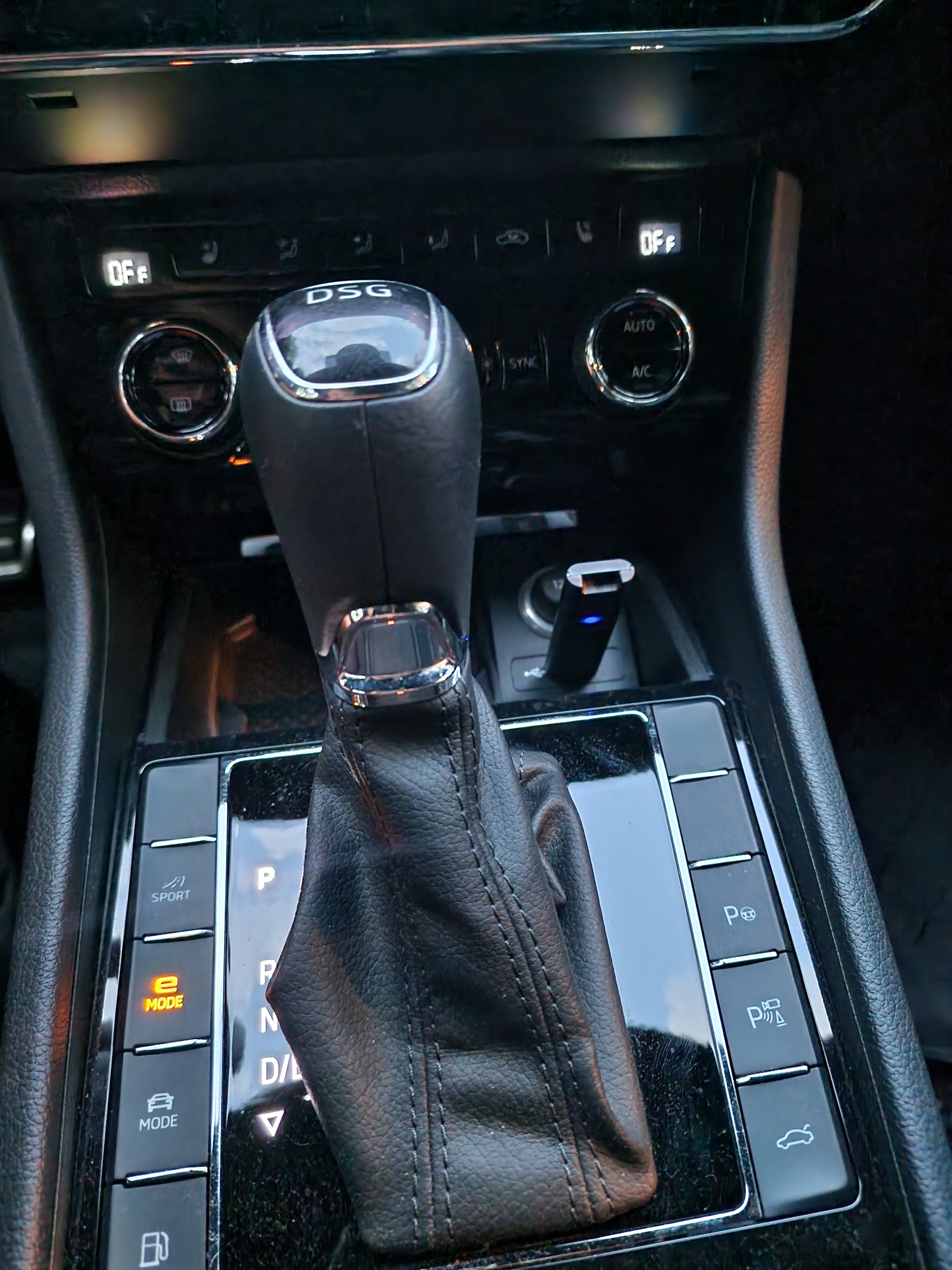
Hey Dave, I have tried to hold Menu and after going to Update Software under System Information, I cannot select the USB Stick ( doesn't even appear as an option ). I am indeed using an USB Type-C stick, however, in the front part of my car, there is only a Type-C connector and a 12V socket, but inside the armrest, there is a USB-A connector ( have not tested with that one yet ).
-
Not sure if I understand your suggestion.. So the car is always connected to the internet, via eSIM and if you want the car to automatically download the maps, then you'll need Infotainment Online Services subscription which expired long ago for me. And how is this linked to the OFFLINE update that the car should retrieve from the USB Stick?
-
Hey folks! I have recently purchased a used Skoda Superb iV L&K 2020. Unfortunately I am not able to update the maps in the navigation in any way. I am using a Kingston DataTraveler Max 256GB USB Type-C Stick and I have downloaded the latest navigation maps following the appropriate steps for MIB3 from updateportal.skoda-auto.com. I have a Columbus sat nav with the following details: - Hardware: H12 - Software: 0330 - Navigation database: 23.6 Even when the stick is connected to the front, no message appears on the navigation system that the update has started. I'm not sure how this offline update can be triggered using an USB Stick. I have left the usb stick connected in many sessions of driving so far, but nothing changed at all. Could be that the USB Stick I'm using is way too big? If you guys have any tips and tricks that could make this thing work, please let me know! Thanks, Alex