Burak59
New here
-
Joined
-
Last visited
-
Can you upload a spesific photo about that frame maybe we can think something else, lets do some brainstorming
-
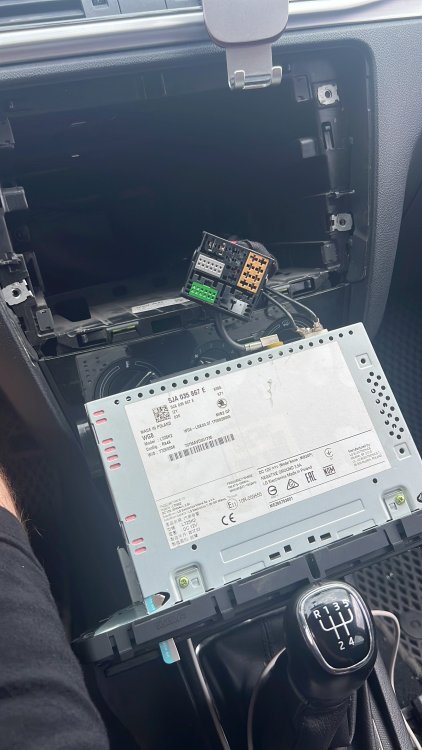
This will work for you. You can cut the frame with small dremel and add new frame parts if you need.
-
You need to verify your words about Smartlink. These units are not hacked, so there are no green menus in these screens. Secondly, VW can erase the CP but can’t open the Smartlink because it’s a SWaP(software after purchase) and you’re car havent an option when they we’re selling it in the first place. If you already done it, show me you car VIN Number and headunit number, I will contact Skoda Europe for my car immediately. I can get a new headunit for that and open it in Skoda Dealer if that’s the problem. These headunits are scrap because of this reason and you’re the first person has a very different thought about Smartlink
-
I dont know the cable thing and other technical **** but I know that you will not going to use smartlink because system will not let you to do that. Component protection will be block you. If you disable CP you can use bluetooth and other things except smartlink. I found a guy from Russia(even you hate them Russians are so good about Skoda because before the ukraine war there was a skoda factory working, a lot of retrofit guy are currently still working in russia. They said SKODA don’t want to do that and MEN2 LG products cant be hacked lack of hacker attentions.
-
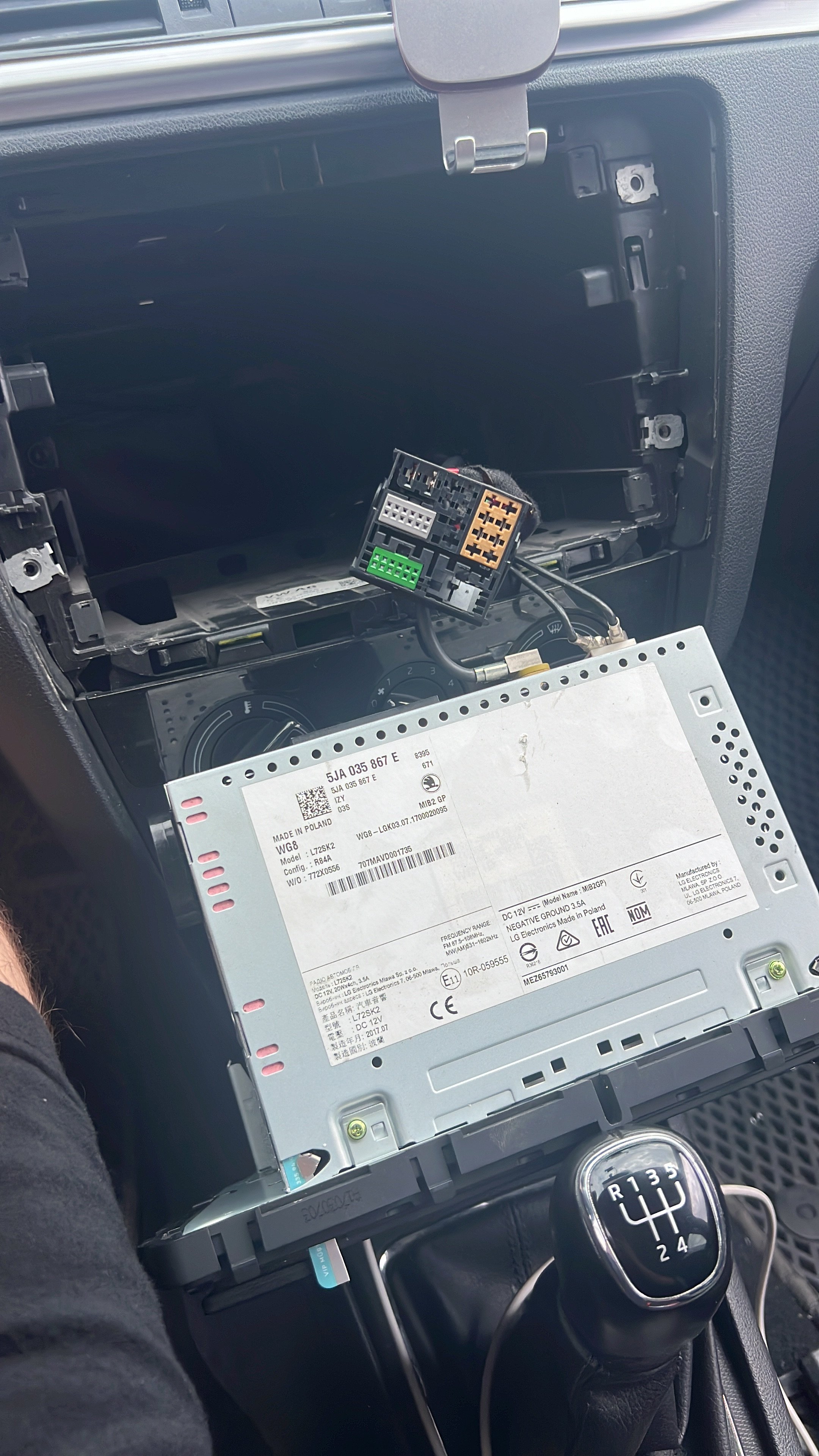
If you dont need carplay you can use 5Ja035871C-D. But there will be CP problem. After deleting the CP, you can use it without problem. I already using it with this way