Skip to content

FranzMT

Finding my way
  • Joined

  • Last visited

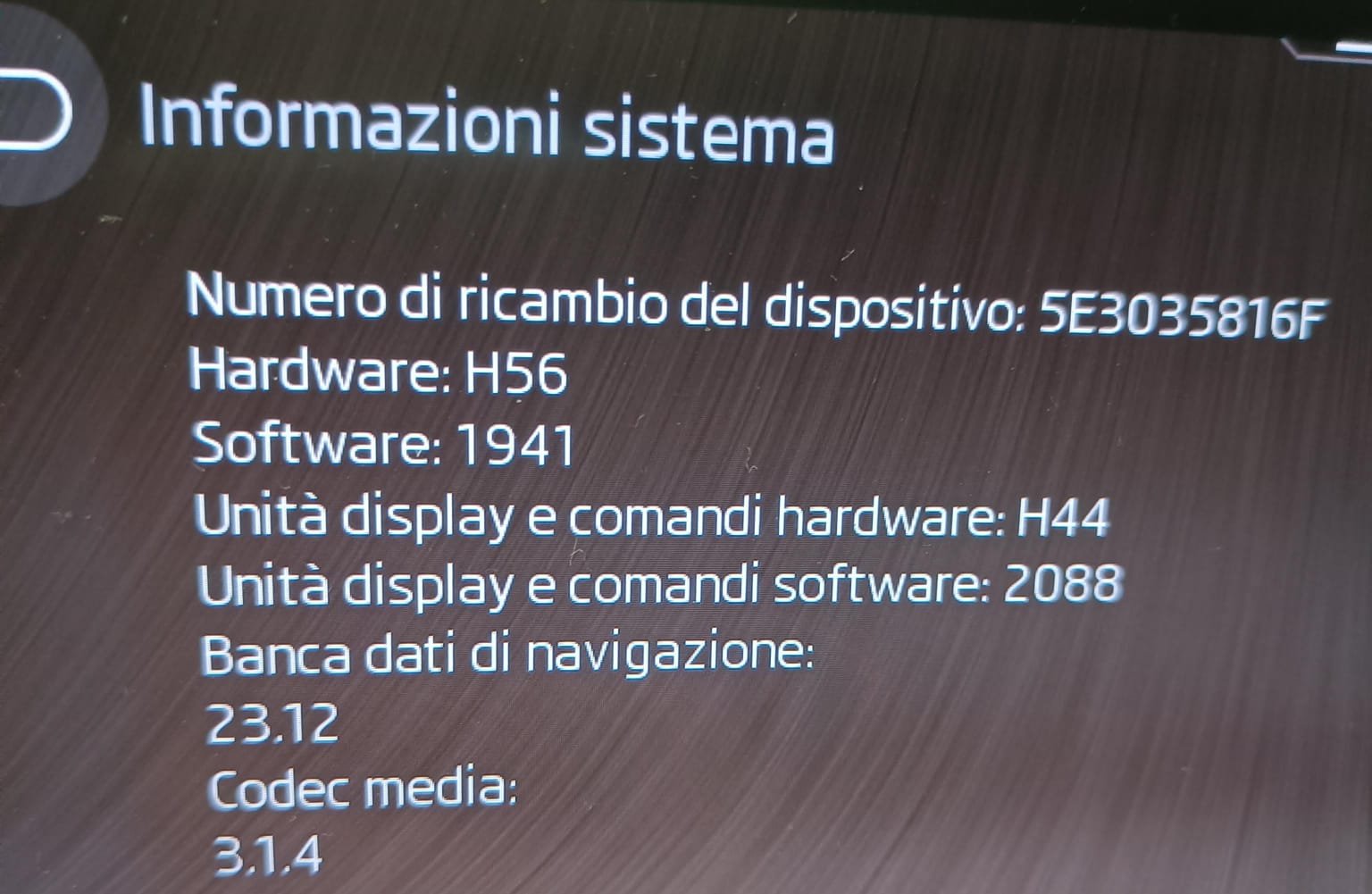
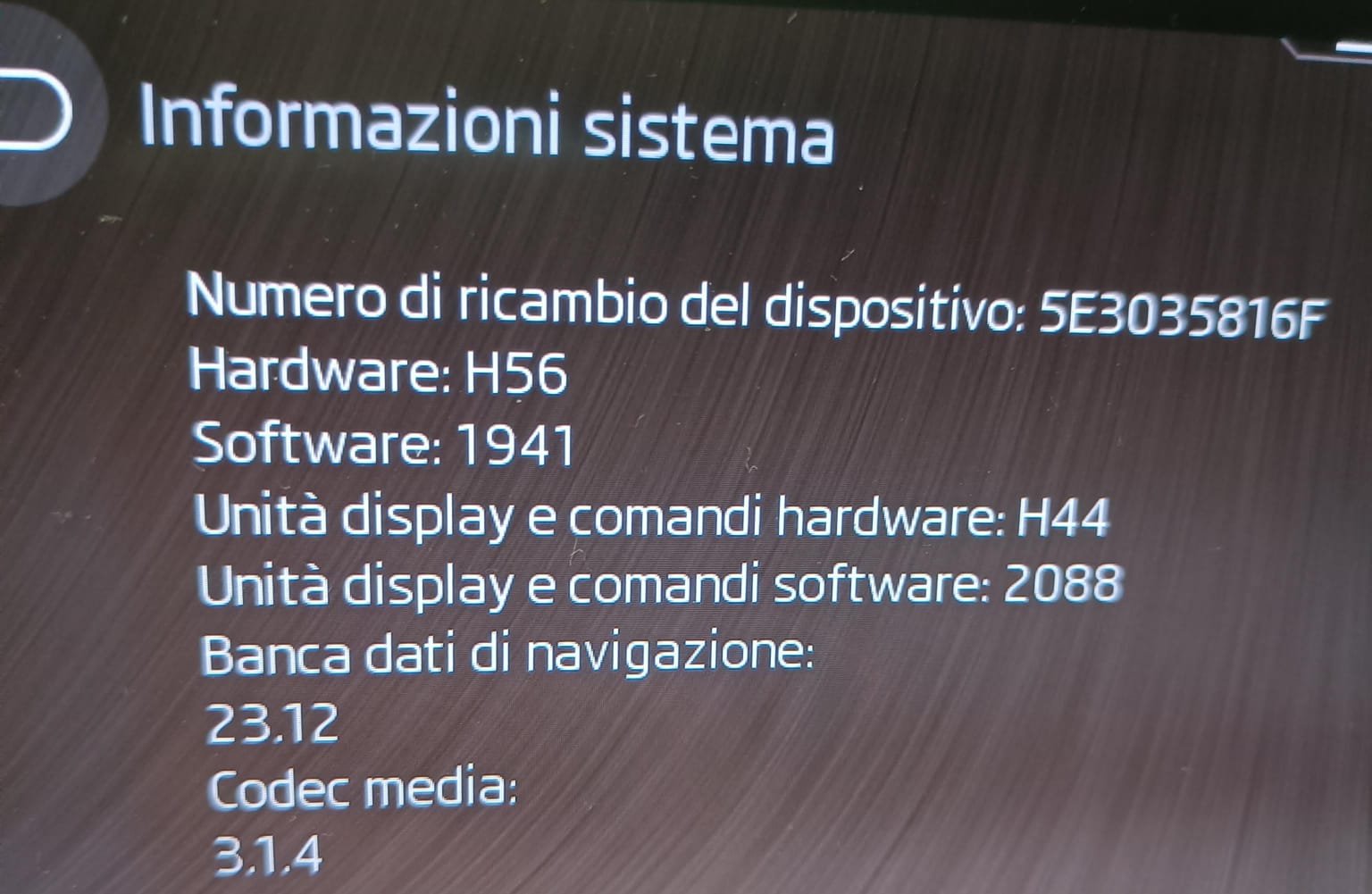
  1. thank you for your reply, then I keep the pen drive inserted in the car without doing anything else hoping that it updates them. currently I have 23.12
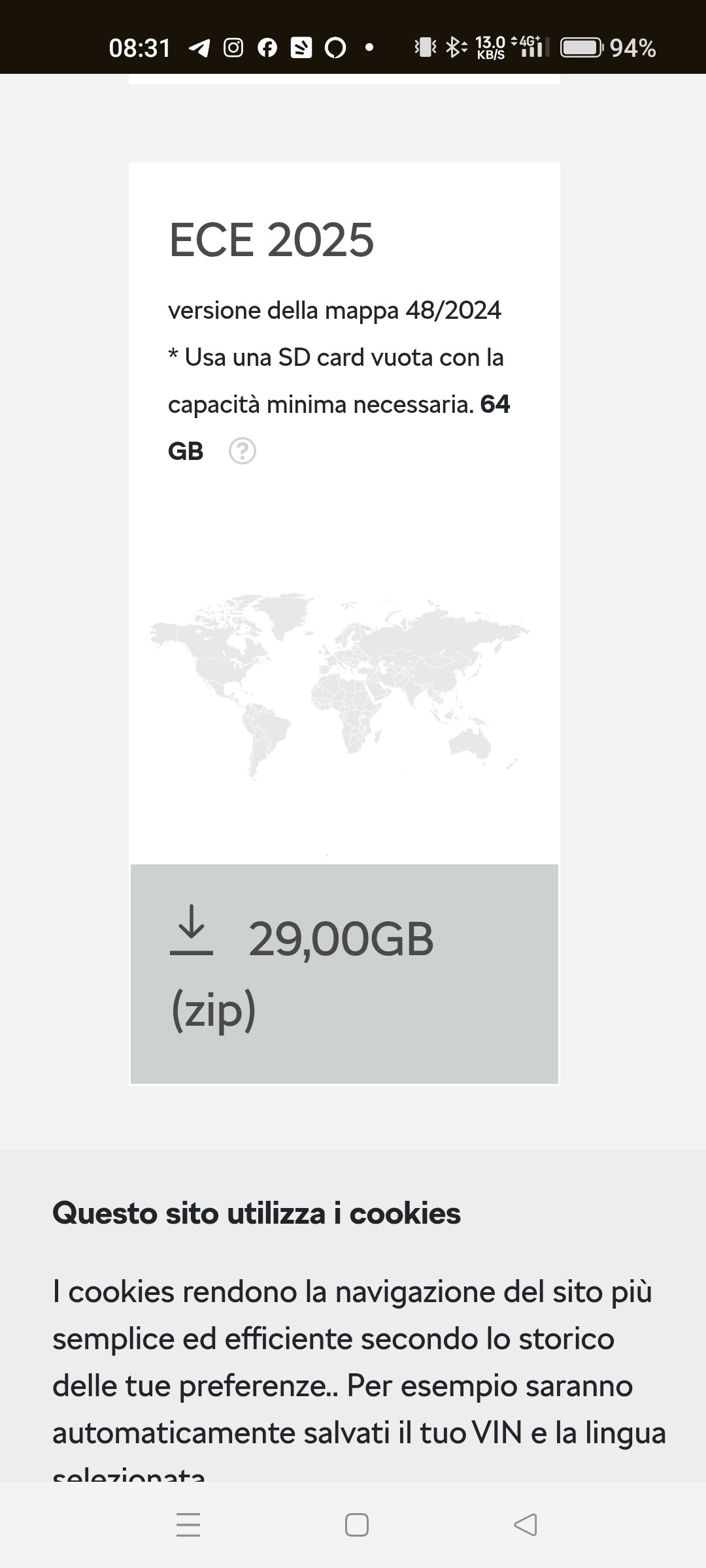
  2. sorry to bother you again, this is the first time I try to update the maps, I downloaded the file, decompressed it and copied everything to a 128gb USB stick formatted in exFat. I inserted the pen drive into the car but nothing happens, according to the skoda instructions I should leave it inserted and it updates itself. but shouldn't I do it manually like the mib3 software update by holding down the menu button? can anyone explain to me how to update the maps? I have a skoda octavia IV 2020 DSG 150cv. Thanks
  3. The download link now functioned. The problem is solved. Thank of all
  4. I have the same problem, the download site not function. Any solution?
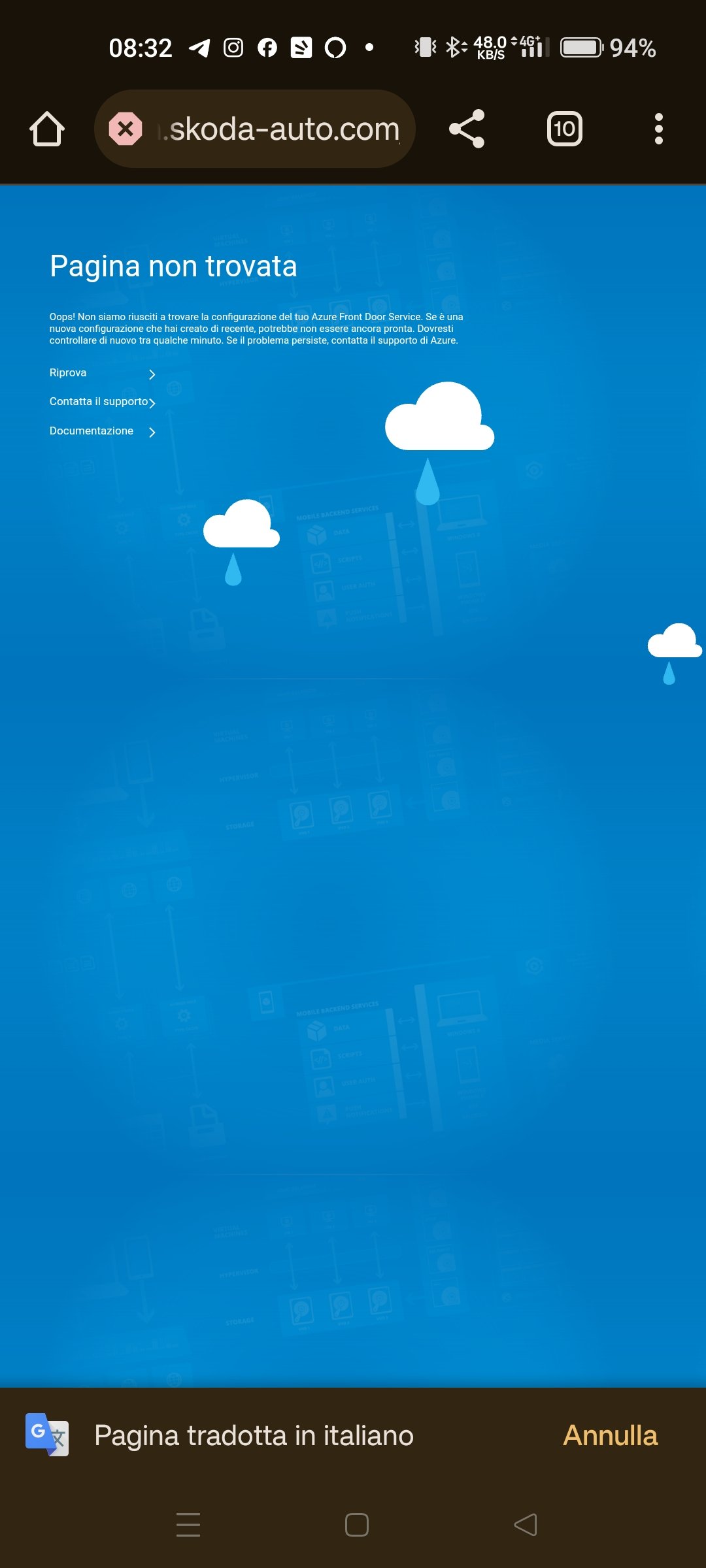
  5. sorry, I'm posting the message in English, but are you able to download the updated maps from the skoda website? It shows an error with a blue page for me.
  6. Scusate, ma voi riuscite a scaricare le mappe aggiornate dal sito della skoda? A me segna un errore con una pagina blu. https://updateportal.skoda-auto.com/it-IT
  7. buonasera a tutti e grazie per i consigli che date che sono sempre molto preziosi, posso chiedervi una conferma se posso aggiornare alla versione 1985 attraverso il file "MOI3_EU_SK_R9850L_MU1985.7z"? allego foto delle mie informazioni attuali. Grazie mille
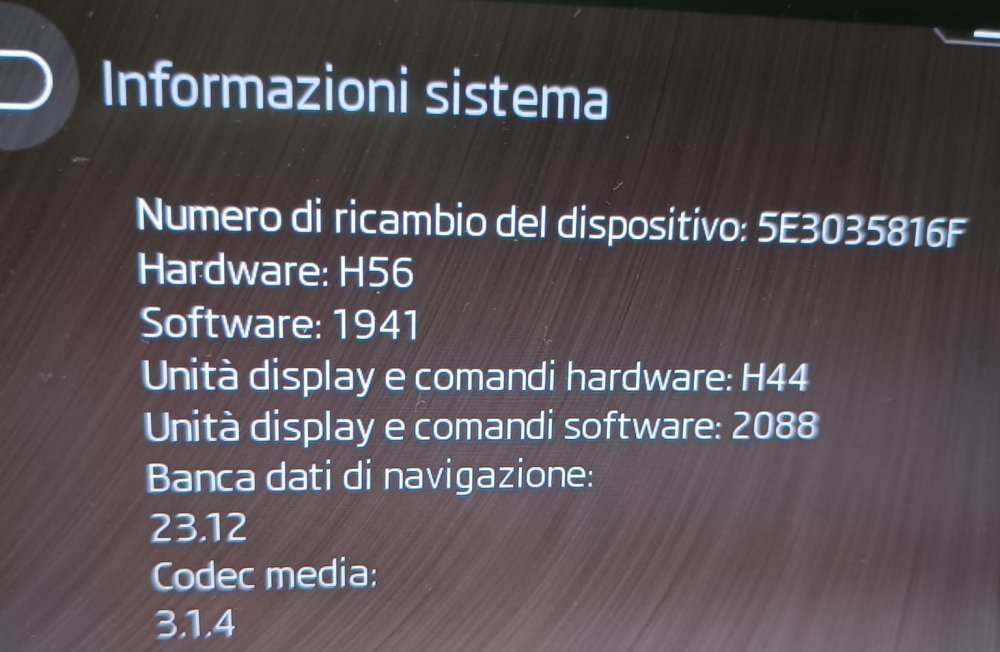
  8. buonasera a tutti e grazie per i consigli che date che sono sempre molto preziosi, posso chiedervi una conferma se posso aggiornare alla versione 1985 attraverso il file "MOI3_EU_SK_R9850L_MU1985.7z"? allego foto delle mie informazioni attuali. Grazie mille


Important Information

Welcome to BRISKODA. Please note the following important links Terms of Use. We have a comprehensive Privacy Policy. We have placed cookies on your device to help make this website better. You can adjust your cookie settings, otherwise we'll assume you're okay to continue.

Account

Navigation

Configure browser push notifications

Chrome (Android)
  1. Tap the lock icon next to the address bar.
  2. Tap Permissions → Notifications.
  3. Adjust your preference.
Chrome (Desktop)
  1. Click the padlock icon in the address bar.
  2. Select Site settings.
  3. Find Notifications and adjust your preference.