JXR
Finding my way
-
Joined
-
Last visited
Everything posted by JXR
-
These are mine and the ride is excellent. It's all subjective I suppose, but might be worth trying - cheaper than new wheels! Tbh, 40s on an SUV is bonkers.
-
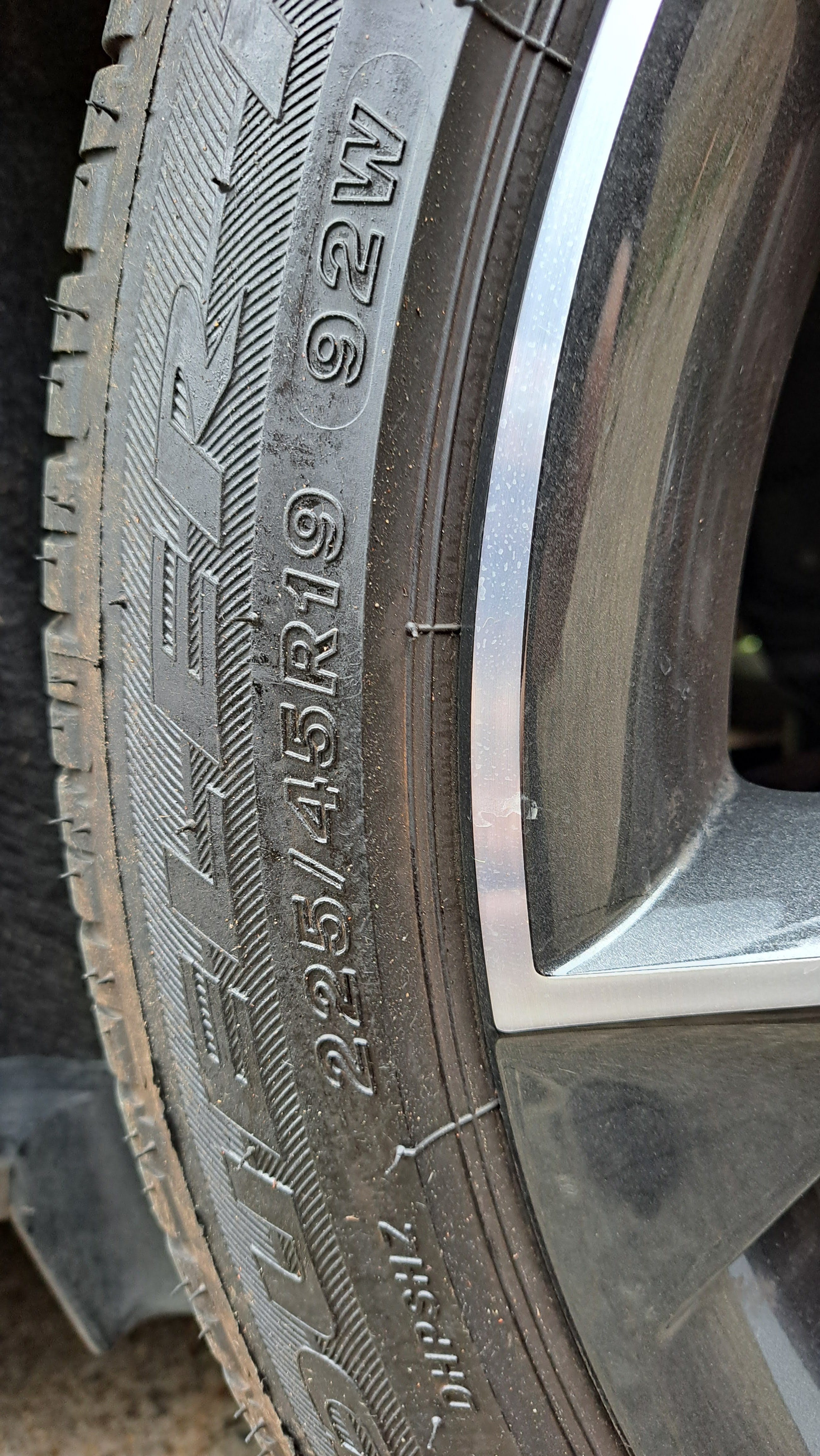
What's the profile on the tyres? My Sportline has the 19" wheels with a 45 profile and the ride is absolutely fine - whereas I've read many people saying that 40 profiles have a much less forgiving ride. Mine's a 23 model, and I can choose to have map display only shown on the central screen with just the arrows on the dash, so might be worth looking in settings (from memory, you need to untick "Show map on dashboard" while in Nav). Actually that may not apply to the Columbus! Agree with you regarding the LED Matrix lights - they are amazing. I've never been flashed either, which is one thing I was worried about. And finally... congratulations, enjoy your new car :)
-
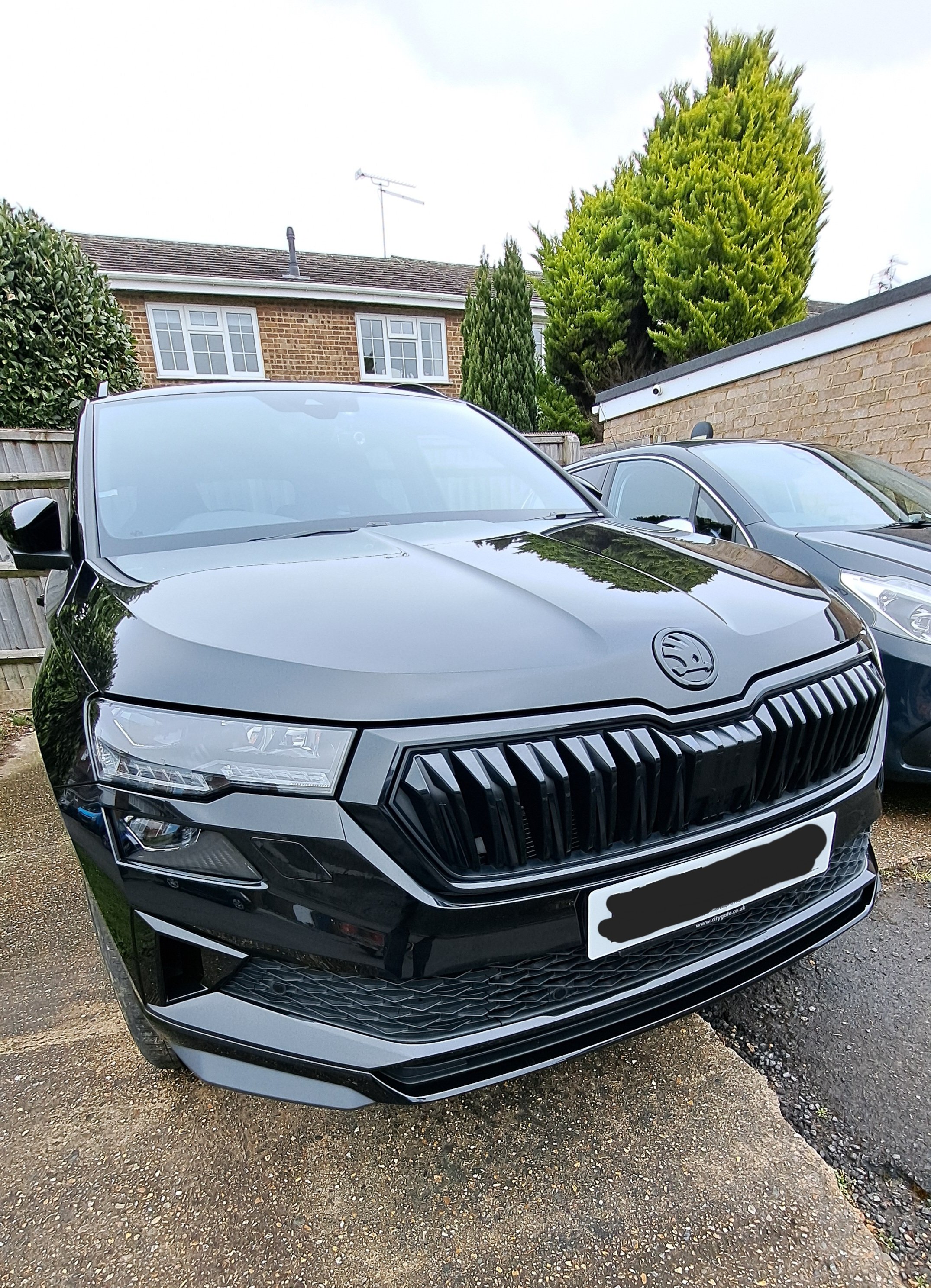
Just a quick update - I finally swapped my badge over a few weeks ago and thought I'd post a picture in case anyone is interested. I'm well chuffed with the end result
-
Thanks for the info, much appreciated
-
Thanks - did you notice any improvement in quality?
-
A few of the radio stations that I listen to are upgrading from DAB to DAB+. I don't suppose the difference will be huge, but does anyone know if The Amundsen unit is DAB+ compatible?
-
I ticked to show 'Convenience Consumers' before but I couldn't find where it was displayed - so turned it back off. Will have another look. The manuals definitely leave a lot to be desired!
-
You need to make sure 'Navigation' is selected for the centre display on the VC but make sure 'Show map on dashboard' is unticked. Also, make sure you're not navigating anywhere. Then just scroll down (don't press) on the silver scrolly thing and you'll see a list of recent destinations. Hope that makes sense!
-
Looks good. My Karoq is black, so the badge won't show up so much but I just don't like the chrome badge. I finally ordered a black one from Kopacek - just waiting for the weather to warm up a bit before I stick it on
-
Looks good Swint. Was it easy to get the old badge off?
-
Thanks Viorel, that's very helpful
-
Thanks Swint. Would be interested to hear what your badge is like. Maybe matt is the way to go!? Nice looking car btw 😉
-
I'm hoping someone can give me a bit of advice - I have a 2023 Sportline in Black Magic. I'm keen to replace the chrome badge on the bonnet with a black one - but my problem is... which black? As mentioned, the paint is Black Magic Pearl, but the only black badges I can find talk about "Monte Carlo black" eg. https://www.kopacek.com/skoda/karoq/karoq-original-skoda-monte-carlo-black-emblem-front . Is this the same colour, or will it look odd against the paintwork? Or any other recommendations for where I can buy a replacement (although I'm not keen on AliExpress tbh). Thanks in advance.
-
Hi, I've had my 2023 2.0 TSI Sportline for a few weeks and loving it so far. Got one question regarding ambient lighting - I've had a good play around and have sussed out the ambient lighting, changing to manual and choosing a colour etc. However, what I'd like to do is change the colour of the lighting, but not the virtual cockpit colour. Eg. I'd like to change the lighting to purple but leave the vc as white. I'm guessing this isn't possible unless anyone knows better. Thanks