DarthMaul40
Finding my way
-
Joined
-
Last visited
Everything posted by DarthMaul40
-
So this month, nice!
-
In my case, it took 2.5 months from order to delivery here in Czechia. Ordered it on 6th of January, received it on 17th of March.
-
Ah, I didn't notice you have the 10" version, so different hardware.
-
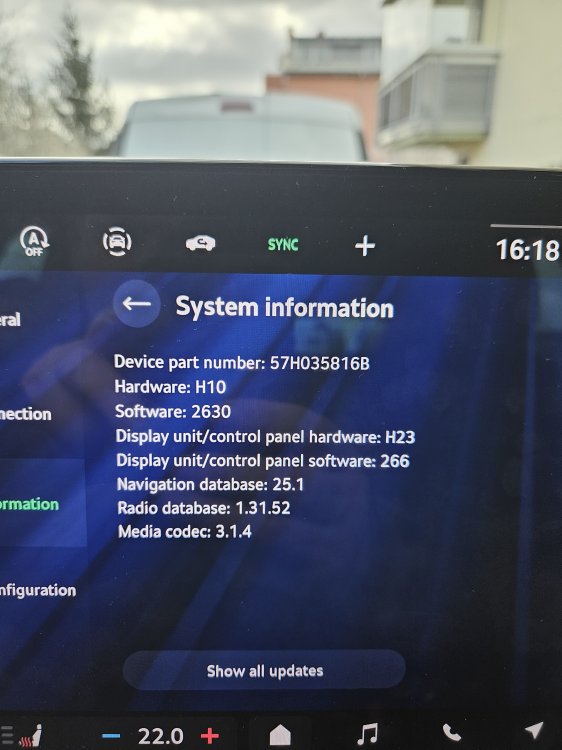
Isn't the face-lift supposed to come with a much higher version? Mine is 2630.
-
My car arrived one month earlier as well! I placed the order on 6th of January and the dealership received the car on Friday, so just a little over 2 months. I'll pick it up as soon as the registration is done.
-
Well, they were faster! The car arrived at the dealership on Friday. There is some paperwork to be done, but hopefully I'll pick it up this week, yay !
-
Do you realize that the post you're replying to is one year old?
-
This is how the FL headlights look like.
-
Delete post
-
Right, that place is for documents.
-
Hi OP! I think the name of the feature you're looking for is "Virtual Pedal". At least this is how it shows up in the equipment list of my Octavia 4 FL that I ordered.
-
I've had similar issues with my Honda Civic. Just like in many cars, the radar is on the front grille. Just clean it and the radar will have better signal.
-
Hello from Czechia, My first Škoda will hopefully arrive in April. I joined the forum to learn from the other owners.
-
Ok, I just placed the order 🫠. They told me that it would take about 4 months until I receive it.
-
Hello from Czechia! I joined this forum since I am about to place an order for a new Octavia IV Facelift with a 2.0 TDI 110 KW engine and a DSG 7 gearbox. Can someone tell me what engine code does Skoda install nowadays? Is it EA288 Evo? What about the gearbox? Thank you!