Skip to content

Starskie

New here
  • Joined

  • Last visited

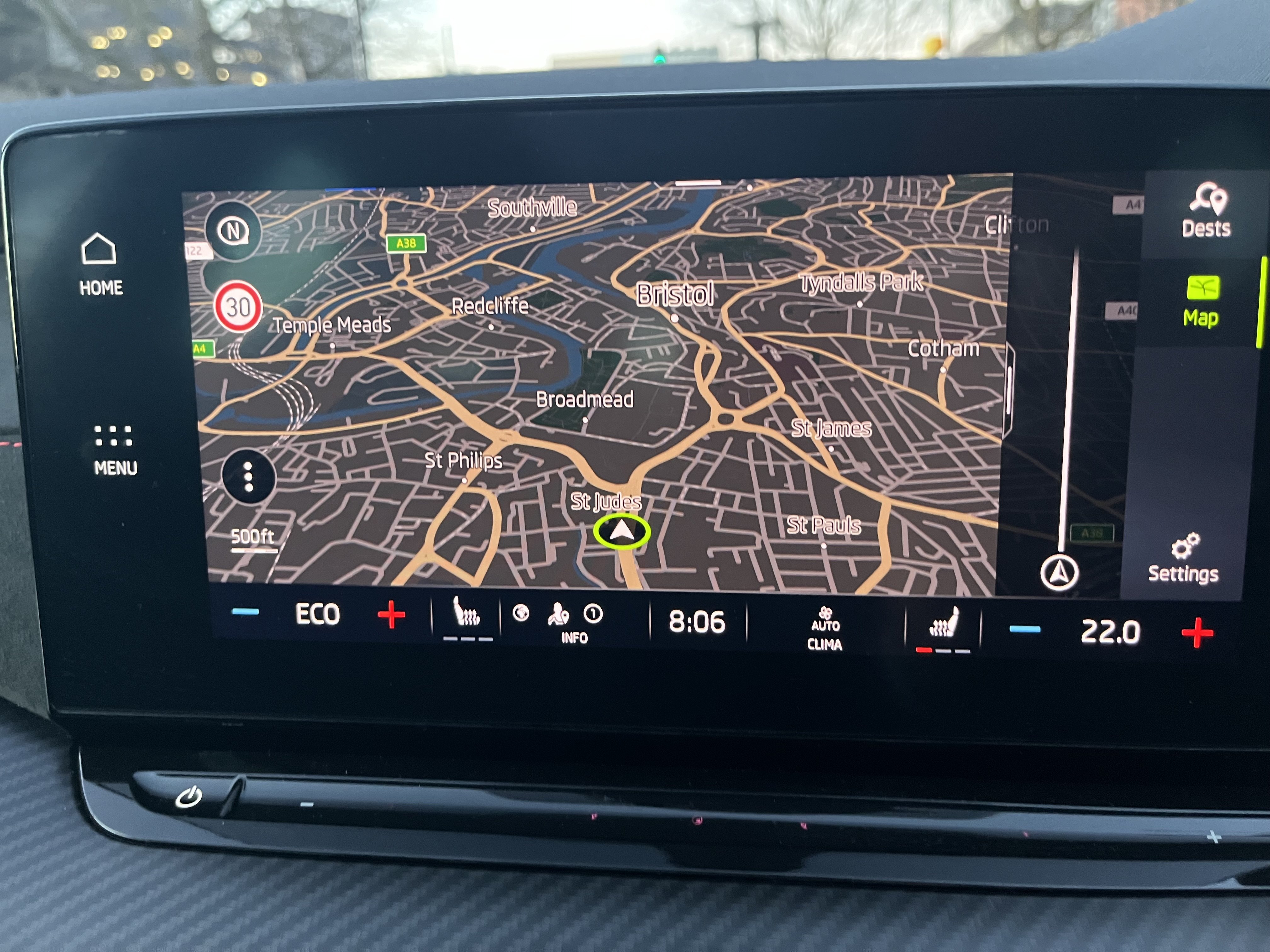
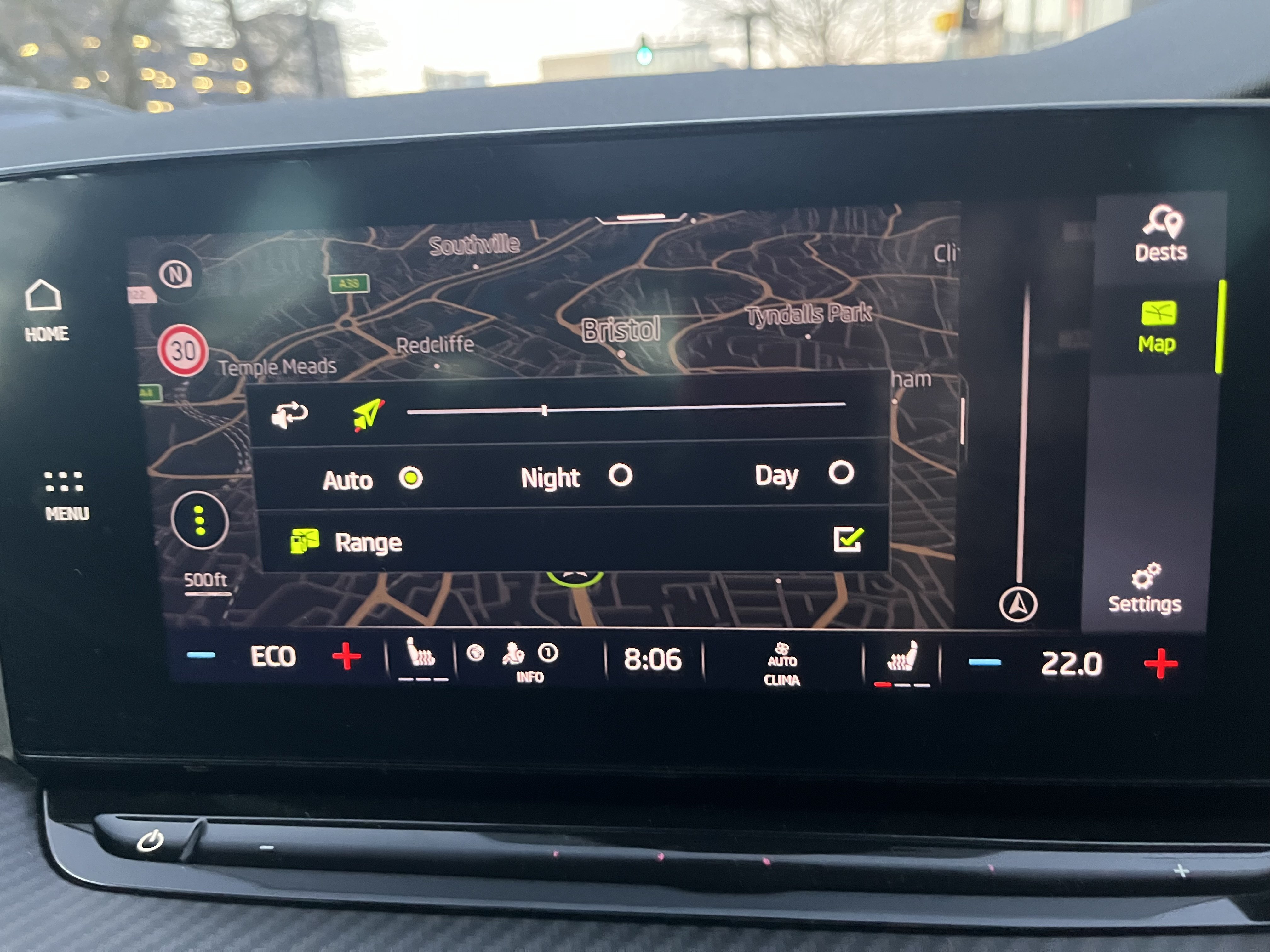
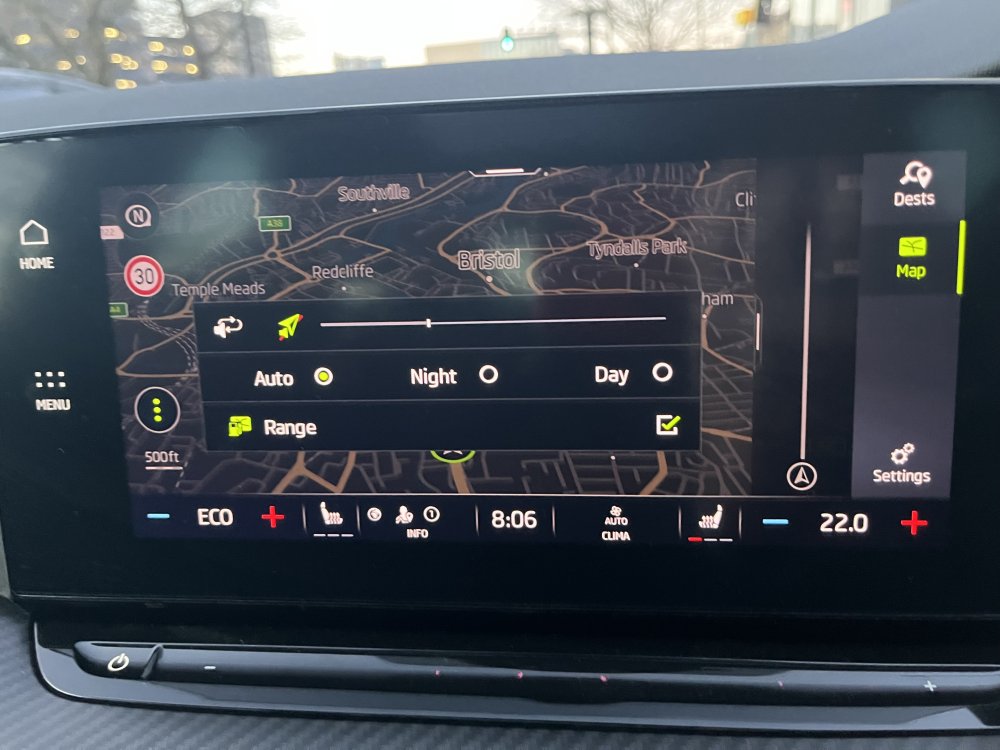
  1. SOLVED!! I've recently encountered the same issue, quite frankly it was driving me mad and couldn’t figure it out through any of the settings. Resolution; turns out the solution is in the Nav Screen options. Select nav on the entertainment home screen, on the map view select the 3 dots in bottom left corner as per below image… Then change the setting to auto (mine was somehow on “day” setting. Dash/instrument cluster will now change with auto lights sensor.
Important Information

Welcome to BRISKODA. Please note the following important links Terms of Use. We have a comprehensive Privacy Policy. We have placed cookies on your device to help make this website better. You can adjust your cookie settings, otherwise we'll assume you're okay to continue.

Account

Navigation

Configure browser push notifications

Chrome (Android)
  1. Tap the lock icon next to the address bar.
  2. Tap Permissions → Notifications.
  3. Adjust your preference.
Chrome (Desktop)
  1. Click the padlock icon in the address bar.
  2. Select Site settings.
  3. Find Notifications and adjust your preference.