Aadain
Finding my way
-
Joined
-
Last visited
Everything posted by Aadain
-
The only one problem I have is that I can't make adaptation with confirmation of installation change. After I do the xor numbers I write it to change confirm and it going back to previous numbers.. It's like not saving what I changing don't know why. I'm definitely sure it was working before when I updated old version to 1433 (before screen swap year ago).
-
I had the same one before the update and now everything working fine. I mean I hope it working because I did it yesterday and till now no issues 😂
-
OK I found it everything working except maps Can someone tell Me How to install database? Got error navigation database not available and of course I've got sd card with maps. // found it sorry :)
-
Which fuse did you removed because I've got same issue screen stuck in same place but still have eng lang. And during this proces I didn't skip anything don't know why I mean this message doesn't show up everything was just keep going.
-
I removed both my sd cards and GPS working normally
-
But I used sd card to update maps and don't know if this card is needed now. It's normal sd card without skoda/vw logo like I've seen few times somewhere.
-
Is any chance to check it if this is high or standard? In standard GPS won't work without sd card? Sorry I'm confused now..
-
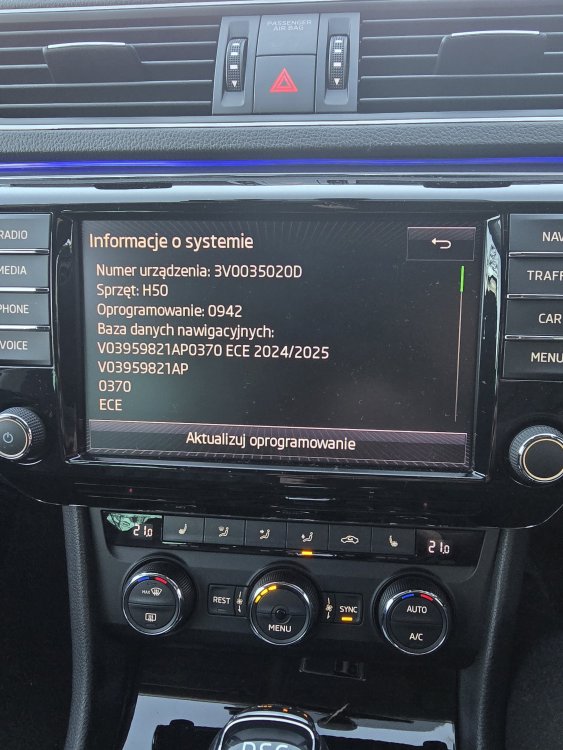
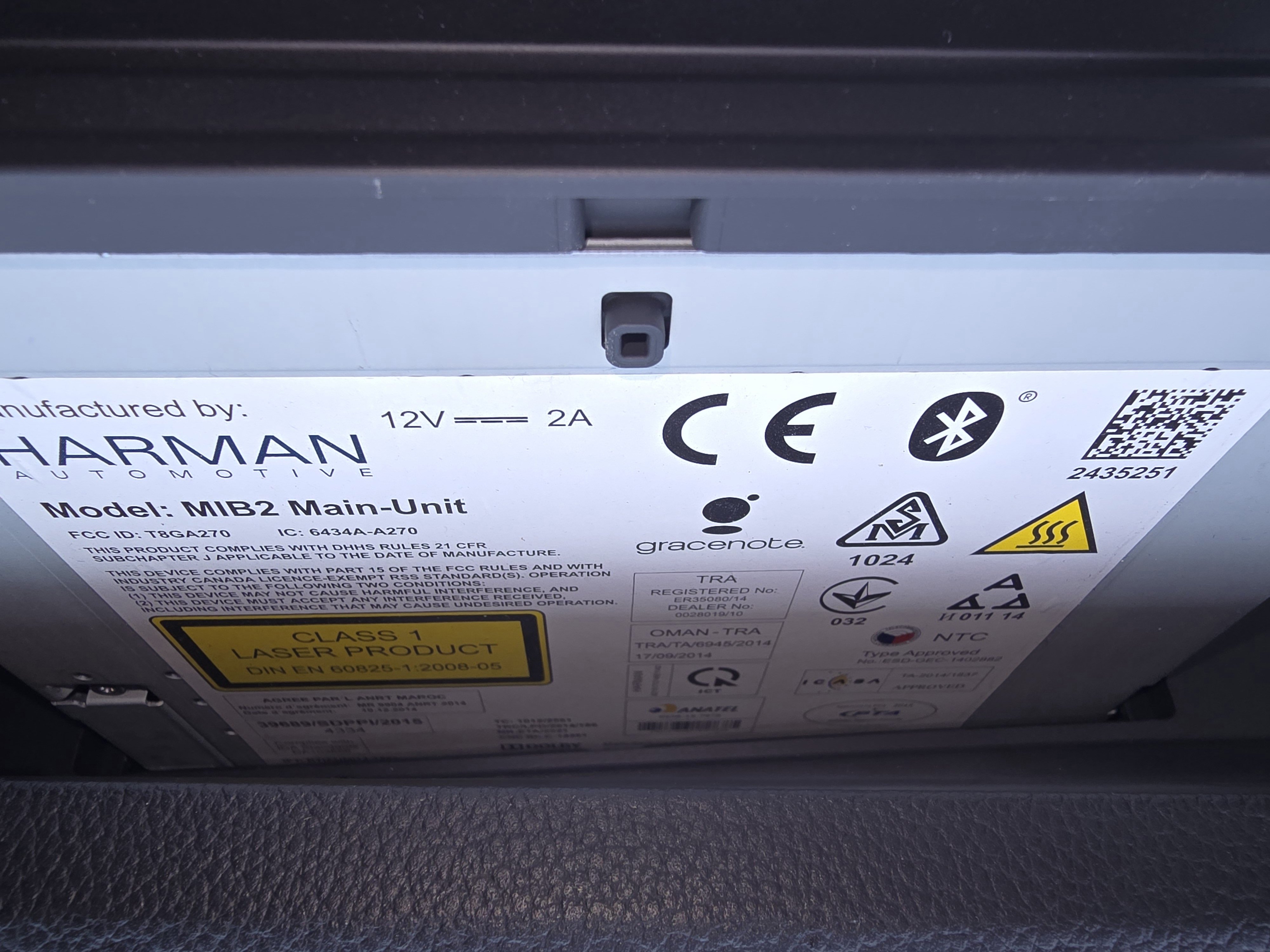
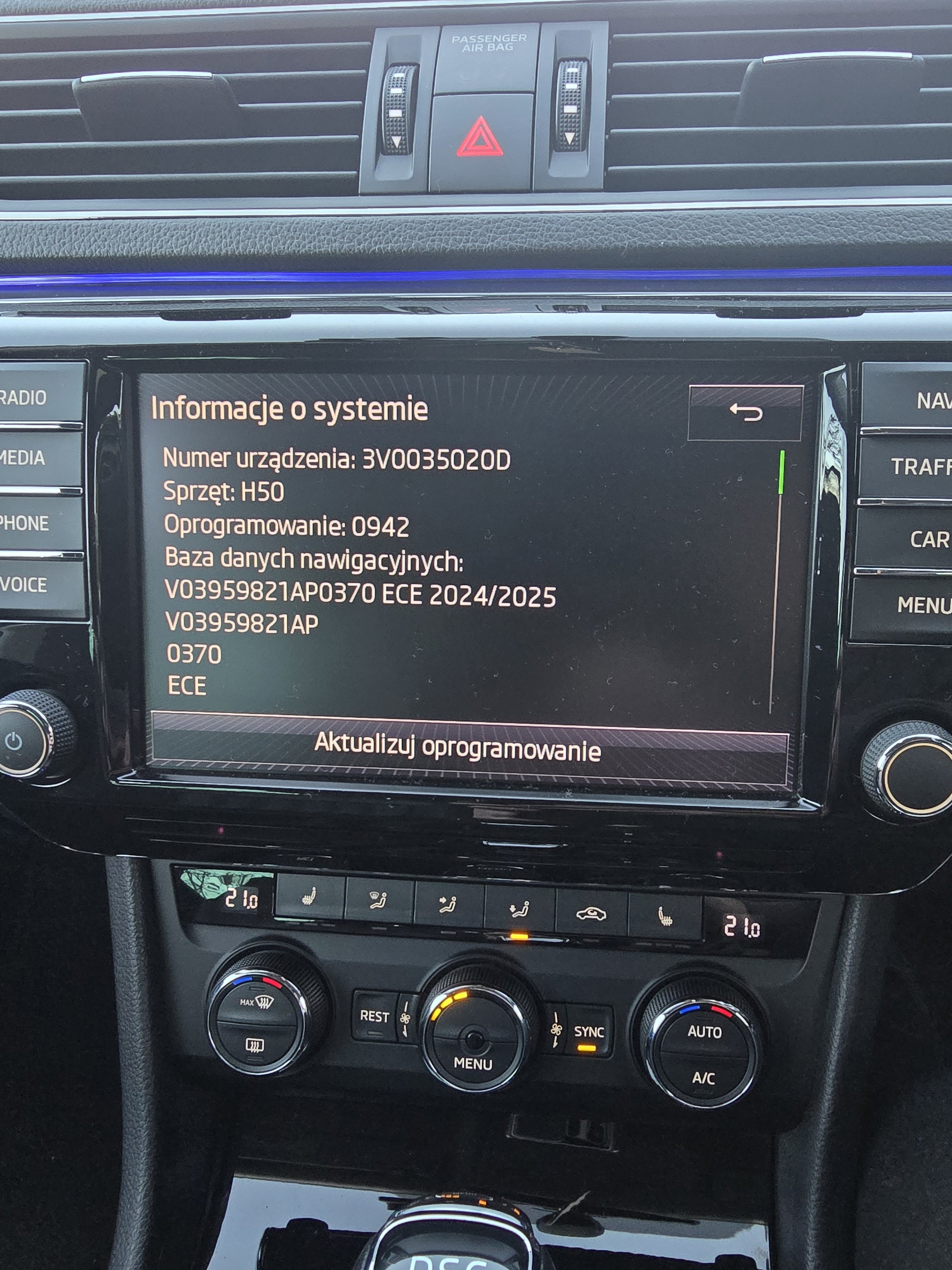
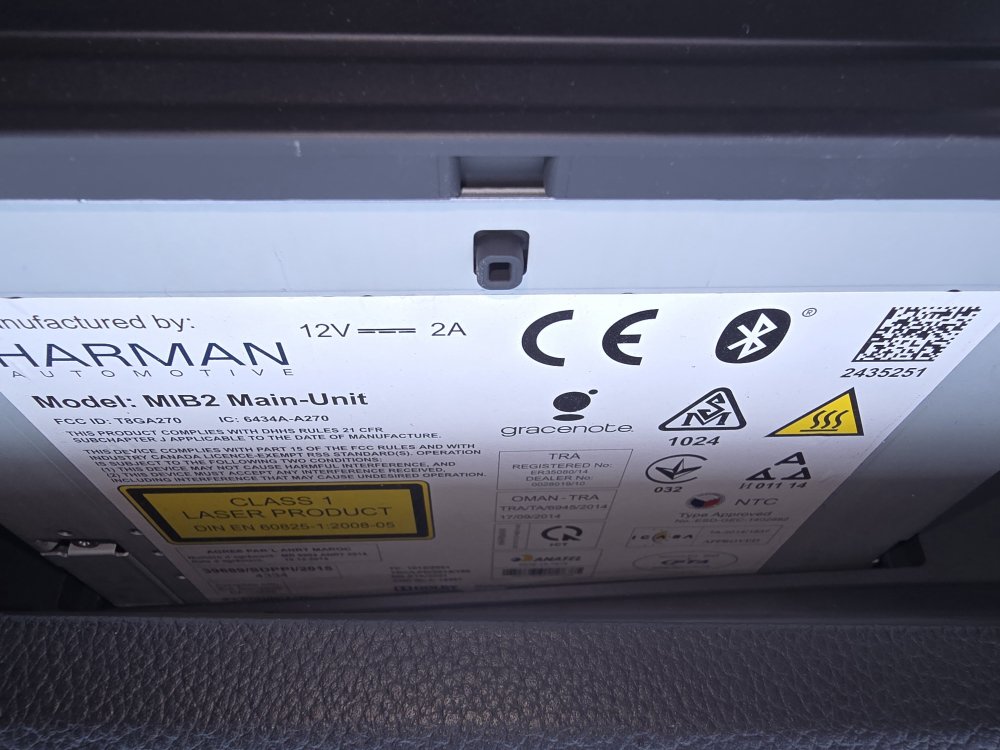
Mine is Harman Mib2 main unit 3v0 003 5020d I'm not sure but I have mib2 standard version not high? High have internal memory and I've got maps on sd card so can't make this upgrade no?
-
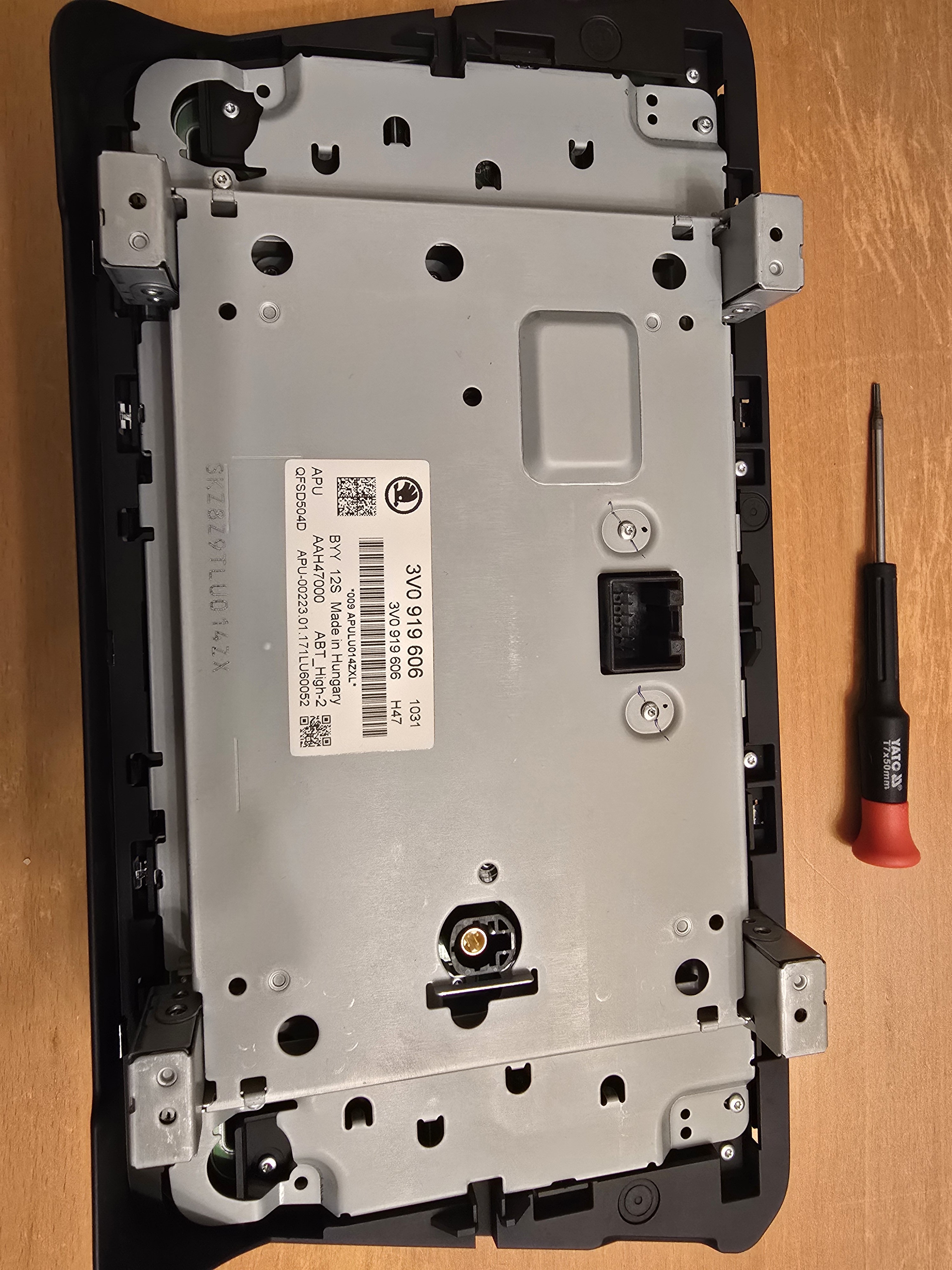
Mine is harman too check attach. 3V0 035 020 D
-
So by only update software you change mib 2 to mib 2.5 I'm right? I thought we have to buy main unit so it looks easier then.
-
Hi, I want to know if I have mib2 main unit 3v0035020d with 8 inch screen (buttons on both sides), do I have to buy mib 2.5 main unit if I want to change screen for 9.2inch like this one from link: Link here Thank you for all answers.
-
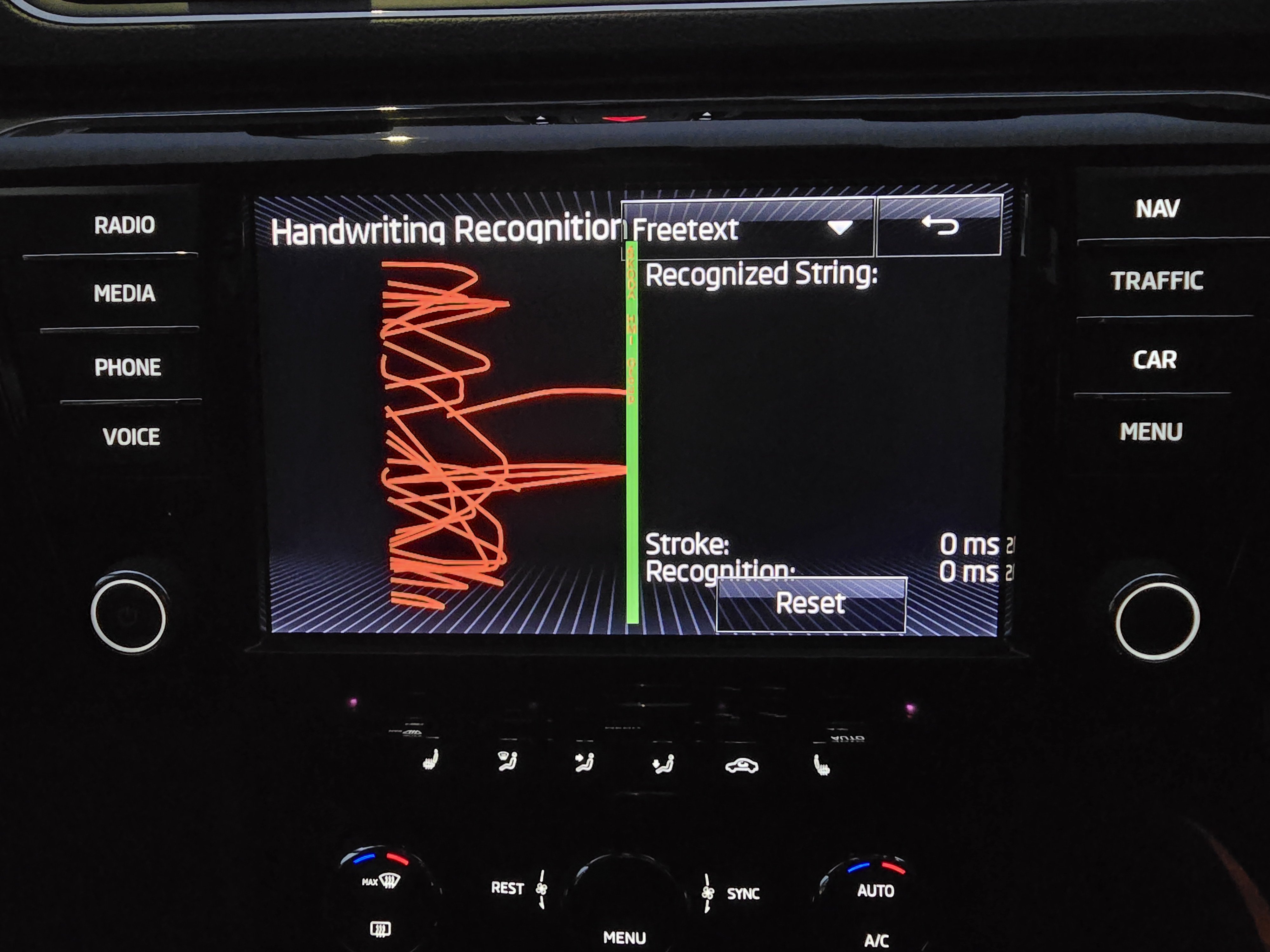
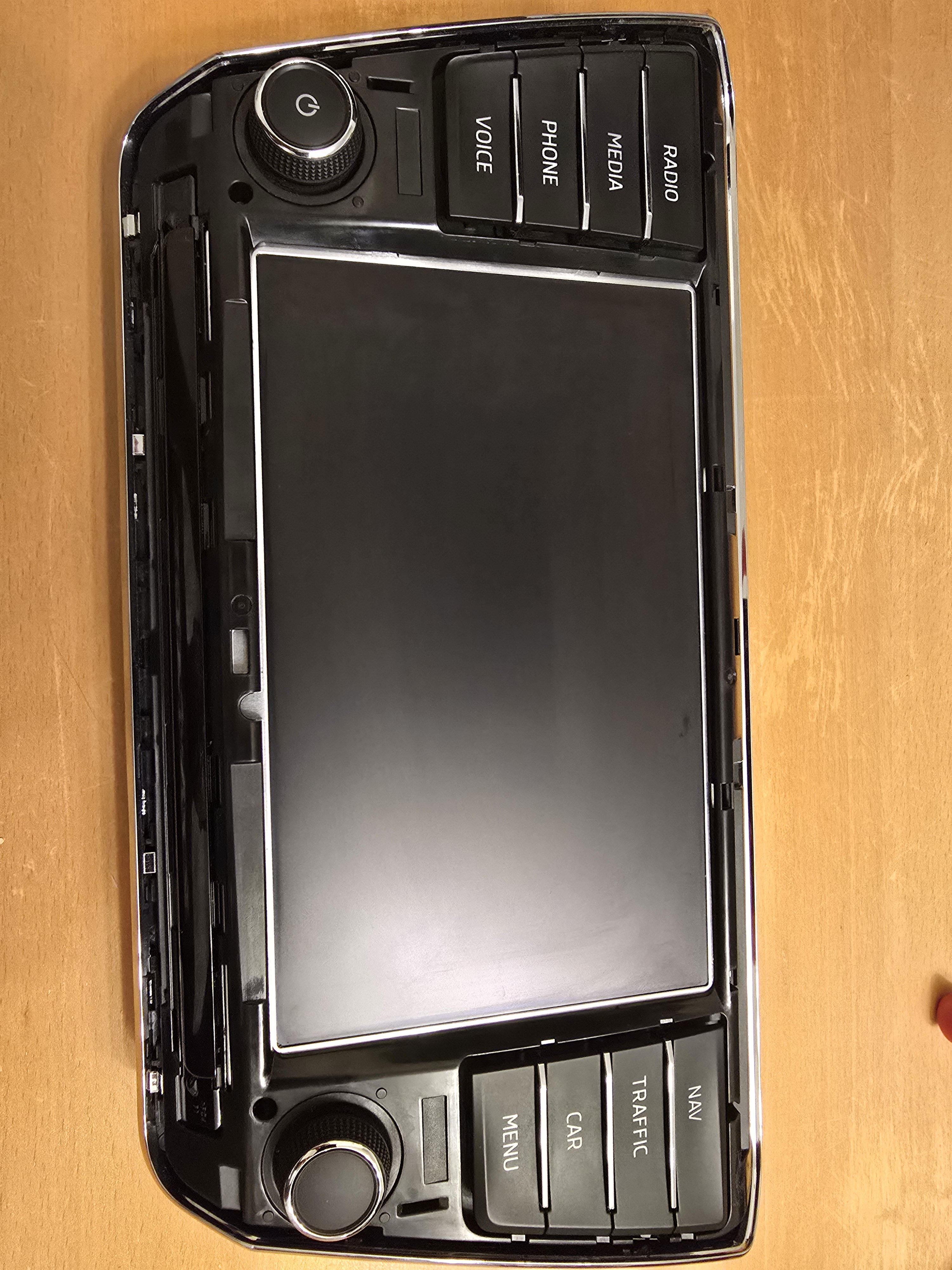
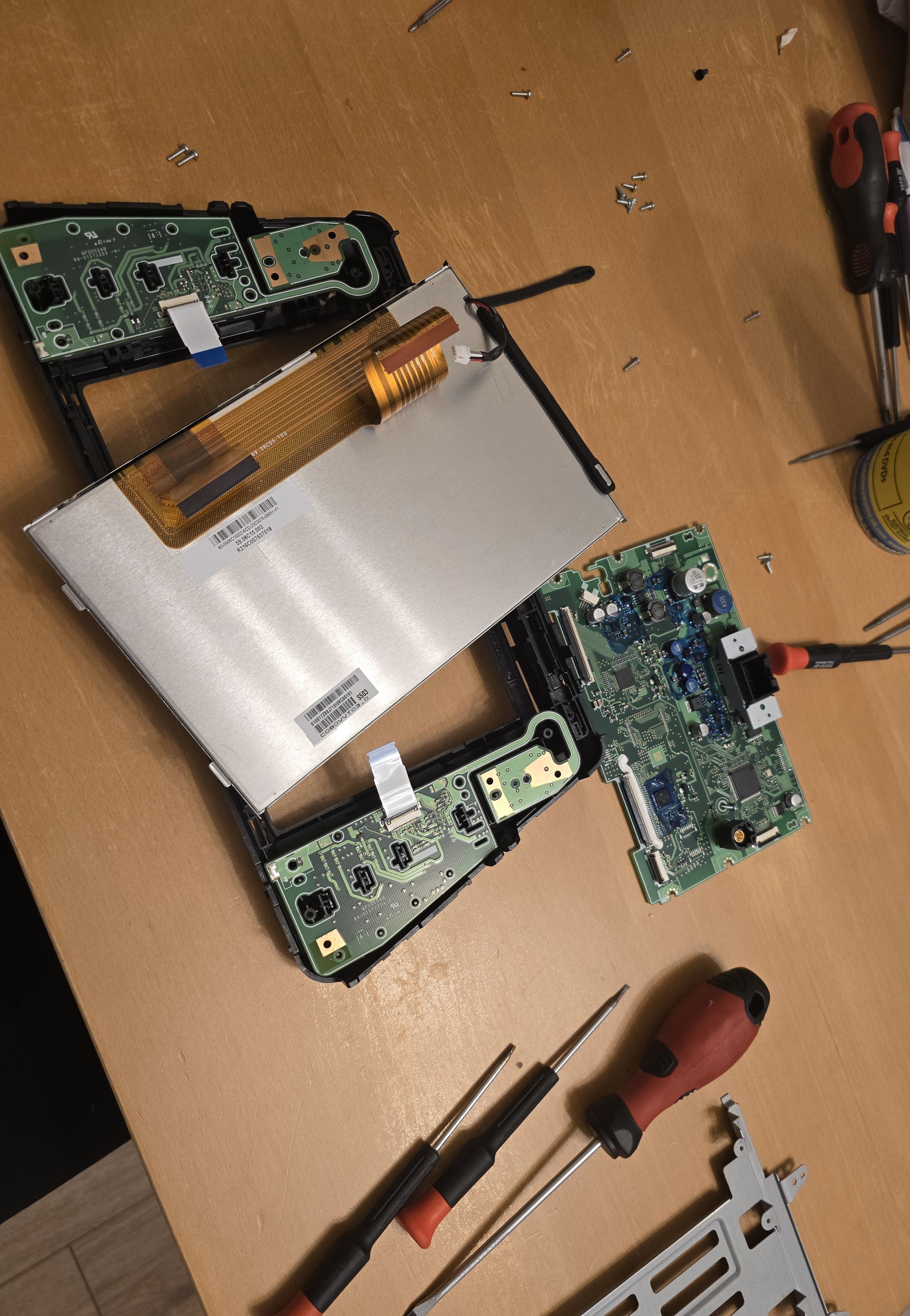
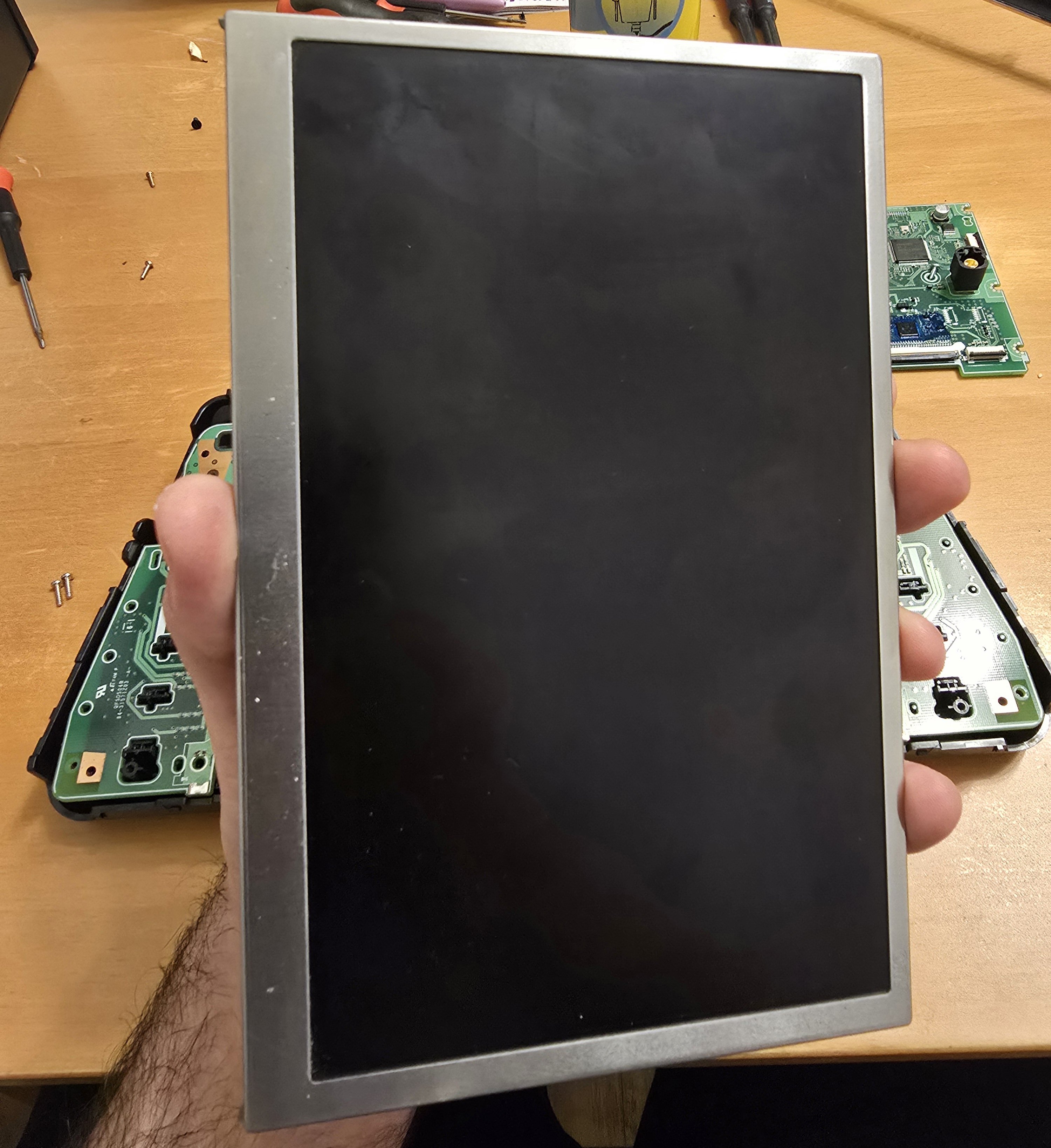
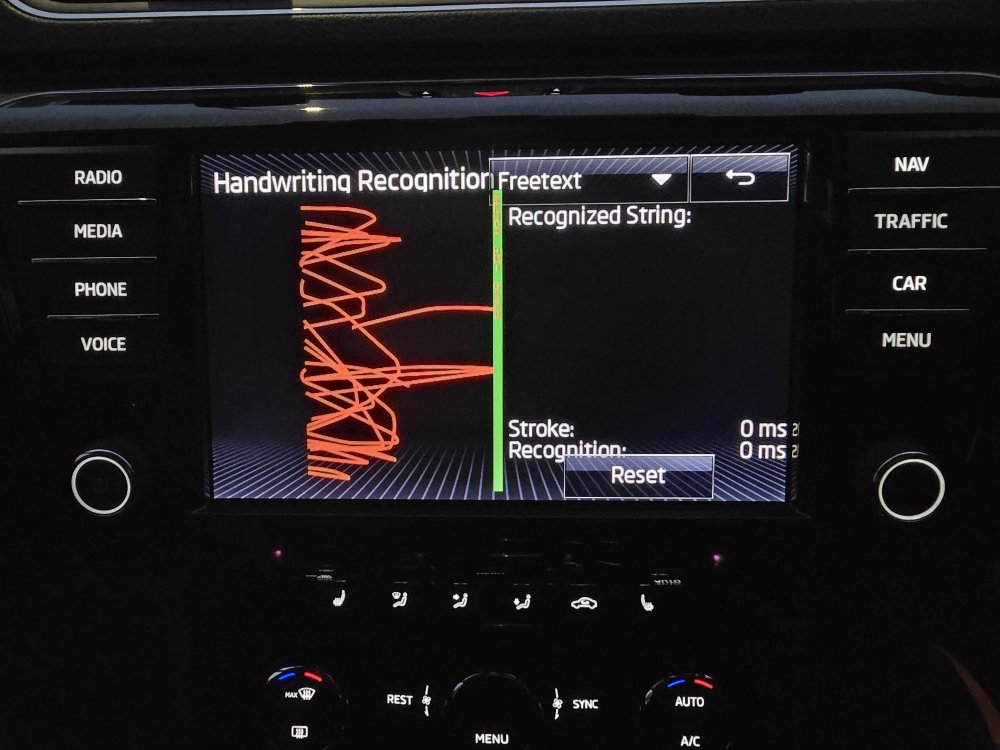
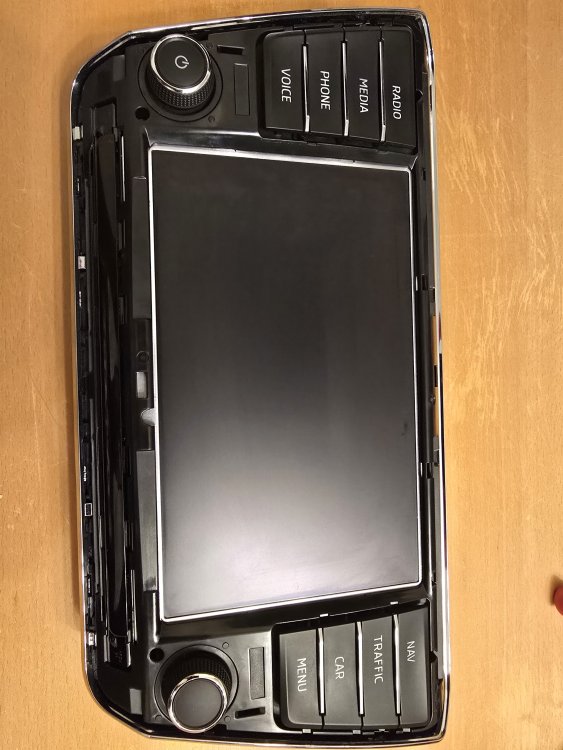
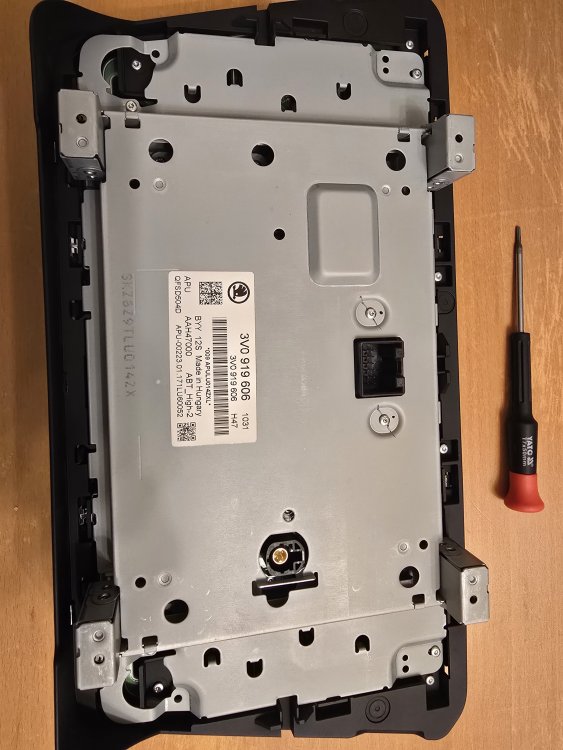
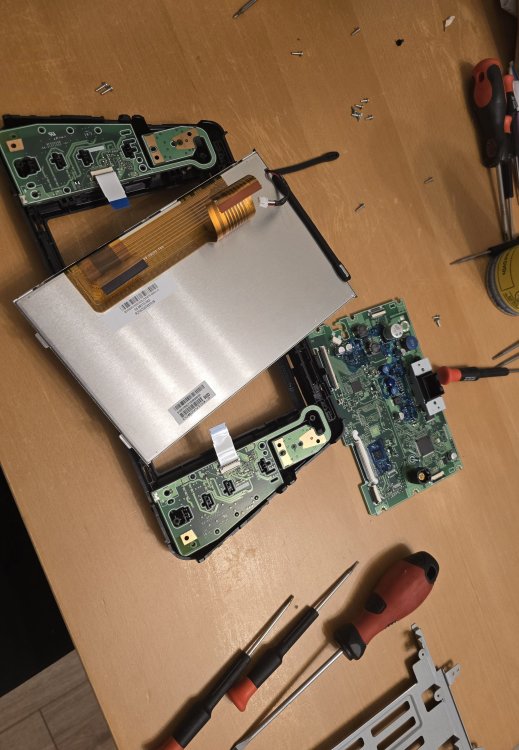
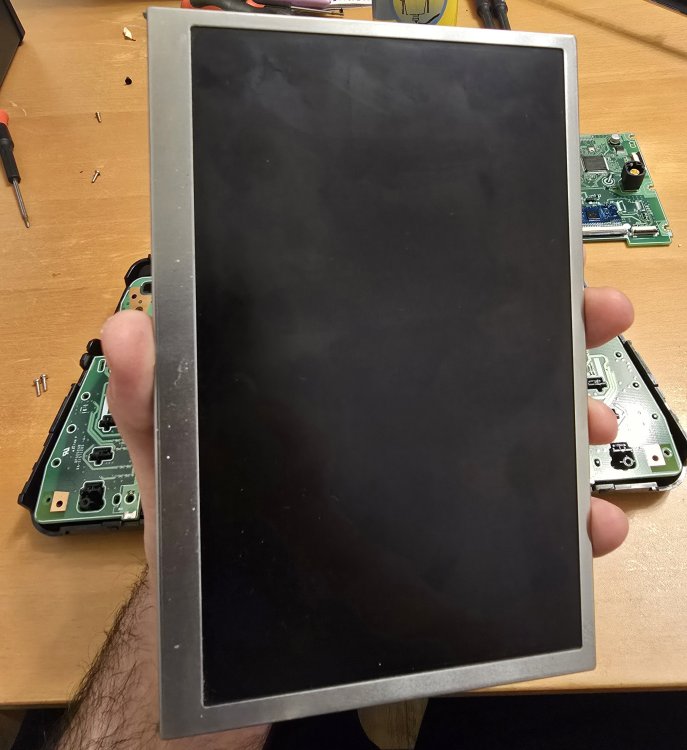
Hello, Does anyone had before issue with this touch screen not responding on left side and switching radio stations itself? I tried update the firmware from 0942 to 1433 followed by someone's instruction on forum. All was done fine but of course this doesn't help me to resolve this issue. I also active developer mode to make small test with touch screen, you can see on picture from which point my screen is not working and not continue red marks (definitely left side). So I took out the screen to see what exactly I need and probably gonna buy this one from this site: Link to website I share with you few pictures maybe someone will need it too someday. All you need it's torx 7 and trim removal tool. Do you think screen replacement gonna fix this issue? Anyone had this before? Big Thanks!
-
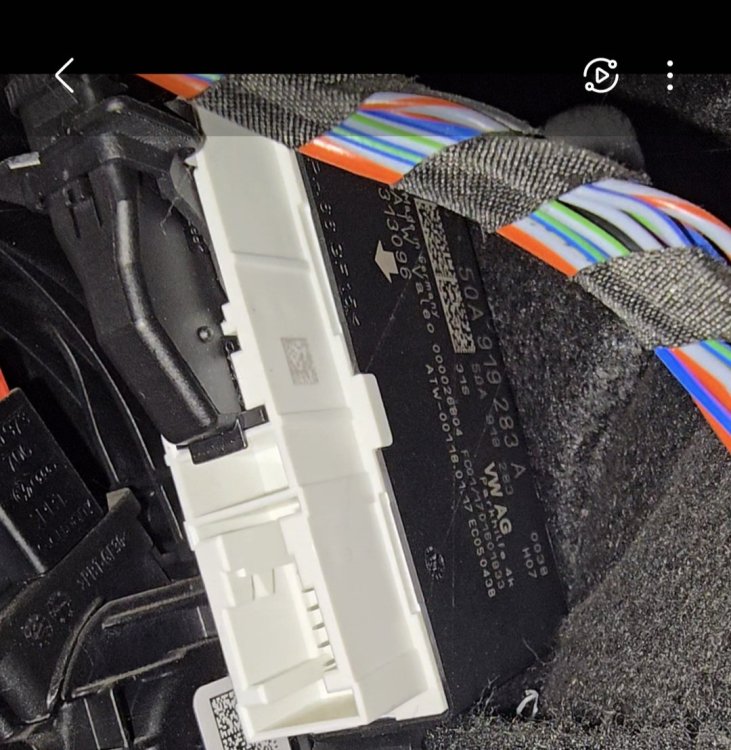
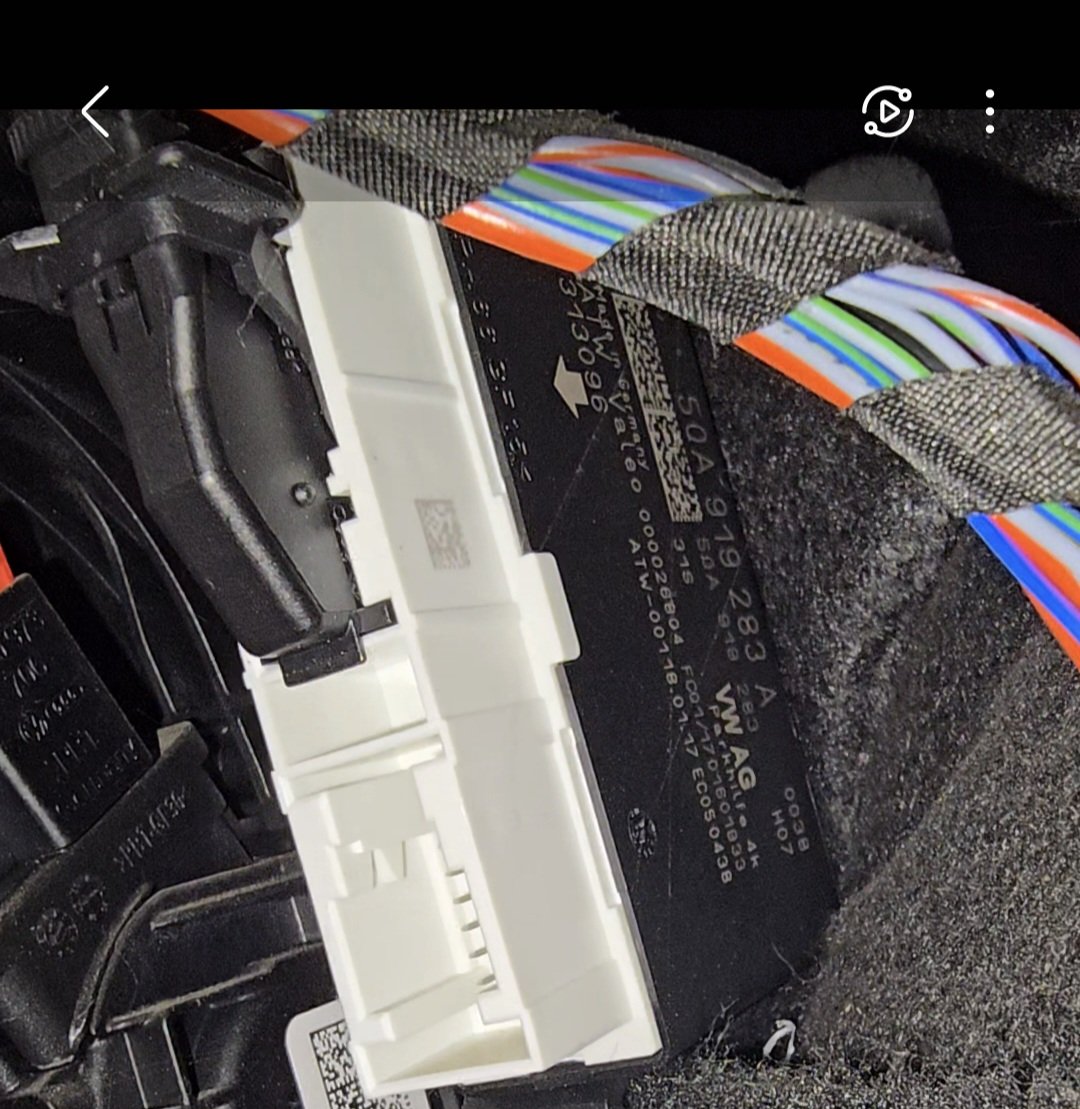
Hello guys, I would like to ask if someone fitted front sensors for Skoda Superb 2017 (if it matter 2.0 TSI with right hand drive). I did some research and find out that there must be some specific module, buzzer, sensors etc. Mine module looks like this: So probably won't work because as I check some posts it must have two arrows not one (channels or whatever). At the moment I've got only rear sensors (also waiting for camera to install from Ali express) Does anyone know module and parts that I need to make it work? I've got obd eleven if some coding have to be done too. About radio it's radio with navigation and two micro sd cards, touch screen with buttons on left and right like on picture: // Also some instruction would help too how to make it step by step if there's something like that somewhere because most of the posts I found was to quote this thing for some company. I would like to try myself or if its really hard will just leave it heh. Thank you !