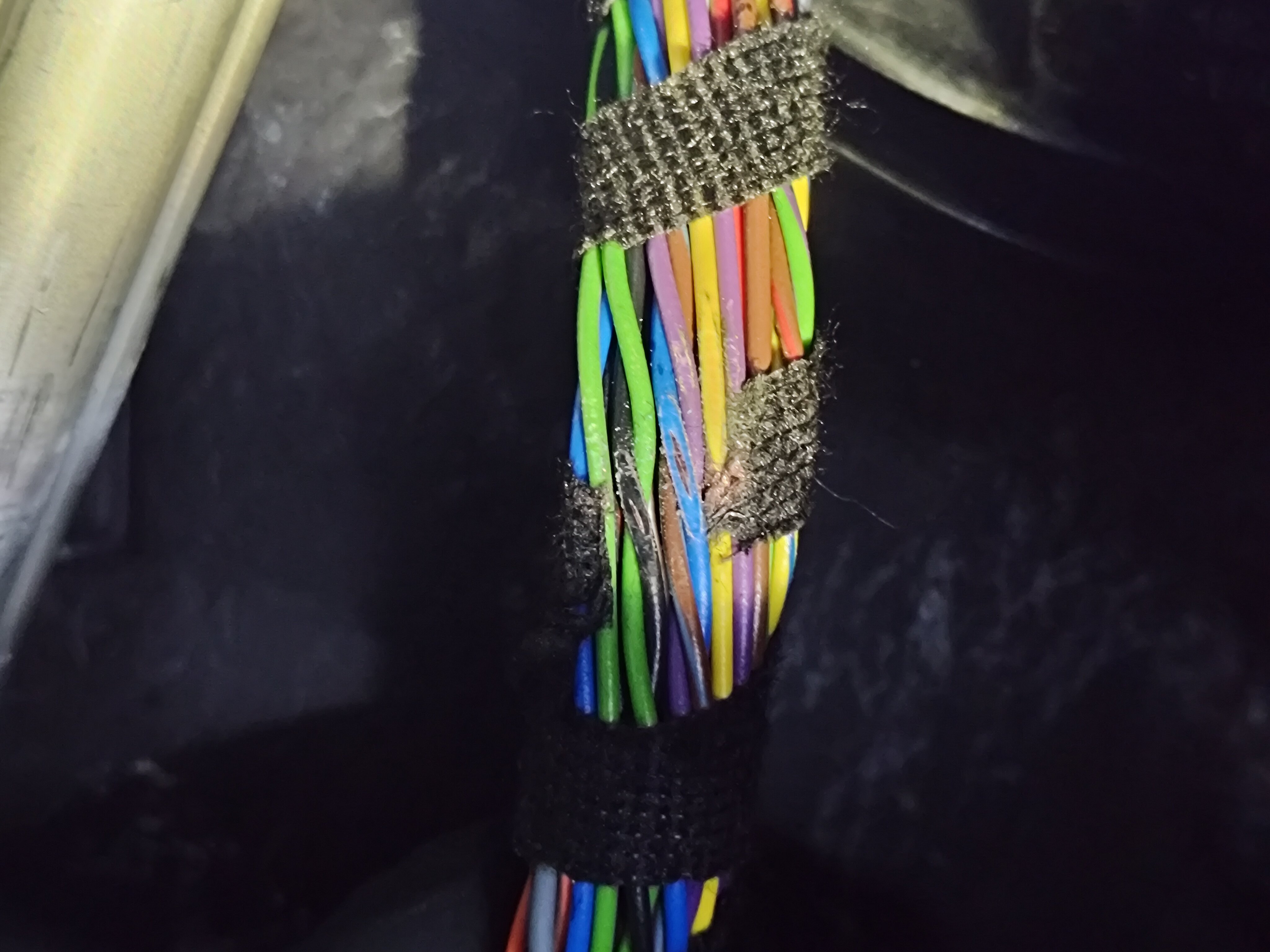
BiriBiri
New here
-
Joined
-
Last visited
-
I just saw your thread which I did make a replay to just now, hope it helps.
-
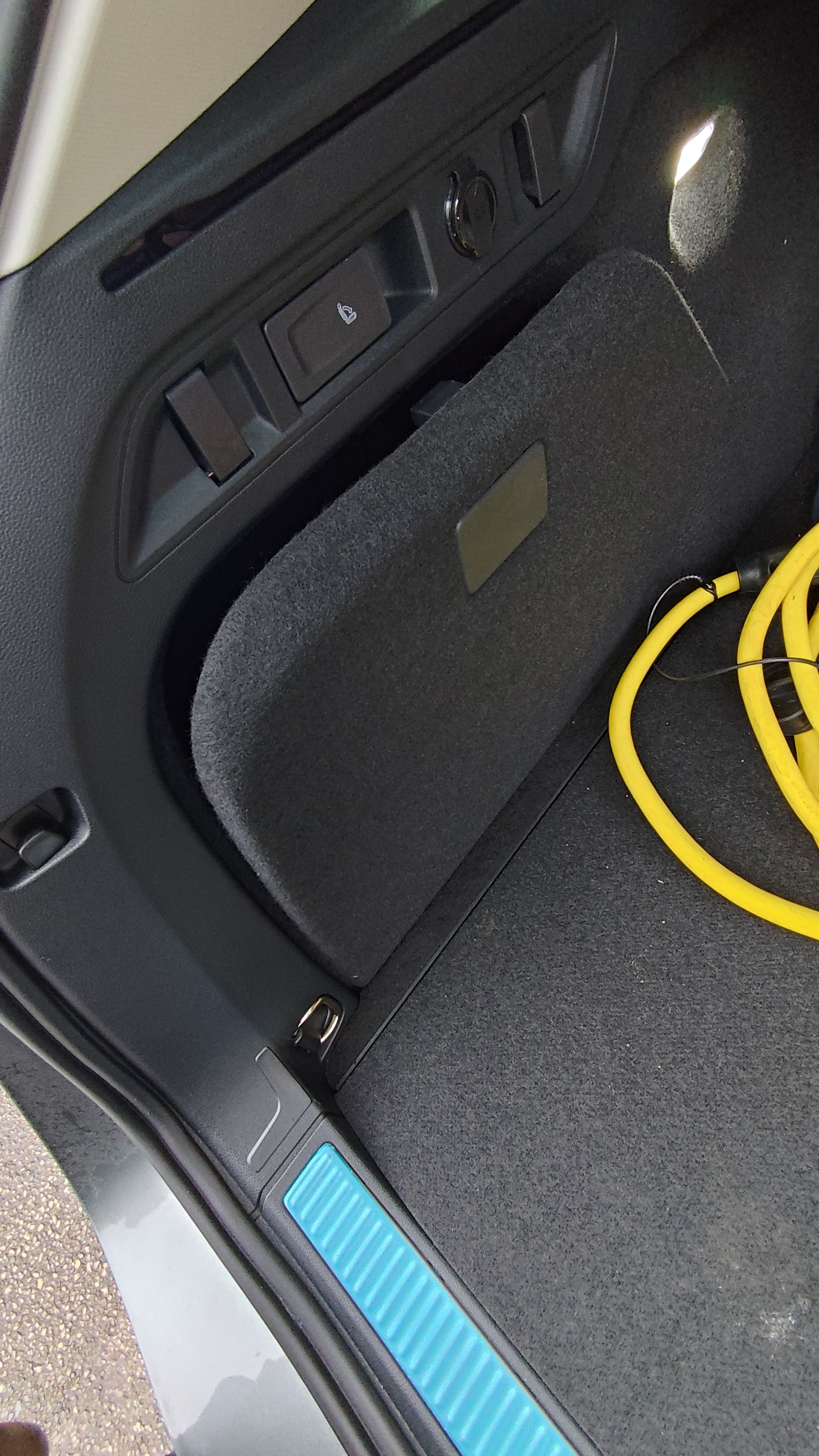
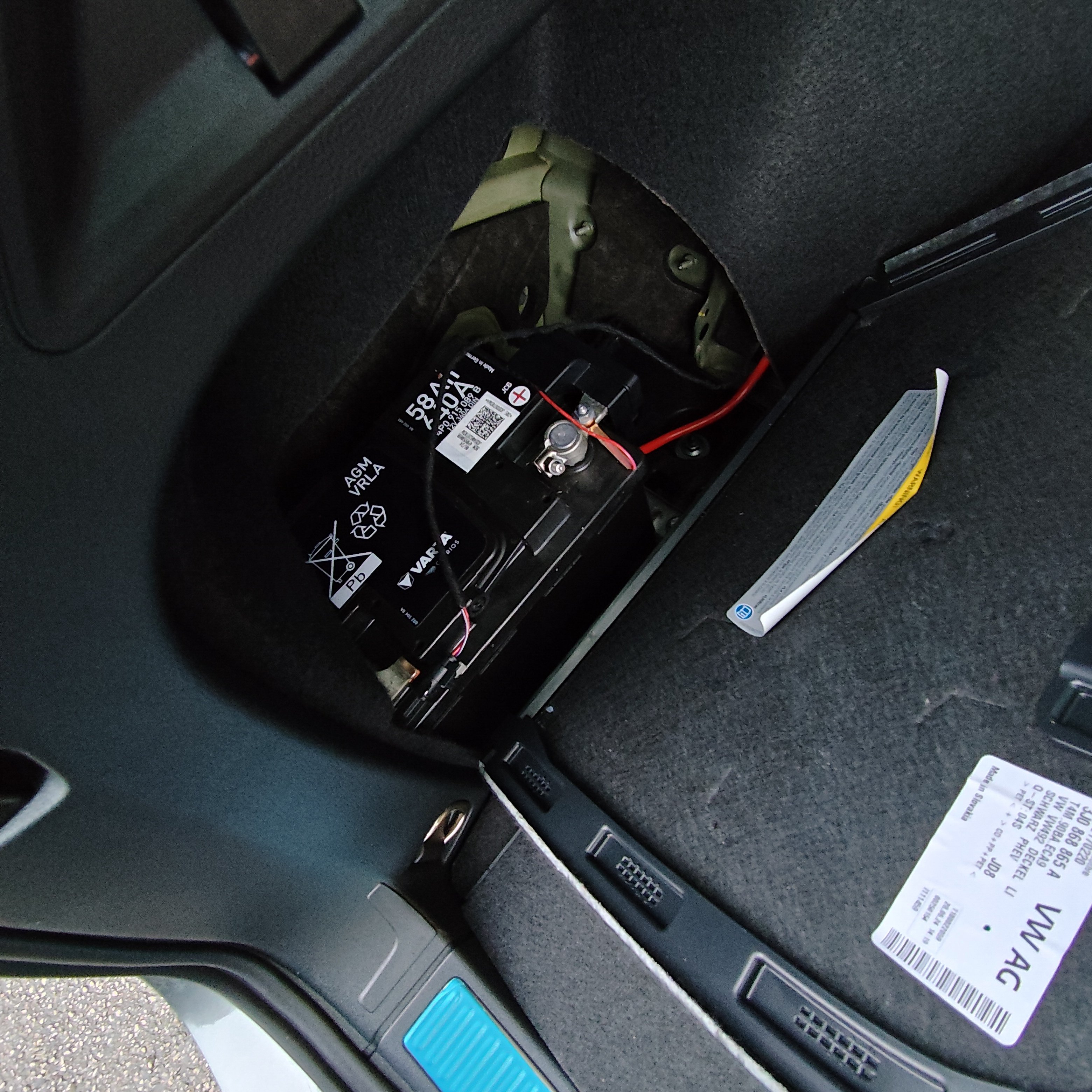
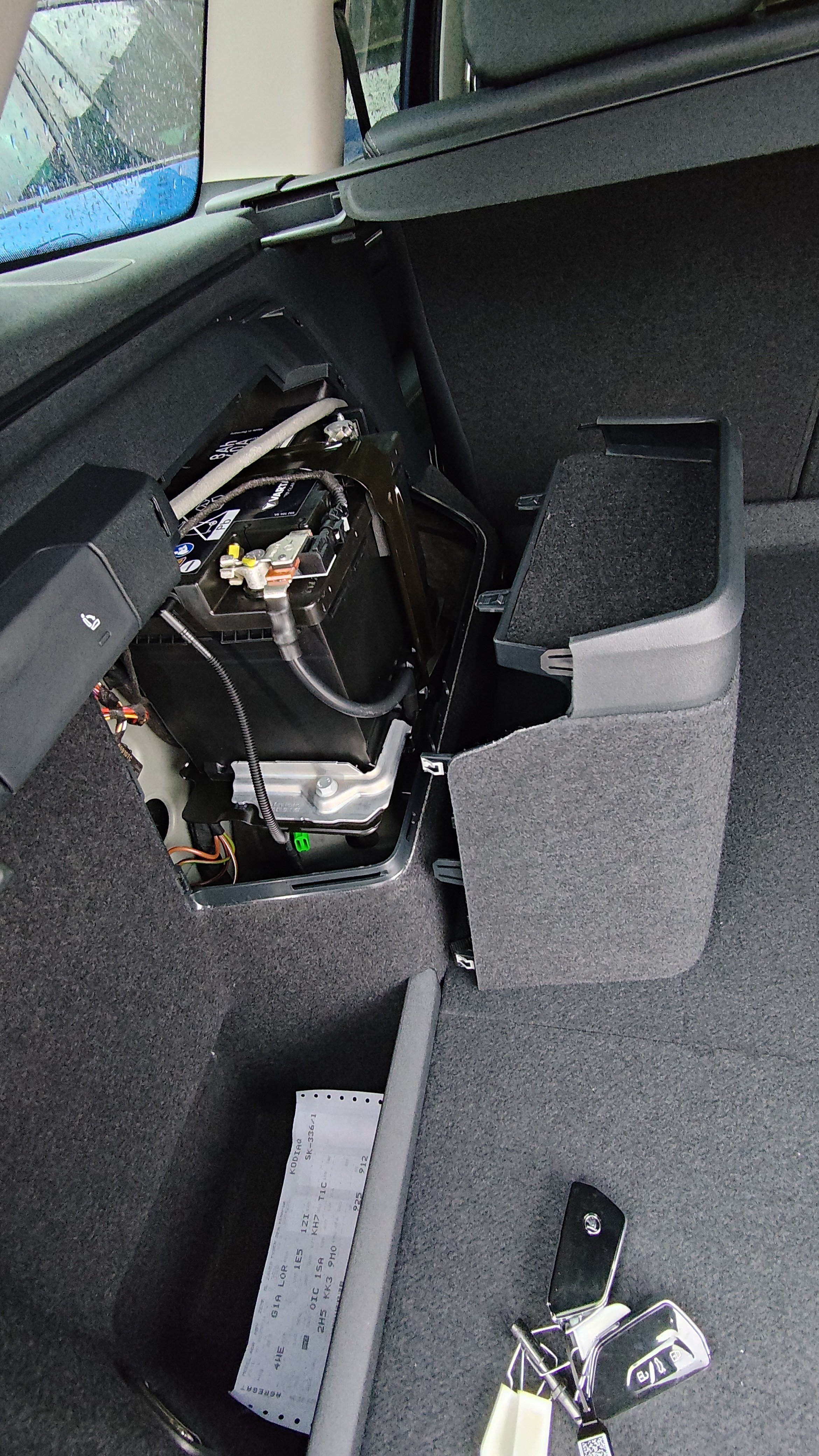
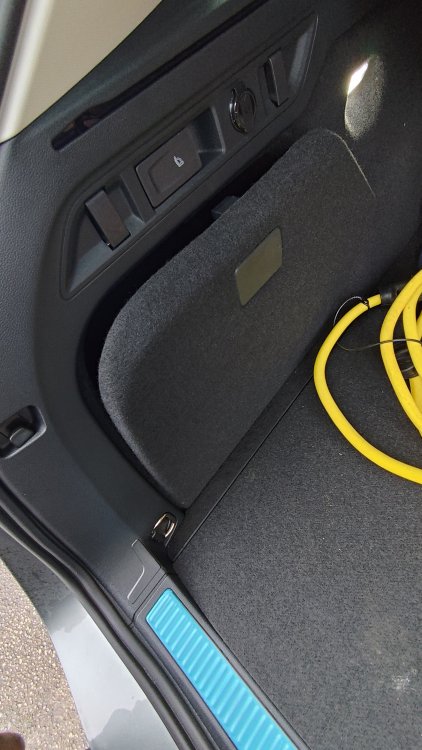
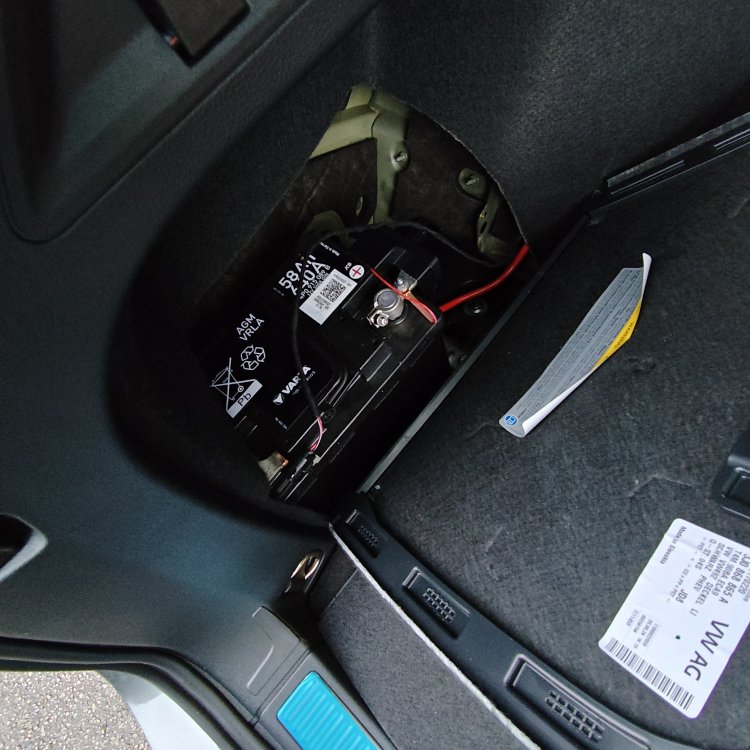
In the boot compertment on the left hand side there's a door you open and that's where it is located
-
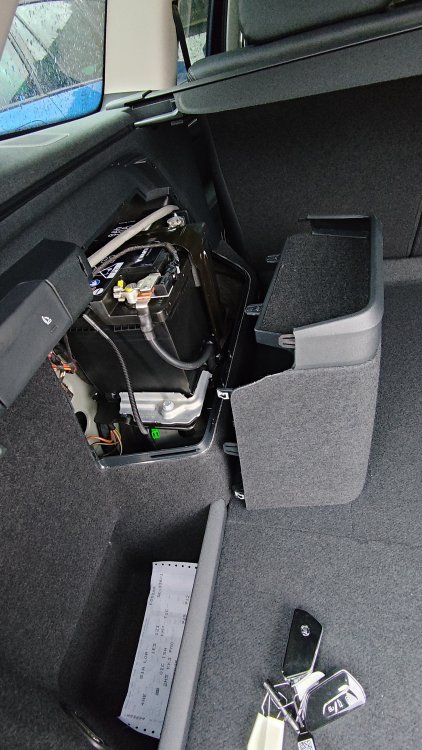
The issue regarding the maps not loading on the instrument cluster is a know fault by Skoda, there is no fix yet released for this yet. Regarding the 12v battery it is the same for PHEV and BEVs and charging the high voltage battery should also keep the 12v battery charged. On the new Kodiaq PHEV the 12 battery is located in the rear left behind a cover that you have to pull off, just held on by clips.
-
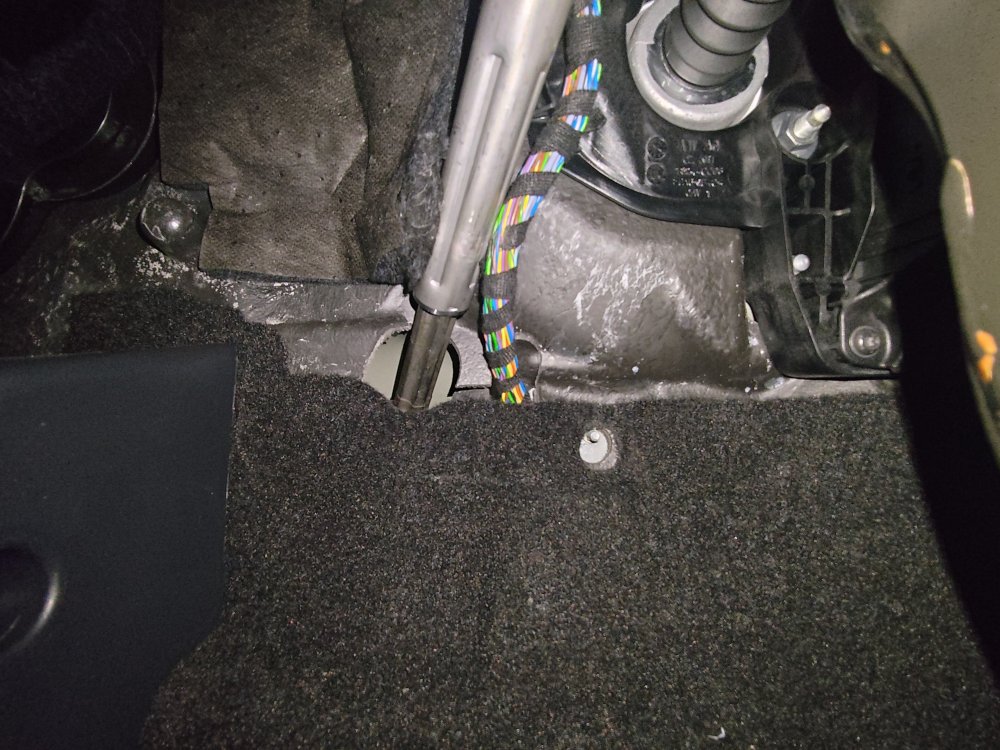
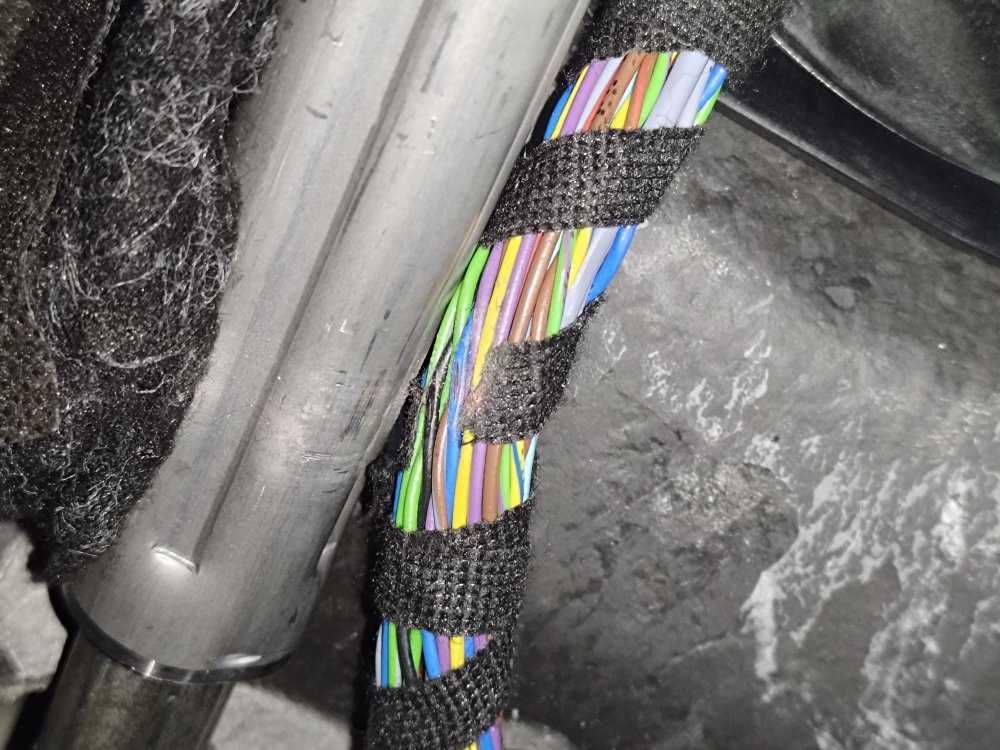
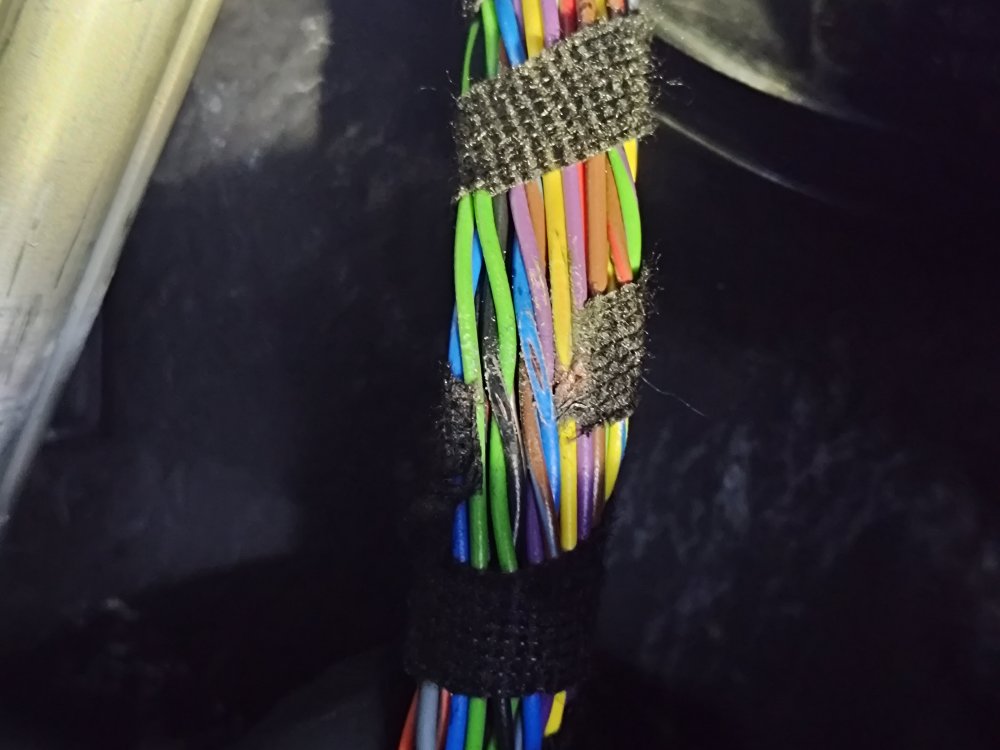
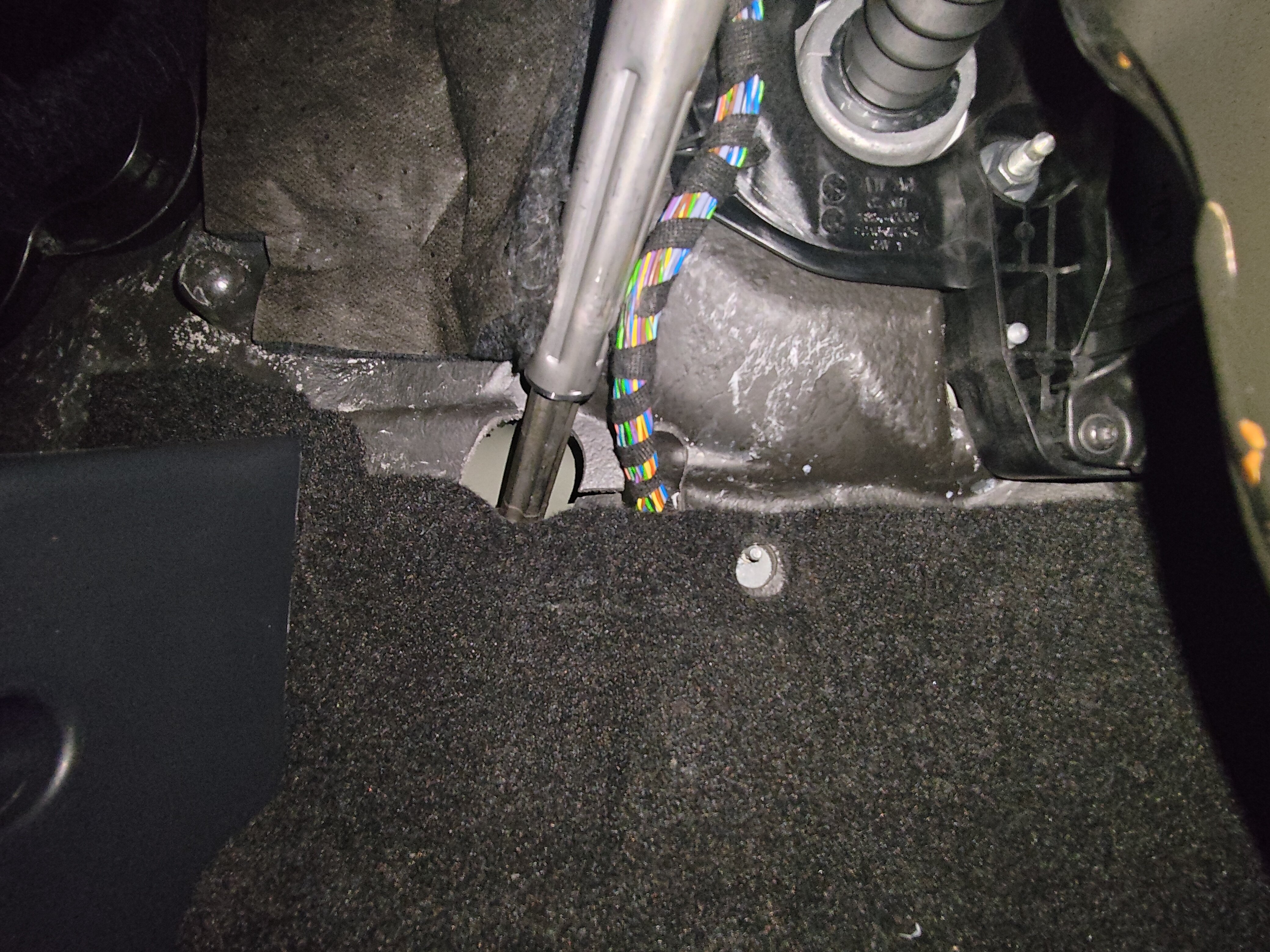
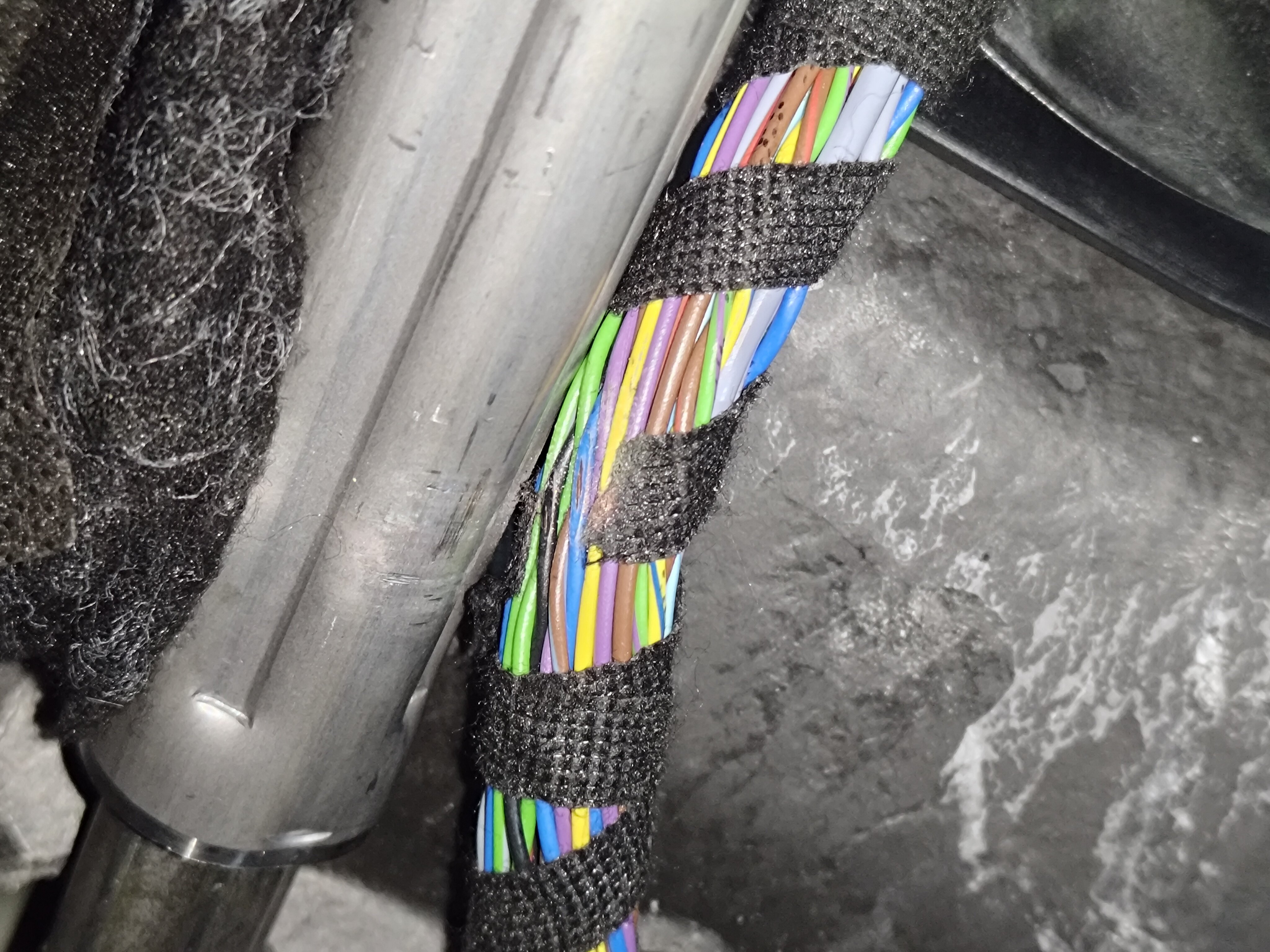
I'd like to share a bit of information as I've had 1 of the new superbs with similar issues, after the software update was carried out the vehicle was still getting multiple errors, one thing you can check is under the drivers footwell, remove the rear cover and check the positiong of the wiring loom, on the vehicle I had the wiring loom was rubbing on the steering joint and had caused damage to the wires after repairing these wires the vehicle drove as normal with no issues, if this isn't the case, unfortunately I have no other ideas as to what the issue could be.