




SkodAlex4RS
Finding my way
-
Joined
-
Last visited
-
-
Car: August 2021 OTA no reset
-
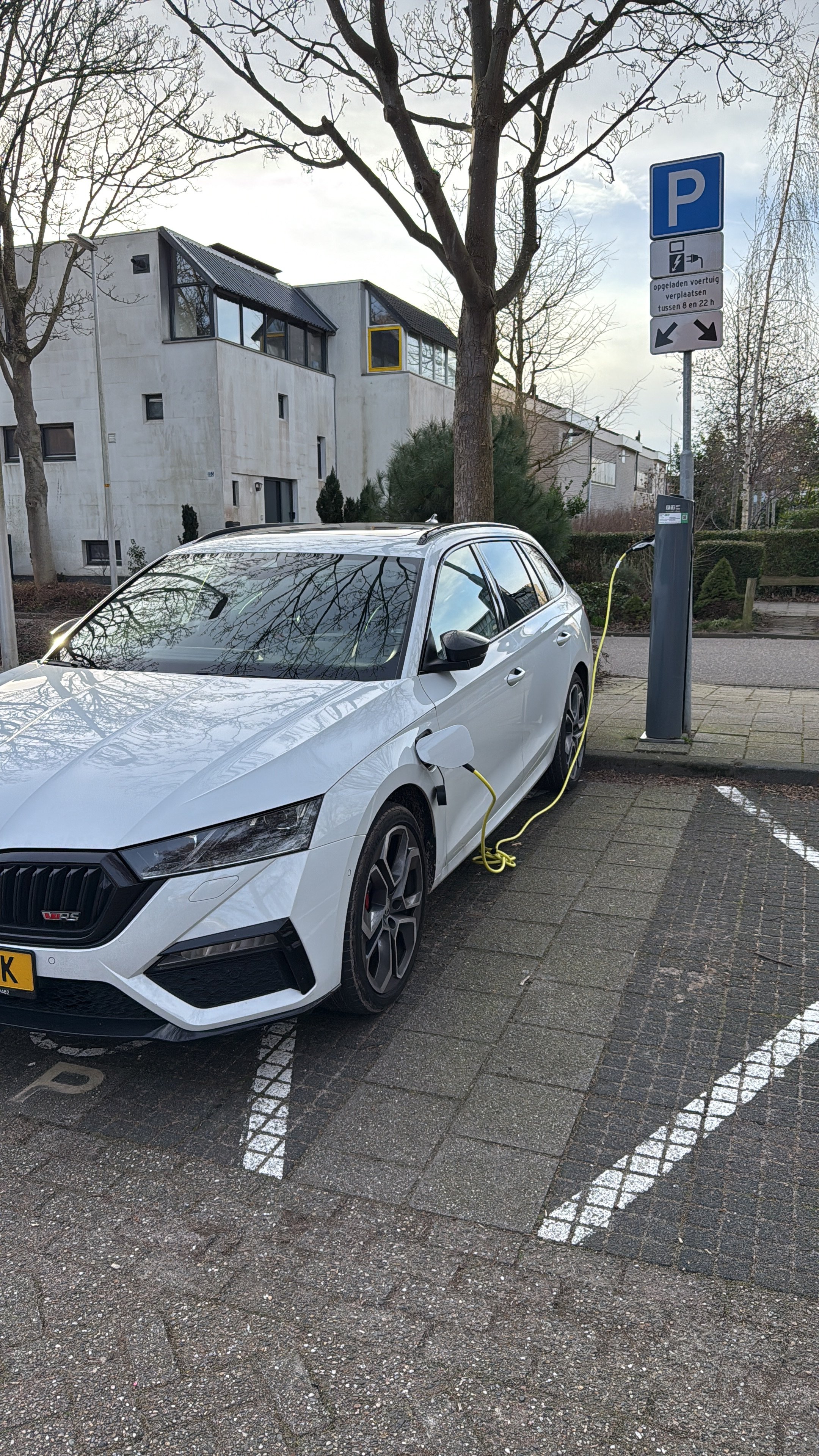
Had a faulty 12v battery as wel early this year. Replaced it never seen the issue again. Battery was only 3,5 yo.
-
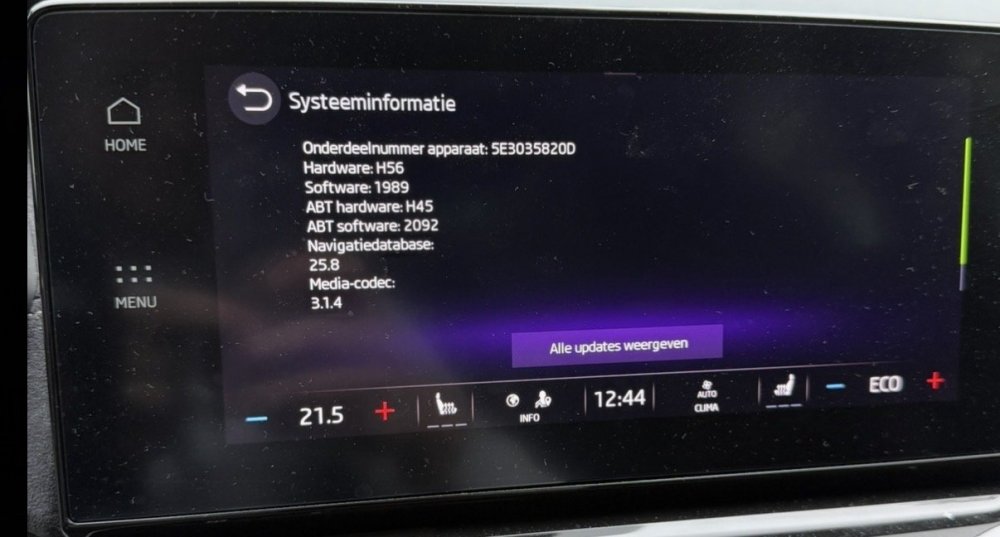
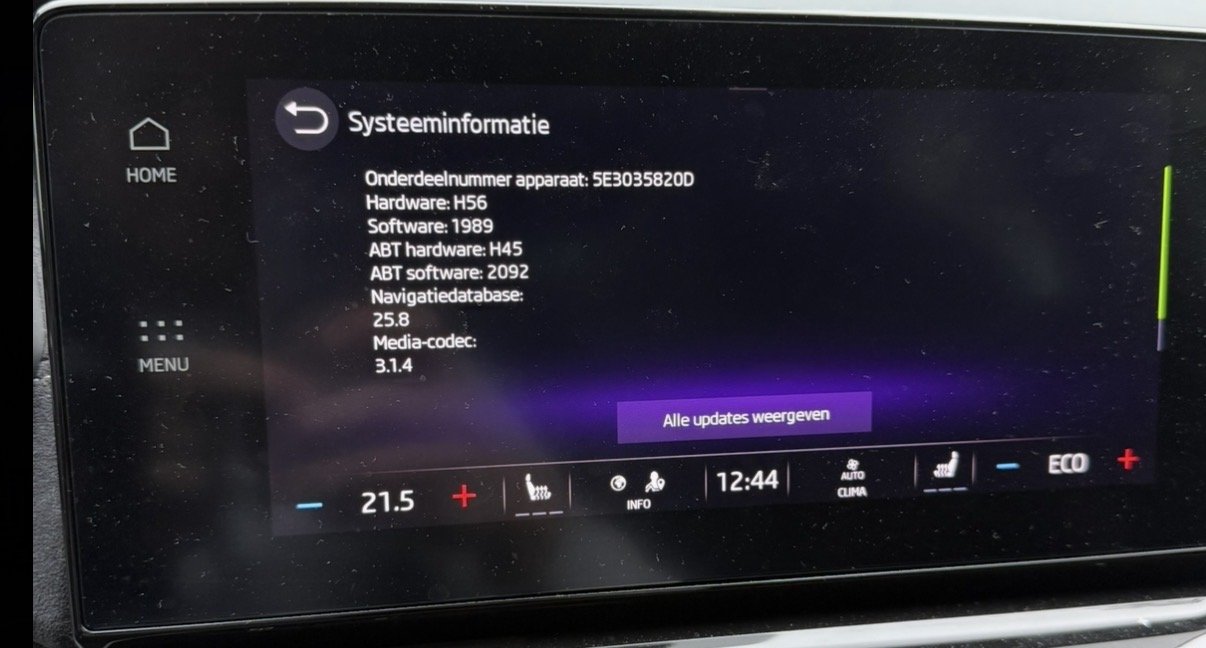
On Dutch forum I’ve read that 1989 will be available this week. OTA will come later
-
Did you by accident select the lever to S instead of D. When I want to start in hybrid I start my drive in S mode for 1 second.
-
So if I understand correctly. The 12v battery issue was fixed by replacing the 12v battery? And this took them a year?I hope it had something to do with the 12v battery’s that came with the car. I had to buy a new OEM one. So I hope this one just “runs” beter. Also I’m on the oldest software version. Can’t update myself. In June my car goes to the dealer for an update/check and they said I still need a recall done. The first owner didn’t do anything about it.In my opinion 6 months is way to soon to have 12v issues. I wouldn’t trust my car to drive 2000kms this summer if this happens to me. My new 12v battery is 1 month old and I do hope it will last at least 5 years.Same issue 2021 phev. 12v died 3 times 2 months ago. Replaced the battery and solved the issue. 12v battery was 3,5 years old with 24k miles on it. Don’t know if this issue comes back soon. But I do read it quite often on this forum that ppl have 12v issues with this car. I do know that complaining people often post more. So I can’t really wrap around my fingers if it’s a large problem or not.How old is your battery?Pfff this is the future. OTA updates for battery’s.I stand correct. It would be the DC-DC converter.Could be the alternator?

Important Information
Welcome to BRISKODA. Please note the following important links Terms of Use. We have a comprehensive Privacy Policy. We have placed cookies on your device to help make this website better. You can adjust your cookie settings, otherwise we'll assume you're okay to continue.