zer081
Finding my way
-
Joined
-
Last visited
Everything posted by zer081
-
Yes, if you press the button, the front end of the torch comes on ok (it also comes on if you press it when it's plugged in). It's only the front part though, even though it appears there are LEDs in the 'top' of the torch too.
-
What model/year is yours then, seems to be losing features as the years roll on, unless mine is broken 😕
-
That's fair enough for me then, if it's the same with other people too. It looks like there are LEDs on the 'top' of the torch which was leading me to think that maybe that bit should come on automatically. If not though, then it's all good and not something I need to raise with the dealers when it goes back for a few other bits. First ever Skoda and only owned for 2 weeks so early days getting to know things ! Thanks for the confirmation.
-
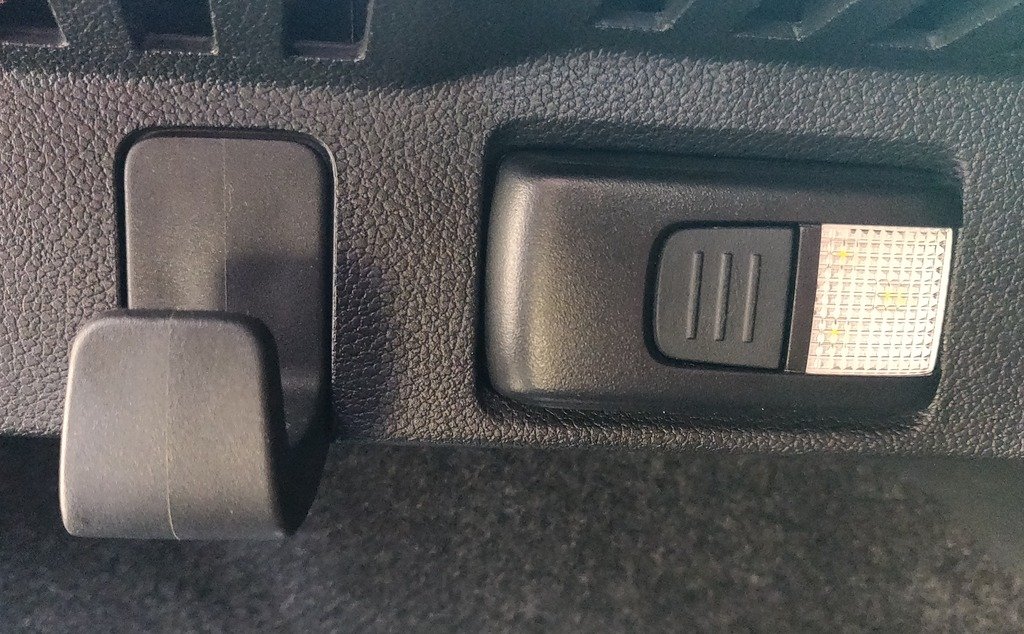
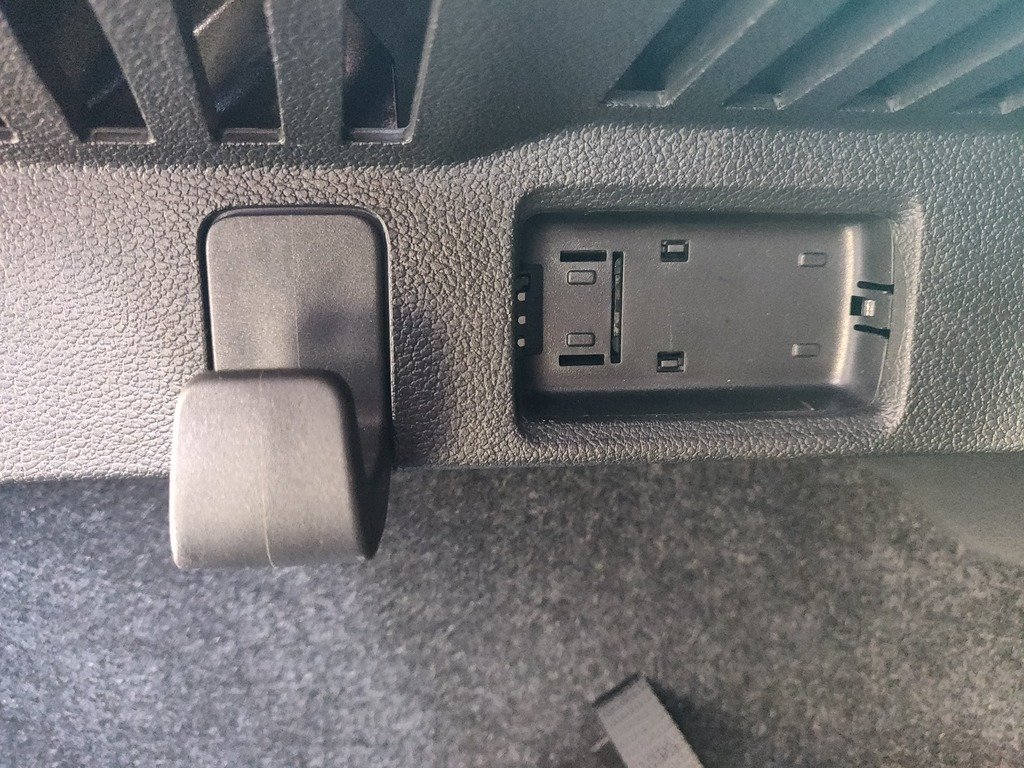
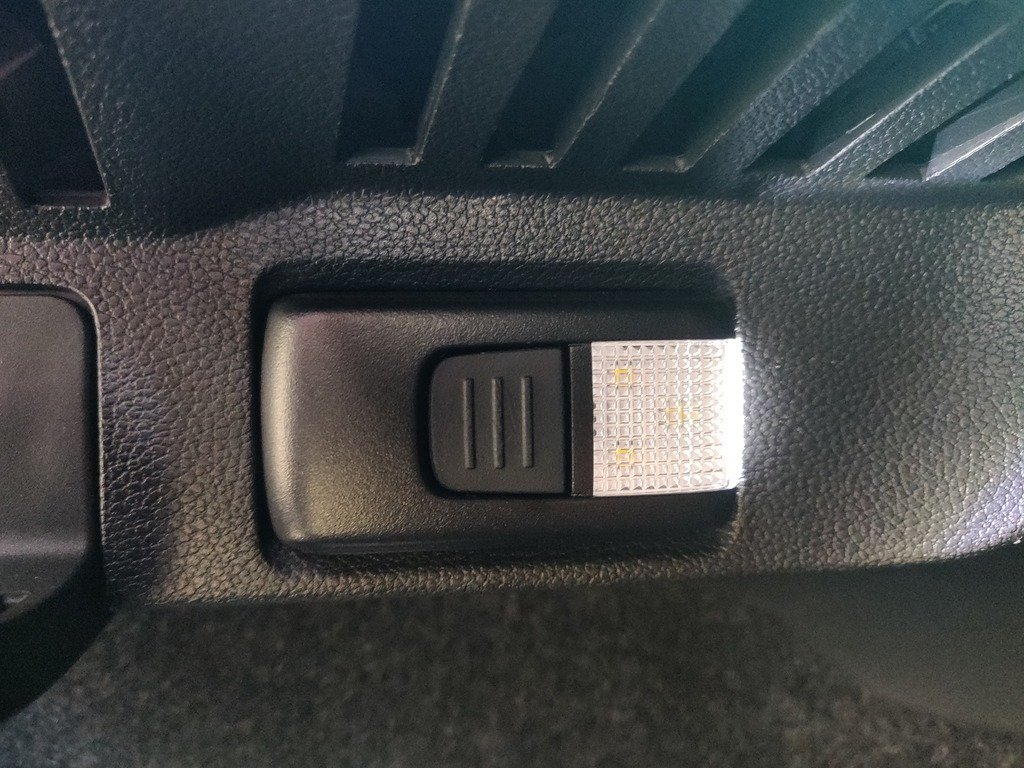
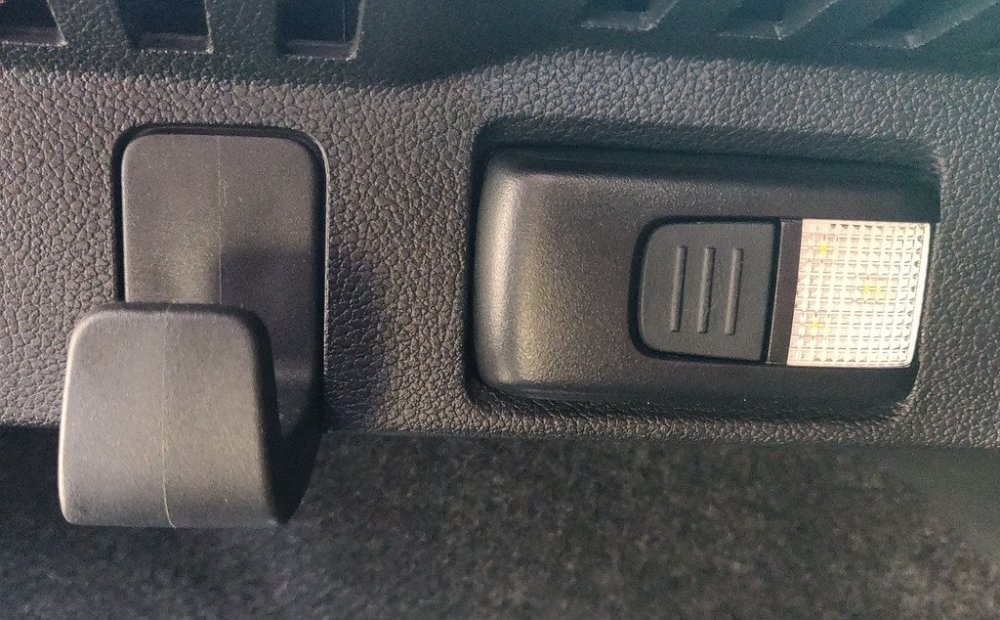
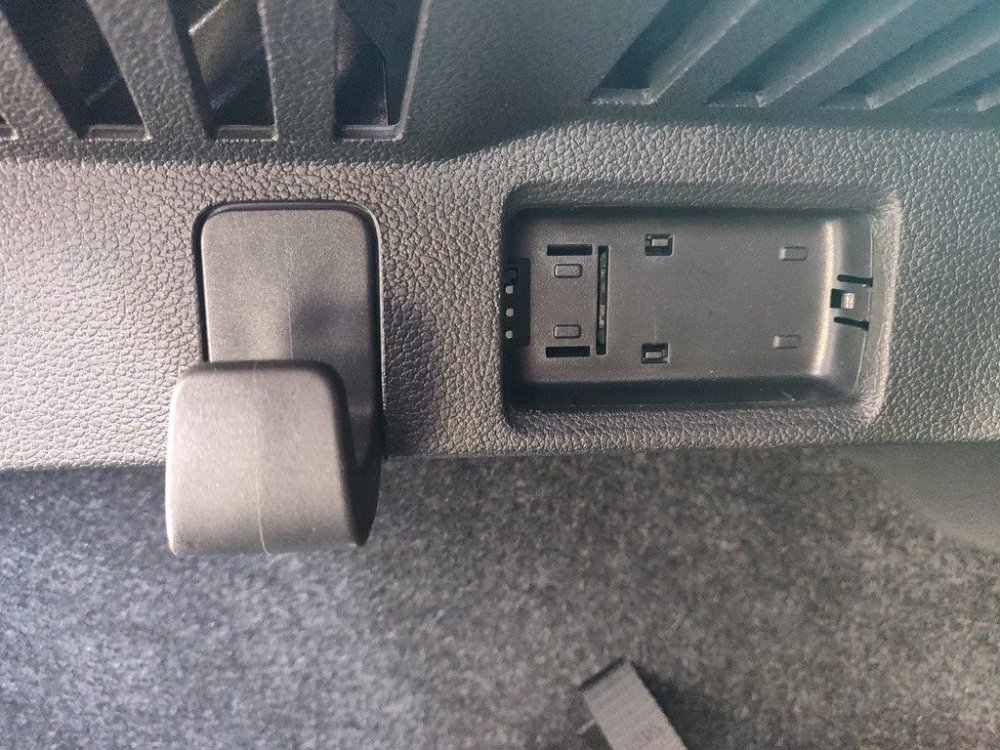
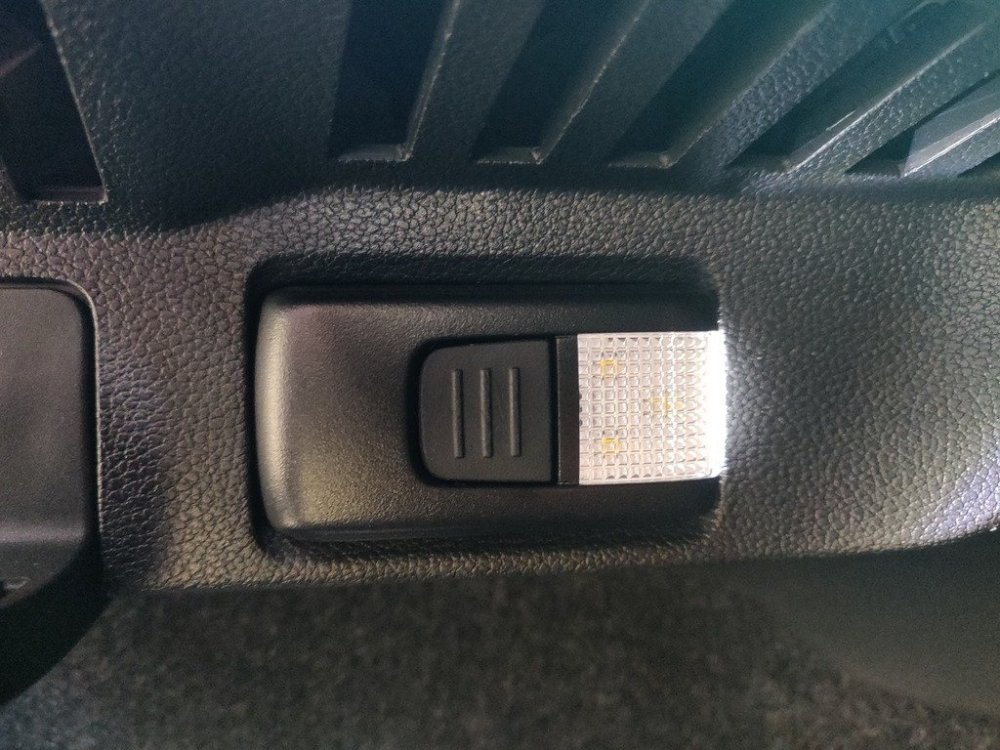
First pic is torch as soon as I open the boot (looks a bit like it's illuminated but it's not) Second pic with torch removed (obviously :p) Third pic is after pressing the button to turn torch on.
-
Hi everyone, first post here, so hopefully I'm not asking a question that's been asked multiple times before (could not see anything on a search) Should the boot torch on a 2019 Kamiq come on automatically when the boot is opened? The fixed light does, but the removable torch does not and I can't seem to find a concrete answer on if this is a problem or not as some videos seem to show it coming on when the boot opens, but when I asked the dealer, they said no. Thanks in advance!