LinoTheFox
Finding my way
-
Joined
-
Last visited
Everything posted by LinoTheFox
-
-
-
-
In my superb style 2.0 2016, i getting the "Front Assist Unavailable" now i cleaned the radar multiple times and it seems it needs calibration. I do have a VCDS and i wonder if it is possible to do it from it or pay a fricking 600$ for a calibration from the dealership I know people did with OBD11 the calibration, so i really wonder if a tool such as VCDS will have it also :3
-
I totally agree with you, but it my first time doing it, didnt had a chance before so i will see how it goes thanks! Thanks for the help!
-
I do have a some third party mechanics that can help in the matter so i will ask for a quote first
-
I do have a VCDS but after looking a bit online and stuff i saw lift is needed and such. So i will go to a mechanic probably soon
-
Ok thanks for the opinion, How much does the transmission take oil in the change?
-
Yes. But from your answer you didnt read the current situation
-
i have bought a superb 2016 2.0 tsi 220hp which had 2 hands before it. the one who bought from the dealship and another guy i bought it from him. now the guy i bought from him didnt really know if had changed the oil in the DSG while he owner it from 2019! now i read some people saying you SHOULDNT change if it had passed this much KM because the new oil will break it. now should i change it or not? its good to mention the gear is smooth and doesnt do problems.
-
oh yea i read about it, and also discovered that VCDS saves all the changes that you did in a file, which is really useful
-
it is my first time going so deep into the versions of the superb and VCDS i will get the autoscan for the modules and update :)
-
Oh, sad. I really wanted that easy entry... i am a big and it would help me a lot... Thank you all for clarifying everything! Thanks!
-
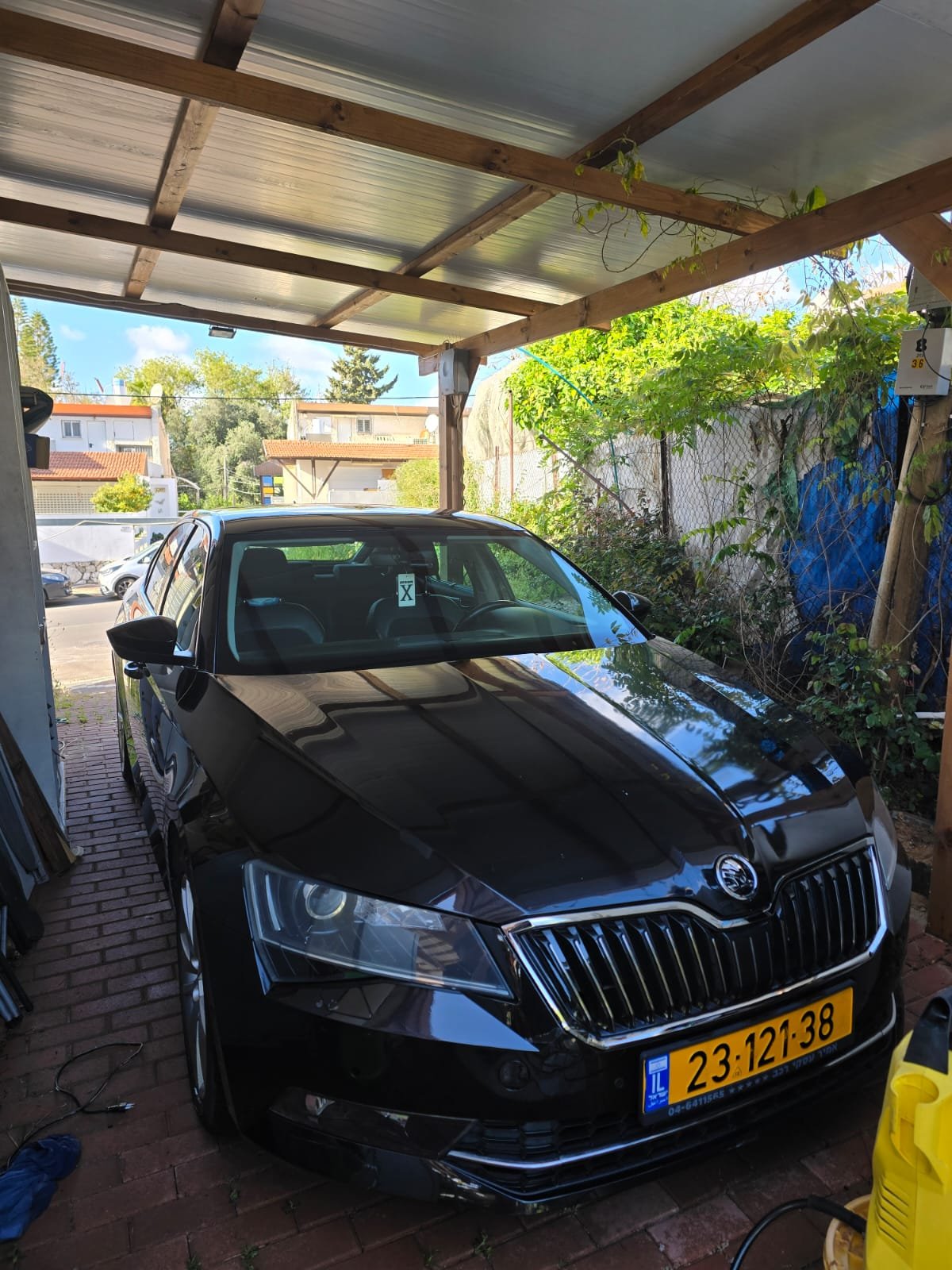
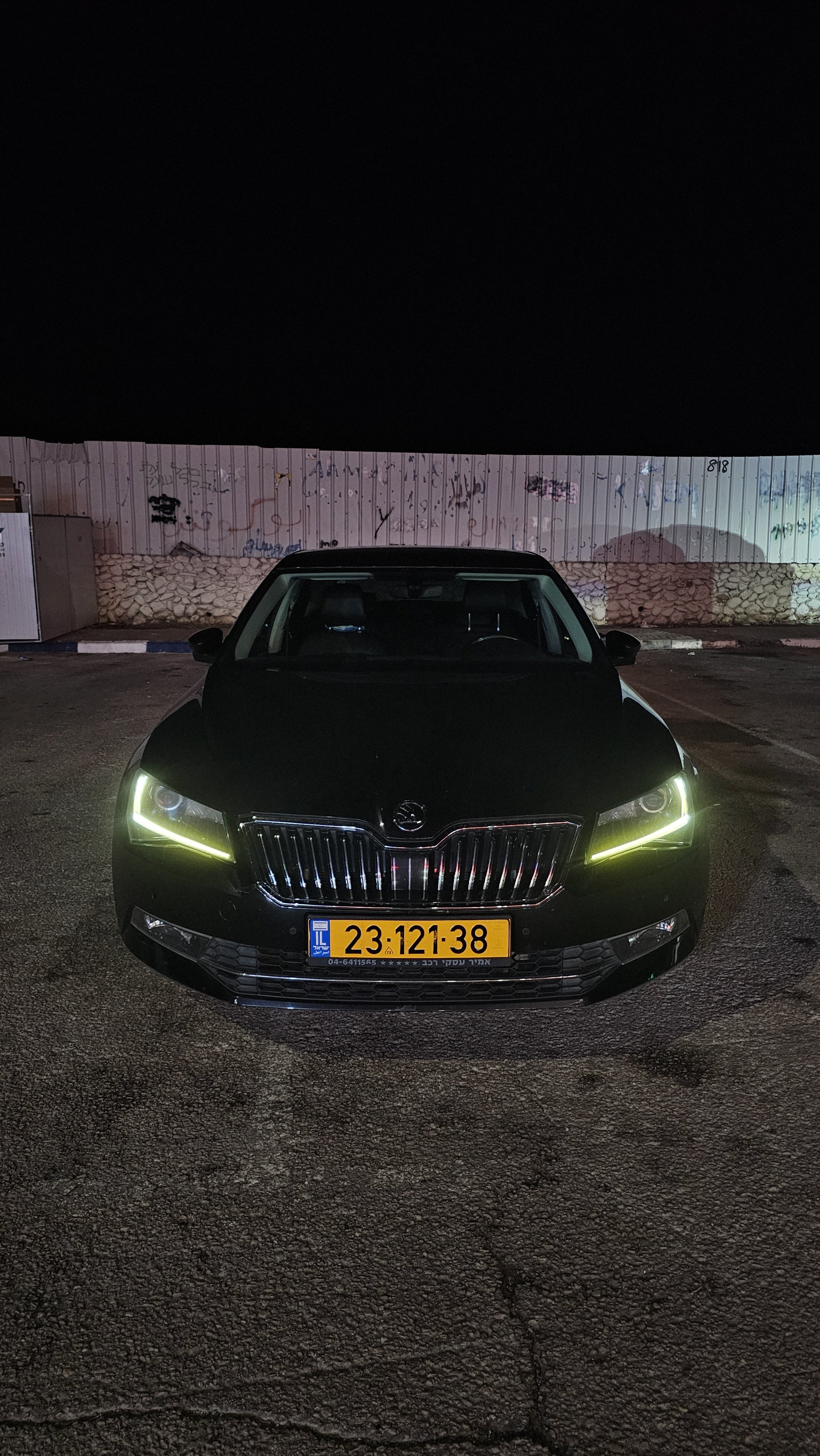
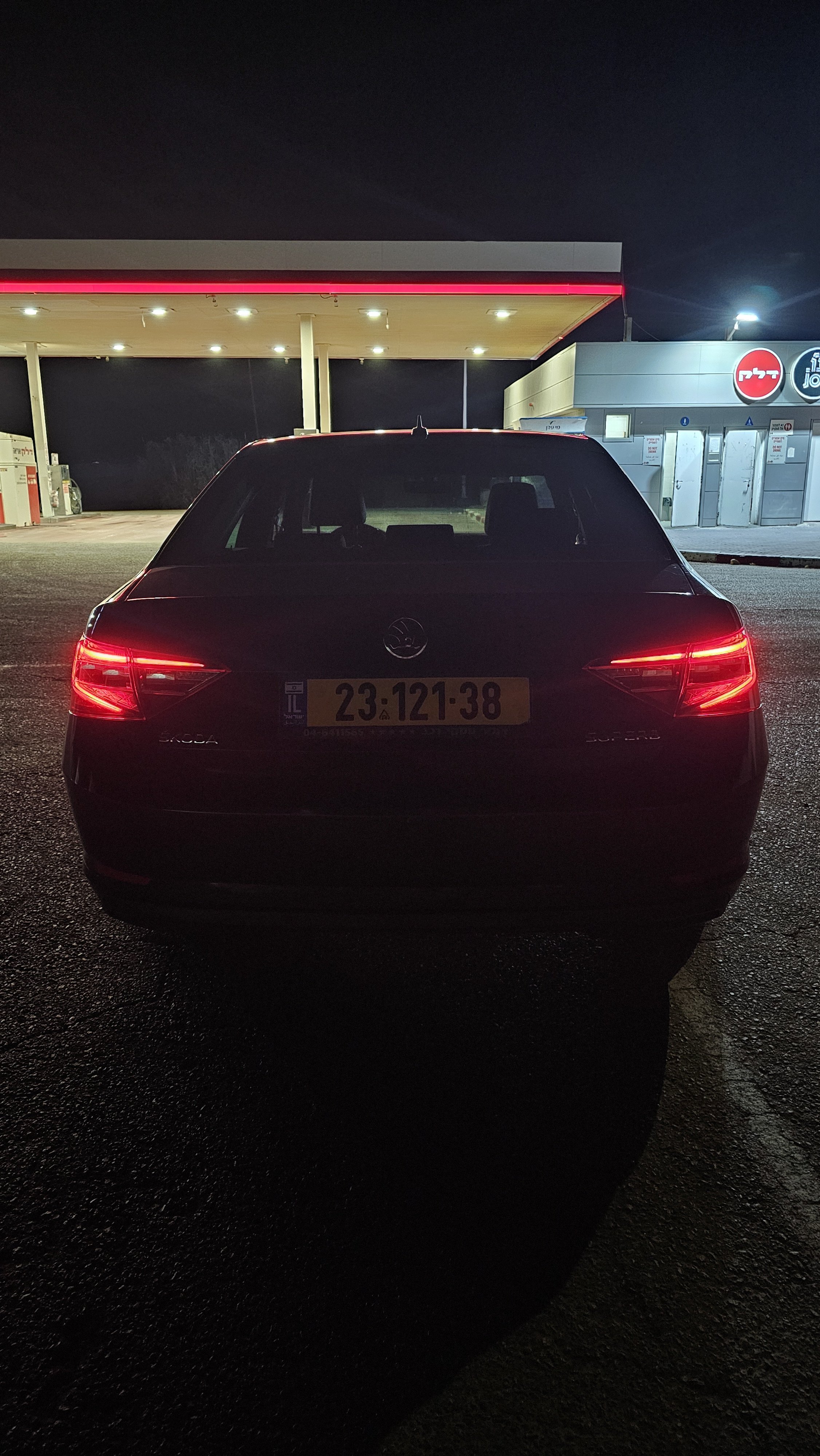
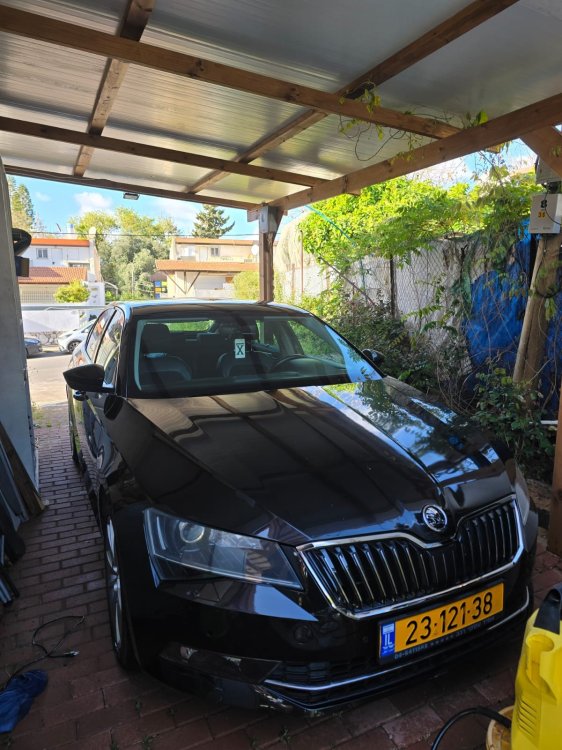
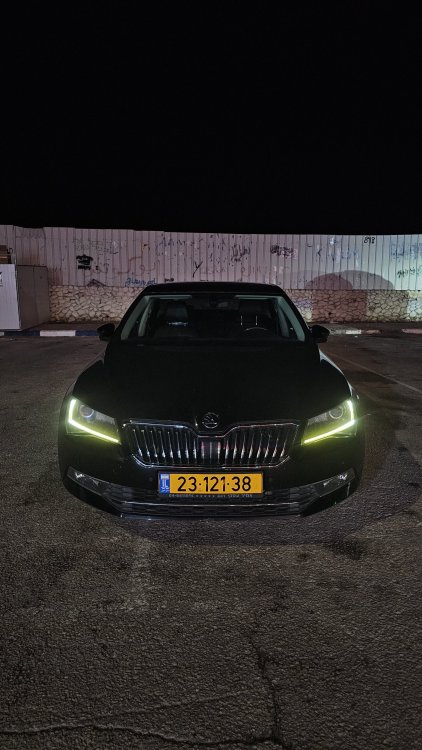
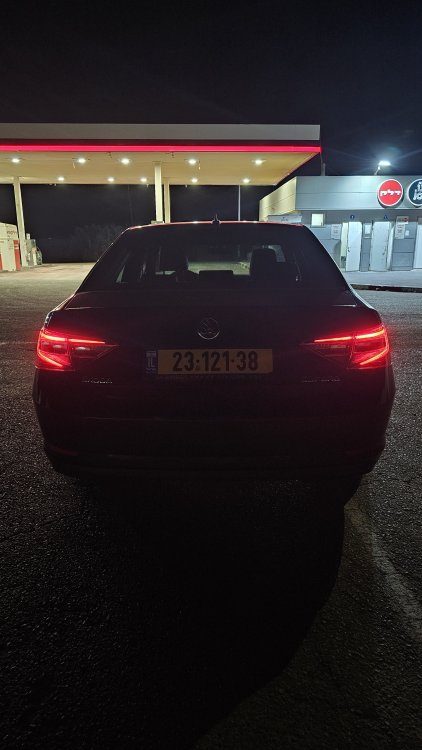
I have the skoda logo and not the lettering, also here is some pictures it might help
-
Oh thanks a lot, i was sure mine was the facelift version, i will try my luck there, thanks!
-
HI :) ive got myself a VCDS for my superb 2016 style 2.0 220HP for usually maintnance, i seen this post: https://www.briskoda.net/forums/topic/516414-vcds-options-on-superb-iiifl/ and i noticed the driver easy entry option. now i saw in my MIB that in the "seats" options i dont have it, i have only to store in key. and in VCDS i didnt find any option to enable it also, and long coding the length of the code doesnt fit. is there something i am missing?
-
i have the files but i cannot send DM, there is multiple people here that have the files
-
No problem, there is the official releases, and after market ones ^^
-
You can check at "mib helper"
-
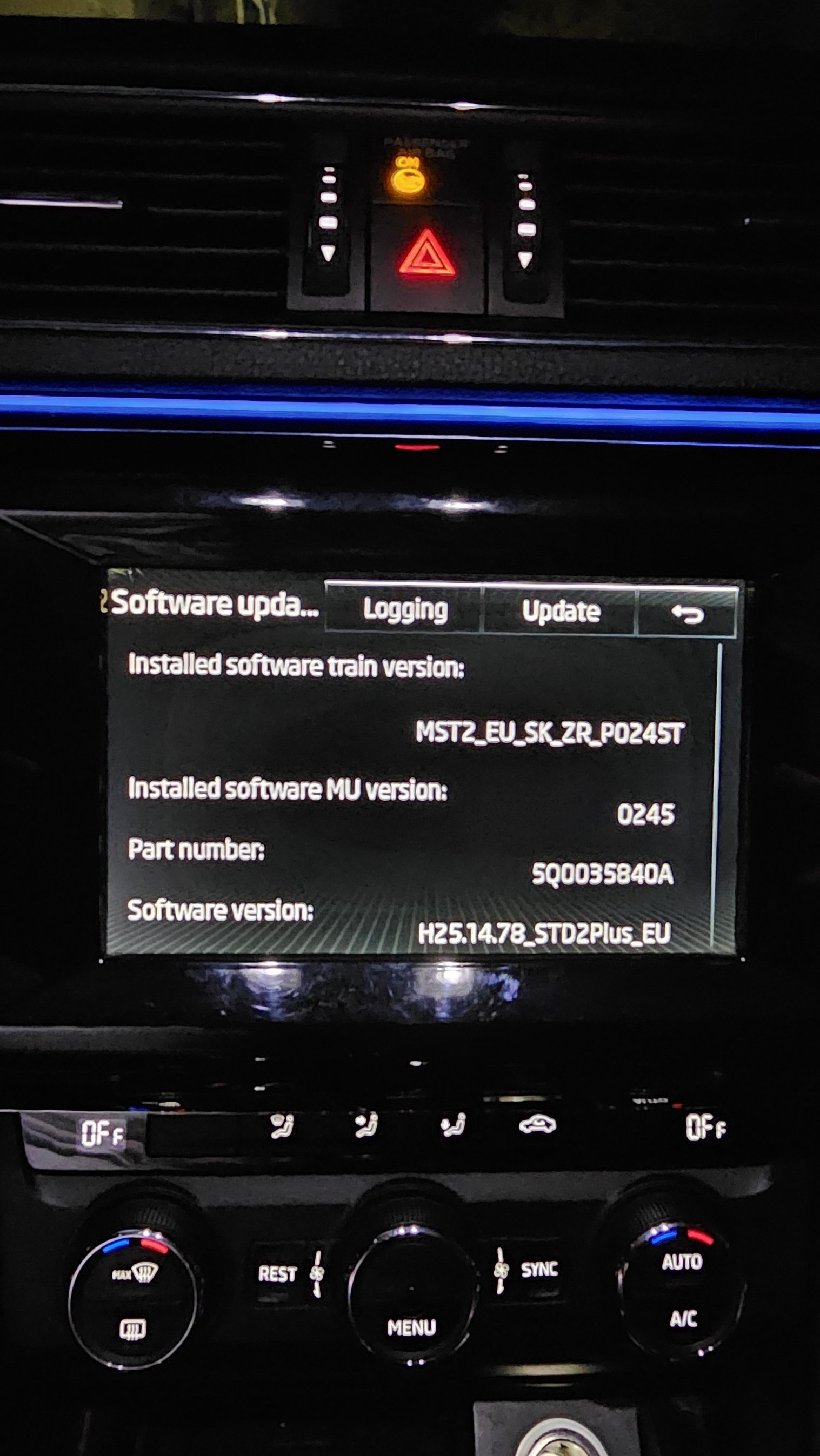
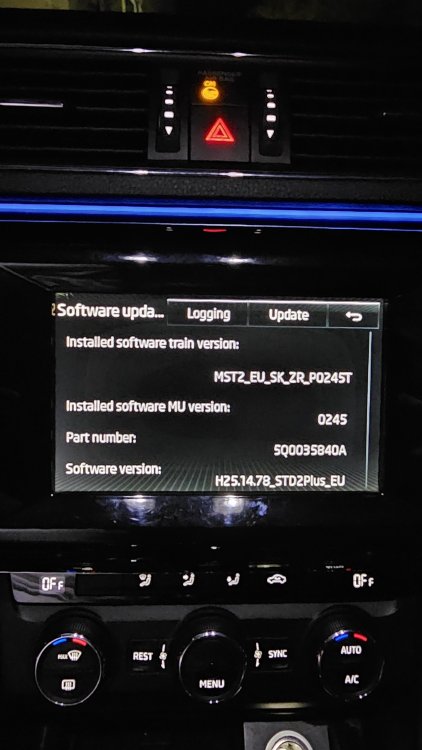
update: i somehow managed to download P0480T but when I try to update I get the: "Unable to read the file meta-information" "Can't use Update Container. The current Software Download application is too old" does someone have earlier version to share so i can update to it and then P0480T?
-
hello, i need help with getting the mst2_eu_sk_zr_p0480t files, MIB solution is so slow it would take me 20 days to download, can someone share the RAR with me? please share it with me: [removed] it will help me a lot because I bought the car with a really really old FW I checked that it is the version I need for my superb 2016 2.0