Lowepepsi2004
Finding my way
-
Joined
-
Last visited
-
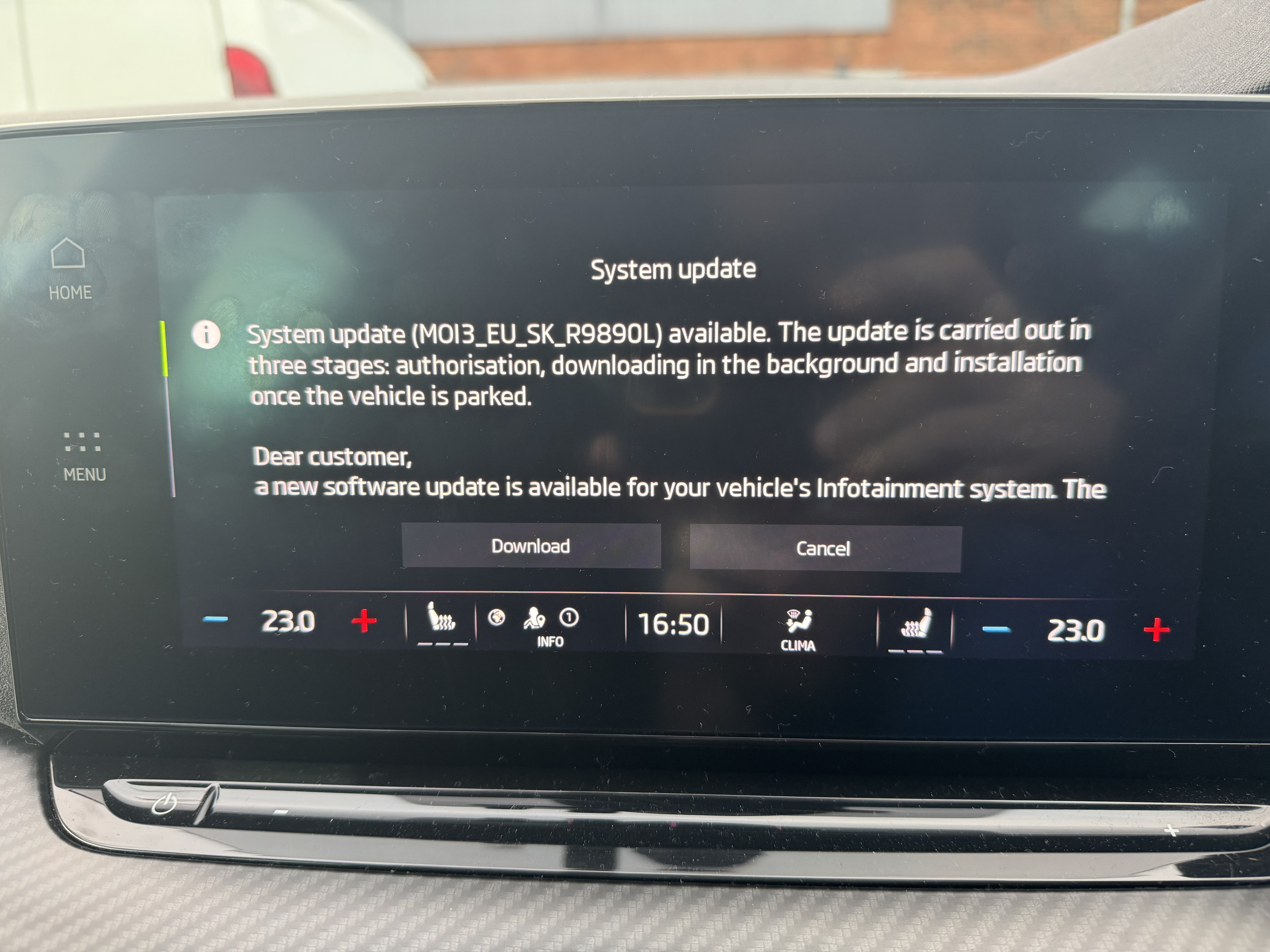
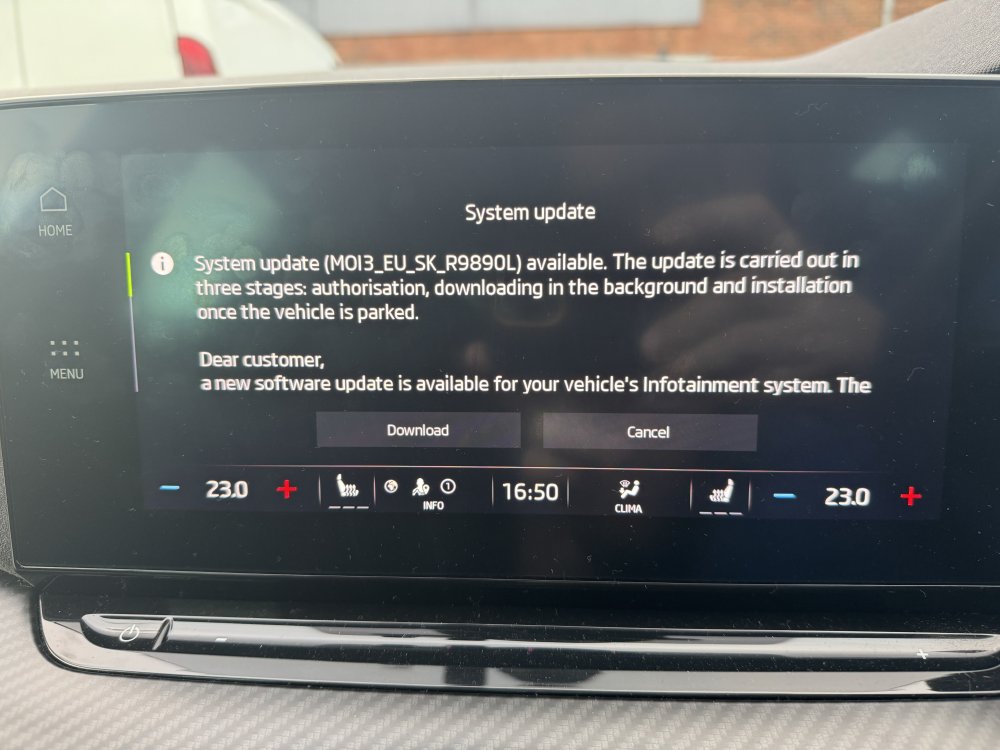
My vehicle downloaded 1989 today!
-
@SiWaiting as requested
-
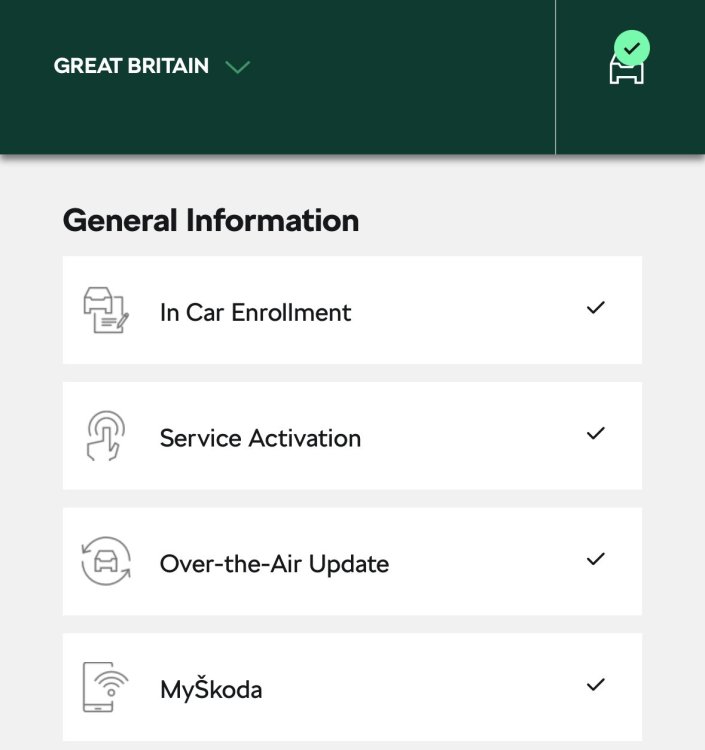
@SiWaiting U’ve seen my input. All seems to be good for me on H56.
-
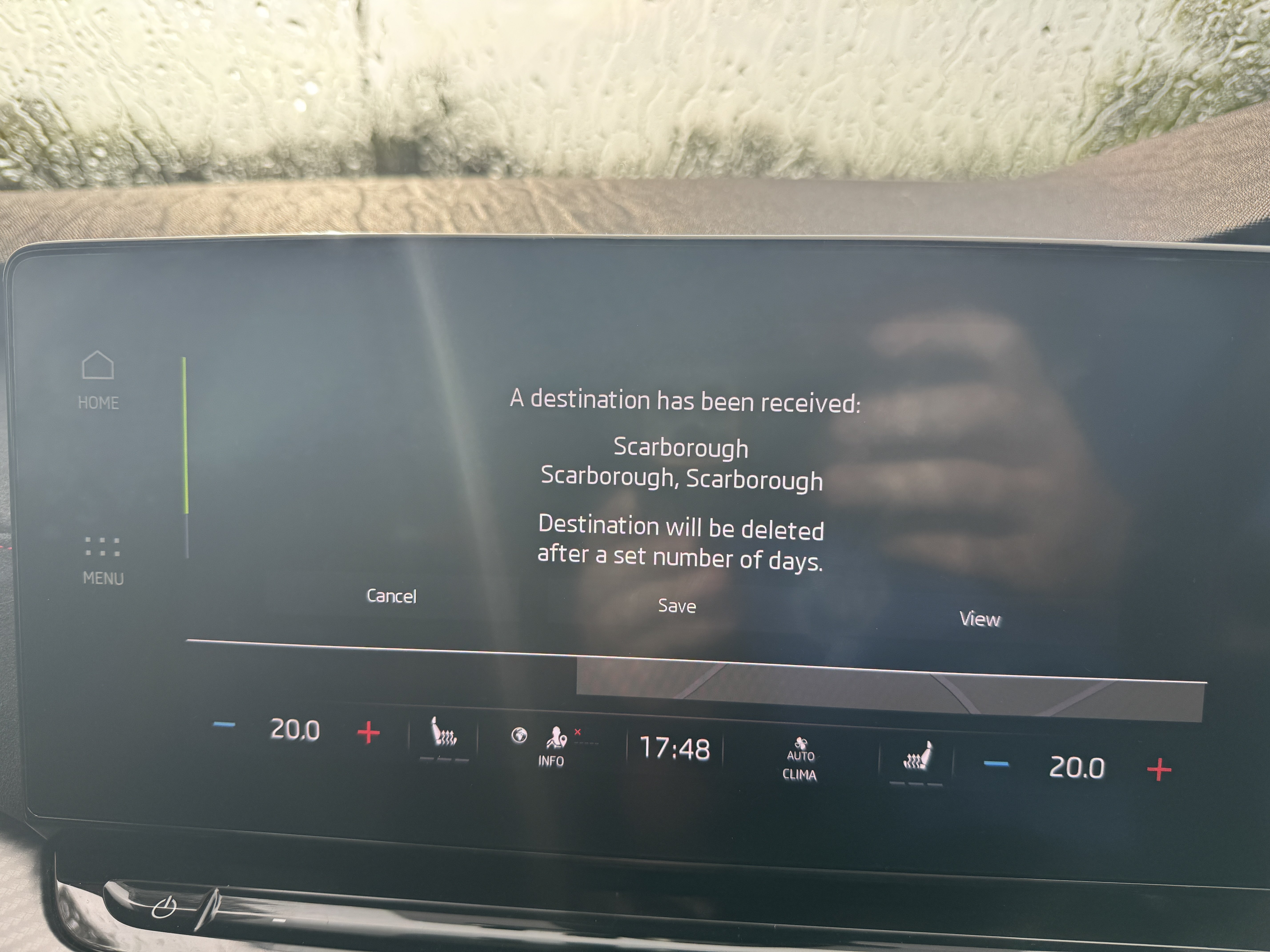
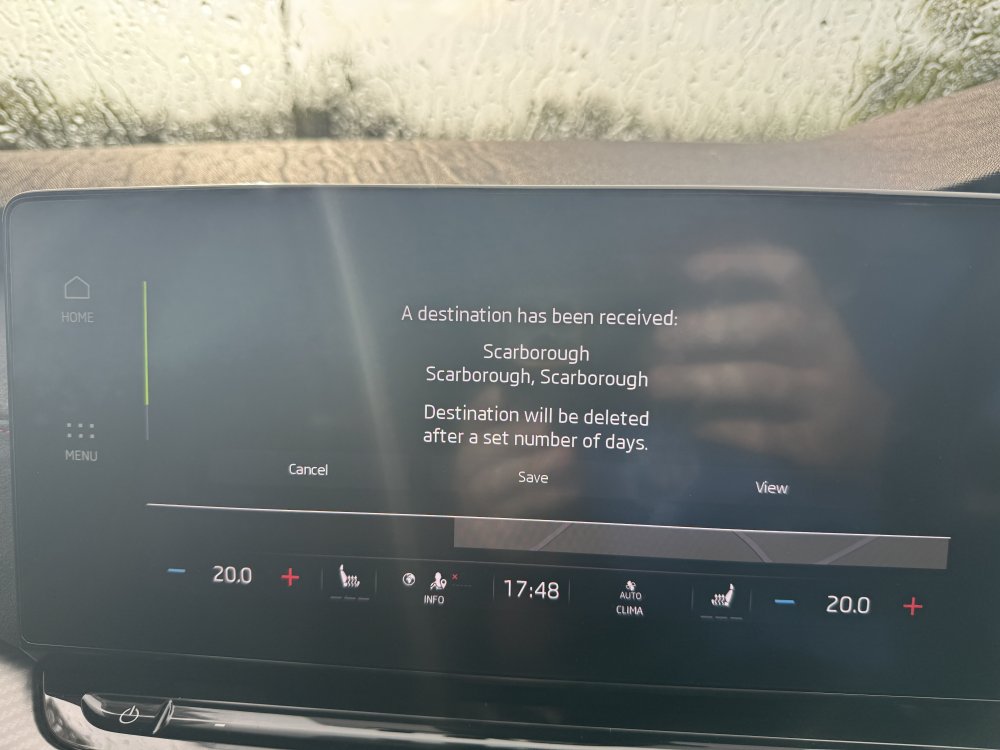
@SteveTheElder ive never tried to send multiple destination so don’t know how it would manage that. As soon as the car start it pops up with the destination. Just gone out to the car and sent 2 destination only the 2nd one displayed. Then you do get the option to save to favourites, cancel or view route with the option to go.
-
@JamesK if you get no joy, ring Škoda connect team or customer service to see if there can shine any light on the issue.?
-
@JamesK what do you get when you press 1hr 11min button on your image, does it show you the route and change to send to car?
-
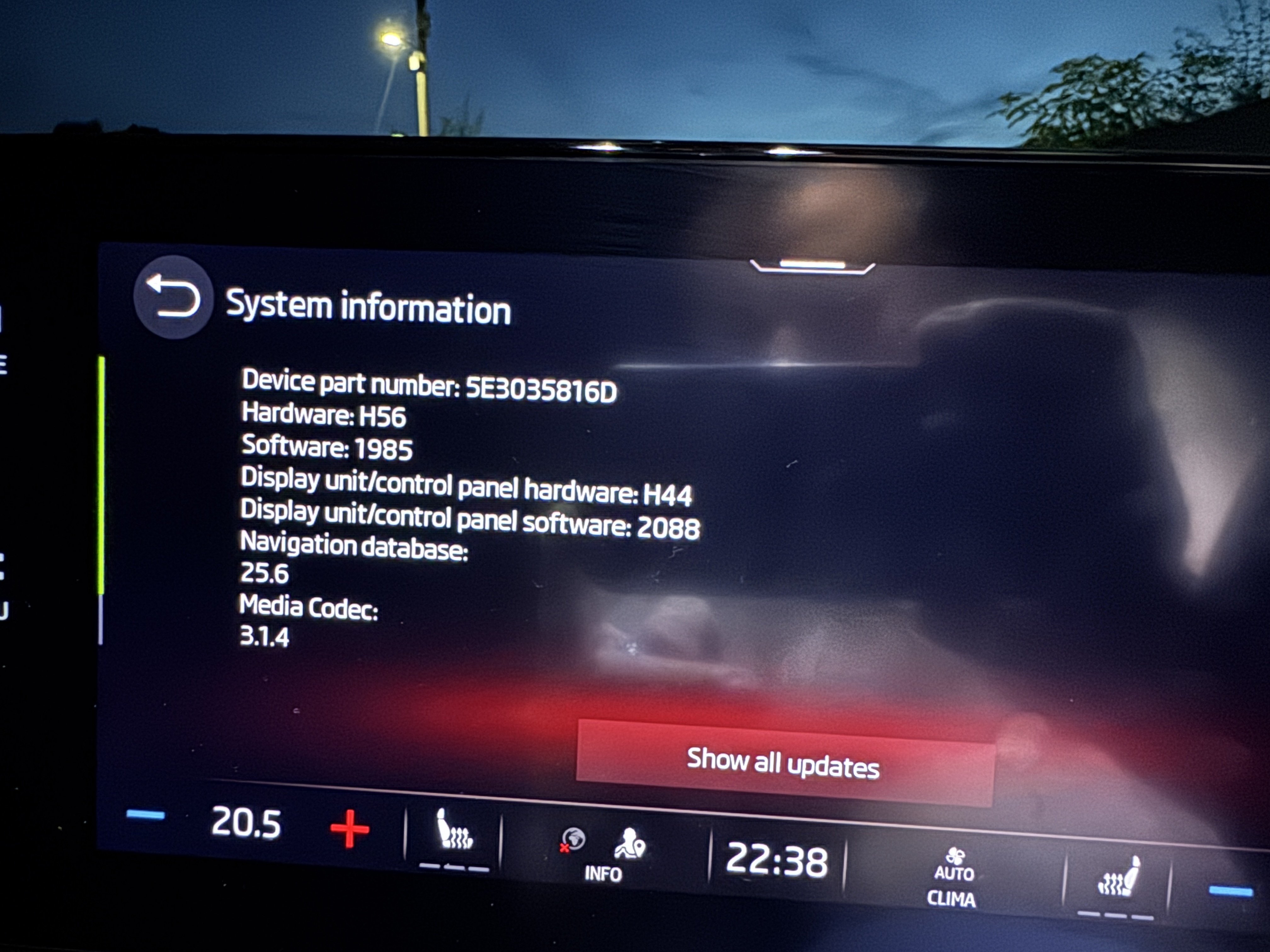
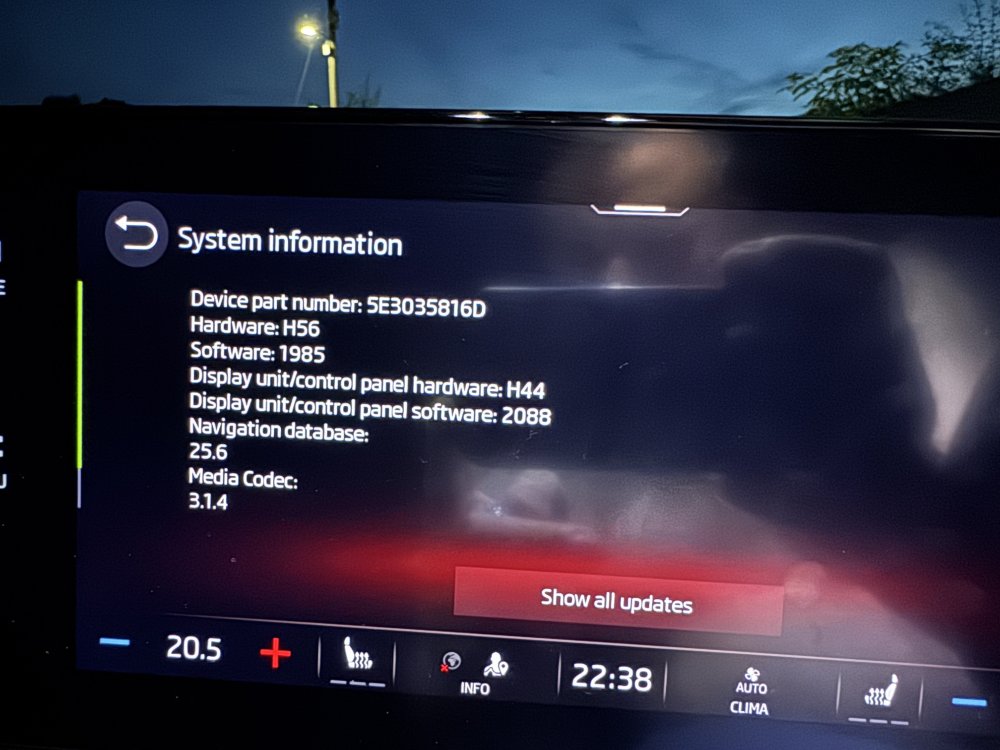
@SteveTheElder mine H56. See attached image also running 1985 OTA back in Jan/Feb
-
@SteveTheElder what hardware version are you running in the infotainment screen?
-
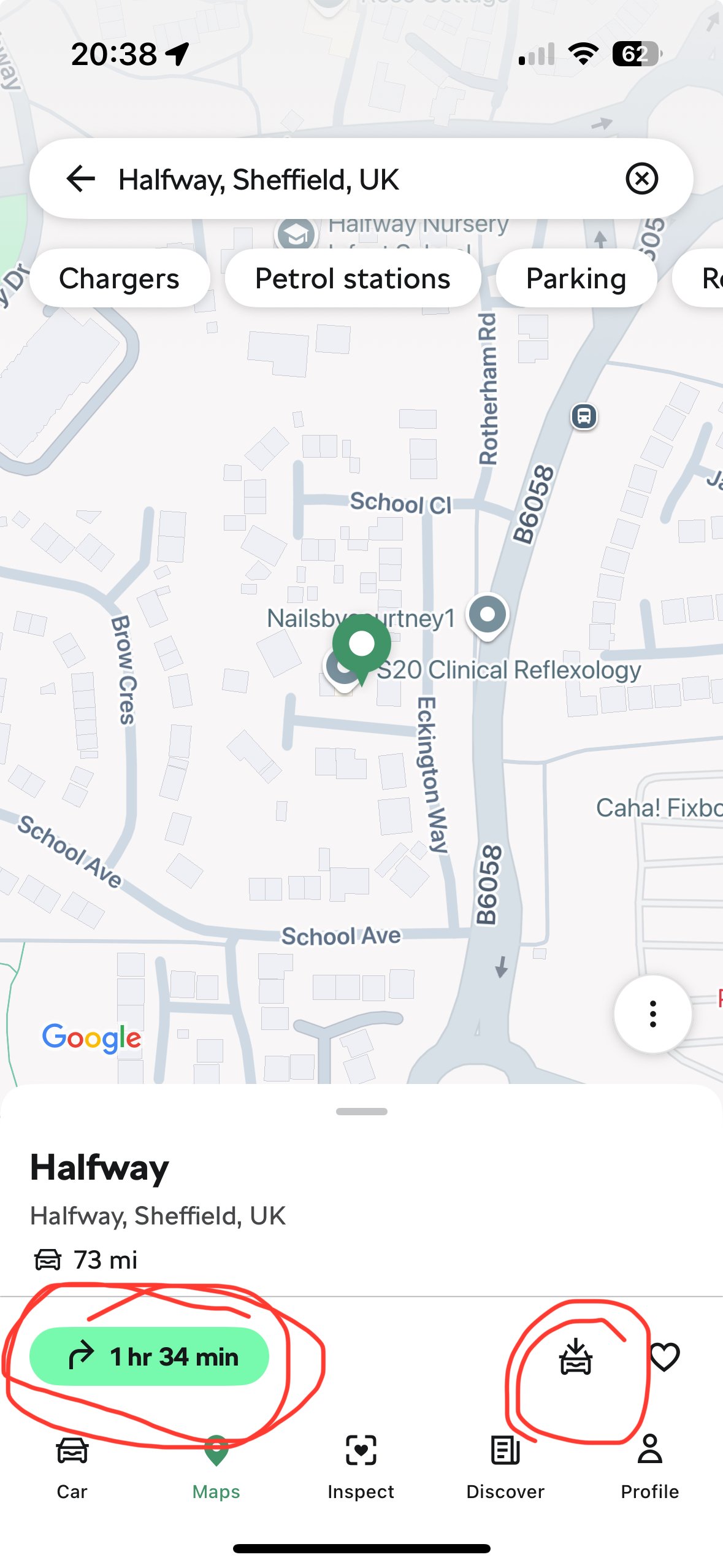
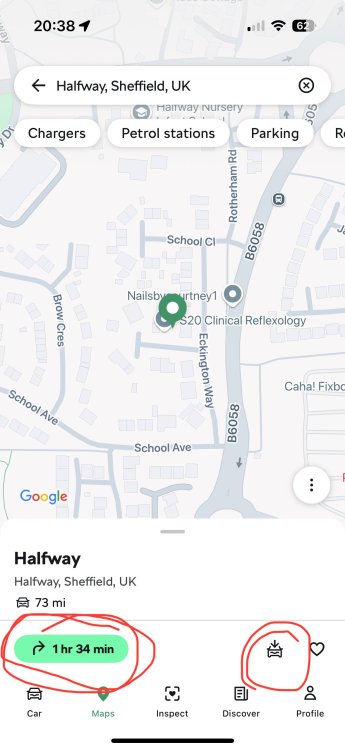
@JamesK You can send destination to your car via the MySkoda app. You need to go to “Maps” on the app, enter your destination via the search bar at the top, select the correct address. Then press the arrow with the journey time which will show you the route then you can send to the car. Or just press the car with arrow pointing down and it will just send it. See image of what you need to press. I can confirm this does work.
-
Sorry for jumping on this thread, do you have a part number for 2021 Octavia VRS front pads. Thanks