whocareswins
Finding my way
-
Joined
-
Last visited
Everything posted by whocareswins
-
-
I am now very nearly into 1 year ownership. Love the car but completely ****ed off with the IOG charging issue. The car can't cope with multiple charging sessions. You constantly have to unplug and put it back in. A few times I've just had to use boost charge but that is a lot more expensive and defeats the object of having intelligent go. I've lost the will to live now trying to fix it.
-
-
-
Hi The way I set it is as follows Step 1 make sure there are no schedules set in the car Step 2 IOG Add device select car (Even though VRS is available you only find out later on that it is not support) choose the 85 edition. Step 3 select charger ( I have the hypervolt 3 pro) ignore the hypervolt & choose generic. Steve 153 put me on to that one. Step 4 just set your desired % and time ready. After about 5 - 10 minutes Octopus will create your intillegent schedule, and you should be good to go. Even though you don't select the charger, when you open the app it will show your car charging if it is in one of the IOG charing periods. Hope you get it to work tonight.🤞🙏
-
-
Hi Steve Thanks for suggestion it worked a treat the 1st time I tried. I also got a really ****ty threatening reply from skoda which I will be taking further. We hope this email finds you well. See below Thank you for your inquiry. We would like to kindly inform you that the use of third-party applications or external systems to manage the vehicle’s charging process is not officially supported, unless such applications have been explicitly approved by Škoda Auto. These systems are not validated for compatibility with the vehicle’s internal charging management and may lead to unexpected behavior, such as communication errors, interruptions in charging, or system faults. At present, the only third-party application officially approved by Škoda Auto for selected data services is Tronity. The use of any other unapproved applications may compromise system performance and is not allowed. To ensure reliable and safe operation, only approved Škoda systems — such as the Infotainment interface or the MyŠkoda app — are allowed for use, once the relevant features become available. Please also note that repeated violations of these usage guidelines may result in restricted access to Škoda Connect services, including the possibility of a temporary or permanent suspension of your account. Thank you for your understanding.
-
Cheers Steve I'll give the 85 edition a go. To get around the issue what I have been having to do is once the session starts & the car doesn't respond I unplug then reattach the plug and that kicks starts it. But this is not always practical especially when Octopus schedules multiple sessions
-
I tried the direct car to octopus integration but the vrs is not supported so it was a non starter. I have taken it further with Skoda and now had the following response. Thank you for your response. We are sorry to hear that you have not been informed of this during purchase. We fully understand your disappointment and symphatise with your position. Please kindly bear with us while we inquire about future Octopus compatibility with the respective department. We will shortly contact you with further information. Thank you for your understanding and patience in advance.
-
I’m using the Hypervolt 3 pro with IOG Every time I plug in it sets the schedule but when the session is due to start it says ev is preventing the charge so I have to unplug the car then insert it again to make it work which is rubbish. Below is what I have just received from Skoda Thank you for your patience. Please note that when you use a 3rd party application or system, such as Octopus, it relies on our ŠKODA systems to control the vehicle. However, our systems are not built for this and frequently cannot withstand the traffic, leading to issues. This appears to be the cause of the charging issues, which you are experiencing. To restore functionality, please be so kind and disable Octopus. You can instead manage your charging in the vehicle's infotainment or the MyŠkoda application. We trust that you will find this information helpful and wish you a wonderful day Very poor from Skoda
-
-
-
-
Ordered the VRS 14th Jun 25 with Maxx Pack Winter Heat pump Mudflaps Build started 7th Aug Left the factory 11th Aug Now time is going very slowly😂 The app originally told me delivery would be 30th Oct to 12th Nov but that has now disappeared and no new date given. I'm hoping it will be Sept🤞🙏
-
I know what you mean about the hyper green hopefully it's not one of them where you think it is great to start with then a year down the line you say "Why did I go for green"😂 I actually wanted a change from black but got talked into it. Hope I don't regret it. My Son son said "Don't worry Dad you could always get it wrapped", much to my wife's annoyance. God knows how much that would cost😨
-
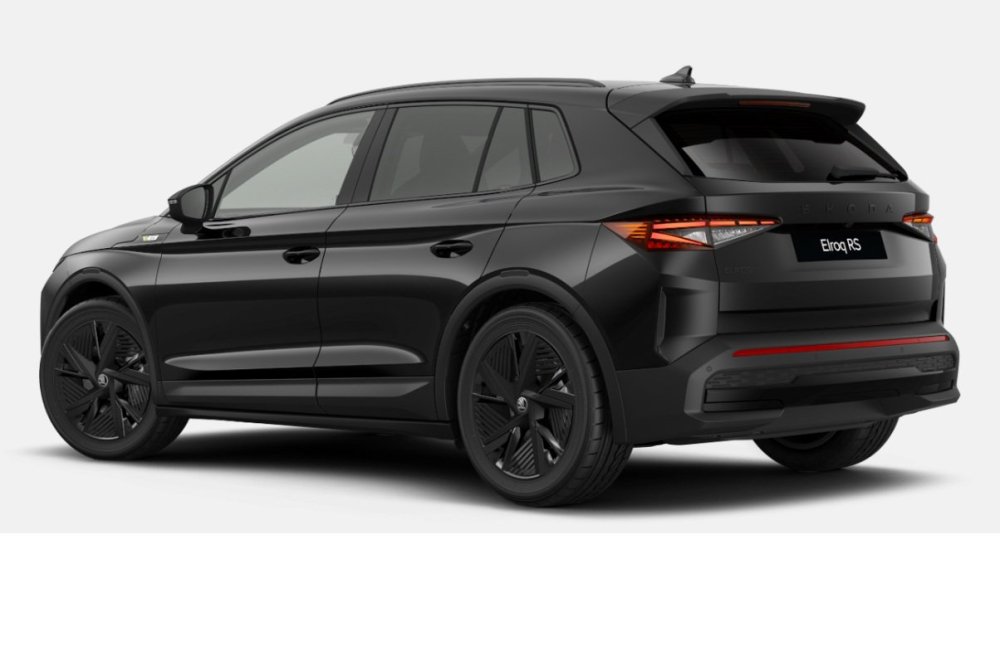
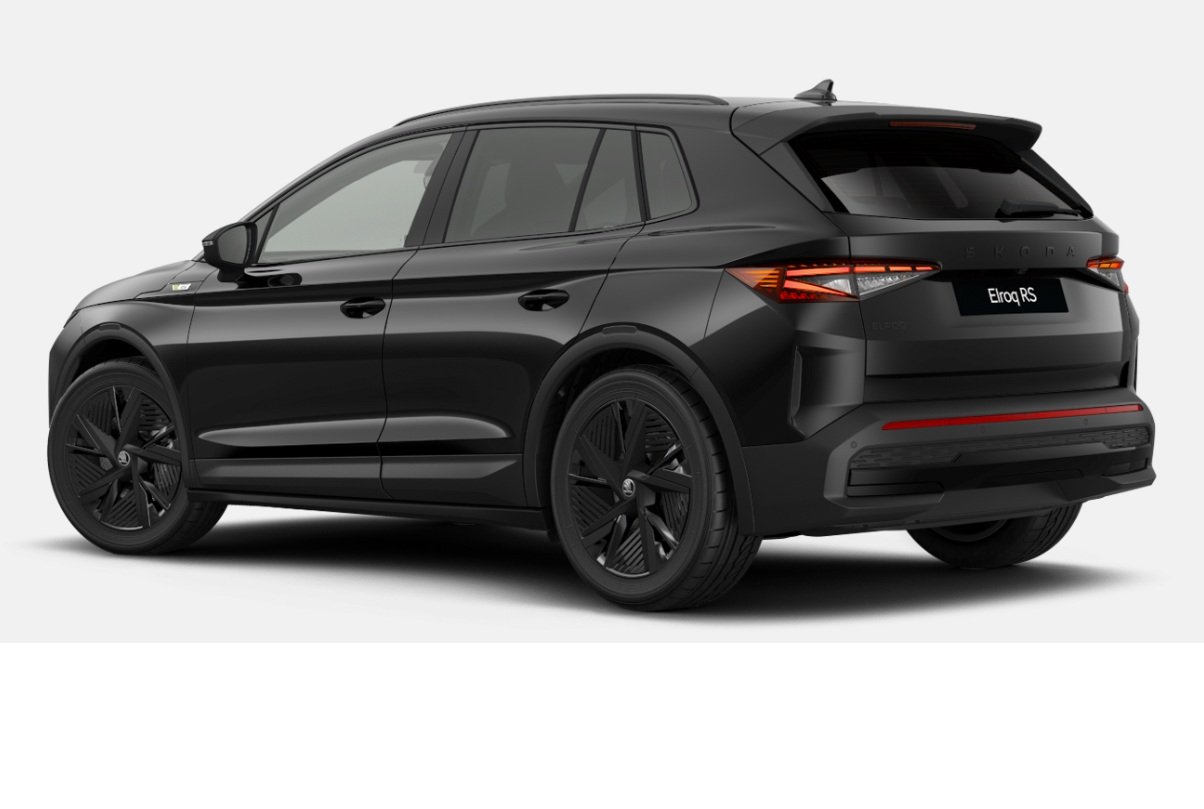
I've gone for the same spec as you apart from keeping the the 20" wheels. First choice was the hyper green which looks great in the photo on my main monitor but on a laptop it looked more yellow so not as good, but without actually seeing it. It is difficult to tell. Next was the velvet red until the family got involved my son said you will look like a boy racer in green and in red it's just a failed Ferrari. Bit gutted🤣. So it's back to black again. 12 - 16 weeks I was told. Which feels like a lifetime. Hope the green looks spot on👍