TimoB
Finding my way
-
Joined
-
Last visited
Everything posted by TimoB
-
Thanks for the info, I'll have a look tomorrow and get back in touch with you.
-
I'm not sure which part you're refering to, could you clarify or mark it on a picture?
-
we got all screws, we used the picture from this post: https://www.briskoda.net/forums/topic/529111-how-to-replace-the-rear-center-light/#findComment-5908681 However the rotation/lift like in the image is where we got stuck, wires didn't seem to be the issue. The only thing we thought it could be were red and black studs/pins.
-
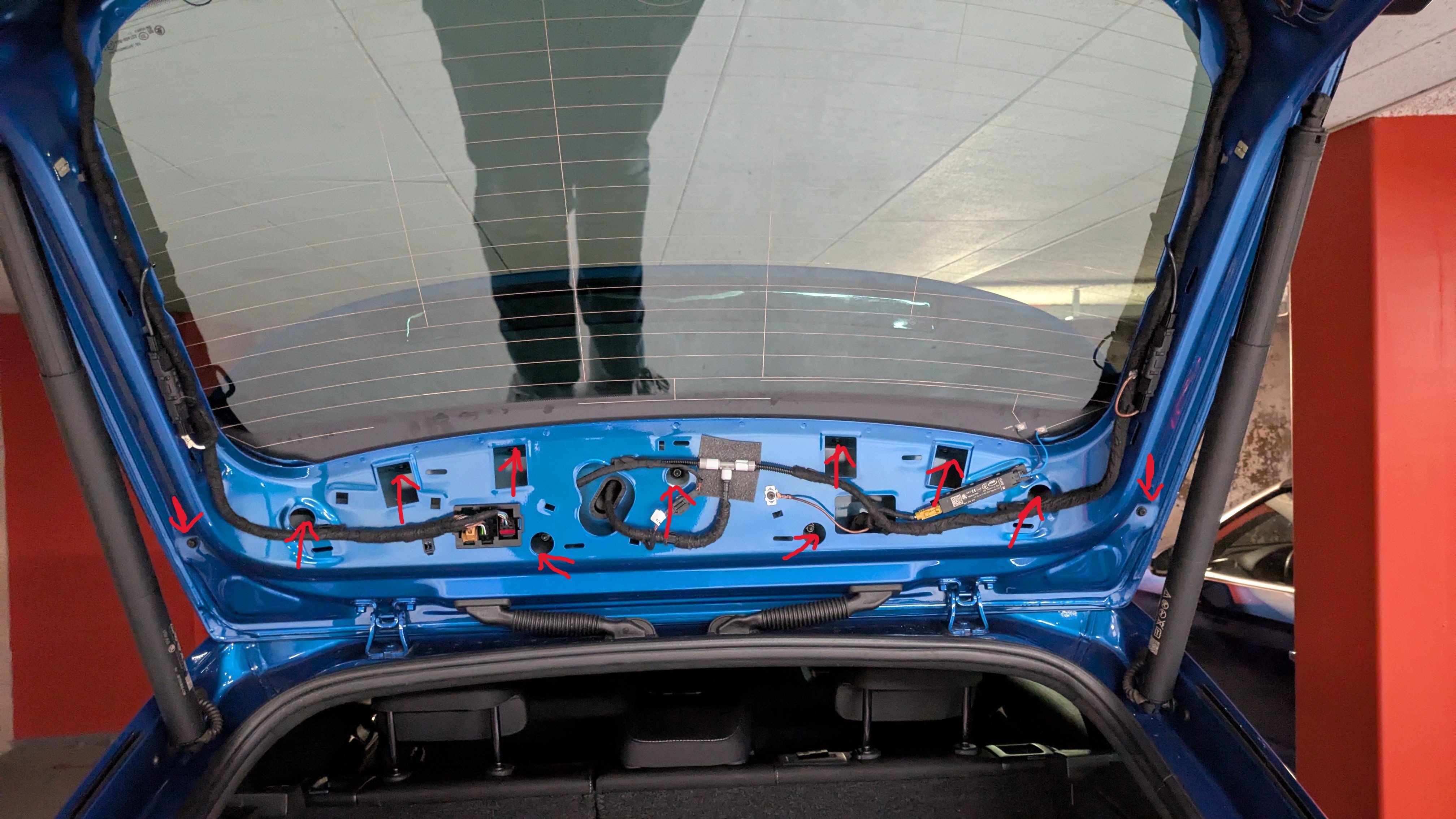
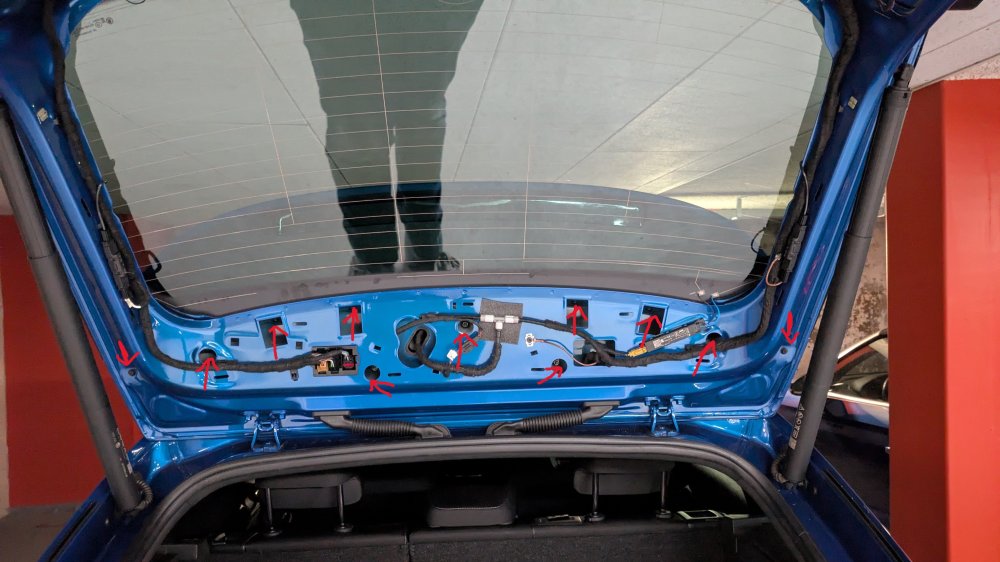
actually made a photo earlier, red arrow are the nuts/screws we removed
-
the screws like in the image from 2 januari from semzo, I didn't take pictures today unfortunately. We managed to lift the window side up maybe a few centimeters, but the side near the antenna didn't feel like it was loose.
-
I've gotten al the trim of, but got stuck today taking the spoiler of. With all bolts/screws removed (11 total) the middle part of the spoiler (towards the front of the car) didn't really feel safe to lift, like there was some kind of clip. We couldn't find what precisely so any help welcome. We mounted the spoiler back but the trim is still removed for now.
-
-
I should add; it's the 1.5 e-Tec, although removing that badge was the first mod I did, besides removing the octavia letters. Also changed the logo on the front and skoda writing on the rear to black.
-
I have the same issue and purchased a new light trough the dealer. @Semzo would you be able to share the workshop instructions? Thanks in advance! Timo
-
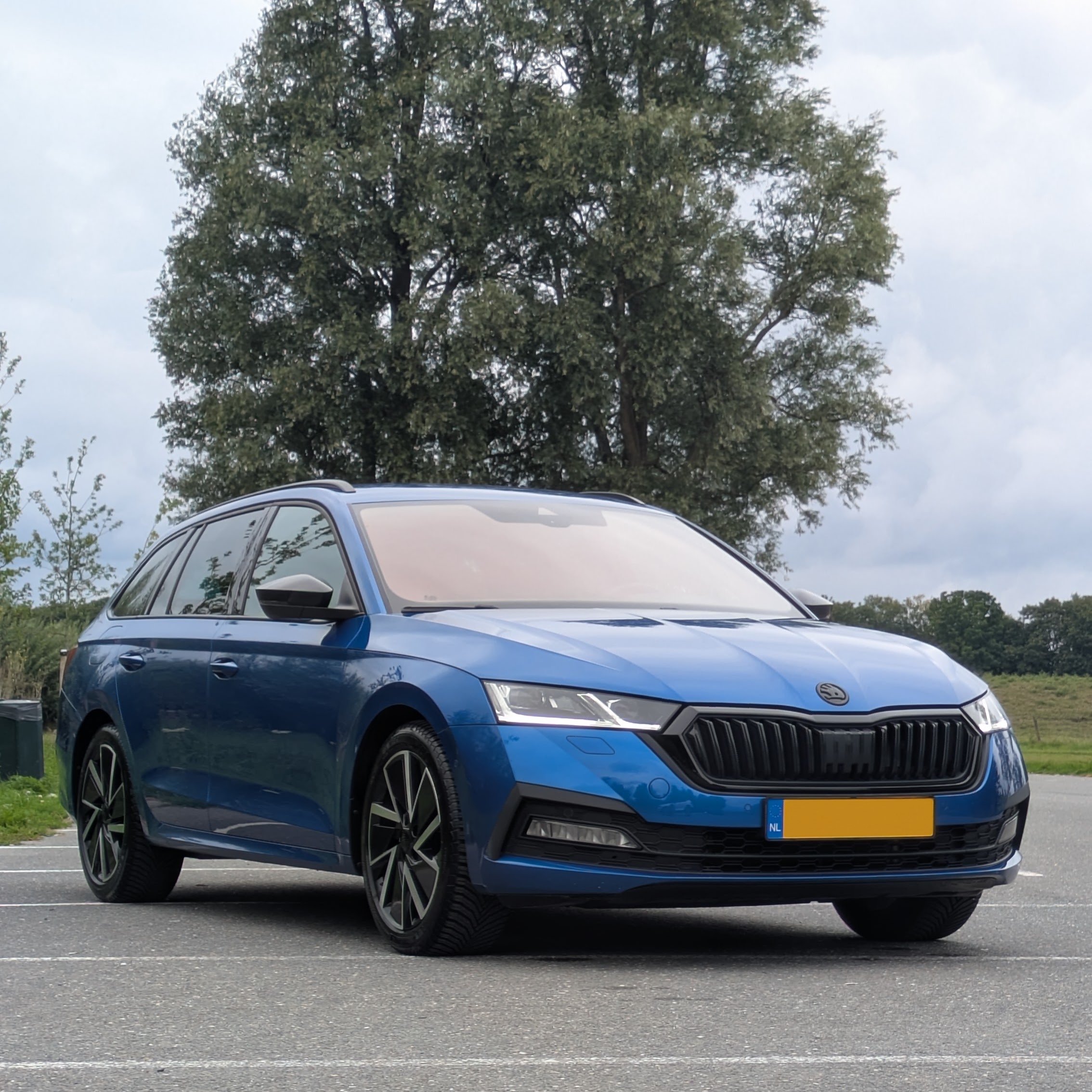
Hey Guys, Recently purchased a used Octavia 4 after driving a Seat for a couple years. Went with a racing blue almost-sportline version, with the black exterior and sportseats. There are a couple things on the list to change, such as most likely a KW V1 and some new wheels, but after a good polish and a DSG tune at TVS-engineering, it's time to save up first. I'll share some pictures soon! Timo