agdeam
Finding my way
-
Joined
-
Last visited
-
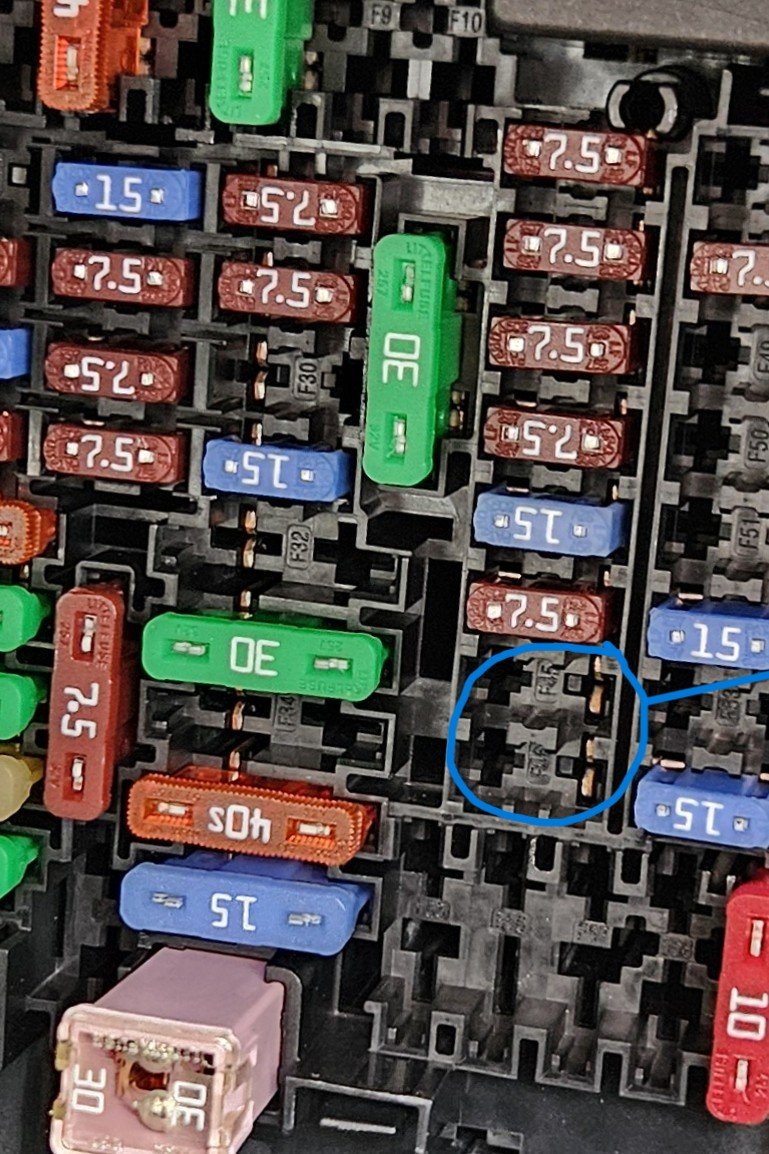
Just to complete my part in this thread, I used fuse location 46 which was empty and ignition controlled. Simple job and ground connection easily picked up. All working as hoped. Thank you
-
I have no experience of attempting this but this video may give an idea of how difficult this may be.
-
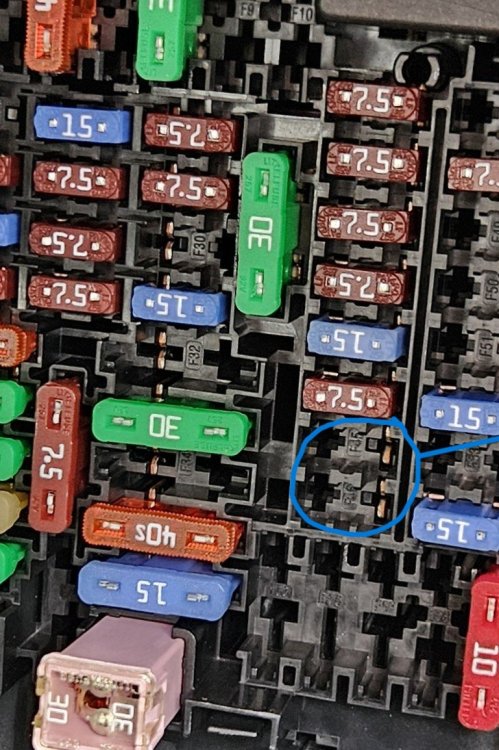
Thank you. So if you check attached photo I could use 45 or 46 which are both empty but "hot"? Circled in blue.
-
Found fuse 54 thank you. I could not initially see the numbering on black box but under magnifier its there. Kenny - I note you have piggy backed your dashcam to a different fuse?
-
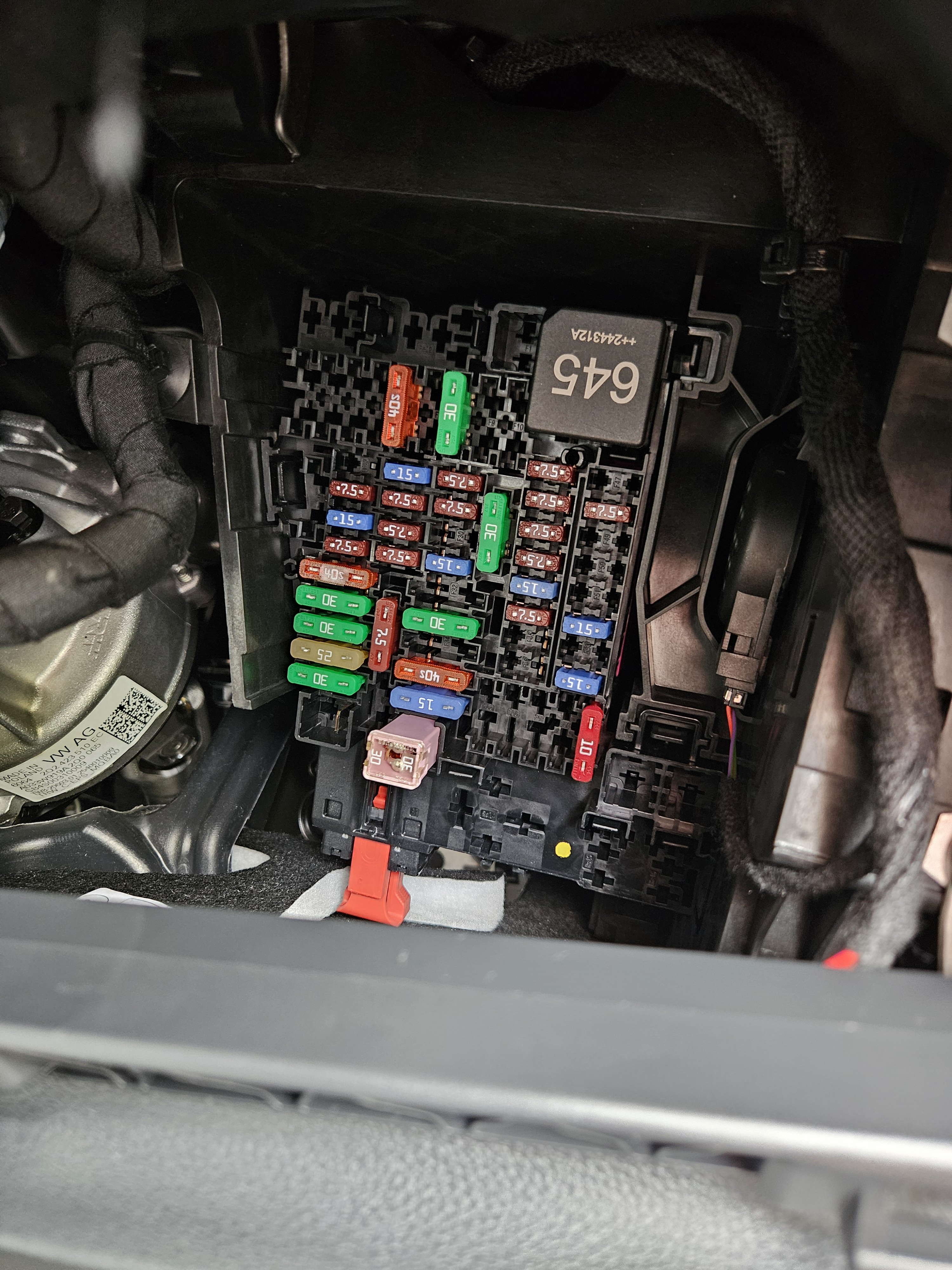
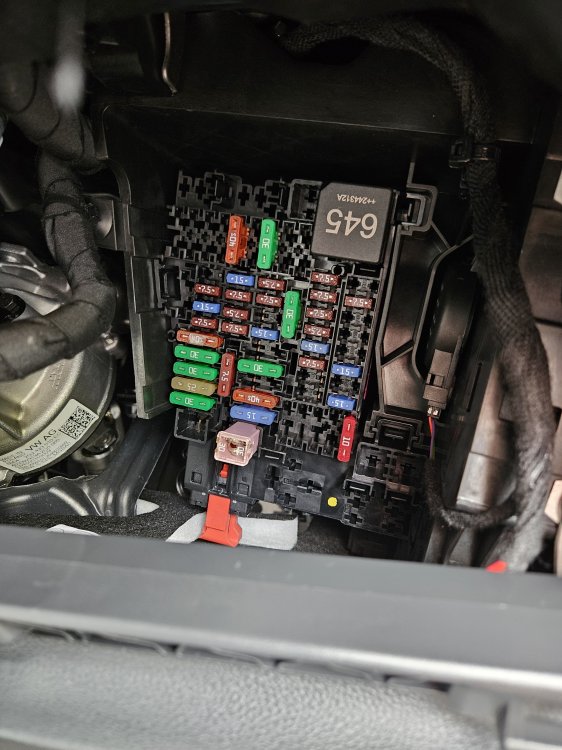
Sorry Kenny thats the fuse layout in the handbook but it does not match what I have in my Kamiq - see photo above. In particular I'm looking for the 12v boot power outlet fuse. I know its 15A but which one? I'd start randomly pulling fuses till I find it but its a VERY awkward/confined space!
-
Apologies, I know this is an old thread but does anyone know what functions the individual fuses have? My handbook, and online version using VIN, for 2025 Kamiq say for RHD vehicle - mine! - that fusebox is behind glovebox on passenger side. Not so, its in the drivers side compartment . Photo of my fusebox layout attached and the handook gives no hint as to individual fuse functions!
-
Good afternoon Just purchased a 3 month old Kamiq. Love it. So much better than our small Seat Ibiza