EduardDo
Finding my way
-
Joined
-
Last visited
-
Hello everyone, I found this PDF containing various modifications and adaptations for the Golf 8, and it looks like many of them also apply to the Skoda Octavia IV pre-facelift (Non-FL), based on my own testing. So far, I have only tested the adaptations that can be performed without SFD authorization. Unfortunately, I currently don't have a working method to unlock SFD. I can successfully read the Challenge Token and manually enter the Release Token, but I don't have a way to calculate/generate the corresponding Release Token. i also have some of the software releases : 1941, 1969 ,1985, 1989 If anyone can help with that part, I would also be happy to test additional adaptations and features on my Octavia IV and share the results with the community. Any help would be greatly appreciated! Codierliste Golf 8 EN.pdf
-
-
I'm pretty late into the conversation but some guys on YouTube used a full DSP to flatten the sound and then feeding the signal into another amplifier also change it afterwards how they like, but it's pretty expensive ,about 600 euros the DSP
-
-
-
nevermind the module worked, did not fully placed the wires first time , and works perfect 🍻
-
It's the same module as mine, maybe it wasn't fully plugged? So the car faced a lot of error after I've installed it, and I tried to start the motor , started for 2 seconds then died, after that it would not even crank , of course after I reverted it back the car went fine, had a engine light but I just had to delete the error codes, a lot of no communication codes
-
The car won't start with the module🤣🤣
-
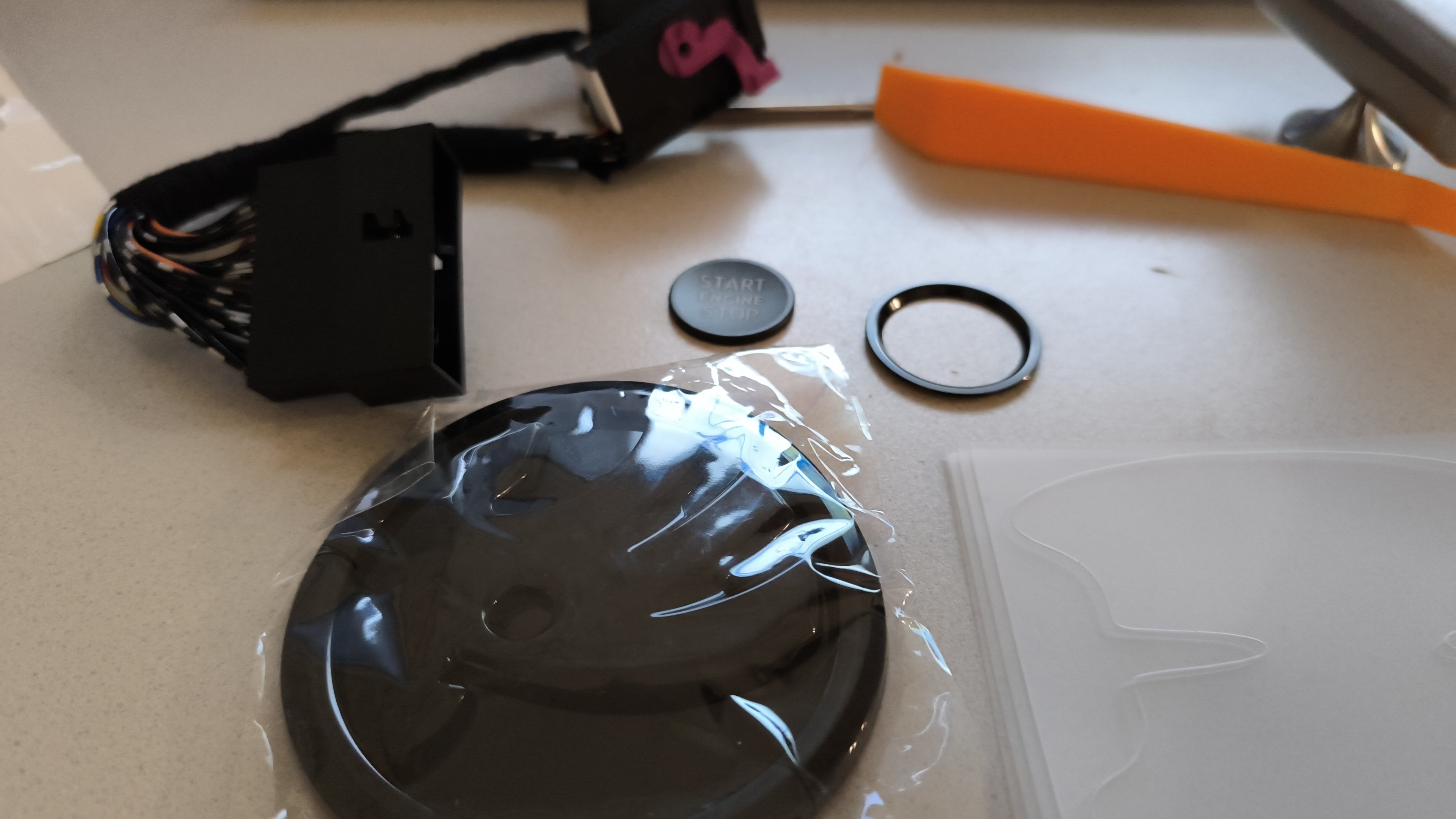
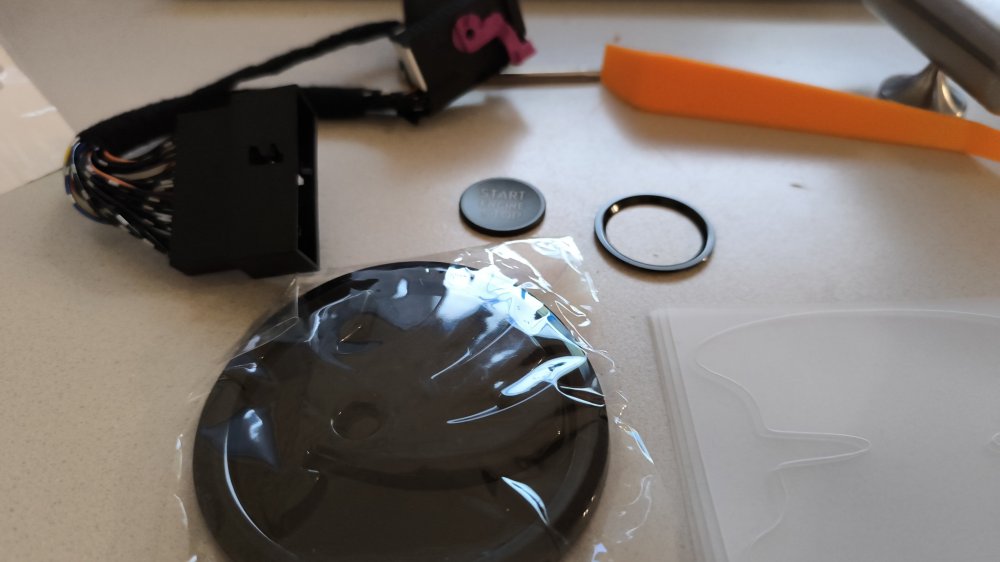
Purchased a few goodies for the car Engine start stop cover Auto start stop off Black emblem Will get back how the auto start stop off work 🥳
-
From all the research I have done it's not posibile yet on Mk4 , on Mk3 that was possible with a custom modification to the central infotainment
-
-
-
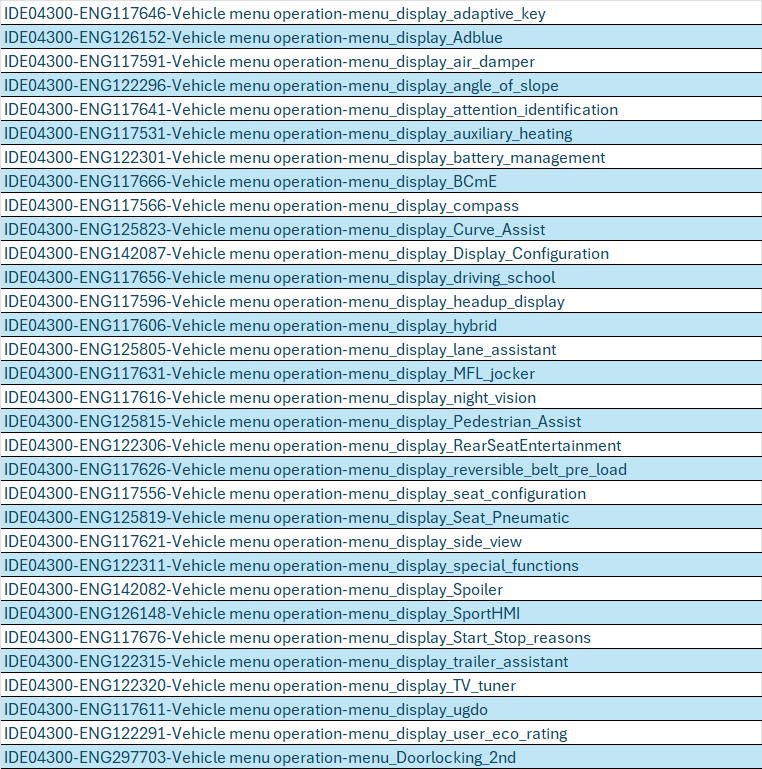
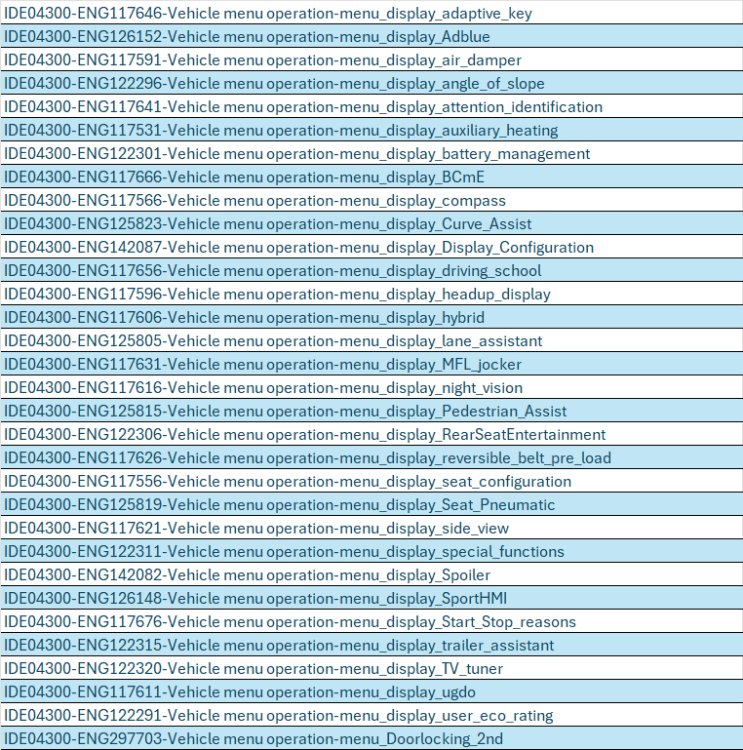
Hello here is my map of the menu 5F, i see that there are a lot of menu options that can be activated, and from my research is basically the menu in the infotainment, has anyone tried them or something? Ex. adpmap-5F-5E3-035-816-F_TMBJJ9NX2MY009396-20251006-1824.CSV
-
Manuals for Skoda Octavia 4 : Avalabile for 3 days https://we.tl/t-TID7E3Cpca?utm_campaign=TRN_TDL_05&utm_source=sendgrid&utm_medium=email&trk=TRN_TDL_05
-