Skip to content

Vincent_83

Members
  • Joined

  • Last visited

Everything posted by Vincent_83

  1. I don't undersant, your retrofit of BSM is working with H units now ?
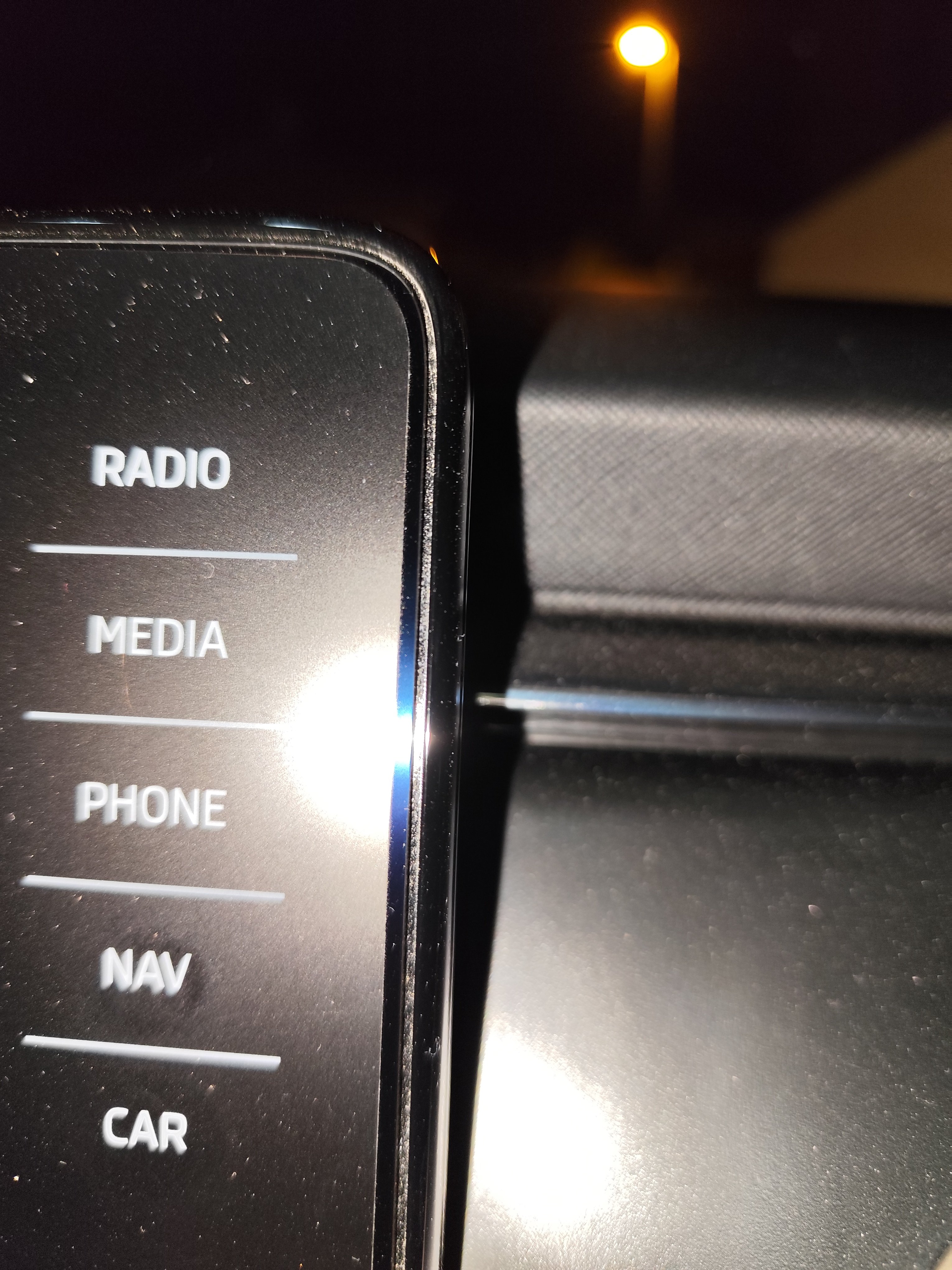
  2. You can choose matt or clear (mine is matt) and the fingerprint are very rare and easilly cleaned
  3. Yes it's fit perfectly
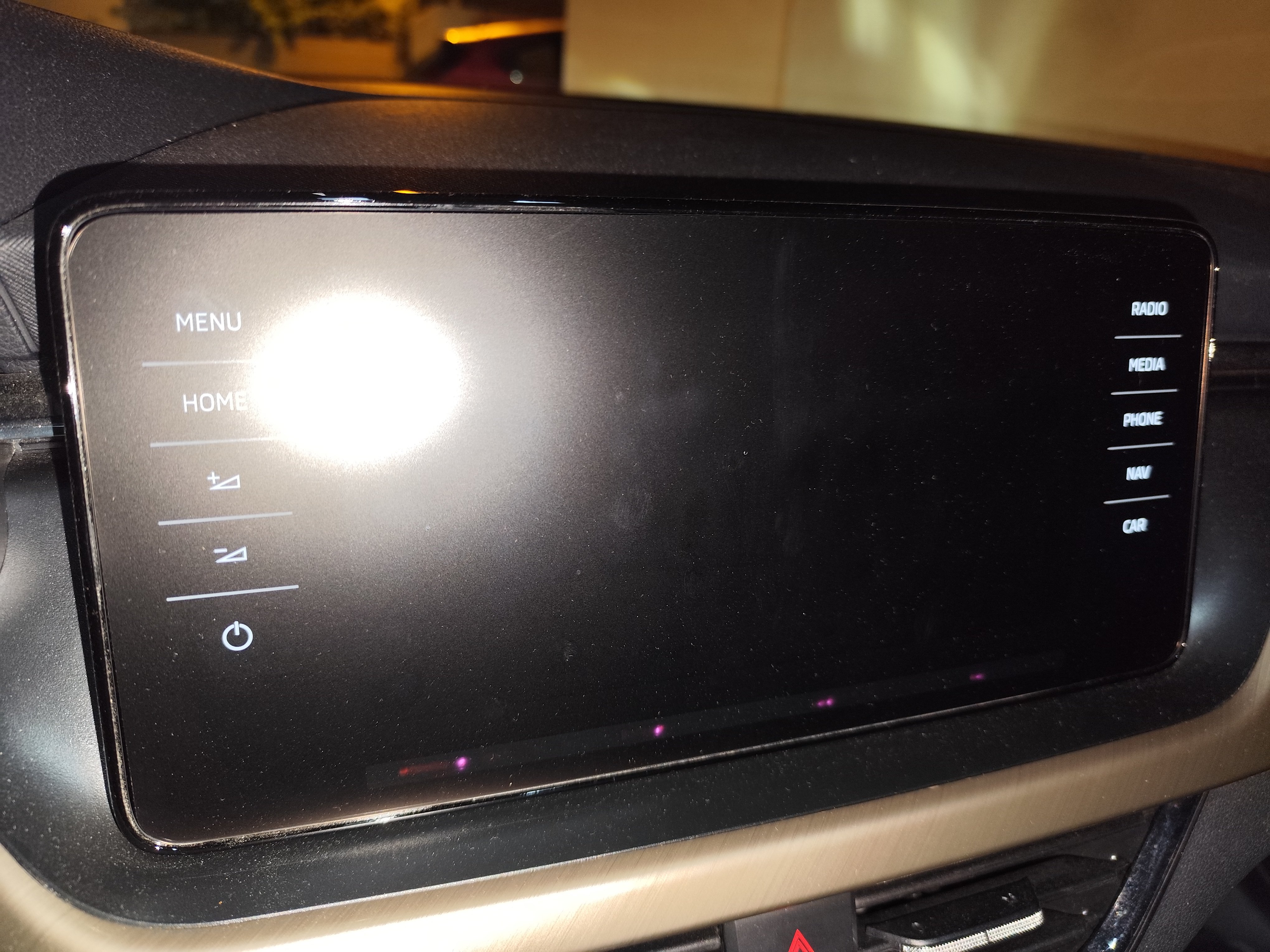
  4. In my Kamiq, I have added this one : fit perfectly and the confort of Matt finition is very good DisskinSkoda Scala / Kamiq / Fabia 4 Amundsen - DisskinProtecteur d'écran auto-cicatrisant avec revêtement anti-germes.
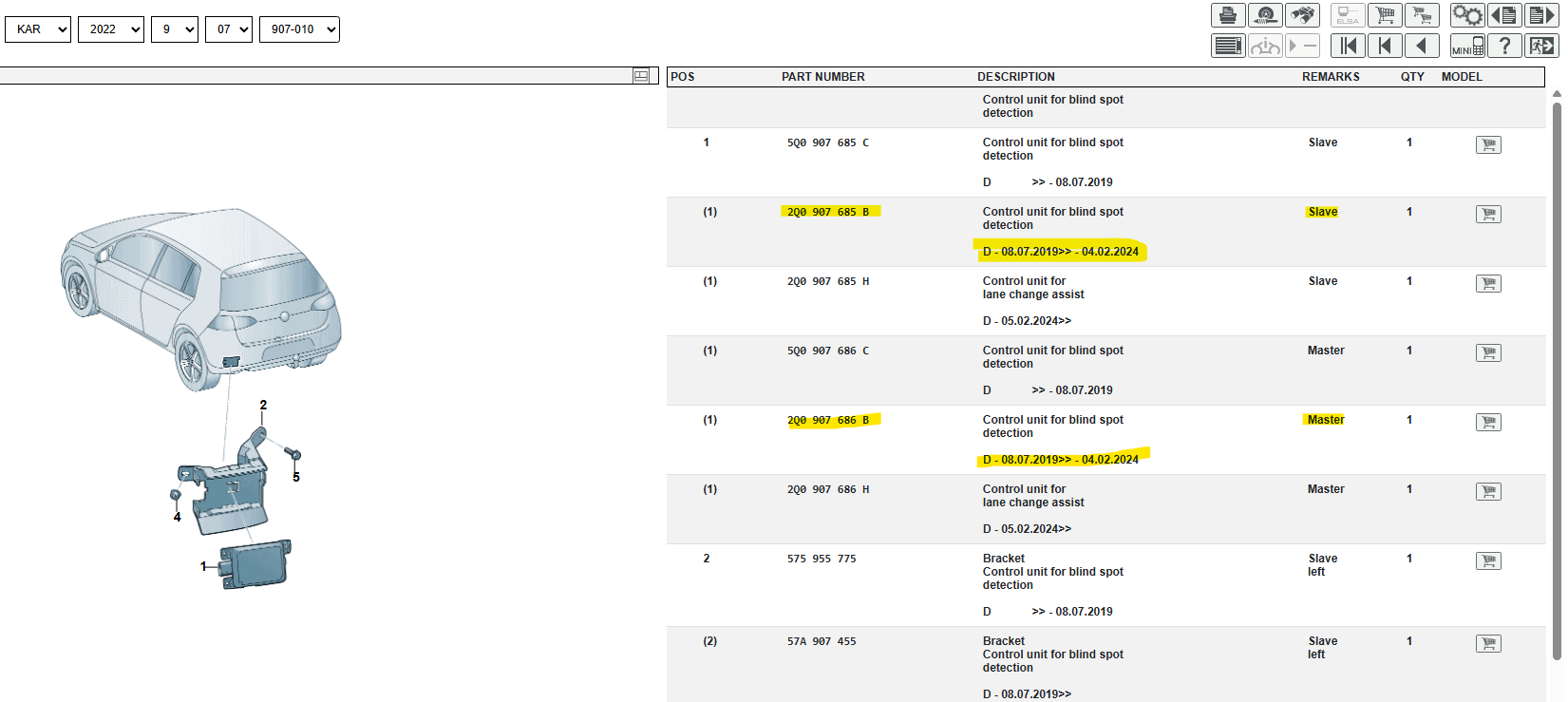
  5. Ok but why version H is used on Kamiq since 2024 ?
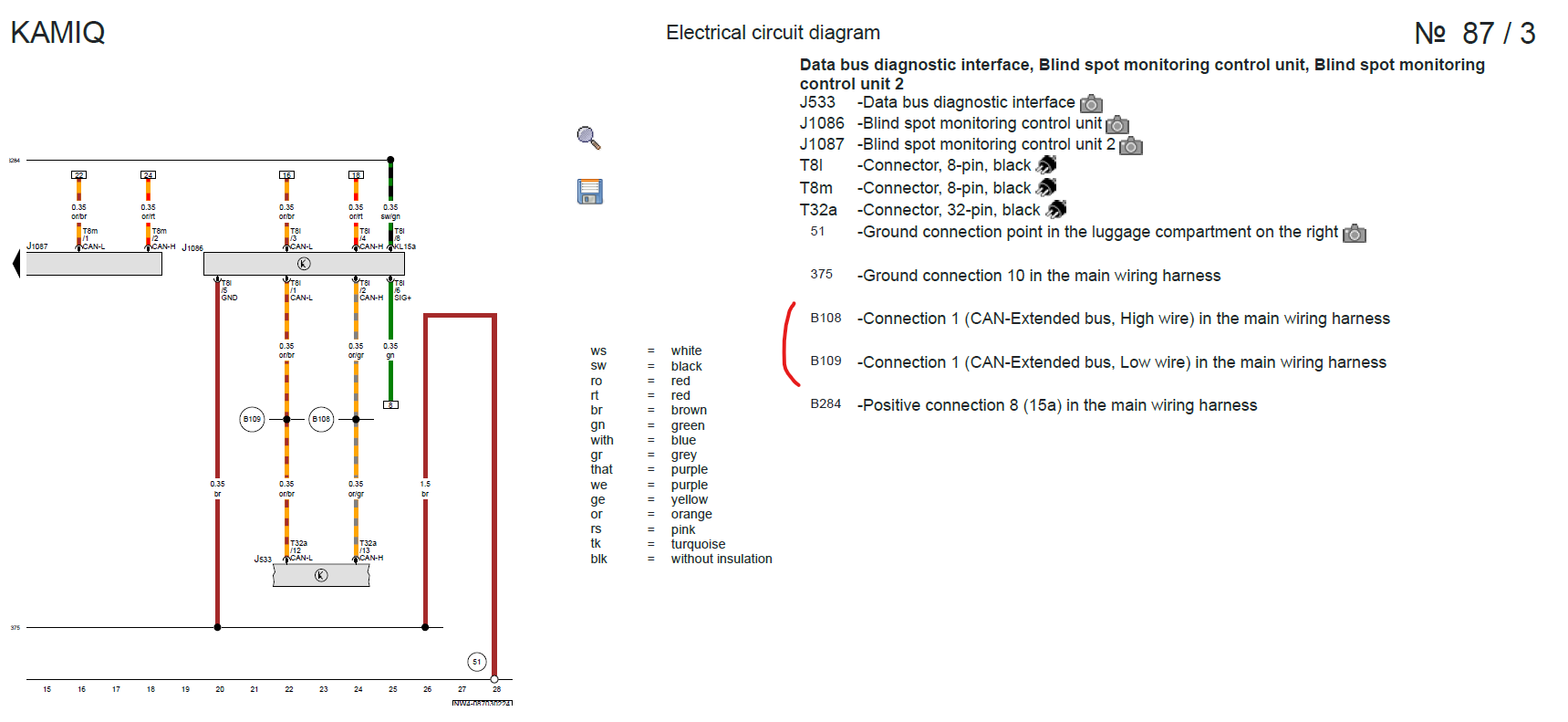
  6. I'm not agree, according to wiring for Kamiq after 2024 (using H versions) connected to Extended Can But architecture of Kamiq is very special... Lane Change Assist after 2024.pdf
  7. Yeah, I know now and with your help, It's not the good versions. But I had tried to see if I can made somthing with this version... and nope. The strange thing it's the CAN Extended isn't recognize into the module 3C. In VCTool, others ECU show me the way to communicate with them (Powertrain bus, Infotaintment, etc) but the 3C is Unknow. Maybe due to SFD2 you'll say to me ? 😁
  8. I don't have any success when I tried to flash dataset of the versions H with VCTool ☹️
  9. Maybe I can test with VCTool. I need to subscribe for one month to do that I think
  10. VCTool or ODIS with VNCI 6154a. But where find the good dataset is another question
  11. Is it easy to upload new dataset into version B for Skoda Kamiq ? Because the module I found doesn't come from a Skoda
  12. When I have mounted the support, on my Kamiq, except a big L and R on the support, nothing prevents you from reversing the two. After, it's impossible to mount the 685 on right support and 686 on left support.
  13. Not for now. I have to replace the versions H radars by versions B (ordered but not receive) For the Xmass Tree, I had this during my first attemp and it's just because the CAN wire was inverted (on my car, the databus for BSM is the Extended canbus) You can find the wiring for your Karoq easilly and check with the AliExpress wiring
  14. Yes, I have made by myself the retrofit. On my Kamiq, only 2 wires go to the BCM (for Canbus). CAN-L is connected to T73b pin 41 and CAN-H is connected to T73b pin 40. I don't know if it's same for the Karoq 2022. Edit: Not at all the same wiring. (You have my schema for wiring just somes messages above if you want.) I can't answer you about the trailer assist because I don't have the trailer hitch
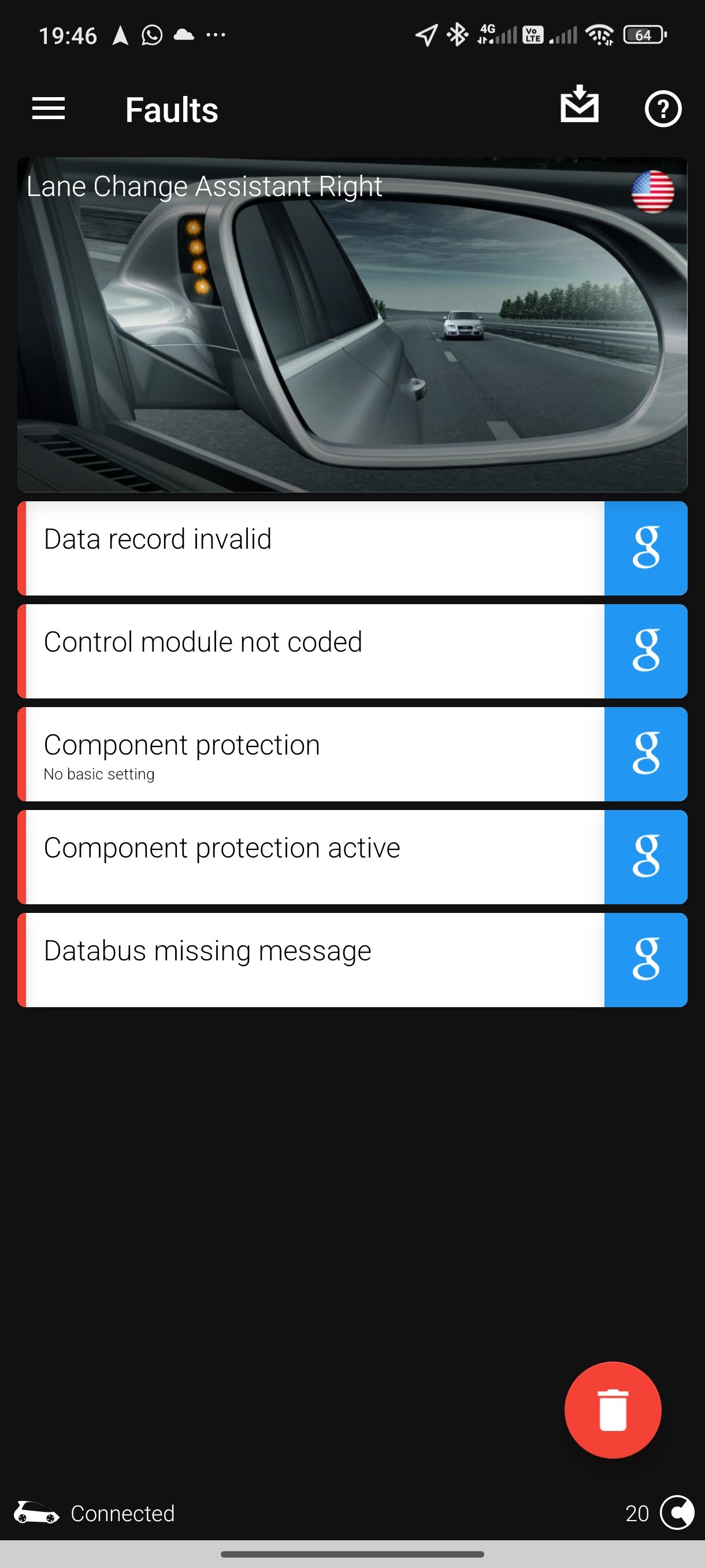
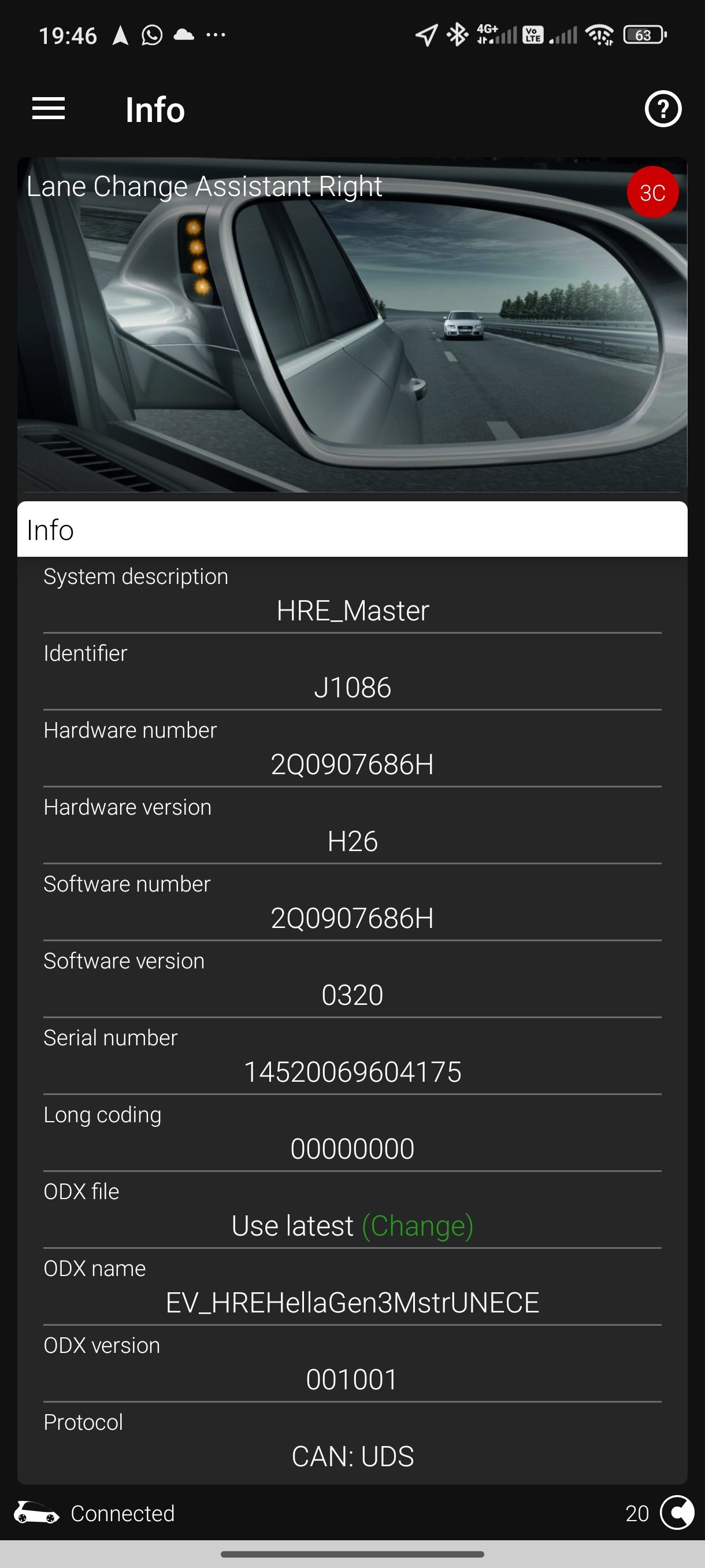
  15. I have 2 version H if you want 😅😅😅
  16. I just found on Ovoko 2 radars version B compatible with my Kamiq. Maybe just the correct Dataset to be installed for Kamiq and I think it will be ok. I'll inform you soon
  17. And you're right, it's the good line. I just have see the schema for 2025 Octavia and it's on KL30a. But Kamiq is KL15a (I don't know if the new Kamiq is MQB or MQBEvo)
  18. For H versions installed on Kamiq 2024, the schema show also KL15, are you sure ?
  19. I have the same information, B is for Kamiq mk1 and HJ for Kamiq mk2. Not others. For the power, since 2019, these modules are powered by KL15a and not by KL30 (as recent car for Exit warning into the door IThink). For my Kamiq, I followed the official Skoda documentation (see attachment) Is it possible to "downgrade" the H version into B compatible with MQB ? If not, I'll order 2 versions B and I have to sell the H versions 😁 Lane Change Assist 7Y1.pdf
  20. I don't take screenshots from ODIS but on OBD11: When we try with my colleague on Odis, the option to remove component protection doesn't appear
  21. Production 31/01/2023 and my VIN is : TMBGK6NW5P3092109
  22. Hi everyone, I have retrofited my Skoda Kamiq to install the BSM. I have installed the same radar ( 2Q0 907 686 H / 685 H ) and impossible to remove component protection with Odis online. I see on another forum the H versions are very difficult to install by retrofit due to SFD2 Anyone have a ideas ?
Important Information

Welcome to BRISKODA. Please note the following important links Terms of Use. We have a comprehensive Privacy Policy. We have placed cookies on your device to help make this website better. You can adjust your cookie settings, otherwise we'll assume you're okay to continue.

Account

Navigation

Configure browser push notifications

Chrome (Android)
  1. Tap the lock icon next to the address bar.
  2. Tap Permissions → Notifications.
  3. Adjust your preference.
Chrome (Desktop)
  1. Click the padlock icon in the address bar.
  2. Select Site settings.
  3. Find Notifications and adjust your preference.