anderson99
Members
-
Joined
-
Last visited
Everything posted by anderson99
-
Hi, just be aware it could be a break in the wiring loom where it goes between the the side of the Yet & the tailgate. I've had to repair mine twice now. As you look at the rear of the car its the loom on the left hand side
-
Bought mine new in October 2013, done 151K miles now. No issues, apart from normal service items. Still on the original clutch. Great car
-
Mines been doing this since it got really cold. Also does it in the summer when it's really hot. Seems to me it's either trying to get more heat into the cabin quicker in the winter or running the AC faster in the summer.
-
Don't know if its normal but I've seen mine do that occasionally as well.
-
-
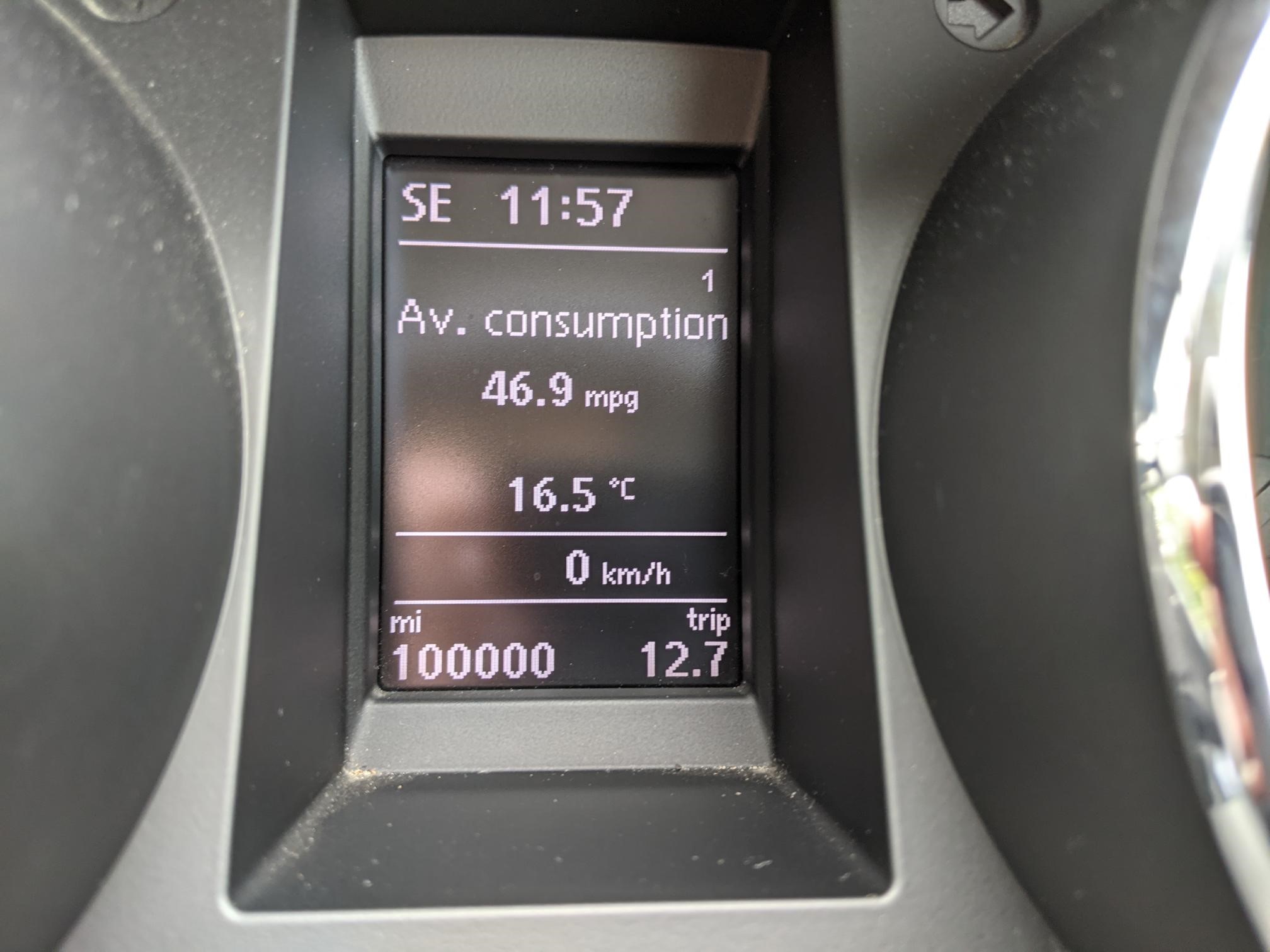
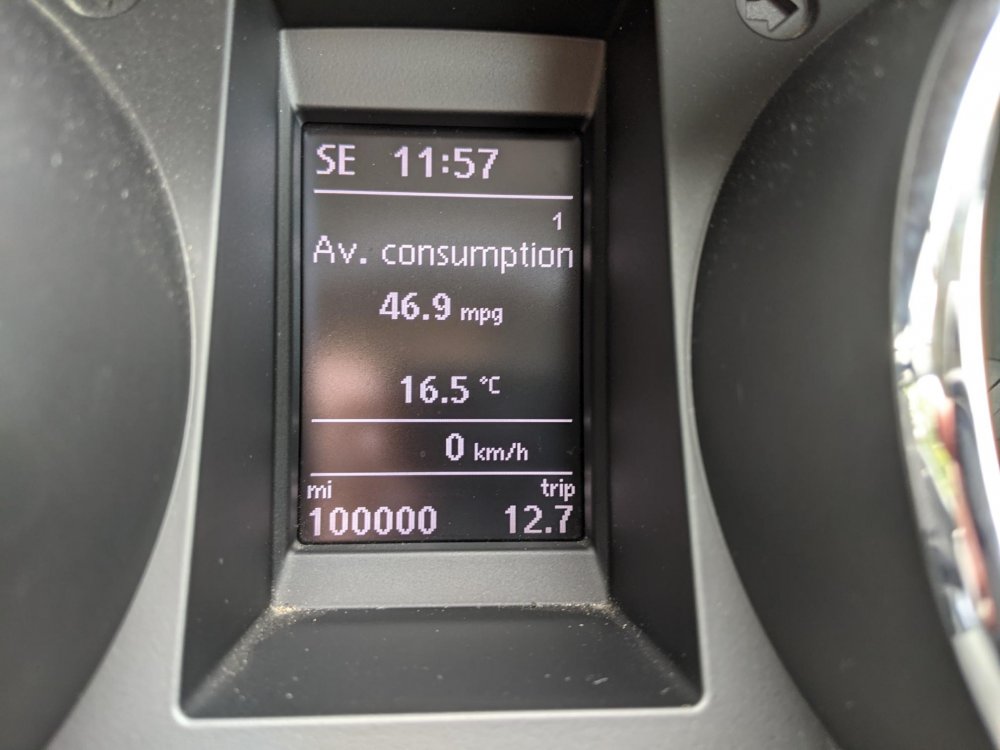
Hi, I don't post very often but I thought this was a bit of a milestone, my Yeti just clicked over 100k miles this morning. Its a nearly 8 year old 140BHP diesel that I've owned since new & use for work. Its never let me down & the only parts I've had to fit apart from service items are a set of glowplugs, 2 cv joints & a wheel bearing (the last two in the last couple of weeks). Its not had the emissions fix, been run on supermarket diesel & mainly used on the Isle of Wight. I was thinking of replacing it but like others have said, can't seem to find anything that match's it.
-
Hi, if you have the option on your pc you should be able to select print to pdf instead.