Skip to content

MMBm

Finding my way
  • Joined

  • Last visited

Everything posted by MMBm

  1. You Guys are amazing! Thank You for all. Everything Works perfect! Keep up the good work
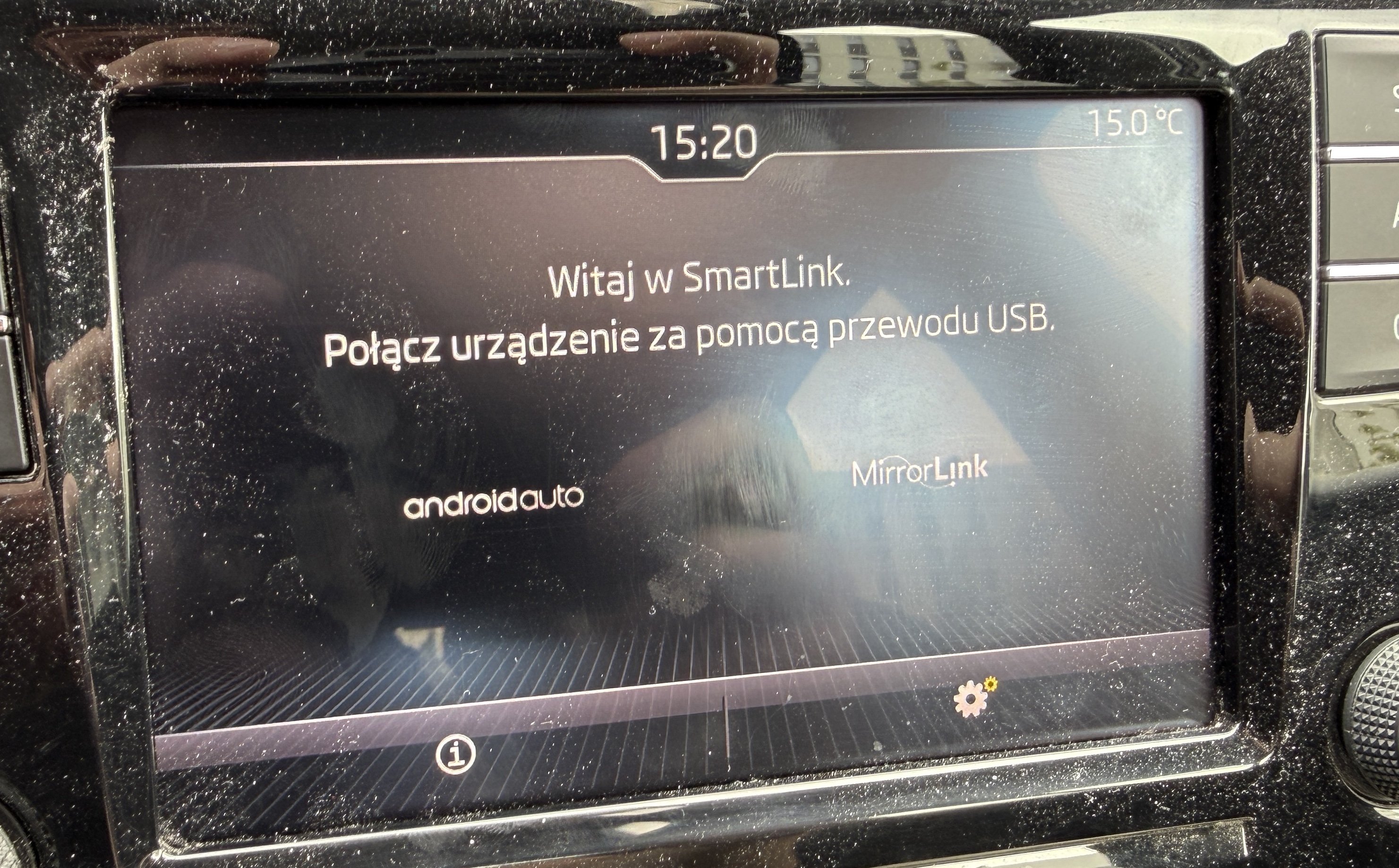
  2. Now I see that I’ve got only androidauto and mirrorlink on screen, no CarPlay. Does that mean that the radio won’t work with iPhone?
  3. When I connect the phone the music from the phone starts to play, via MEDIA probably. When I Connect via USB and Bluetooth the CarPlay says both connections cannot work together and to disable Bluetooth. With Bluetooth off and the cable only the music from phone plays, but nothing changes on screen.
  4. AD1 The process is perfectly the same, there are even dimensions of the keys to remove it, I made them myself out of plastic.
  5. Ok, everything works, however one last thing. My Skoda CarPlay (iPhone) does not connect to the radio. However, music plays via USB cable, so I assume, "iPad" in OBD works. What could be the solution?
  6. EDIT: solved by changing USB port to 3.0 -> not enough voltage on 2.0, going to install the thing, wish me luck! Rapid Liftback
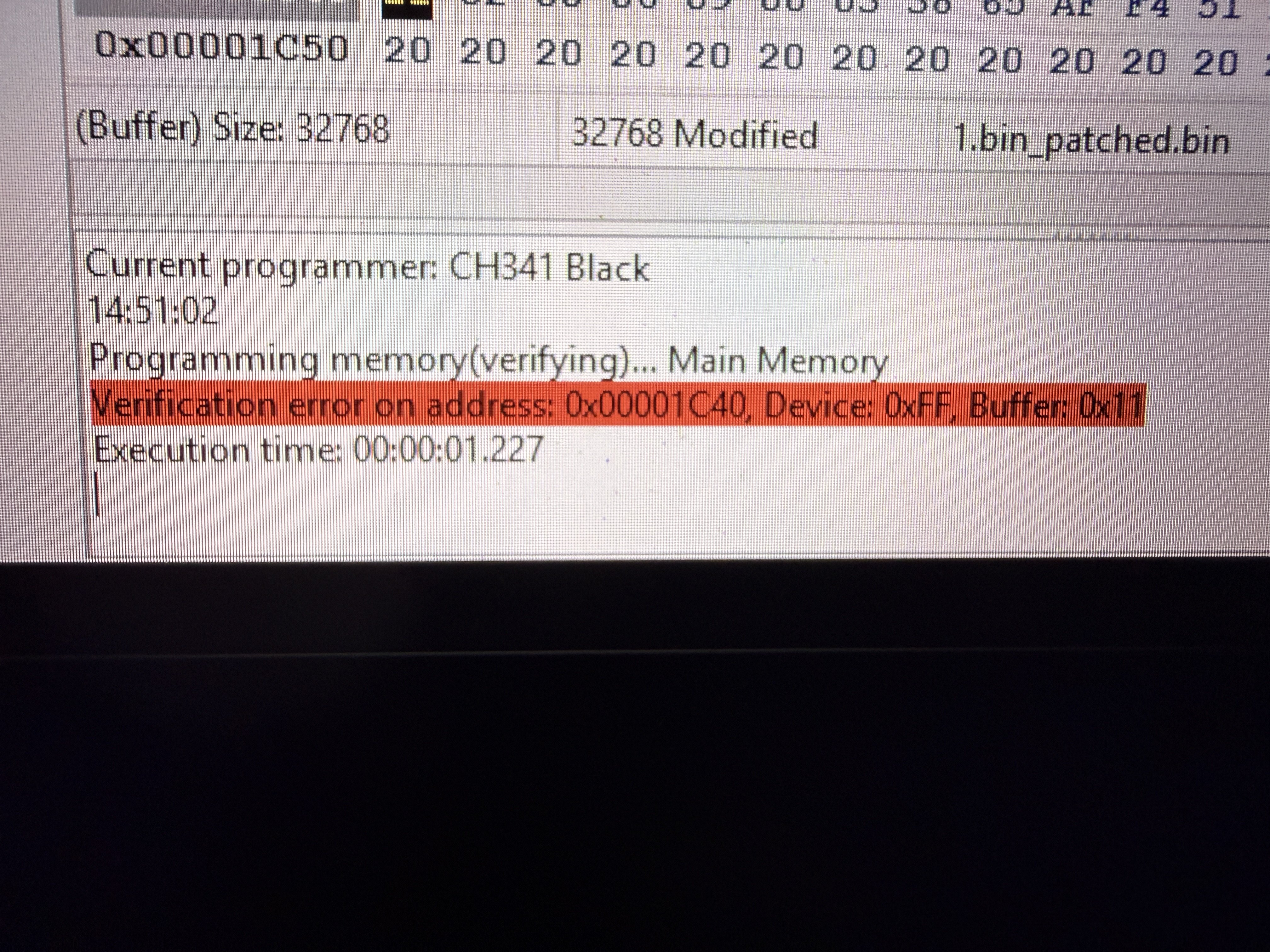
  7. Ok, I made it through, the programmer was damaged, I’ve bought new one, working. However, during write process i’ve got following error: Any help? For orginal 1.bin there is no issue
  8. As unknown USB device (deconstructor problem) with orange triangle
  9. Yes, I’ve tried original, must be programmer phisical issue
  10. As already said, i’ve tried this. As well as manuały install the drivers
  11. Could You please provide picture with programmer from the top, showing on which pins You’ve got the yellow connector?
  12. Already tried, as well with some other installers found online. Could it be issue with programmer, or shall I change/install something more?
  13. Dears, I’ve got a question regarding CH341. I’ve installed the drivers with prompt: „The drivers has been pre-installed in advance!” and after connecting the USB programmer my Windows 11 does not regognize the programmer in any way. After trying to unistall the drivers I’ve got prompt „No device installed!”. Can someone explain me in simple way how to install drivers and programmer under Win11?

Important Information

Welcome to BRISKODA. Please note the following important links Terms of Use. We have a comprehensive Privacy Policy. We have placed cookies on your device to help make this website better. You can adjust your cookie settings, otherwise we'll assume you're okay to continue.

Account

Navigation

Configure browser push notifications

Chrome (Android)
  1. Tap the lock icon next to the address bar.
  2. Tap Permissions → Notifications.
  3. Adjust your preference.
Chrome (Desktop)
  1. Click the padlock icon in the address bar.
  2. Select Site settings.
  3. Find Notifications and adjust your preference.