




Miki
Finding my way
-
Joined
-
Last visited
-
Almost a month after I disconnected the Skoda infotainment from my iPhone CarPlay, everything is OK—no volume issues. Temperatures were over 35+ for the whole of August. I will now connect Skoda to my iPhone and see whether the issue returns over the next few days. If the issue appears, then it is a software bug/glitch with Skoda infotainment and Apple CarPlay.
-
No issues with infotainment so far with CarPlay disconnected.
-
Still no issue, 10 days after CarPlay disconnected, after 3000 km and 40+ temperatures. I am testing further...
-
I agree, but I had an issue every day; now I don't have one, strange.
-
Hi guys, I have the same issue with my Octavia last few months. The volume keeps going up, making it difficult to drive. I have updated to 1989; same issue. I have also removed the fuse a few times, but it's always the same symptoms. A few days ago, I deleted the BT connection with my iPhone from the system. Not using Apple Car for 5 days. It is very hot in Belgrade (40c), and the infotainment is working stably. Since then, I have had 0 issues. I will test it for a month to see.....
-
The update went smoothly😎
-
It works! Great, thank you!
-
Can you please leave the link to the v1985 files? Thank you!
-
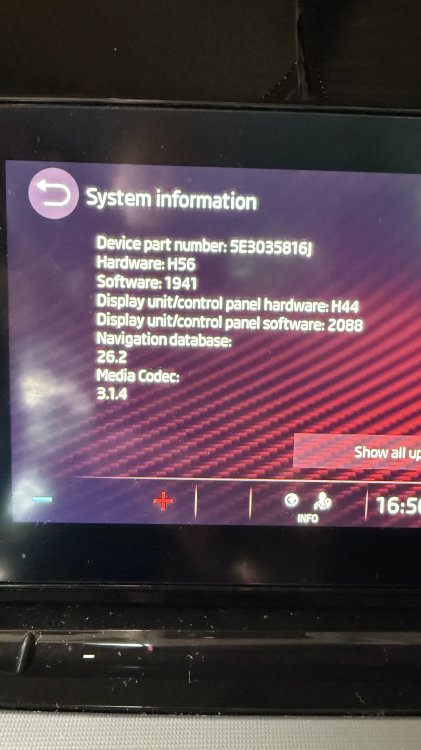
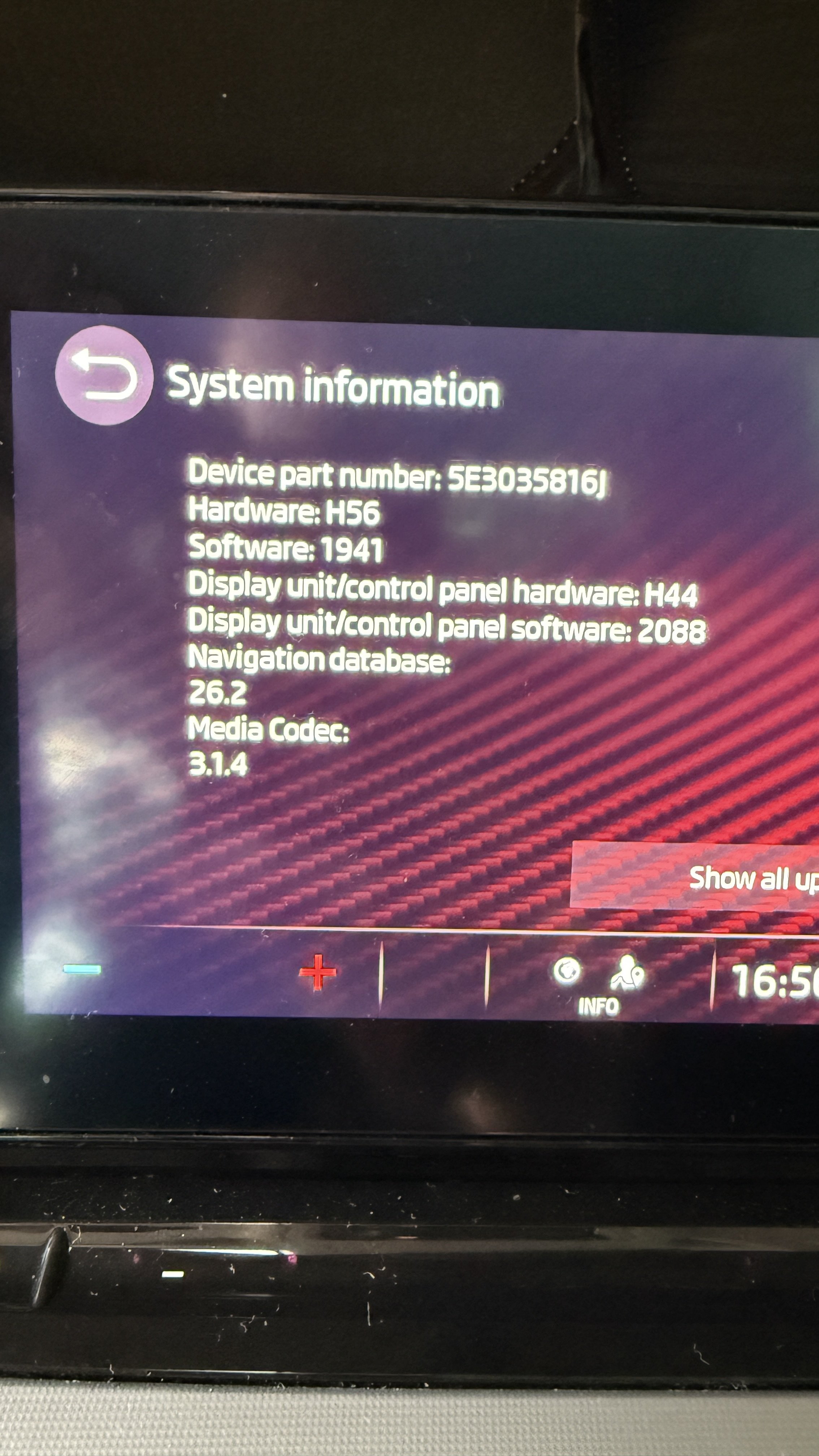
Thank you, but the link requires logging in to the University page. 😥Can someone send me the link to v1989? Thank you. Tried to find on the forum, but the links are broken and no longer valid.Can someone send me the link for v1985? Thank you!I have a paid subscription, but I didn't receive the OTA update to 1989. Thank you very much for the information. My car is out of warranty. I will see what I will do.Is v1941 the latest OTA release?



Important Information
Welcome to BRISKODA. Please note the following important links Terms of Use. We have a comprehensive Privacy Policy. We have placed cookies on your device to help make this website better. You can adjust your cookie settings, otherwise we'll assume you're okay to continue.