
Nackuk
Members
-
Joined
-
Last visited
Everything posted by Nackuk
-
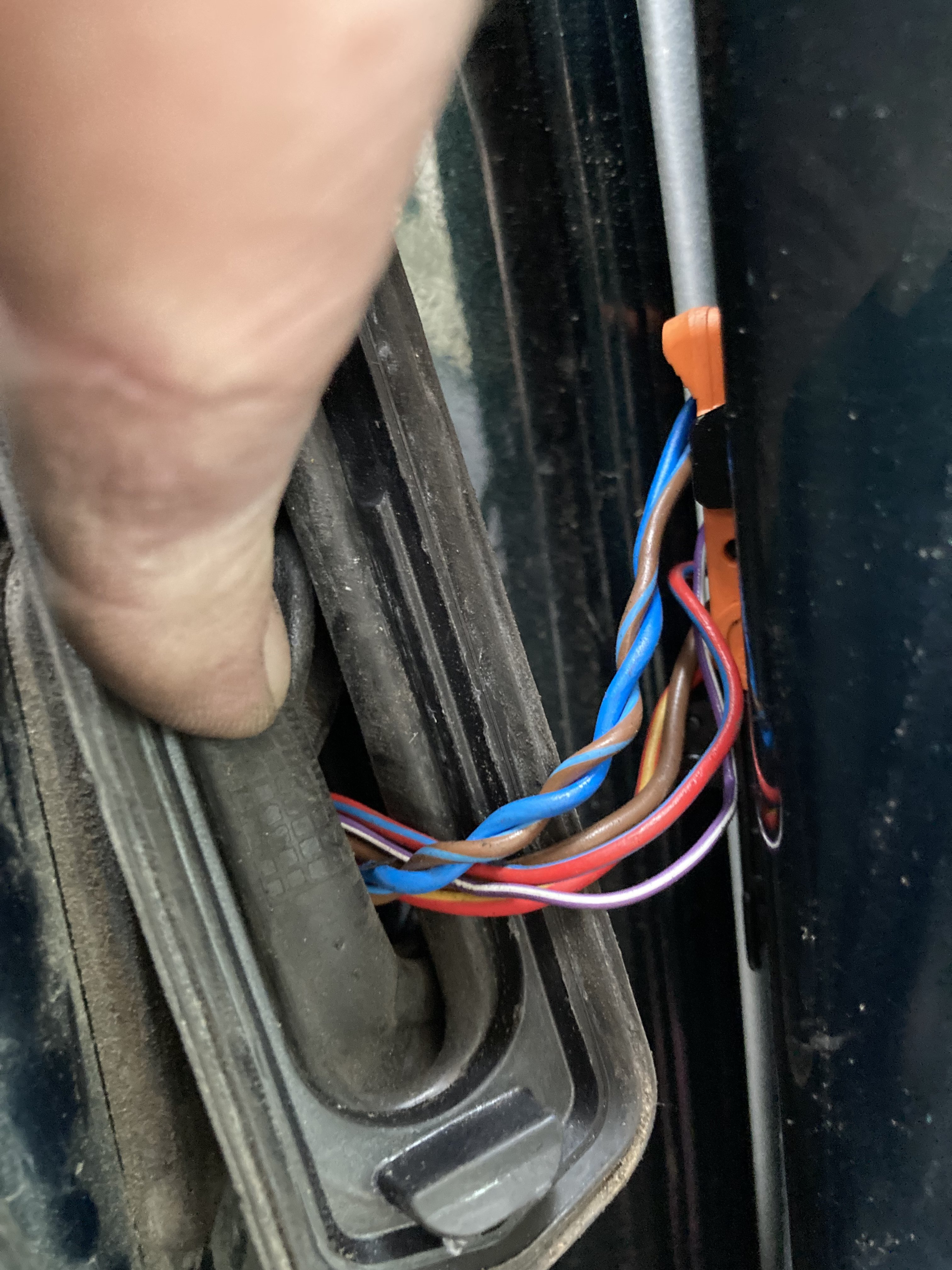
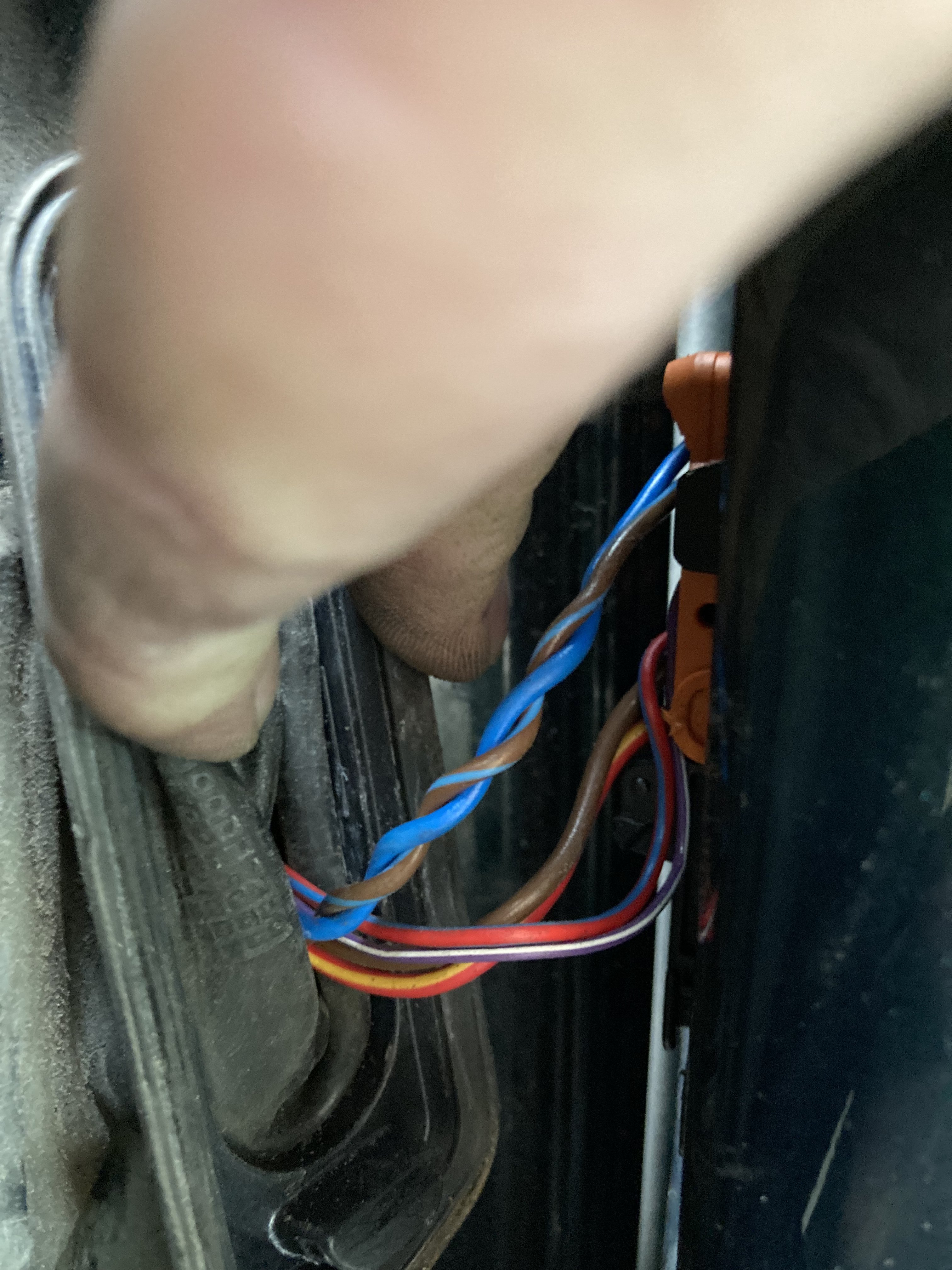
Well I tried one of these brackets and it didn’t work so this week I’ve fitted a new motor as they are only £55 quid. I spent ages trying to fit the motor back on with the bracket dam fiddly. Replacing the motor took only 15 minutes. And worked. so I took the old motor apart and this is what I found. On next posts due to media size issue ….
-
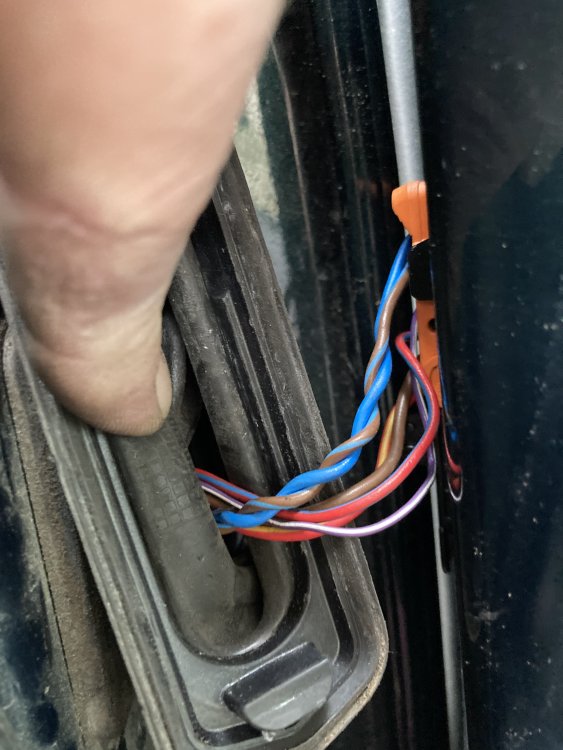
Wires look fine in the hinge
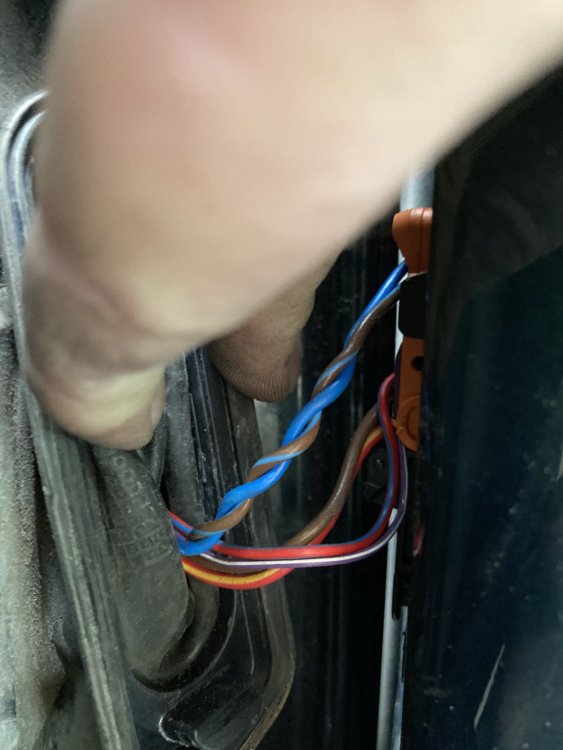
-
Address 62: Door, Rear Left (J388) Labels:. 7N0-959-795.clb Part No SW: 7N0 959 795 HW: 7N0 959 795 Component: TSG HL H02 0200 Revision: Serial number: 0000101290771 Coding: 010C00200001221002 Shop #: WSC 33361 790 00999 VCID: 01093938982433814E-8054 1 Fault Found: 02115 - Locking Unit for Central Locking 008 - Implausible Signal Freeze Frame: Fault Status: 01101000 Fault Priority: 3 Fault Frequency: 3 Reset counter: 128 Mileage: 285510 km Time Indication: 0 Date: 2016.06.08 Time: 16:41:19
-
Me LOL. Says implausable signal
-
Everything else works as normal. Just one door not opening - opens from inside door handle only. Does the door level pull a cable or does it activate a micro switch?
-
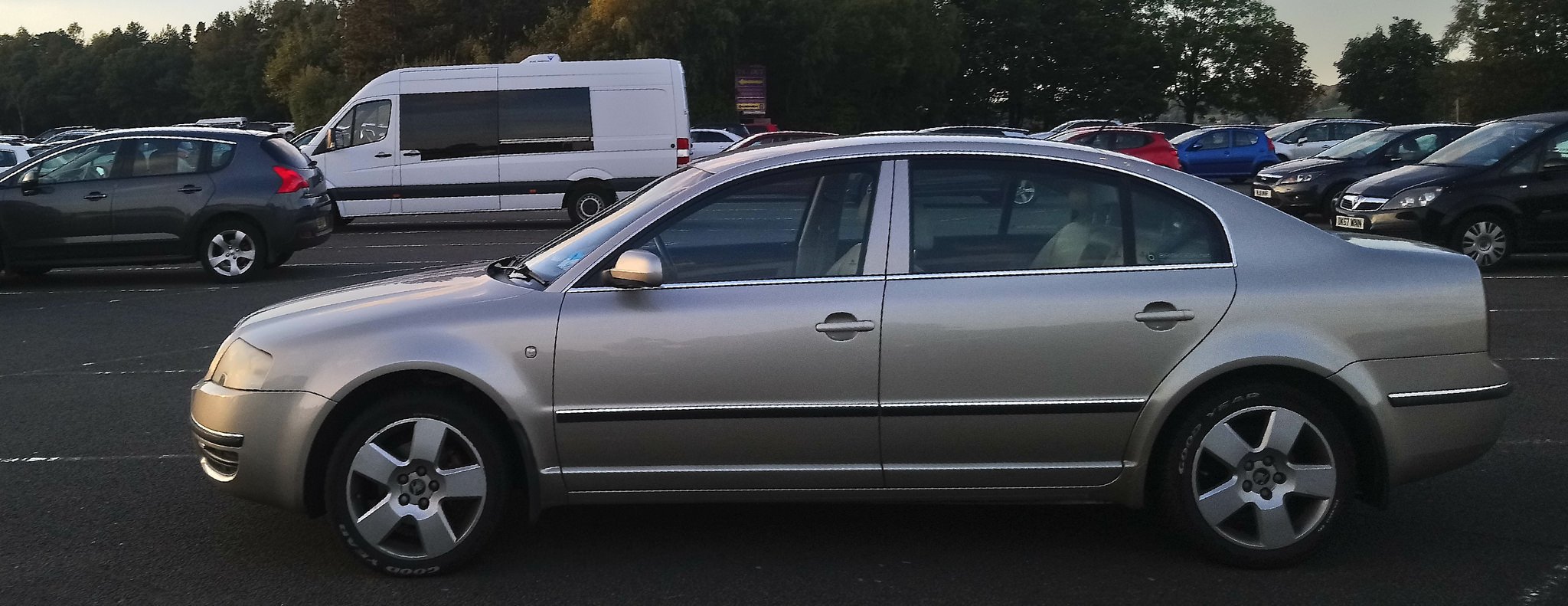
2009 Skoda Superb Hatch Hi hoping someone may have had this issue in the pasted and can point me in the right direct? My rear passenger door will not open from the outside. I can open it from the inside but it does not open from the outside. What should I look for first to fix this?
-
Is it manual or the sealed for life auto (giggle)?
-
Erm, Passenger side one has gone all gummy too now. So I need one for that side :(
-
Ebay, Looked for a long long time. Many black leather that looked in good condition, no ivory leather ones then boom this one looked okay and was when it turned up
-
Nope. I changed the whole seat in the end. That worked Cost £120 including postage. Easy swap. Had to wait for a descent one to come up especialy as I wanted cream leather.