




The Big Mac
Members
-
Joined
-
Last visited
Everything posted by The Big Mac
-
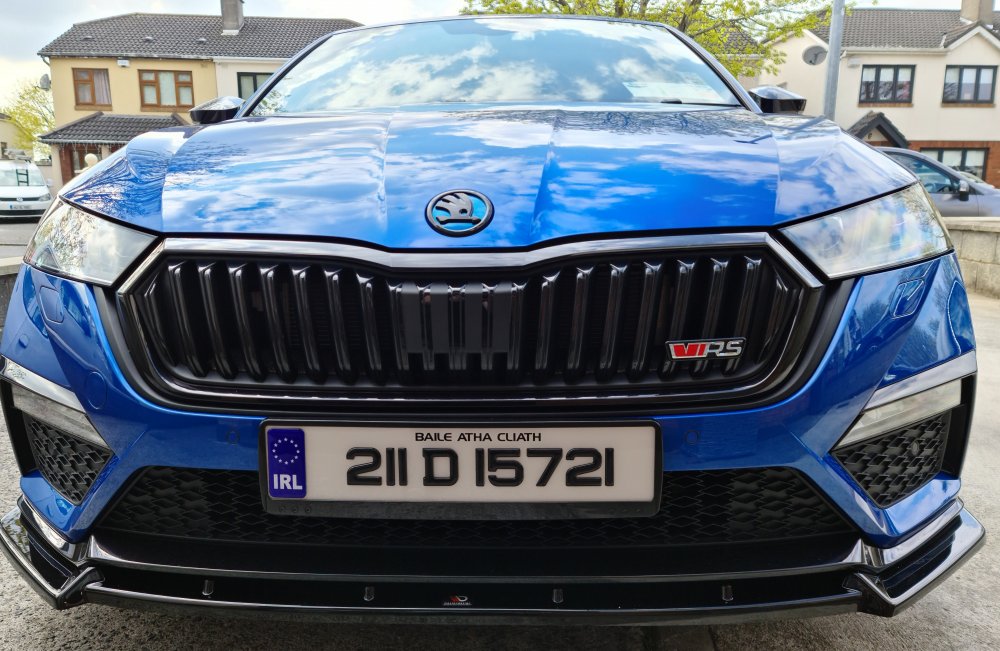
It's the mk3 badge haven't seen mk4 one yet cheers
-
There are software issues but I would not let them stop me going for the mk4 VRS...I love my car despite the faults cheers
-
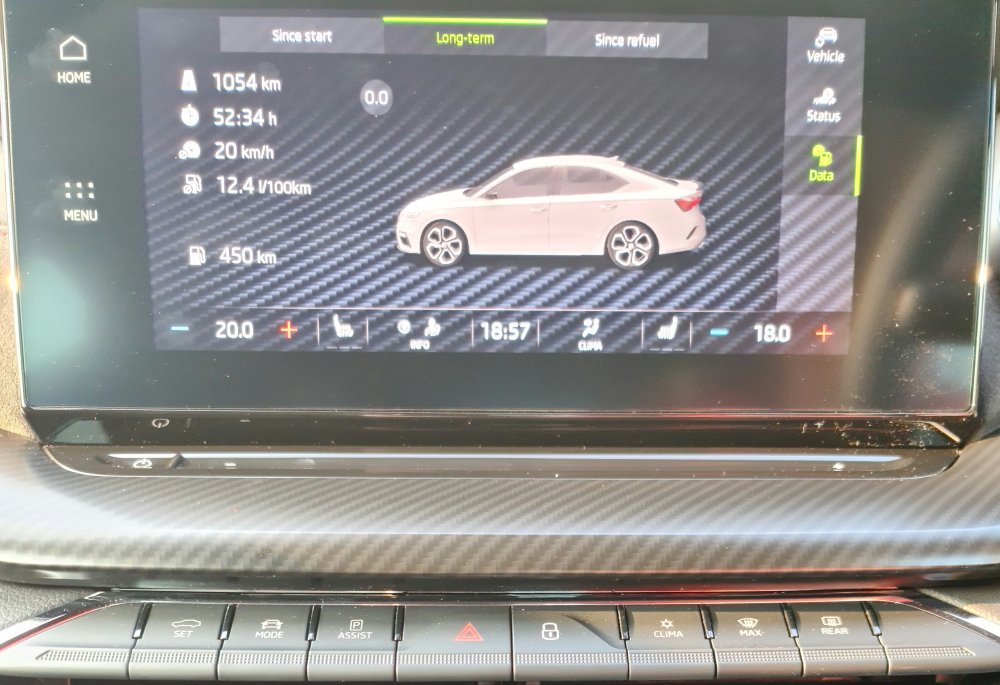
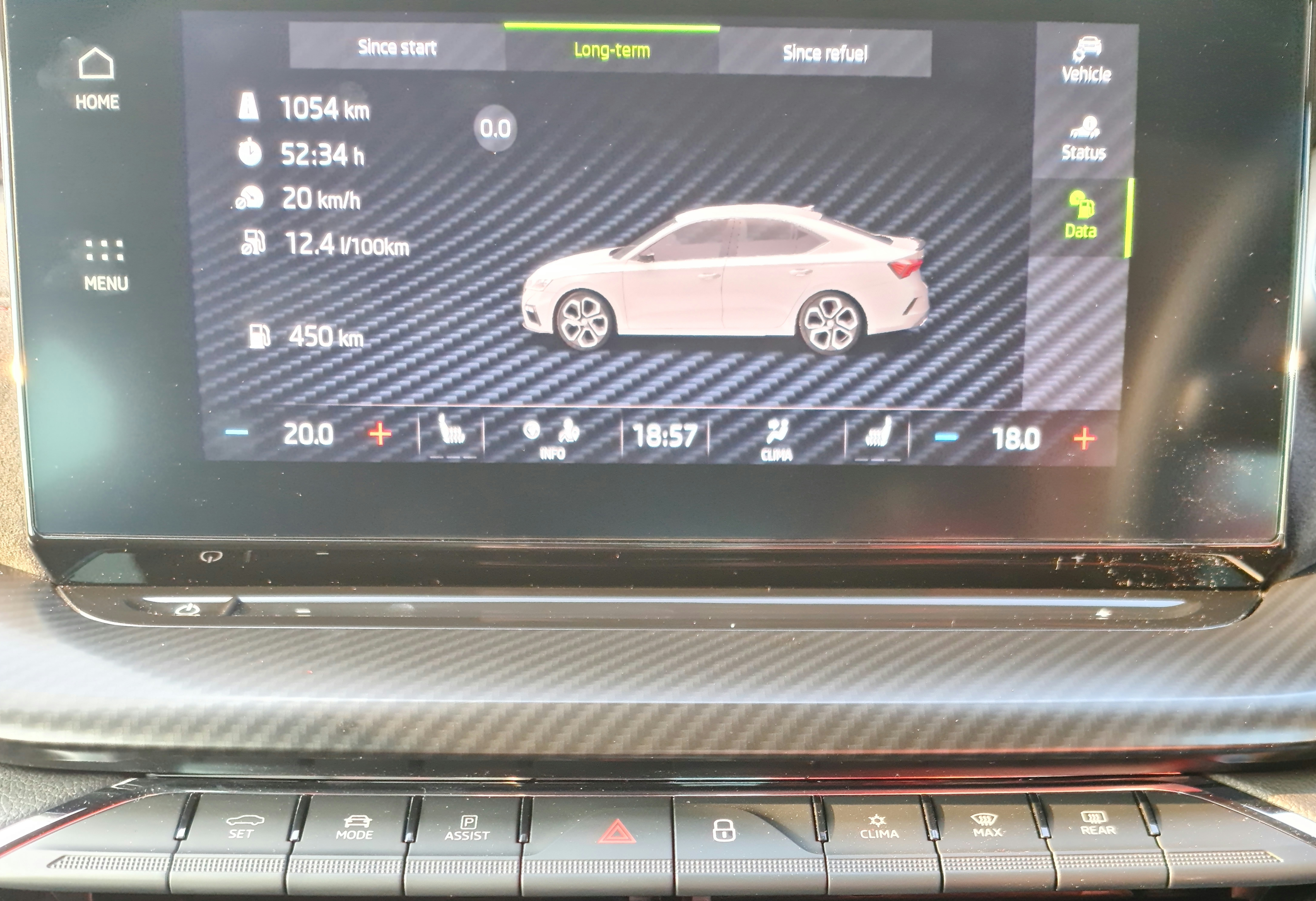
Agree with you about not caring about fuel consumption...all city driving.. adv 20kmh... dublin traffic nightmare !!!
-
23/25 mpg at best... how are you driving your cars...whats your average speed !!! Do you live in city's?
-
23/25 mpg at best... how are you driving your cars...whats your average speed !!! Do you live in city's?
-
Please keep us informed on any updates thanks
-
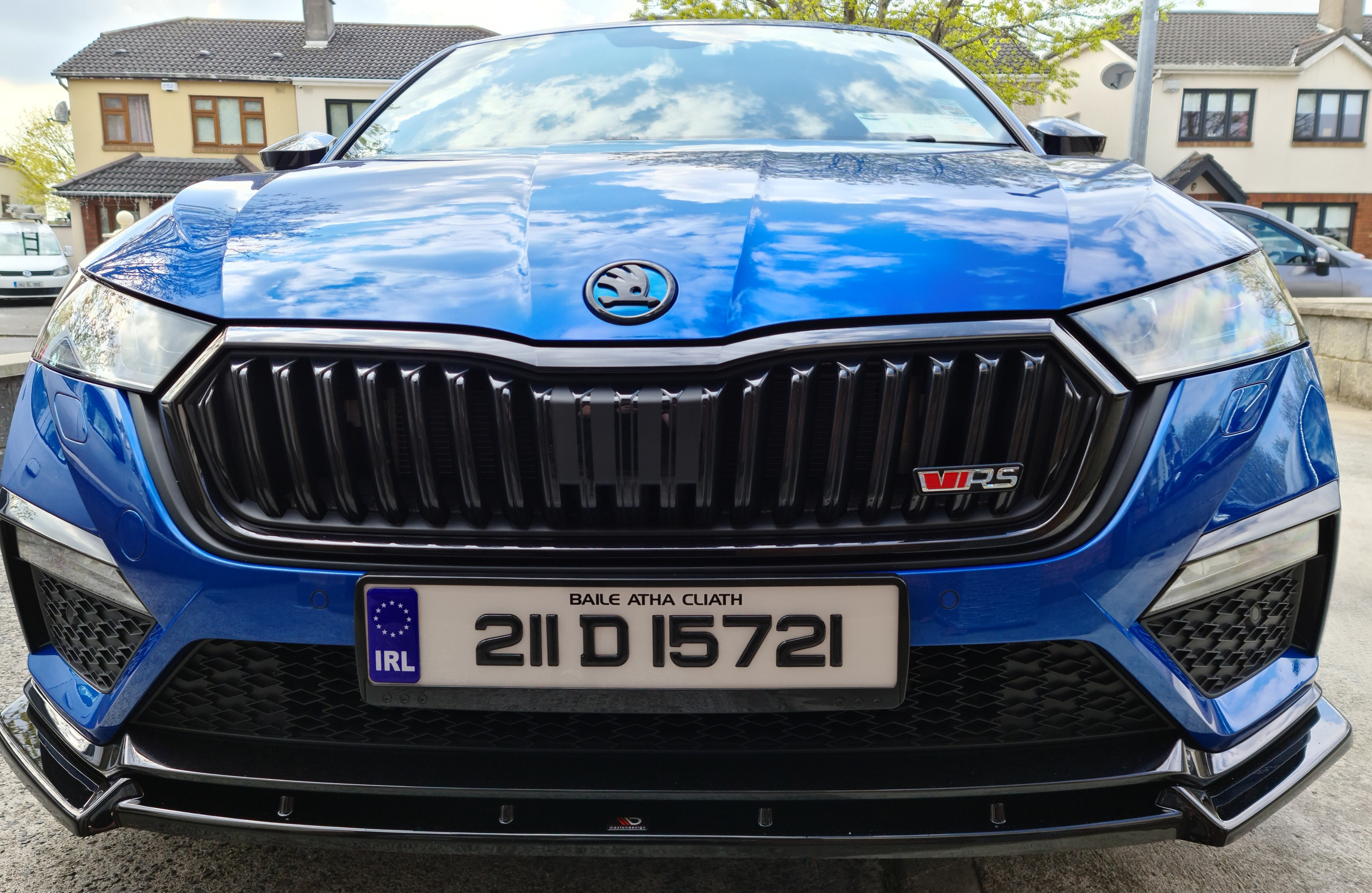
I did replace the badge but its not the same colour (race blue) as the car so might spray it on the car !!!
-
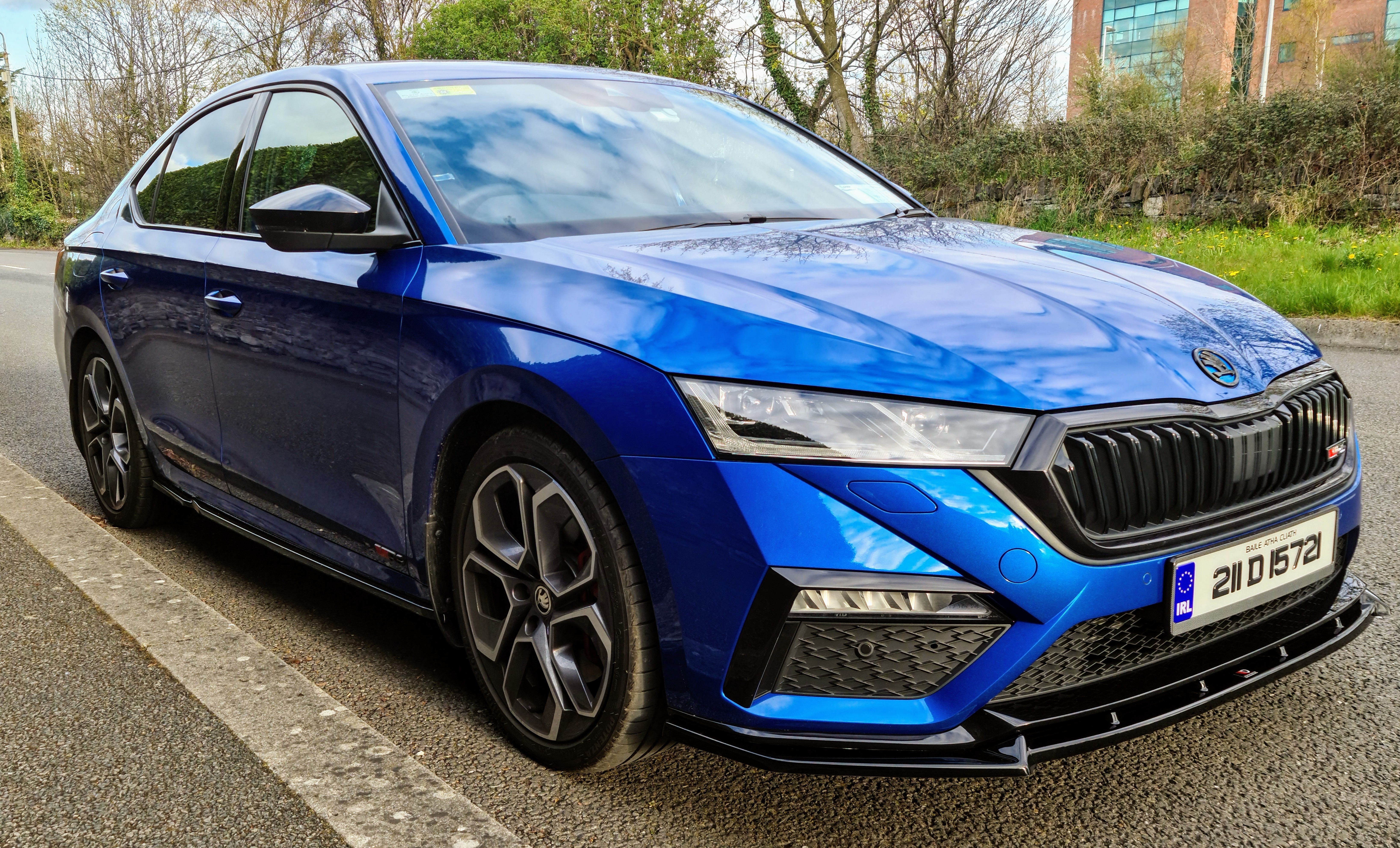
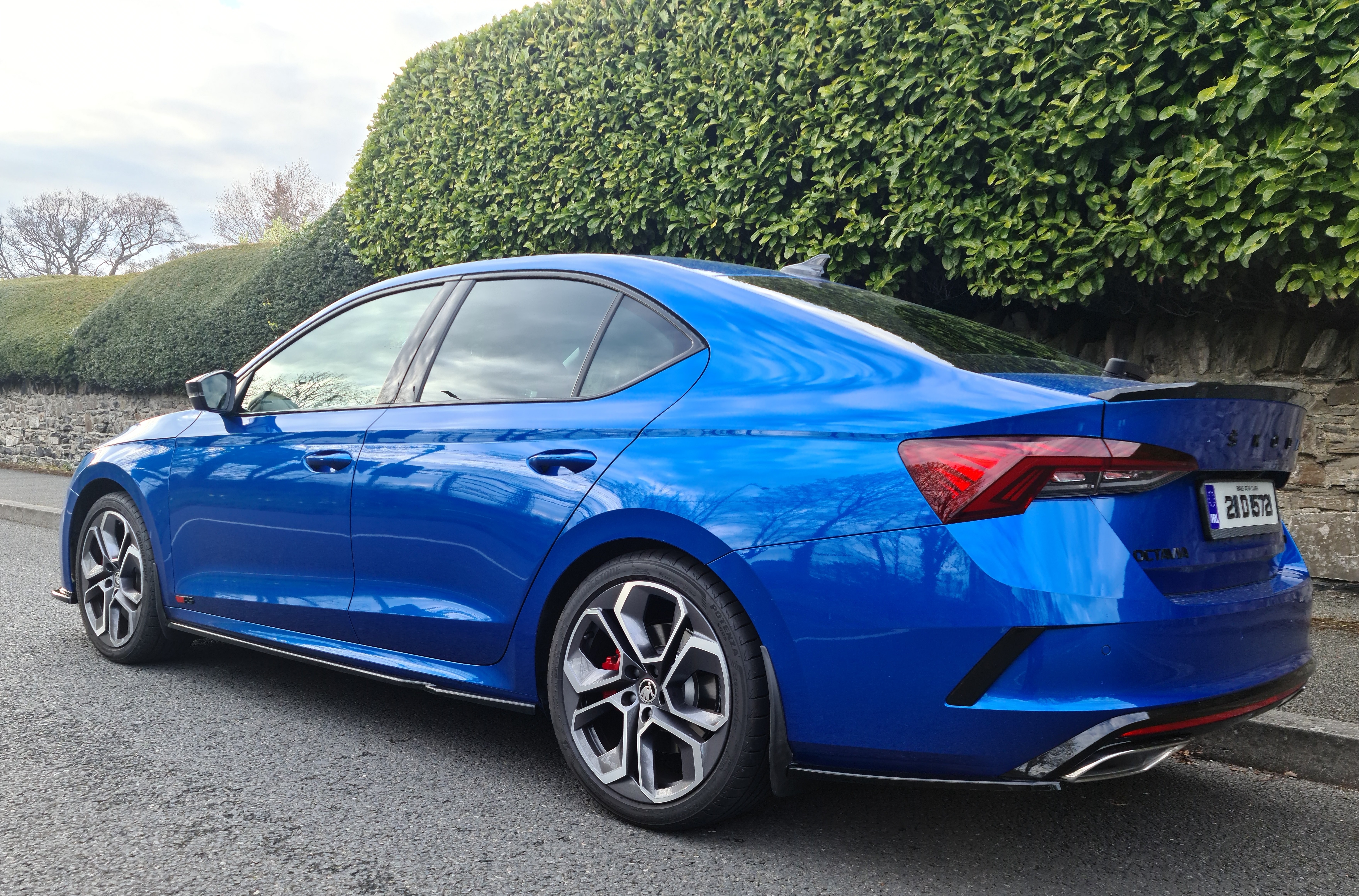
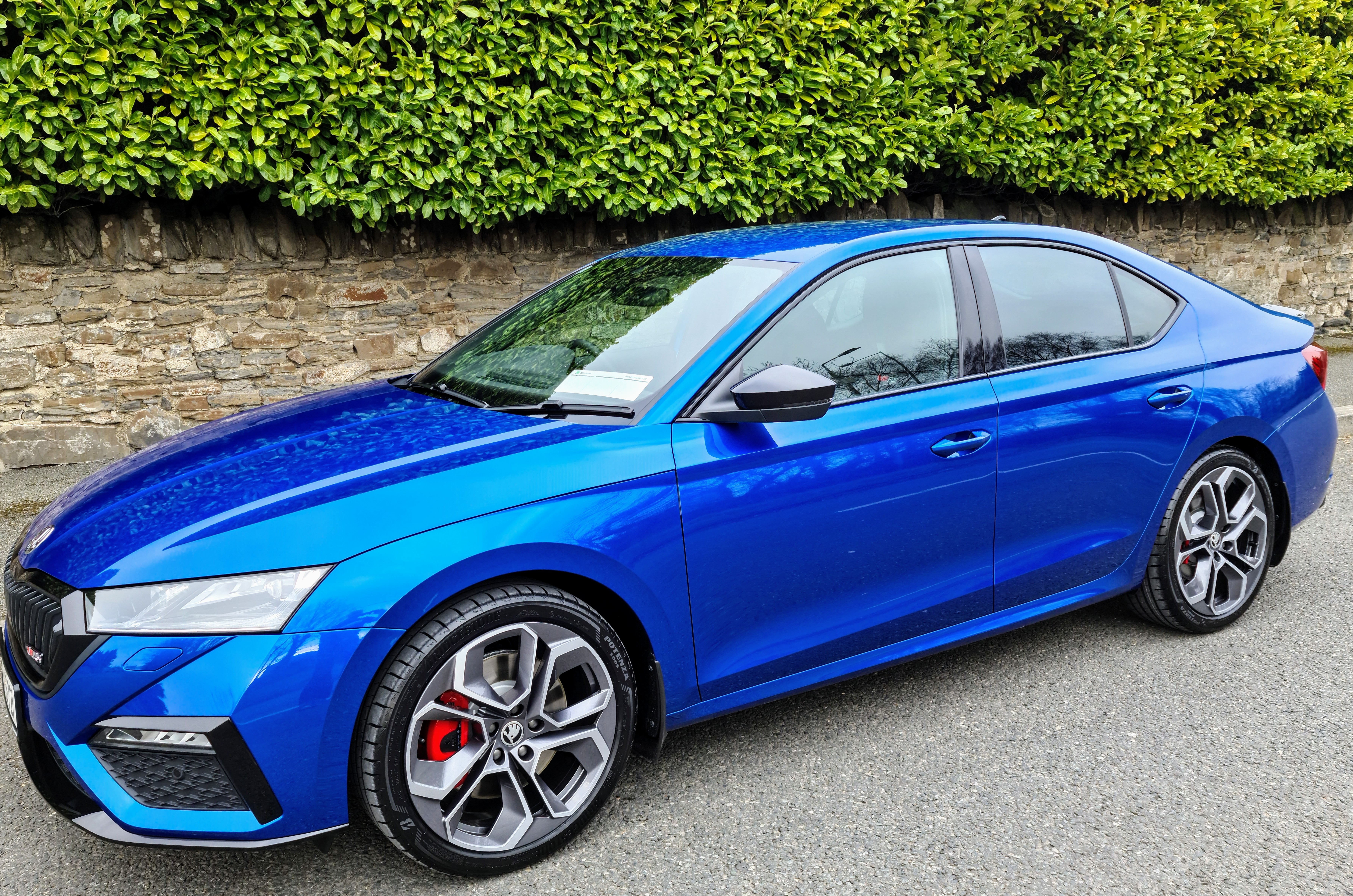
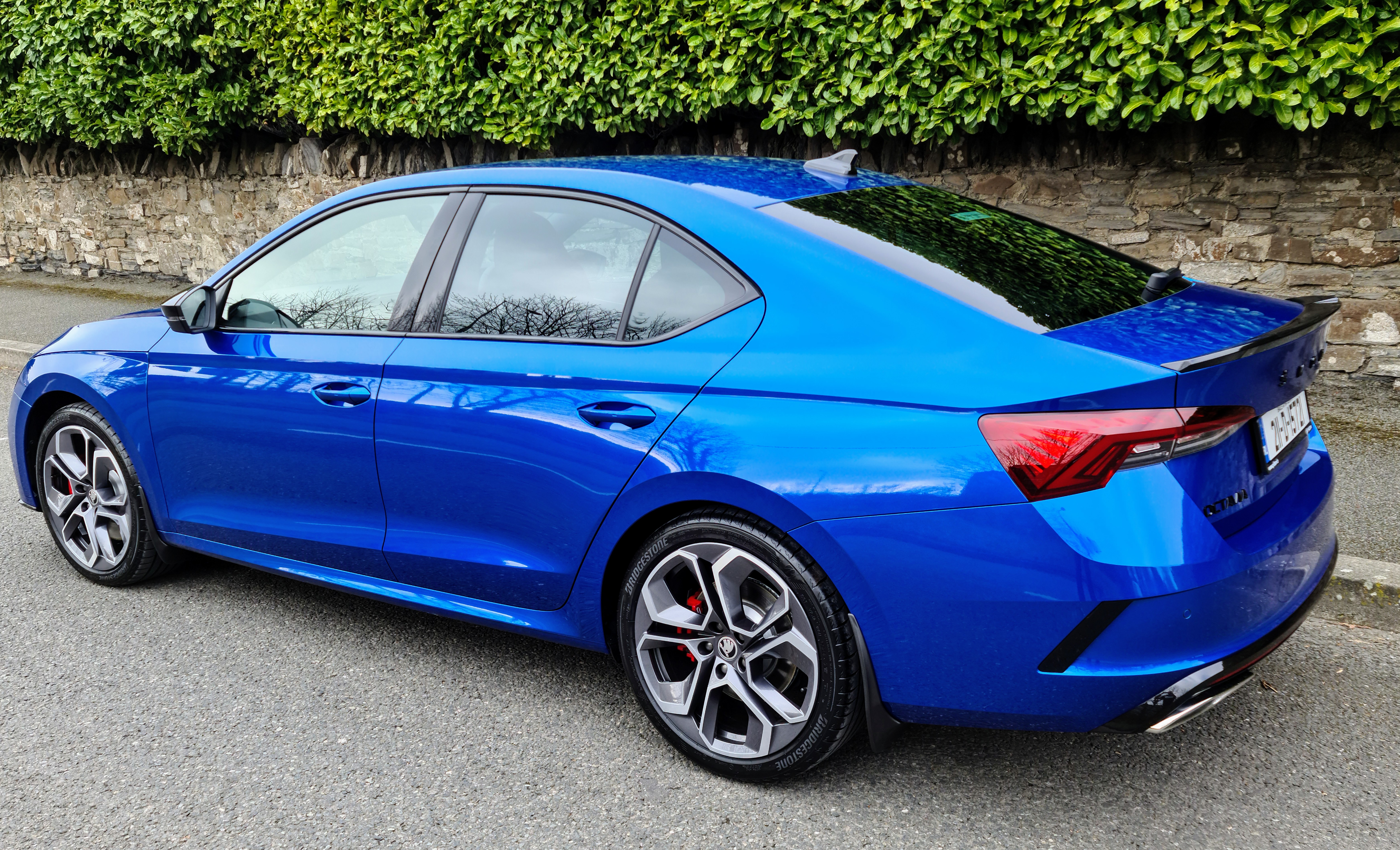
Changed slightly since this picture added a maxton design V1 kit 👌
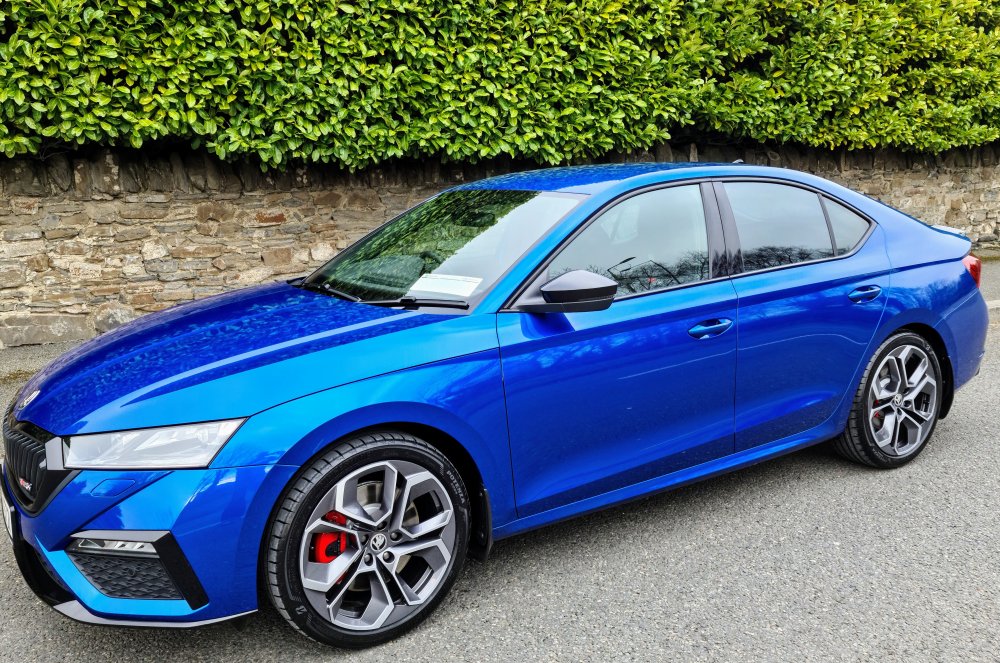
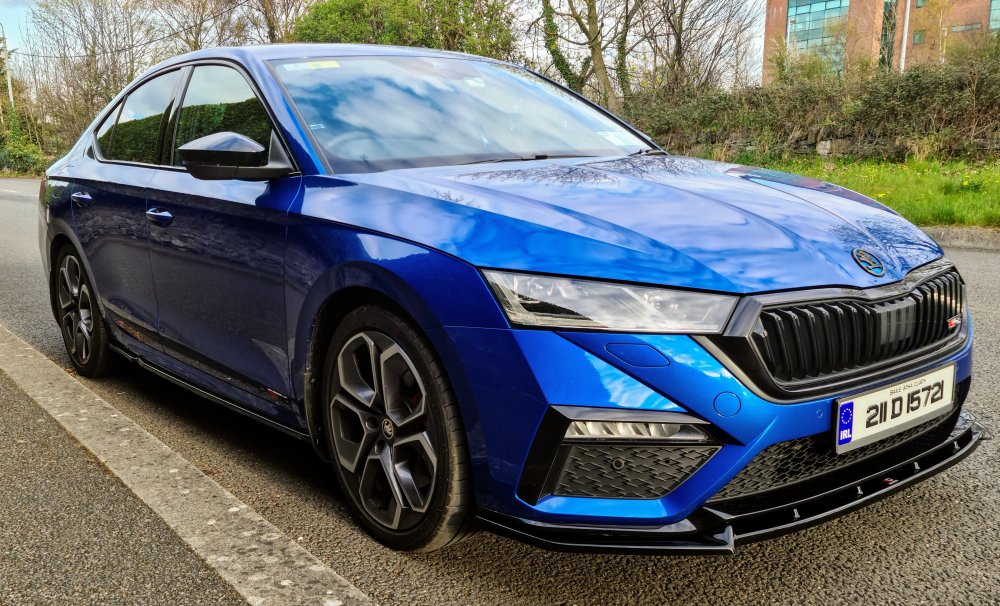 Petrol DSG 🤘
Spot on !!!Maybe I'm being a bit critical i will give it a bit of time see dose it loosen out cheersThe basic sound system Very disappointing...to hear the rear speakers you have to put the fade and balance right back...there is very little adjustment in sound field tweeters are poor...I'm already think of changing all speakers and adding amp and sub but worried about voiding warranty !!!Its very strange because my new cars emissions are higher then the old one yet the road tax is less.. €390 on old car new car is €280...the new vrs is a complete different animal...with the mk3.5 i felt like i needed to trash it all the time ...mk4 feel like I want to cruise now the boys in work said it because I'm getting older...they maybe right !!!...I liked my red 2017 vrs but I'm start to really love the 2021 need more time with it to give true impression cheers !!!Hope all is well...just picked up my new octavia vrs in Dublin and was not able to spec canton, sunroof or auto opening boot because of new emission laws in ireland the extra draw on the battery increases the co2..very disappointed i like the Canton sound system and always spec it...
Petrol DSG 🤘
Spot on !!!Maybe I'm being a bit critical i will give it a bit of time see dose it loosen out cheersThe basic sound system Very disappointing...to hear the rear speakers you have to put the fade and balance right back...there is very little adjustment in sound field tweeters are poor...I'm already think of changing all speakers and adding amp and sub but worried about voiding warranty !!!Its very strange because my new cars emissions are higher then the old one yet the road tax is less.. €390 on old car new car is €280...the new vrs is a complete different animal...with the mk3.5 i felt like i needed to trash it all the time ...mk4 feel like I want to cruise now the boys in work said it because I'm getting older...they maybe right !!!...I liked my red 2017 vrs but I'm start to really love the 2021 need more time with it to give true impression cheers !!!Hope all is well...just picked up my new octavia vrs in Dublin and was not able to spec canton, sunroof or auto opening boot because of new emission laws in ireland the extra draw on the battery increases the co2..very disappointed i like the Canton sound system and always spec it...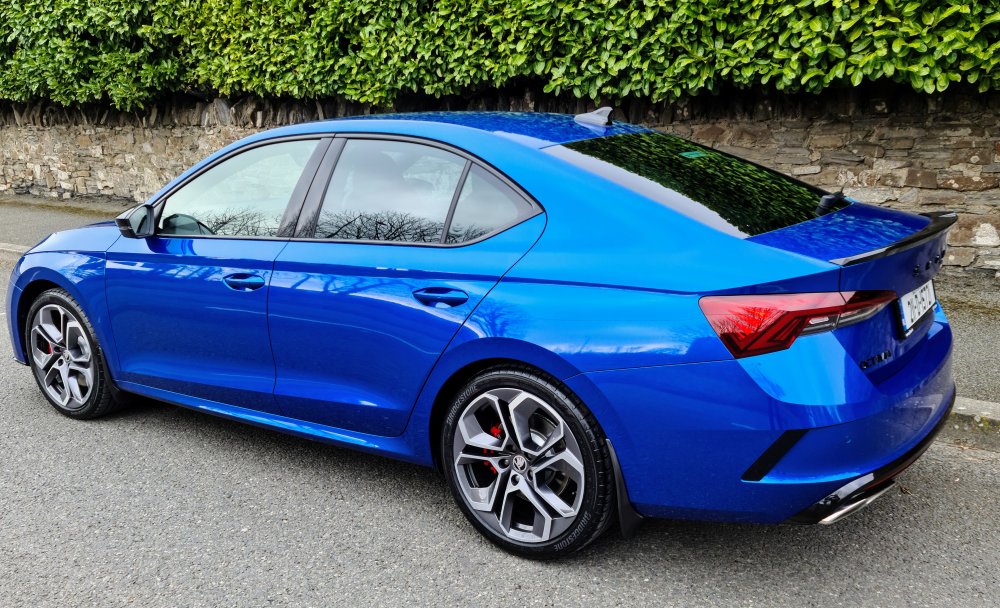


Important Information
Welcome to BRISKODA. Please note the following important links Terms of Use. We have a comprehensive Privacy Policy. We have placed cookies on your device to help make this website better. You can adjust your cookie settings, otherwise we'll assume you're okay to continue.