DRJ
Resident Member
-
Joined
-
Last visited
Everything posted by DRJ
-
You might find this site interesting - this is for #731 sold a few years ago (see signature) https://vehiclescore.co.uk/score?registration=va07ezz
-
731 which was mine but I sold in 2016 is still alive and kicking - and has passed all its MoTs since 2011 when it had a failure owing to a budged tyre. MoT Test Date: 06 Apr 2022 - Odometer: 79,763 miles
-
No. 195 is currently on Autotrader - https://www.autotrader.co.uk/car-details/202212192615942 £5,950 on 138,000 miles
-
No. 504 is currently on Autotrader - https://www.autotrader.co.uk/car-details/202211201844155 £7,980 on 69,873 miles
-
To cap it all: ✗ Untaxed Tax due: 30 September 2020
-
The listing says "Car has been previously owned by an idiot" - perhaps there's one word too many in that sentence?
-
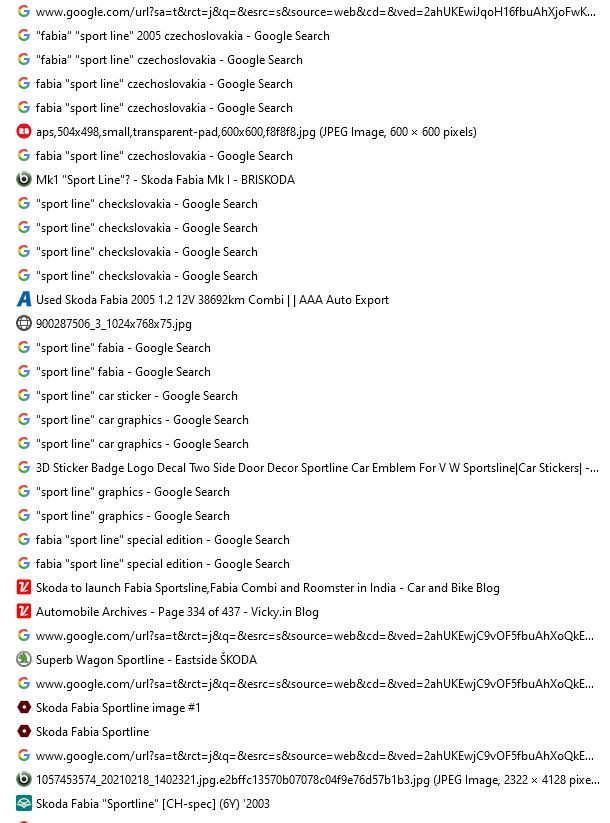
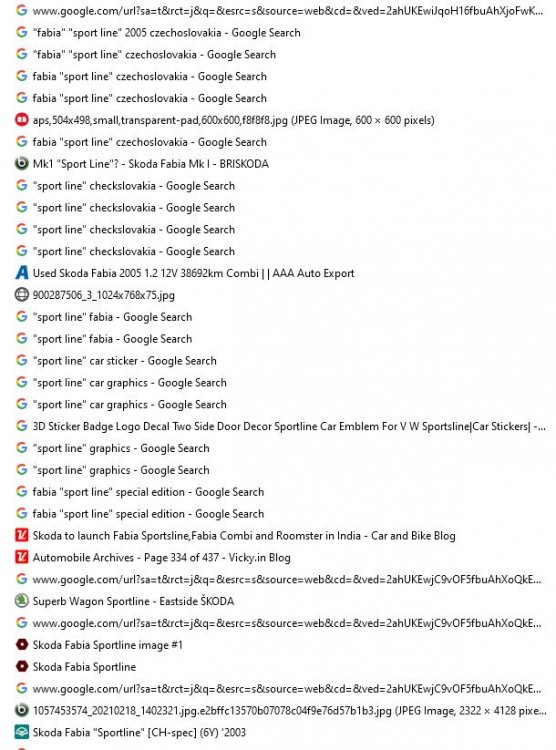
Thanks - I have developed somewhat of a speciality in ferreting things out on Google. It was partly owing to research I was doing at work and partly simply an obsession in trying to find things. Here's part of the search history from yesterday - apologies for spelling Czechoslovakia wrongly!
-
Absolutely - as soon as I found the red one. A dealer wouldn't be changing the seat belts.
-
Here's a Polish one - doesn't have the external graphics but does have the red seat belts as seen in the red one: https://www.olx.pl/oferta/skoda-fabia-sport-line-1-4-z-klimatyzacja-CID5-IDIoCTw.html#e012128894
-
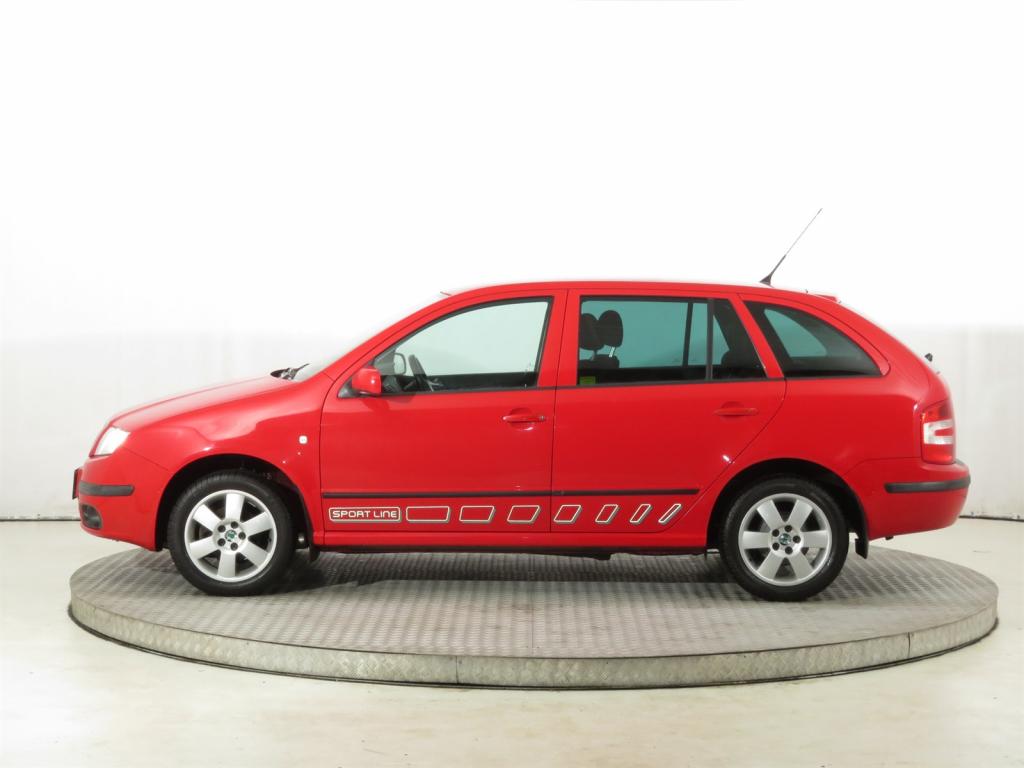
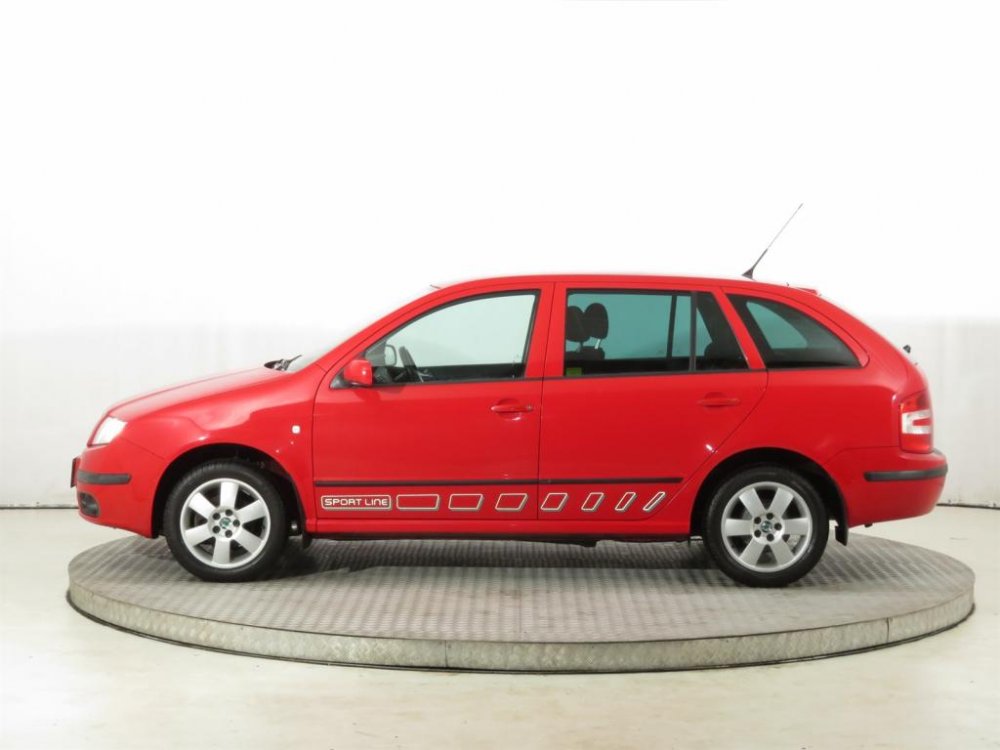
Czechoslovakian Special Edition - note the car in the top post has left hand drive! https://www.aaaauto.eu/en/skoda-fabia/car.html?id=378055936
-
.
-
Might be a "dealer special"?
-
Please note you missed this posting in your updating: