Antimus
Members
-
Joined
-
Last visited
Everything posted by Antimus
-
I'm actually using Plusnet which is on the EE network and all of the online stuff seems to work flawlessly. Weather, news, parking, traffic, etc. Just not Smartlink+ which I think is USB only anyway
-
Android auto works fine, I'm talking about the Smartlink+ features like health check, logbook, etc
-
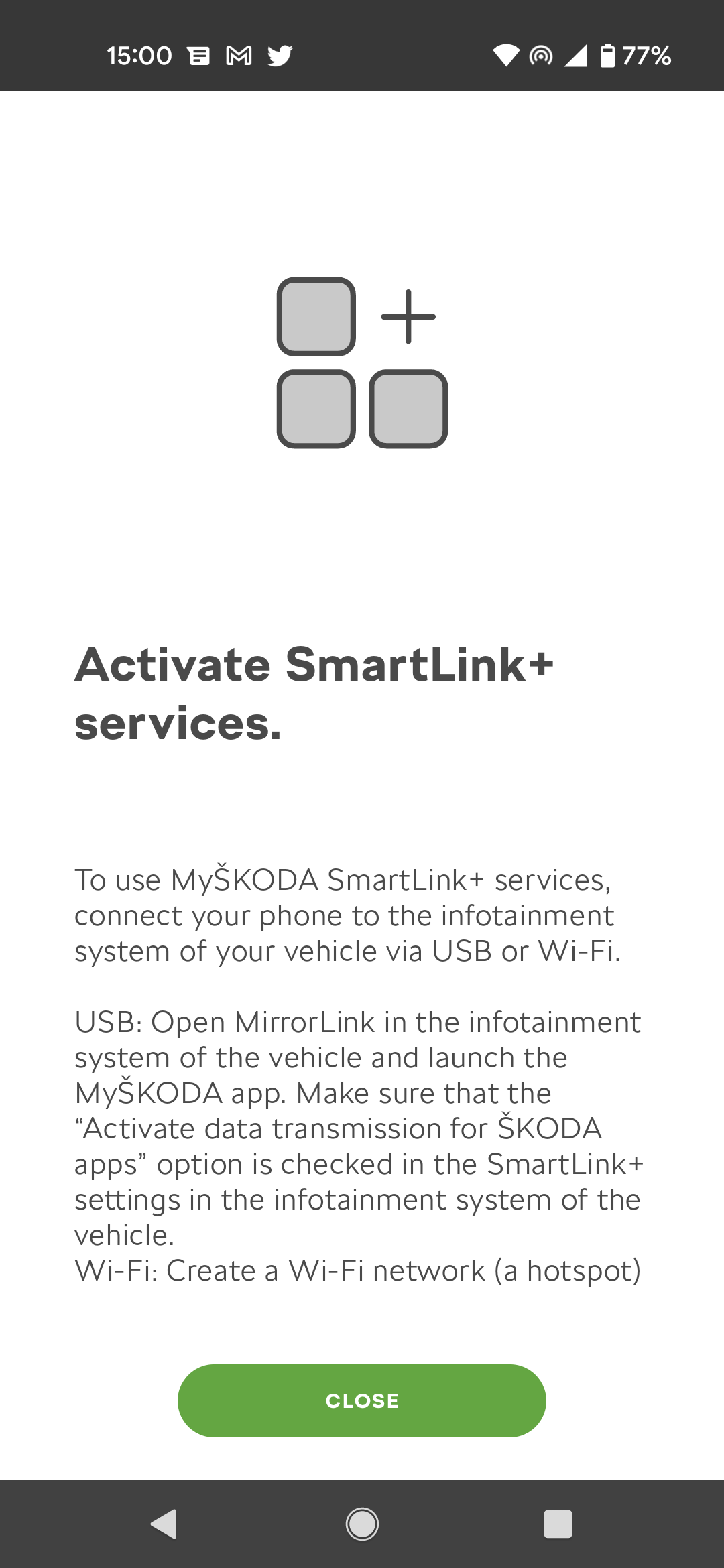
Hi, I've got a 67 plate vrs with the Amundsen head unit. I've connected it to Skoda Connect and activated the Smartlink+ license, however it isn't working. Everything else is just not Smartlink+ I've reconnected multiple times and the app always asks me to turn on some data sharing settings on the head unit that are already on. I contacted Skoda support and they've been useless, sending me videos for the iPhone app that isn't the same as the Android one, then finally they come back and say Smartlink+ isn't supported on my car, despite all the evidence to the contrary. Has anyone seen this? Does anyone have Smartlink+ working on a 67 plate with Amundsen?
-
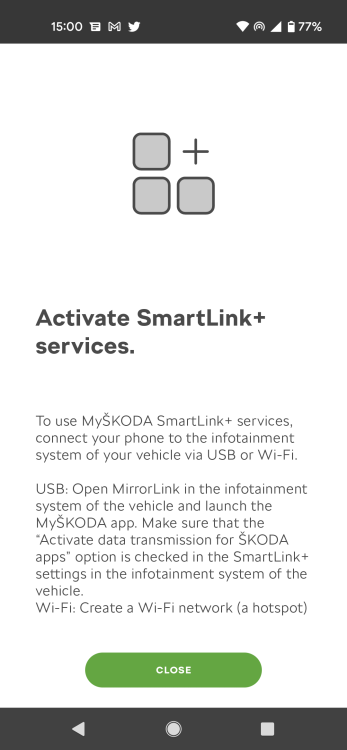
I got everything working except Smartlink+ which I've activated the license for them tells me to enable data sharing which is on but doesn't actually enable Smartlink+
-
Ok that's interesting, I have to drive to France in a week. Just bought an OBDEleven, will check the fault code tomorrow when it arrives, thanks
-
Thanks, though from what I've seen that issue is intermittent, this doesn't go away, error is now permanently on my dash. Am I wrong about that?
-
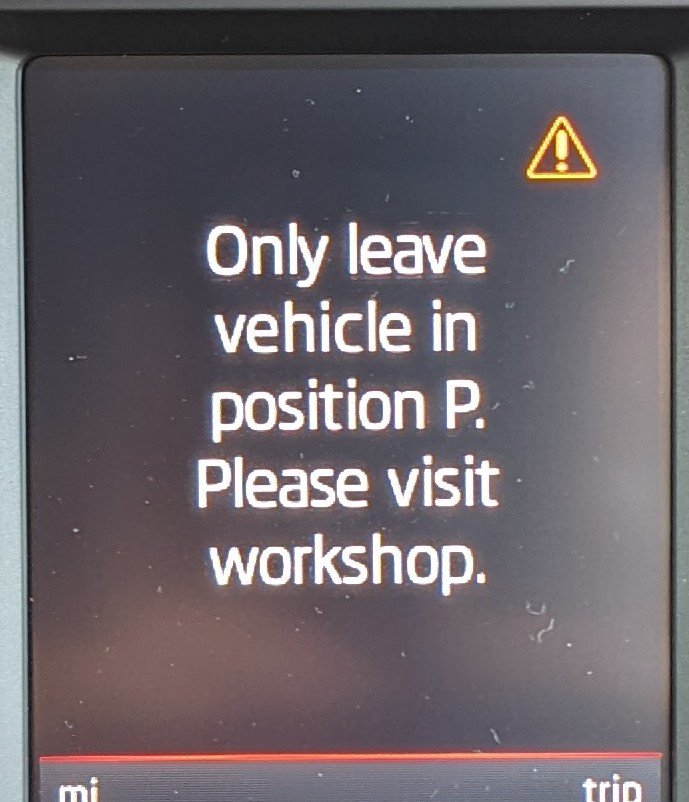
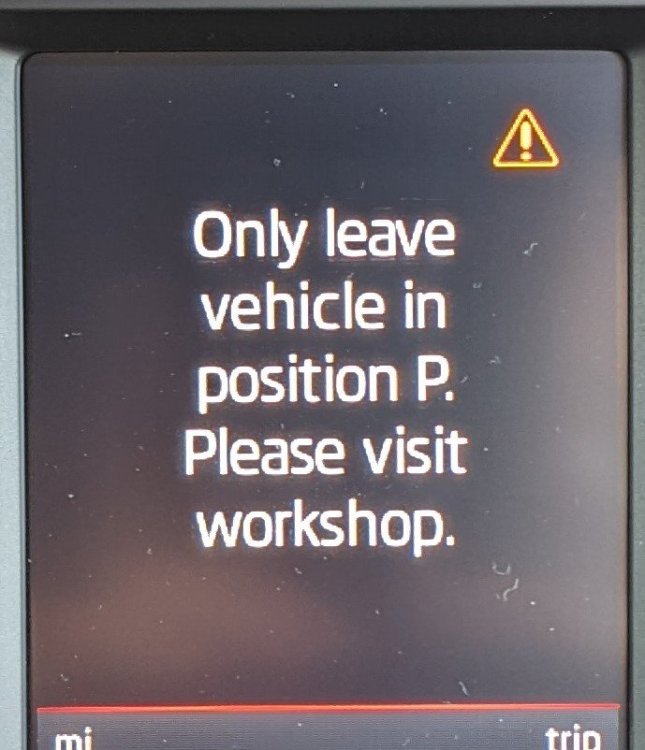
Similar to one posted all over but not exactly the same message, about a problem with a gear selector sensor. Is it the same thing with just an updated message from newer software? Or likely a different issue? Error message doesn't go away, left car alone for an hour, still showing orange triangle on the warning lights and the attached message
-
I've had some very changeable results when driving, it looks like this vrs has much more varied economy results than my old 2012 vrs TDi. Still think an EGR clean/swap might be worthwhile
-
Definitely seems like something is off with my car then. What things can affect economy on a modern TDi? And if it is a simple matter of the maxidot being badly calibrated how do I get that fixed?
-
Is it possible an EGR clean/replace is needed? Don't know how the previous owner drove it for those 40k miles
-
That's really disappointing to get worse mpg from a newer model with a supposedly more refined engine, and those book MPG figures are a flat out lie, 67.3mpg extra urban? I haven't even seen 60 on a stretch unless it's downhill. I have only had it a week, might need to just get used to it but I was in economy mode doing 70(ish) the whole way. Any maintenance tasks that could improve economy? It's done 45k so really it's just run in, 10k/yr.
-
So I had a 2012 vrs diesel before this and on a motorway drive I could get 52mpg on a 70 mile drive to the office on motorways not heavy footed. Just got my new 67 plate and the same drive I got 48, I'm not expecting the 60+ the book states but I was definitely not expecting worse than my 10 year old older version of the same car. Is this normal or is something wrong?
-
I'll try a new cable but I'm pretty sure this is a top like cable. I've also tried WiFi.
-
I'm also now working apart from one thing, Smartlink+ I've activated the license in the website but the app still tells me I need to enable data sharing on the unit which I have, then connect to USB or WiFi which I have. Still not getting anything. Anyone else seeing this?
-
Thanks, so is there an actual problem with the Skoda end at the moment stopping registration working?
-
It has gadgets I can't use, I don't understand your question. Why wouldn't I want more gadgets?
-
Yep that's where I'm going, dismissing it doesn't help, it just won't let me get to the code entering page
-
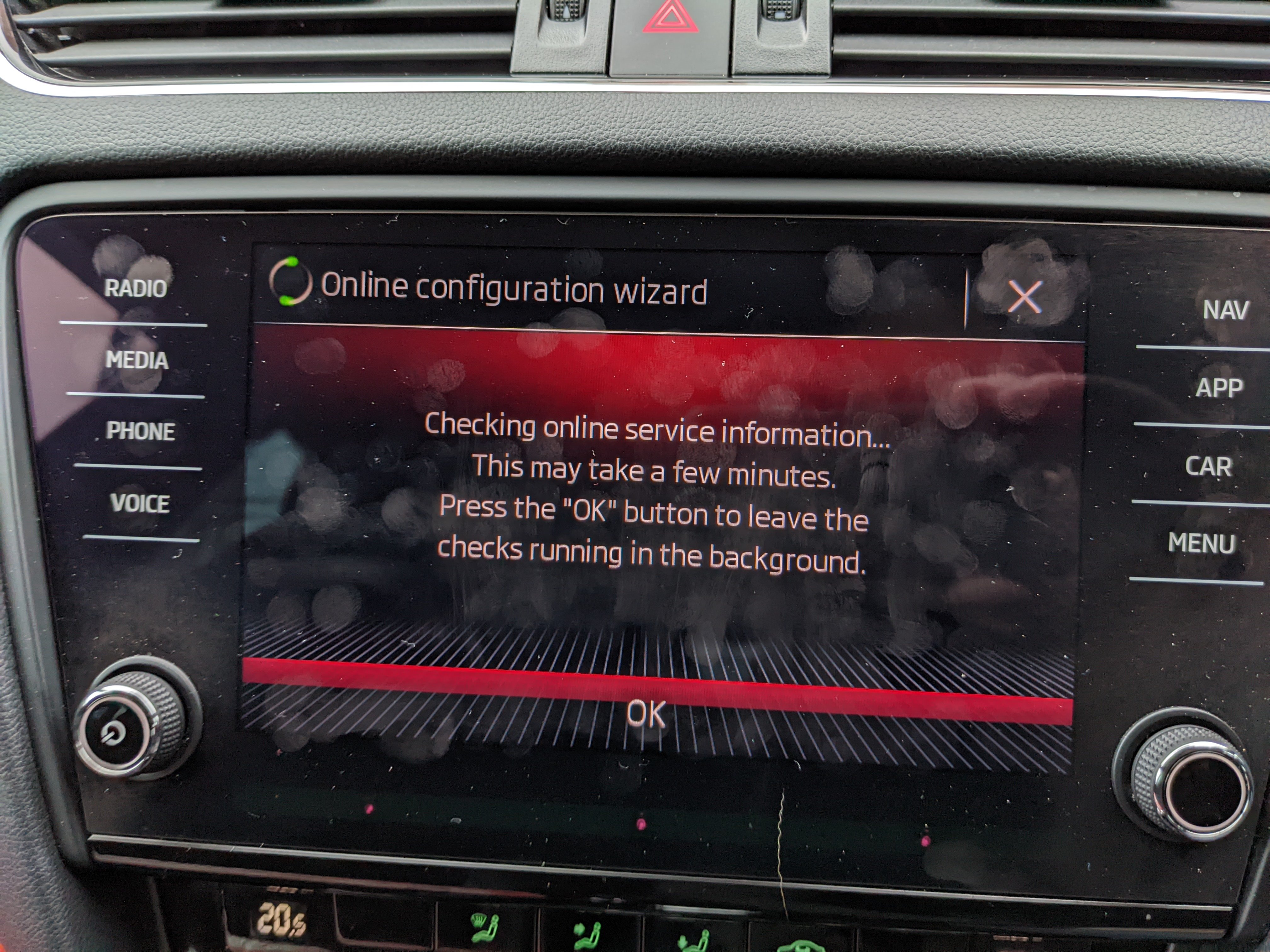
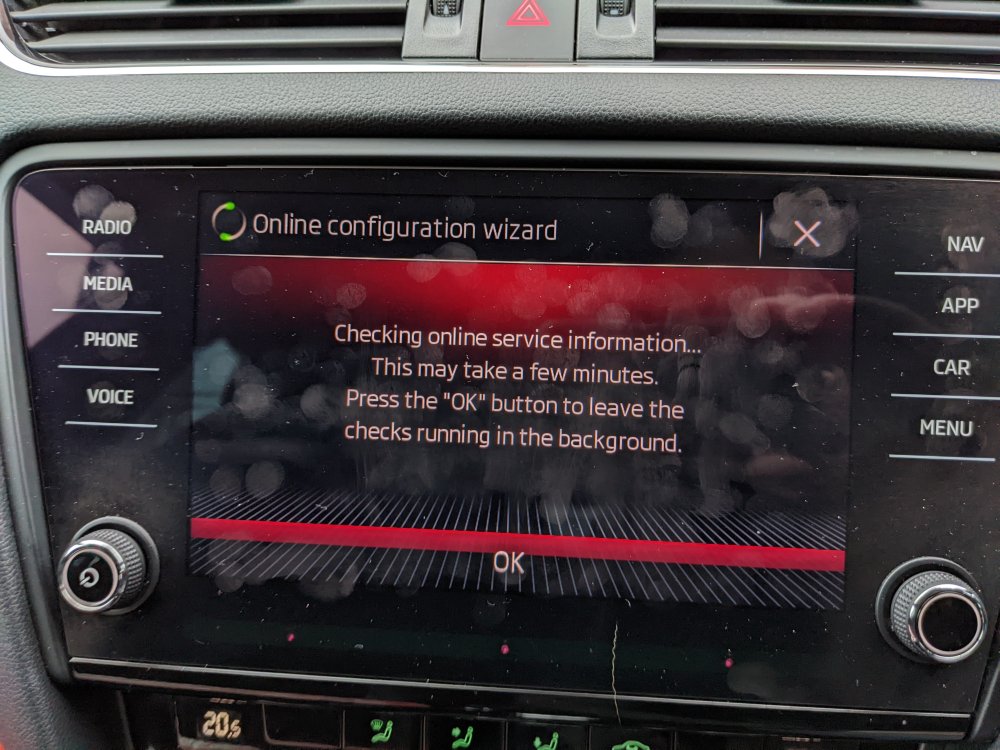
Ok I've got the code, but the head unit is still sat doing this, can't get to where I have to enter the code.
-
So I just bought a facelift vrs with the MY18 Amundsen, I'm trying to start Skoda Connect but I'm getting nowhere. I'm on my driveway connected to home WiFi and all I get is "Checking online services" forever. It never gets past it. I tried my phone hotspot but I'm on EE and looking around it seems there's a problem with EE or there was. Anyone know what I can do about this? I tried a factory reset, didn't do much to get.
-
I may be in a position where I want to have adaptive cruise and front assist added to an Octavia that only has lane assist, what would the total cost be for that? With and without pacc. Thanks