



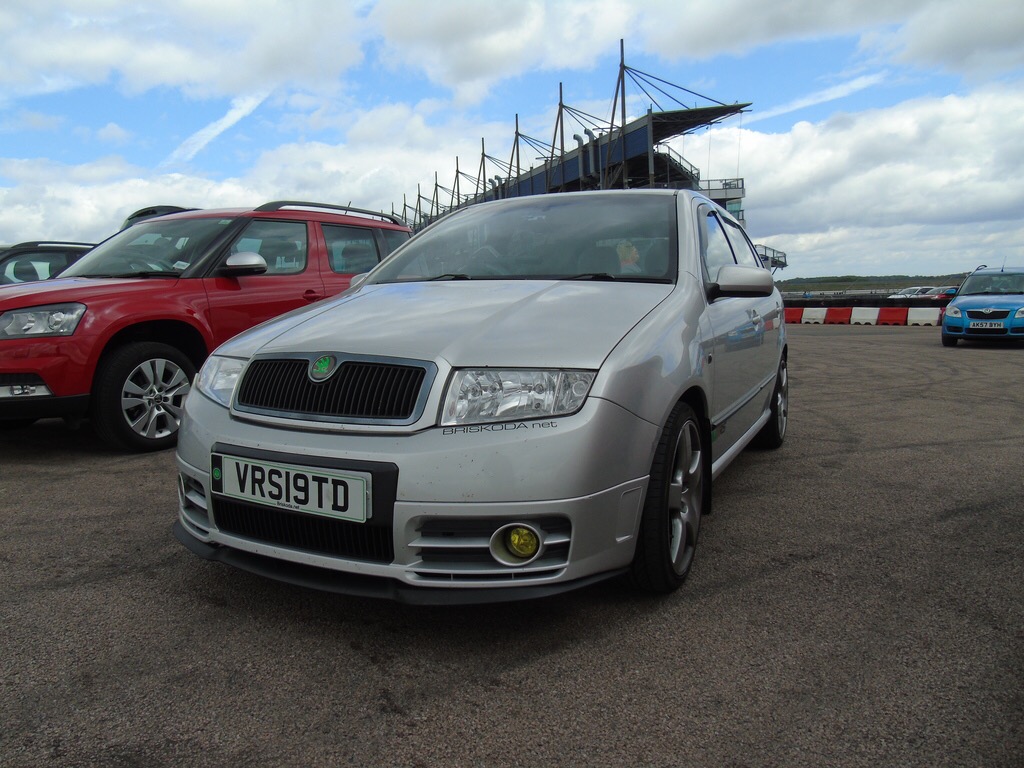
vRS19TD
Resident Member
-
Joined
-
Last visited
-
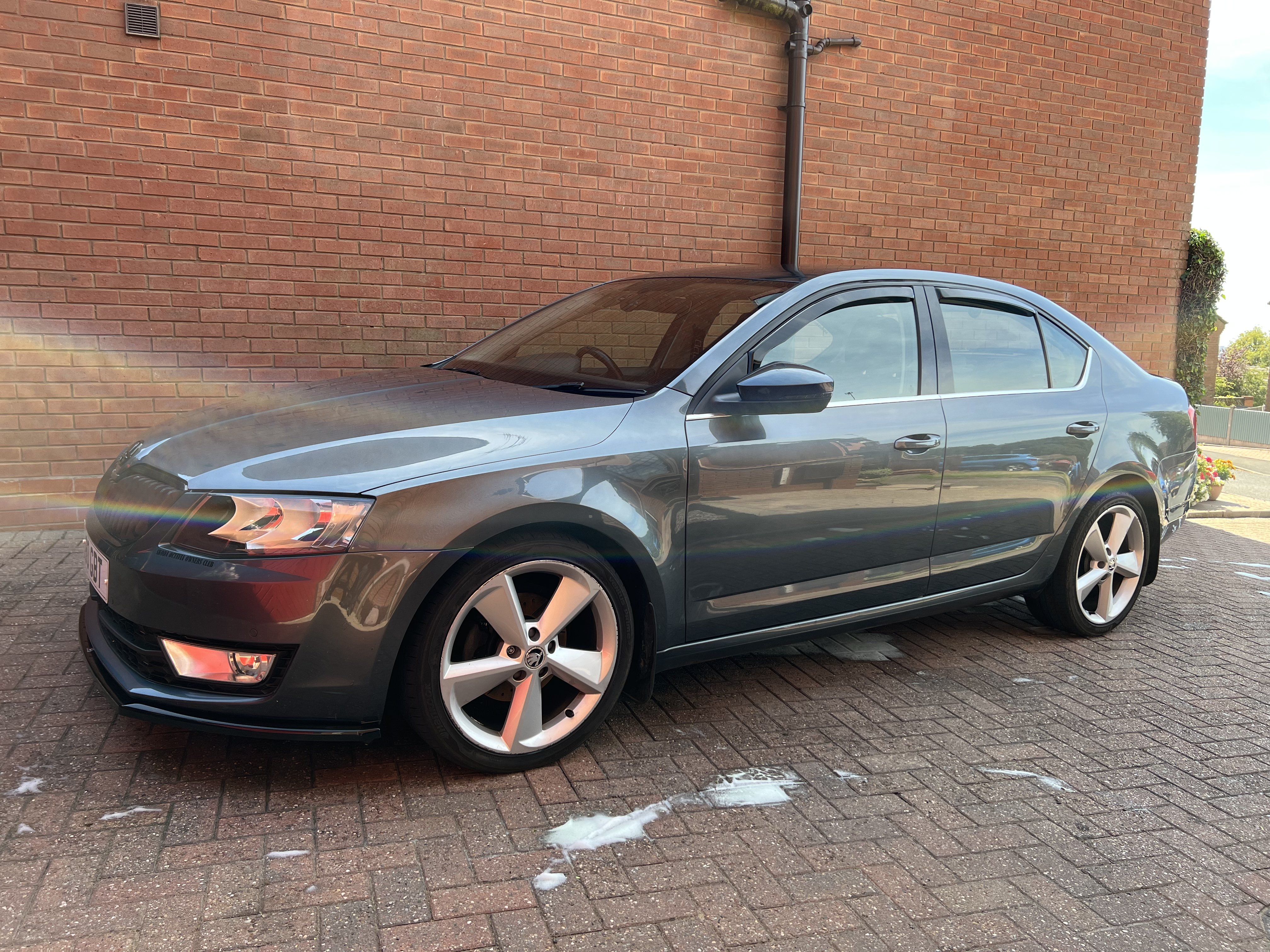
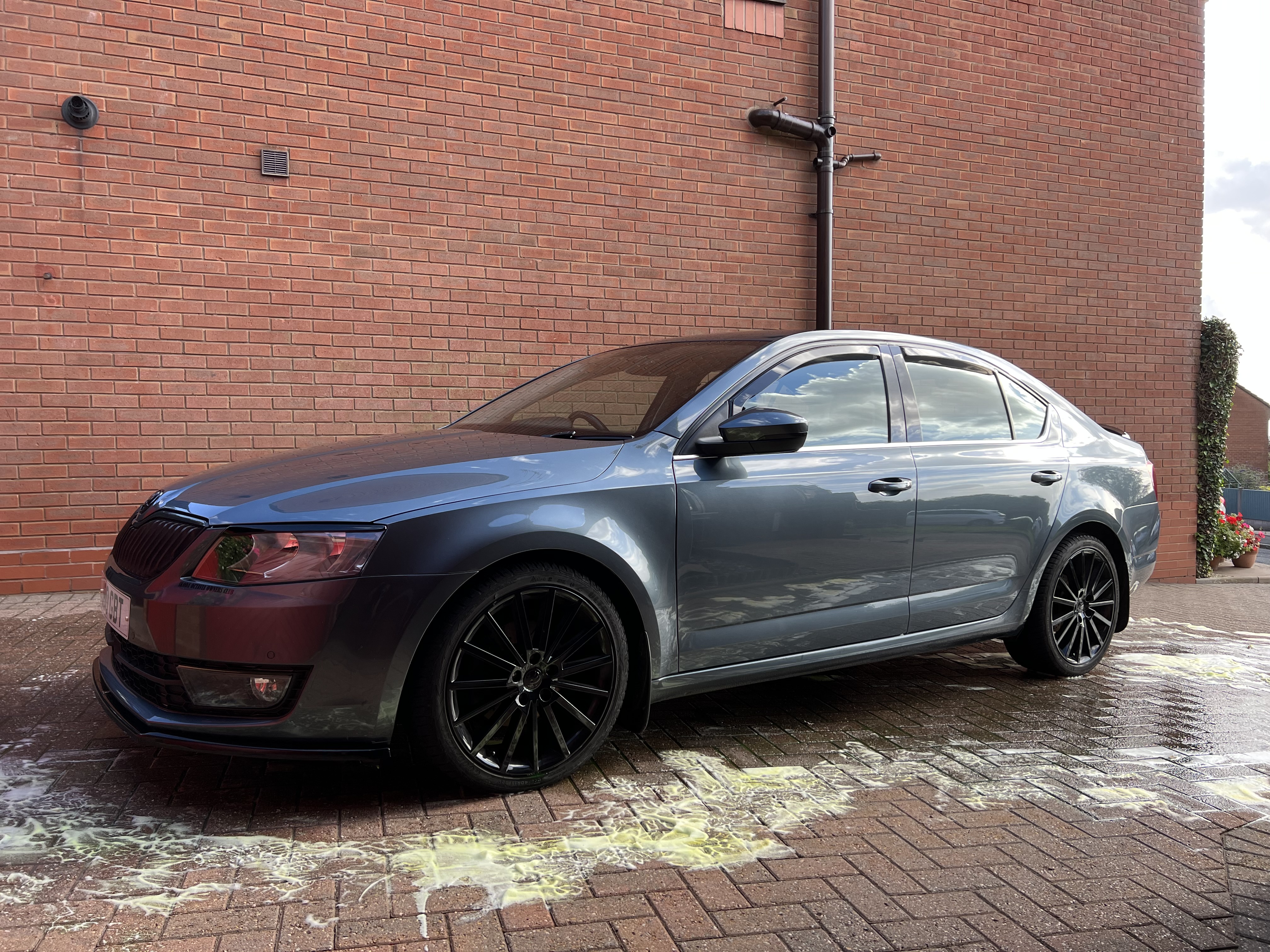
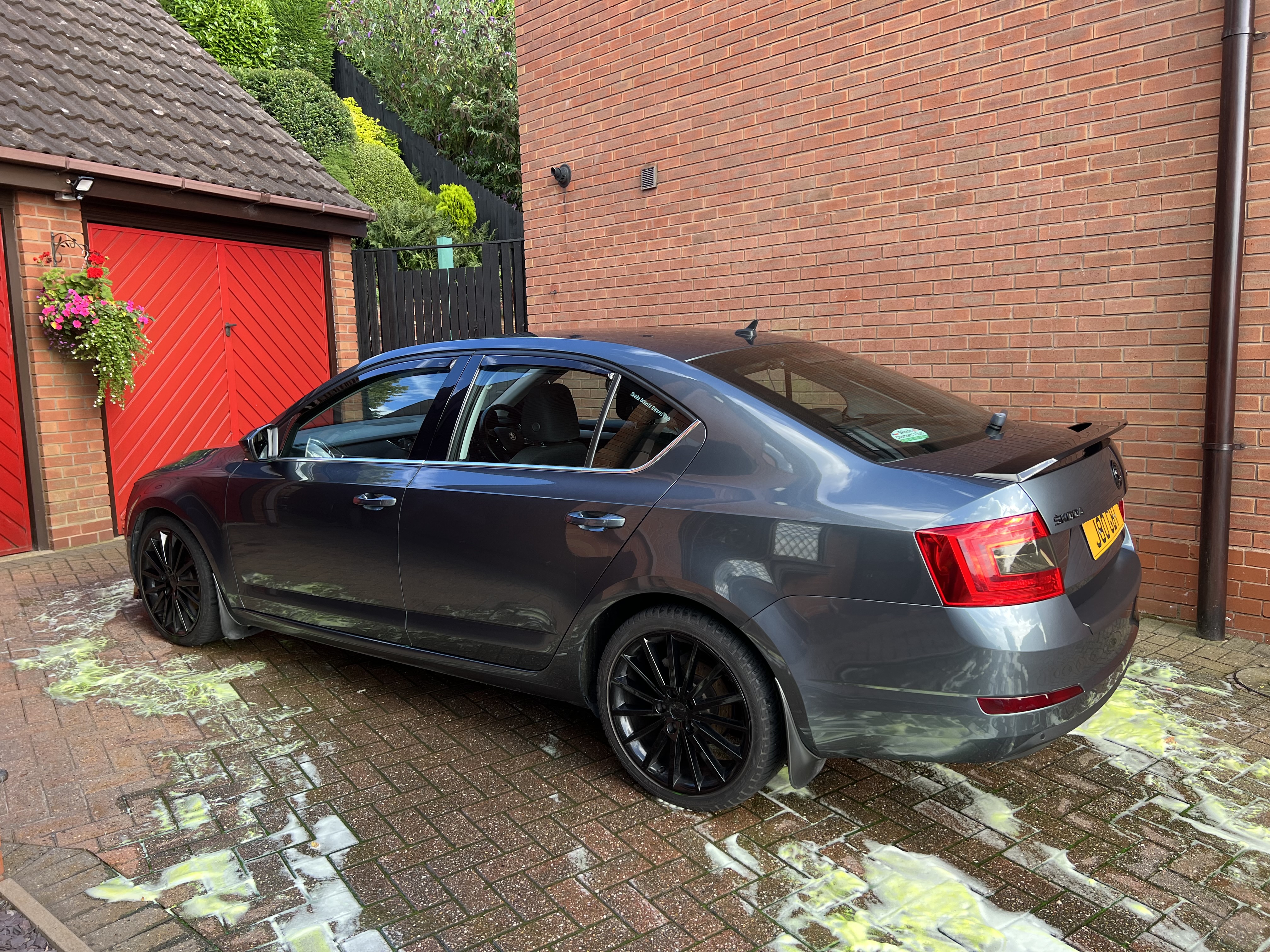
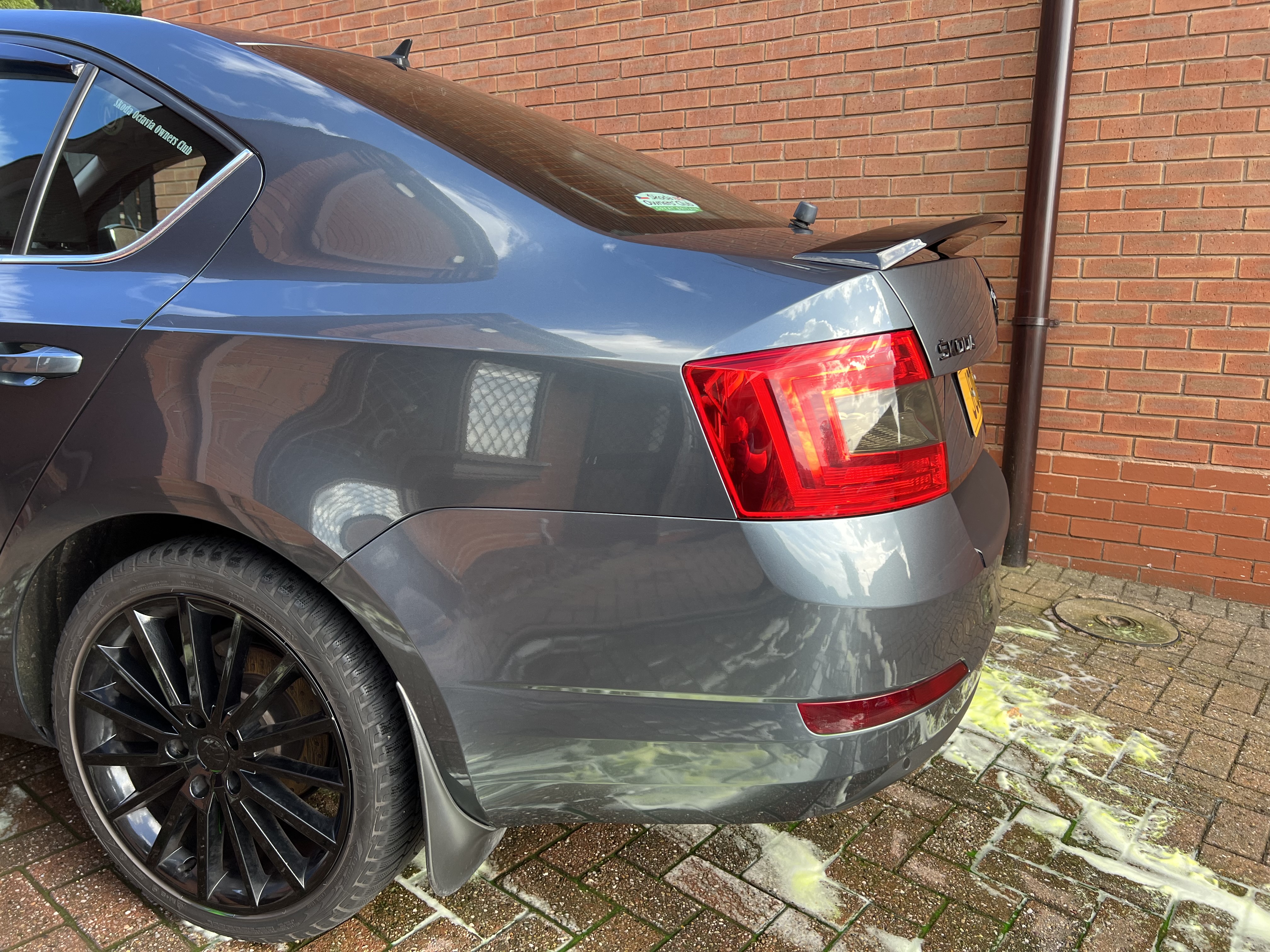
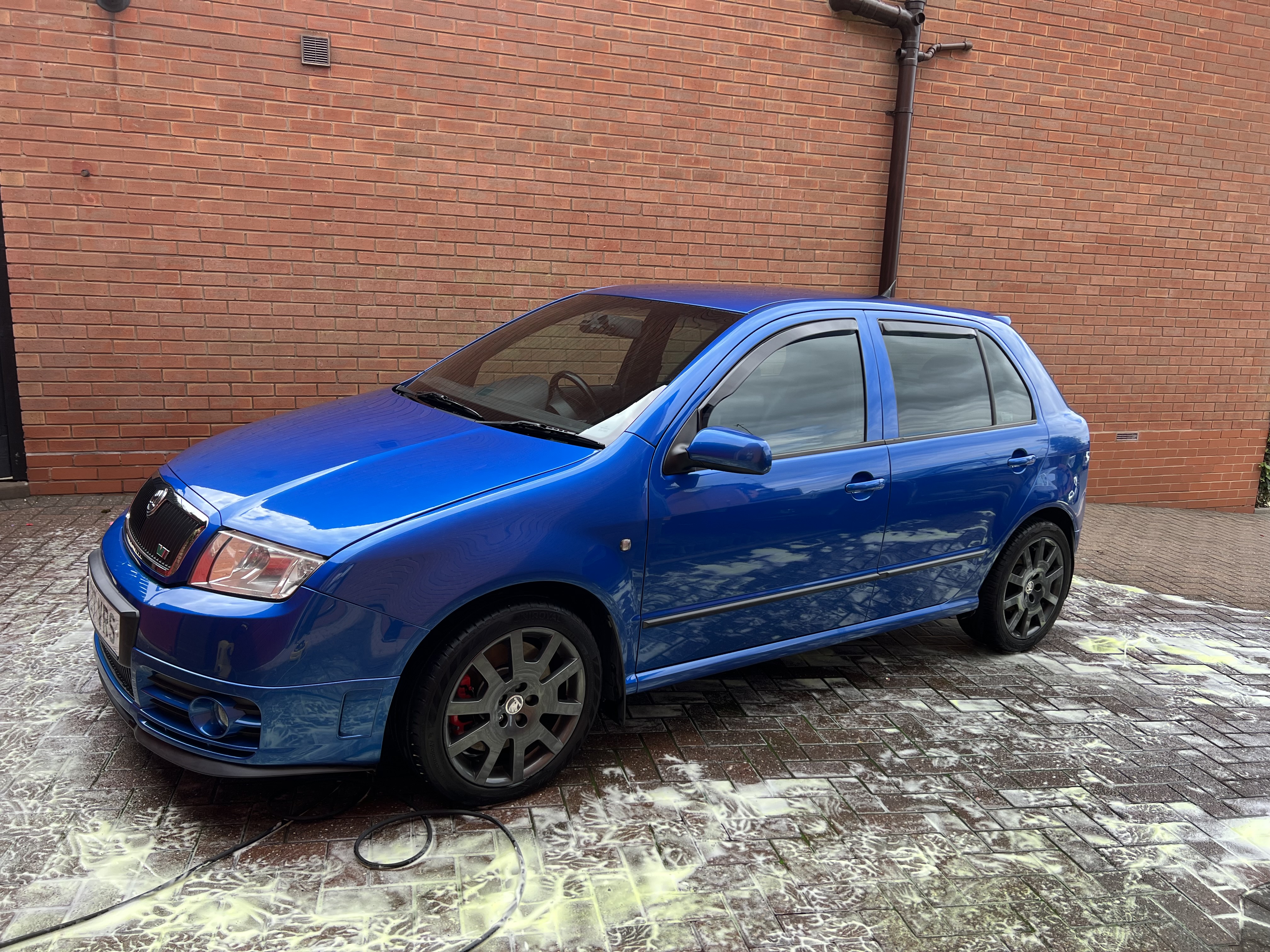
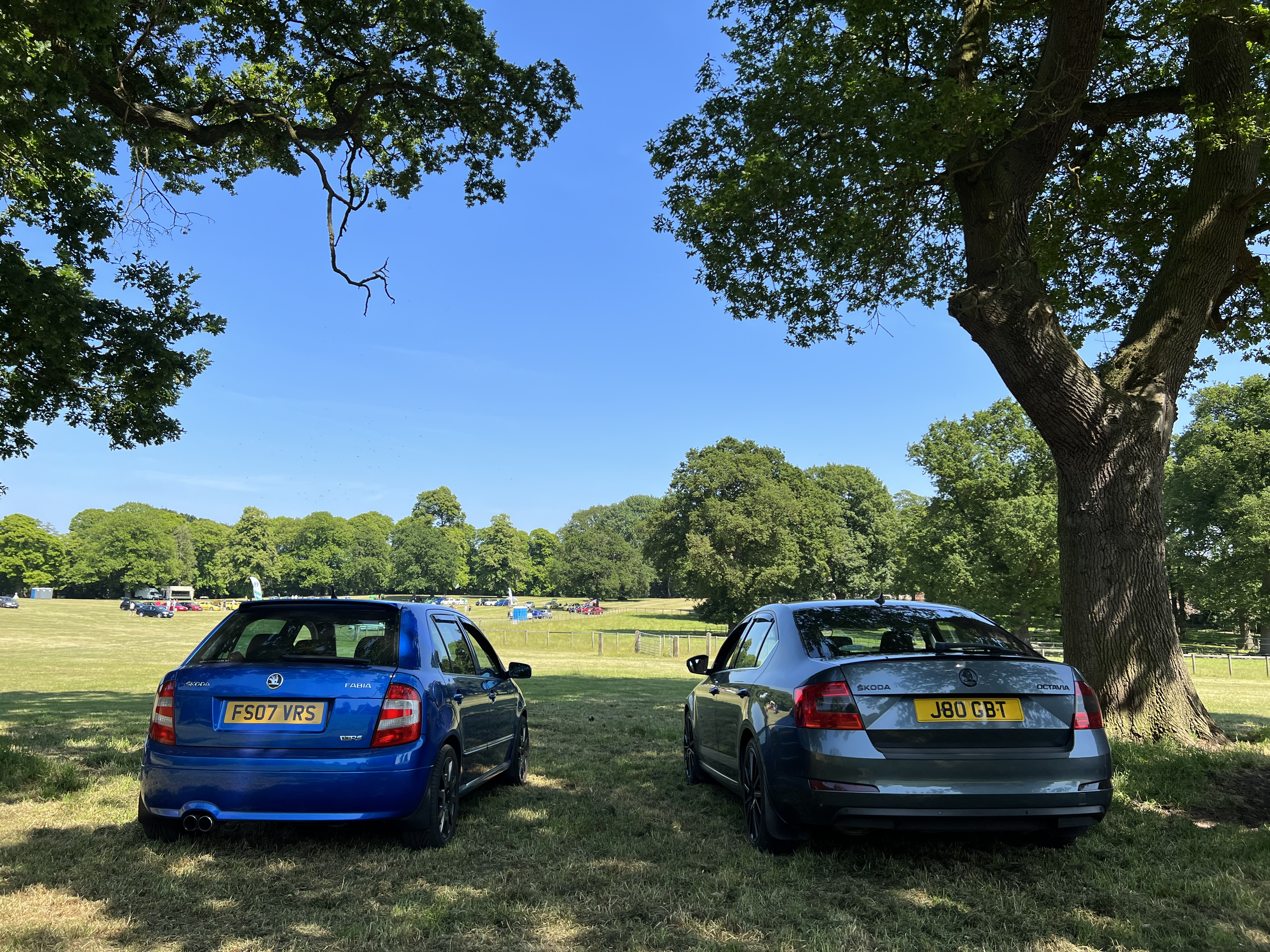
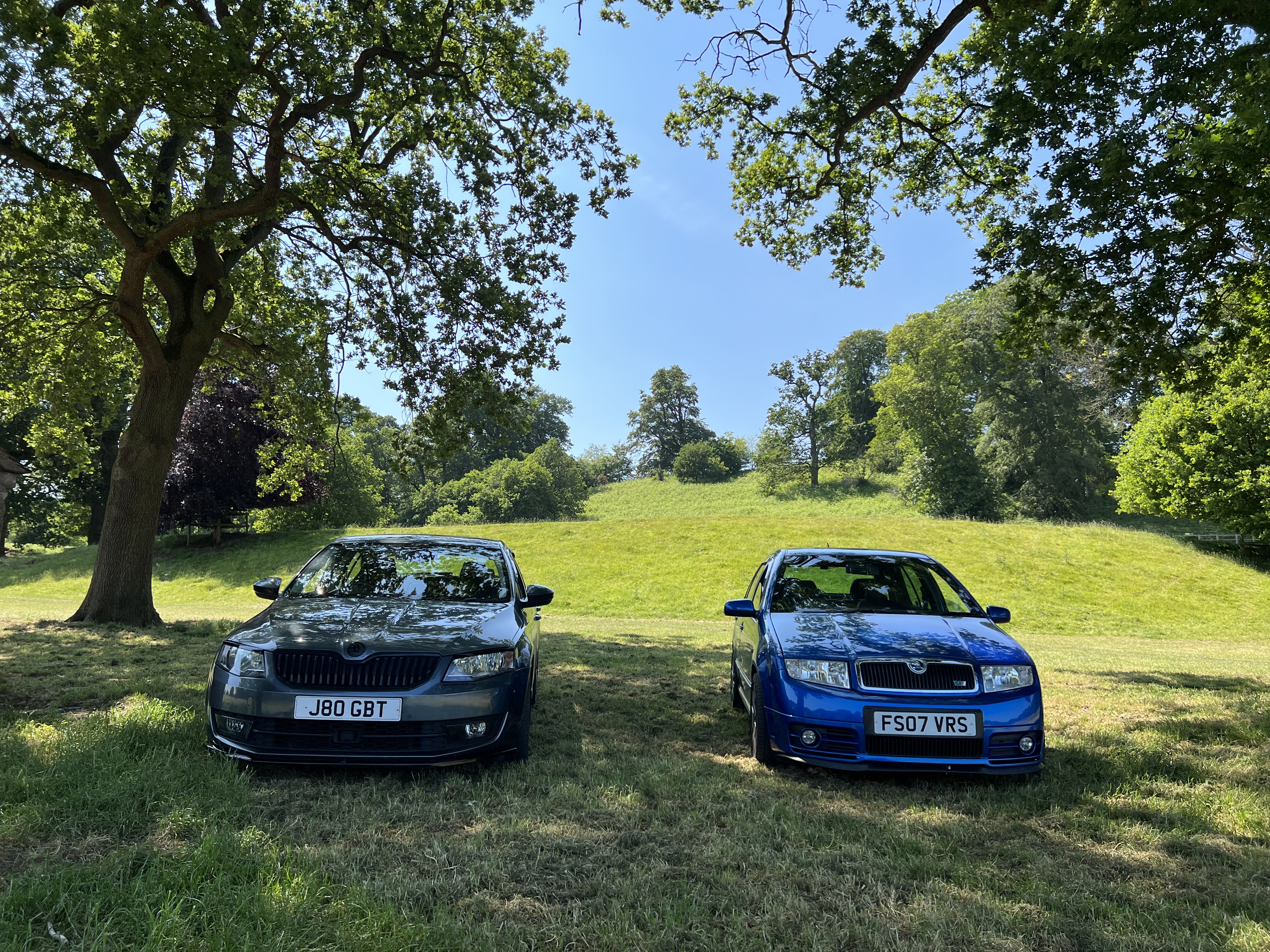
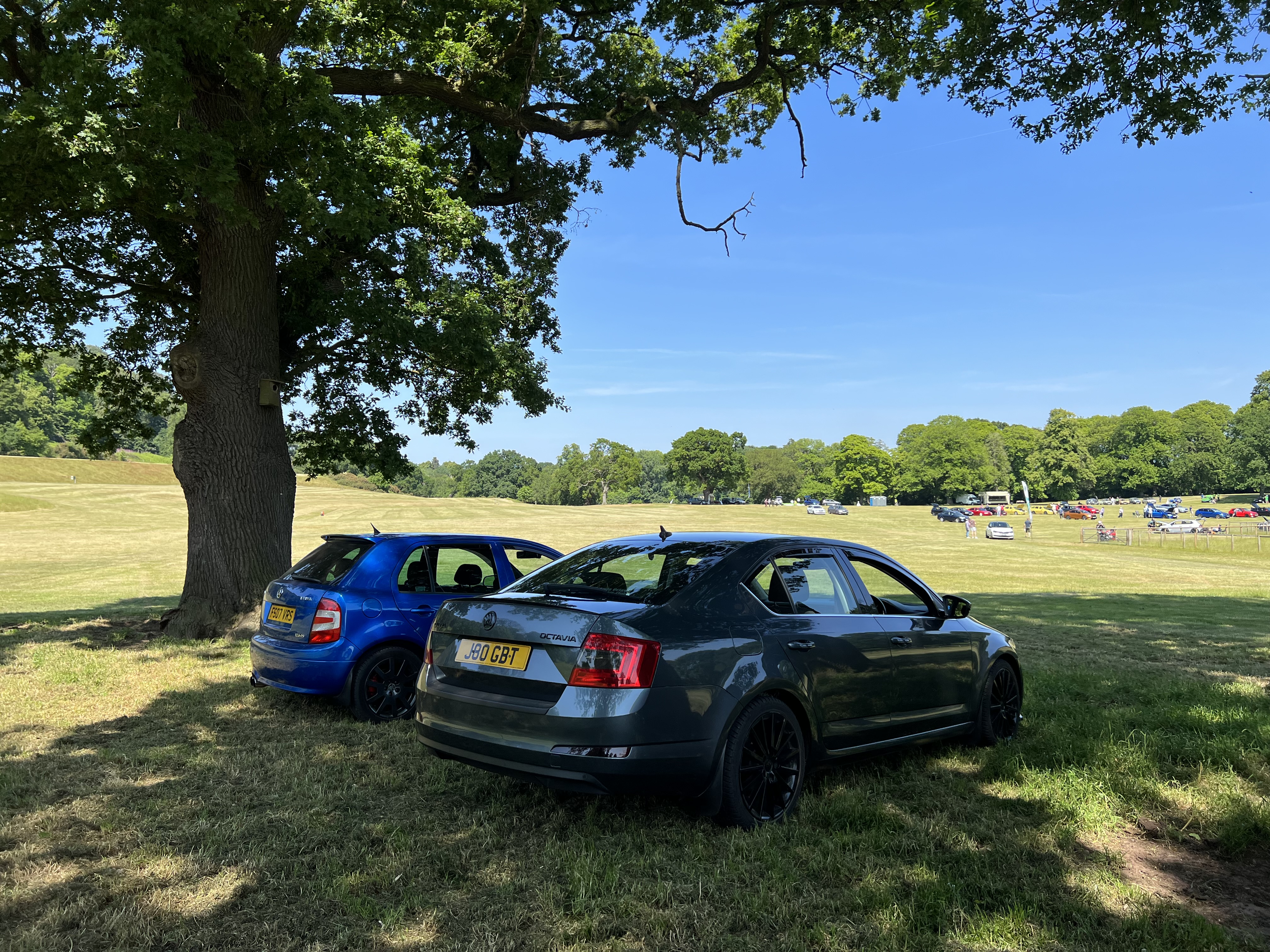
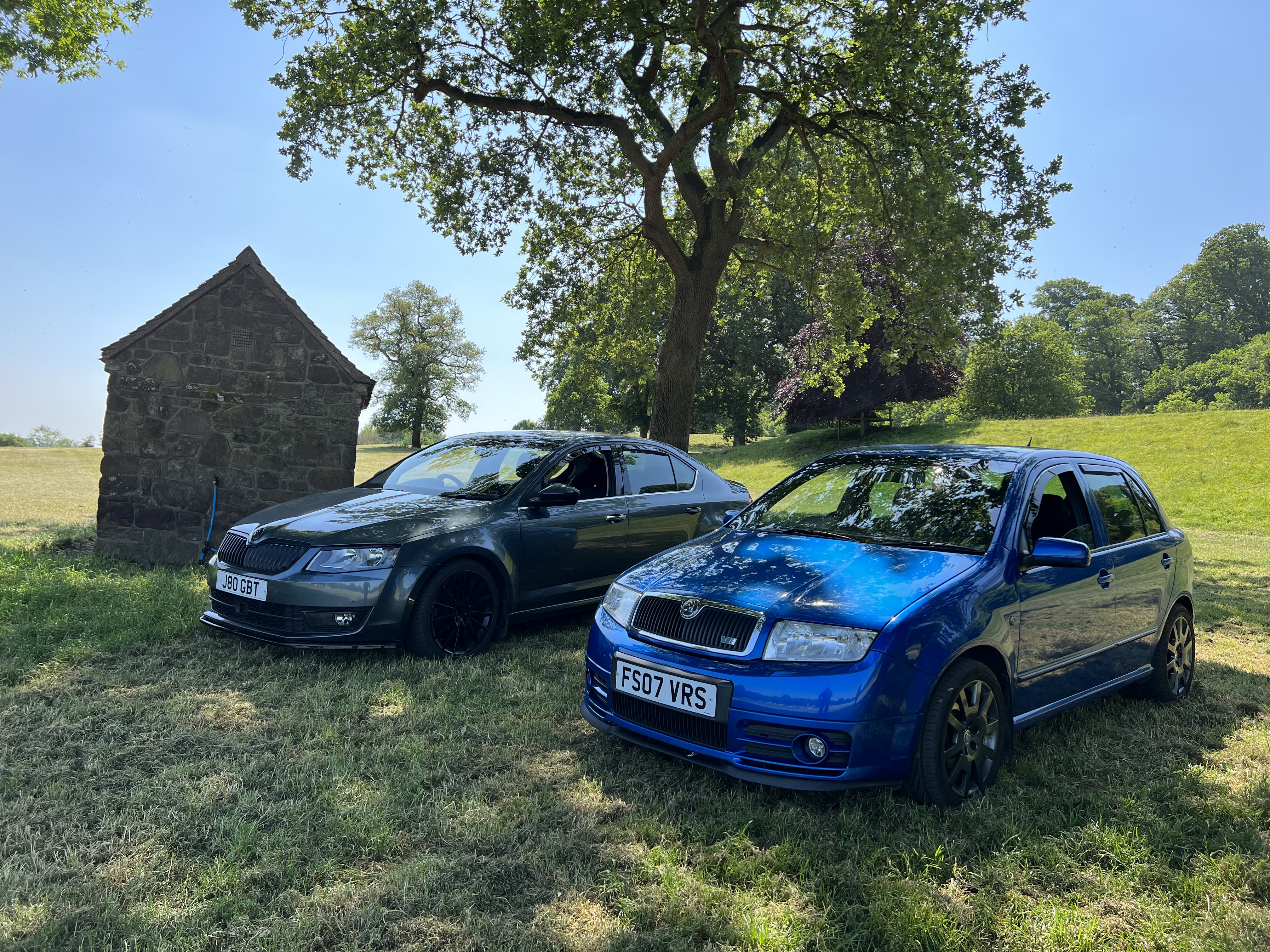
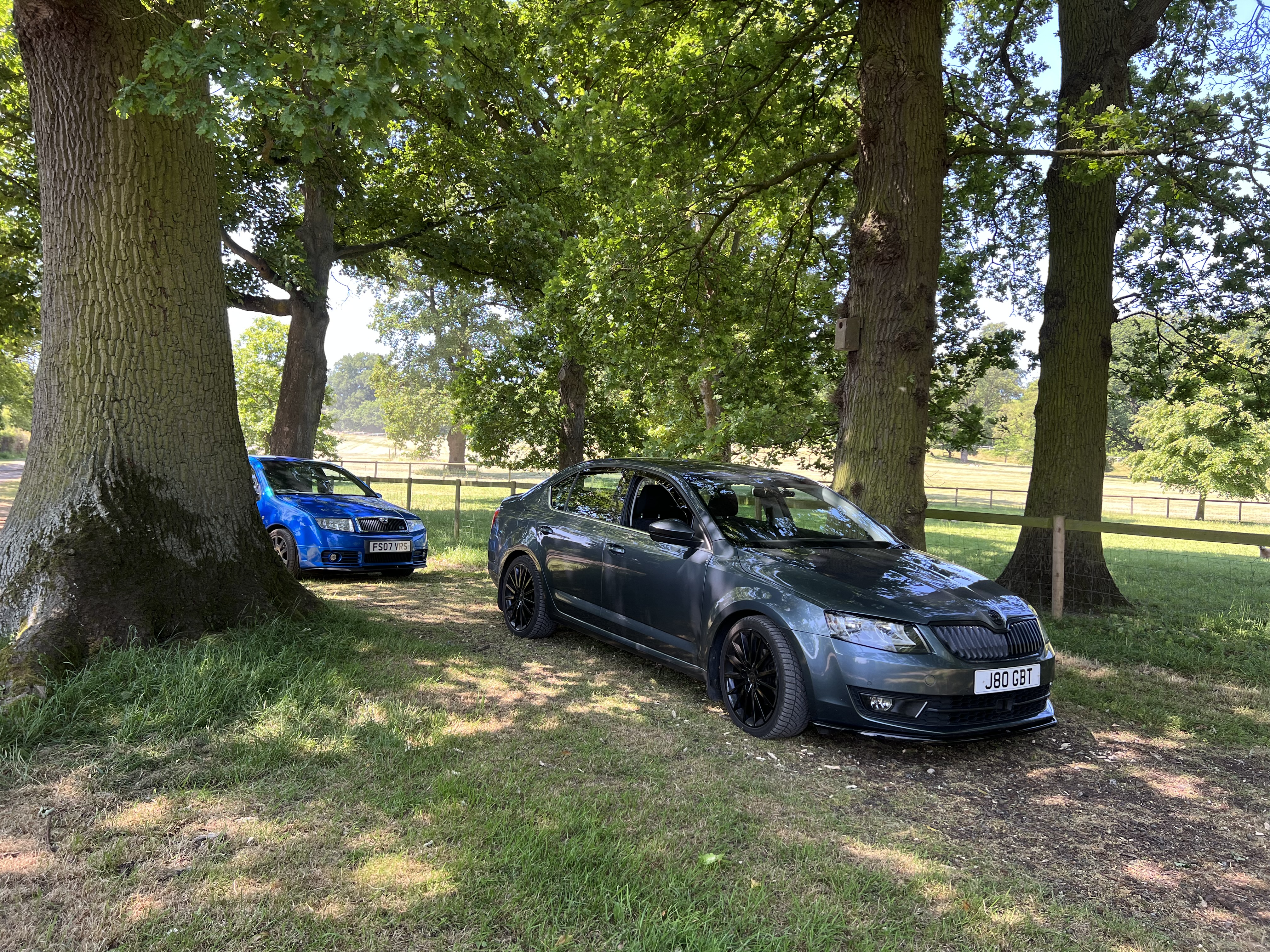
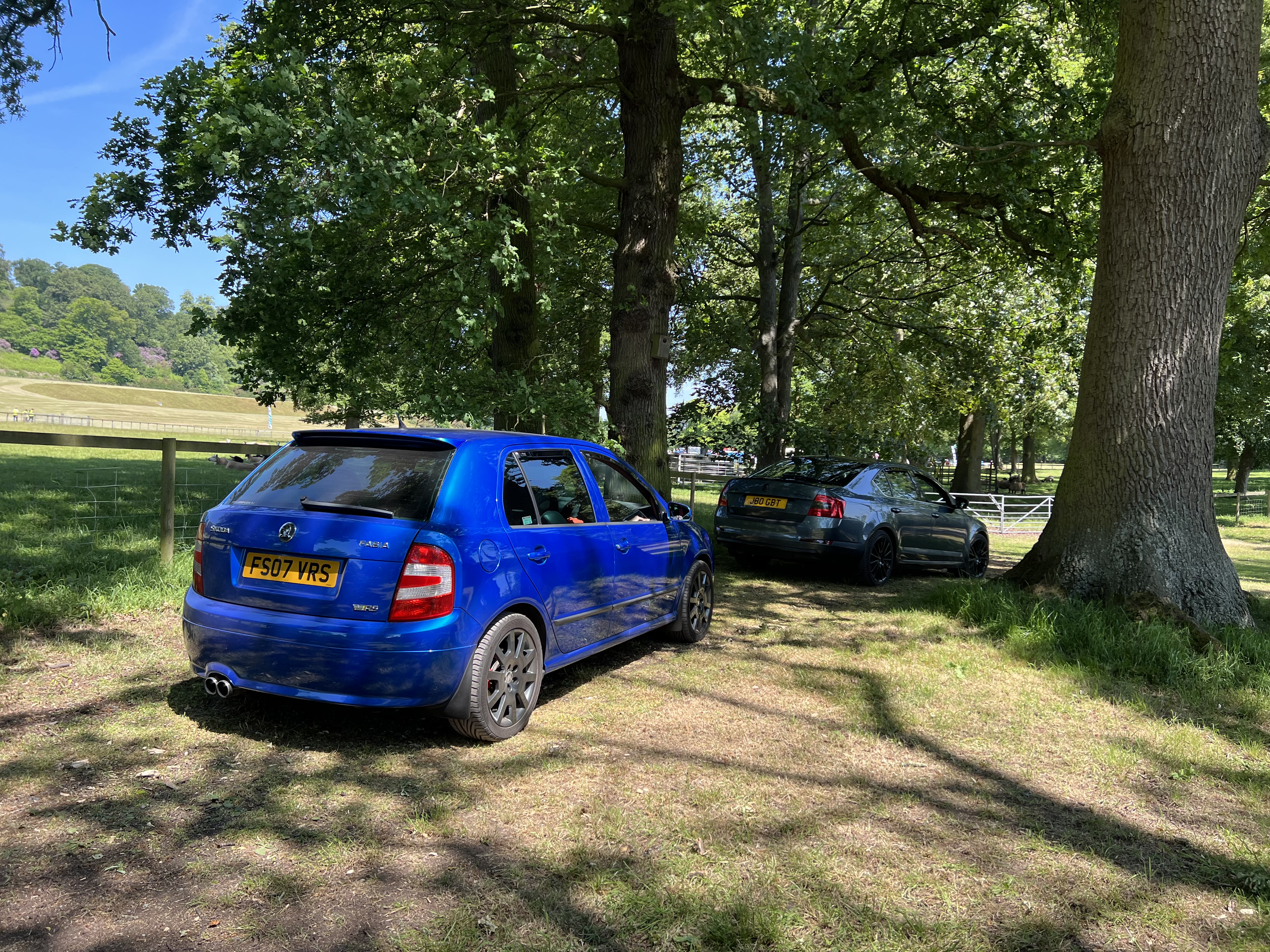
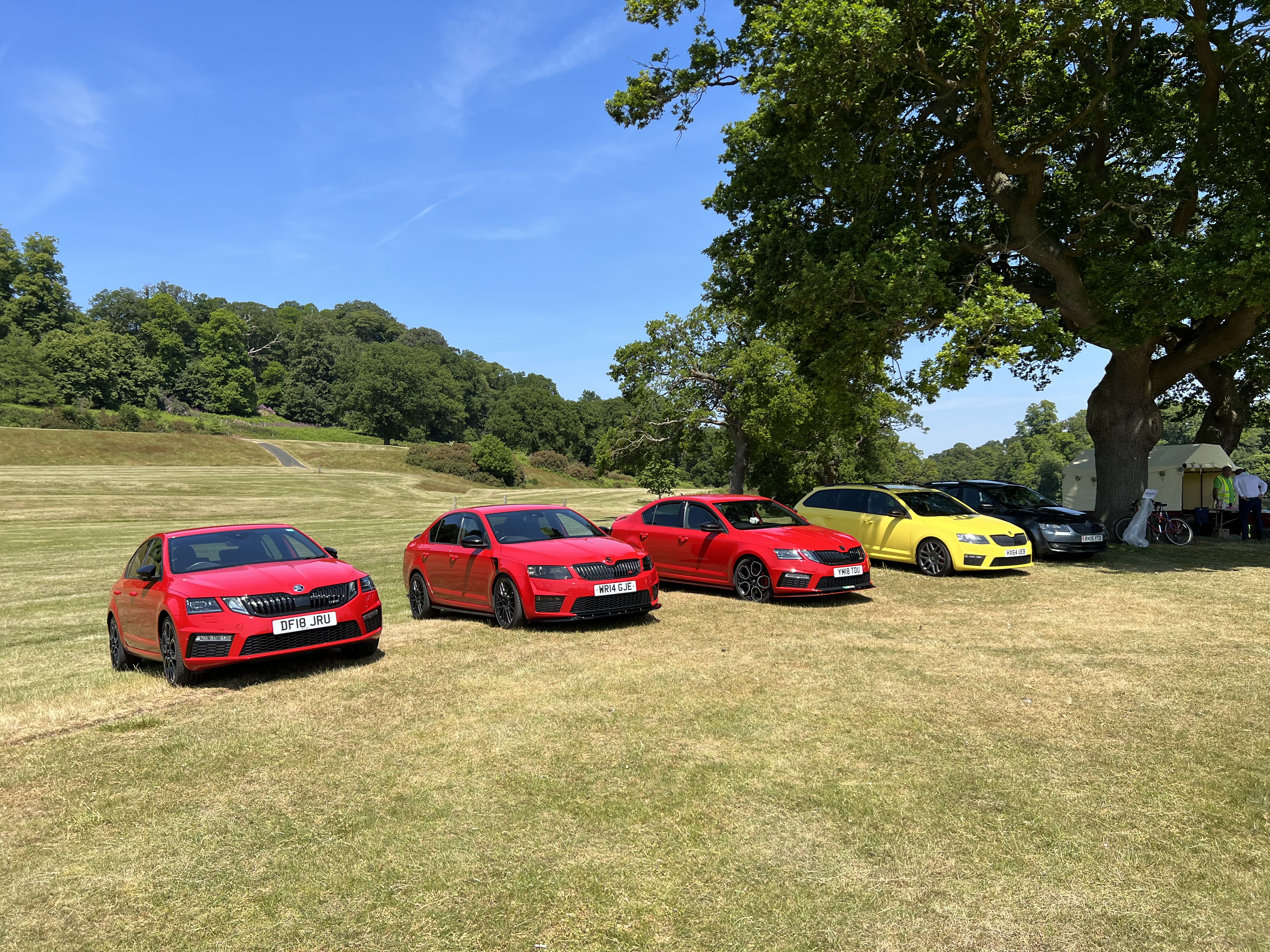
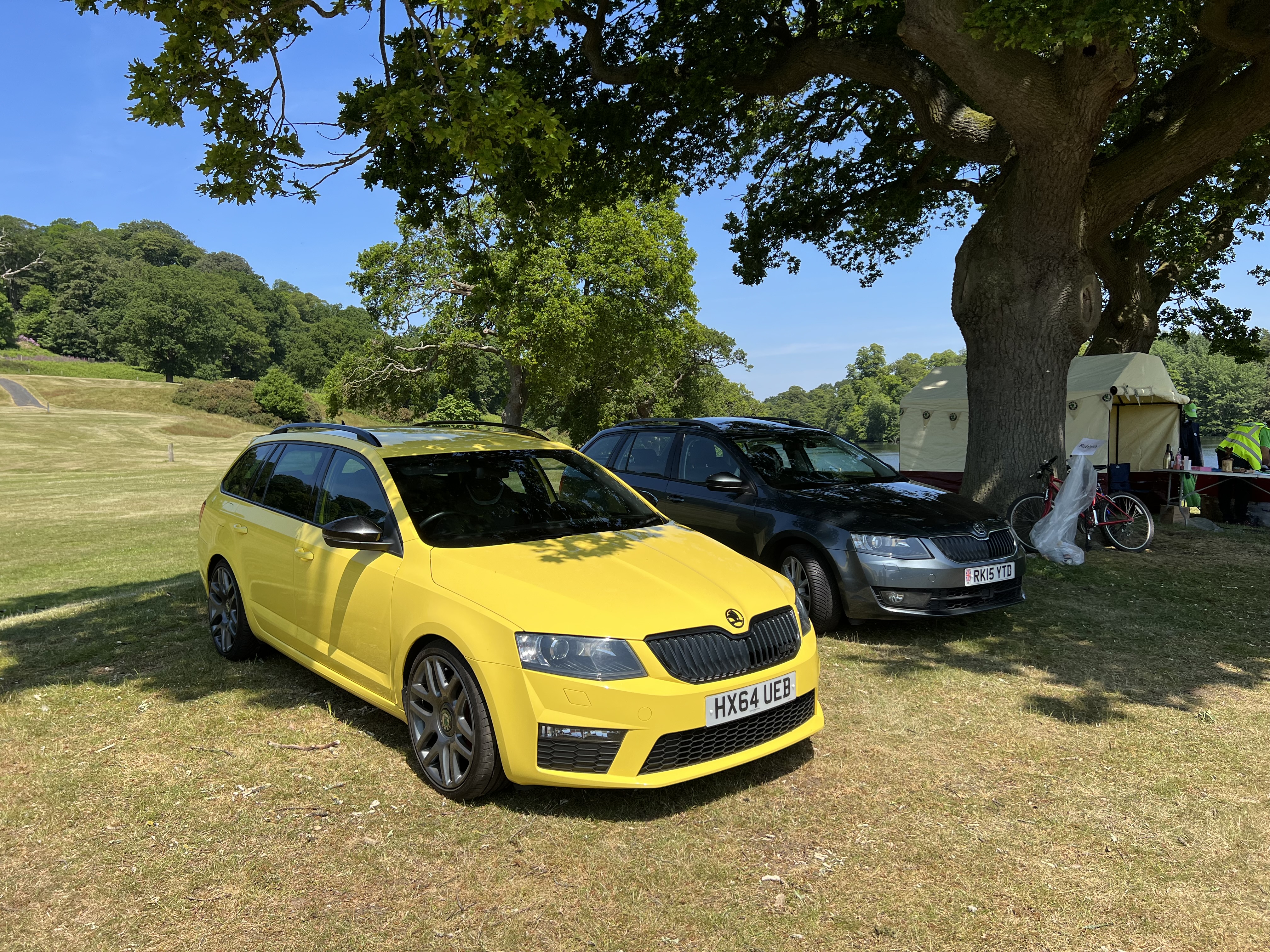
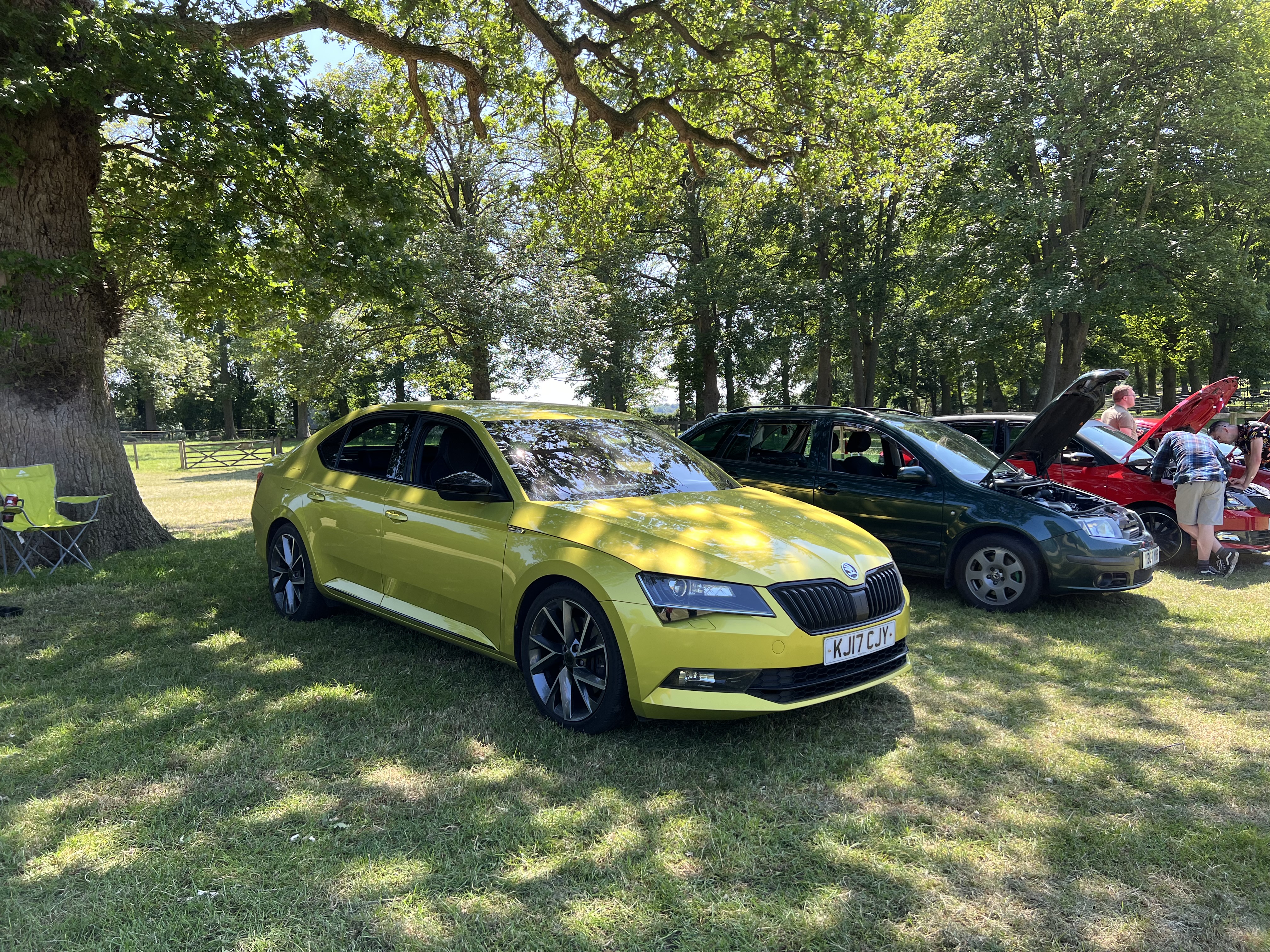
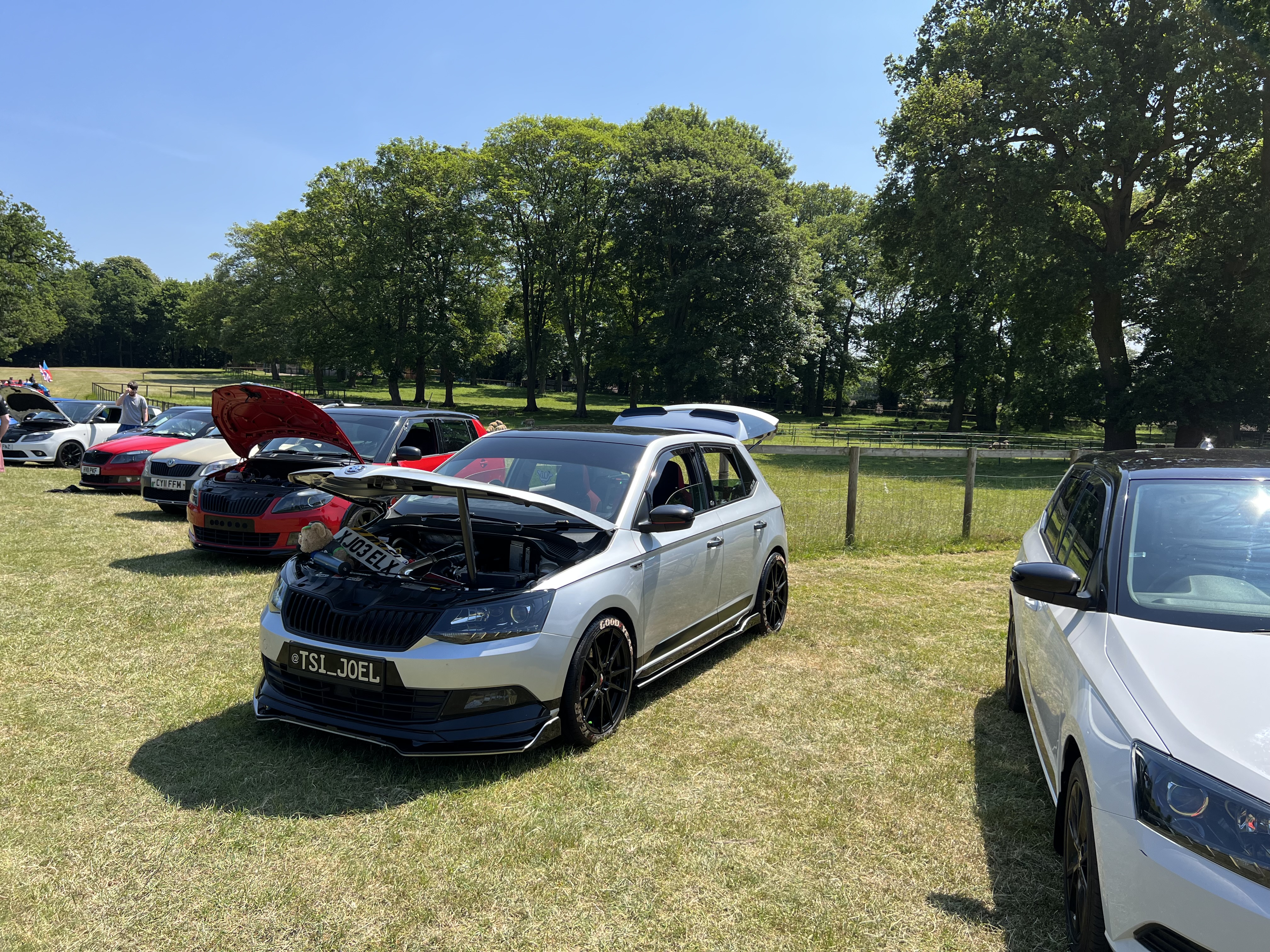
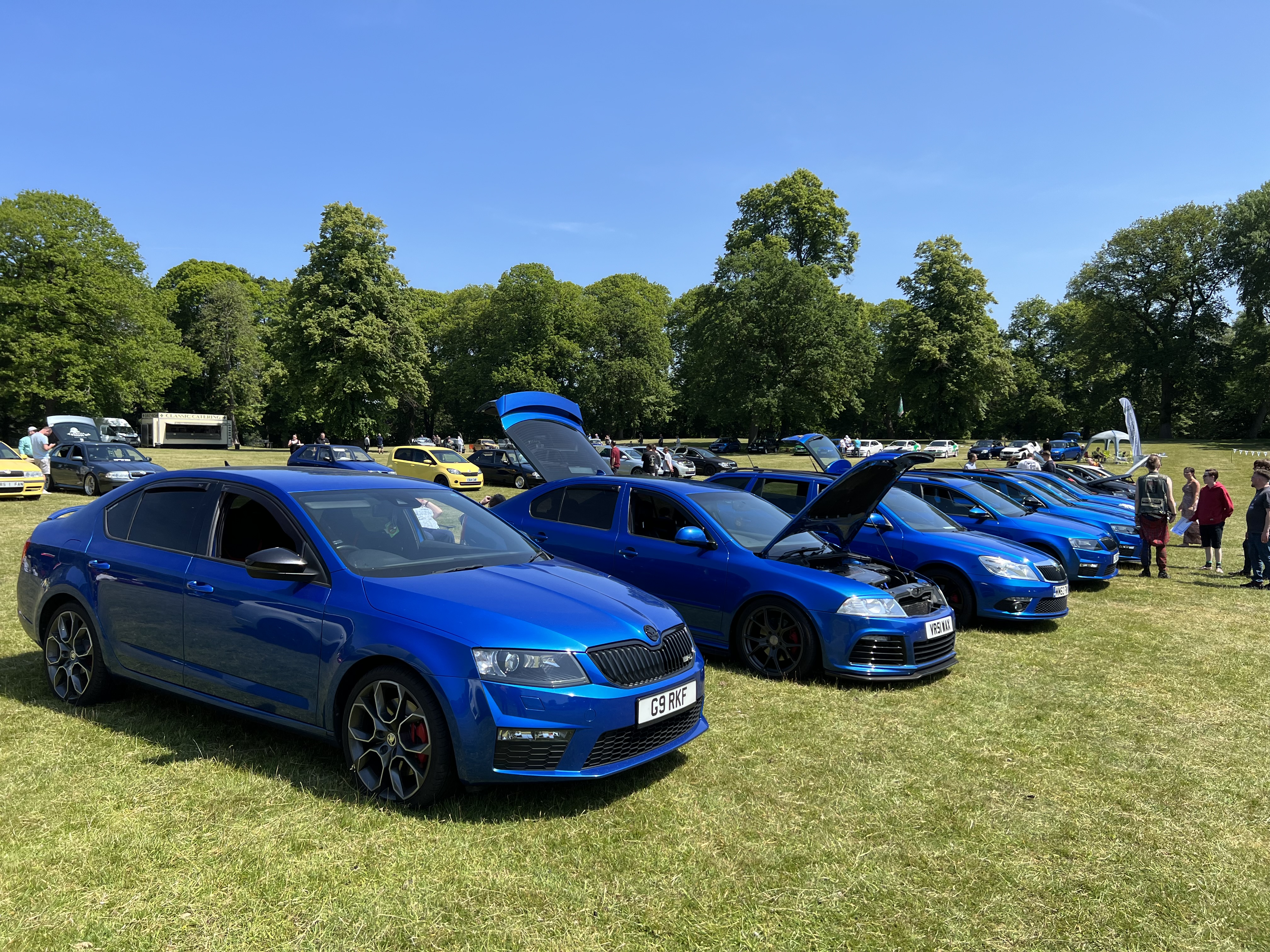
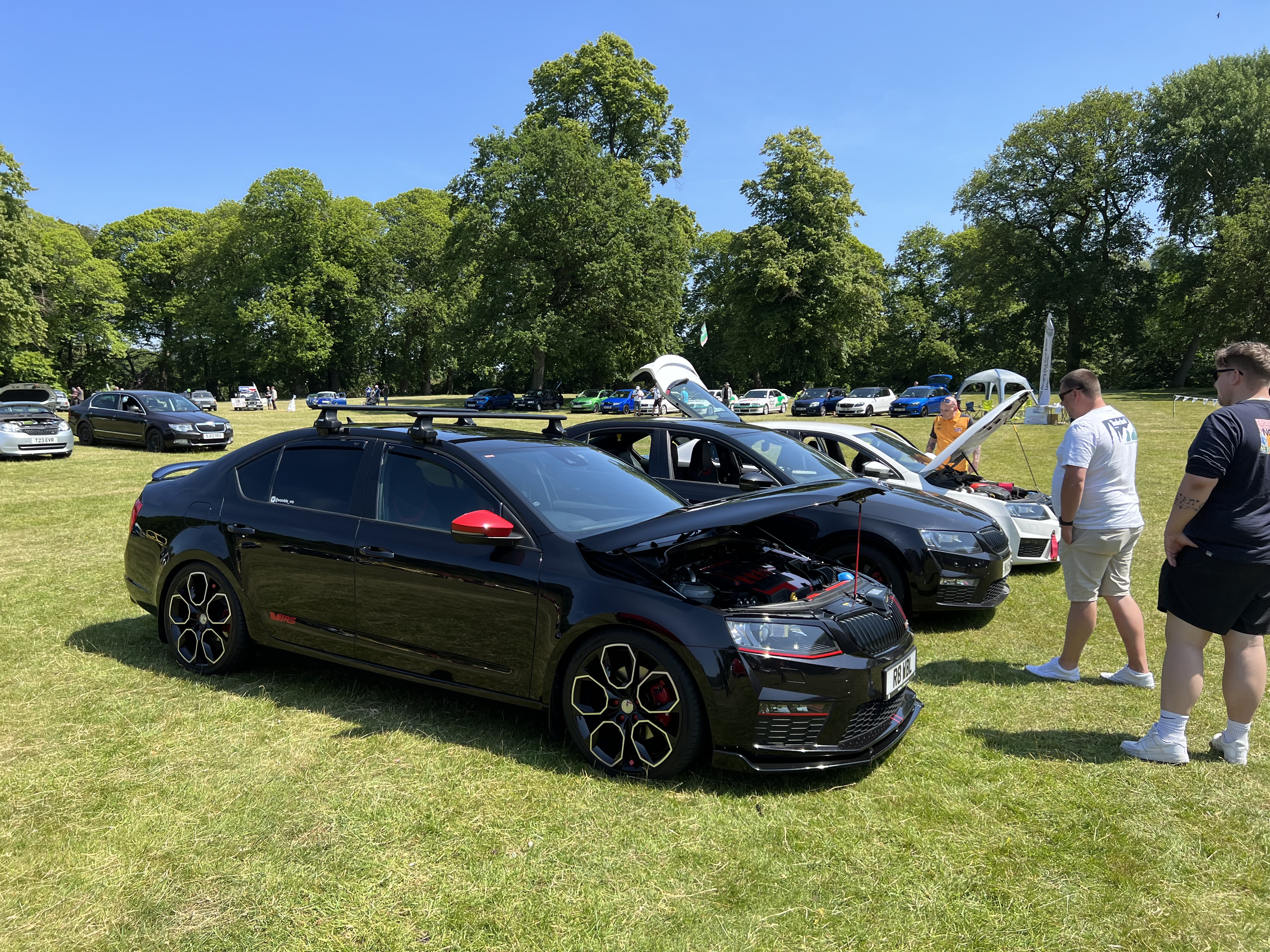
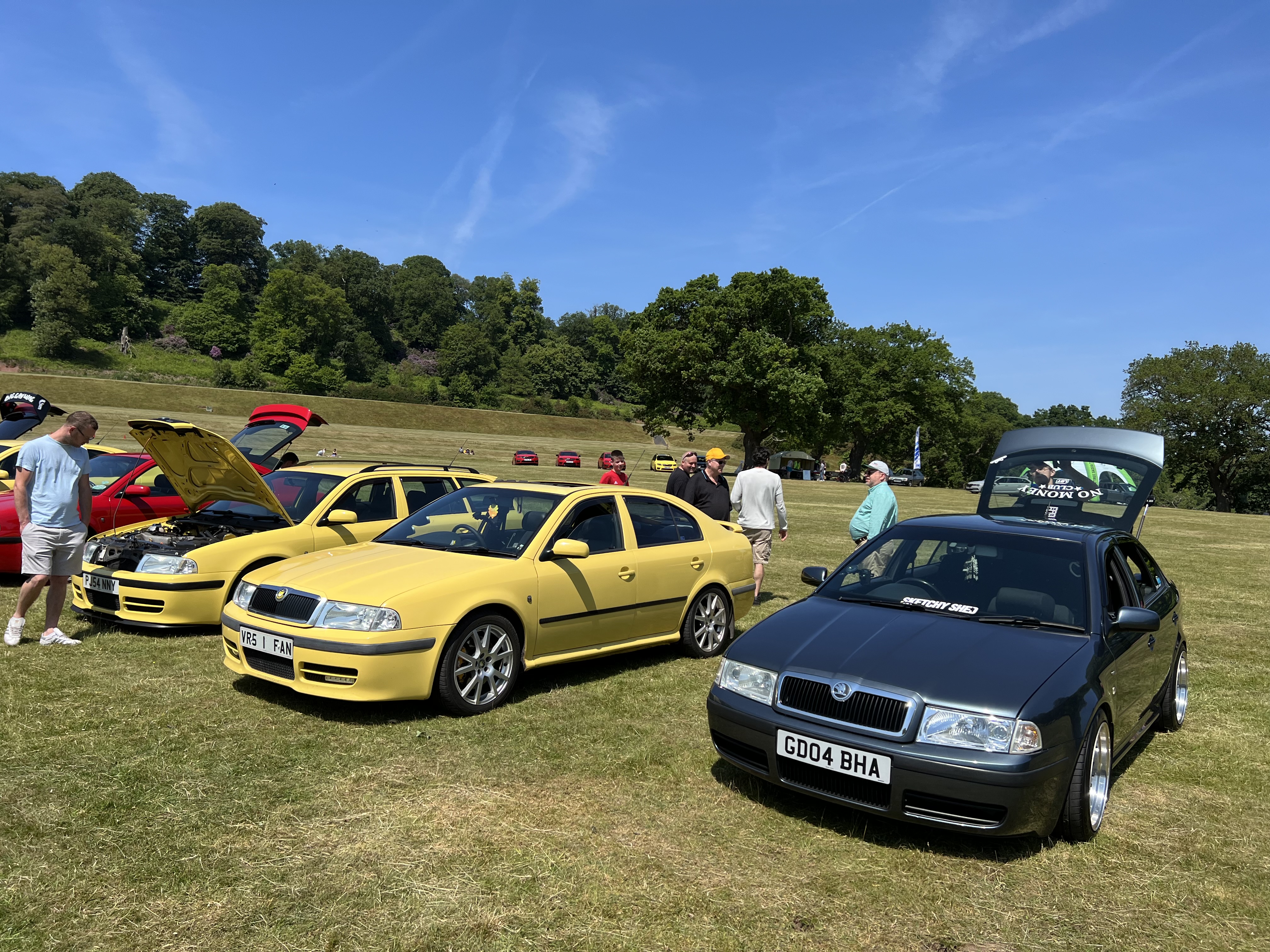
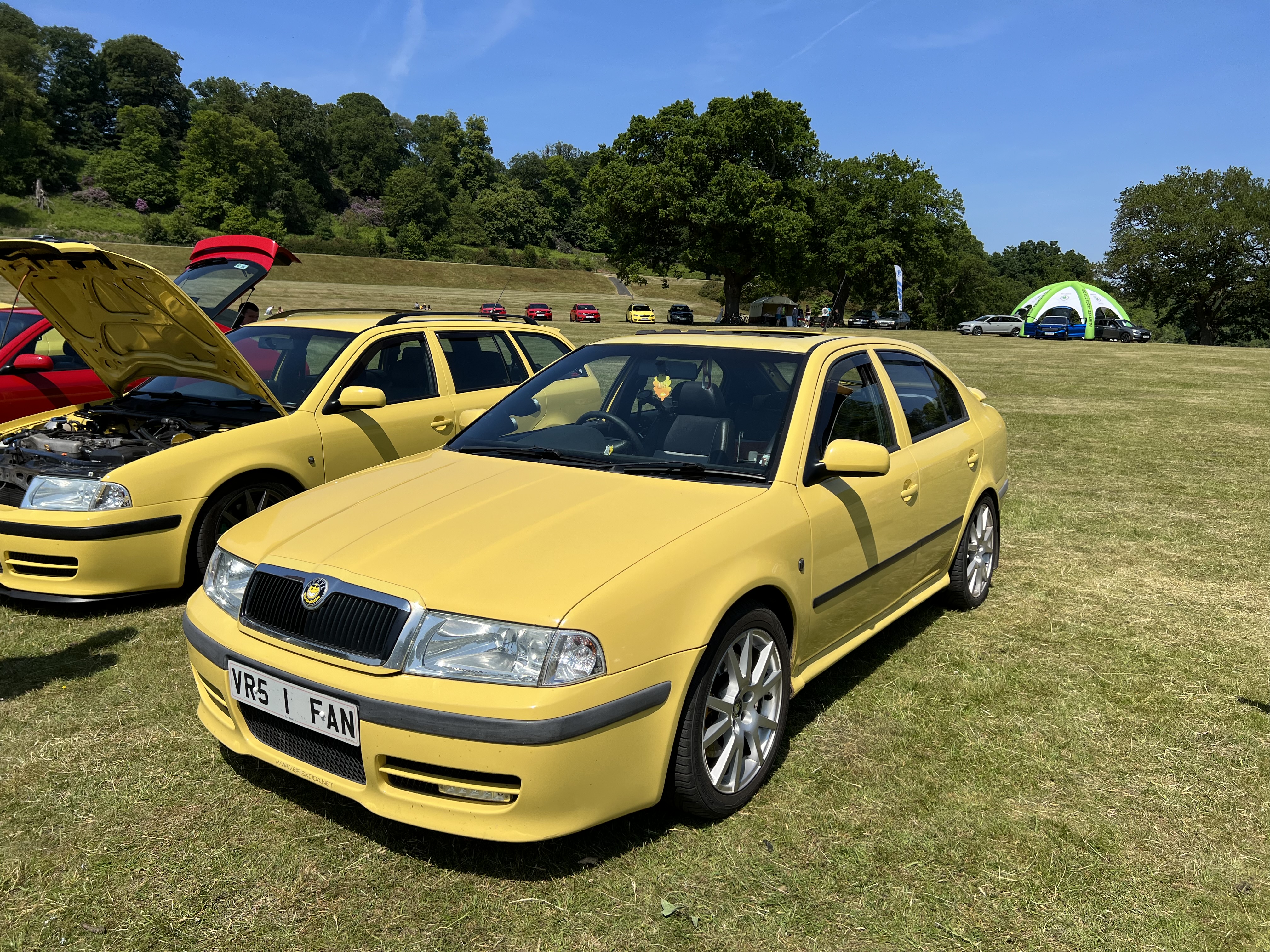
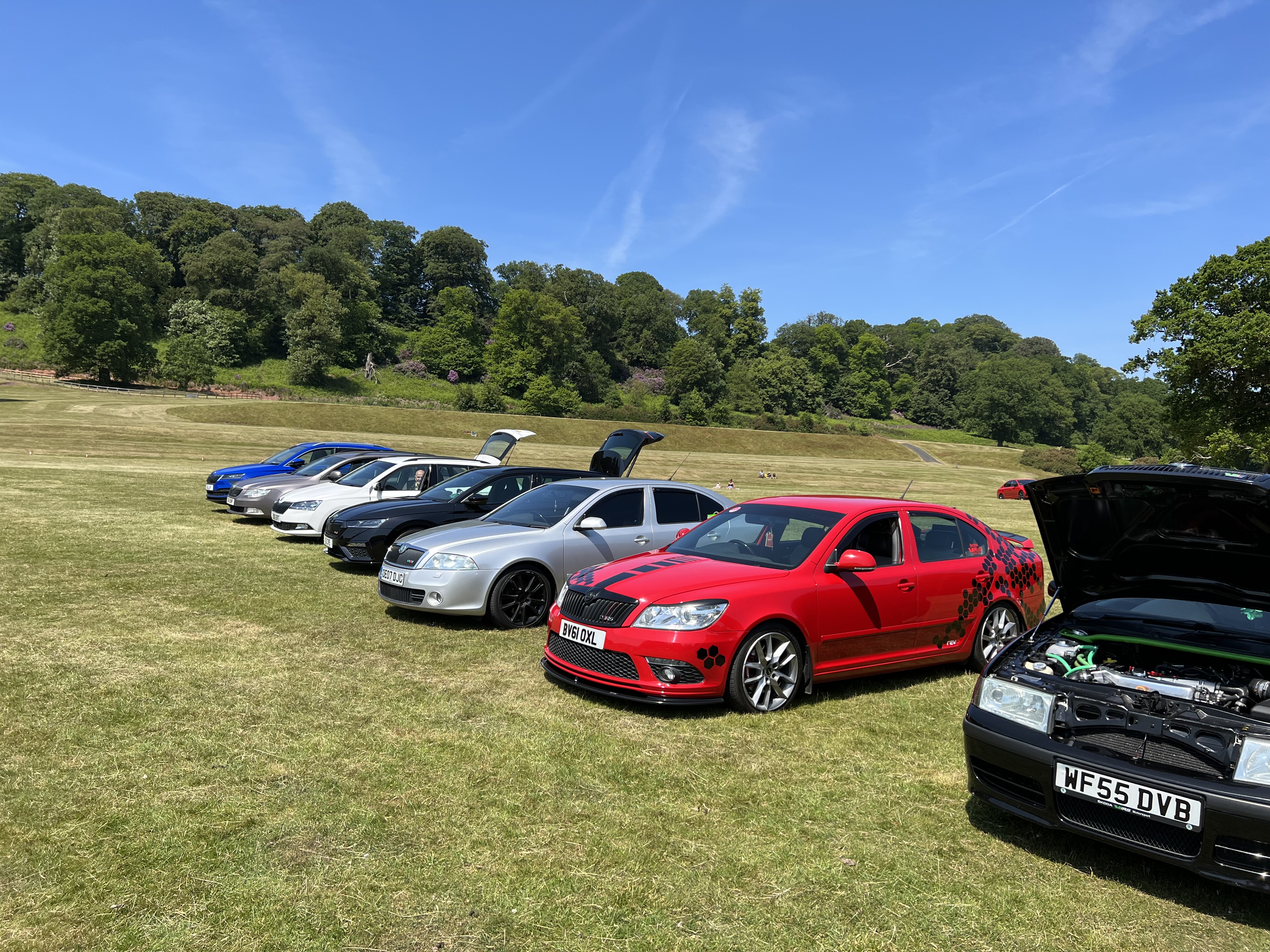
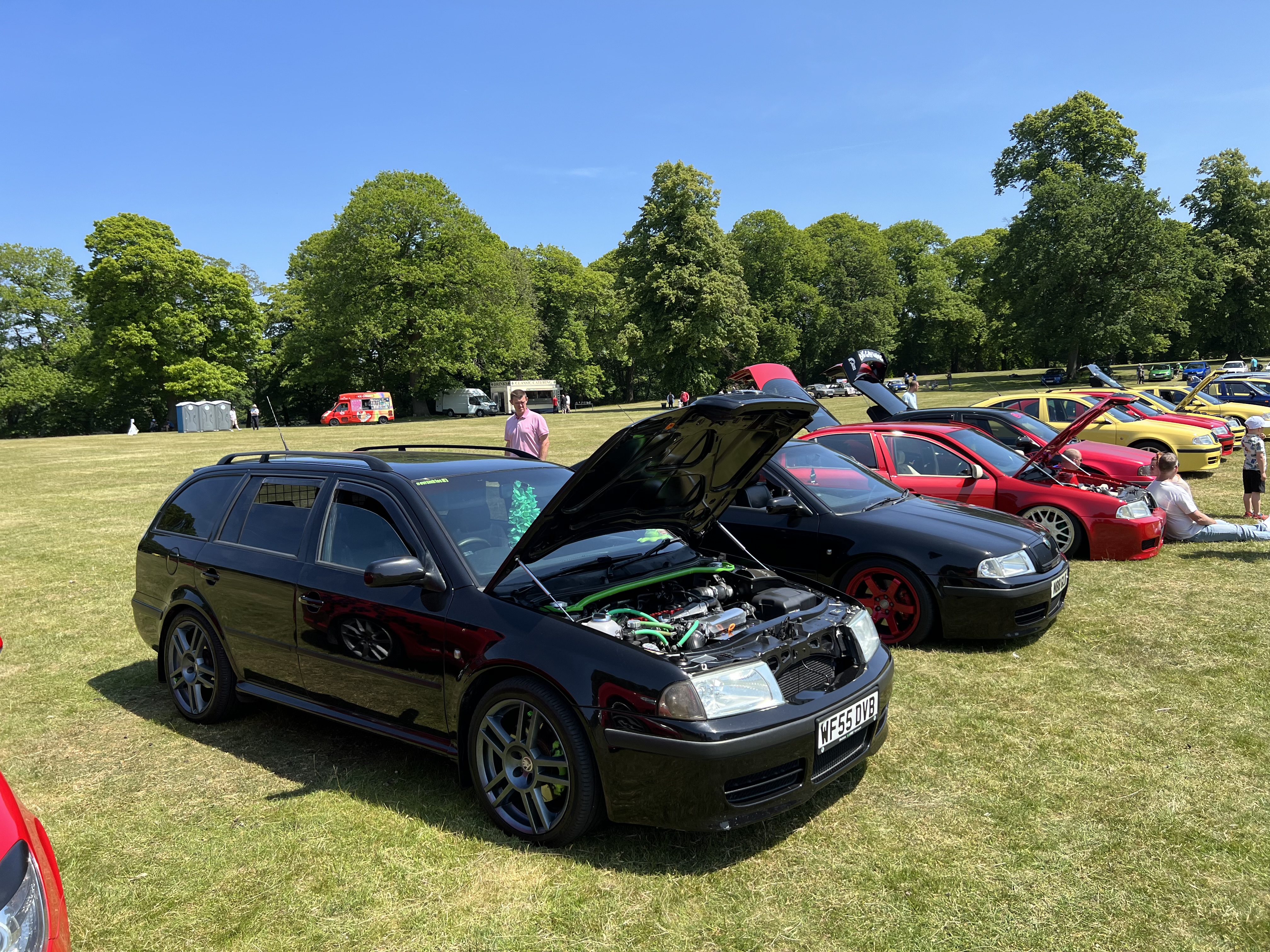
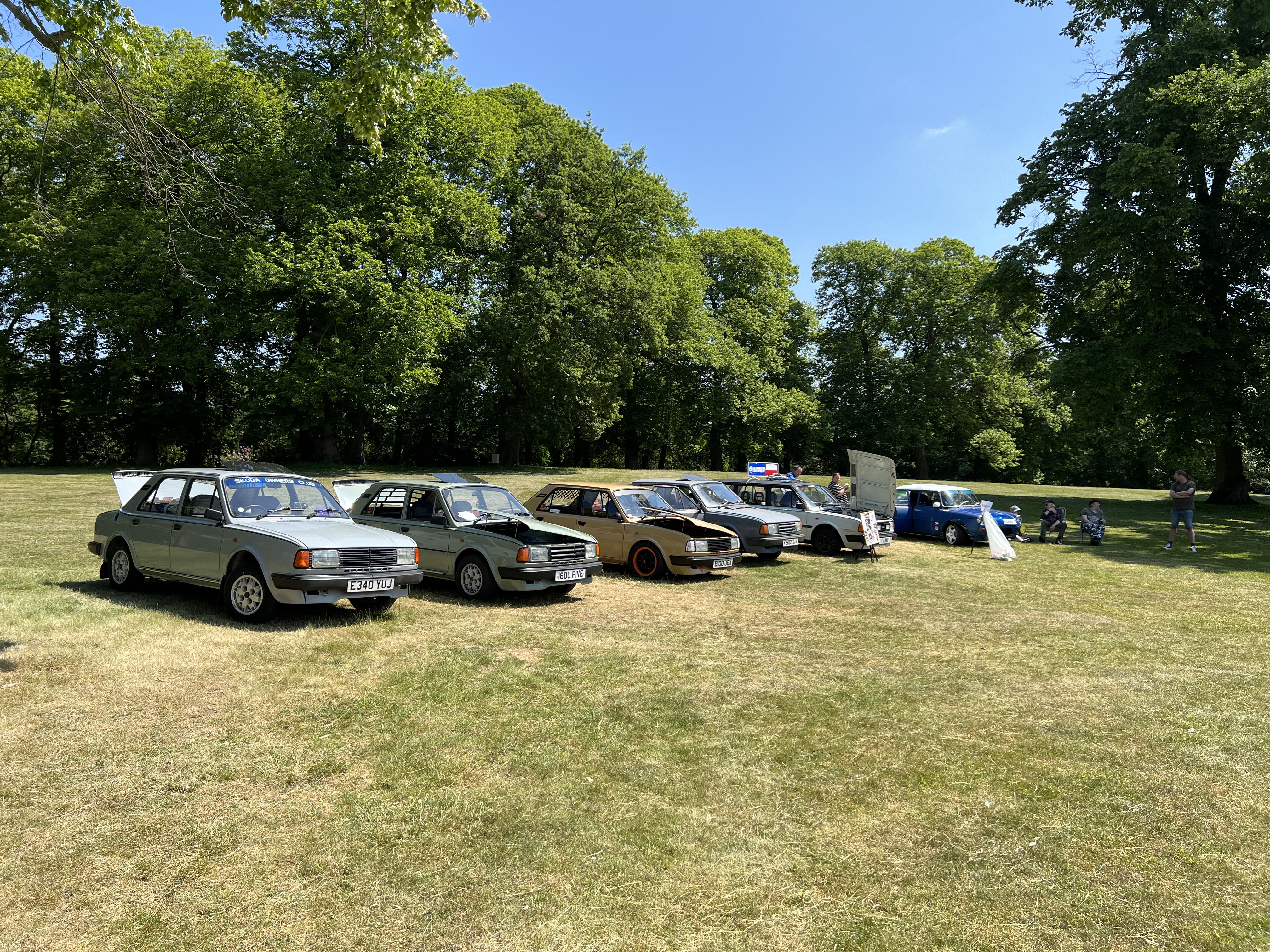
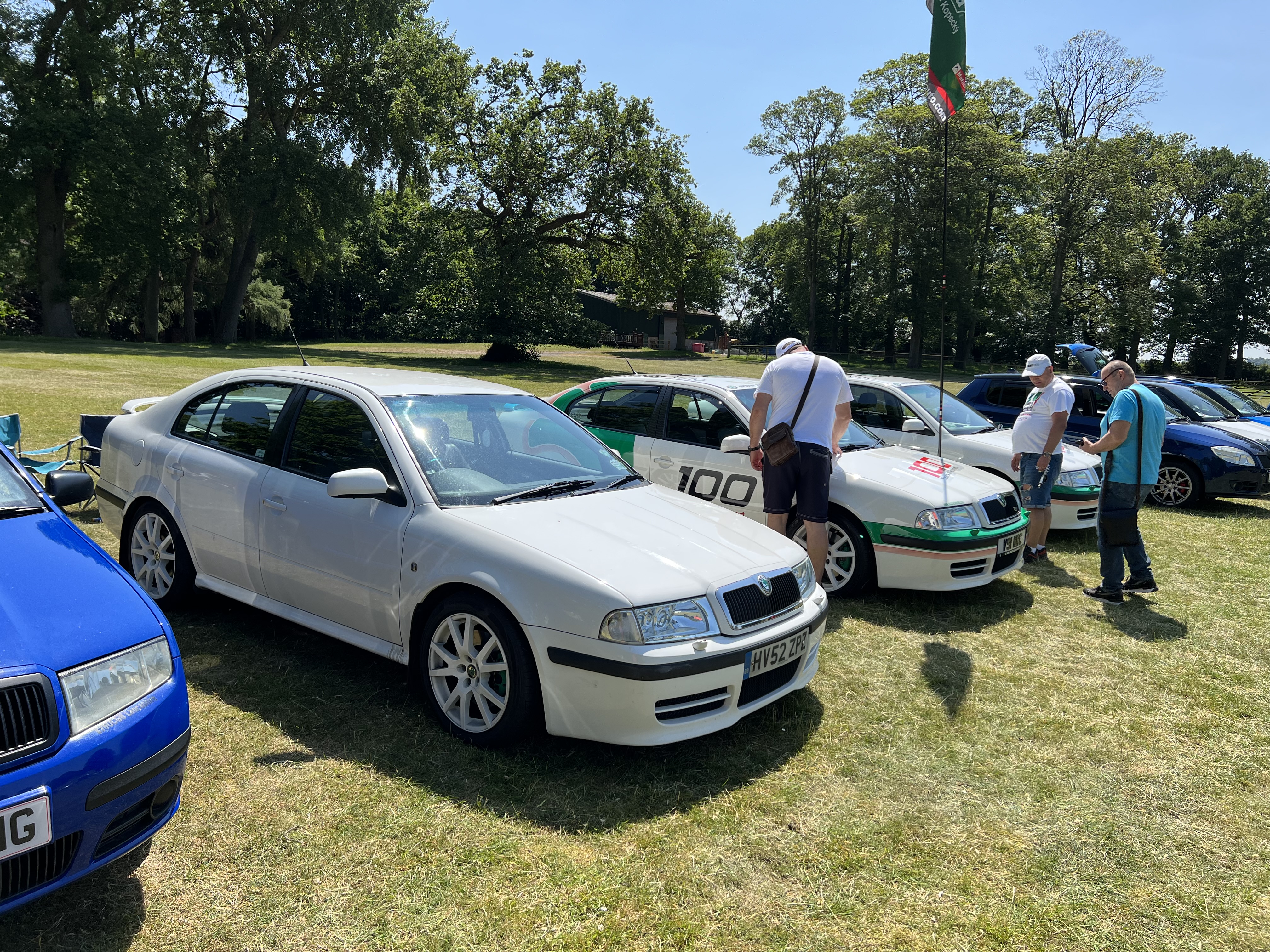
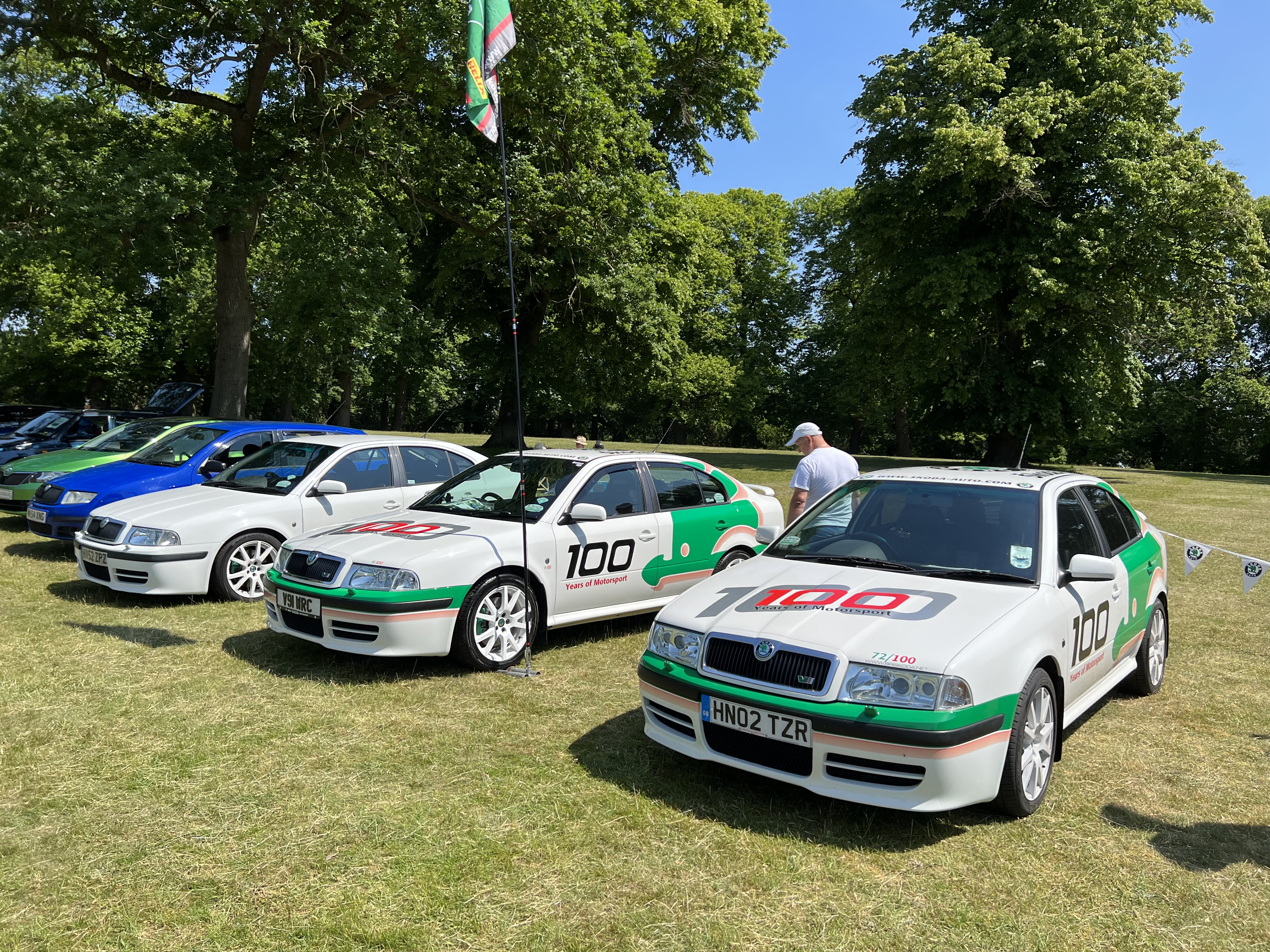
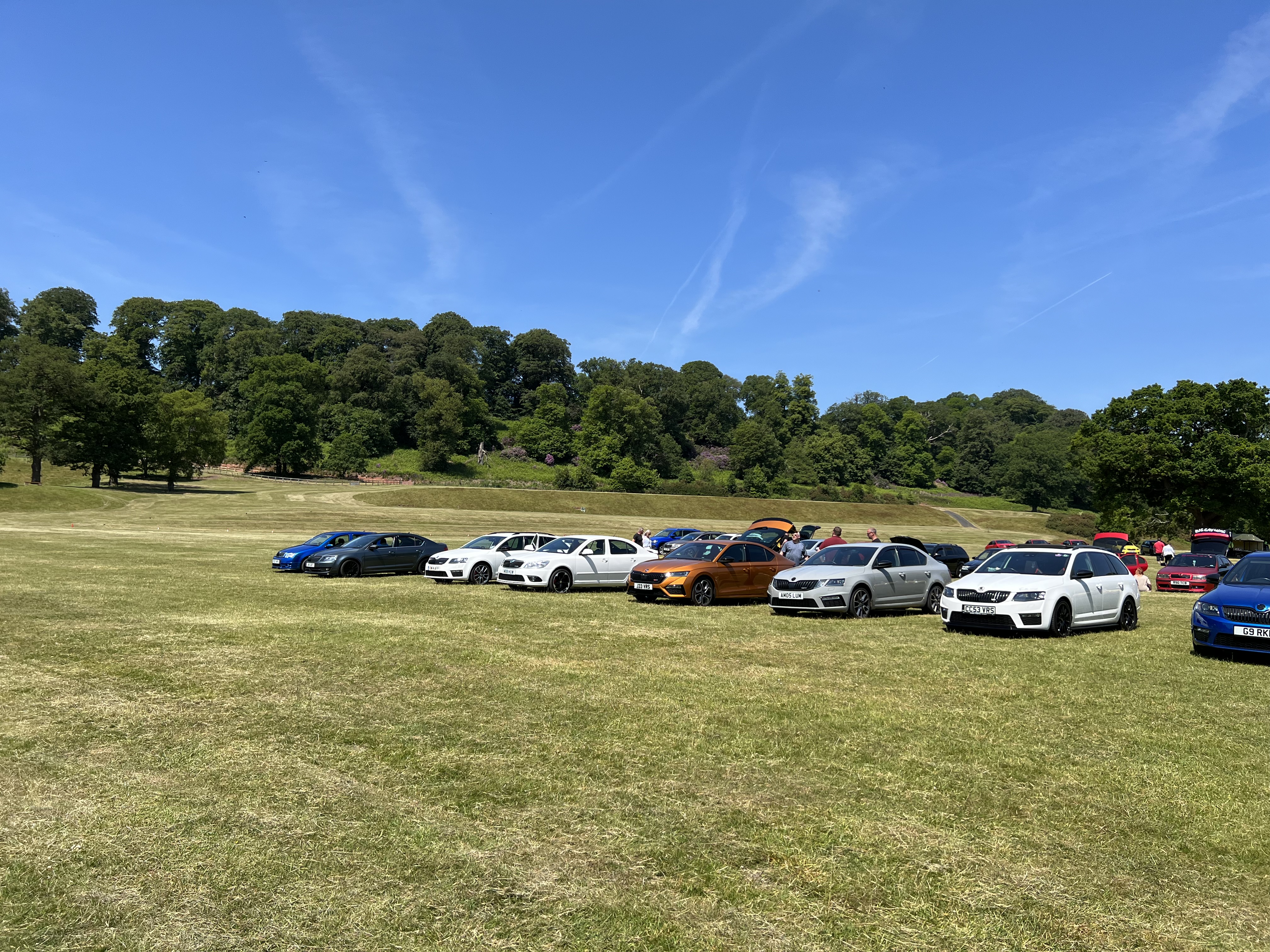
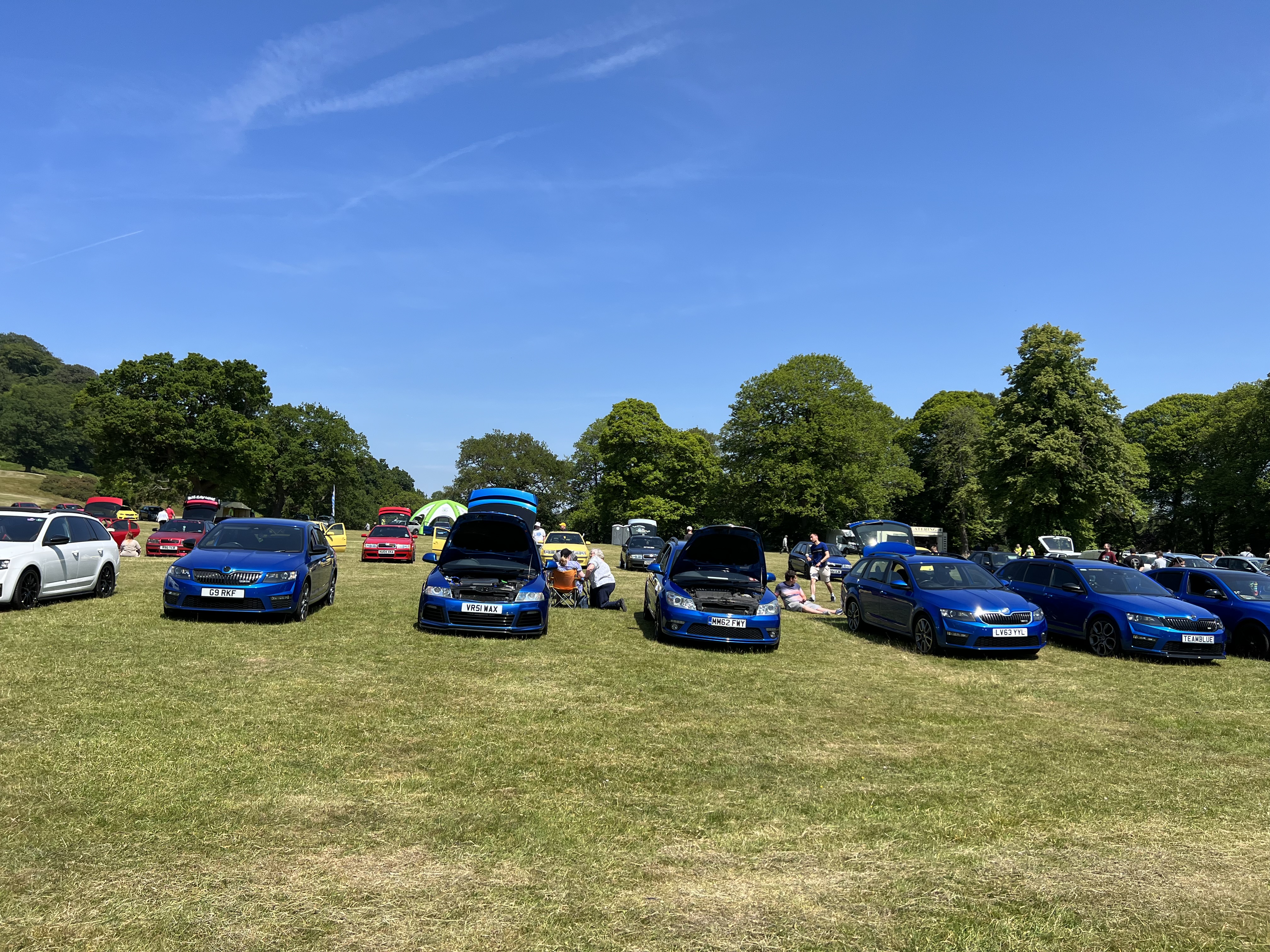
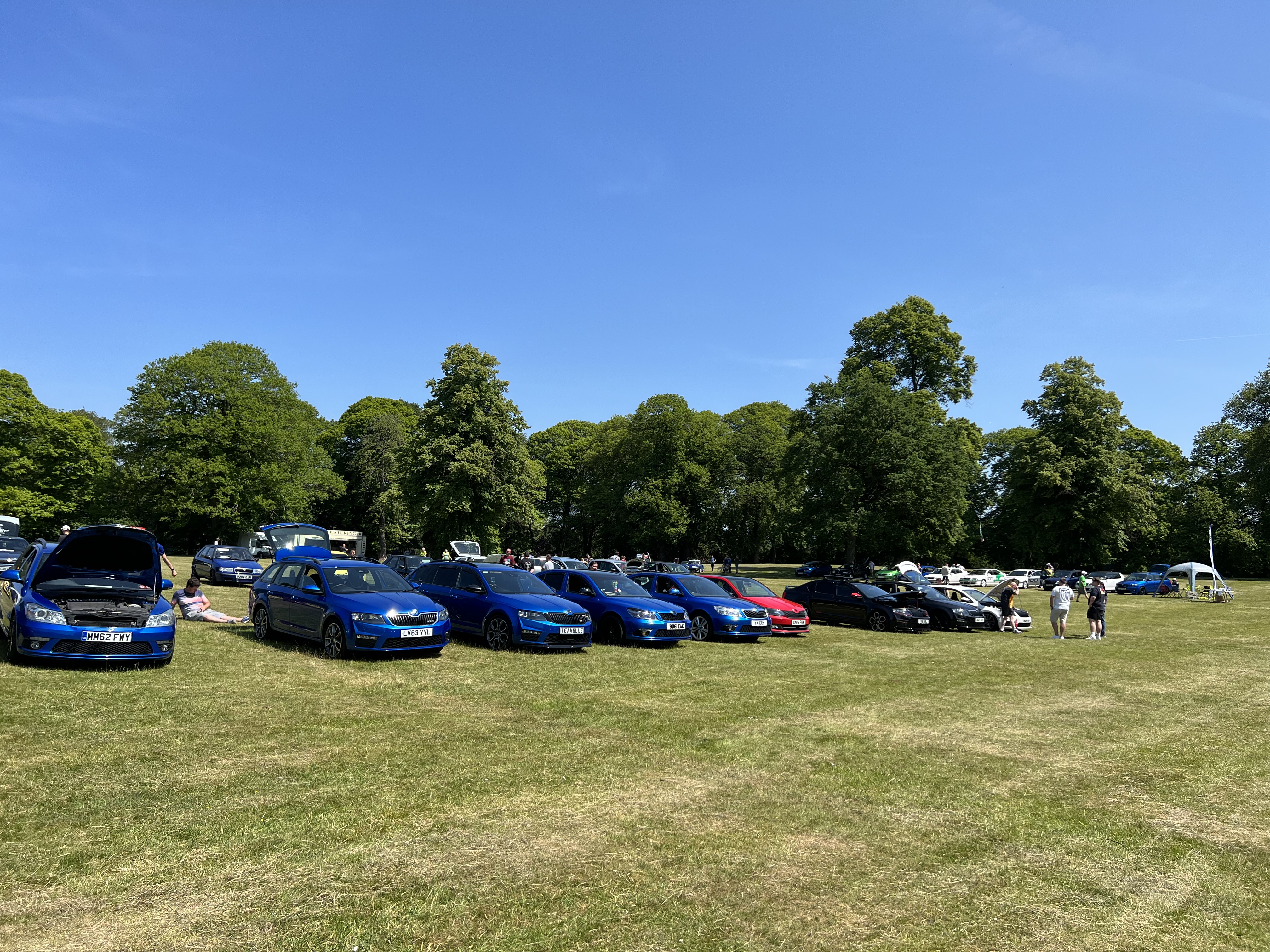
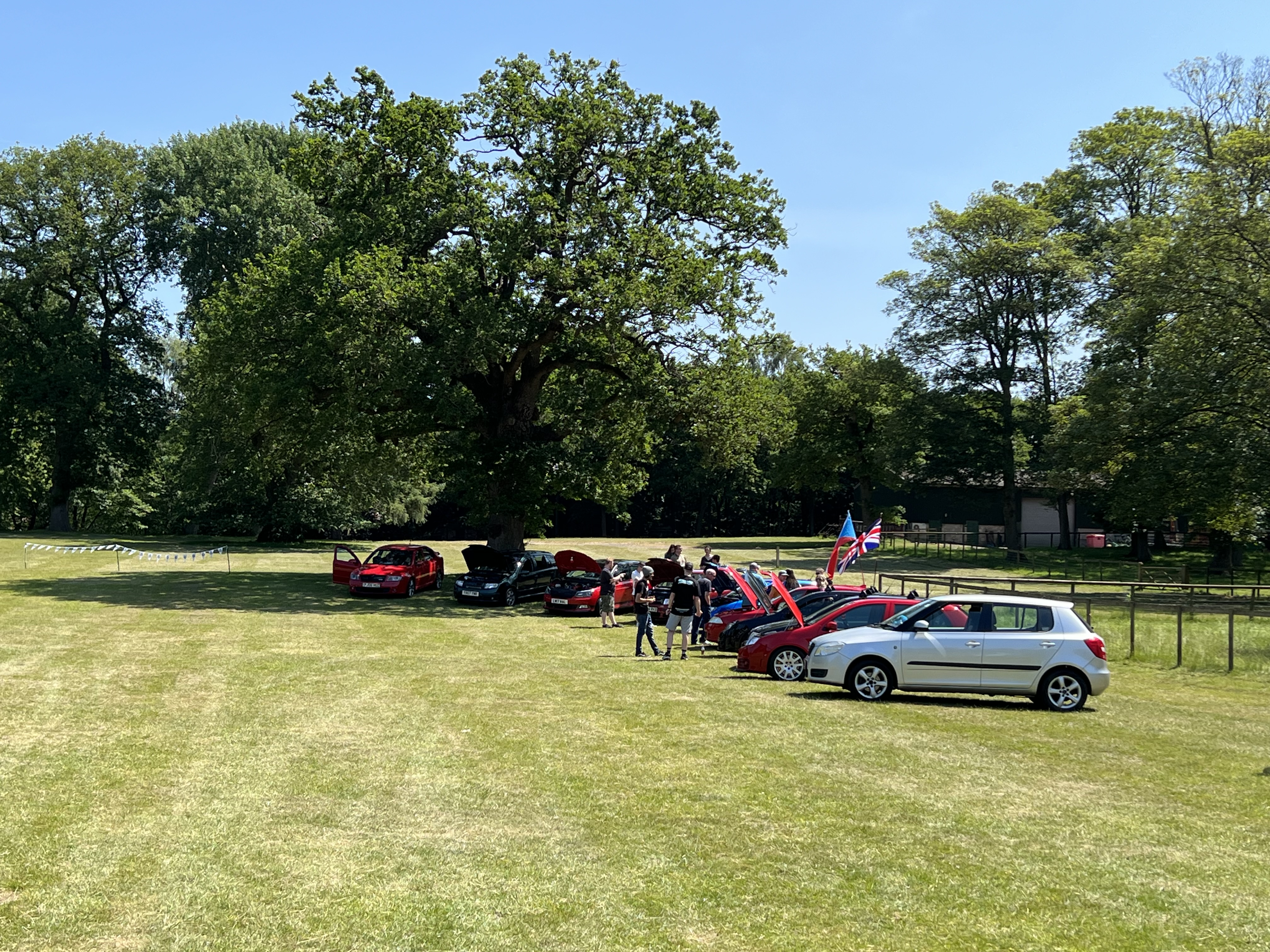
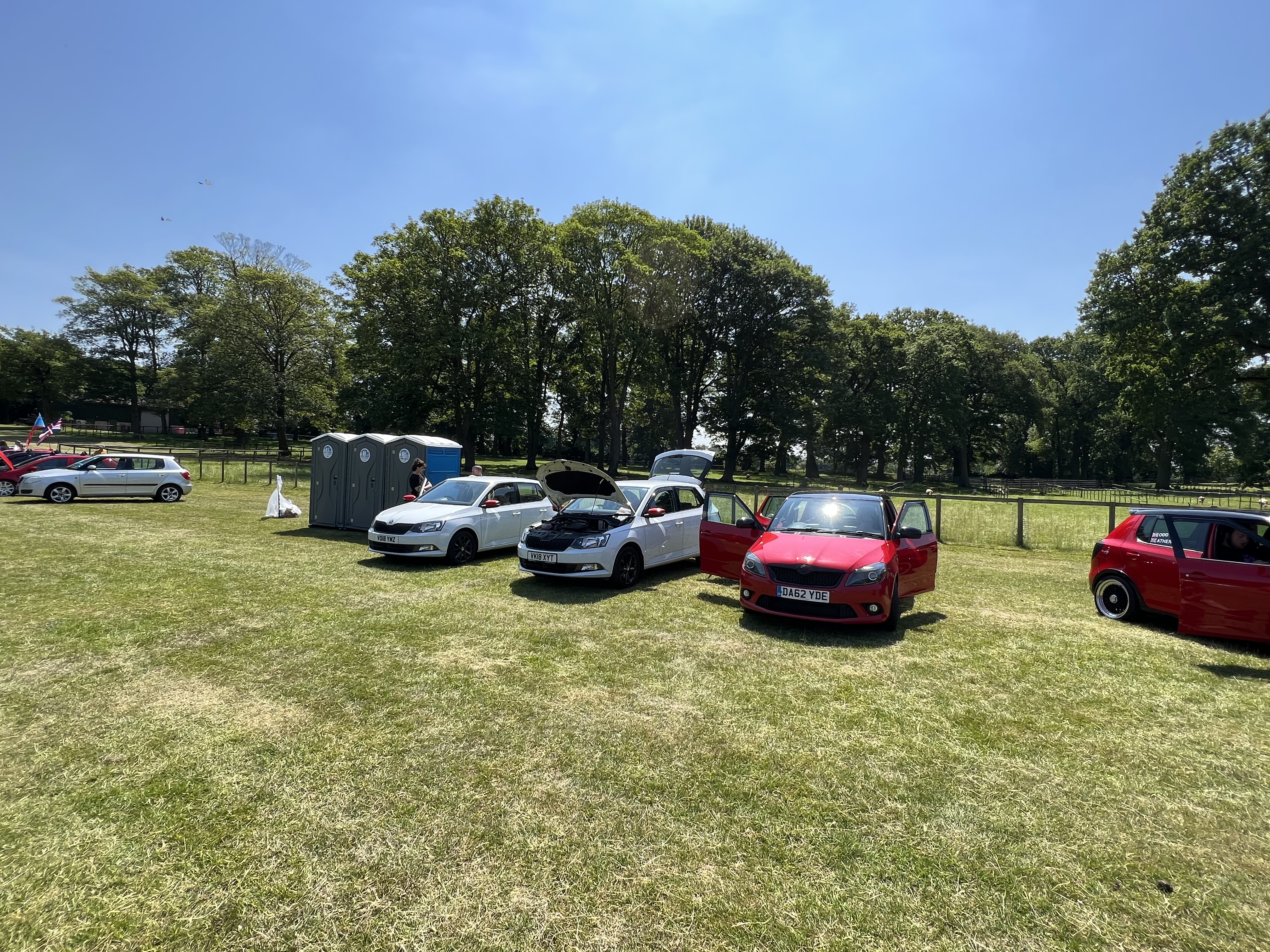
Latest updated photos with one of the items that i’d had sitting in the garage finally fitted:
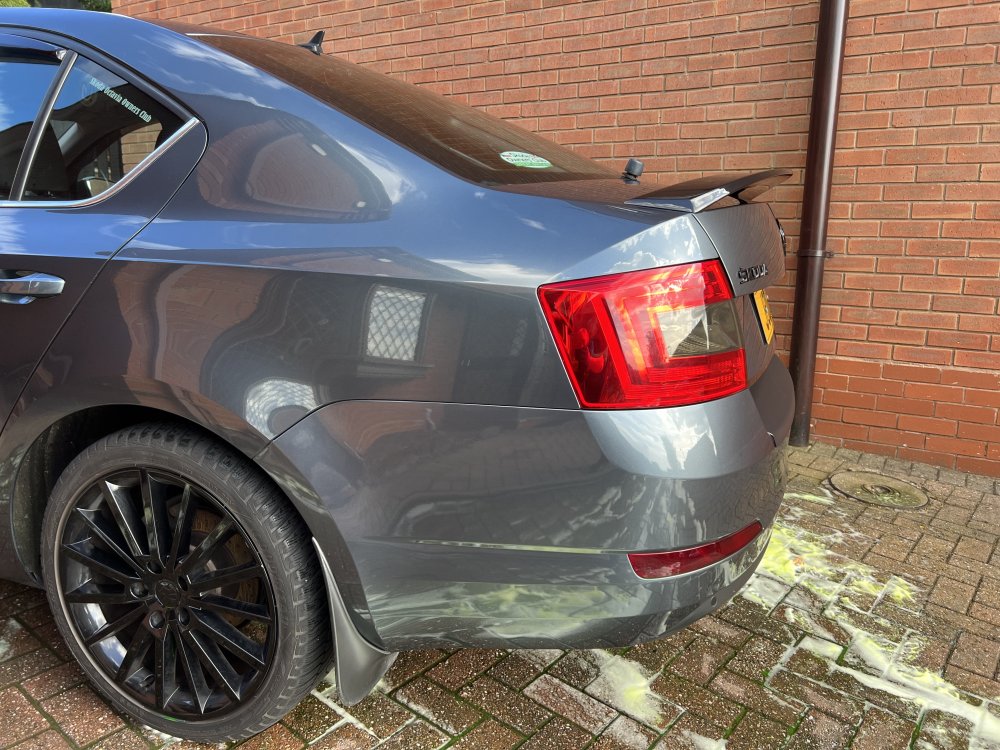
-
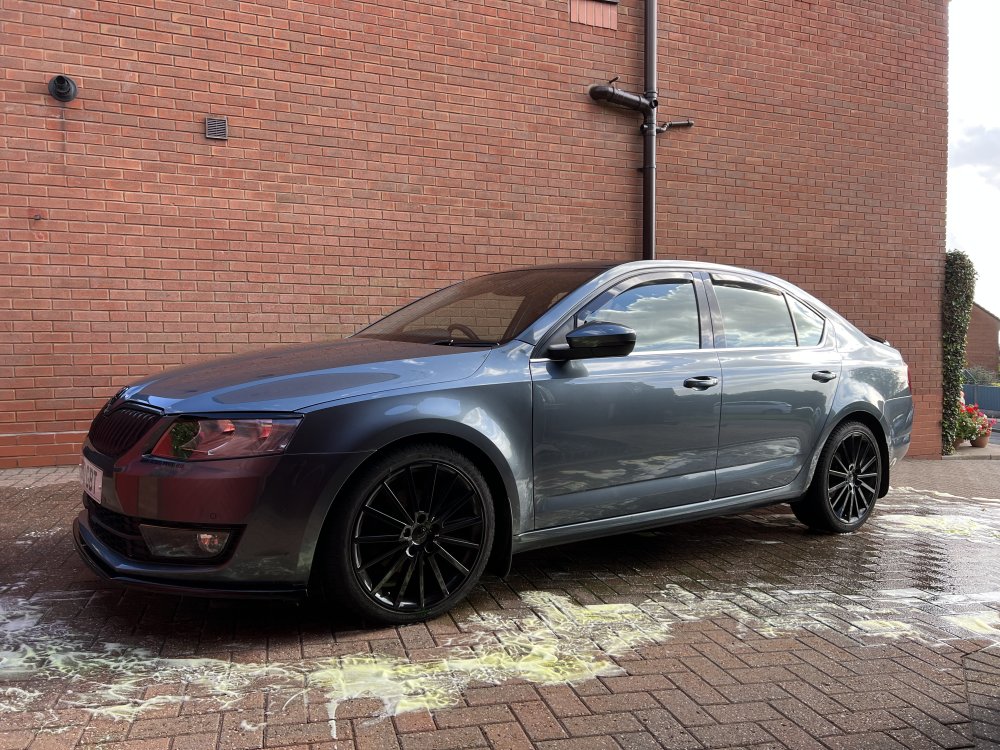
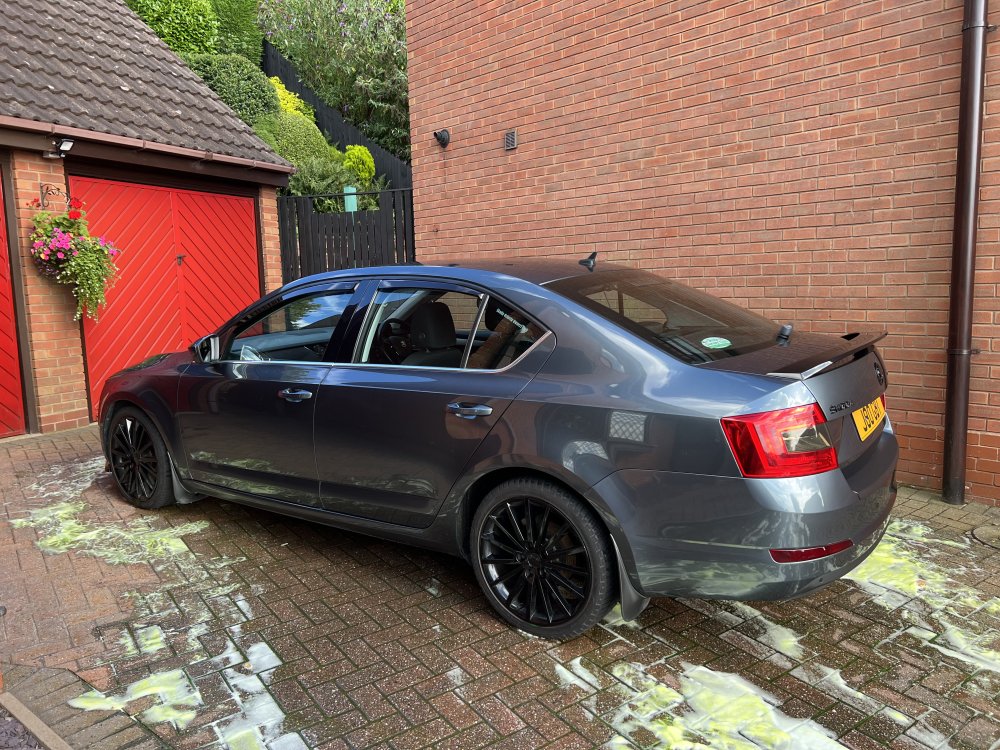
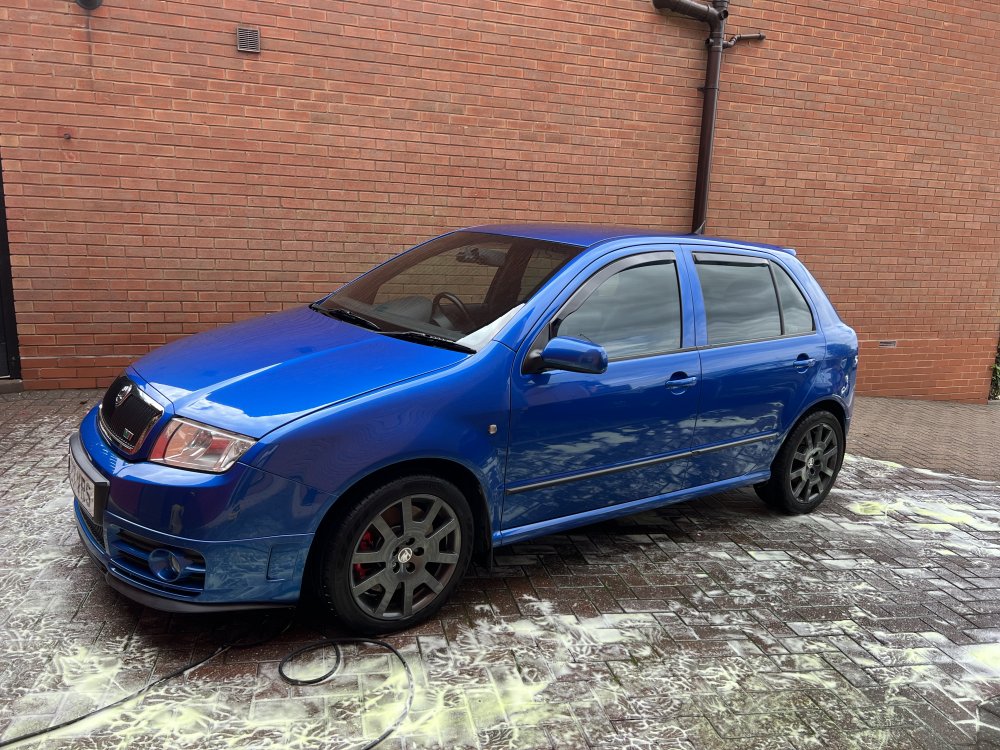
So braking wobble seems to be all but gone now. 🤞 Latest things done have been getting the sills, boot lid and front grille surround repainted and also replacing the EGR as it had been leaking for a little while. Boot and sills weren’t that bad but we thought we may as well get them done and grille surround needed doing as we had to get one off another car because i managed to break the original. 🫣
-
I’ll check that out before progressing, many thanks. 👍
-
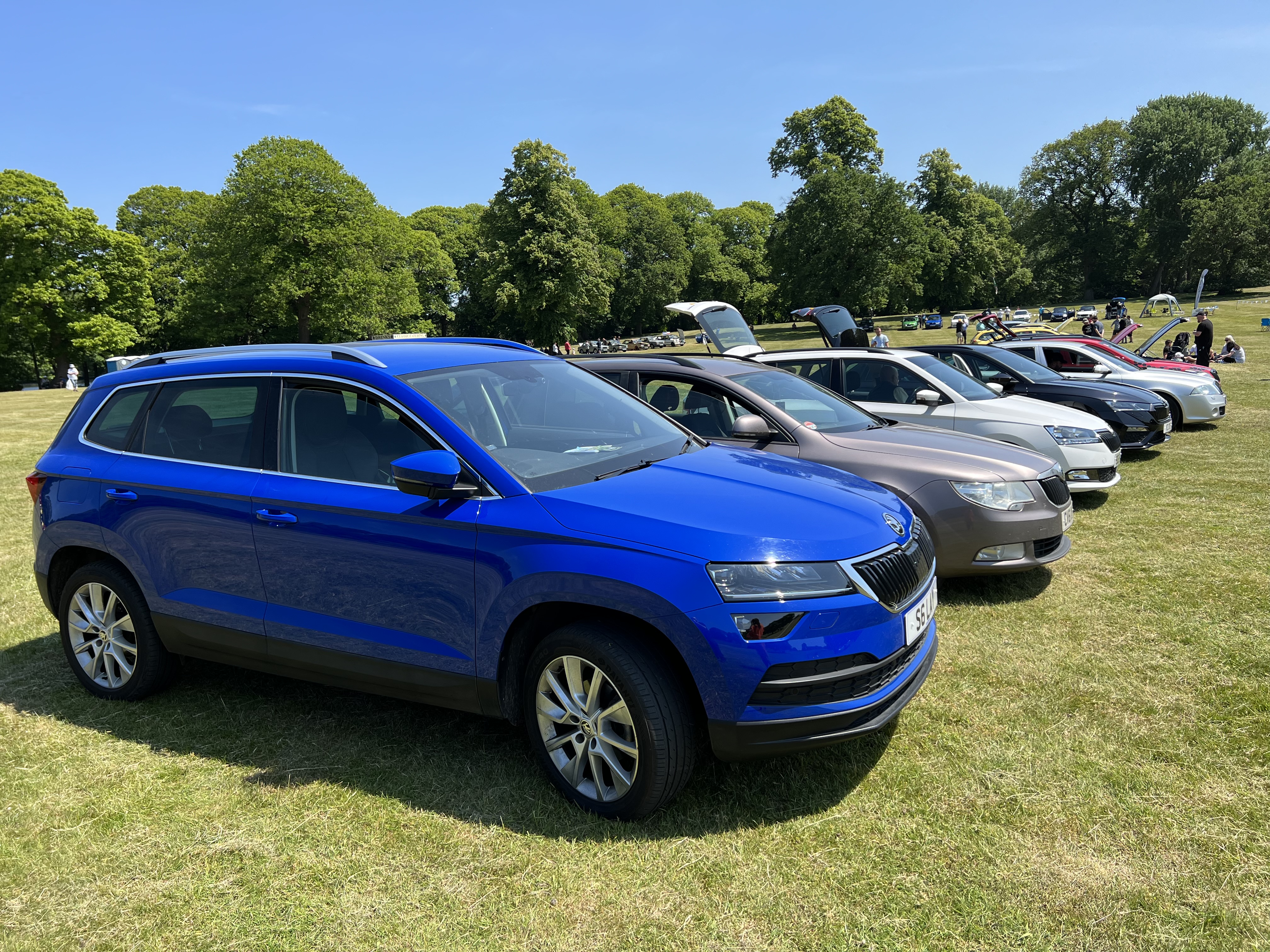
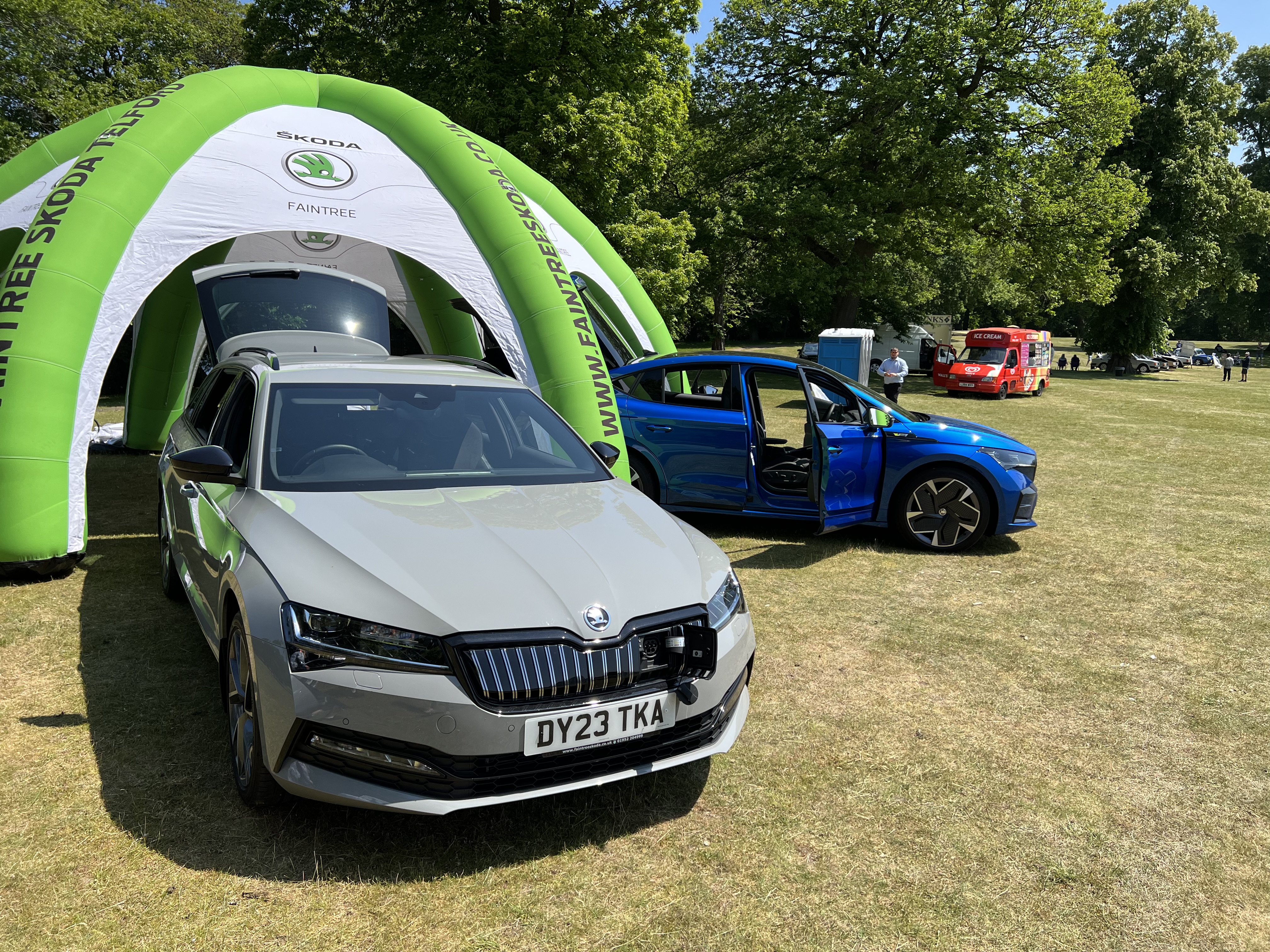
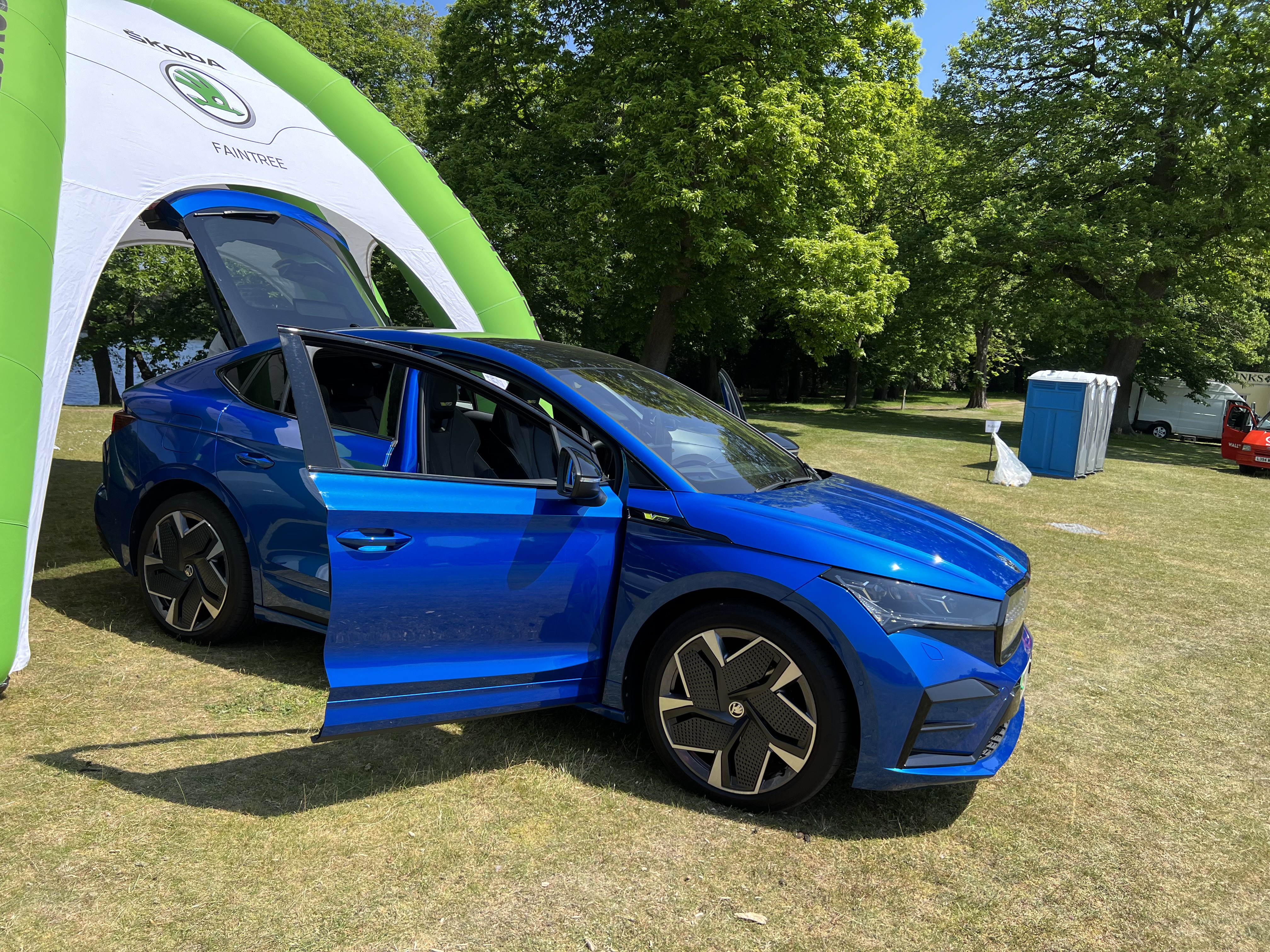
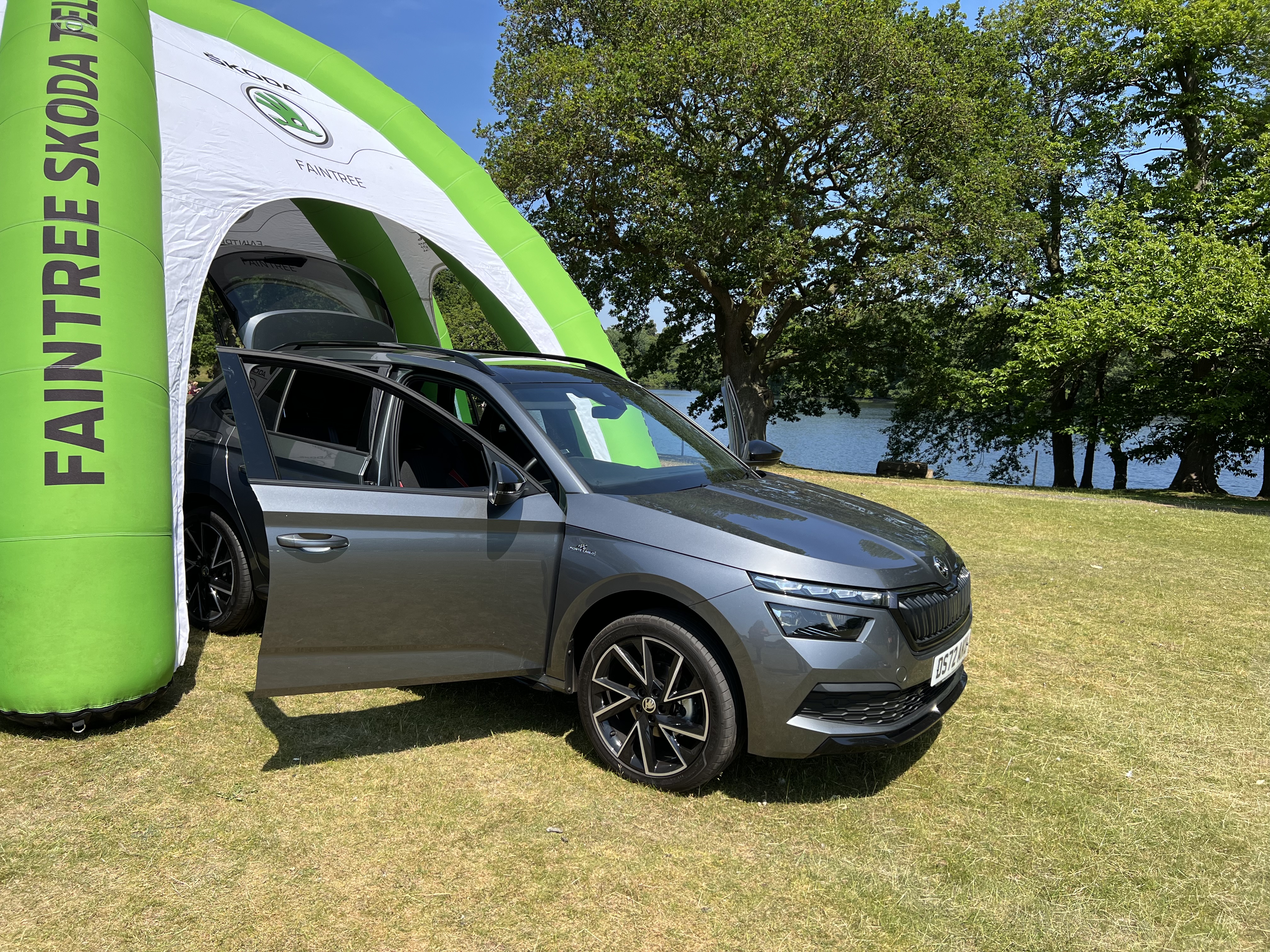
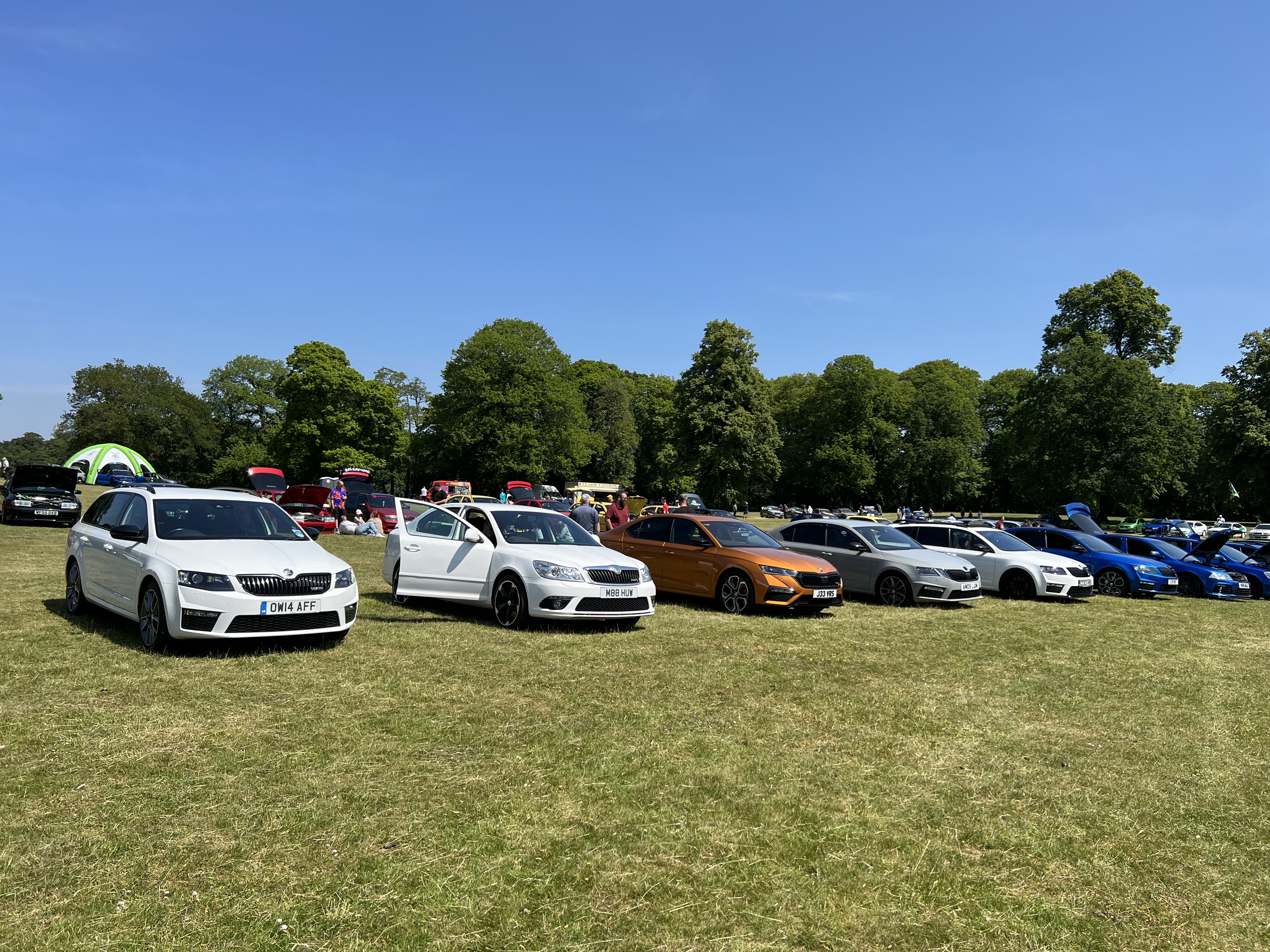
I think i only saw 1 Karoq but didn’t see any Kamiq or Kodiaq there.
-
Console bushes have been changed and still doing it. It’s only slight now and has been since the front hubs were changed, so i am still thinking it’s warped discs again, possibly caused by crappy hubs.
-
Awesome stuff, thank you. 😎
-
Yeah, we’ll definitely catch up next time. I got called up as i won a raffle prize and ended up with a keyring. I’ve changed a little since Rockingham though as i’ve grown a beard and wear glasses, so not many recognise me anymore.
-
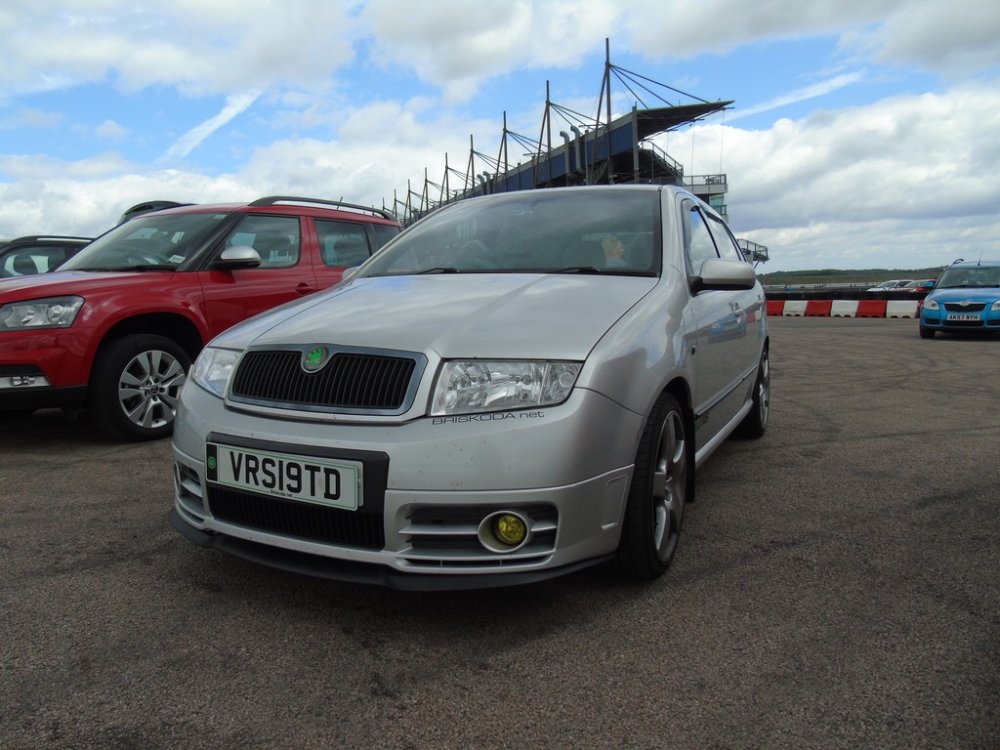
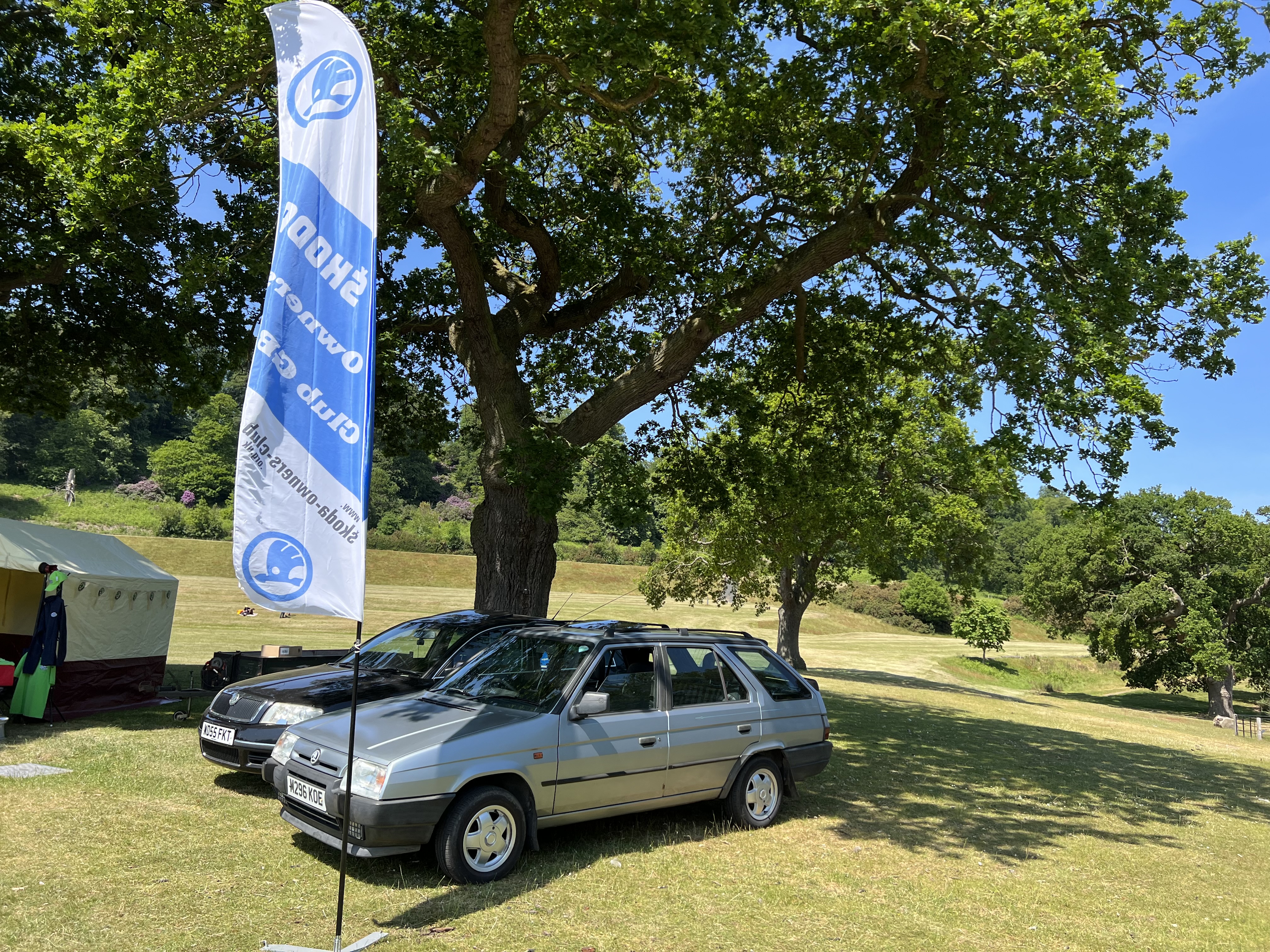
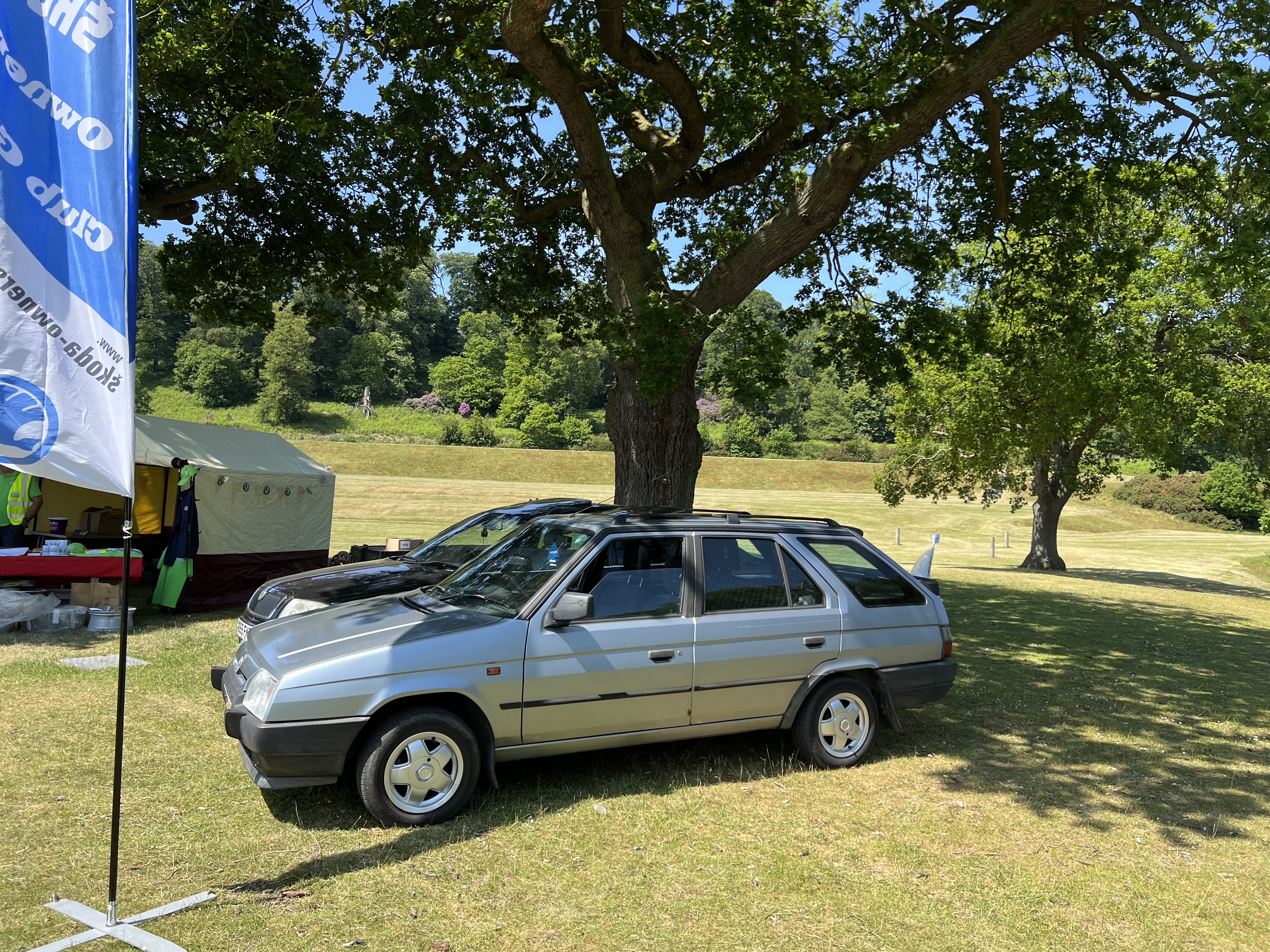
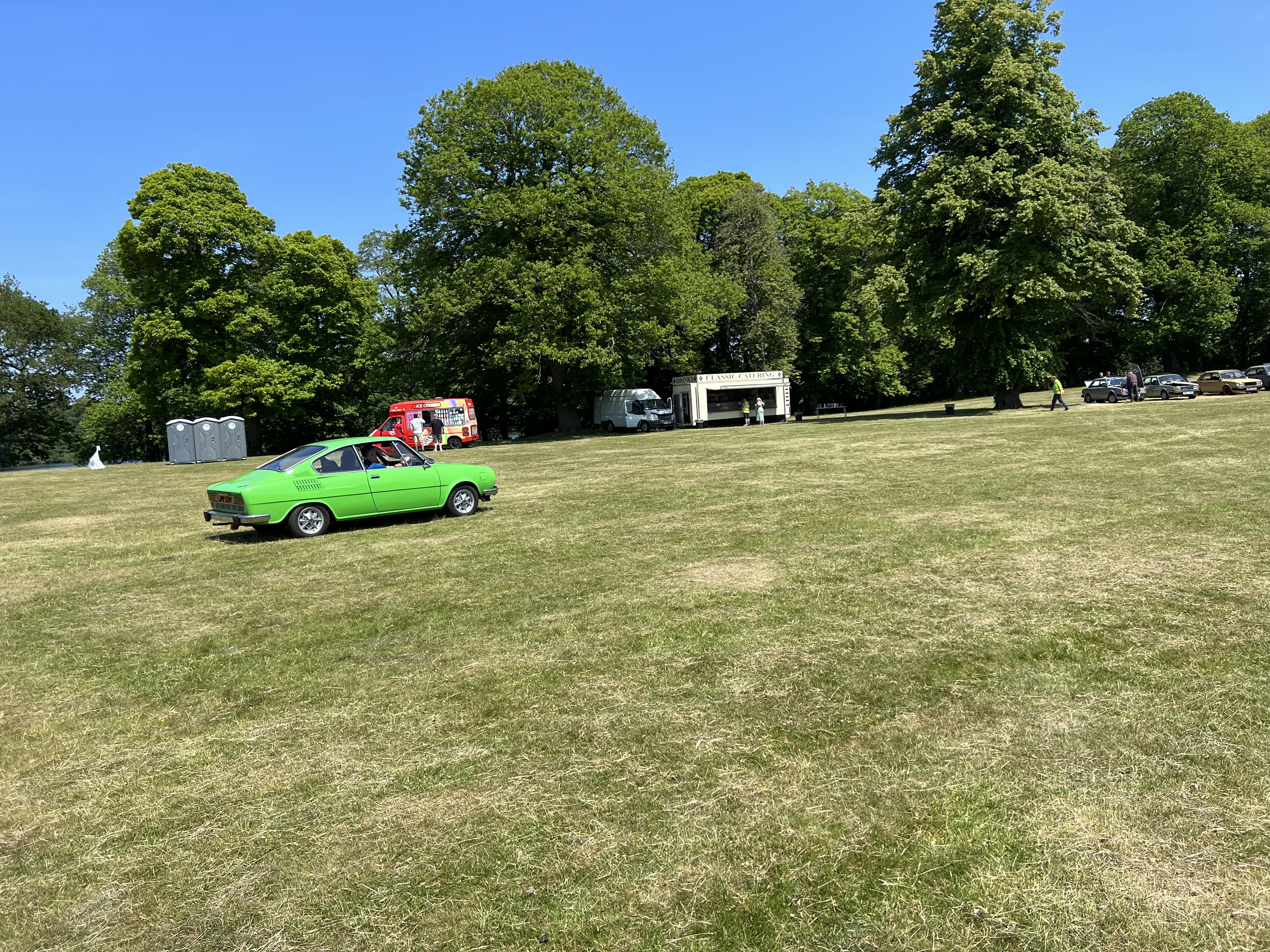
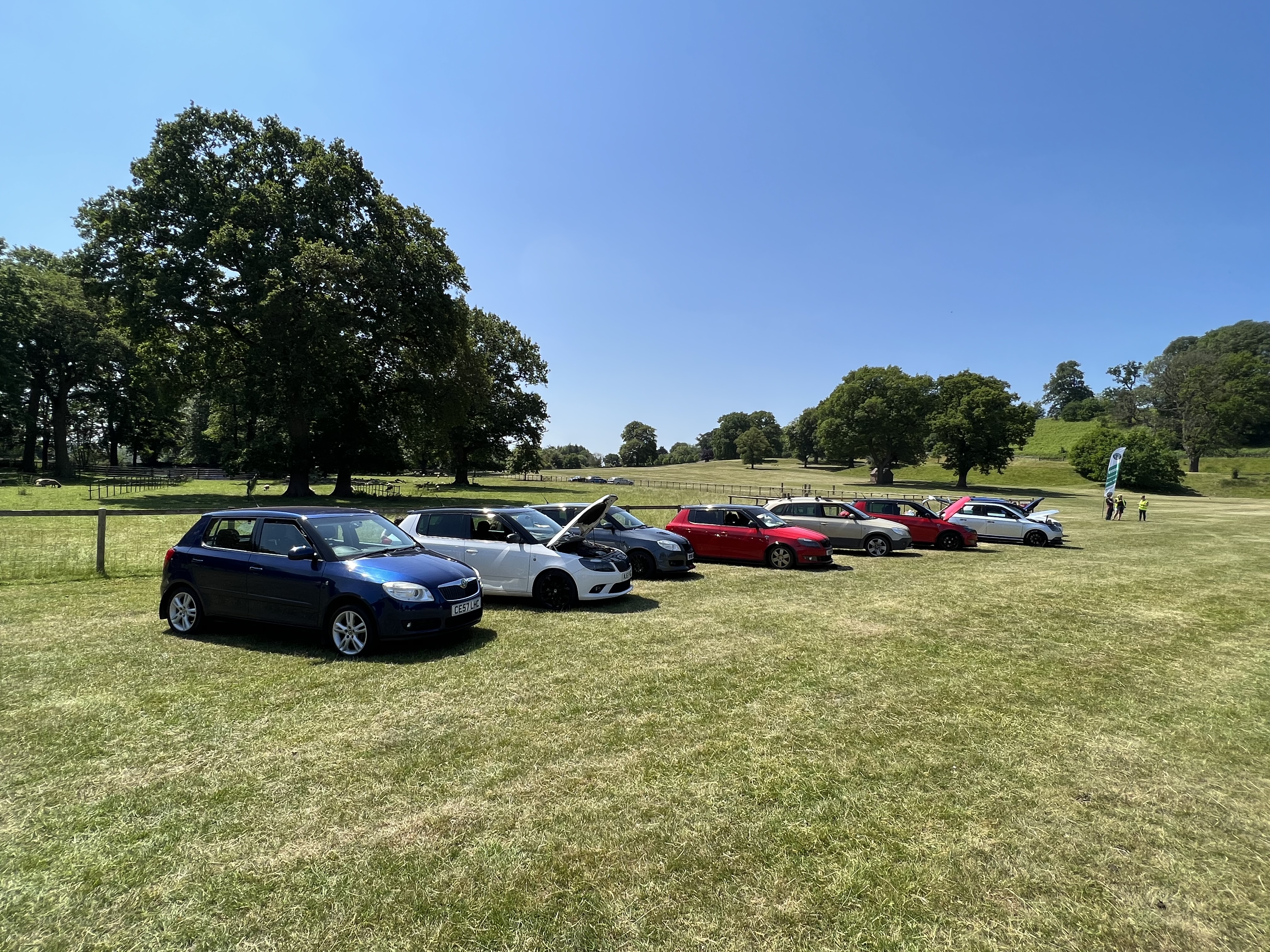
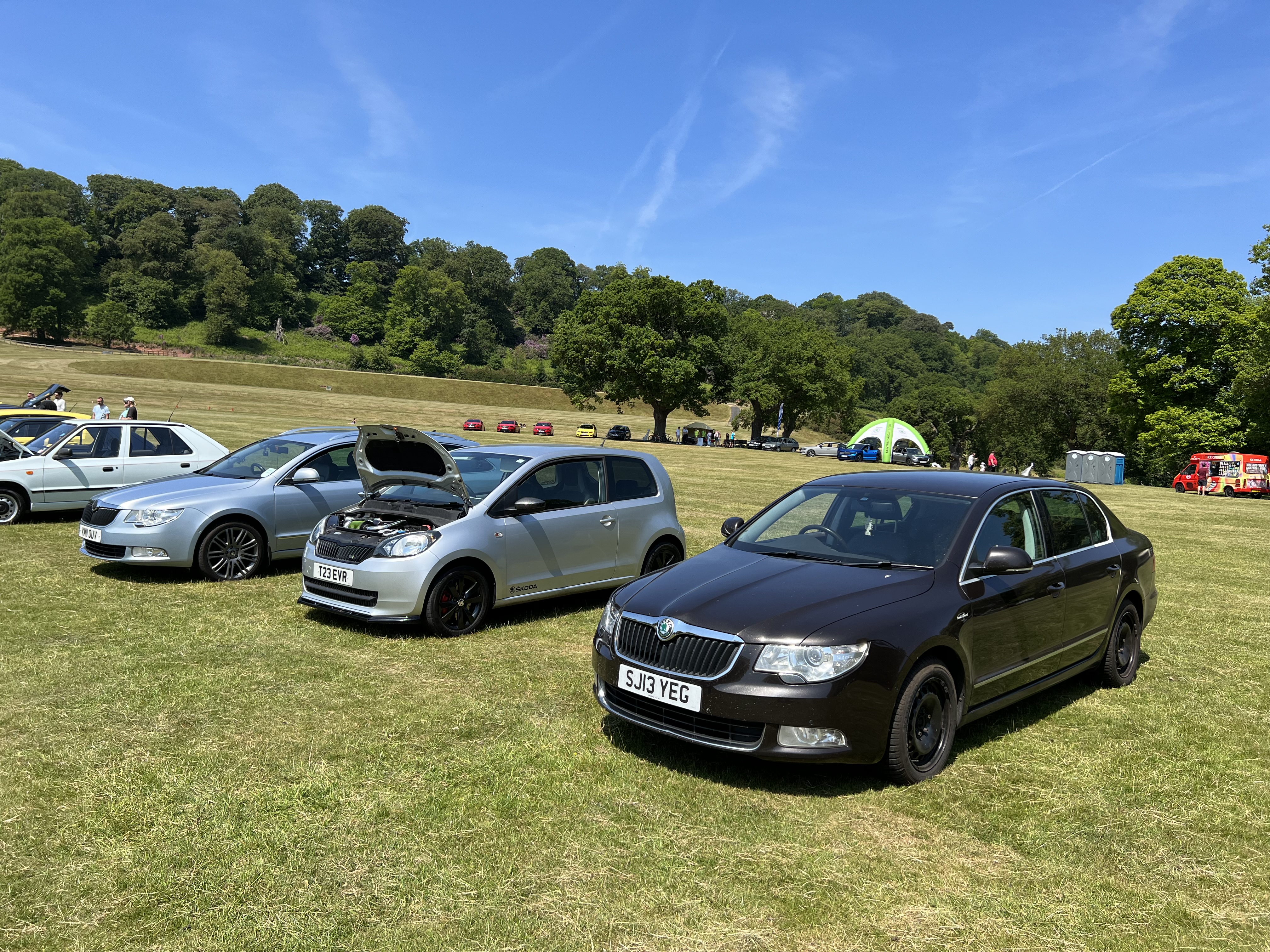
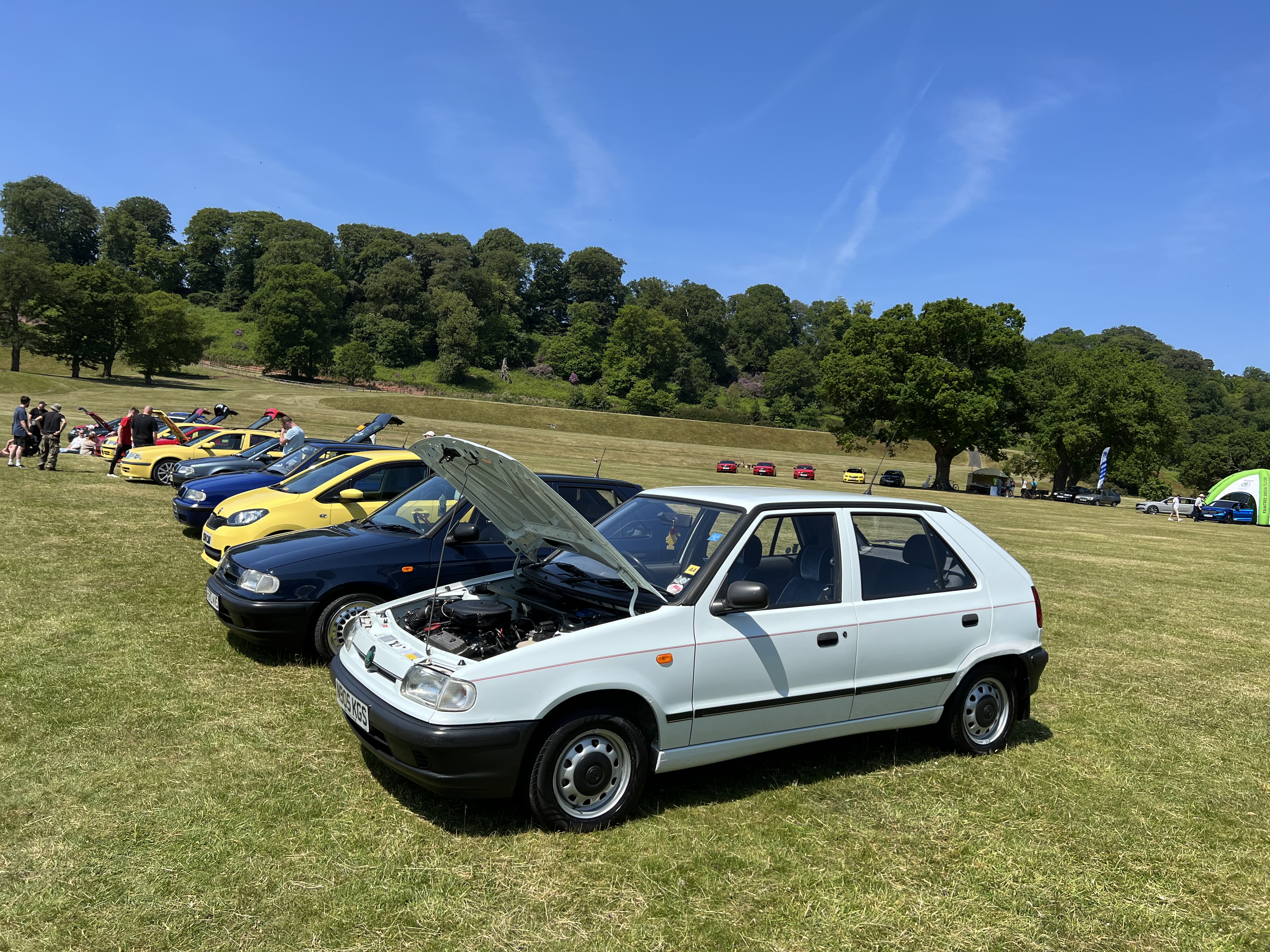
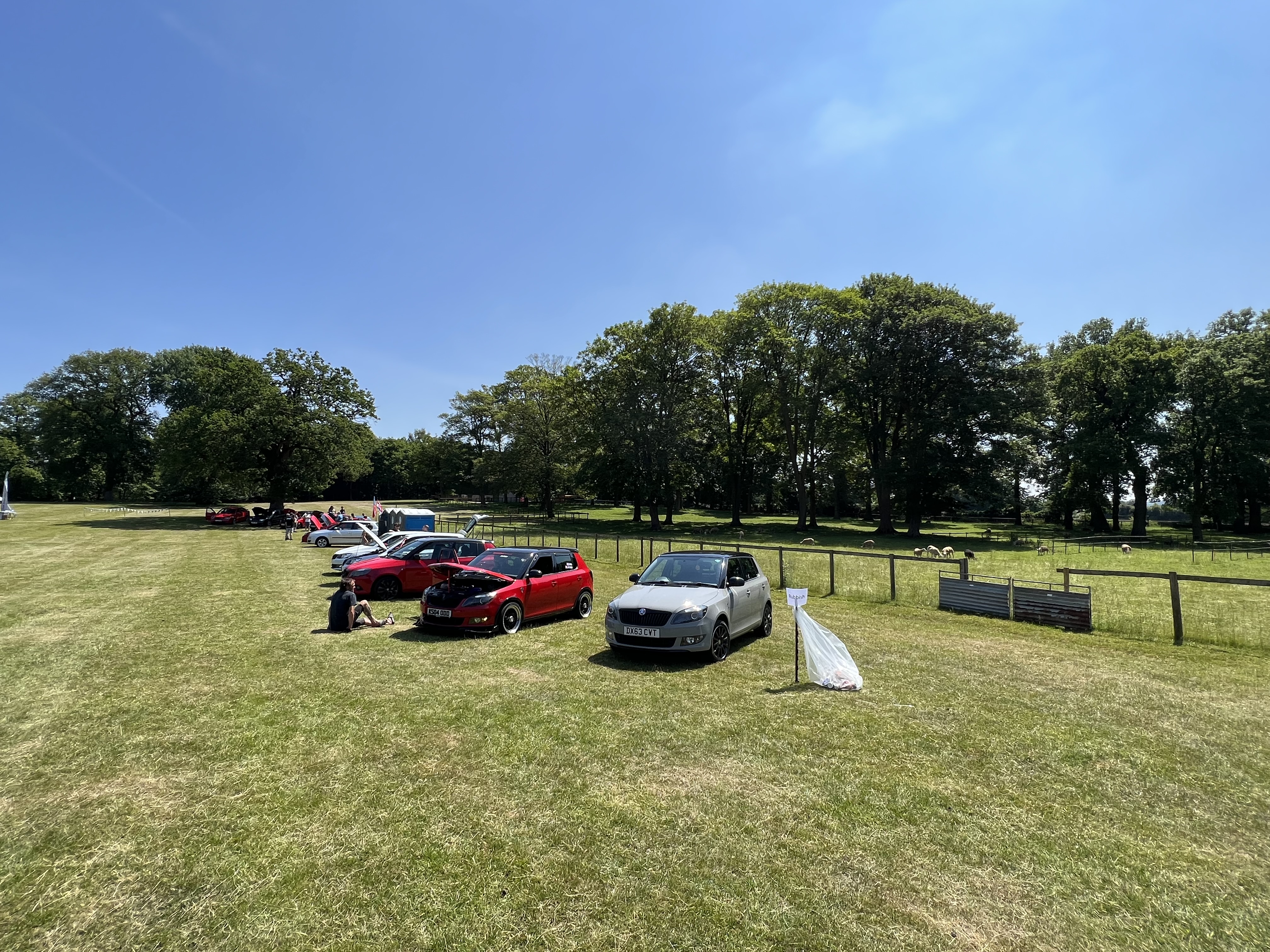
Yeah, i was walking around with my partner yesterday. We did go around all the cars but didn’t really talk to many people. Did you stay for the raffle/prizes?? I was known as vRS19TD (should have kept it but didn’t make sense not owning a Fabia anymore). Rockingham was the last Mega Meet i went to, apart from a couple of Castle Combe meets. I think that was before the Fabia went to Unit18 for more work to be done. This is the only photo i’ve got on my phone from that day:
-
It was indeed mine/my partners Fabia SE with my Octavia parked next to it, though i doubt anyone took pictures on that as it isn’t a vRS.I’ll take it then please. Only problem is, i won’t be able to collect until either this coming weekend or the weekend after. Let me know if you’re happy enough keeping hold of it until then please.Hi, Is this still available?


Important Information
Welcome to BRISKODA. Please note the following important links Terms of Use. We have a comprehensive Privacy Policy. We have placed cookies on your device to help make this website better. You can adjust your cookie settings, otherwise we'll assume you're okay to continue.
Account
Navigation
Configure browser push notifications
Chrome (Android)
- Tap the lock icon next to the address bar.
- Tap Permissions → Notifications.
- Adjust your preference.
Chrome (Desktop)
- Click the padlock icon in the address bar.
- Select Site settings.
- Find Notifications and adjust your preference.
Safari (iOS 16.4+)
- Ensure the site is installed via Add to Home Screen.
- Open Settings App → Notifications.
- Find your app name and adjust your preference.
Safari (macOS)
- Go to Safari → Preferences.
- Click the Websites tab.
- Select Notifications in the sidebar.
- Find this website and adjust your preference.
Edge (Android)
- Tap the lock icon next to the address bar.
- Tap Permissions.
- Find Notifications and adjust your preference.
Edge (Desktop)
- Click the padlock icon in the address bar.
- Click Permissions for this site.
- Find Notifications and adjust your preference.
Firefox (Android)
- Go to Settings → Site permissions.
- Tap Notifications.
- Find this site in the list and adjust your preference.
Firefox (Desktop)
- Open Firefox Settings.
- Search for Notifications.
- Find this site in the list and adjust your preference.