BoxerBoy
Members
-
Joined
-
Last visited
Everything posted by BoxerBoy
-
That's a year's worth of fuel for some. Or a lot of hotel rooms for others. Or, or, or . . . . . . . . . Choices, choices!
-
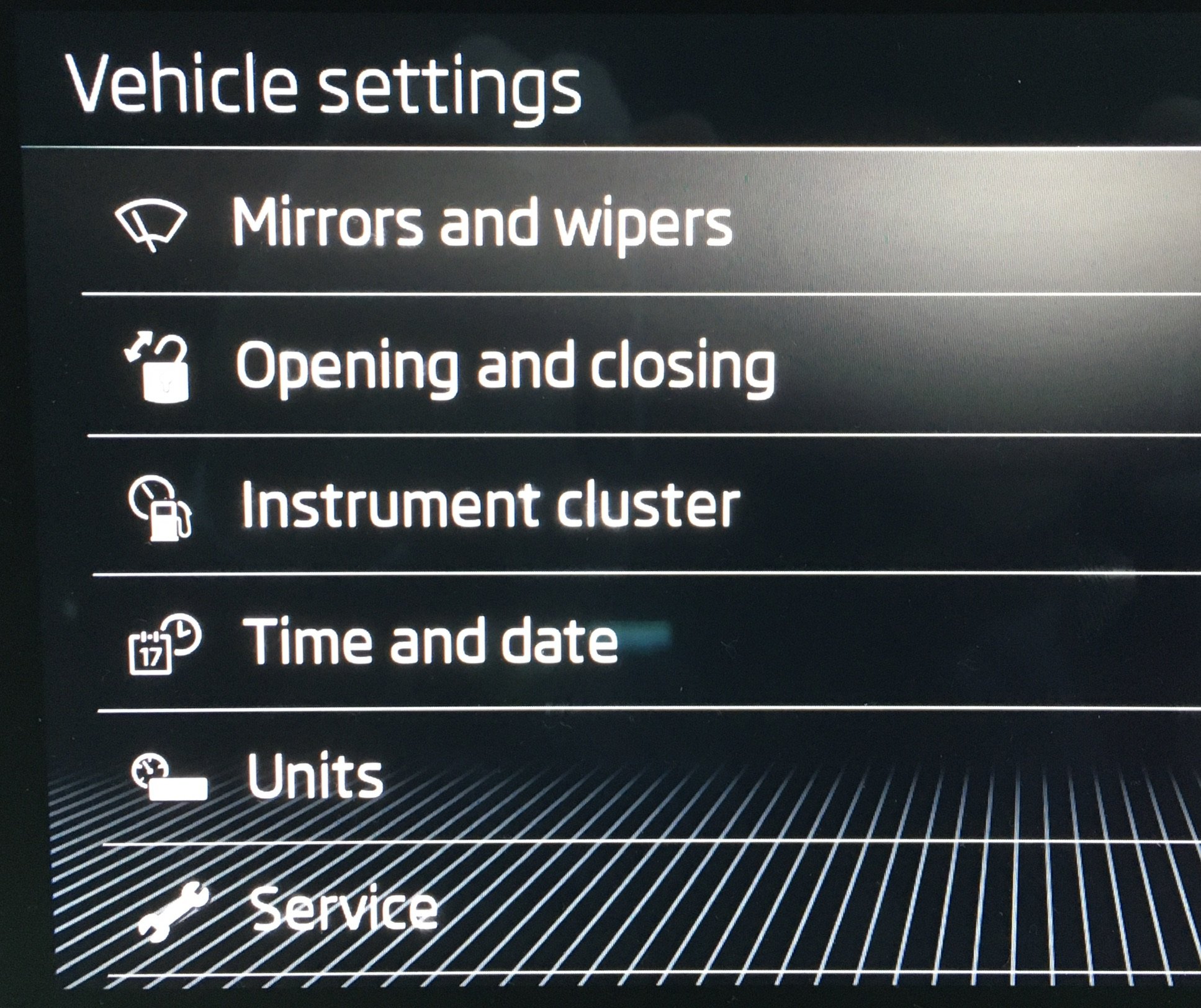
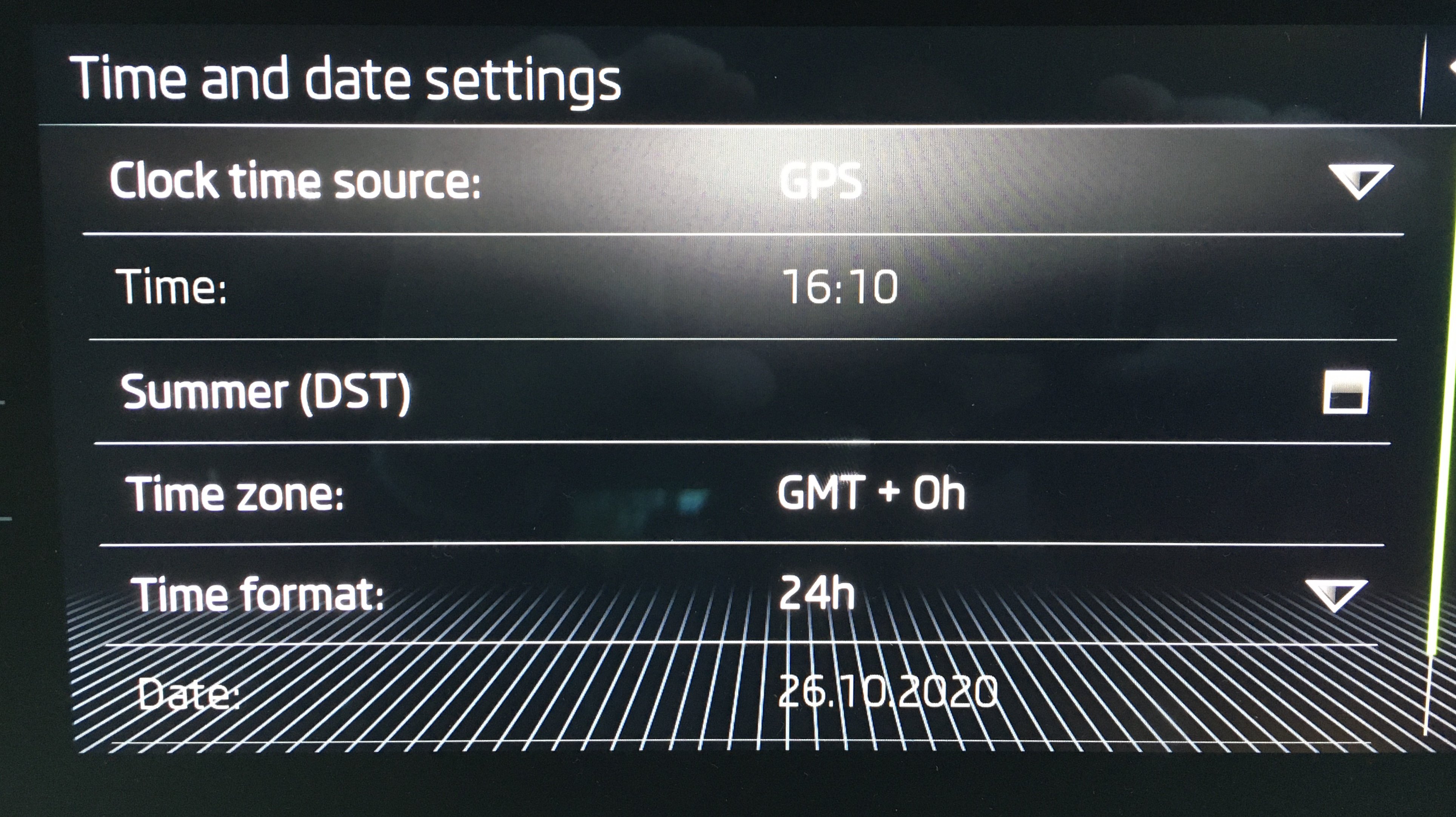
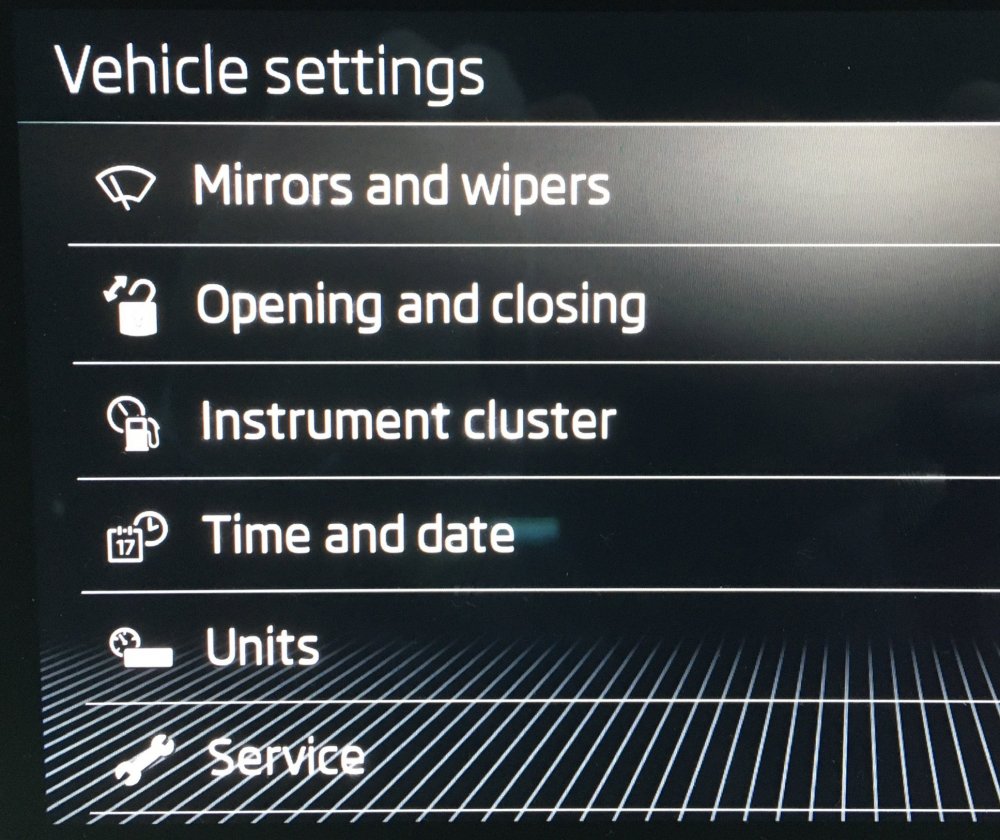
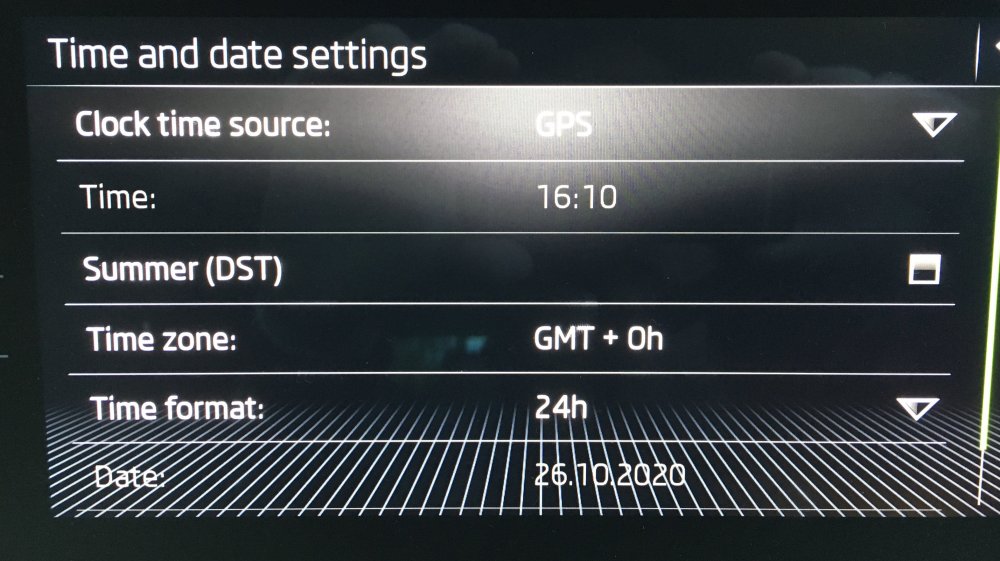
Aren’t they all the same? Vehicle / Settings / Time Click
-
My hot wheel was brilliant today
-
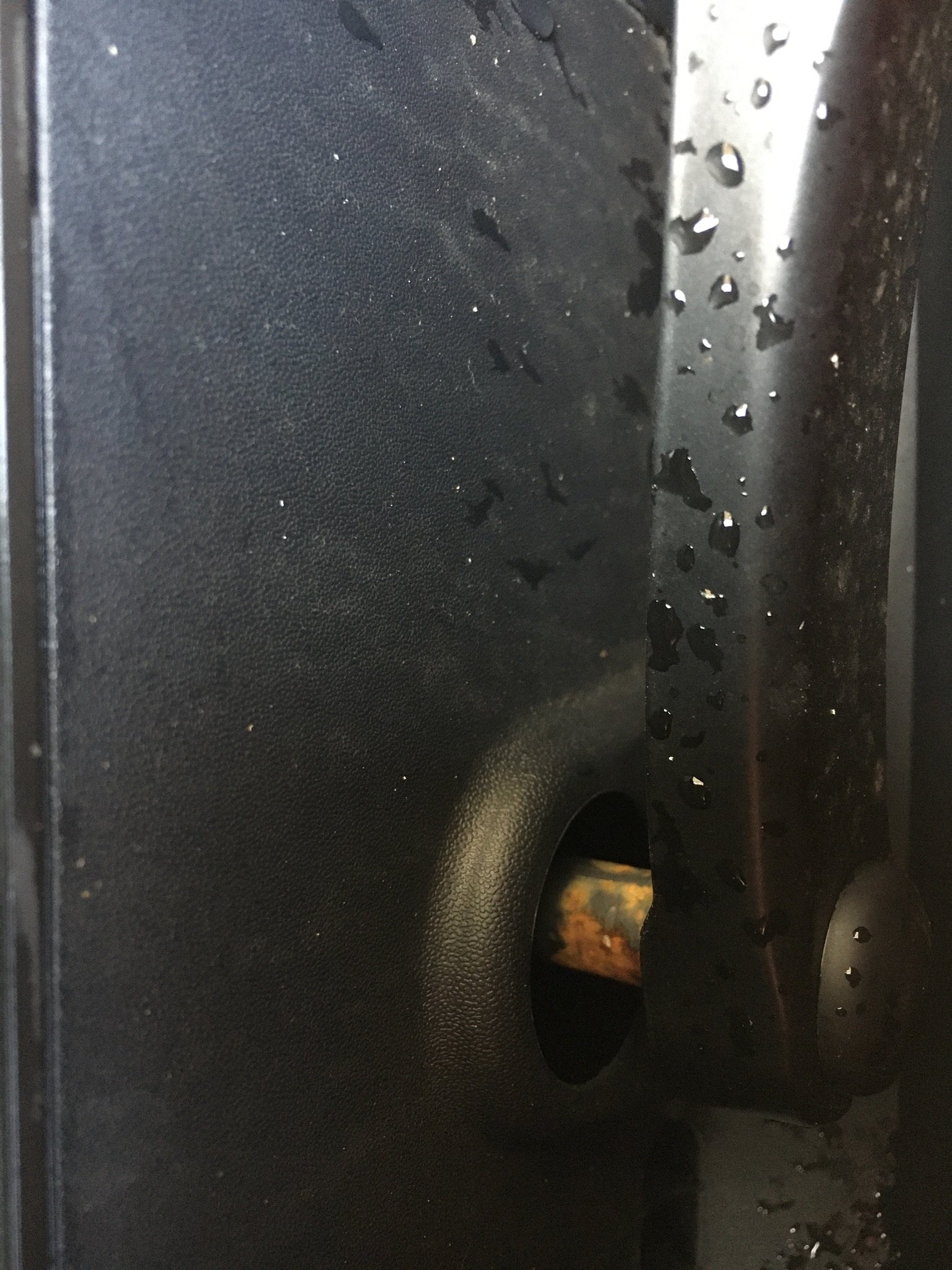
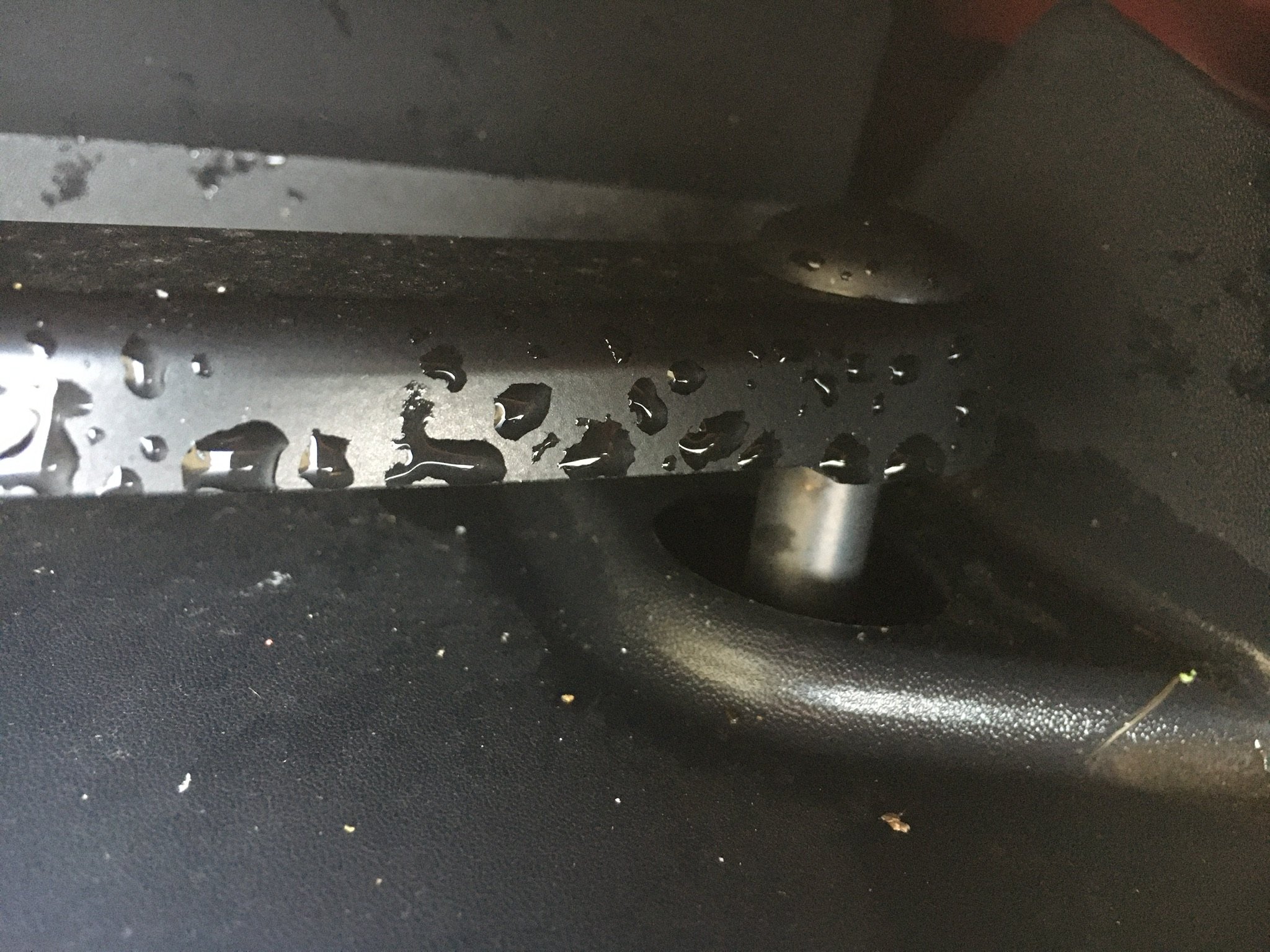
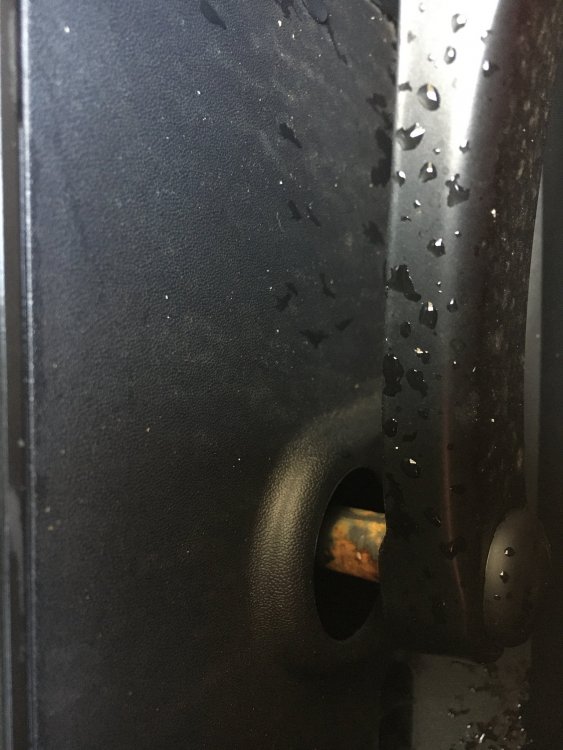
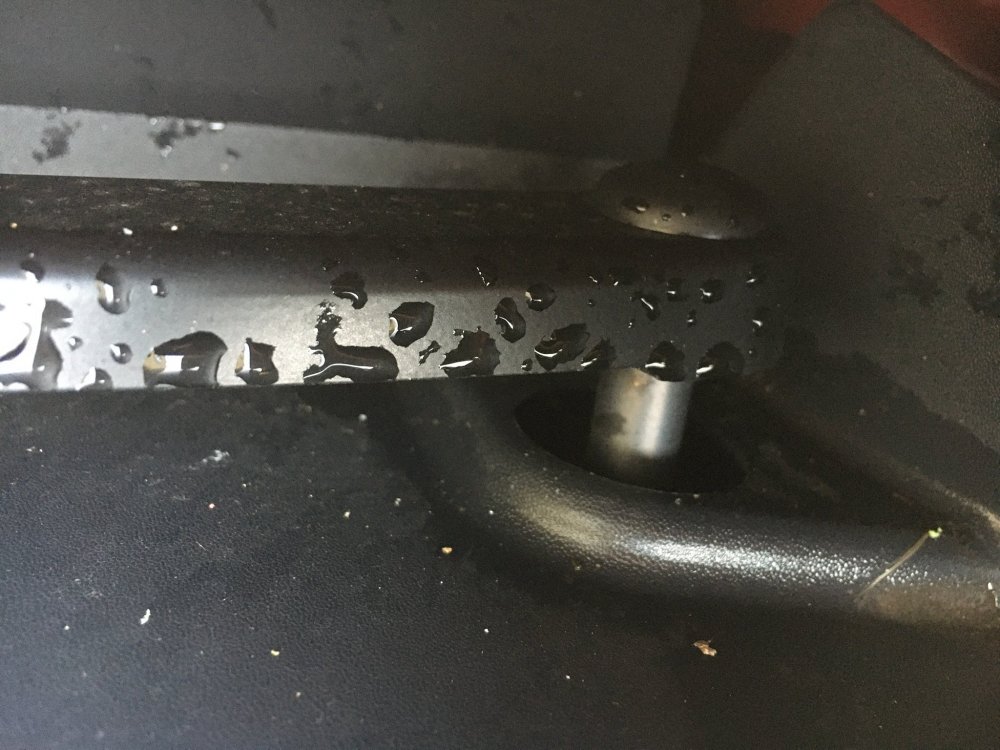
My car is falling apart before me One wiper spindle is showing significant rust, while the other looks ok. That’ll be an interesting chat with the dealer if I ever get there. Only 2,400 miles btw since March due to the Bug. But hoping to add at least a 1,000 this month.
-
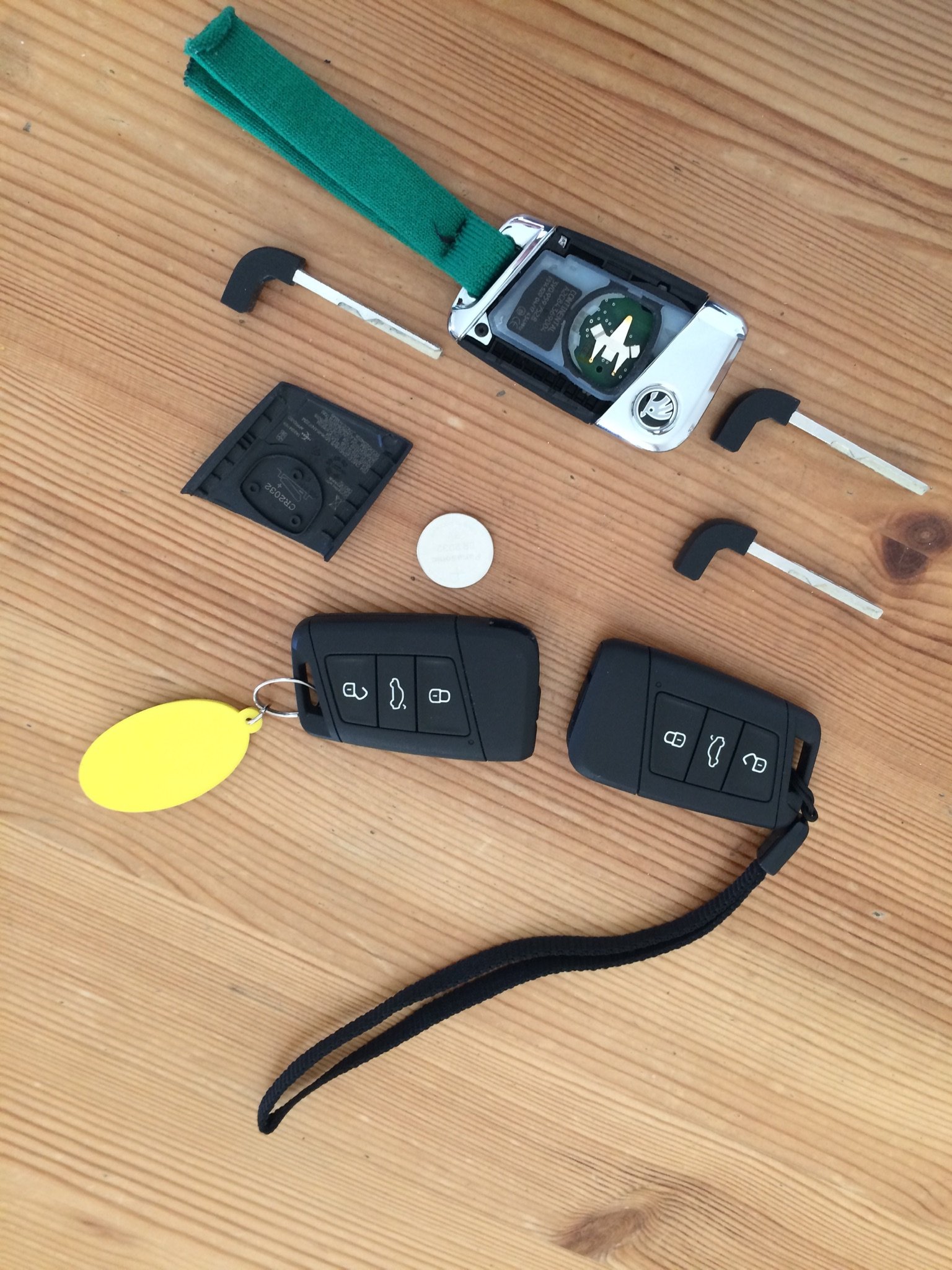
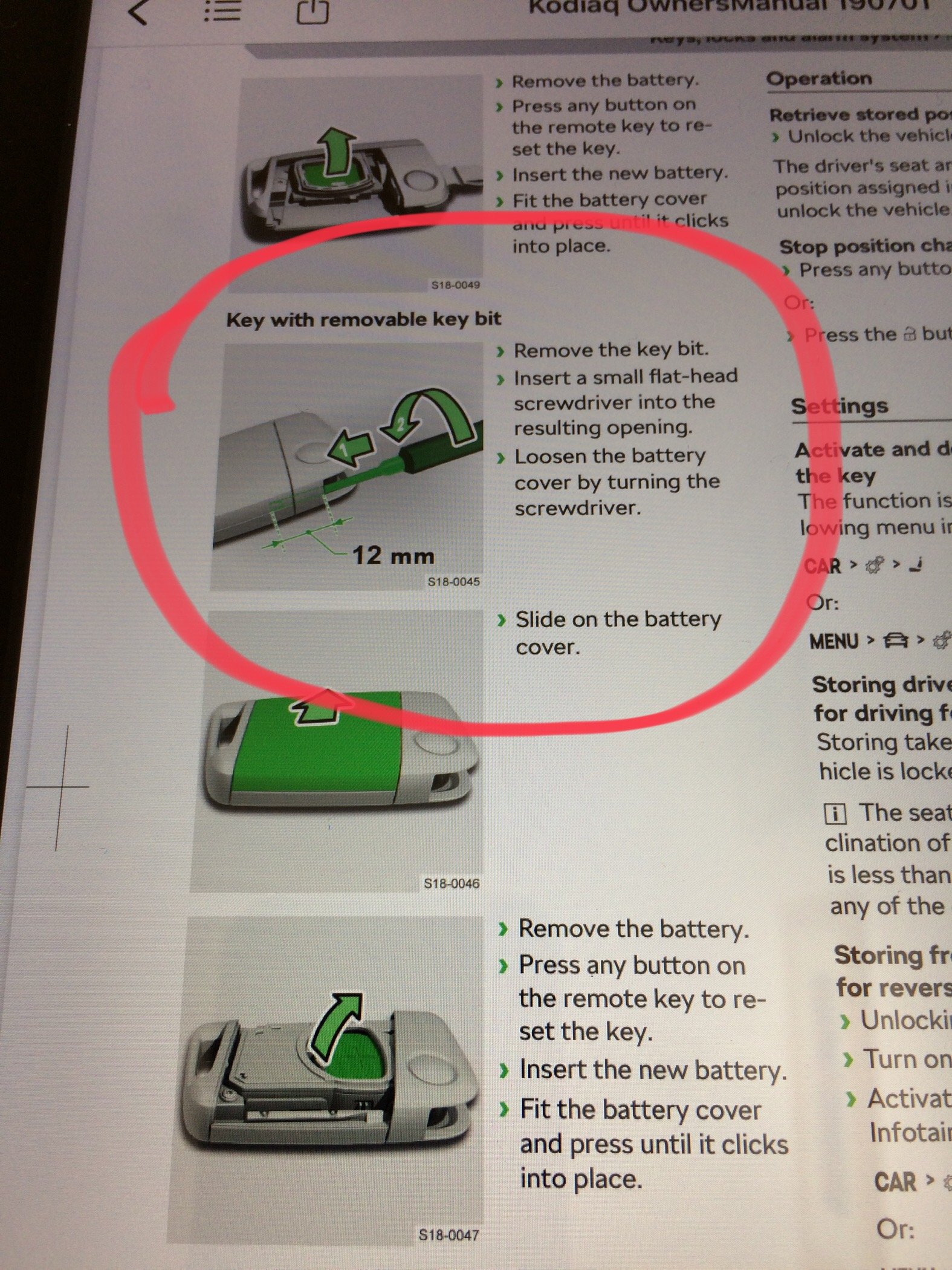
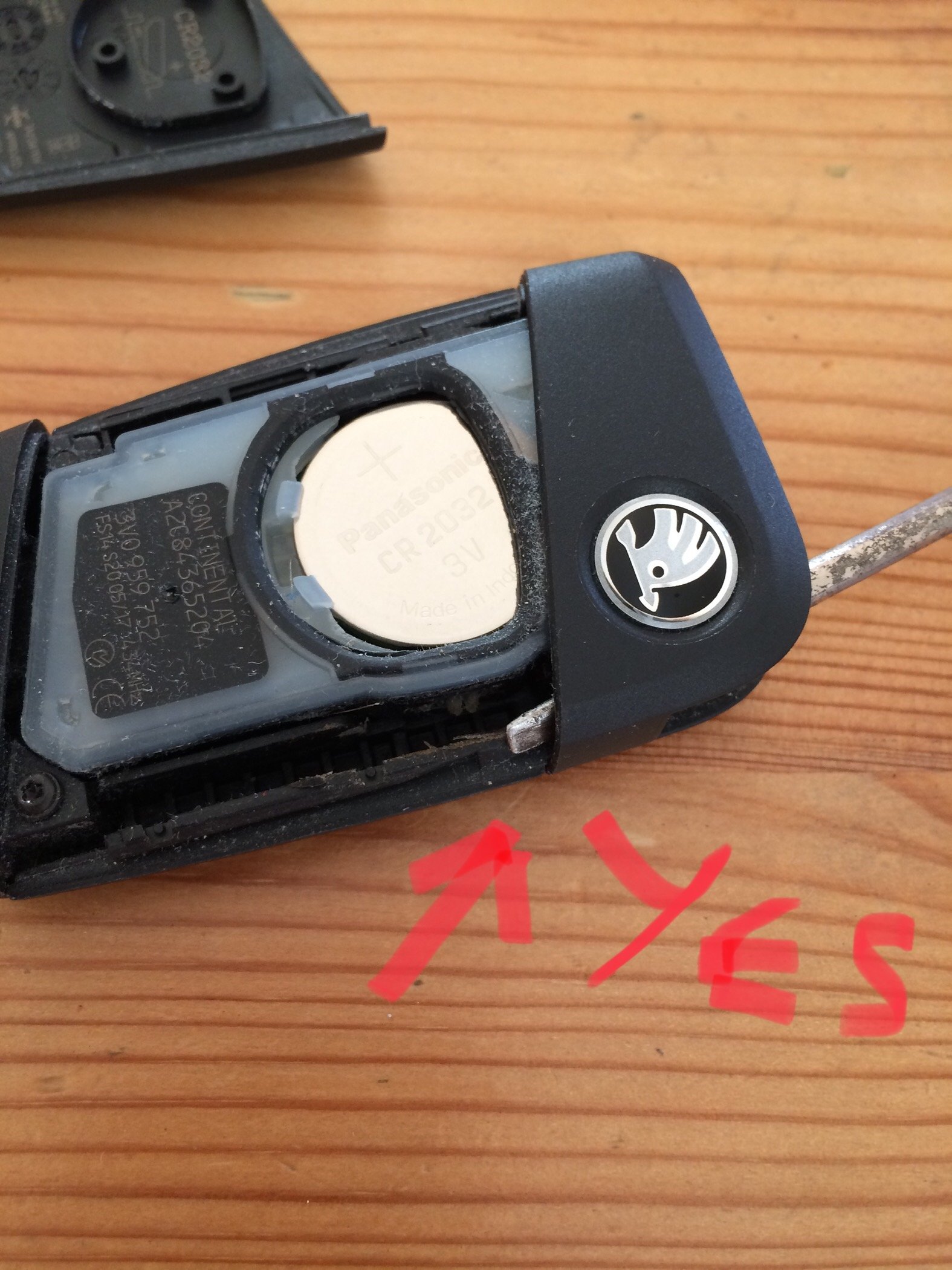
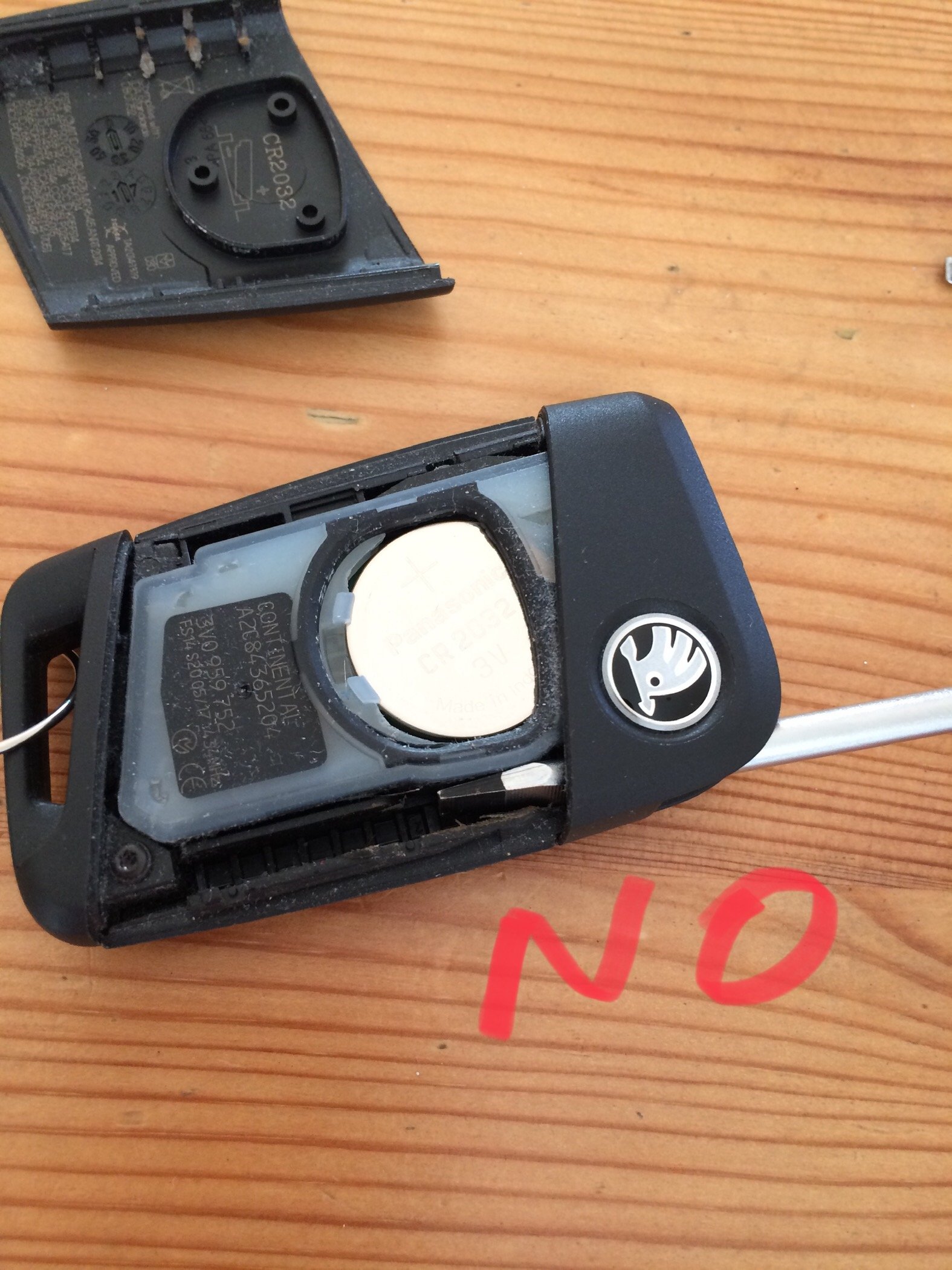
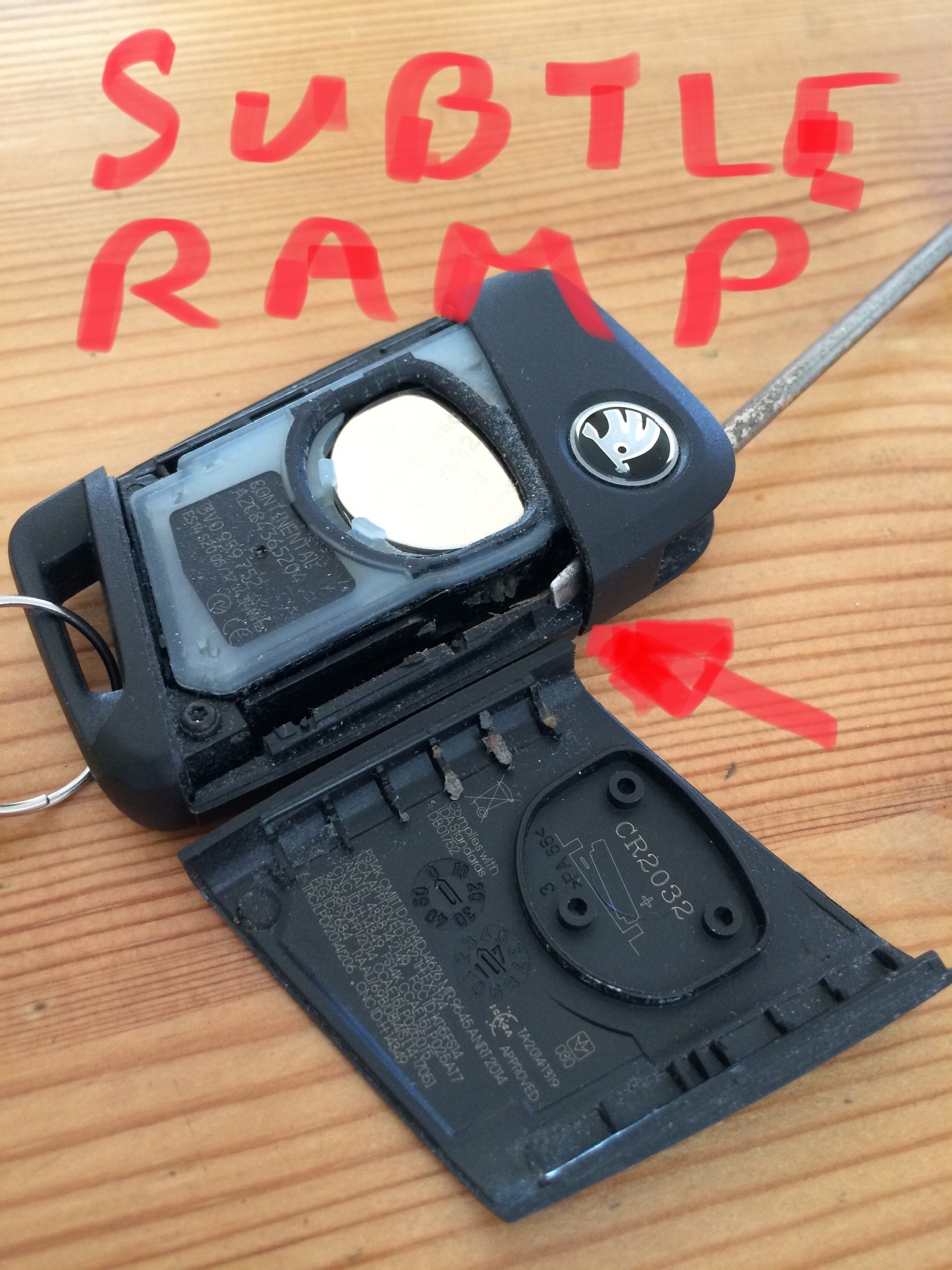
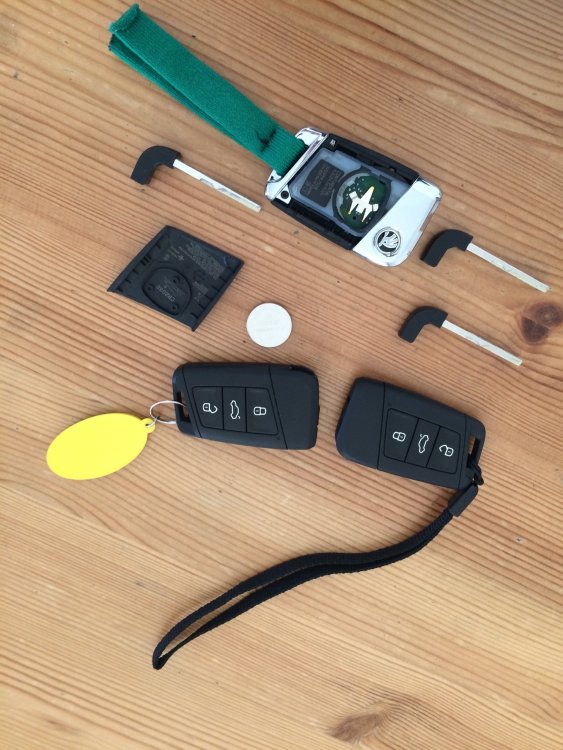
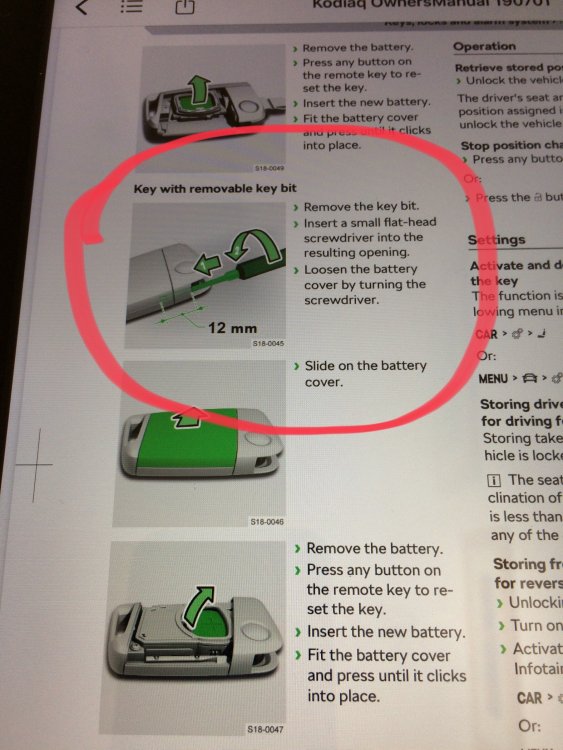
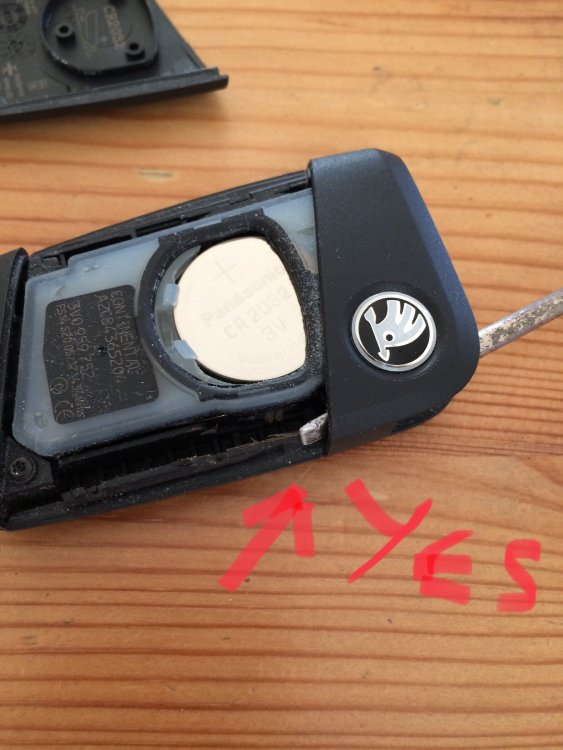
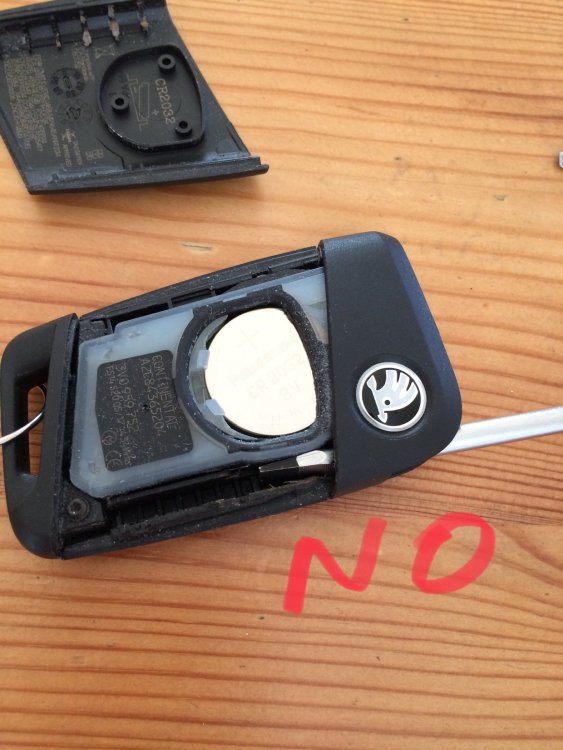
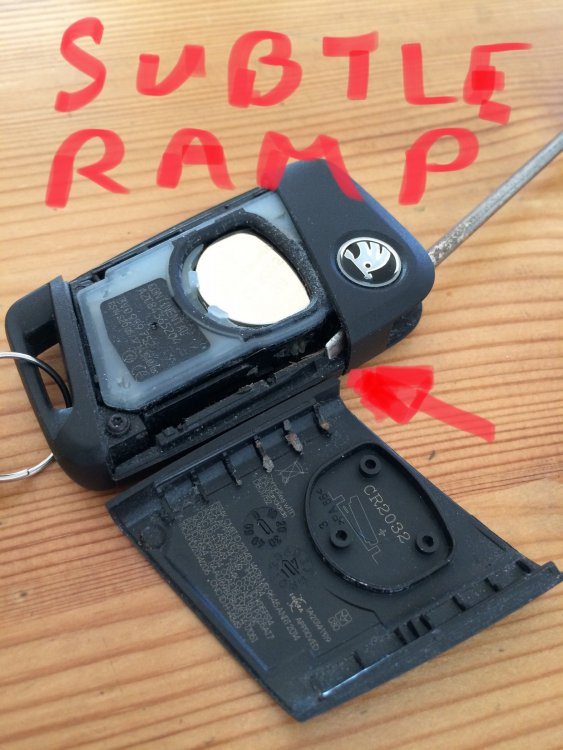
I’ve changed batteries on previous cars without a wrestling (and swearing) match. I’ve also read the useful Key Fob threads in the Octavia page, but my key fob internals have a different layout. Having seen the Low Batt message a few times on the dash in recent weeks I decided to open my 3 fobs and select the best battery for my No.1 key. Expecting all 3 to last another month till departure day. So I did RTFM. Surprisingly, Fob 1 opened up without much difficulty, but no way could I get 2 and 3 to open. Brute force in the wrong place of course was going to break something (expensive). With hindsight I’m not really sure how I managed to pop No1 first time. Long story short - there’s a very special location for a narrow bladed screwdriver (or ex-screwdriver in my case) to slide up a “ramp” inside the fob and pop one end of the cover and allow it to be prised off without damage. The manual simply says “stick a screwdriver in and turn it” without providing the vital clue regarding precise location. No chance. All is revealed, literally, when you get it open.
-
Don't **** about about here about "I wish" - "I want" - I dream" Who's put their money where their mouth is?? Me - SEL 190 4x4 DSG Quartz Grey. Plus a few extras. Due April. Please only post when you actually have the car