




Ianh05
Finding my way
-
Joined
-
Last visited
Everything posted by Ianh05
-
They replaced the battery
-
Mine died too, car was only a few months old, replaced but no warning signs until it died on me.
-
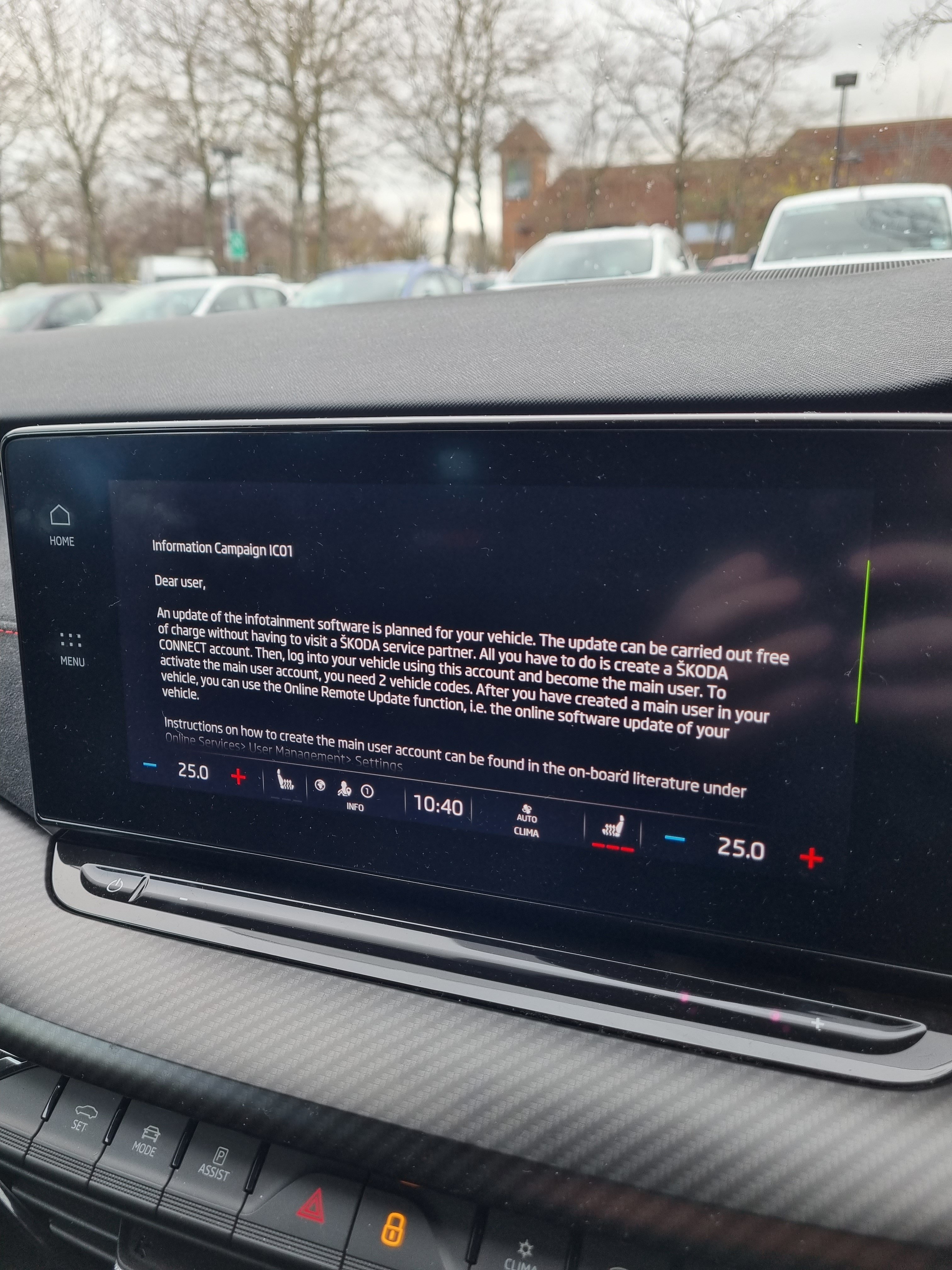
Any problems since the replacement? Or too early to tell? From what you're saying it's the stop start that's the problem not the battery?Hi all, Last night my mk 4.5 vrs wouldn't start, called Skoda Assist, when they arrived checked it over, told me the battery is dead. It's driven daily typically for 40 miles. The car is only 6 months old, anyone else suffered this?Thanks for this, however the KESSY function works fine, it's the buttons on the fob that don't work until I've unlocked the car using the KESSY entry method.I had a scan done yesterday to see if any obvious error codes appeared, alas no luck, still got the same issue - have you had any luck @Zheka79?Thanks for this, but the issue remains for me tooNo, I didn't still an issue - Skoda want £100 just to investigate it...Yes, replaced the battery, same issueHi All Got an issue with both key fobs, pressing the buttons doesn't lock/unlock the car (red light on fob showing when buttons pressed) However, the car unlocks/locks when I use the handles to unlock/lock and then the buttons on the fob work for a while.... Anyone else had this problem? VRS 2021 modelI had a similar problem with using an adaptor - If you buy a mini or micro USB C stick that will work fine. I use this one: https://www.mymemory.co.uk/mymemory-256gb-dual-usb-c-usb-3-1-flash-drive-200mb-s.html Structure wise, I organise mine into Artist Folders and Album sub-folders - system reads them fine..Exactly!Not too sure tbh. My problem with the software issues has left me thinking when is it going to go wrong again? As you say, it's dented my confidence, hate to think how much the software issues would cost to fix out of warranty!Mine lost its database for no rhyme or reason, the garage tried updating it with no success, so had a new control unit which fixed it. All under warranty and done in a day, so no dramas!I had this problem, it was fixed by replacing the control panel.Nothing here either.... I know it's laggy, but.....🙃Yes, same...Anyone else got this message?
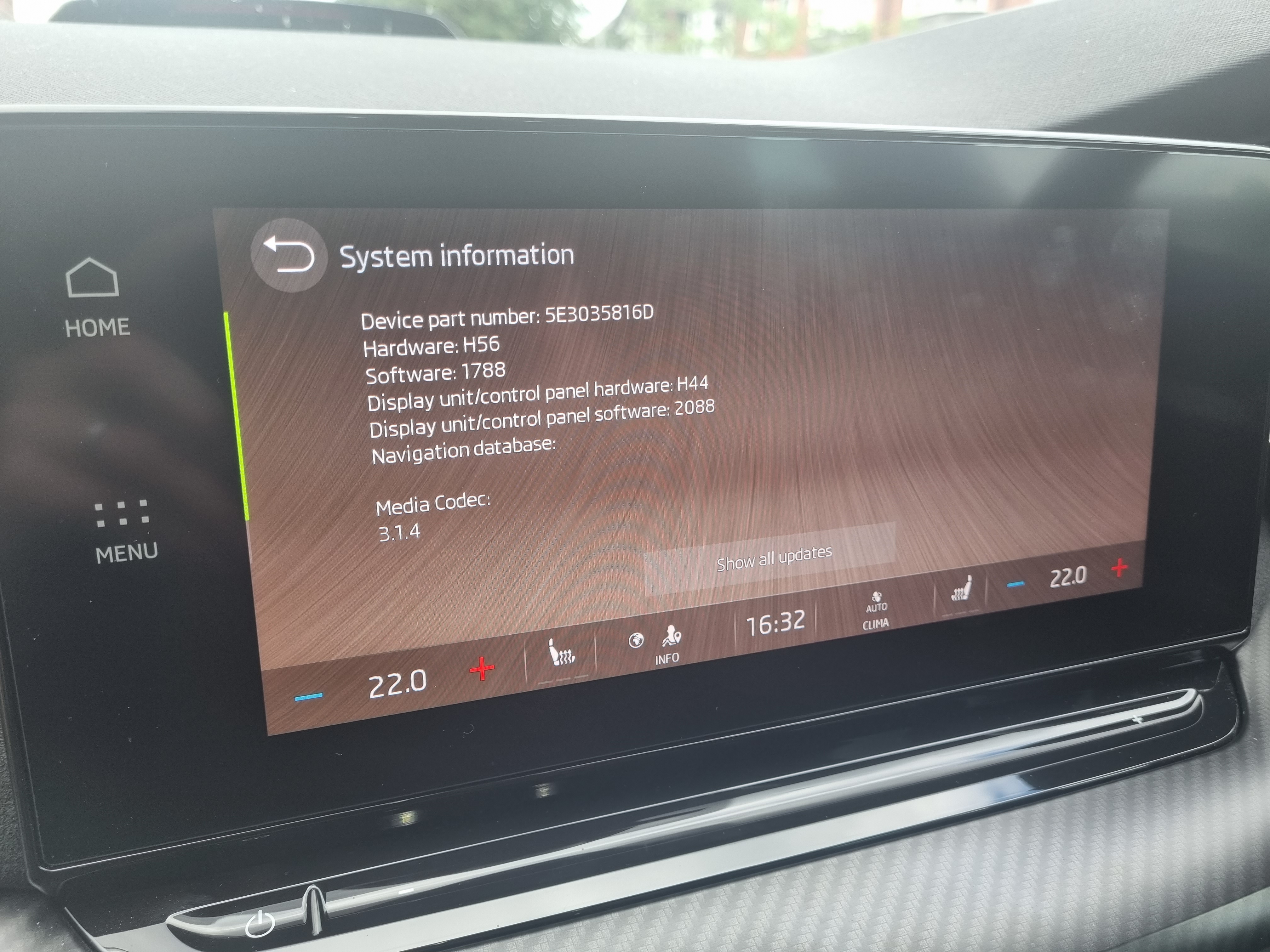
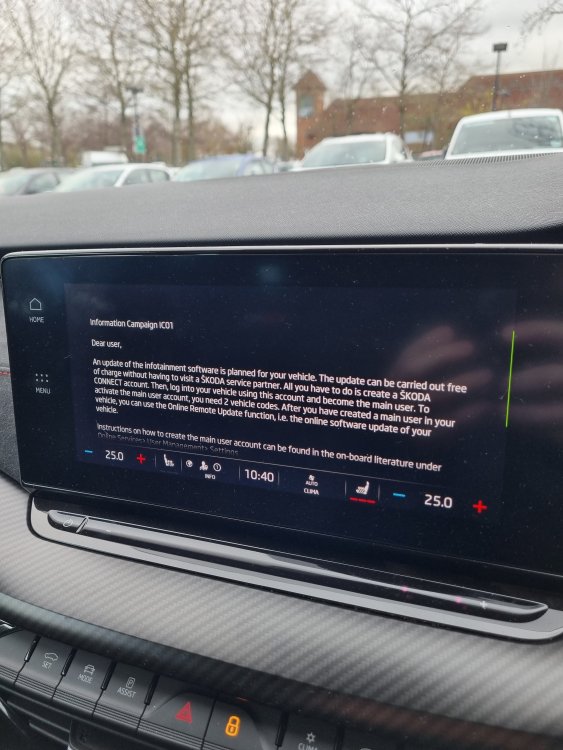 How easy was the process? Mine went into the Dealer today for a second go at reinstating the Sat Nav data base - to no avail..My Sat Nav "lost" it's database about 2 weeks ago, so won't load. It's going to the Main Dealer for a second go at fixing it.Mine's awaiting a fix to reinstate the Nav database, took it into the MD last Friday who had it all day, Couldn't fix it so have asked Skoda Technical, No updates yet. Car is still with me however...You may be interested to know that I took my car into my Main Dealer today for some warranty work ( Sat Nav wouldn't load) to be told that there was a re-call on my car for 2 "Software" updates.Mine seems to have lost it's nav database, going to the main dealer next week...
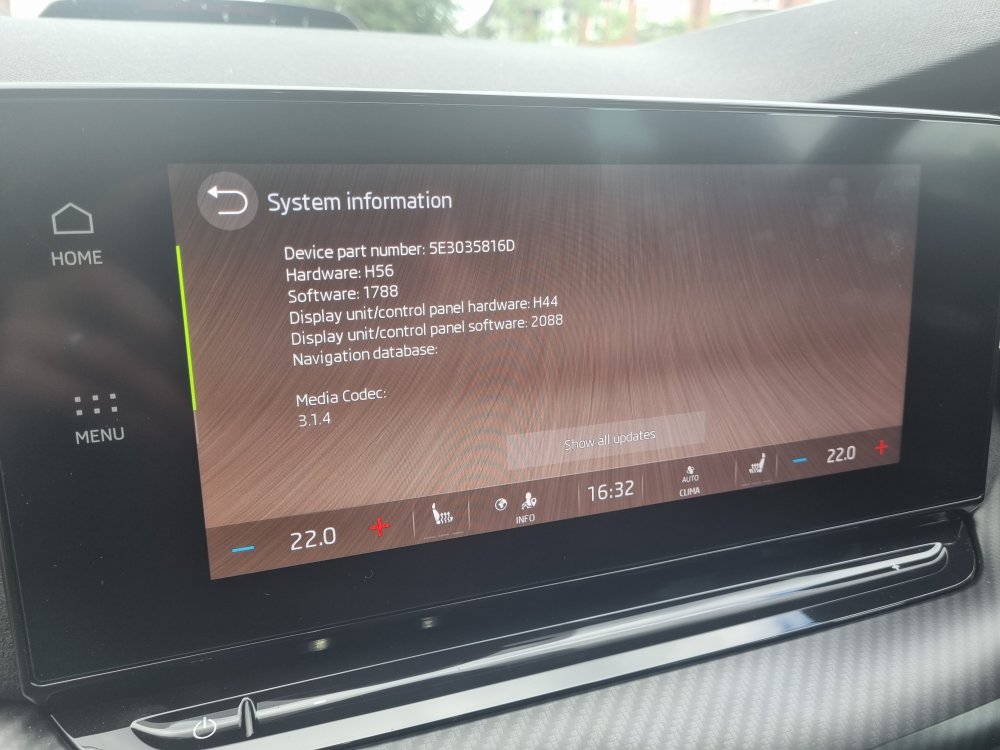 I had a similar problem with using an adaptor - If you buy a mini or micro USB C stick that will work fine. https://www.mymemory.co.uk/mymemory-256gb-dual-usb-c-usb-3-1-flash-drive-200mb-s.html


Important Information
Welcome to BRISKODA. Please note the following important links Terms of Use. We have a comprehensive Privacy Policy. We have placed cookies on your device to help make this website better. You can adjust your cookie settings, otherwise we'll assume you're okay to continue.