pinkpanther
FREEDOM
-
Joined
-
Last visited
Everything posted by pinkpanther
-
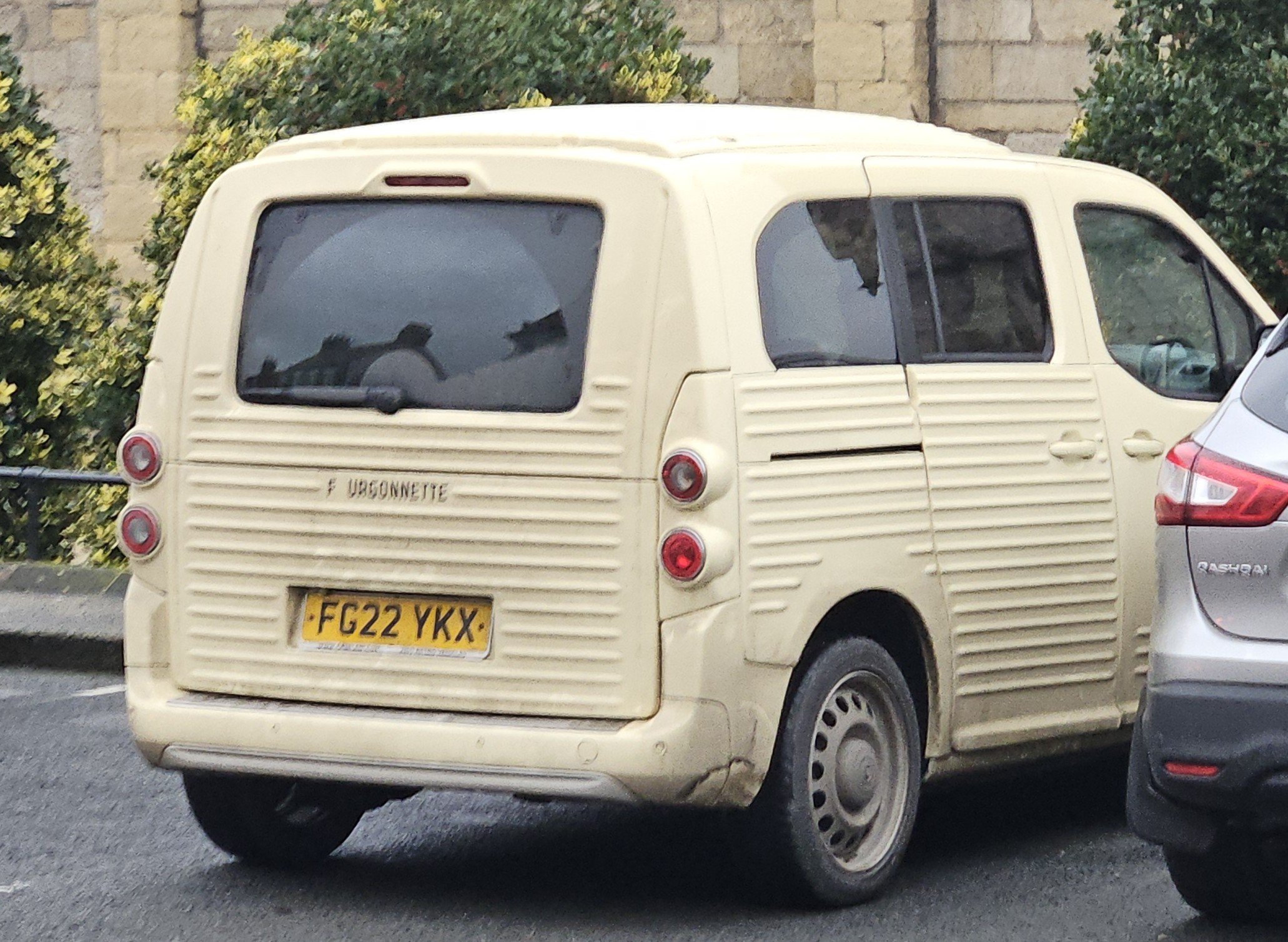
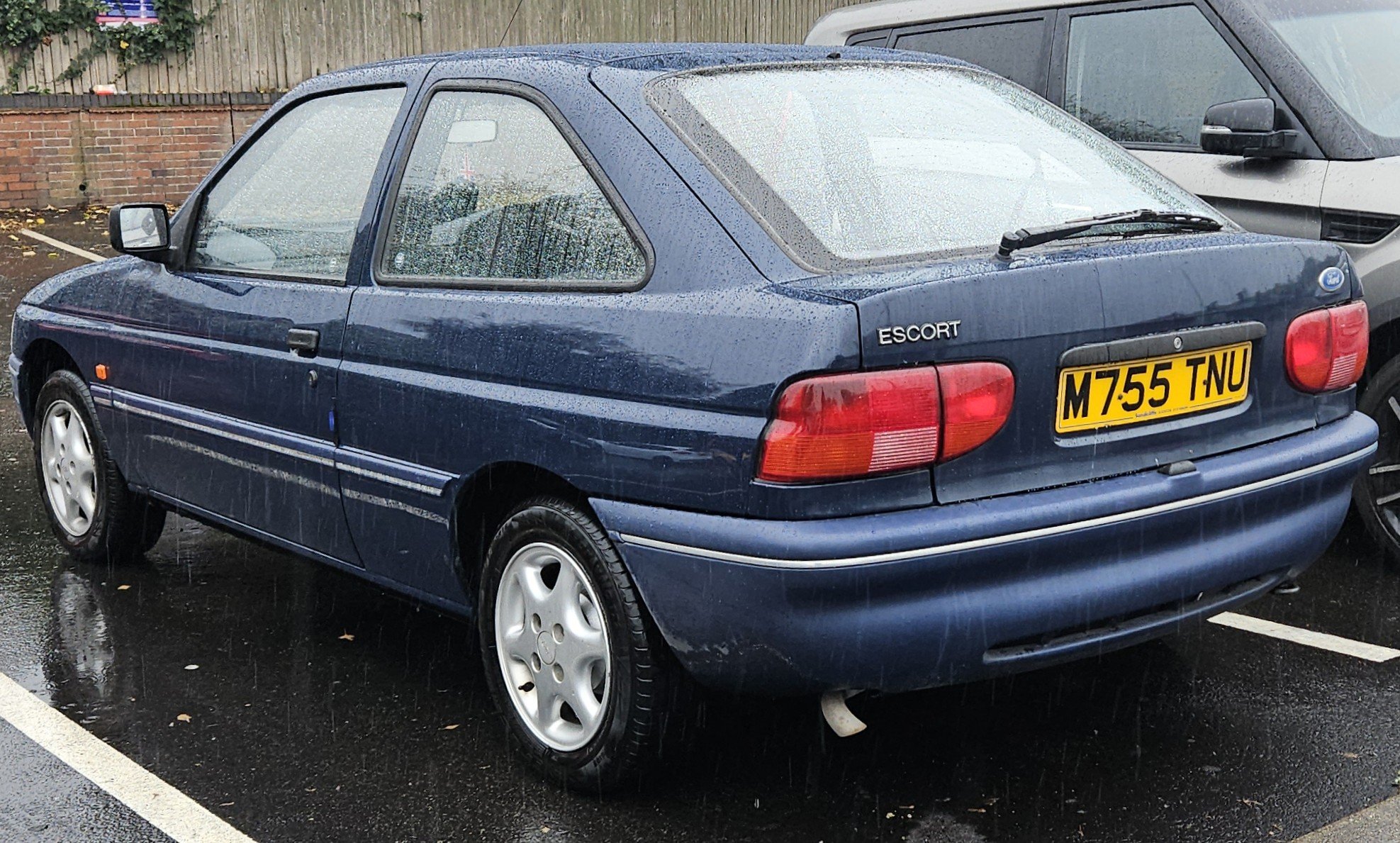
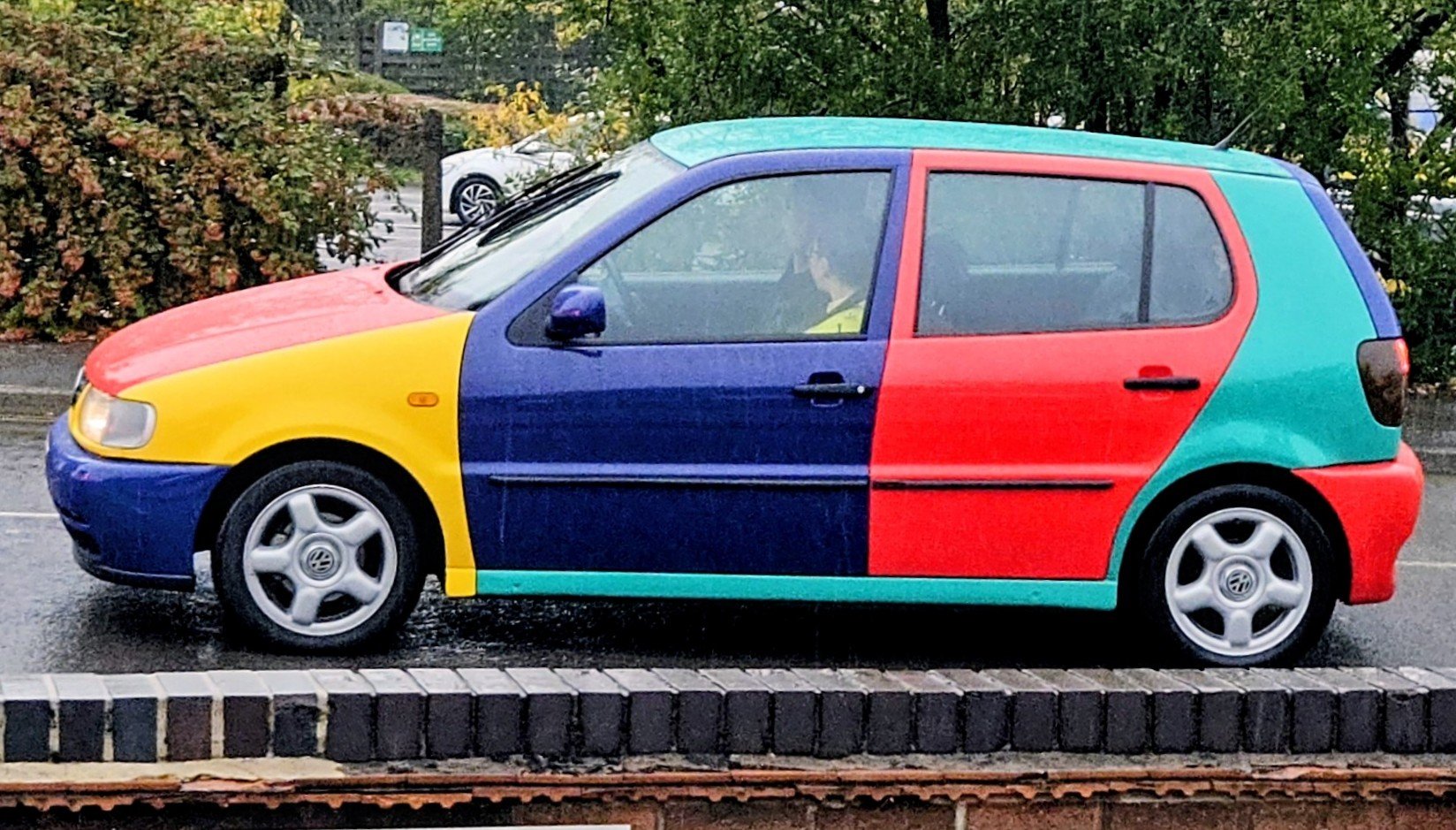
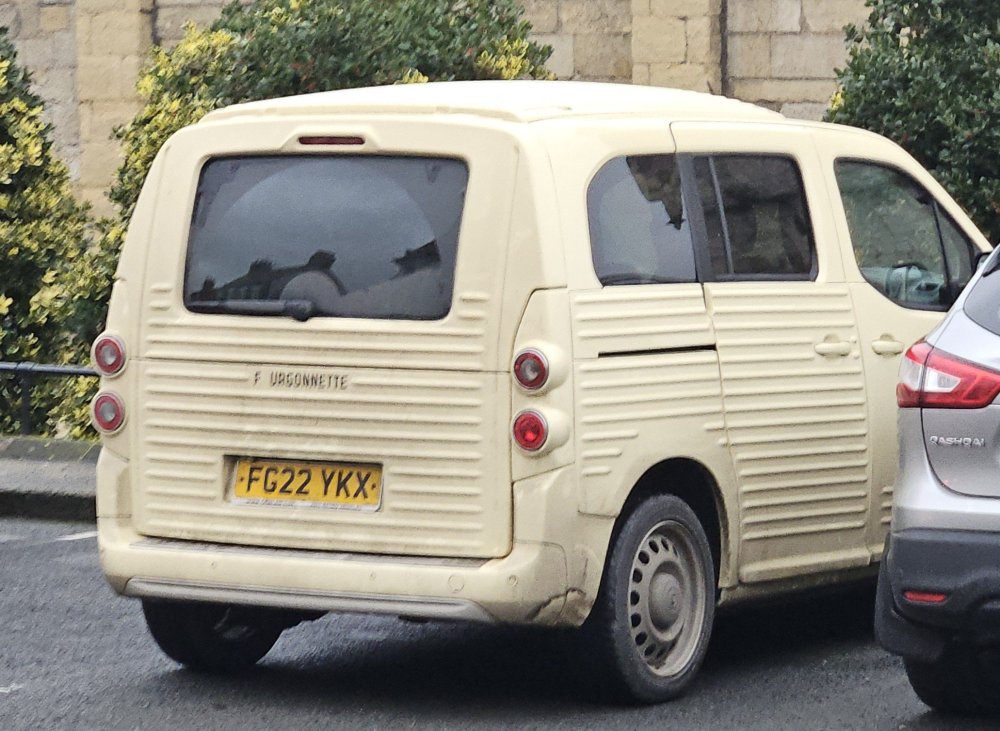
Came across this in Malton today - never seen one before.
-
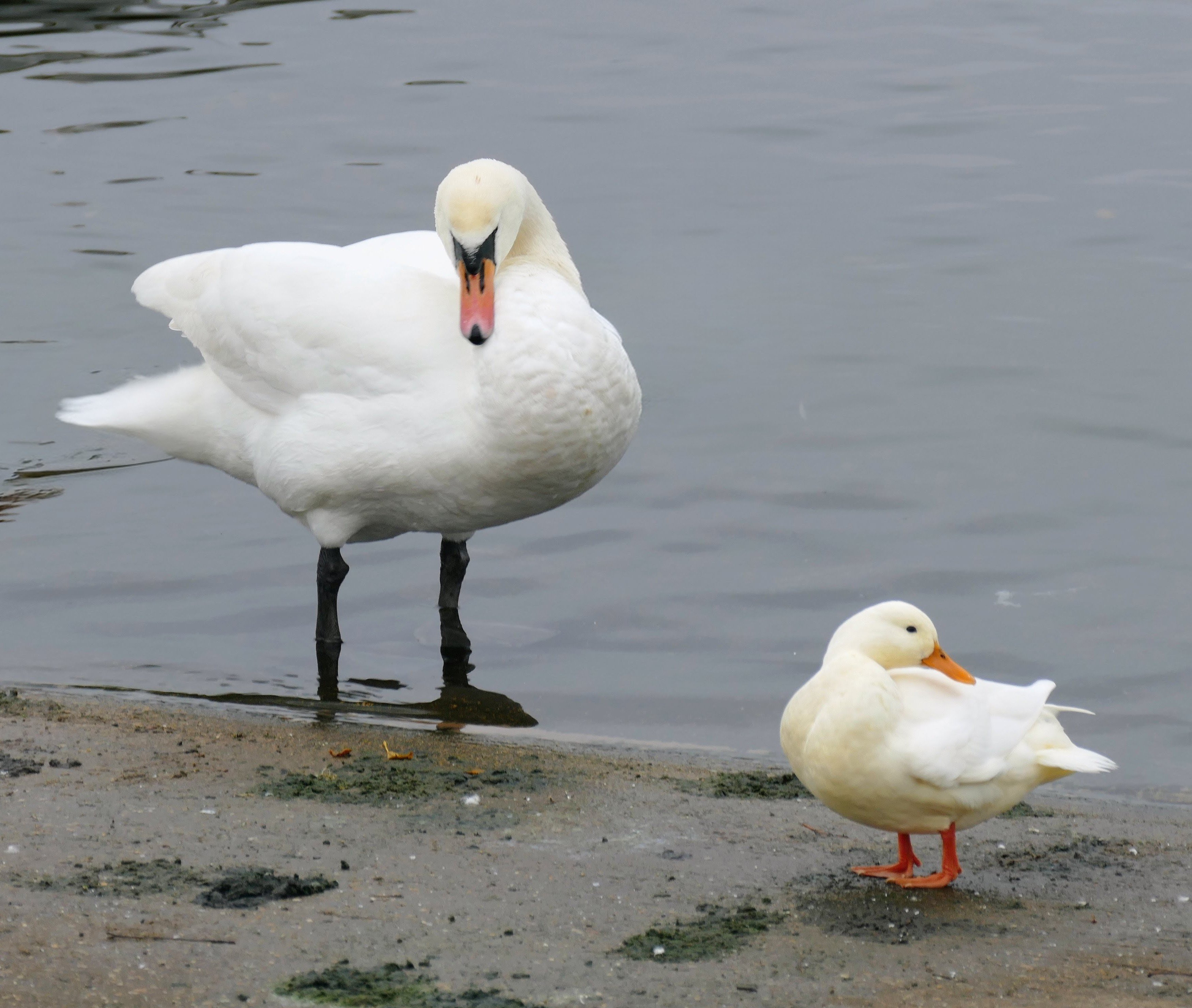
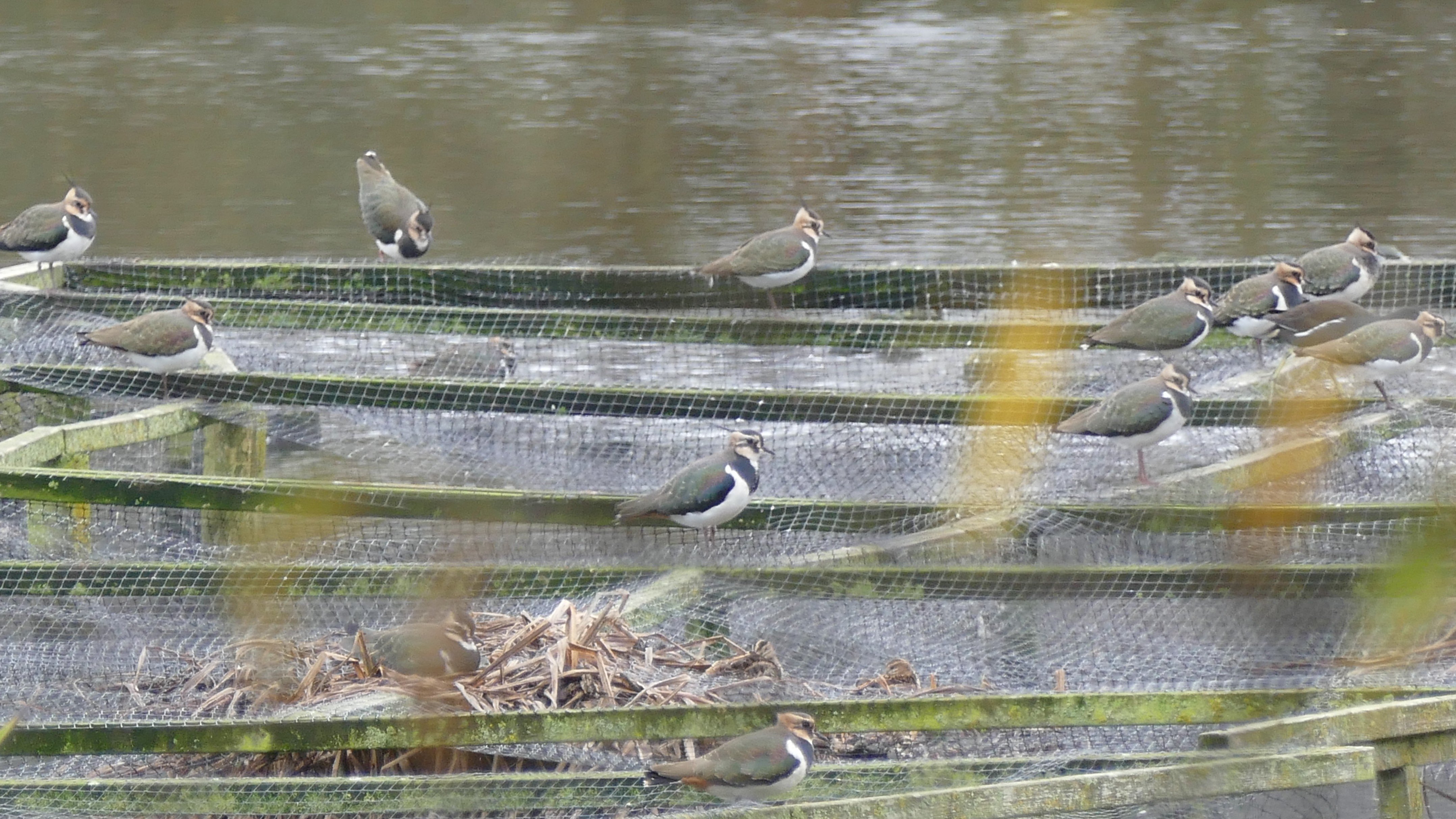
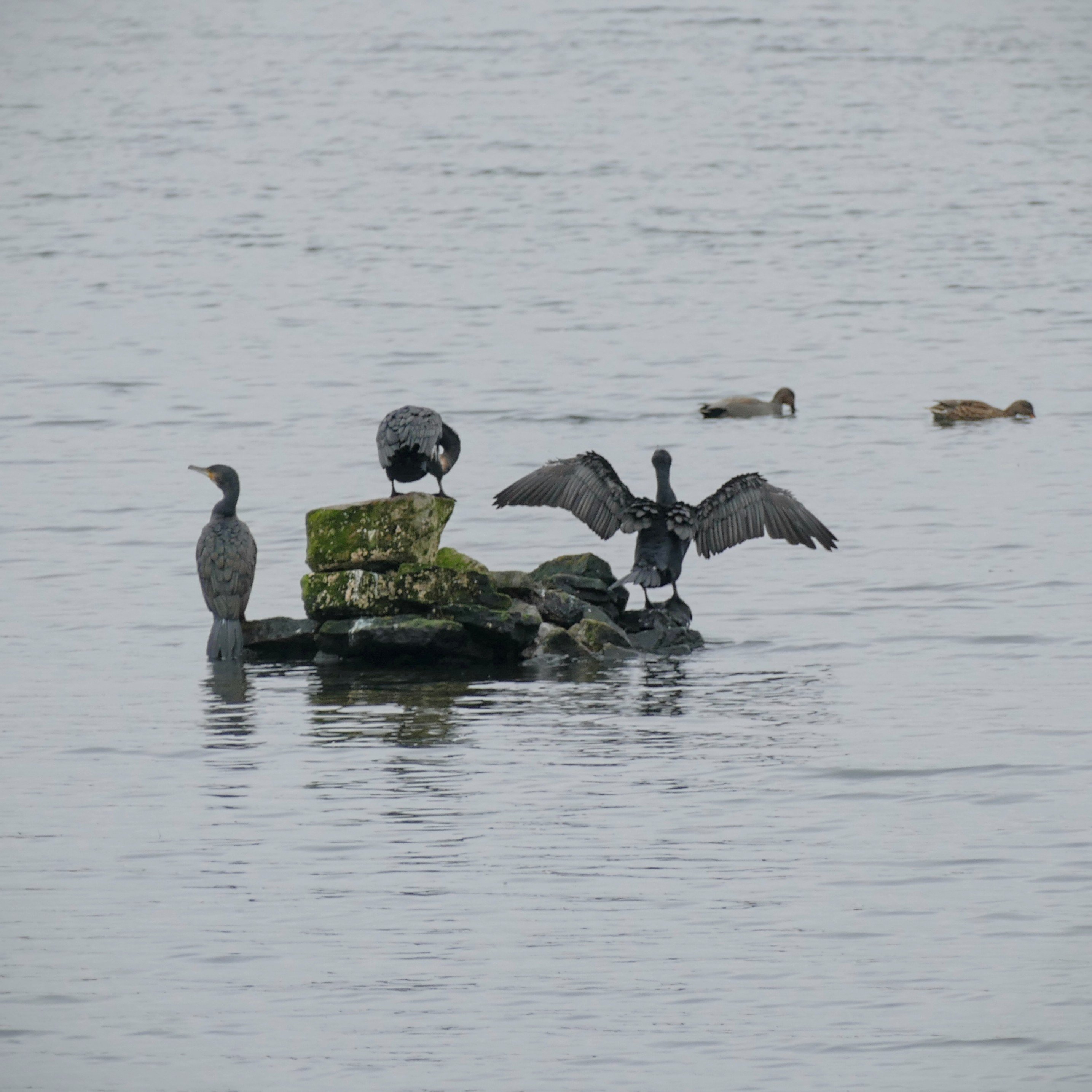
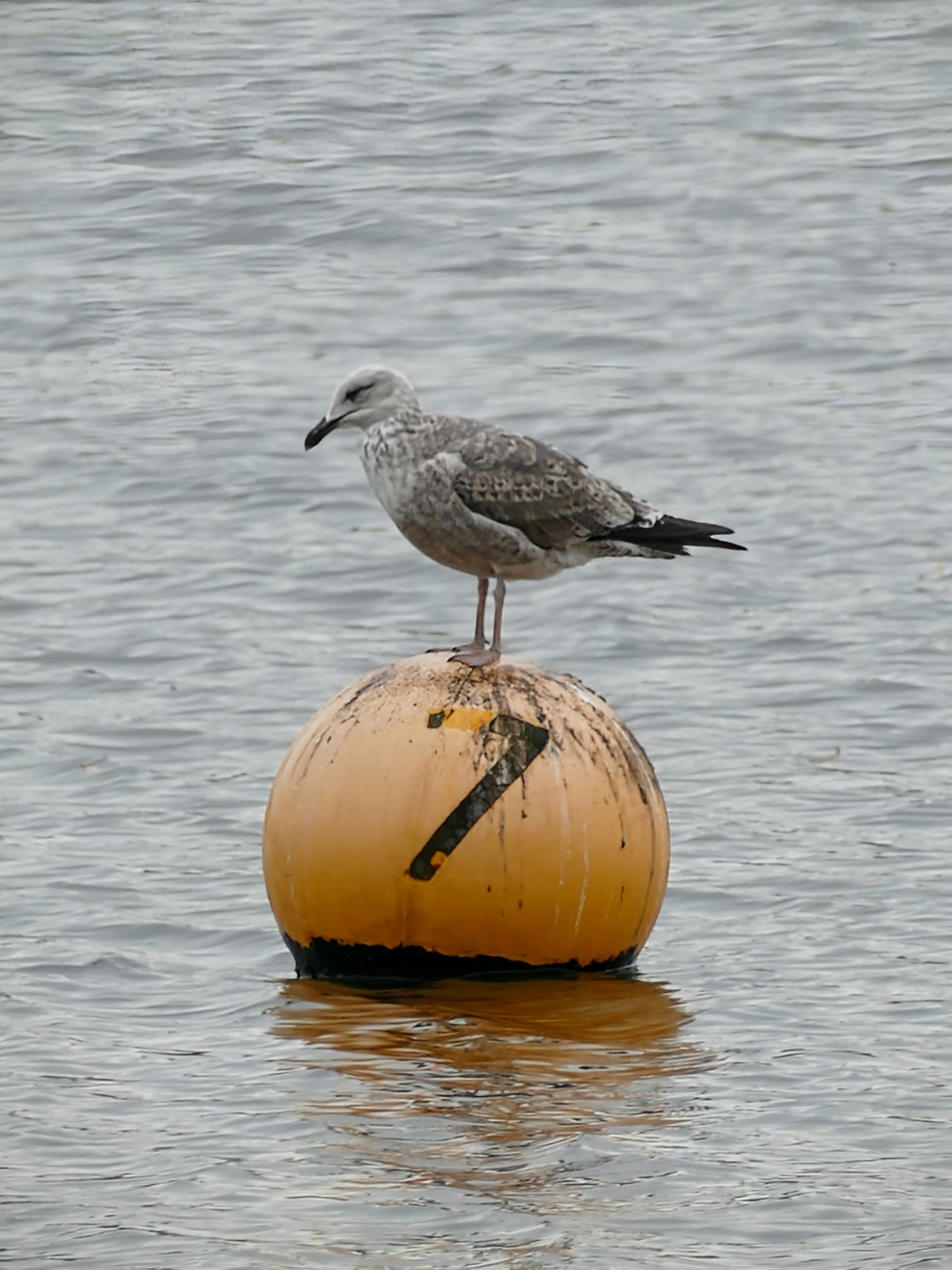
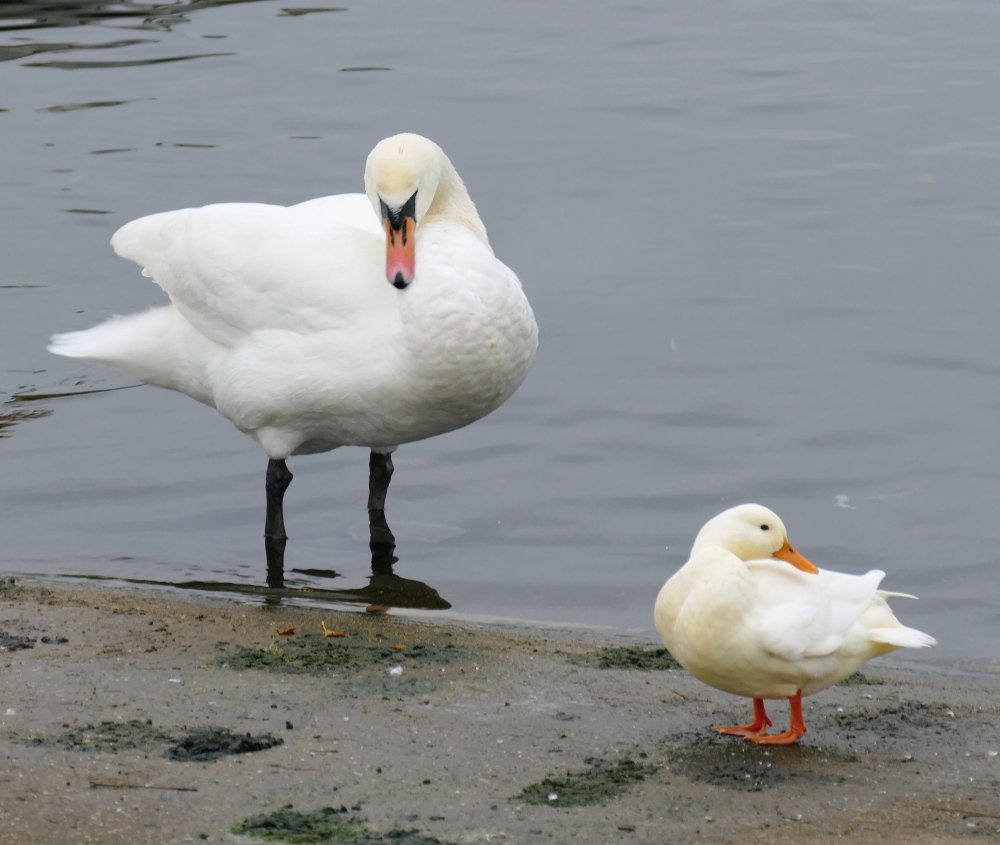
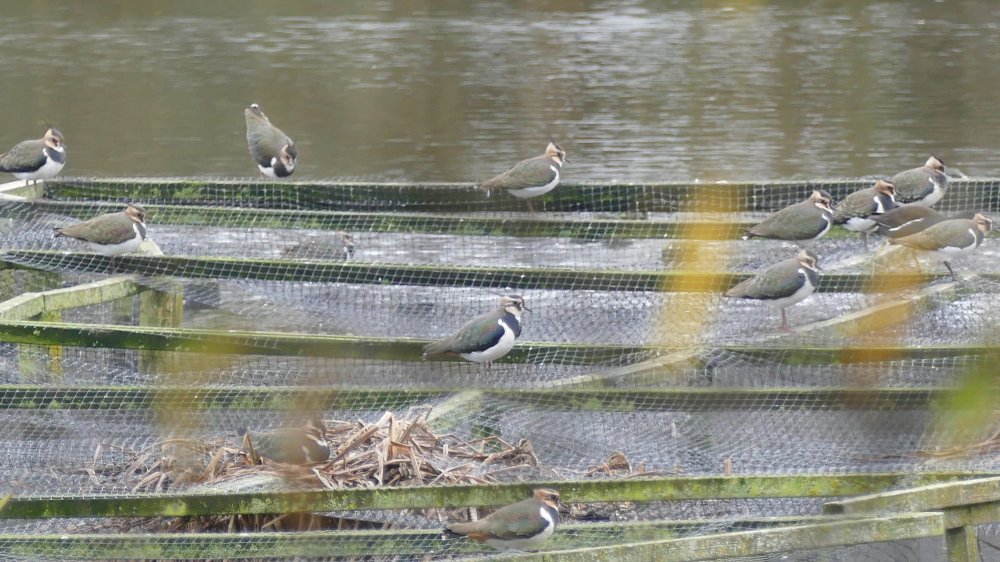
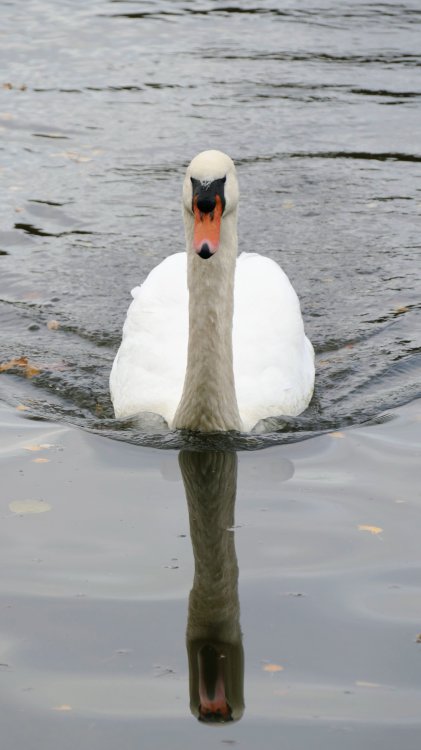
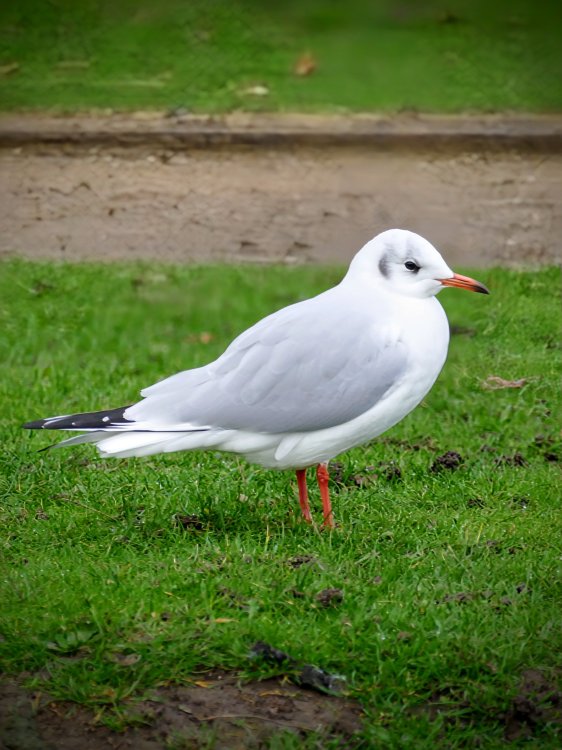
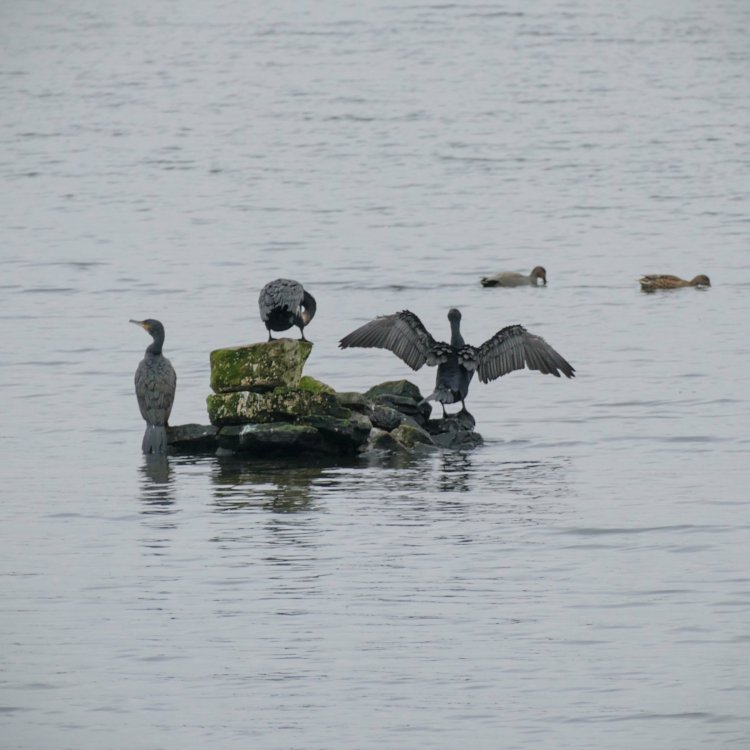
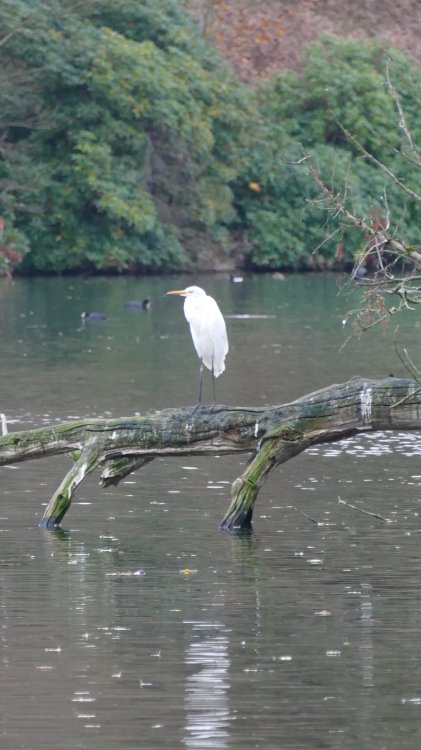
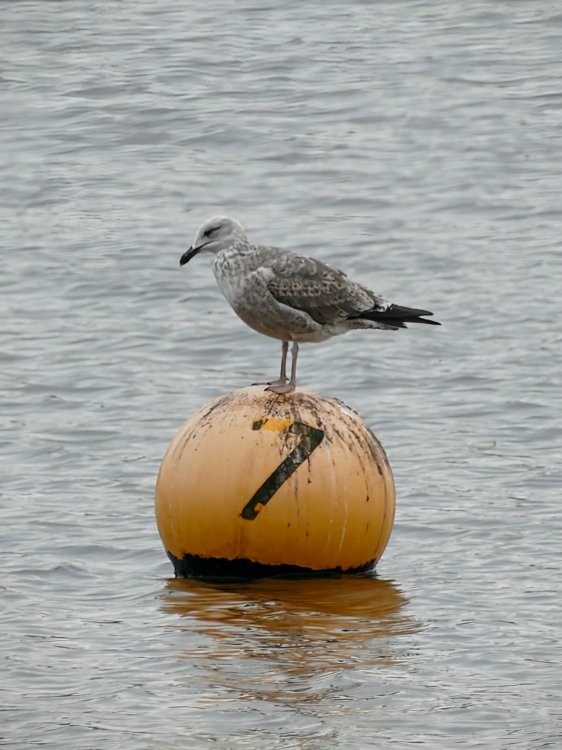
A few from the local Reservoir and nearby Country Park....... Time for a Snooze 😴 Little and Large 😁 Not come across these before 🤔 Full Steam Ahead! And a few others.....................



-
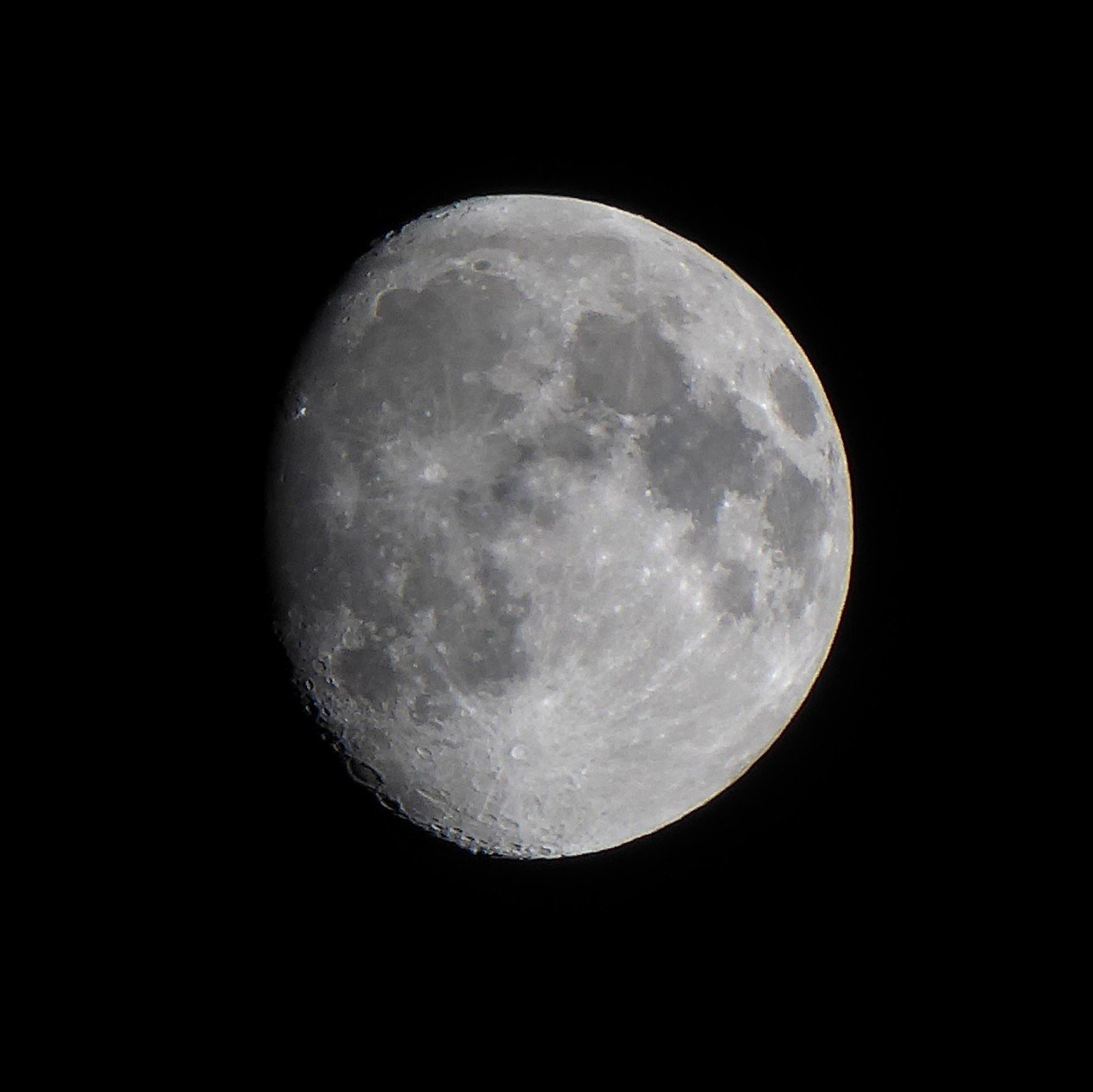
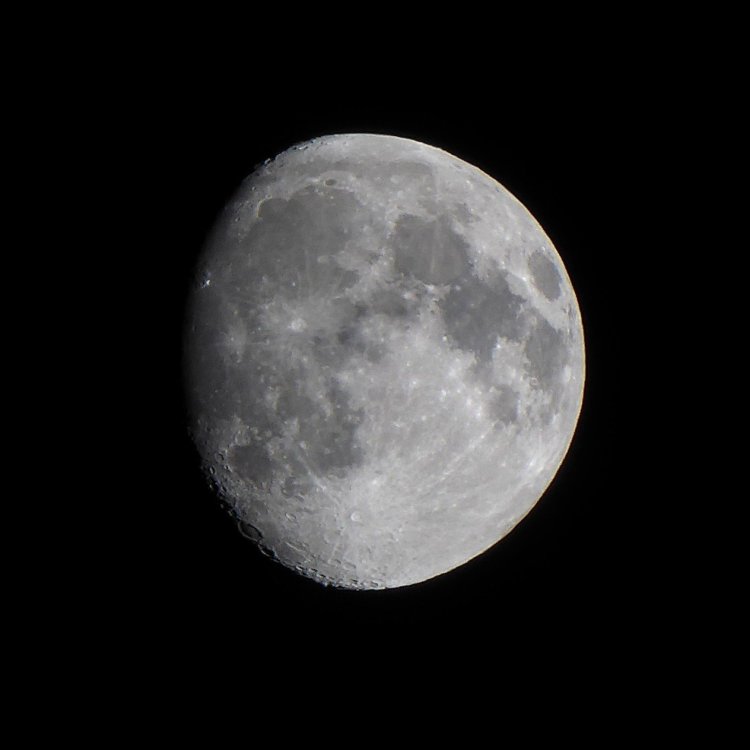
The Moon a few days back............ Full tonight although too cloudy for a clear view 😕
-
The torrential rain arrived............. 20251019_133134~2.mp4
-
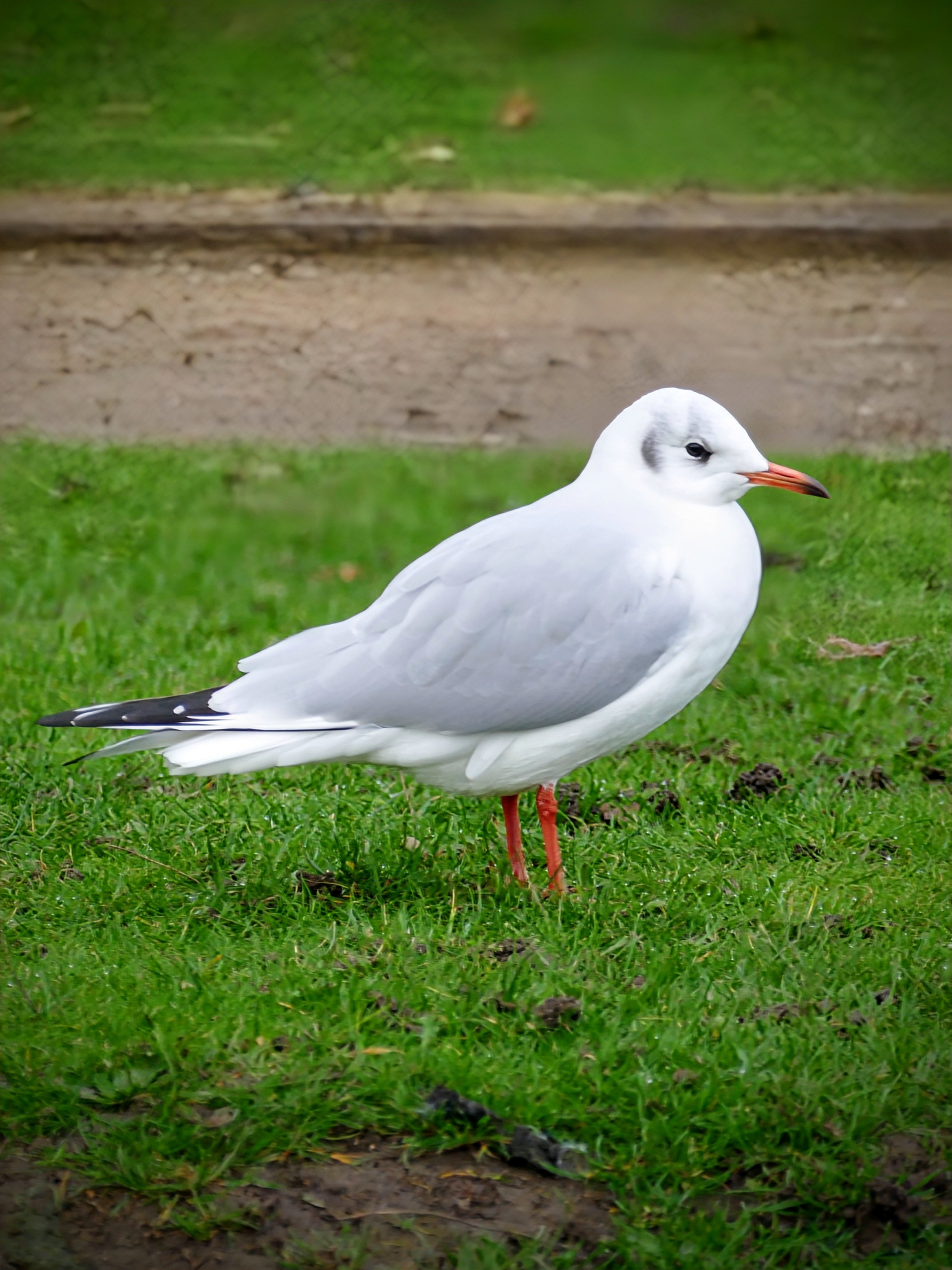
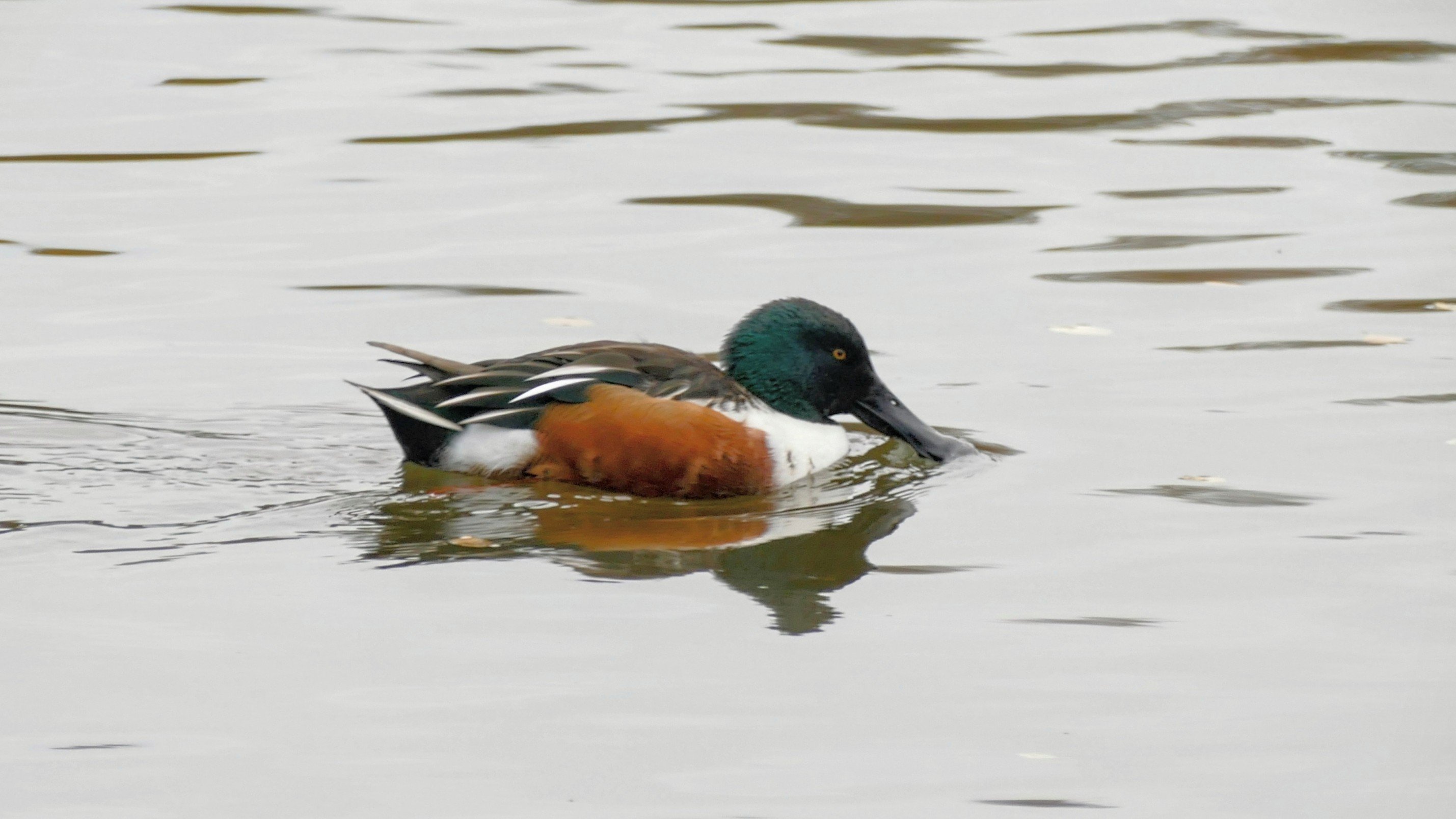
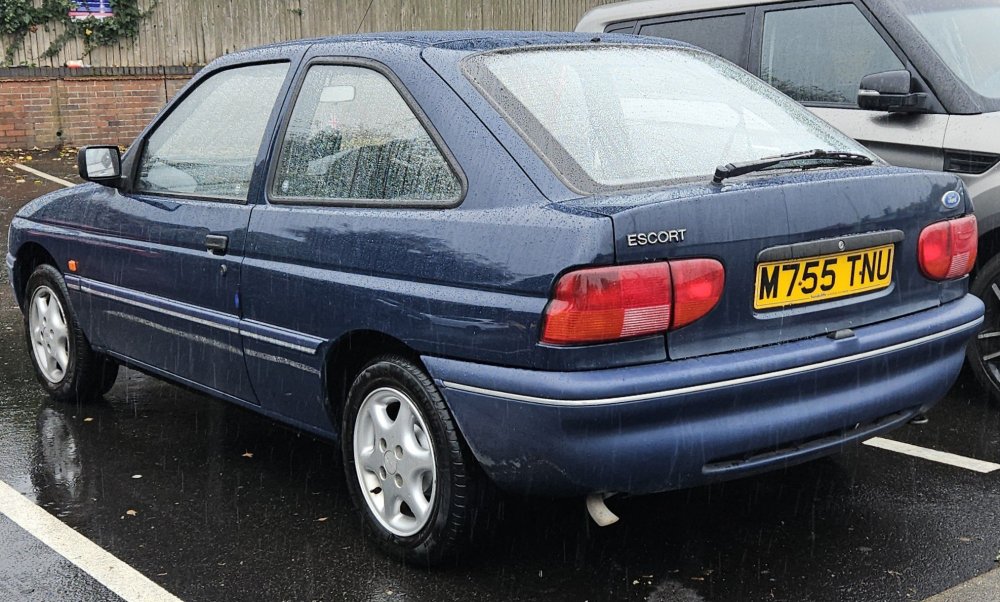
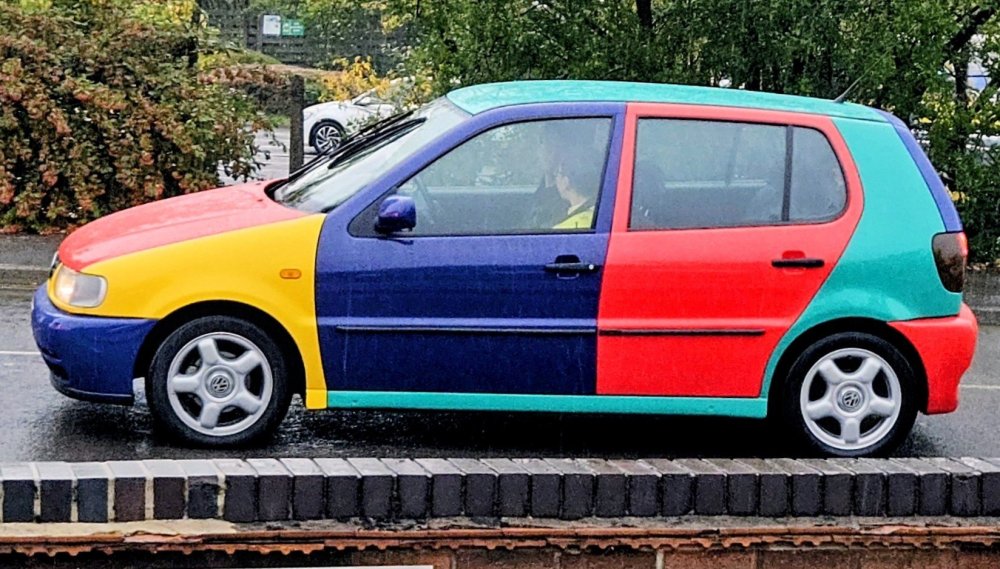
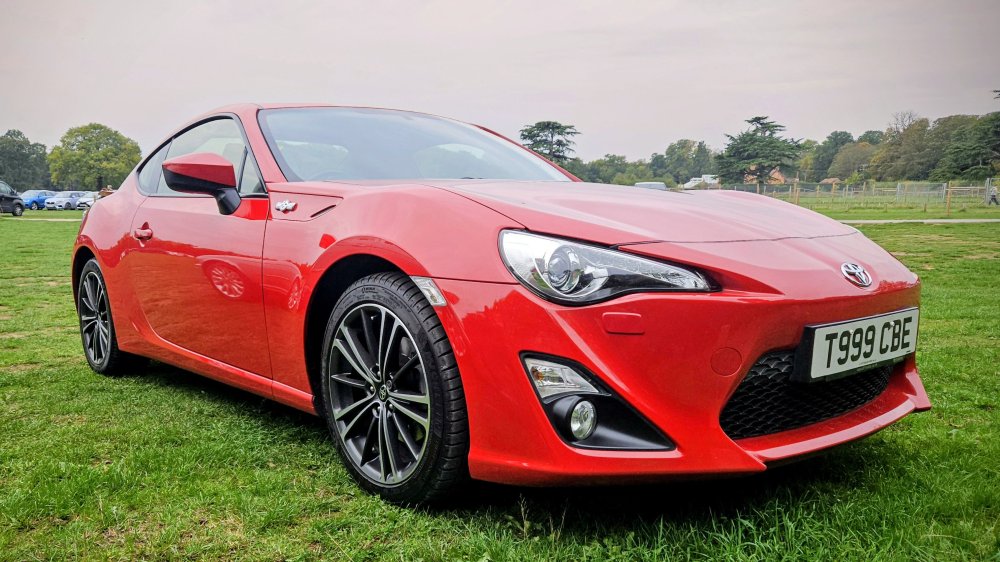
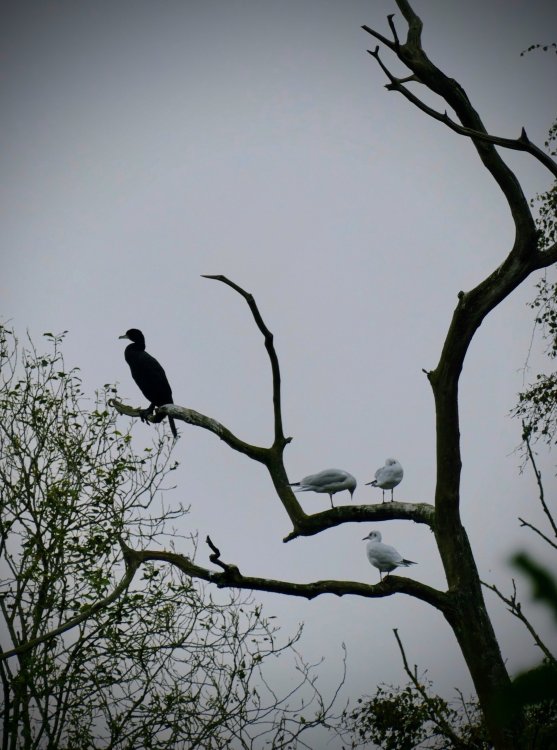
Spotted a few (relative) rarities earlier.......
-
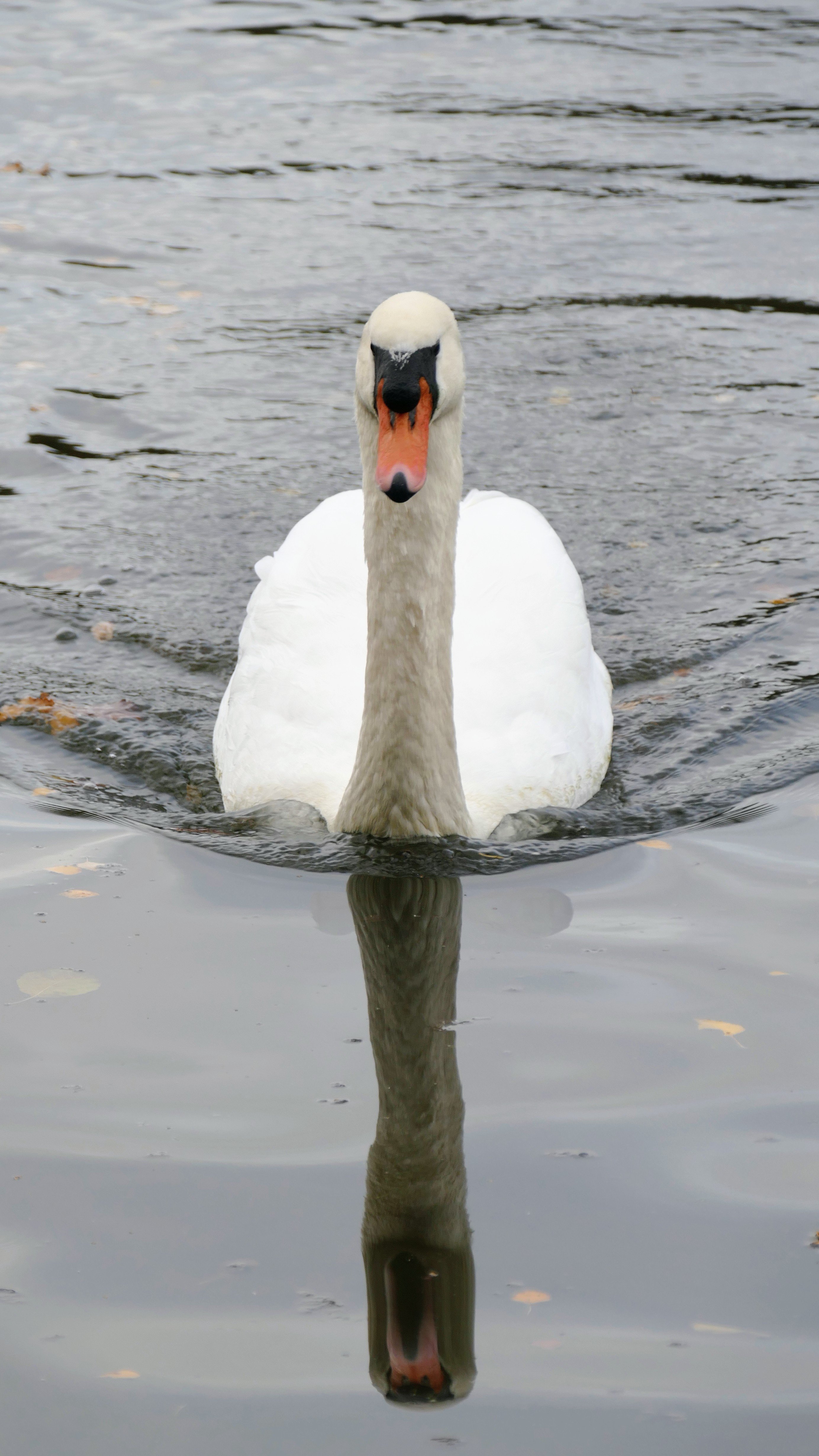
A few from Clumber Park this morning - great to see so many Swans (Avian flu decimated the population a few years back)




-
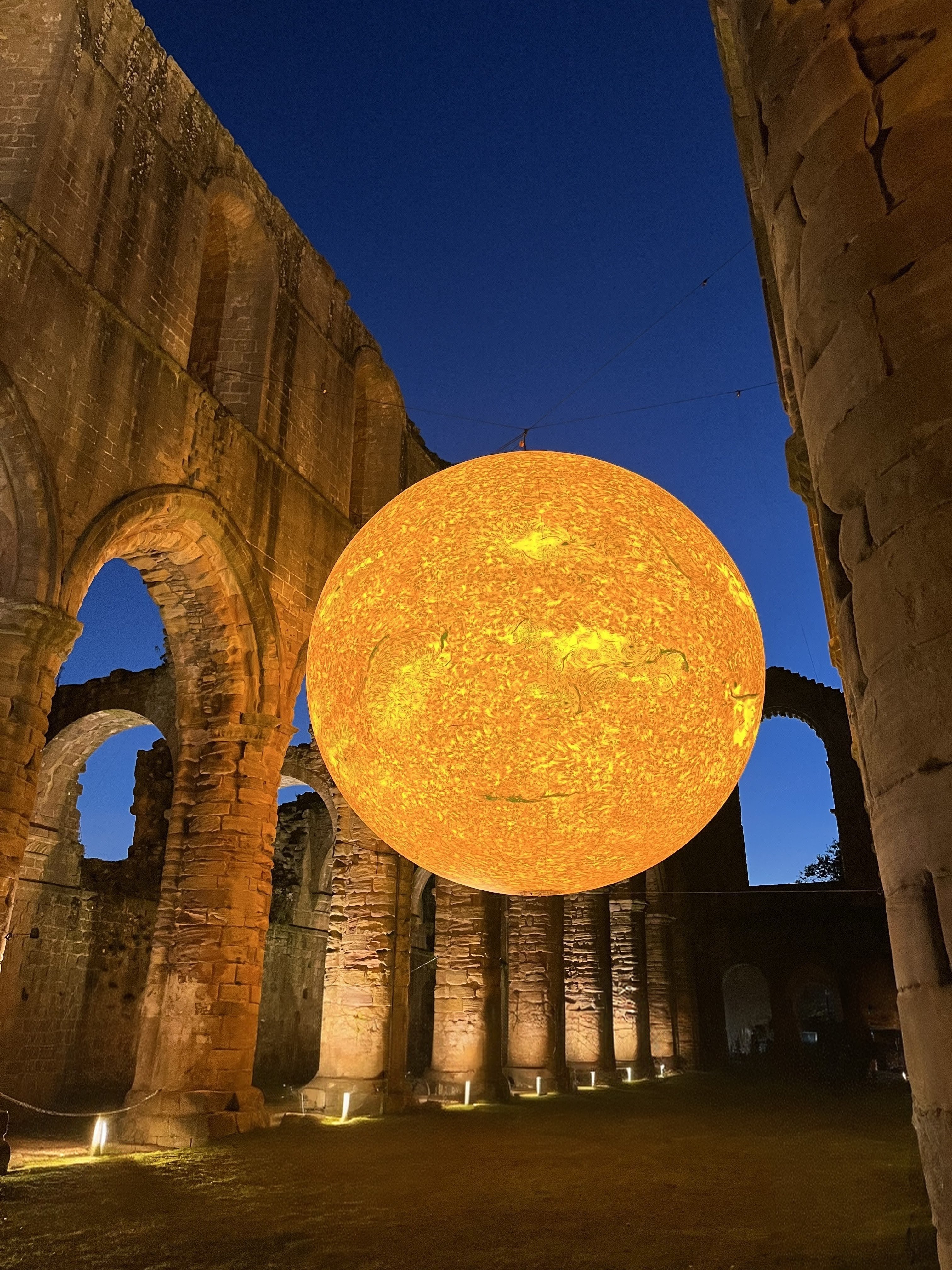
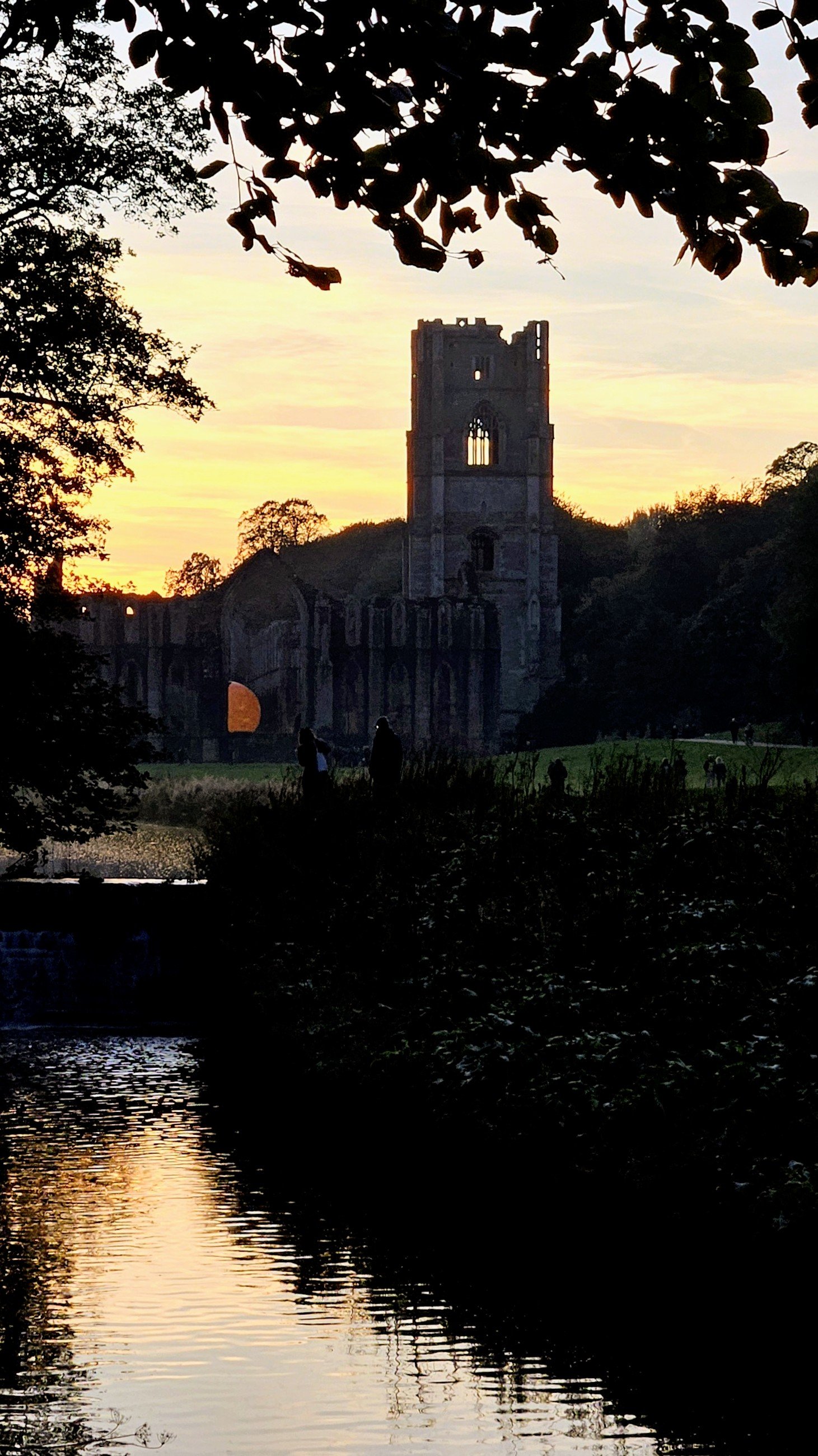
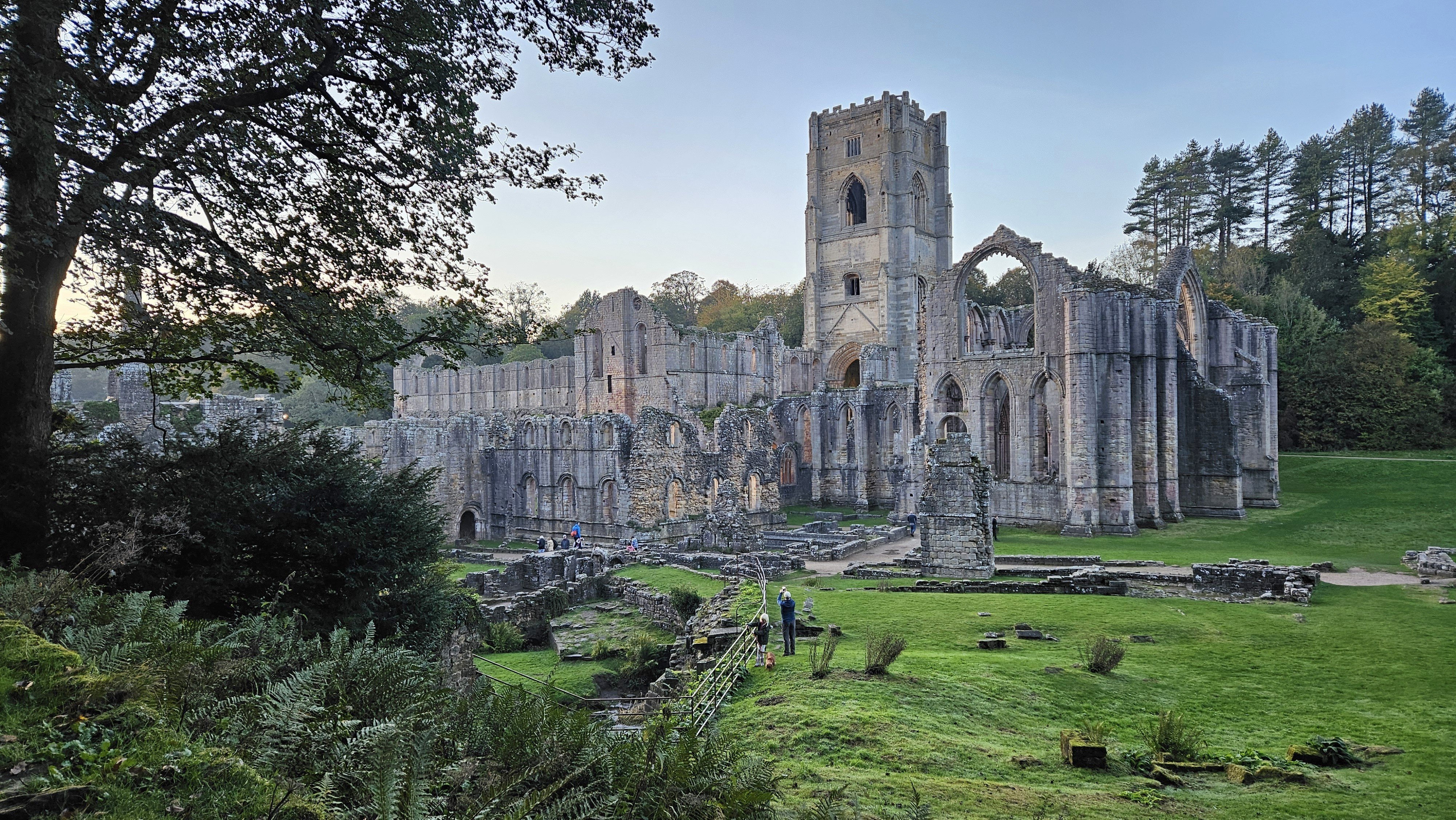
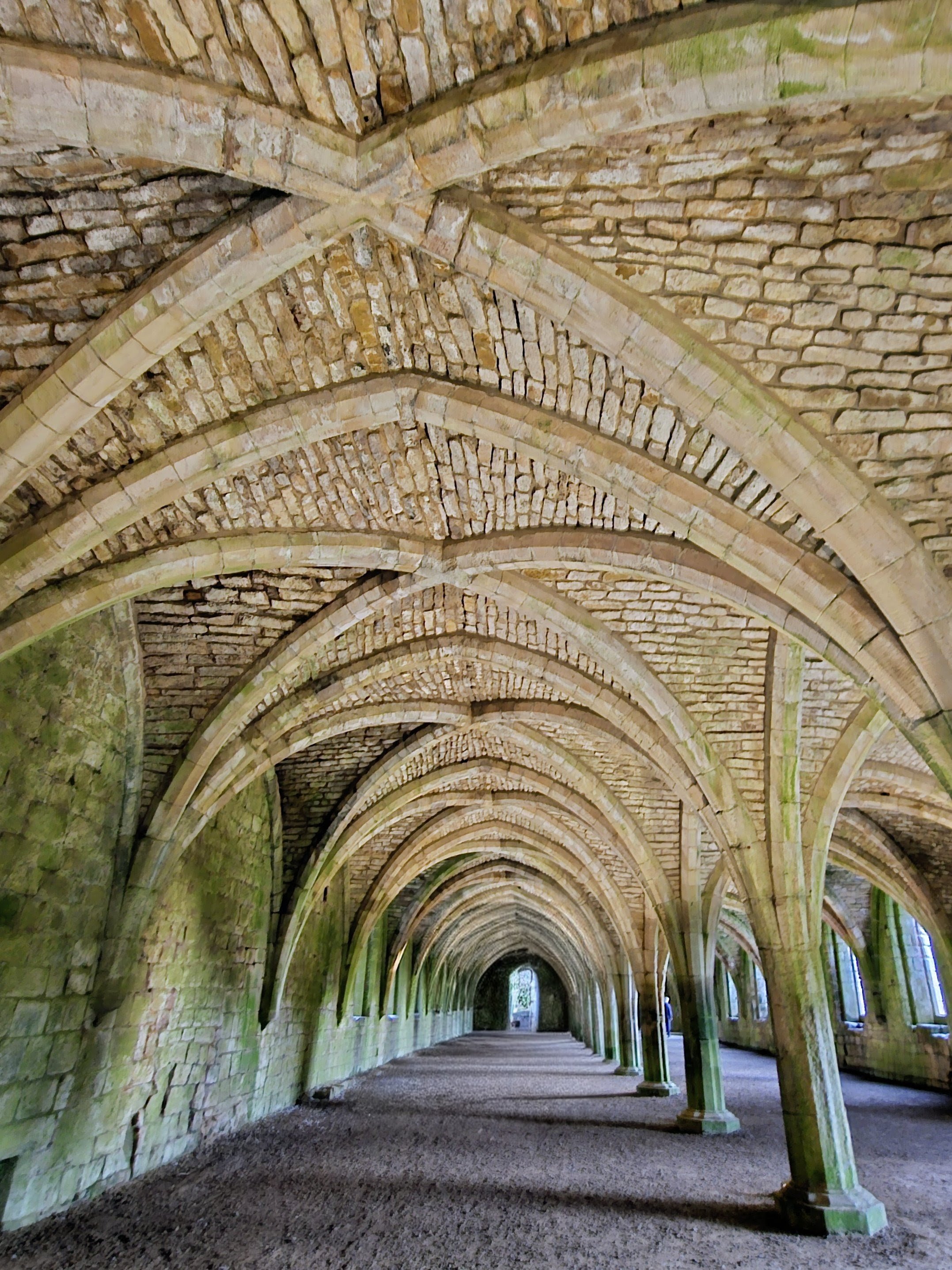
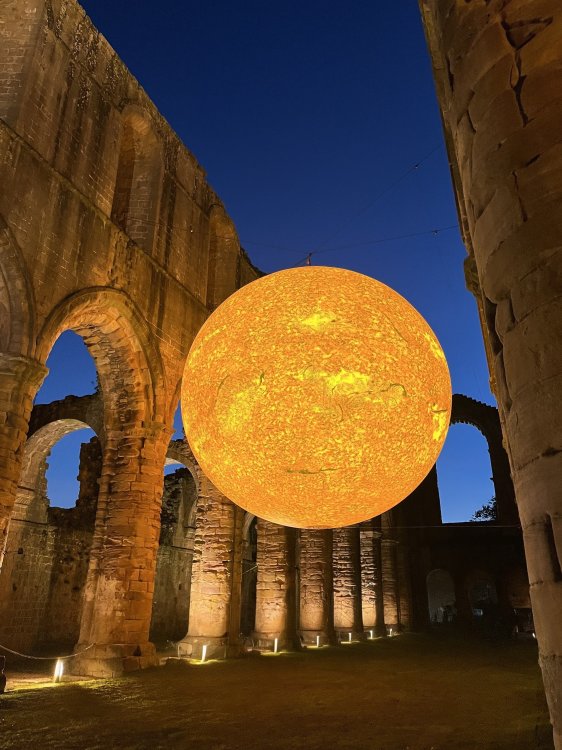
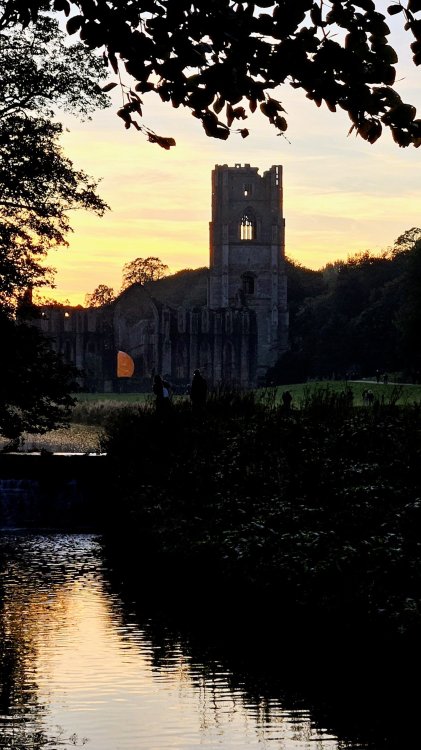
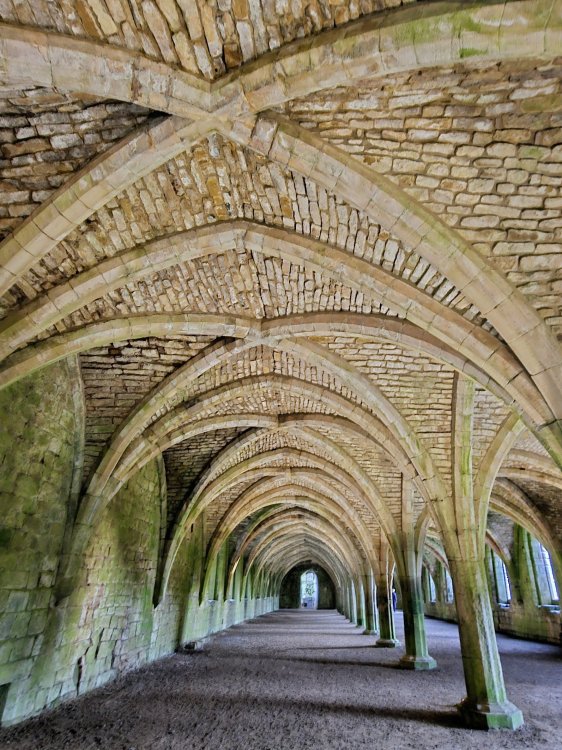
Recently visited the Helios installation at Fountains Abbey. National TrustHelios at Fountains Abbey | YorkshireHelios at Fountains Abbey, North Yorkshire A spectacular sight once the sun had set ☀️ Some judicious use of Magic Eraser in the first image!




-
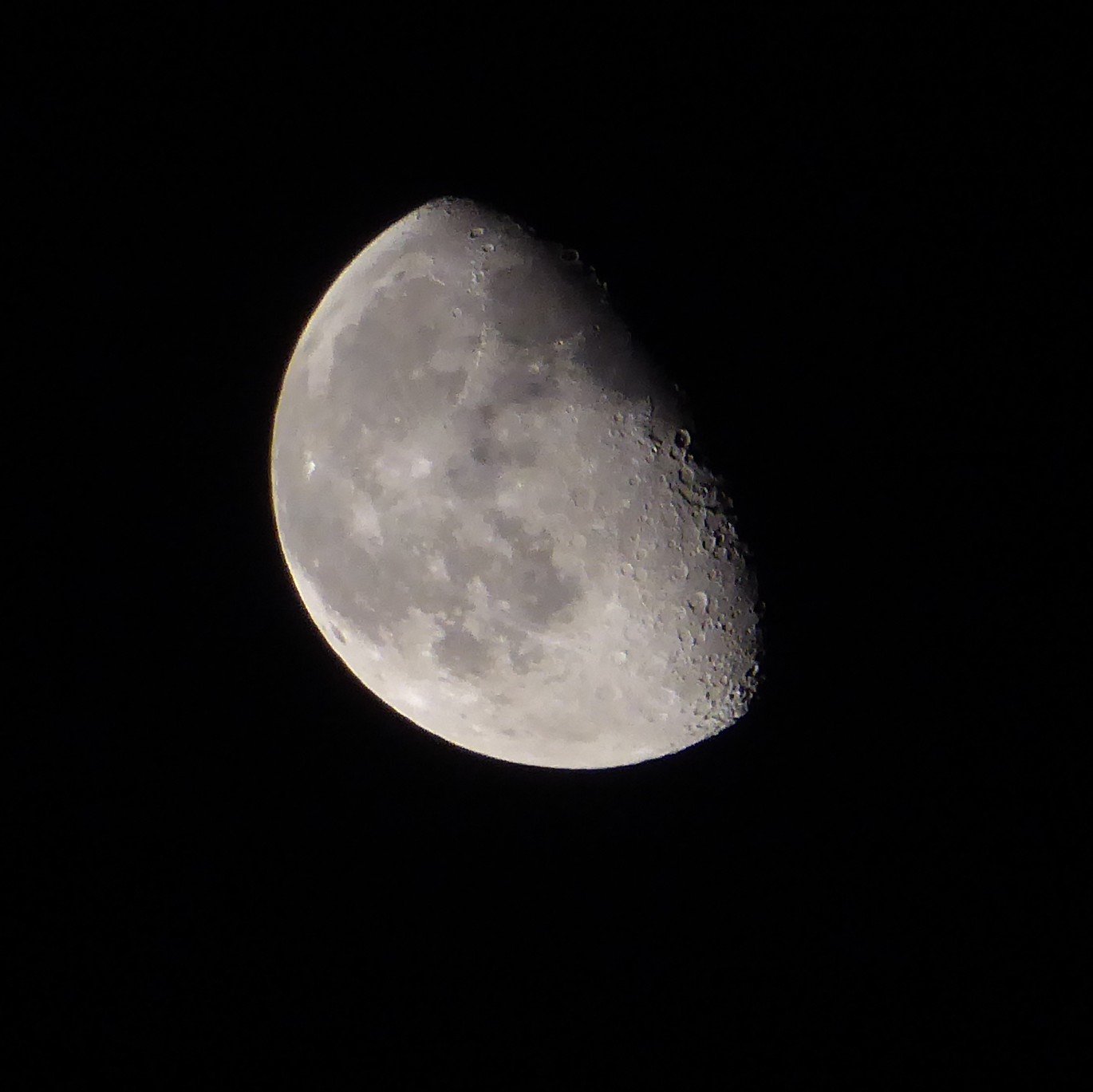
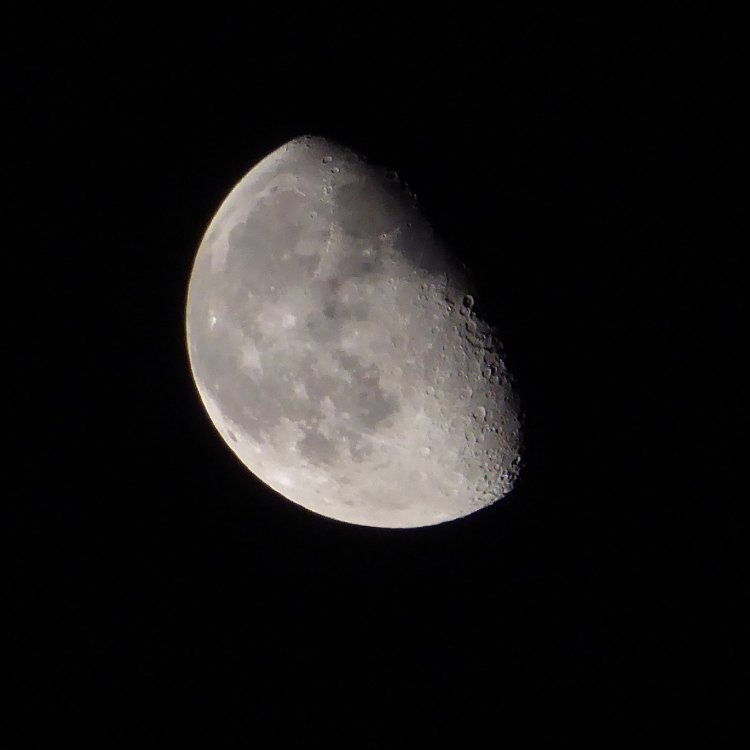
The Moon is especially crisp this evening 🌛
-
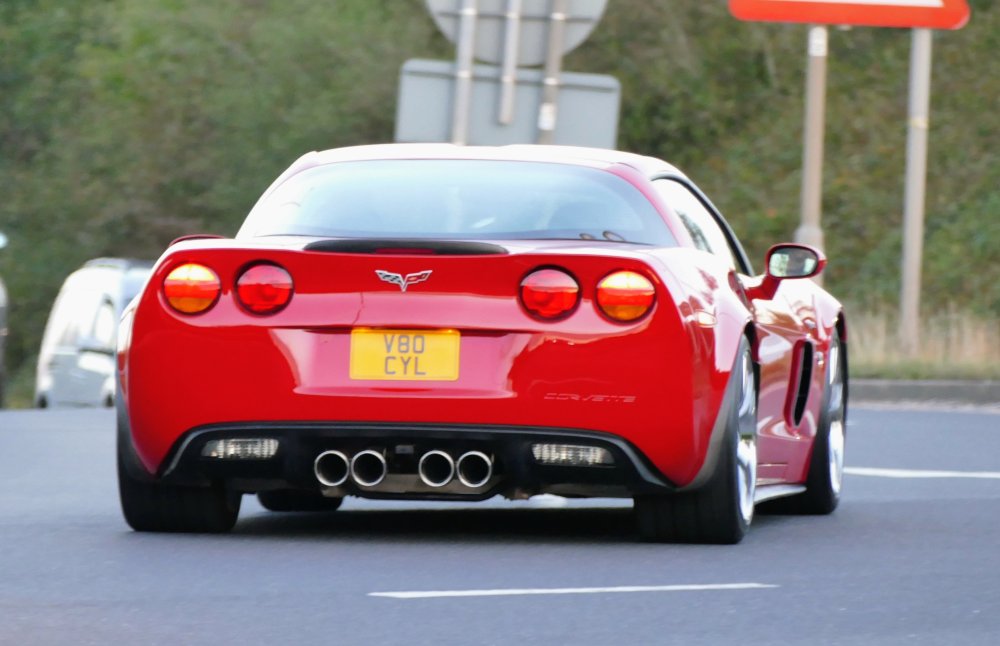
Spotted in the garden earlier

-
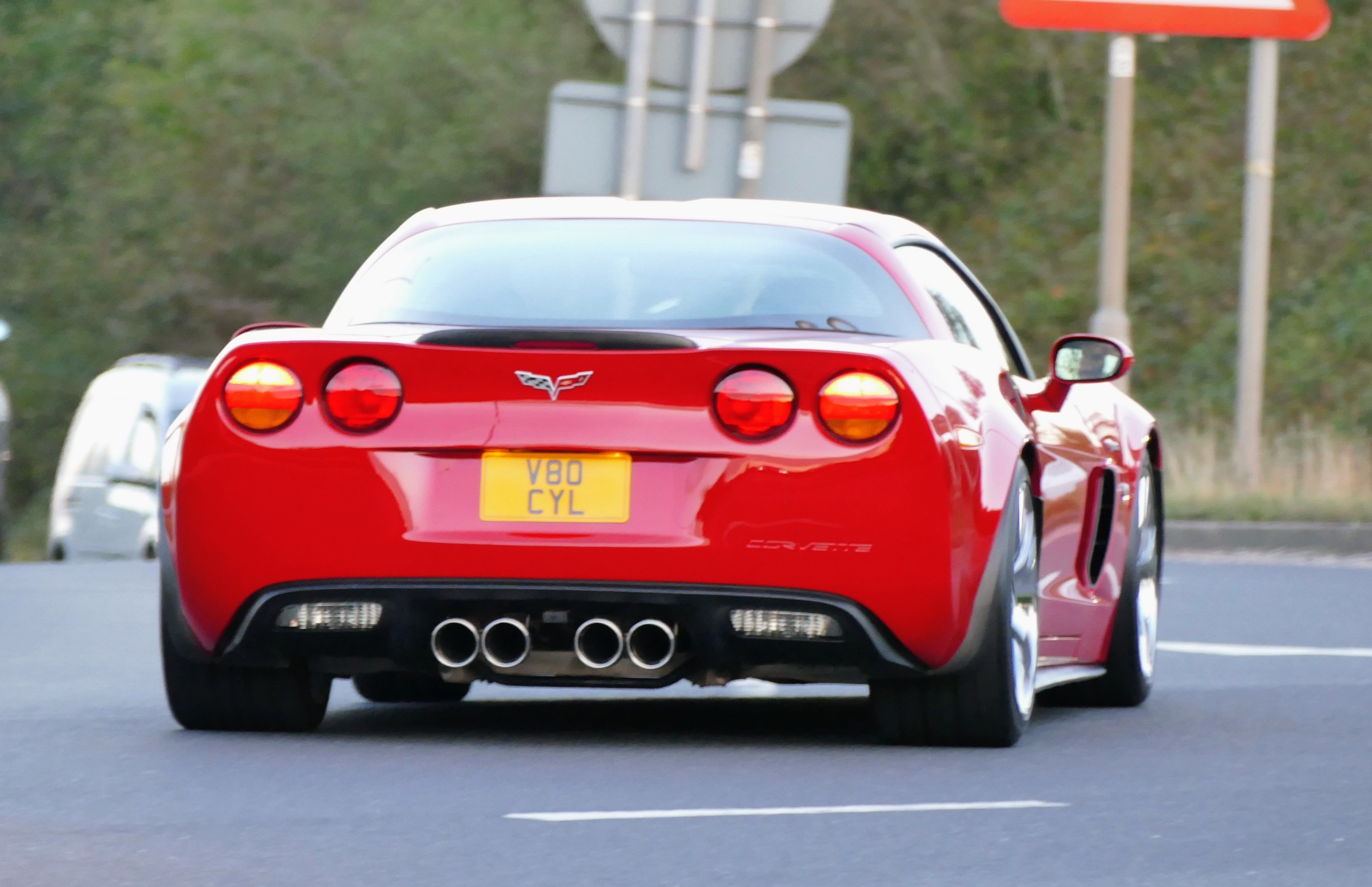
A 7 litre V8 👌😁
-
Indeed🙁
-
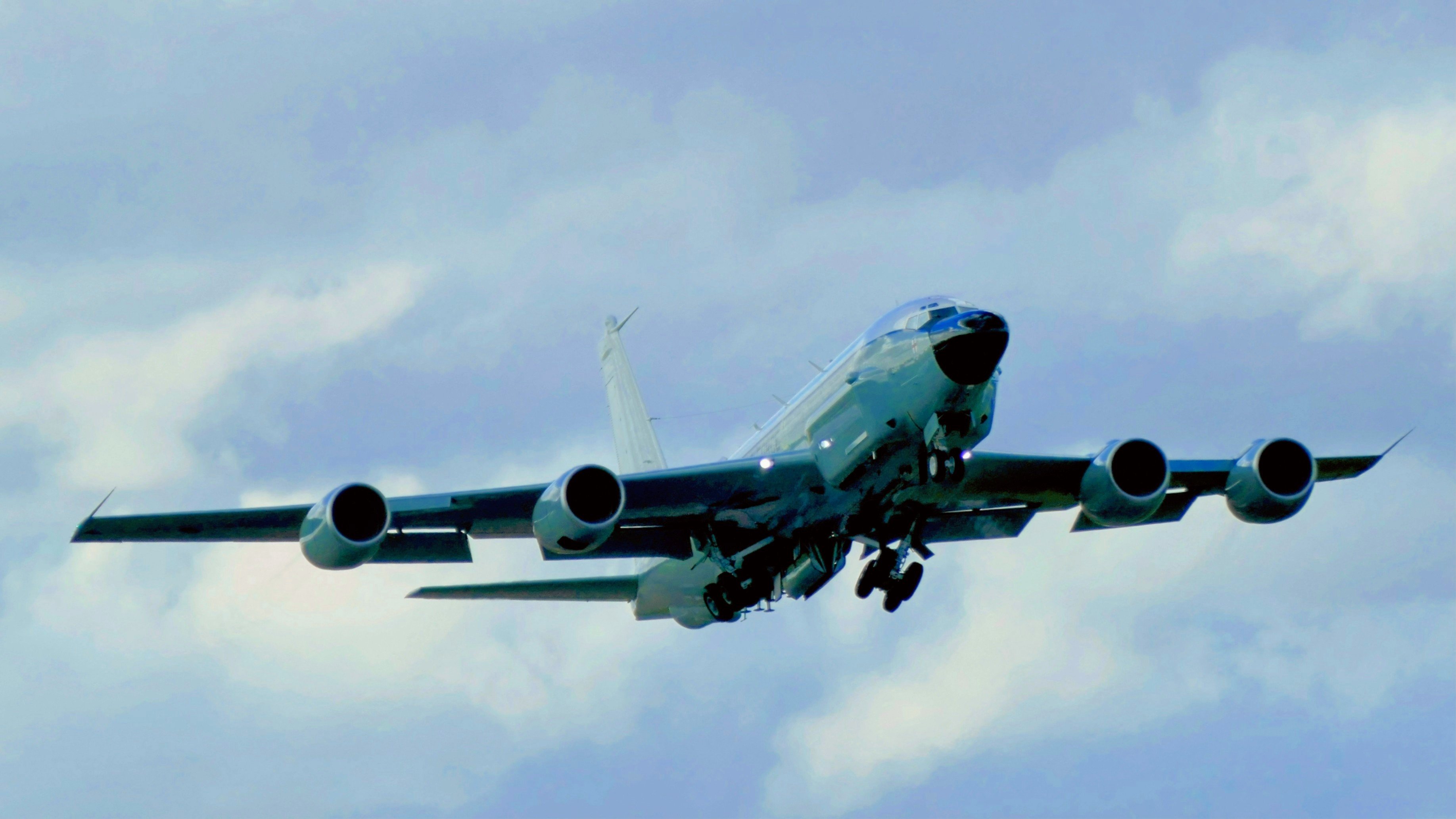
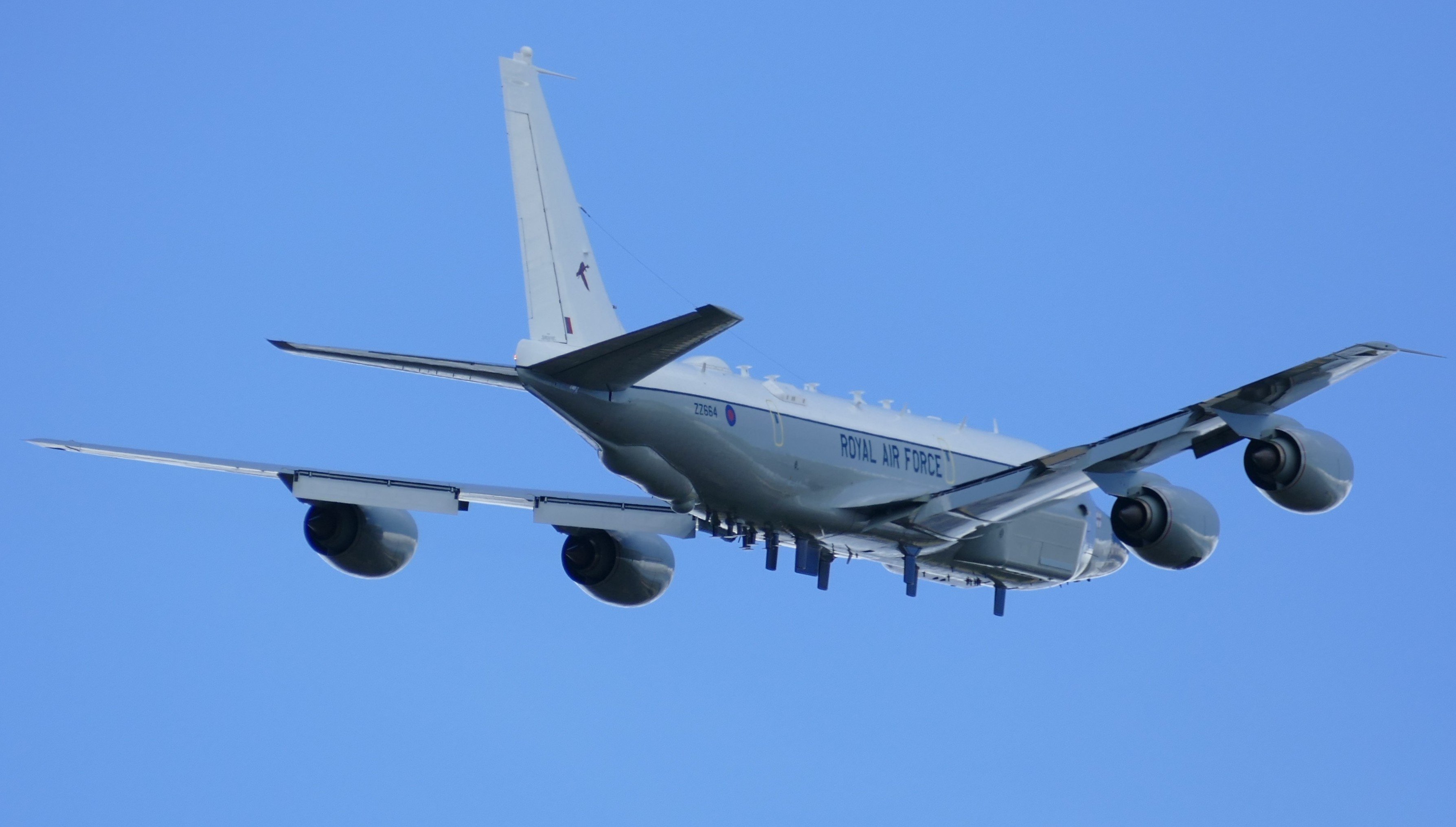
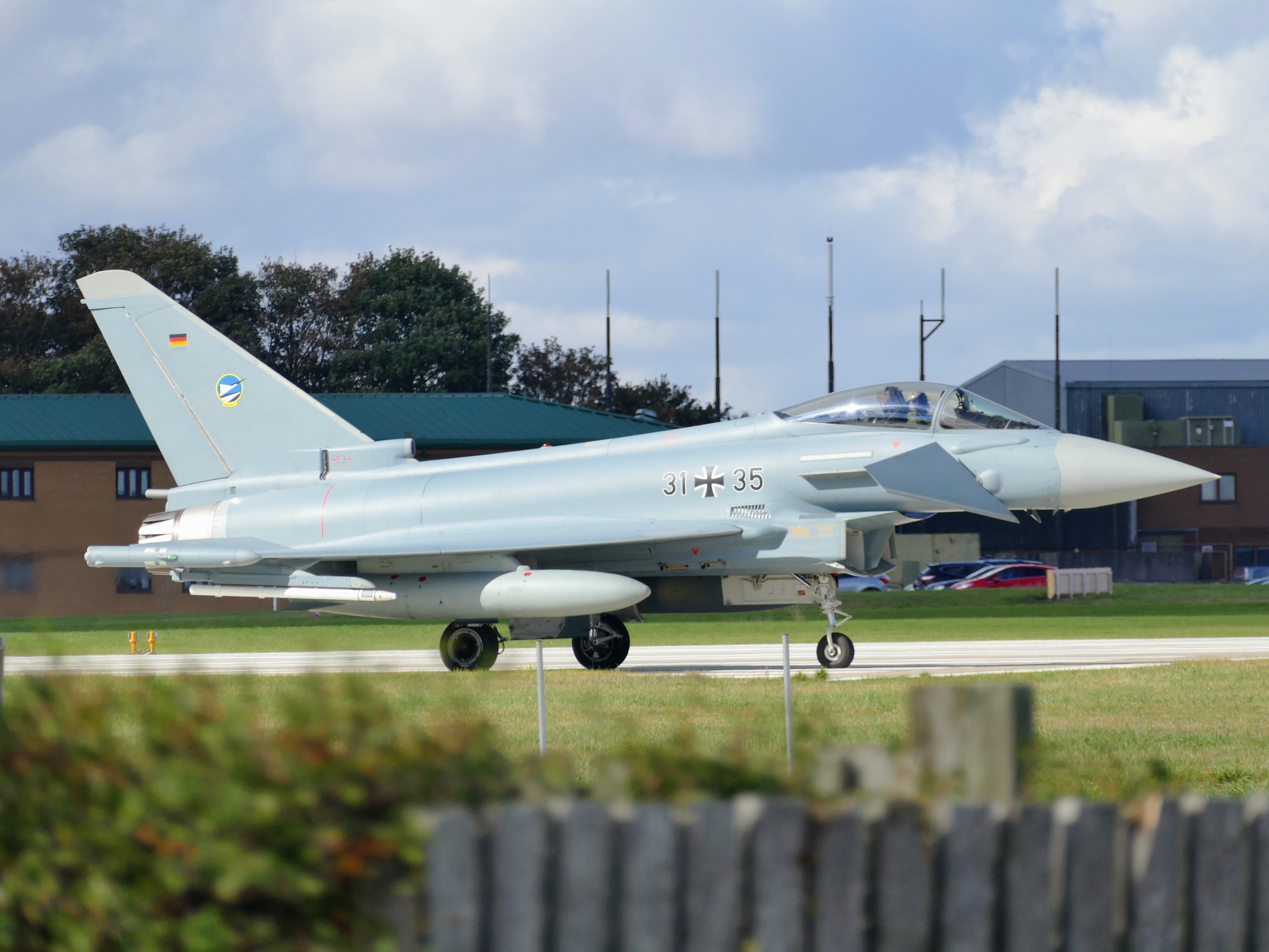
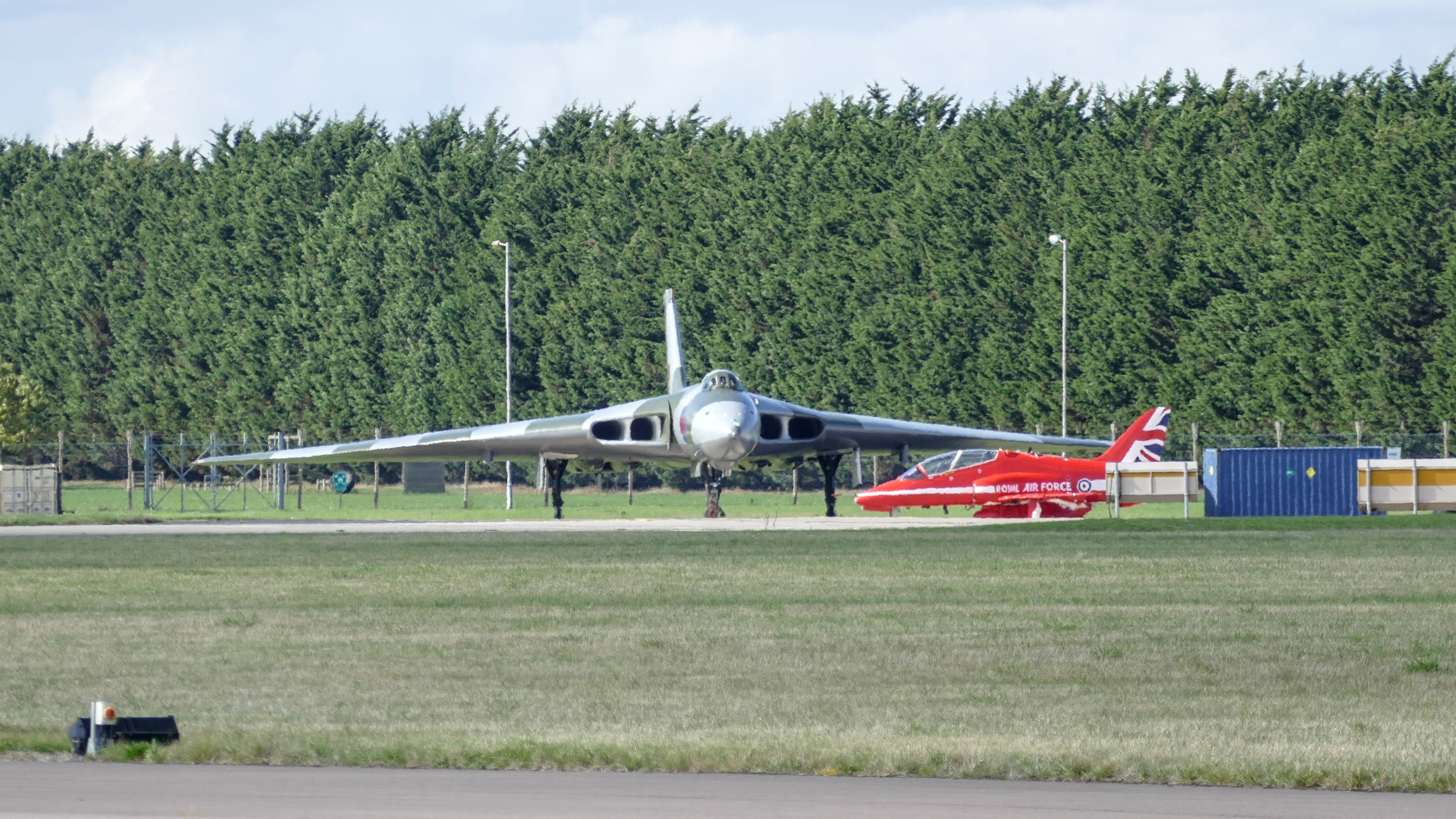
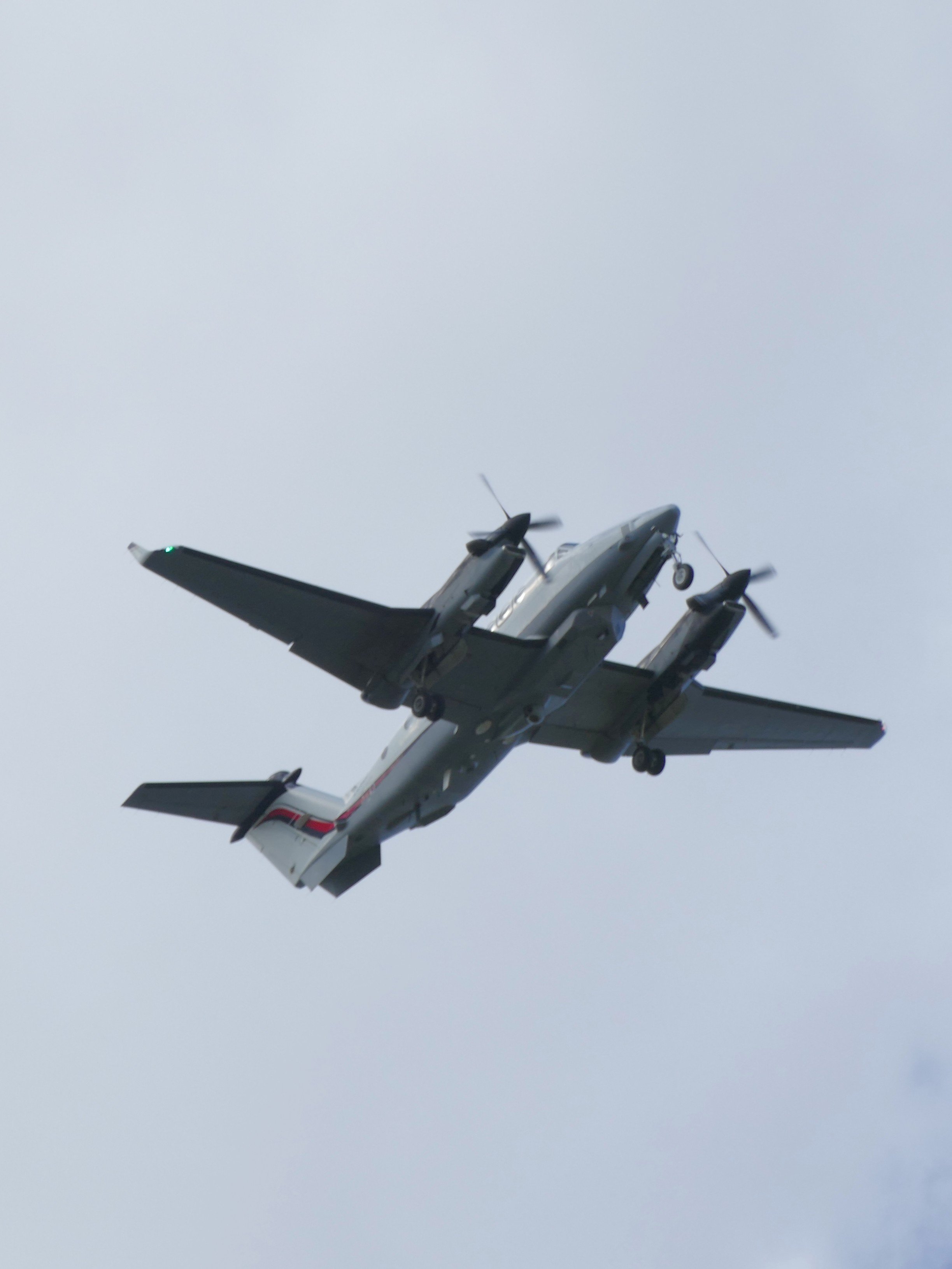
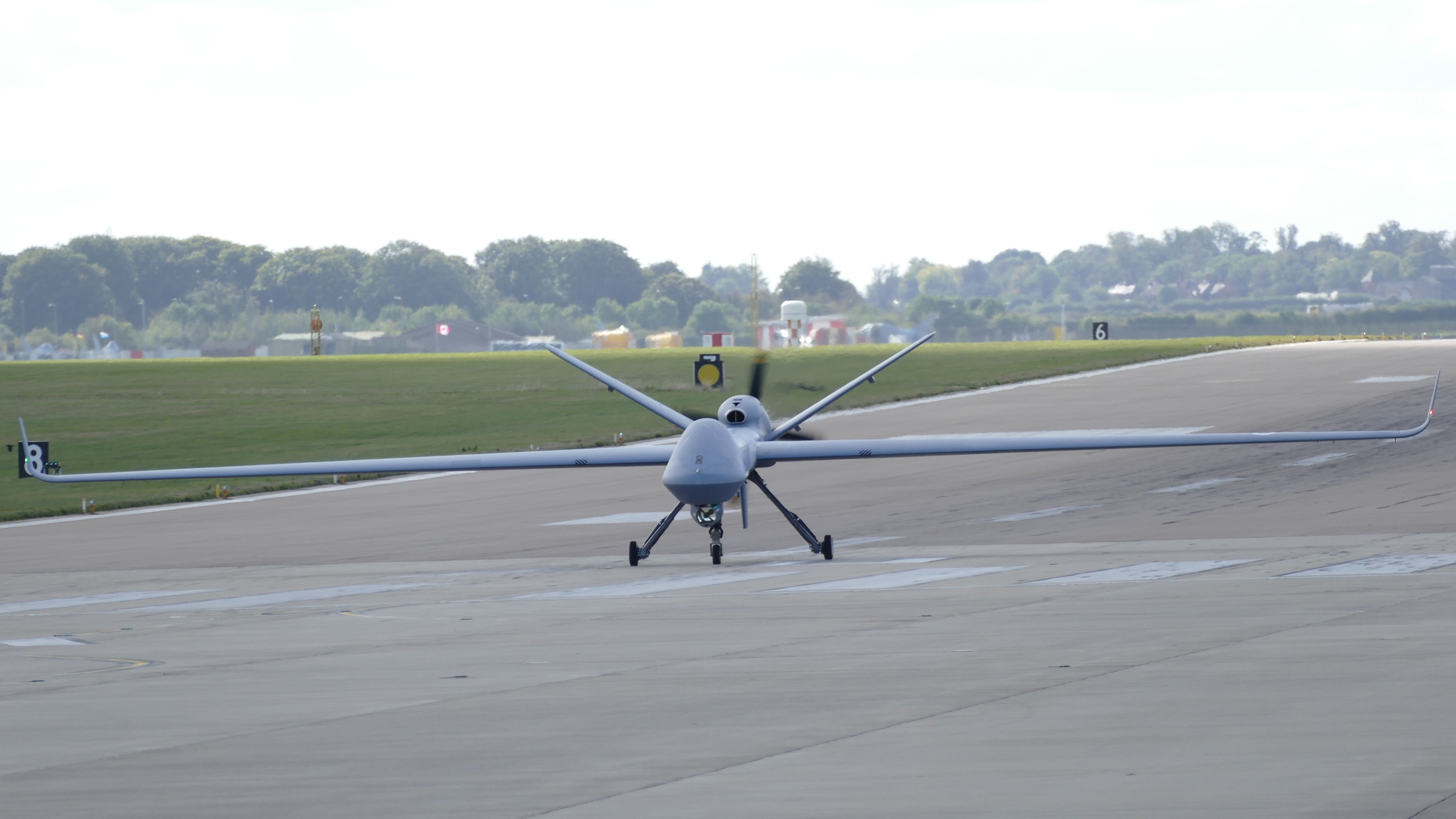
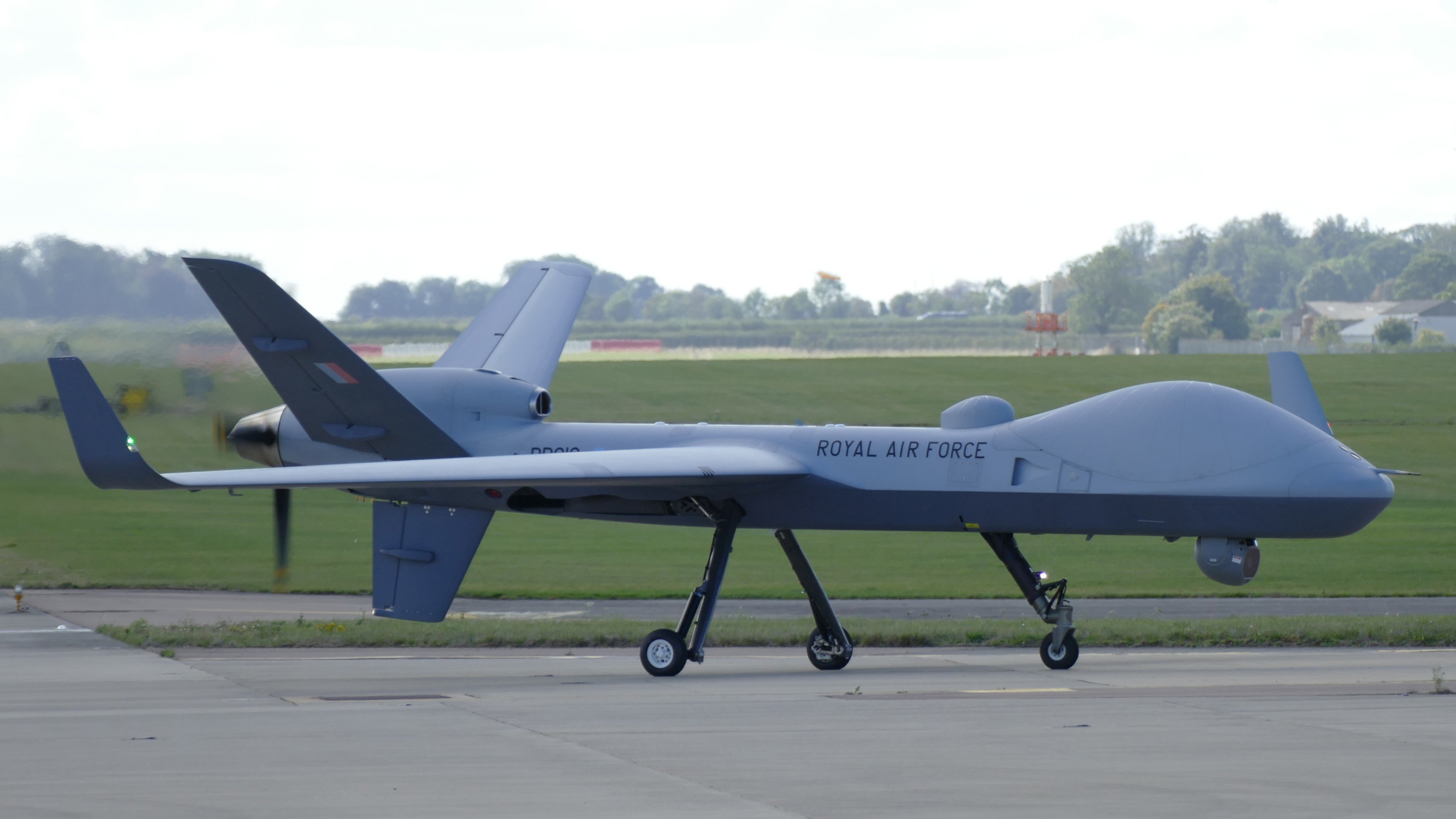
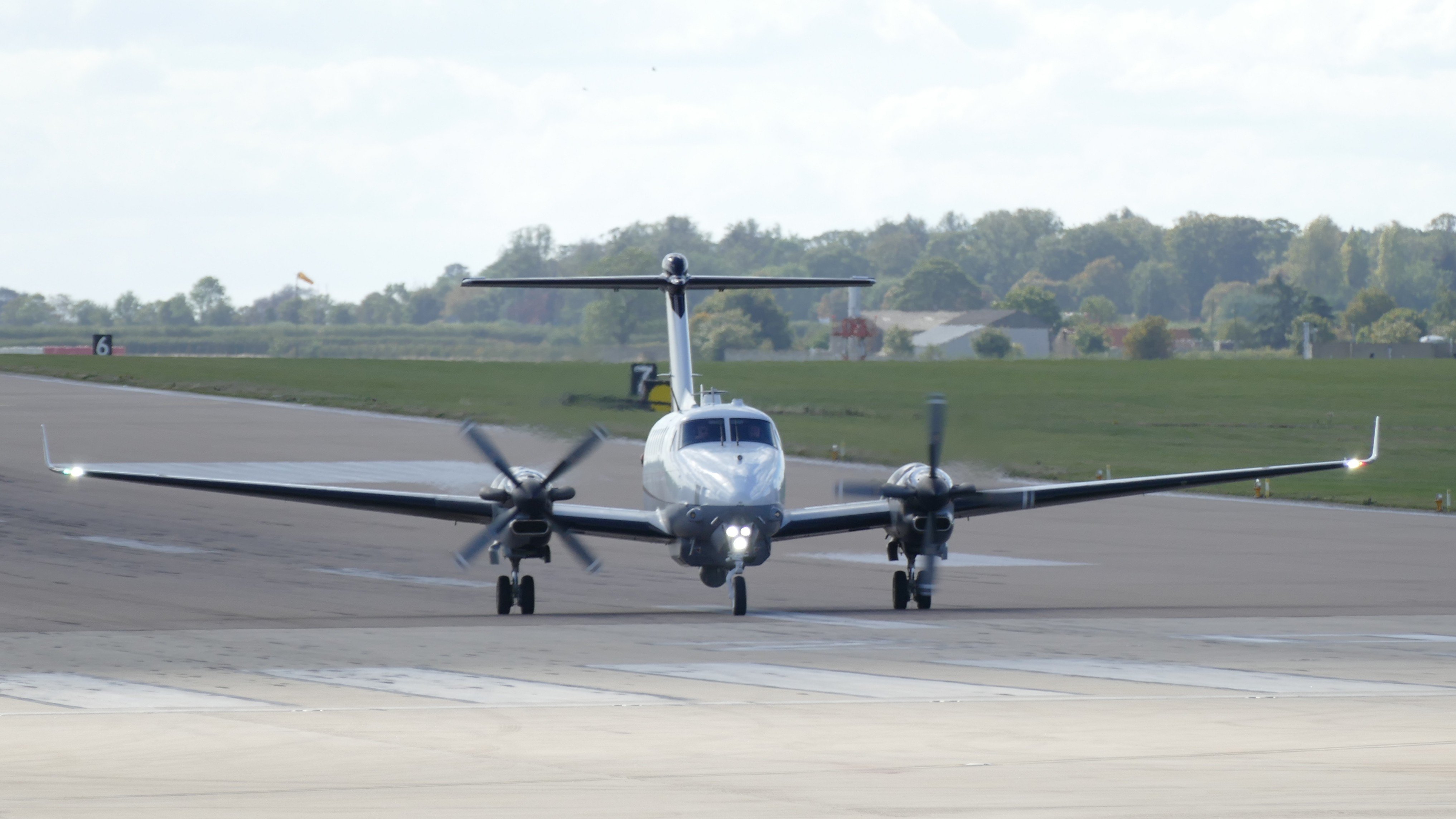
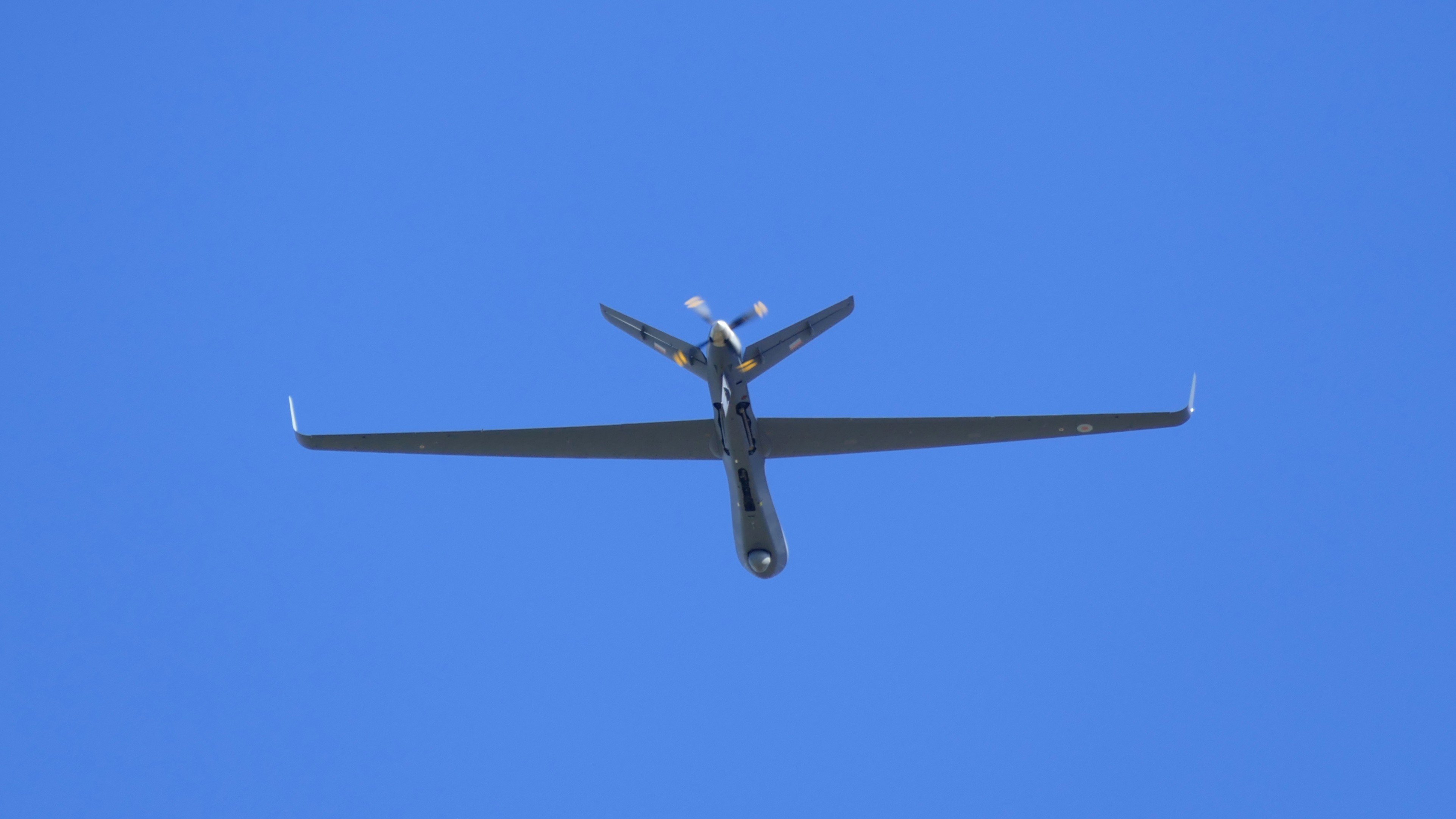
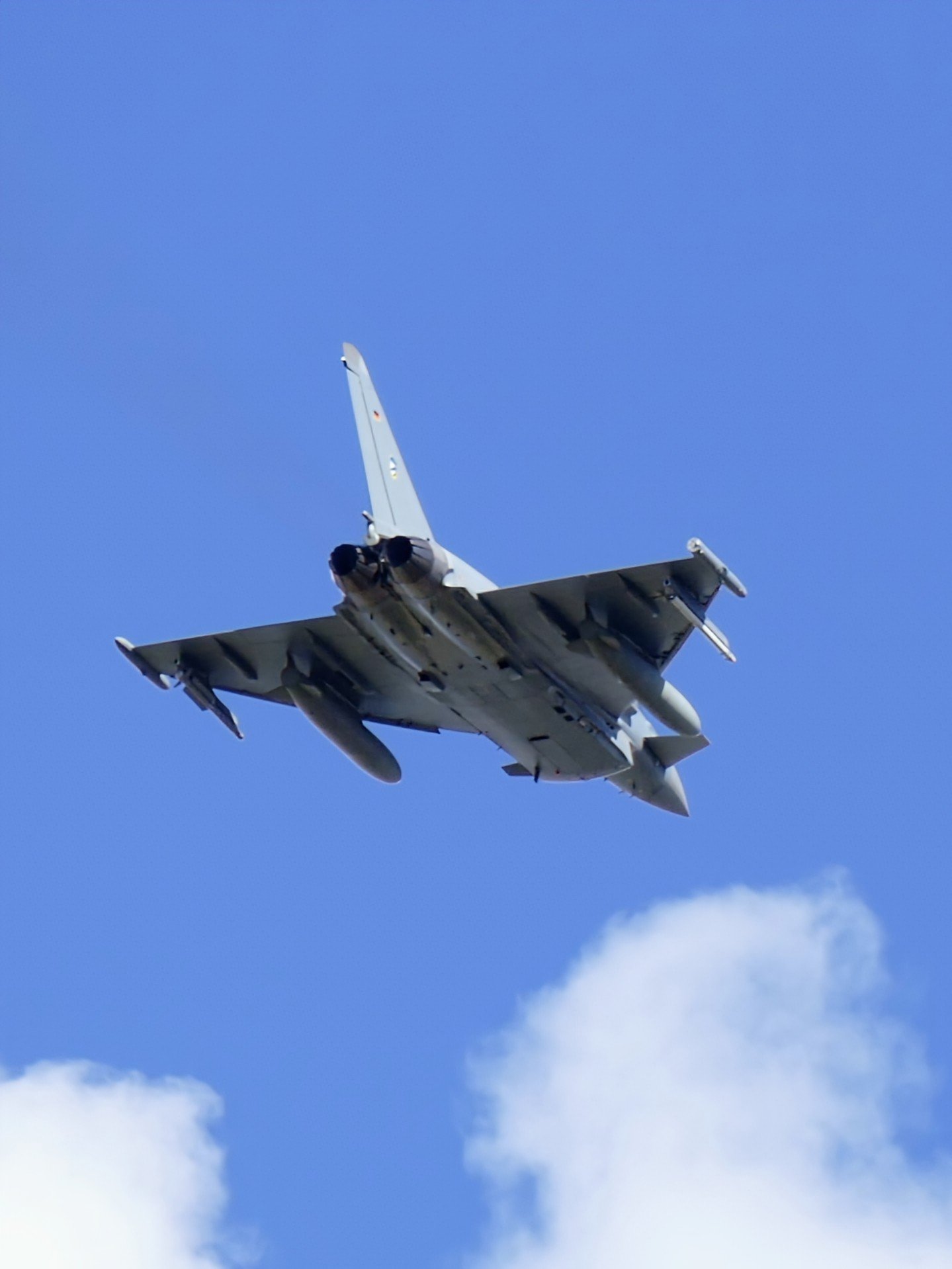
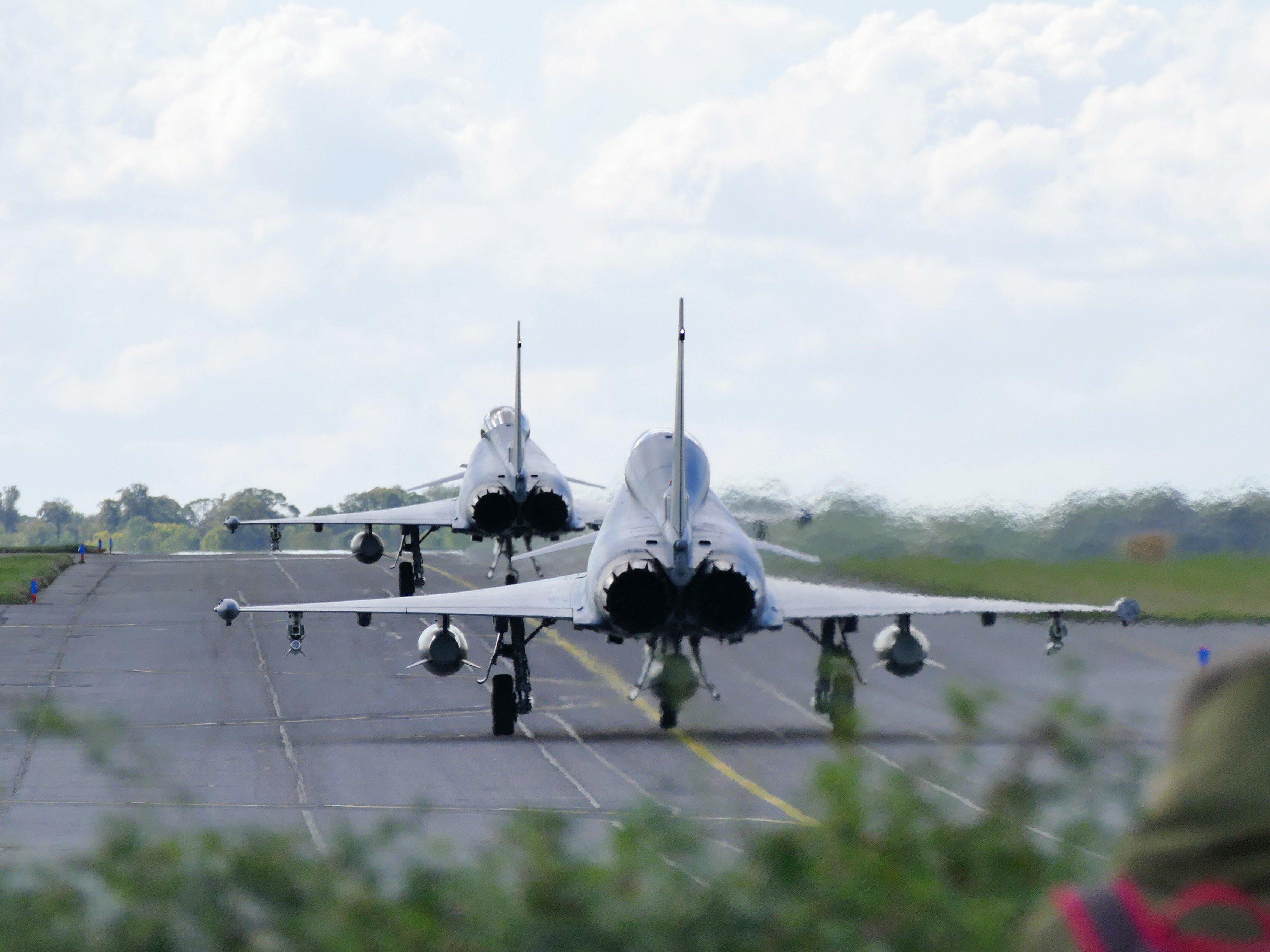
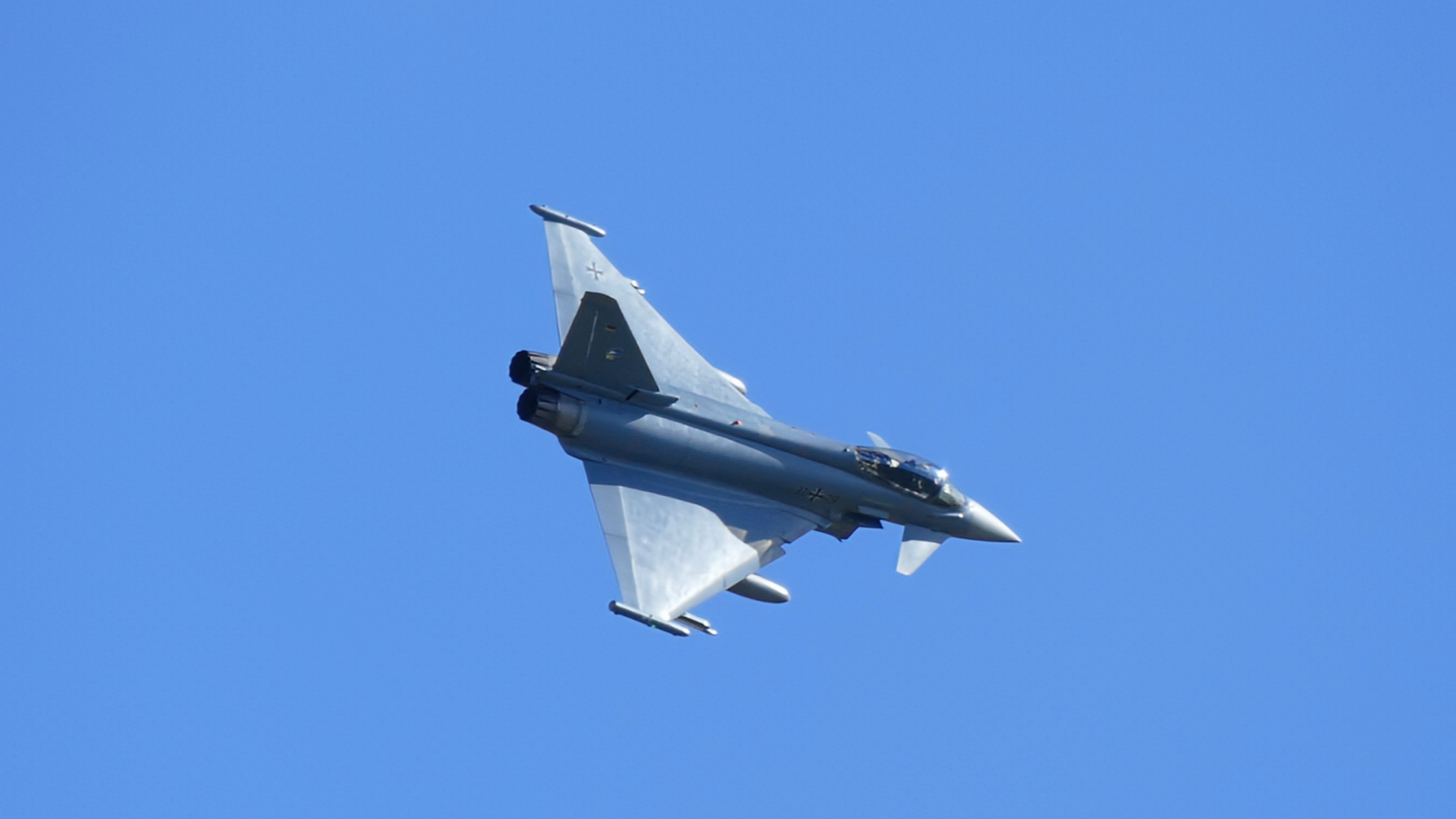
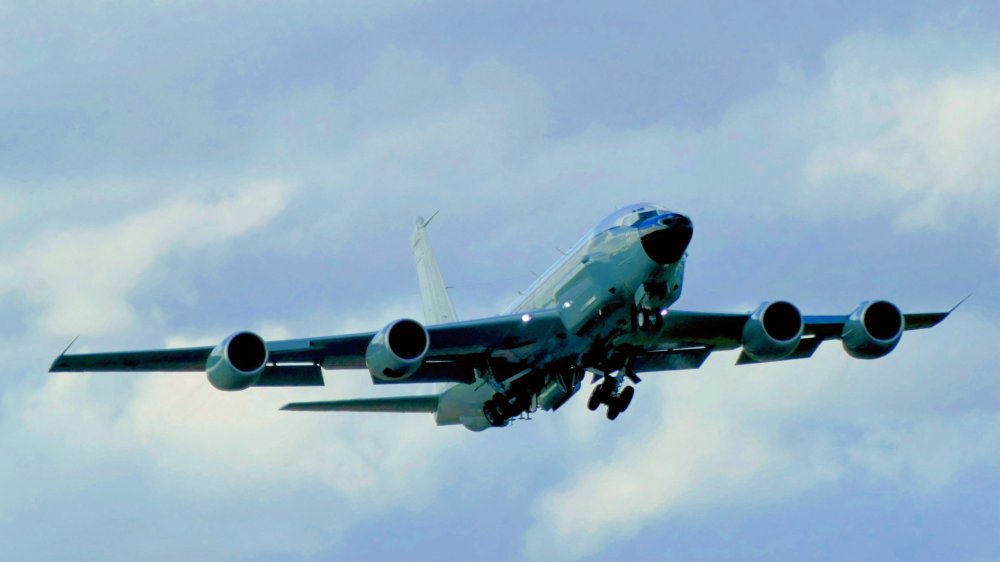
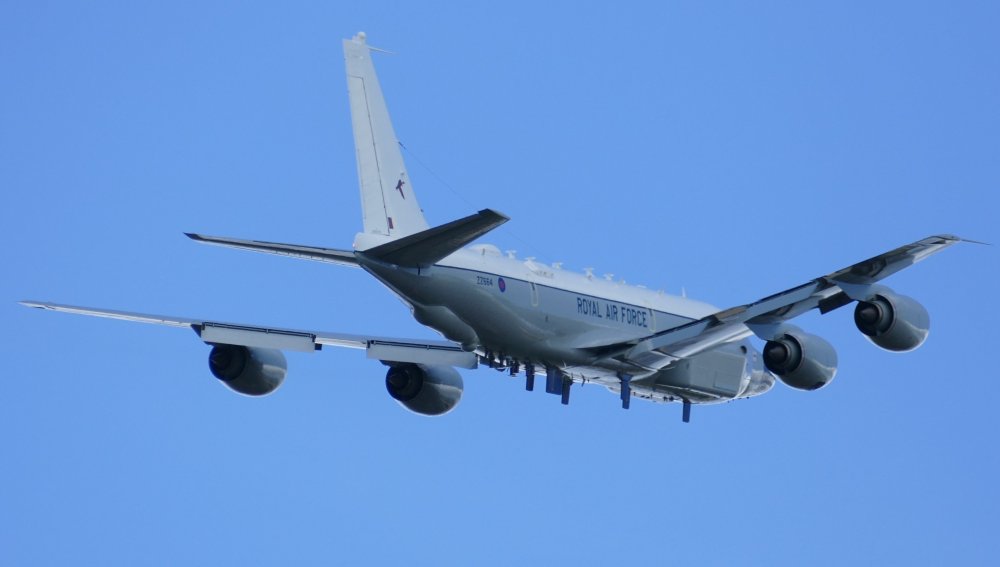
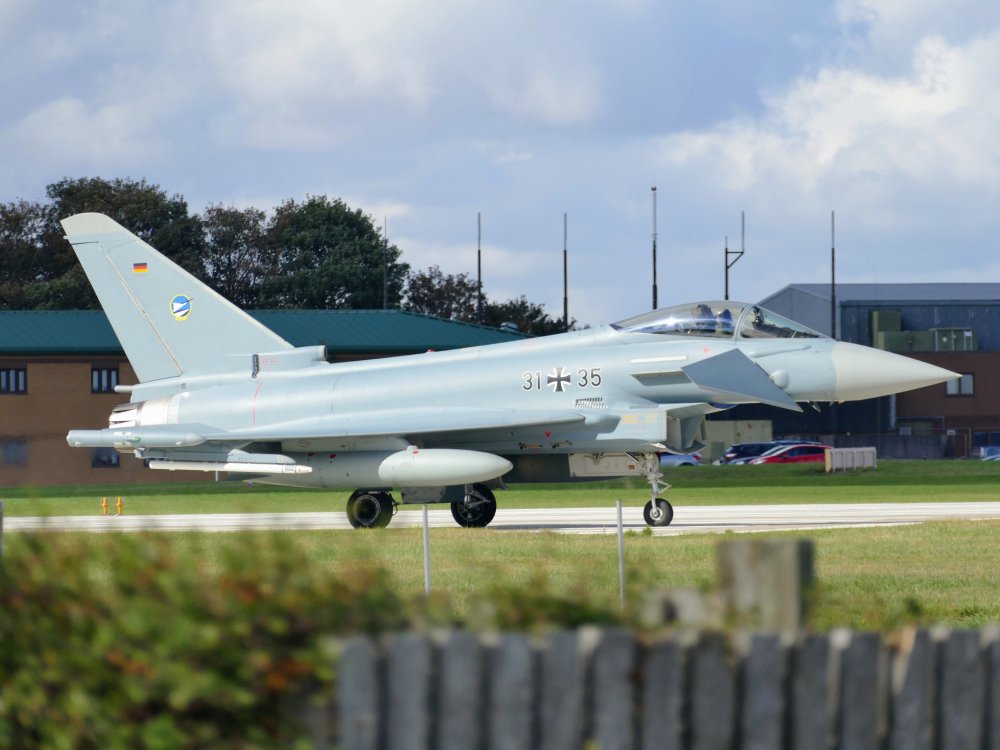
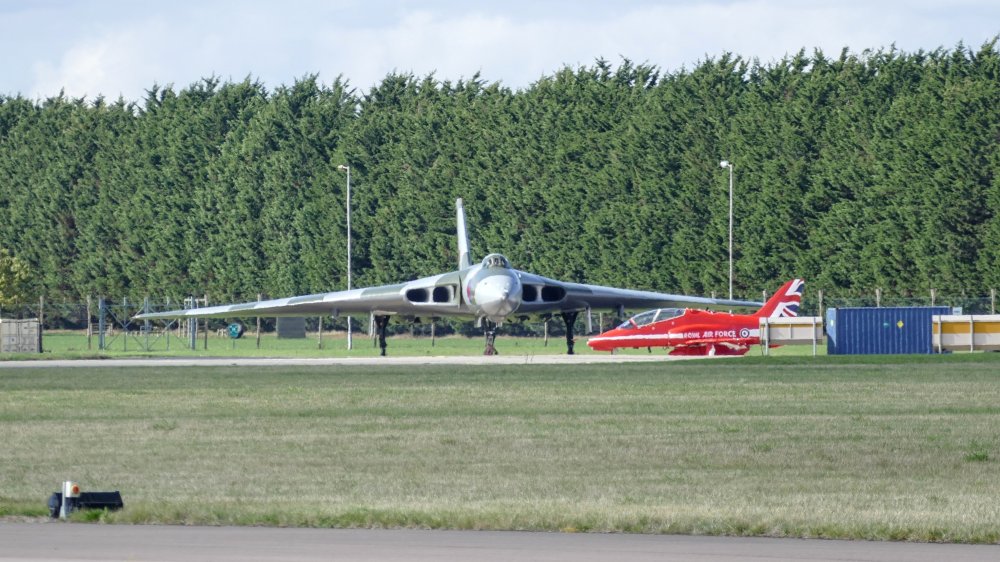
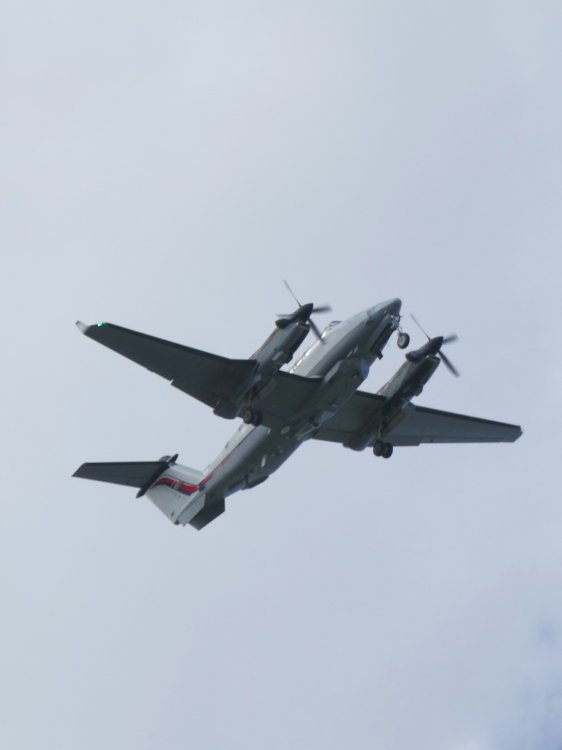
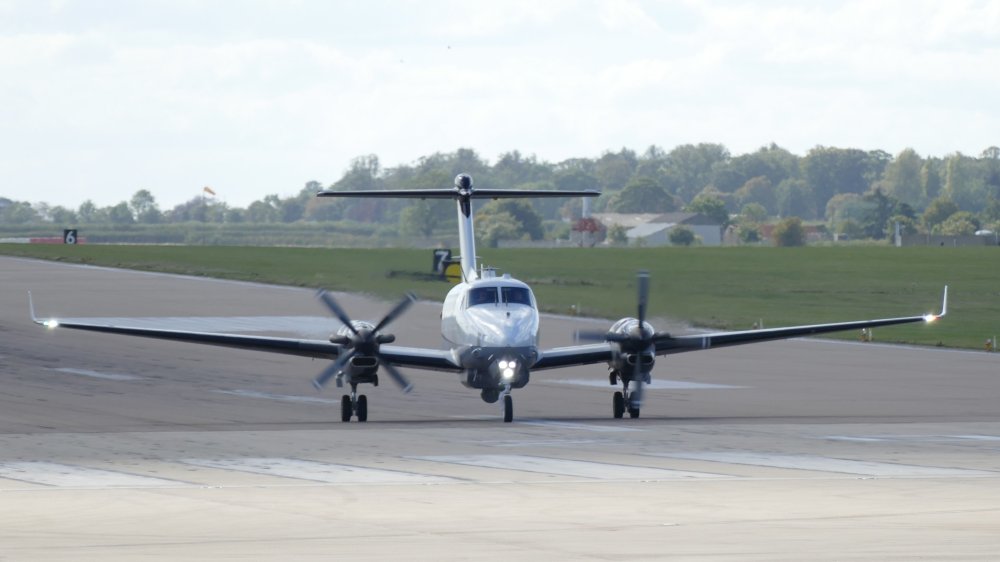
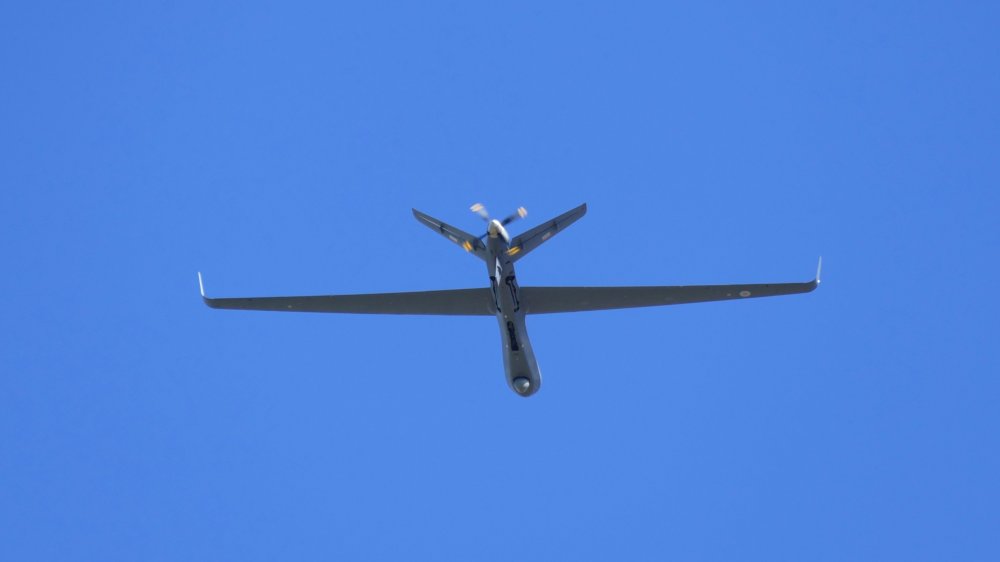
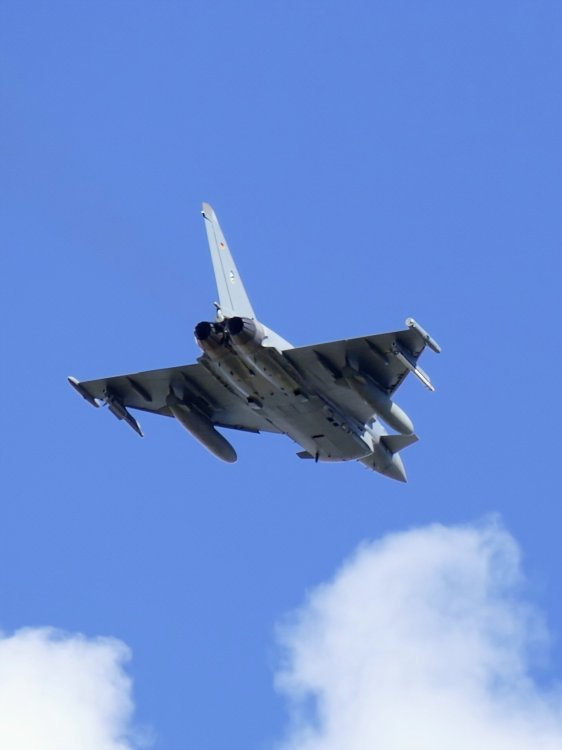
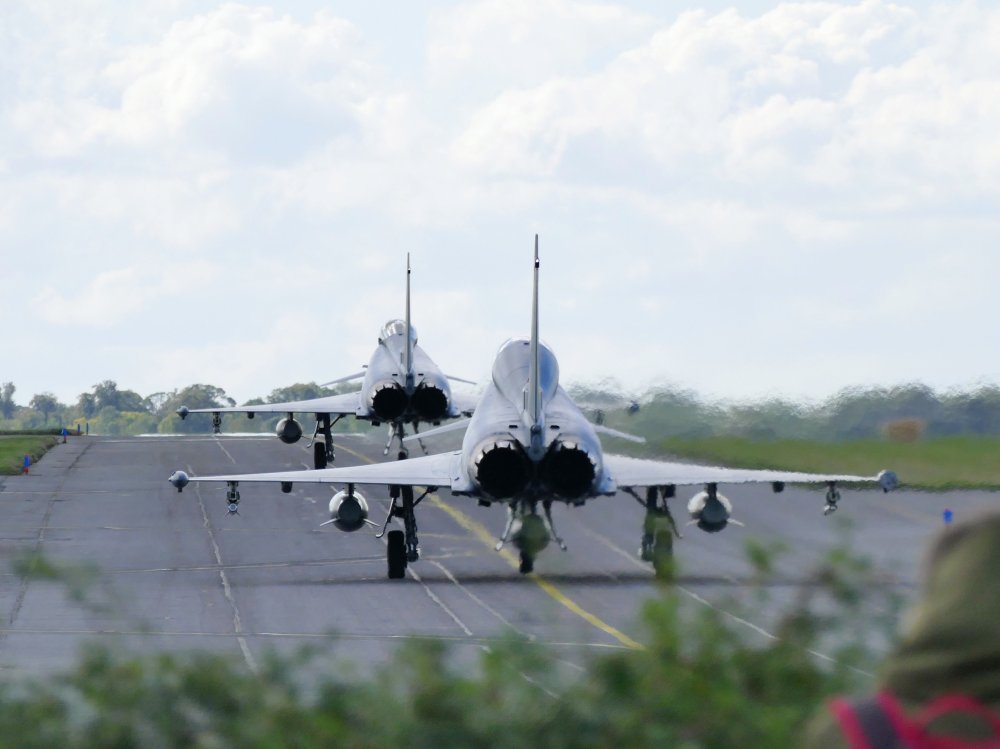
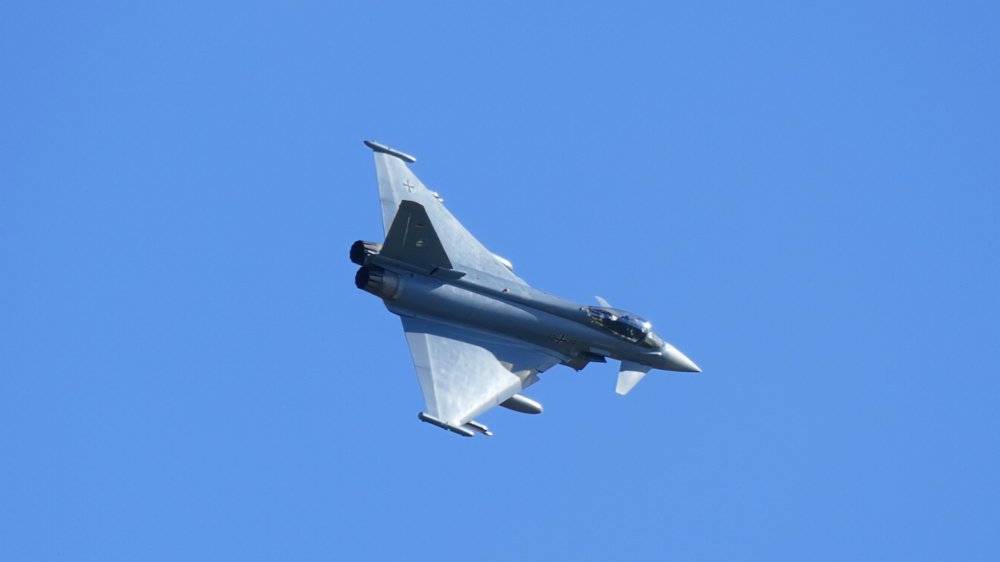
A few from Waddington earlier this morning (Cobra Warrior)..........


-
-
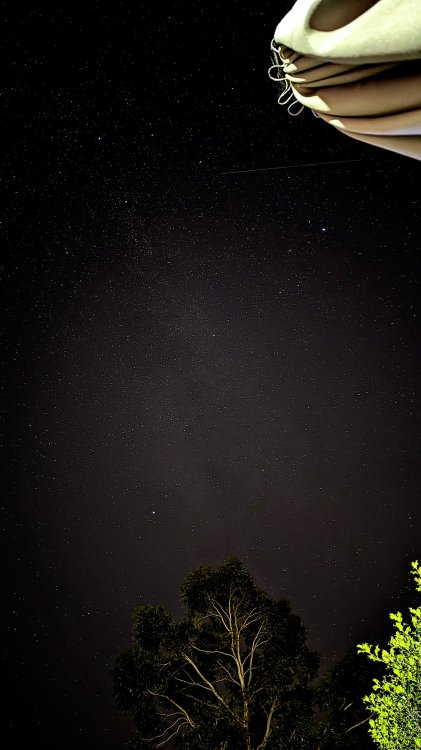
Pixel phone on Astromode ✨ Would ideally need to head out somewhere with less ambient light but not a bad effort from the back garden (balanced on a jar 😁).................
-
Many thanks 👍 I suspect I'd only opt for a variable boot floor retrofit if it allowed me to carry a full size (matching) spare. I'd be happy to sacrifice a little depth from the boot if this was the case. Based on recent events it appears a 19" alloy and 225/40/19 would not fit under the floor in any event, so suspect I'll stick with the spacer saver which ultimately saved the day and fulfilled it's purpose of allowing me to remain mobile and get the car to a garage to obtain a replacement tyre. Very grateful for all the advice and input. Looking back I find all this a bit frustrating as both of the Mark I Octavia vRS's I owned, numerous other Skoda's and all my Yeti's had full size spare wheels😬
-
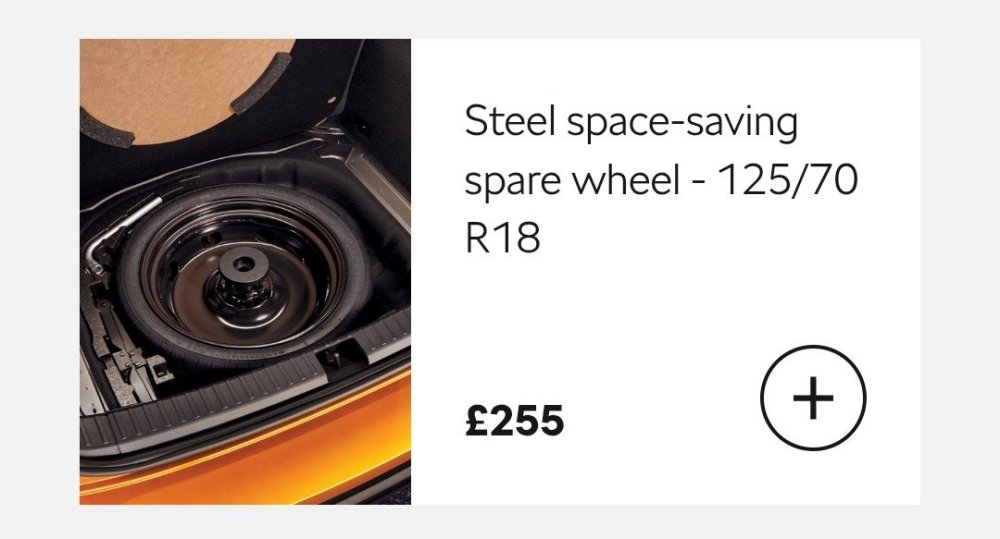
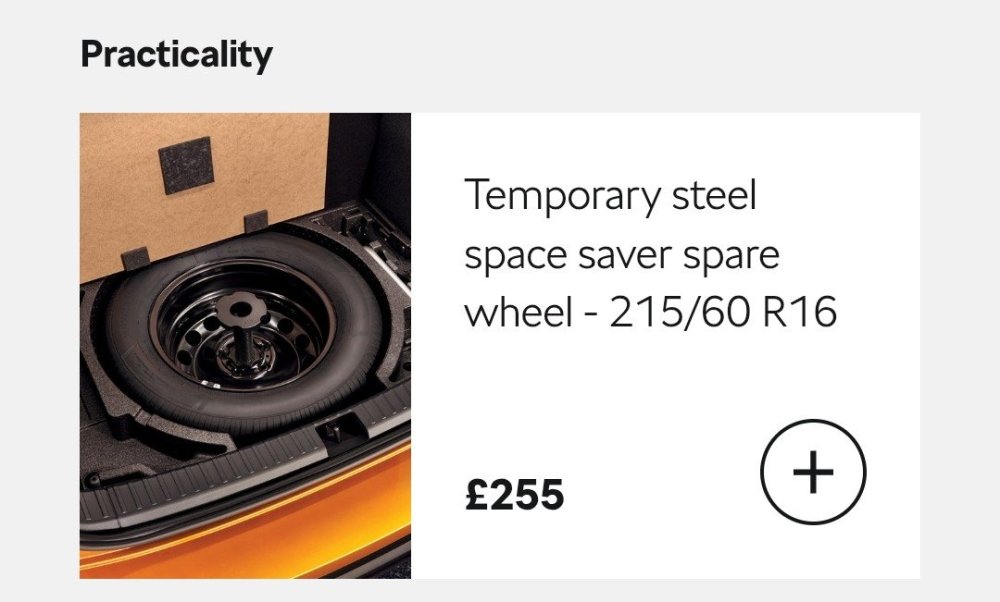
The space saver was specced from factory, although my car does not have the variable boot floor.
-
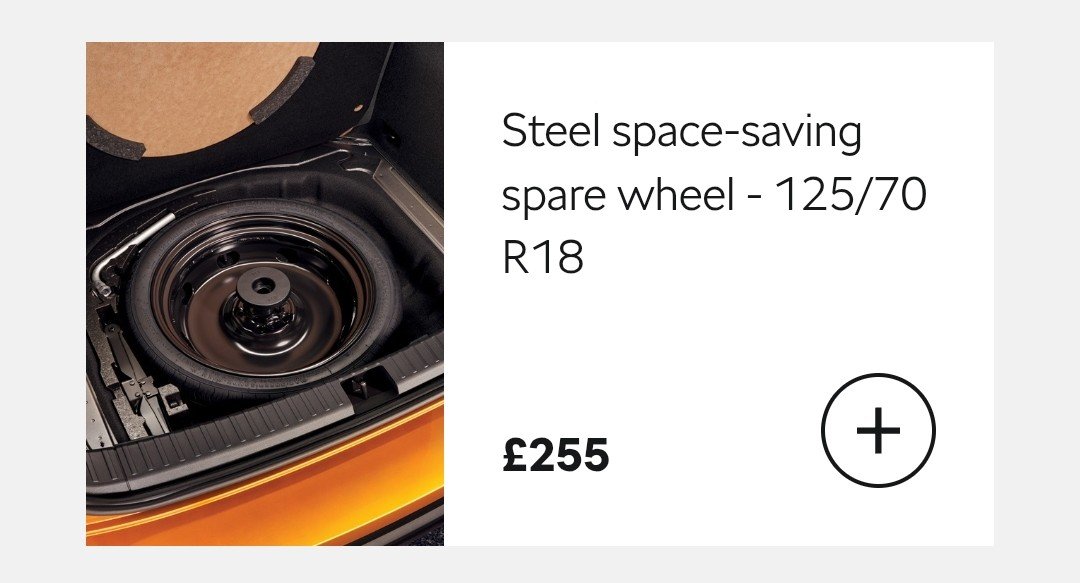
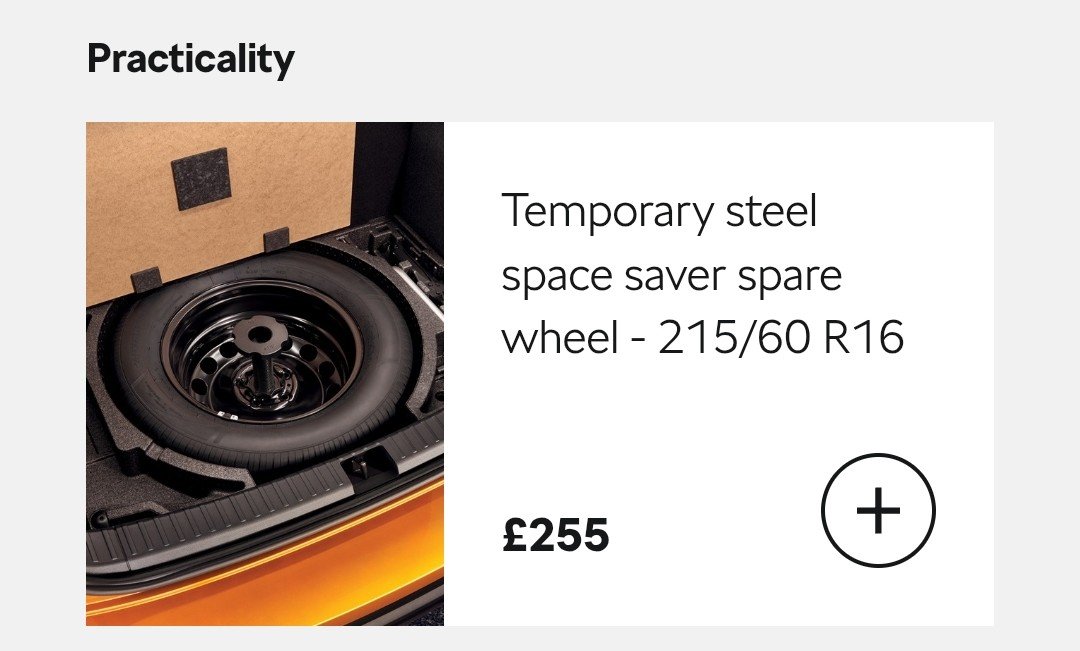
From the Skoda Karoq configuration tool (the other option is the 215/60/16).........
-
Hopefully Thursday 🤞
-
I didn't unfortunately.
-
I specifically asked this question although the chap from the AA advised it could be fitted front or rear and was only designed to keep the car mobile within a short distance (at limited speed) to facilitate a replacement The space saver was specified from factory
-
Stunning 👌 Especially love the Audi 👍
-
Many thanks for your reply and suggestion 👍 Whilst it's certainly an innovative approach we tend to carry a fair bit in the boot so this option would probably take up a little too much space for our needs.
-
Many thanks 👍 I suspect if I can't get the 19" rim and tyre to fit under the floor I'd stick with with OEM space saver setup.
-
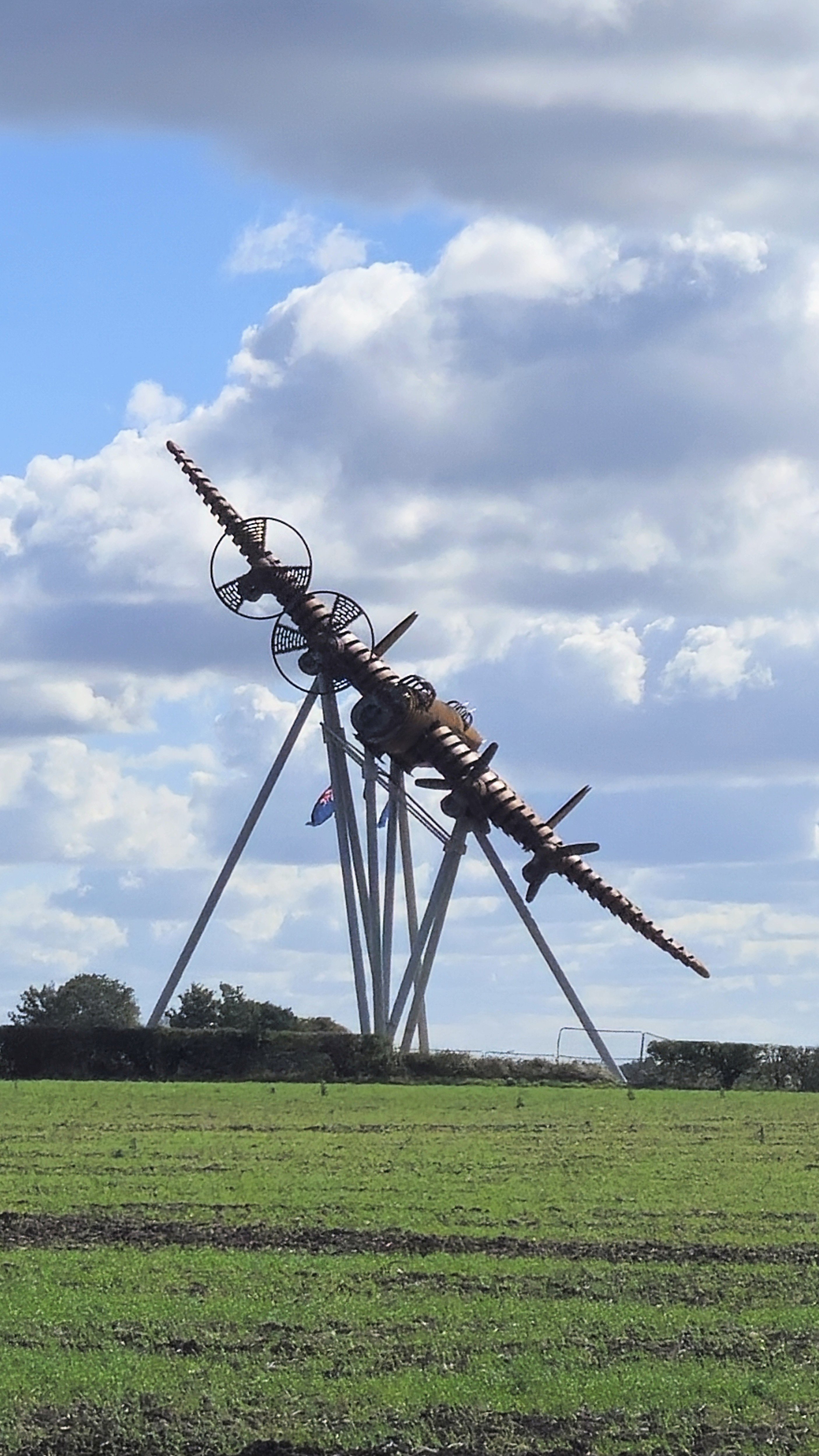
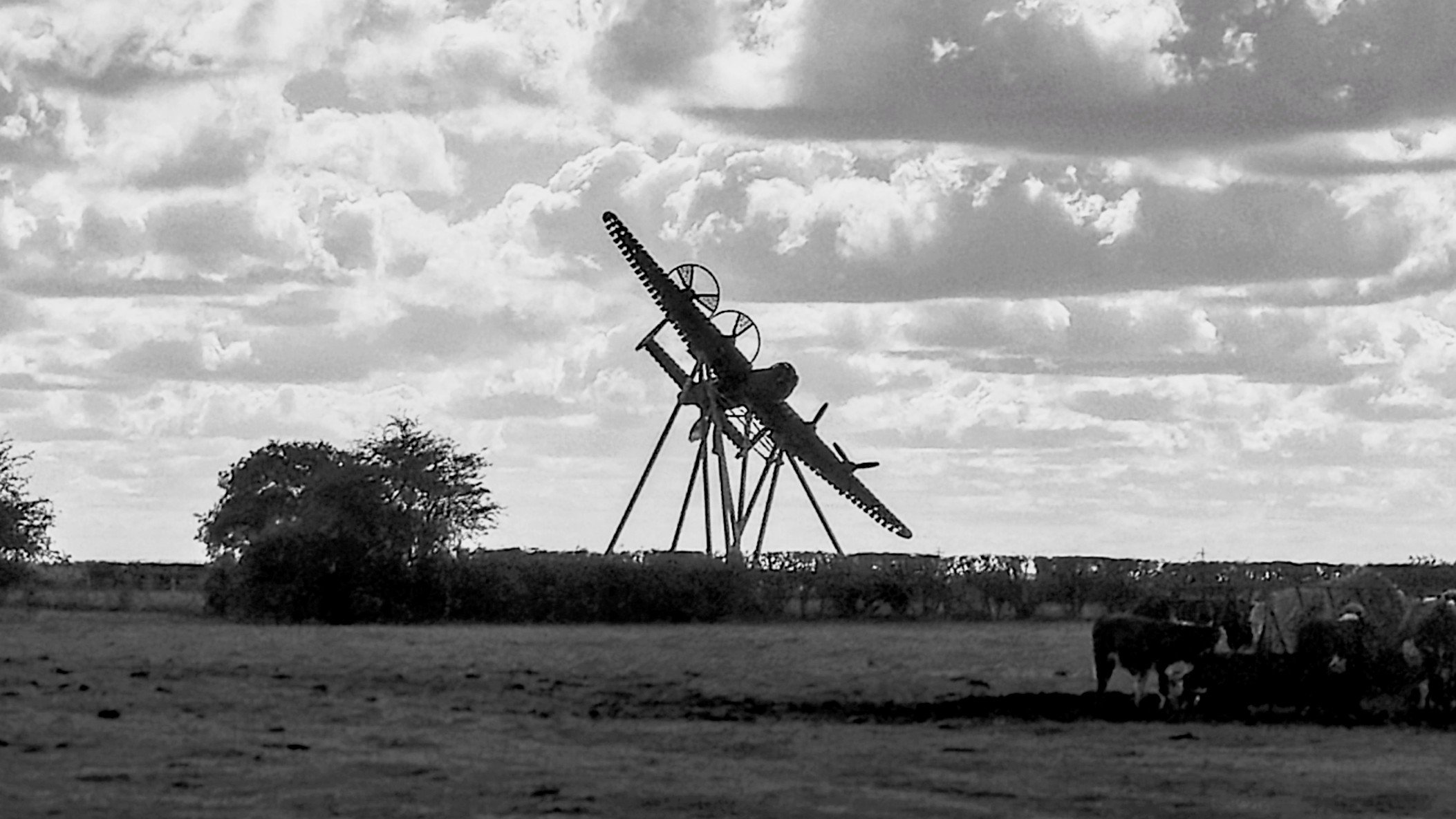
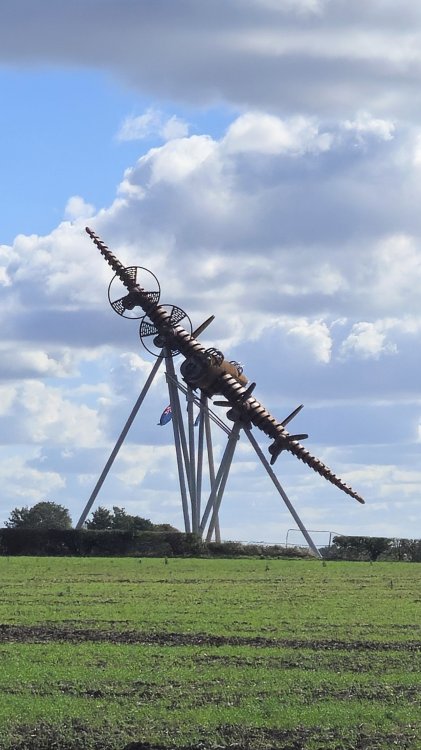
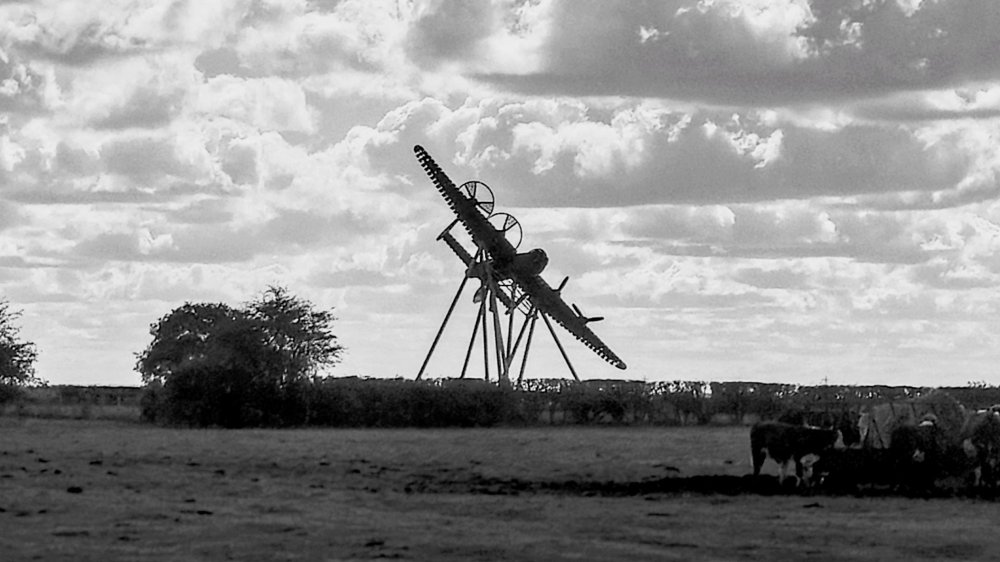
Also called in to take a quick look at the new Lancaster sculpture on the A46 https://w3w.co/snug.dress.boards
-
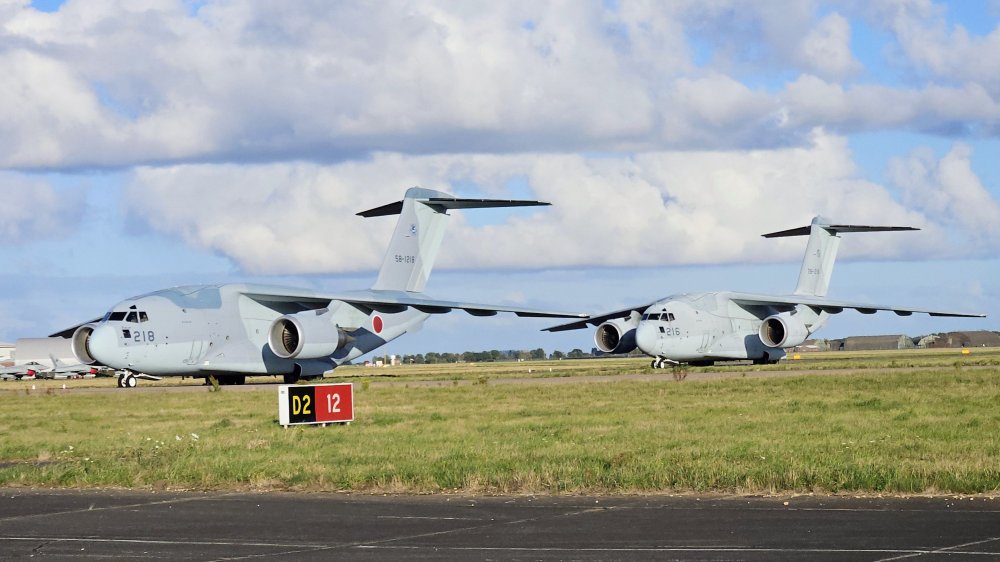
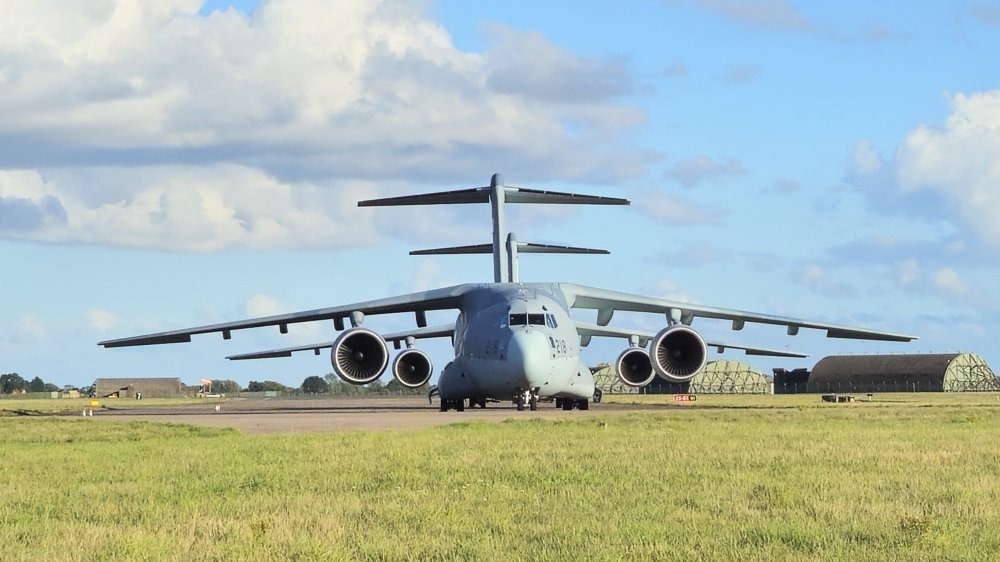
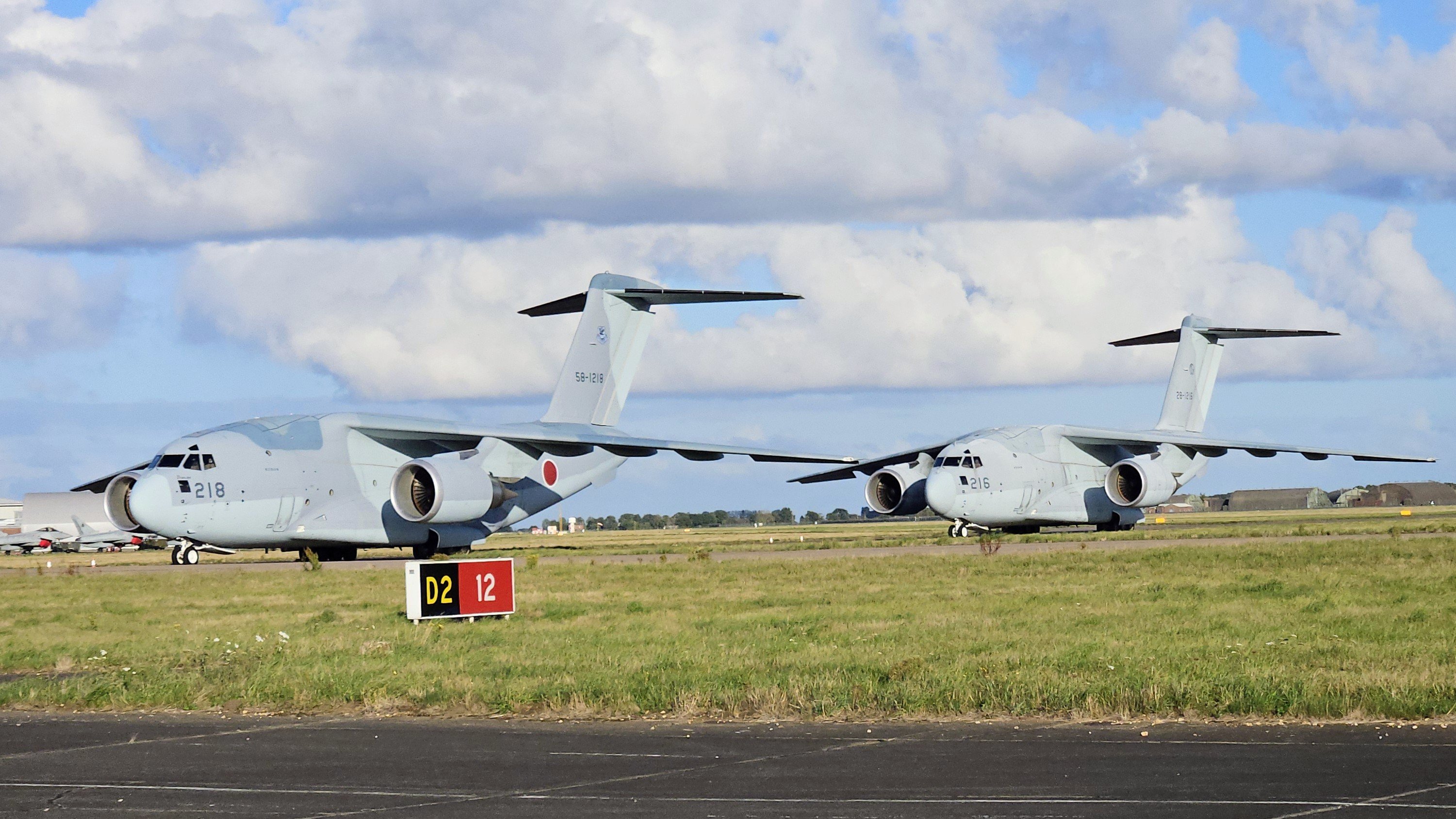
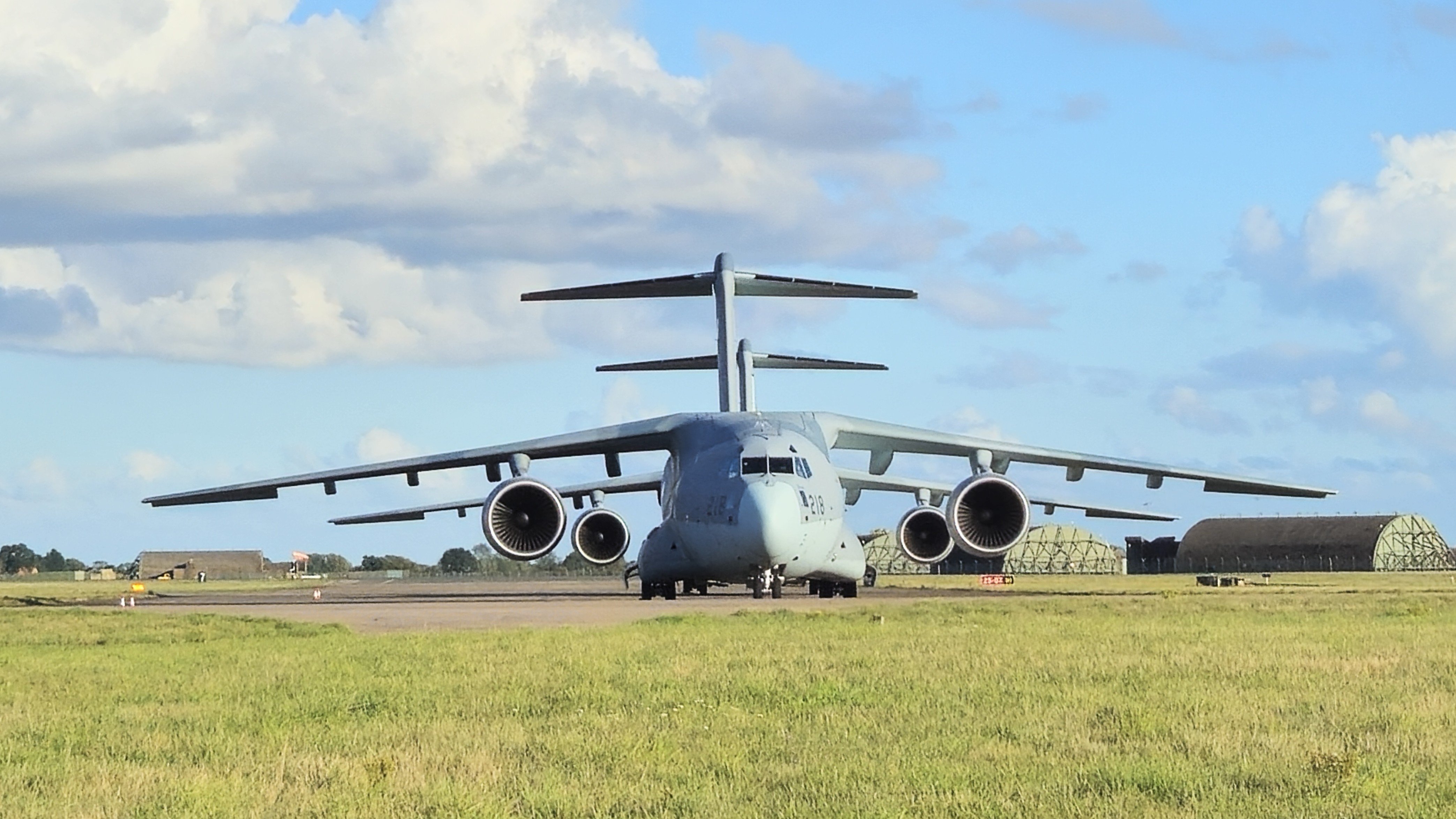
We popped to Coningsby to see the Japanese Kawasaki C-2's UK Defence JournalJapan completes first-ever fighter jet deployment to EuropeJapan’s Air Self-Defense Force has carried out its first fighter deployment to Europe in its 71-year history, with F-15 jets touching down at RAF Coningsby as part of the Atlantic Eagles mission.Didn't bring my camera so had to rely on the phone🤦♂