.png.1c7fef748bec2fbe504a24464487543c.png)
Sad555
Resident Member
-
Joined
-
Last visited
Everything posted by Sad555
-
I thought when I changed phones I went to PHONE>FACTORY RESET .
-
Try to reset the units PHONE SETTINGS back to factory setting then start again ,might be wrong but thought you could only pair 2phones anyway worth a try
-
Iam no expert but it doesn’t appear right / uneven when 2/3 power then 1/3 power in opposing combustion strokes,usually 2,4,6,8,10,12 cylinder do vag still produce a 5 cylinder?im not saying they are no good Just it doesn’t work for me.Some 30 years ago my son had a daihatsu gtti 3cylinder and loved it ,do they still use the 3 cylinder?
-
Puma .looks ok but can’t fancy a 1 litre 3cylinder or even the 1.5l 3cylinder or any 3 cylinder .
-
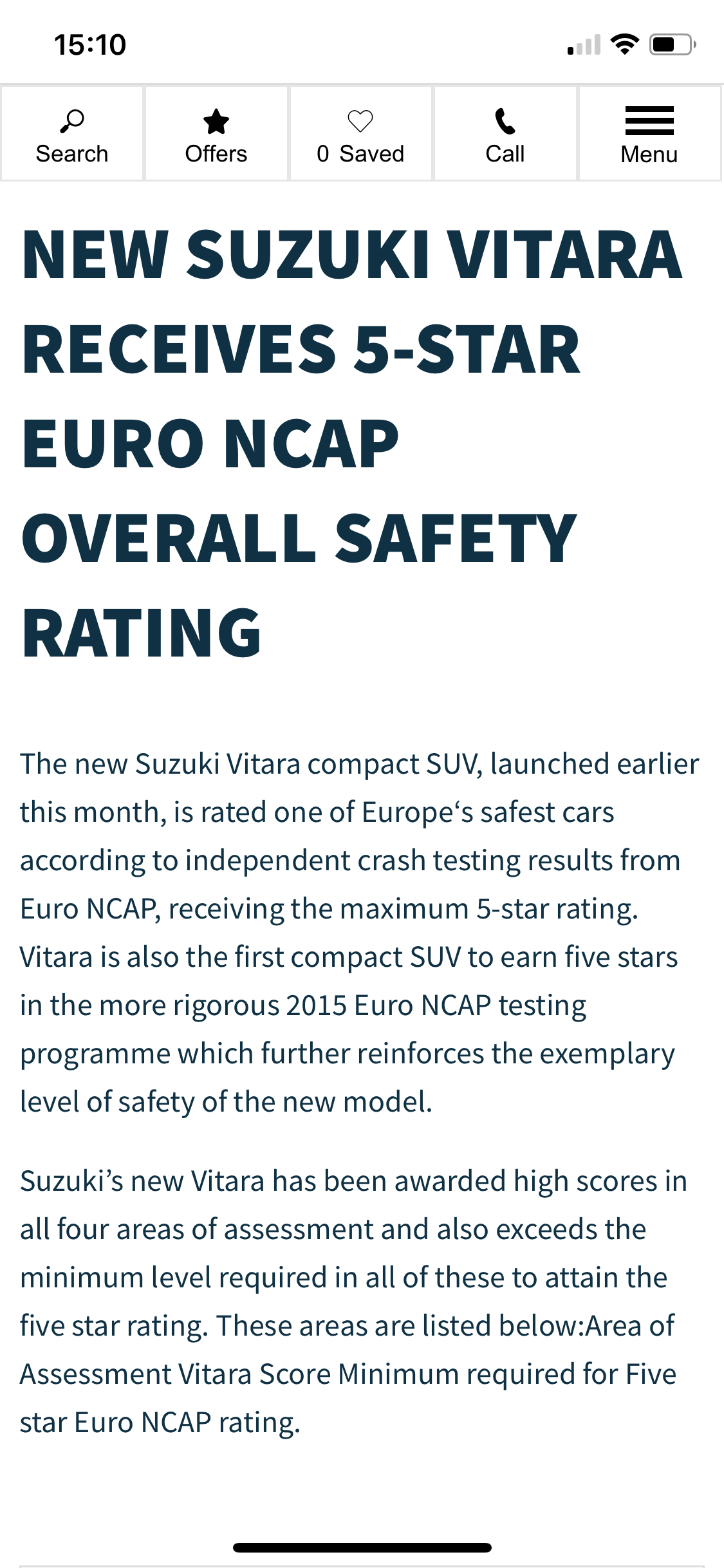
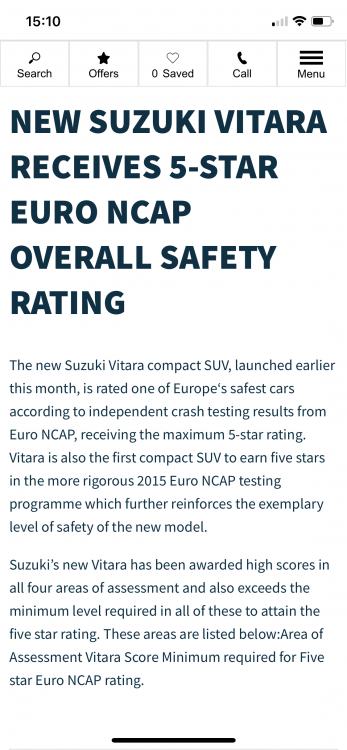
Sorry I meant the Vitara ,swift is not really comparitable to a yeti in any way😎
-
Your right about the Dacia but
-
I’m surprised members who are looking for a yeti replacement haven’t considered the Dacia duster or Suzuki swift,both these vehicles are not too expensive in comparison and offer similar higher driving position and 4wd options.
-
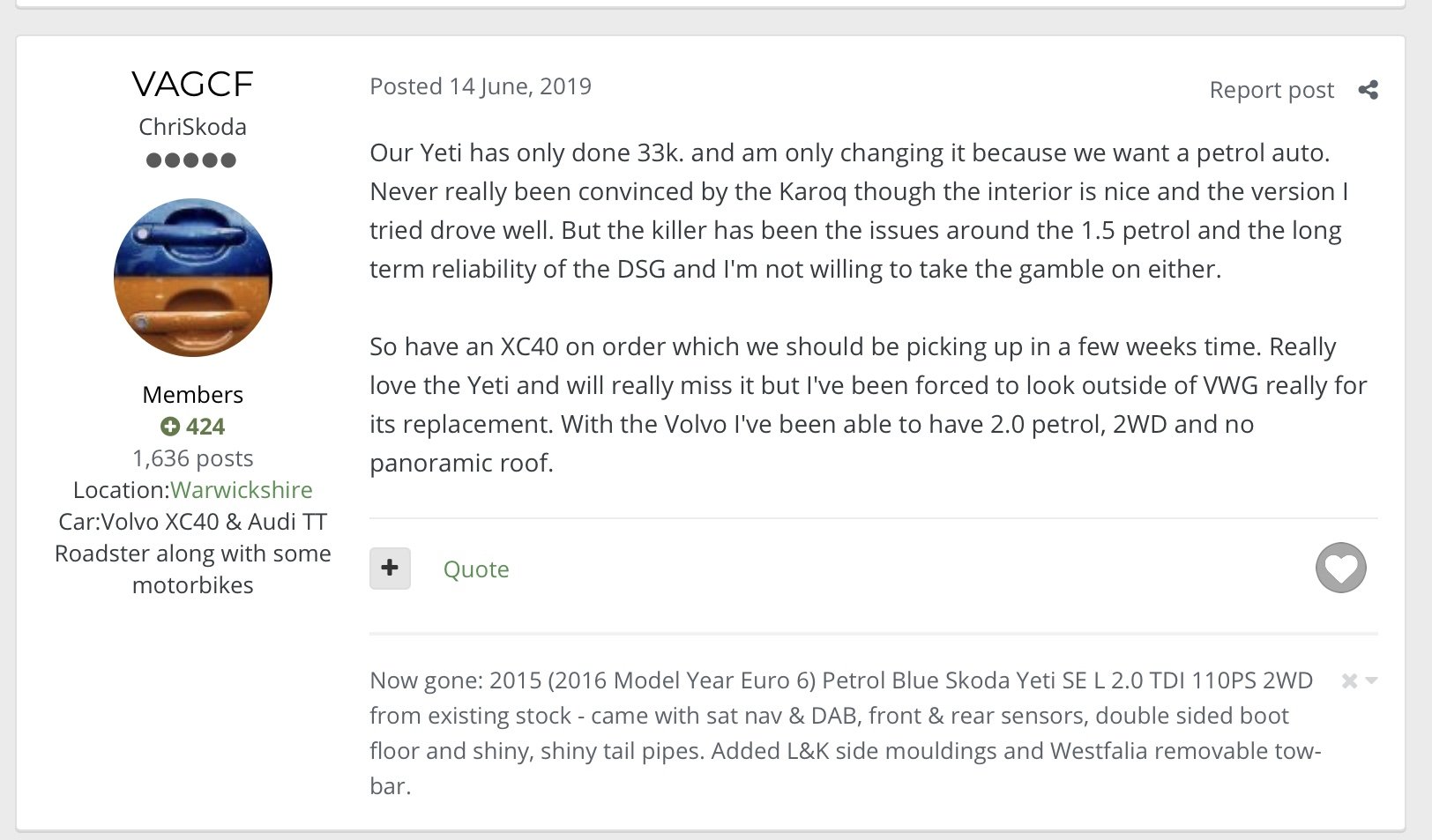
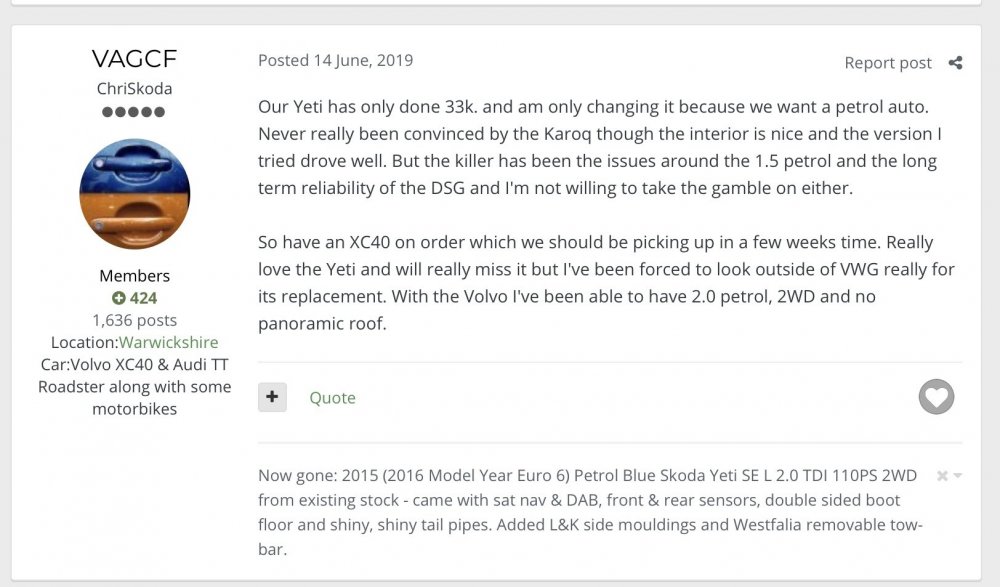
somebody did go to an XC40 last year and gave an initial revue,,,,,,,and posted some pics ,,,,,
-
Can’t really see an issue with it starting with 10cc but starting with Abba then that’s a serious problem😂😂😂
-
-
.thumb.png.c0f0287281cb72c181130ce8b987e5bc.png)