bstginger
Members
-
Joined
-
Last visited
-
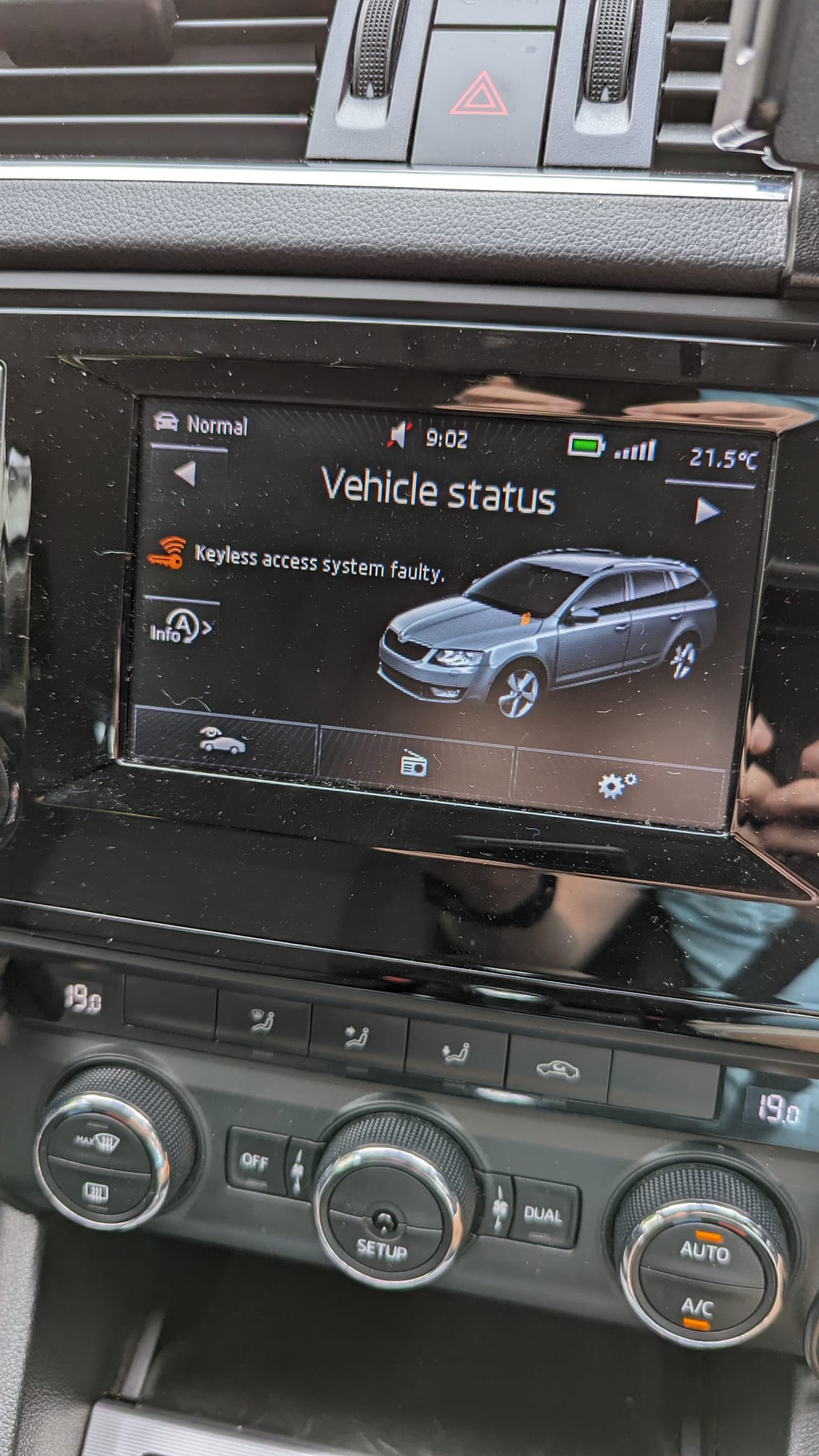
KESSY no longer working & getting an alert - Keyless Access System Faulty on the dash. Goes off at different speeds & its really distracting. Been waiting 6 weeks to get the dealer to look at the fault. theyve done that today & charged me £100 to tell me I need a new passenger door handle which doesnt come painted, so that will need painting so its another £420 They cant fit it in for another month & in the meantime they tell me theres nothing they can do about the alert & they cant turn KESSY off. If I could just turn off the alert, I would live without having KESSY as its almost a 10 year old car. Just checking before I spend a load of unecessary cash - is there definitely no way to disable KESSY through software configuration? (theres no option in the setup on the console btw - Ive already checked there) thanks
-
Did you manage to resolve? Im having same issue.
-
Thanks Scout. Breakdown service we get through Nationwide BS came out this morning - confirmed battery is on the way out. Halfords fit an AGM battery for £184 including sorting the computer so will book that in for tomorrow. https://www.halfords.com/motoring/batteries/car-batteries/halfords--096agm-start%2Fstop-agm-12v-car-battery-5-year-guarantee-548638.html
-
Evening all. Tried to unlock car using both keyfobs, red light on fob lights up but doors dont unlock. Didnt have time to look at it as was running late & managed to get a lift to work. Im guessing you can remove the keycover. 2014 plate octavia mk3 - is it likely to be a battery issue? How long should the batteries last - does 6 years sound about right? Assuming I need to replace, whats a good suggestion? Im guessing it needs to be a start/stop battery - not sure of the difference between AGM & EFB. Not after anything too expensive as will probably be selling the car in the next 2-3 years. Ive got a 1.4 TSI Thanks