SteveH0773
Members
-
Joined
-
Last visited
-
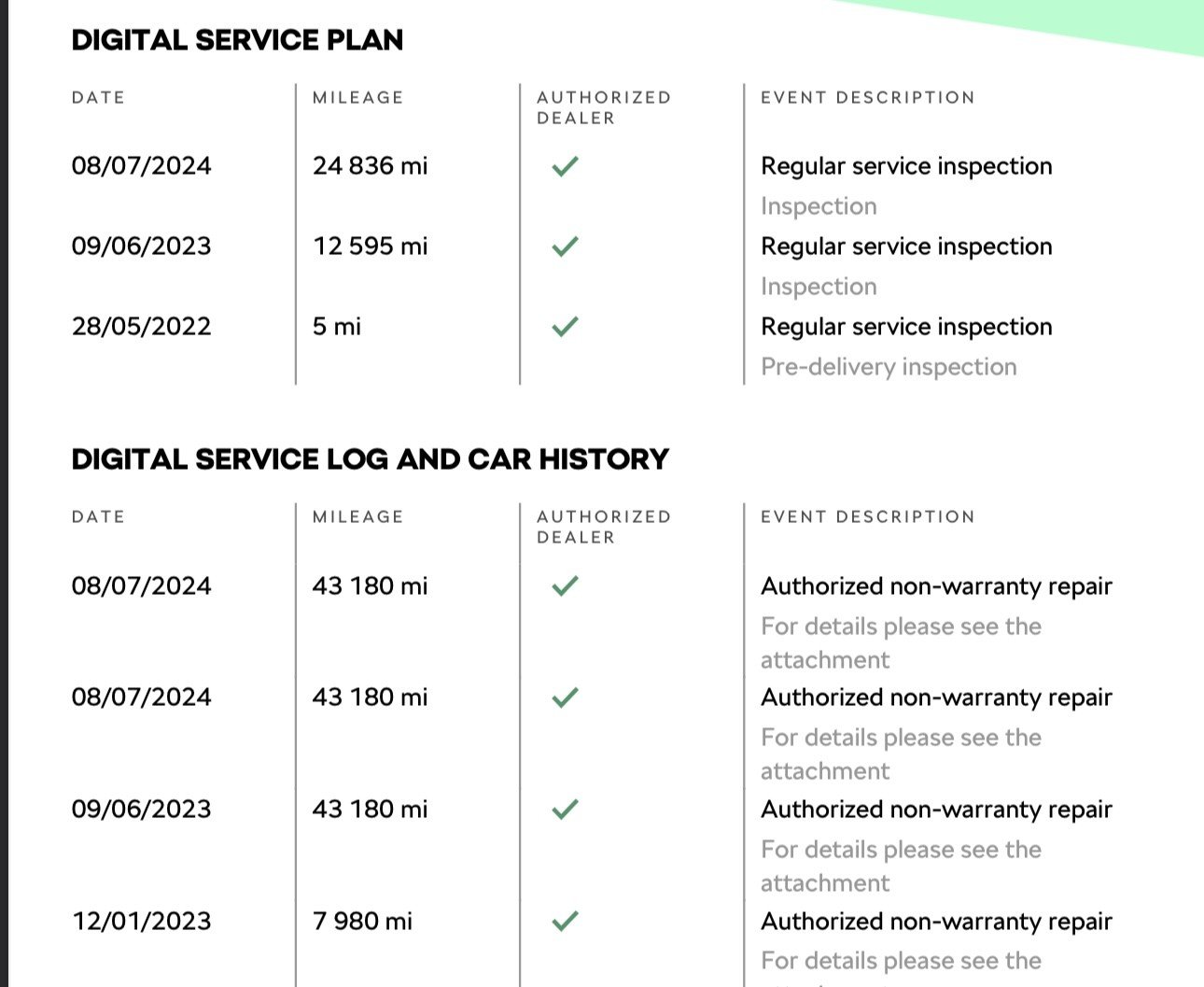
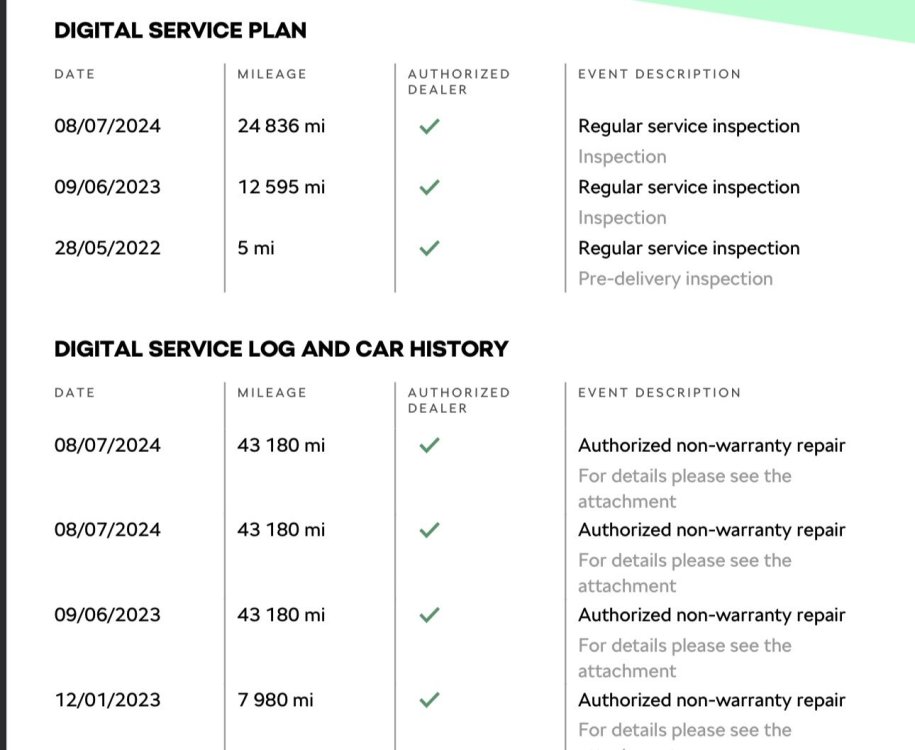
Hi all, I have downloaded the digital certificate for my 22' plate Karoq, and it seems to have discrepancy with the milage.... As you can see on the 08/07/2024 it has two mileages recoded. The Car currently has 34000 so its concerning that a repair has been carried out recoding it as 43180! Given that period was the previous owner, will Skoda service allow me to query the work done, and possibly correct the milage if it is incorrect? The "Digital certificate" isn't much use if it is incorrect!
-
-
Hi all, How on earth do you do a simple reset of the trip counter on a 22(Facelift) SE-L? The online manual says to do it it via the infotainment system in the "car" -> "Settings" menu which I have done - It reset everything BUT the trip counter! I have the traditional dial dash rather than virtual, but the big 0.0/reset button at the bottom of the dash from previous models is absent..... I have tried holding the steering wheel scroll wheel and that resets the "Since Start" stats, but again - Not the trip computer! It's not a major issue but it just seems strange that what should be relatively obvious is hidden away somewhere
-
Yep, I'm not sure of the full standard spec of SE-L's, but on top of the heated seats etc it has heated steering wheel, wireless phone charger, varioflex seats and parking pack
-
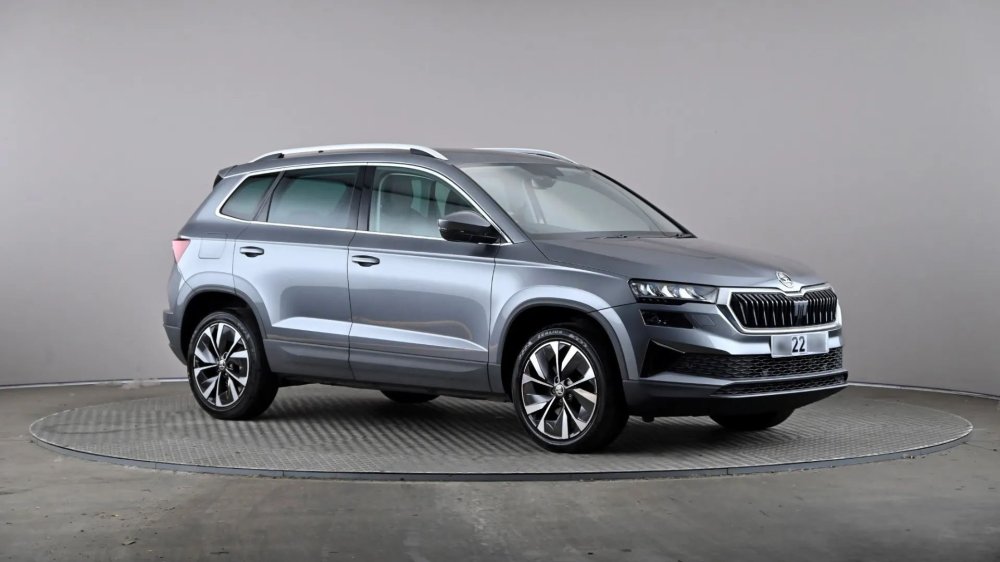
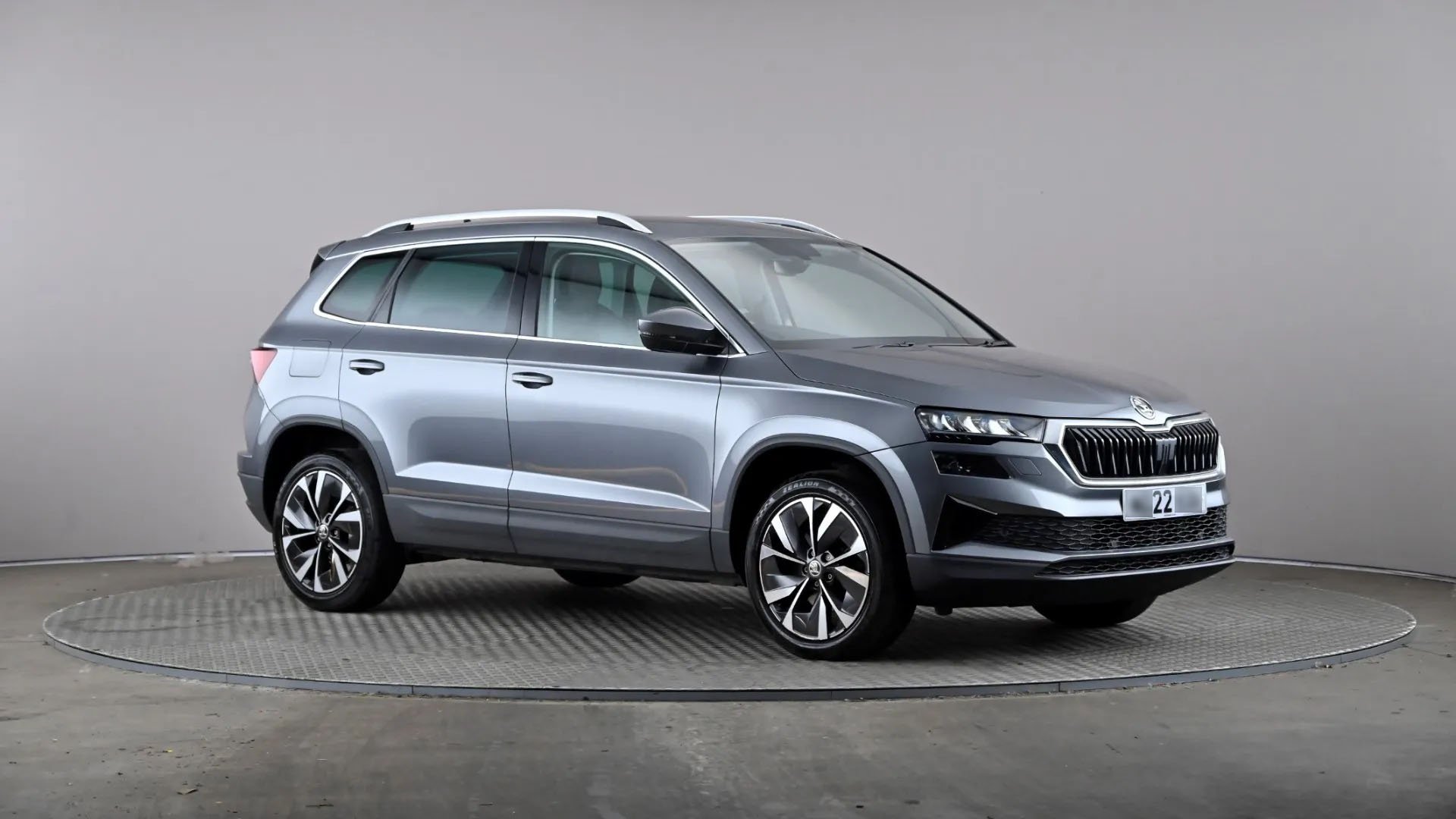
Hi all, I'll be trading in my trusty 14 year-old focus for this today! It's a manual 1.5TSI SE-L