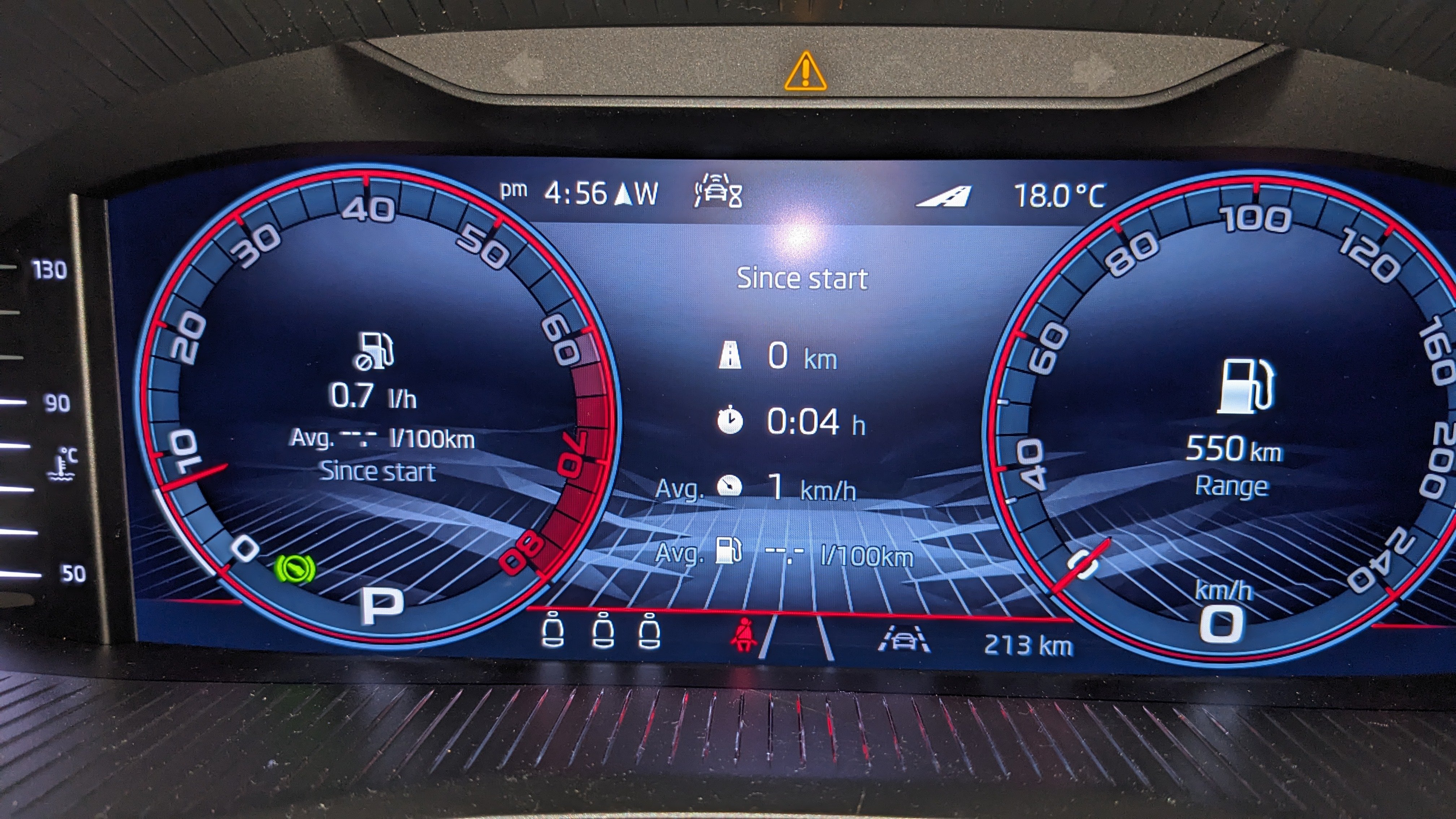
# #dashboard
-
- 1 comment
- 63 views
-
- 4 comments
- 216 views
-
- 8 comments
- 411 views
-
- 14 comments
- 1,062 views
-
- 1 comment
- 276 views
-
- 1 comment
- 189 views
-
- 2 comments
- 505 views
-
- 1 comment
- 288 views
-
- 5 comments
- 789 views
-
- 3 comments
- 574 views
-
- 1 comment
- 459 views
-
- 1 comment
- 596 views
-
- #dashboard
- rear camera
- columbus
- issues
-
Tagged with:
- 1 comment
- 549 views
-
- 2 comments
- 783 views
-
- 1 comment
- 512 views