
eksa
Finding my way
-
Joined
-
Last visited
-
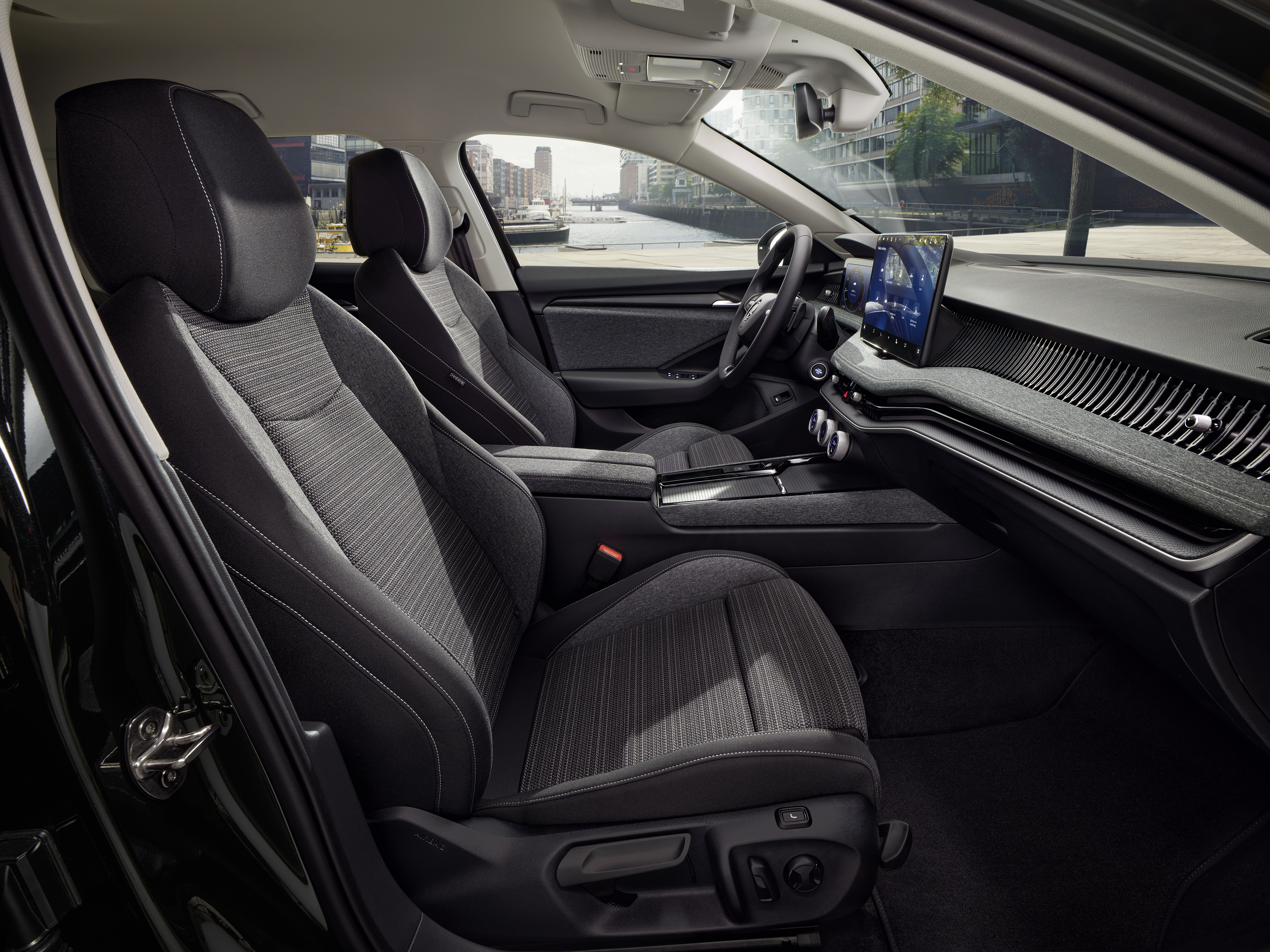
I examined the car at the dealer today. I wanted to check the lumbar support, I noticed that new pneumatic lumbar support deflated immediately when i took my finger off the button, I couldn't make it fixed at inflated position.. Was it because the engine wasn't running? Does the new lumbar support inflate when engine on and deflate when engine off?
-
I agree, it has an ugly piano black thick plastic frame plus a secondary thick black border on the lcd itself, so real lcd area used is very small. And the frame extending beyond the sun shield is a very bad design..
-
I agree. It looks terrible. The corners of the display extending beyond the shader looks bad. Actually that display shader looks like it's taken from current mk3 and tried to fit to the new display. Unfortunately it is not a preproduction thing..
-
Production started.
-
Am I wrong or is it a rotary button for the wipers??

-
Germany pricelist for the MK3 combi is attached. Seems more or less the same.. SKO_KAT_PL_Superb_06_2023_Online_Einzelseiten.pdf
-
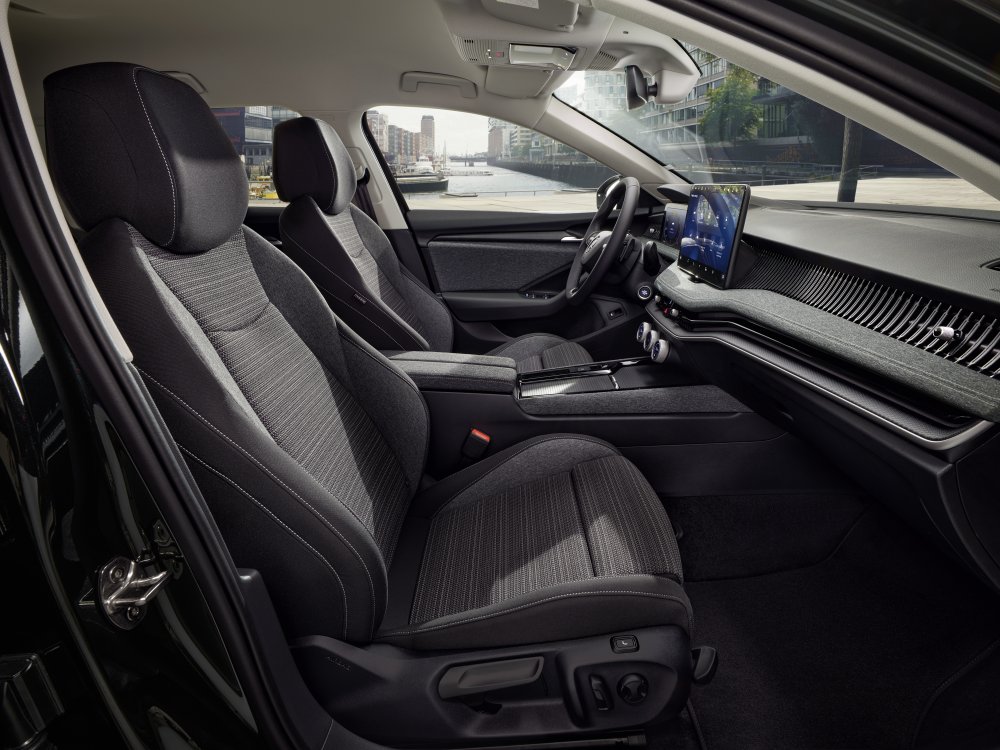
Even on the lowest trim, there's electric lumbar adjustment button. I think it's a mistake on the 3D model above.
-
Combi version is open for configuration in German site. https://cc.skoda-auto.com/deu/de-DE?pagegroup=Website&salesprogram=DEU&type=Car configurator
-
Didn't like split opening armrest. Height adjustment is gone!! Why??? Didn't like new gear stick and too crowded left stick because of the wiper controls which are gone to left stick. Didn't like volume knob is a part of climate controls... Don't like the ugly 2 spoke steering wheel and they kept it. Even fabia monte carlo has better steering wheel. Instrument cluster LCD not being fully covered by the dashboard shader is a bad design.. what's the point? Central vents are positioned too low. Cold air will go directly below without adequately cooling the headroom.
-
My 2017 superb makes exactly the same sound.. How was it solved? What was the problem?
-
Is it possible to use ACC without its adaptive function? I mean as the normal cruise control.. Or is it adaptive only
-
I didn't like this coasting function in normal mode. It is good to have this functionality in Eco mode when you select it, but it not good that you cannot disable it even on Normal mode.. How can coasting be called "normal" way of driving?? I think engine braking is something that is necessary which gives the driver more control and comfort without touching the breakes everytime.. Same thing with ACT.. it would be good to have it for Eco mode but why is it a part of normal mode?? Why do i have to drive in the most economical way all the time? I just want 4 cyl to be ready all the time without a switching operation which takes some miliseconds which i will definitely feel. We will replace our company cars this year, my first choice would be superb again but learning that there are these new functions which cannnot be disabled, I will look for other options which doesn't limit you between Sports mode and "Most Economic Mode Possible"
-
Is it possible to disable "cabin air recirculation auto off" via vcds? If the outside temperature below 5 C it shuts off randomly, sometimes it shuts off in an area with bad smell and it is too late when i realize that it shut off. Or can this 5 C threshold be changed? for example to 0 C??
-
First time it was 32.000km and problem was glow plug control unit, now it is 100.000km we will see what it is.. I opened the fuse box and no bad smell from glow plug relay this time... so i guess this is something else now. No performance drop so far...
-
Thank you. If it does 2 cyl and coasting in Normal mode then what does the Eco mode do additionally?