andu87
Finding my way
-
Joined
-
Last visited
-
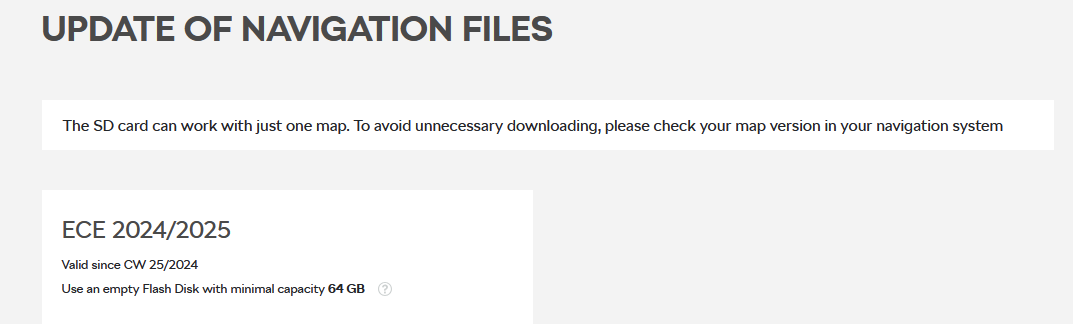
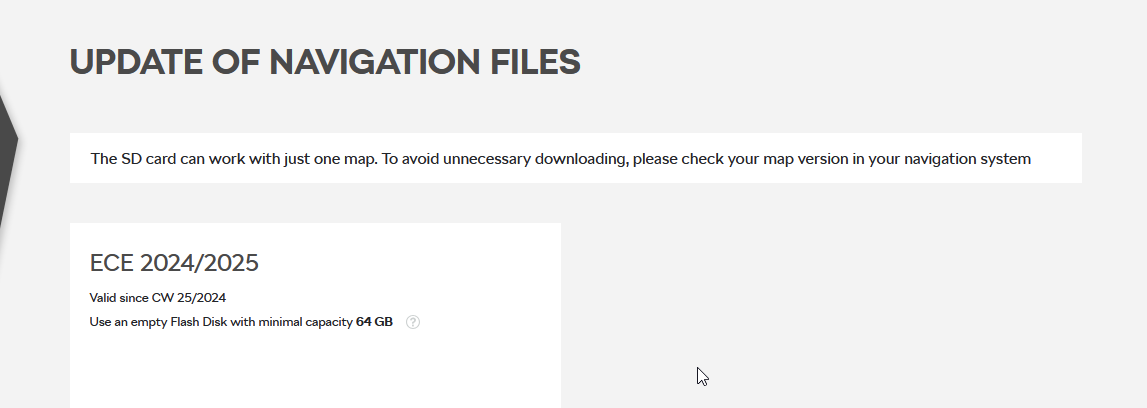
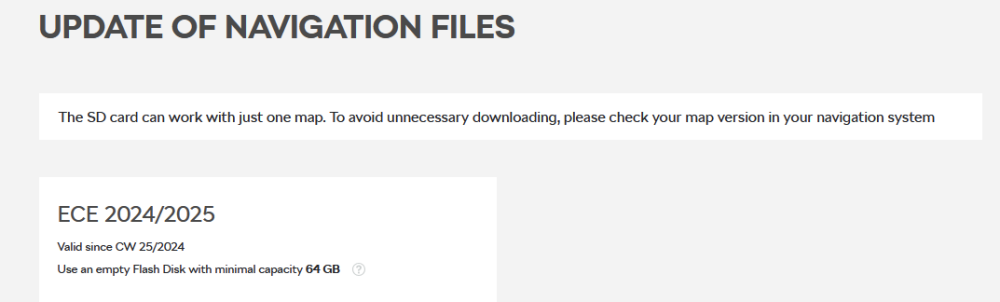
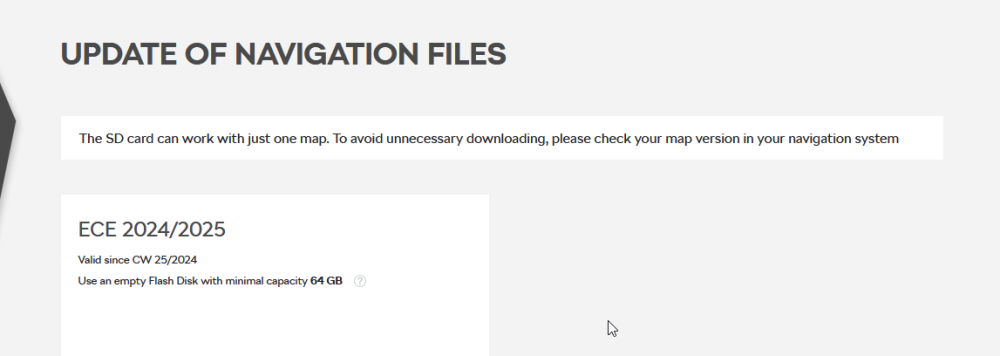
@djukak can you please go to this site and enter your VIN https://updateportal.skoda-auto.com/en-gb? When i enter my vin number i receive this: CW 25/2024. I am trying to find out if this is the latest map version online for everyone, or it depends on the VIN. The map version that you received OTA is newer than the one that i see on the site. Thank you. I am trying to find out if
-
It may be around that time when i updated the maps, but i cant be sure 😞
-
When i had version 1941 of the infotainment system, i downoladed the maps to a USB stick, and managed to update the maps to version 23.12. Now i have version 1969 of the infotainment system, and as far as i know i am doing the same steps to update the maps, but this time, the maps do not update. So i think you are right, probably point 2 or 3. ( maybe with version 1969 you cant update the maps without subscription ?) This is why i am asking if there is a newer version, and did someone managed to update via usb ?
-
Hello, What is the latest version of the maps ? A few months ago i updated to version 23.12. I think that there is a newer one, but i am not sure, and can not update it. From this site, i think that the latest version should be 24.25. Am i wrong ? Does anyone have a newer version than 23.12 ? Thank you
-
Sorry, my mistake. I was asking for difference between 1940 and 1969, but i typed by mistake 1960. Does anybody know the differences/changelog/version history ? Thank you.
-
Hello, I have version 1940. Do you know what changes are in 1960 ? Is it worth the update ? I could not find anything clear..